Sign Up with Epic Games
Skin Material & Brush Bundle for Substance Painter

in Game Assets
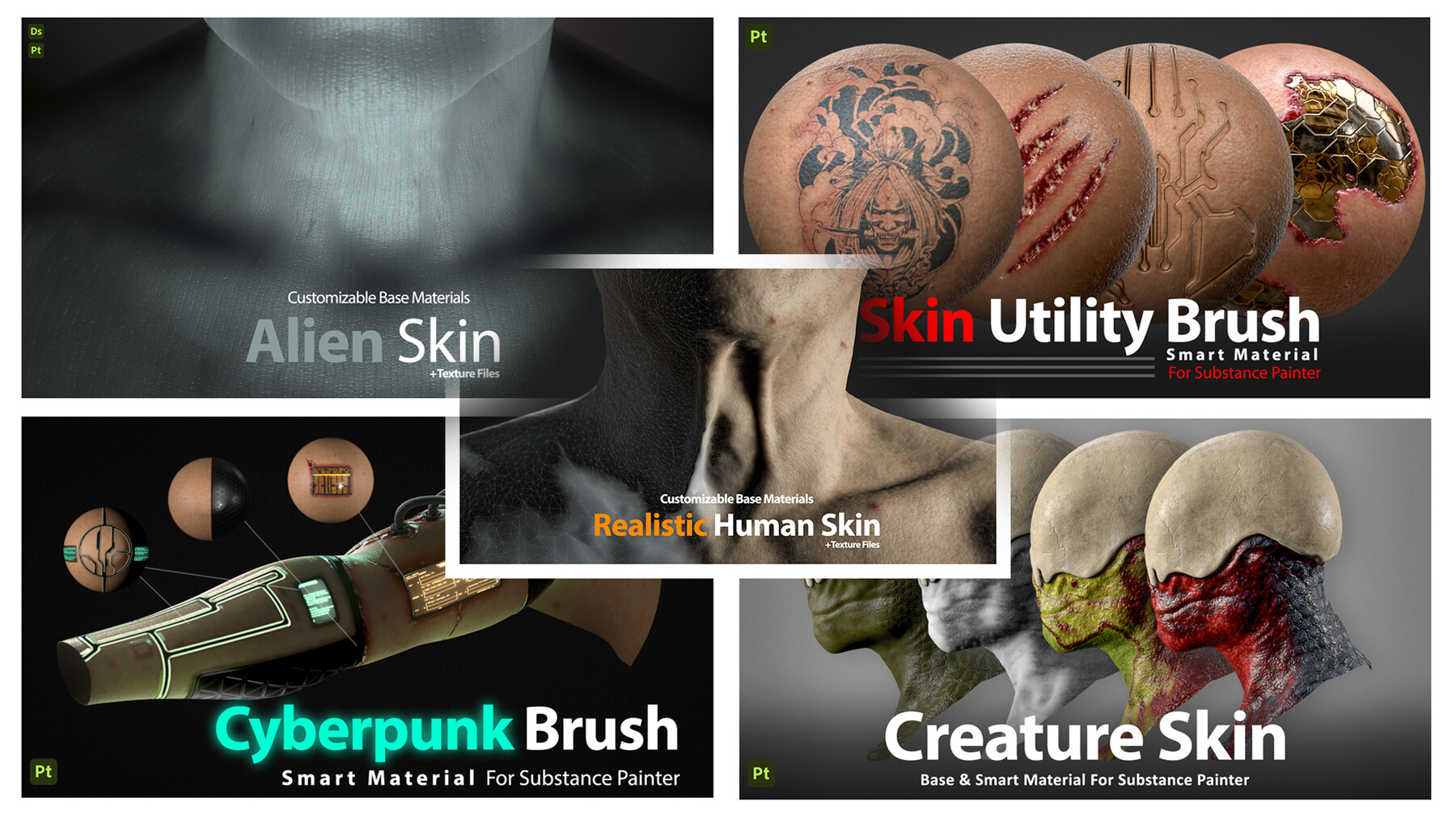
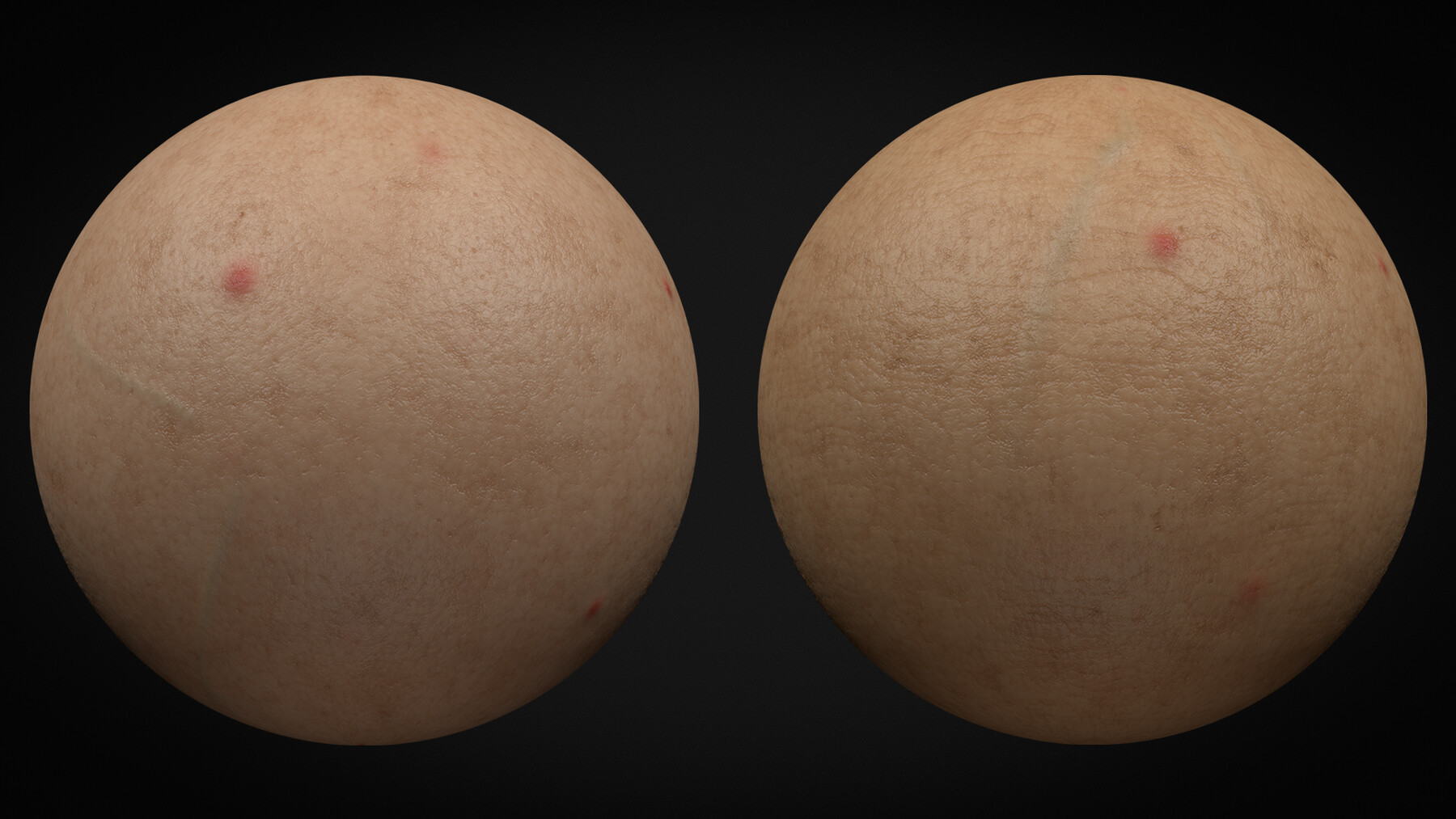
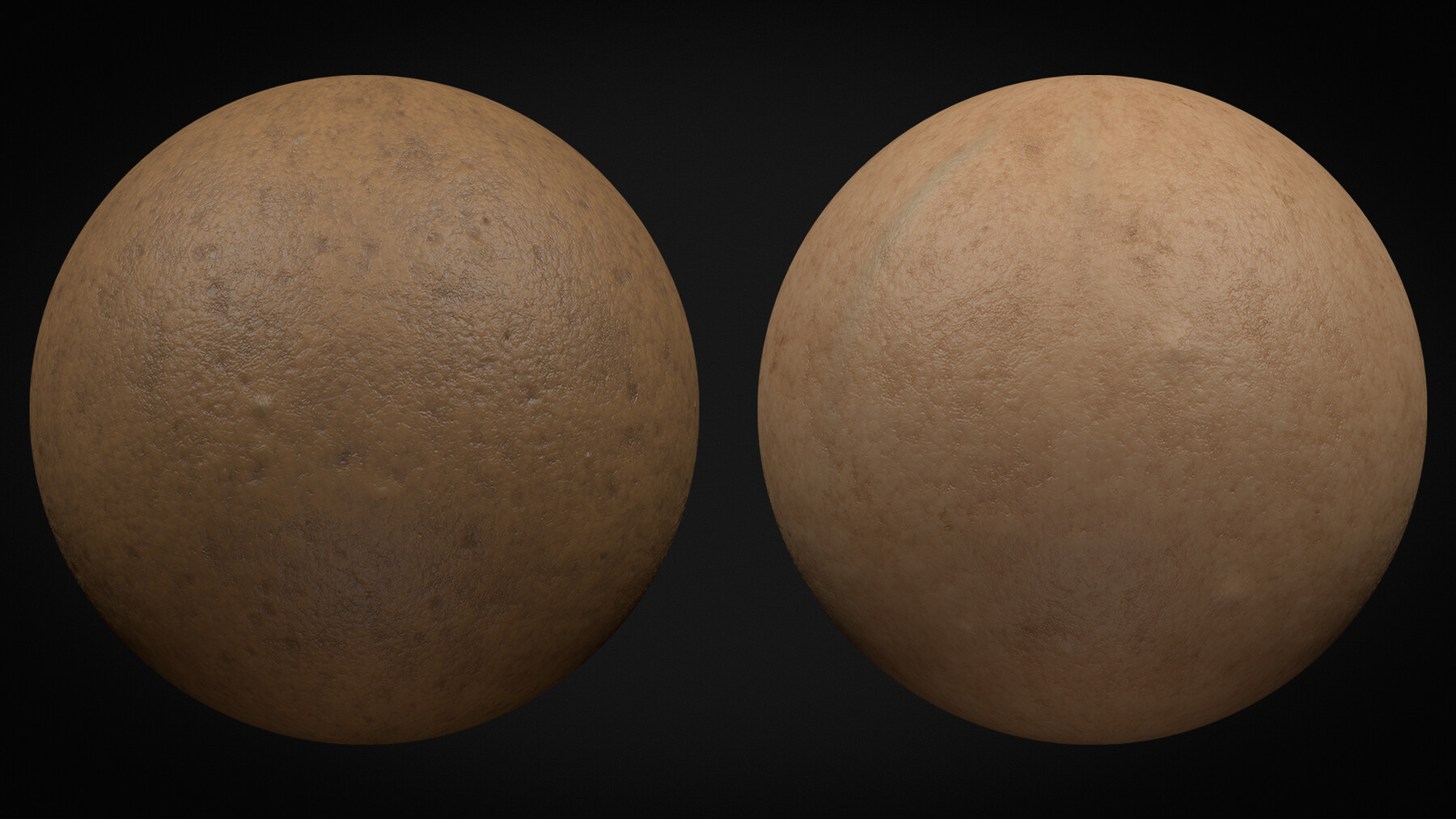
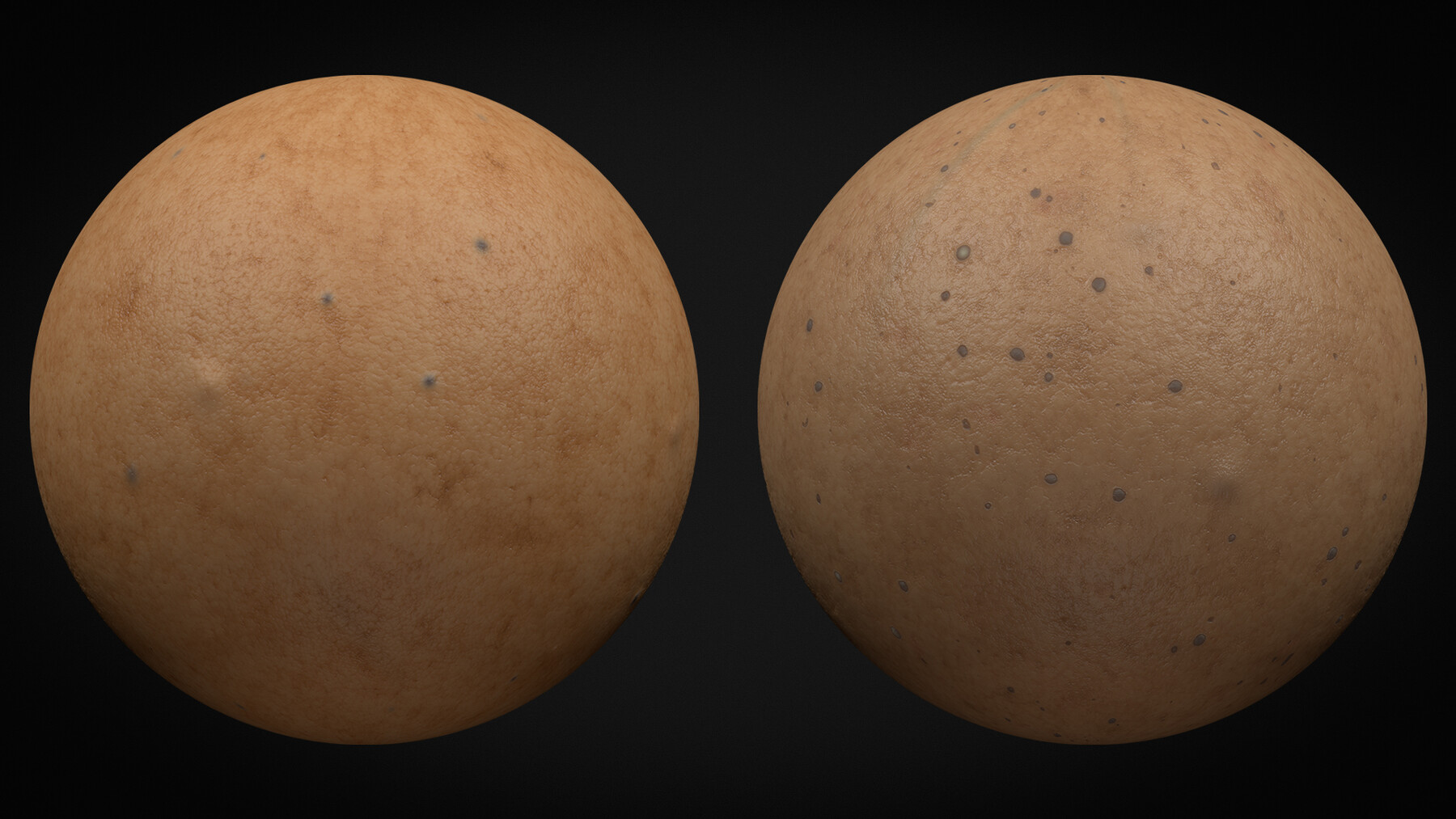
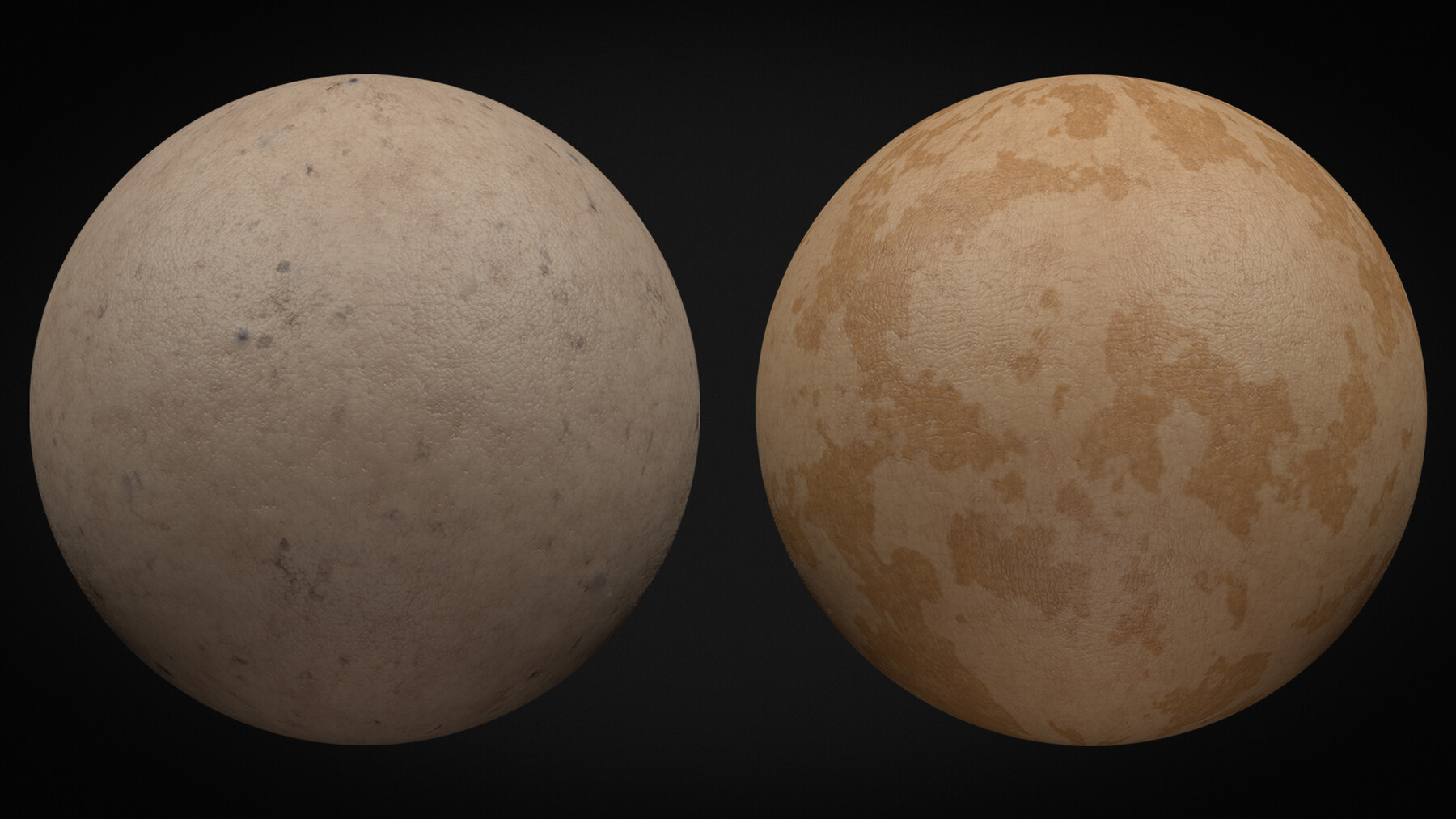
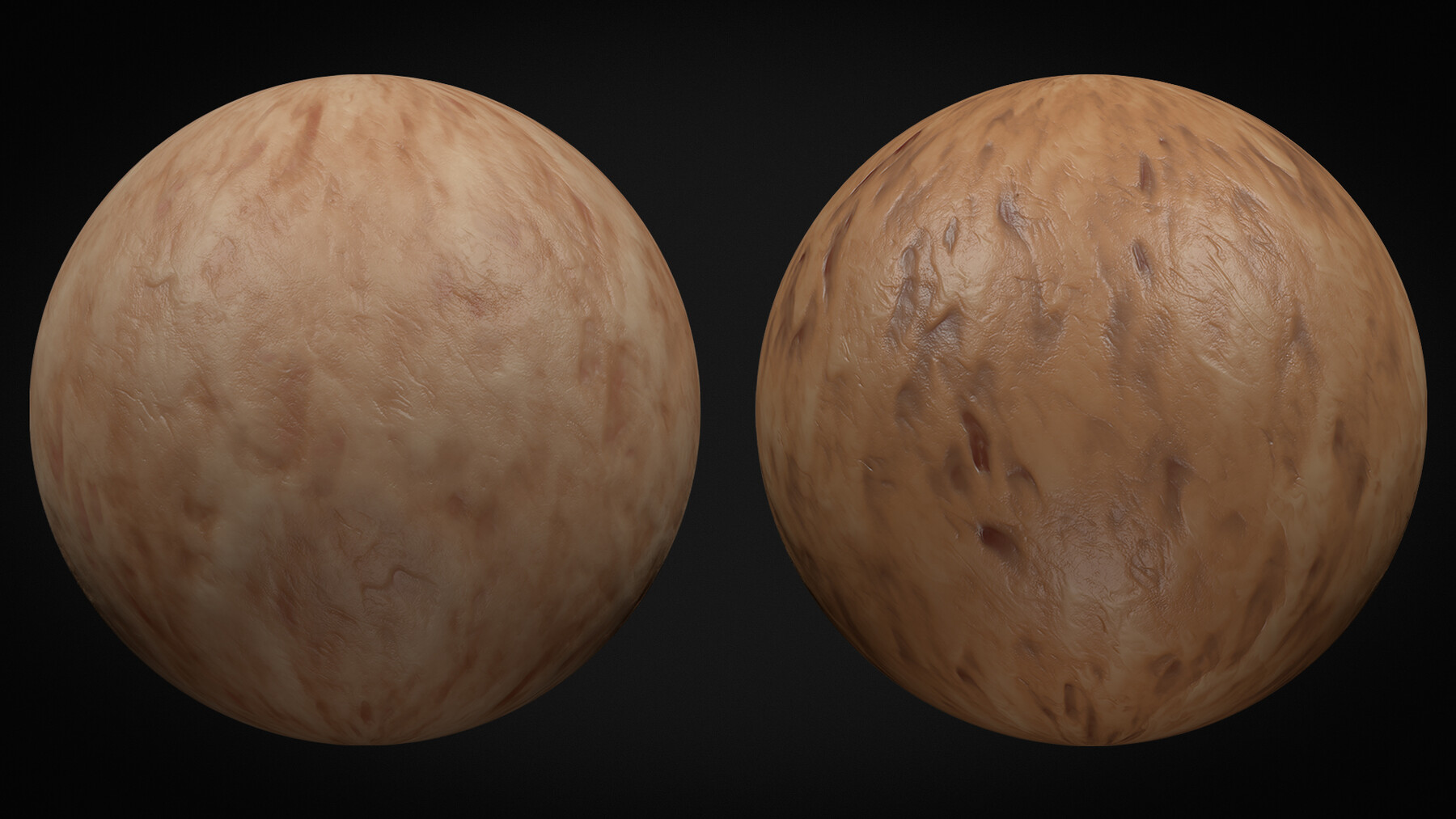
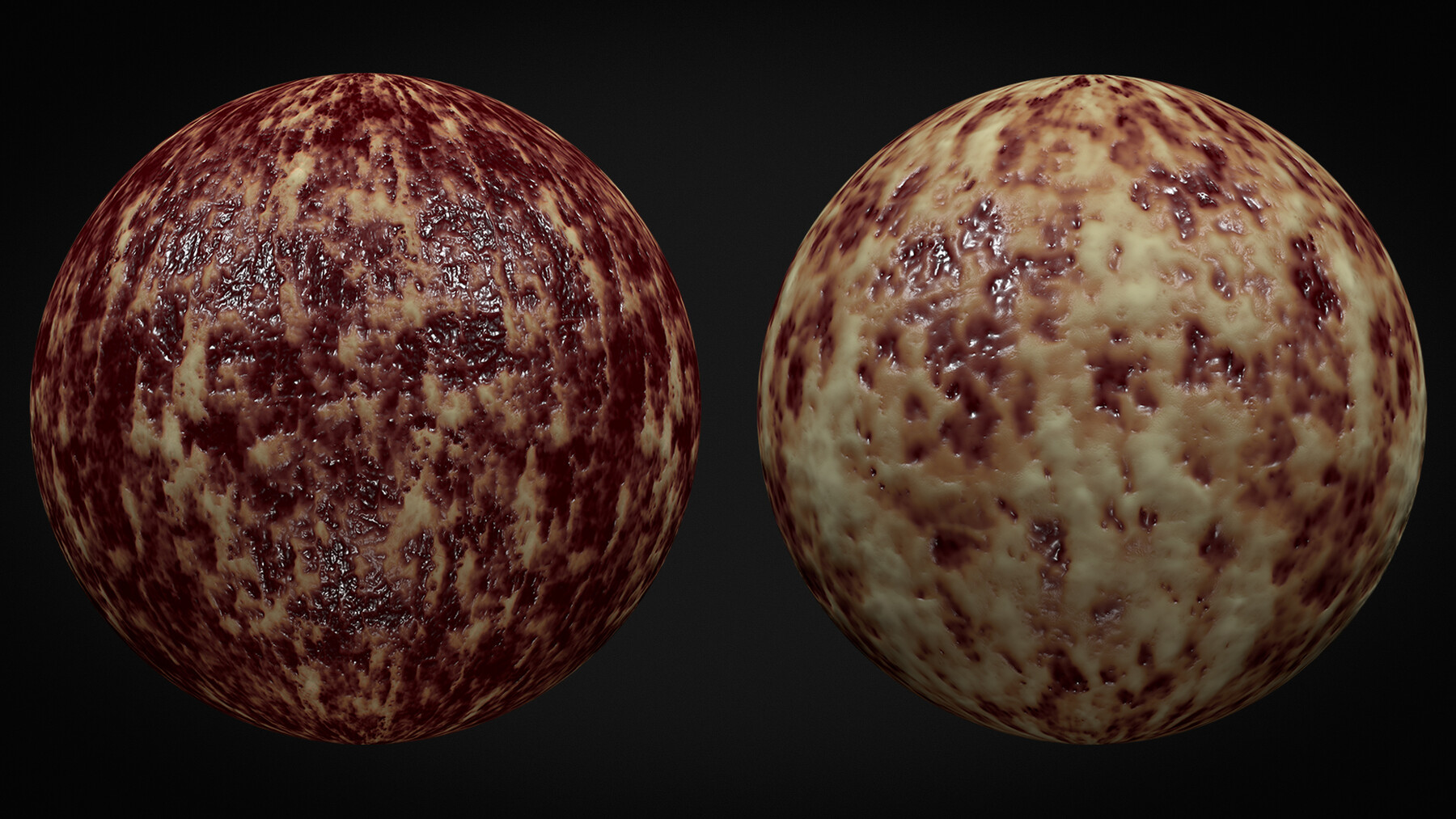
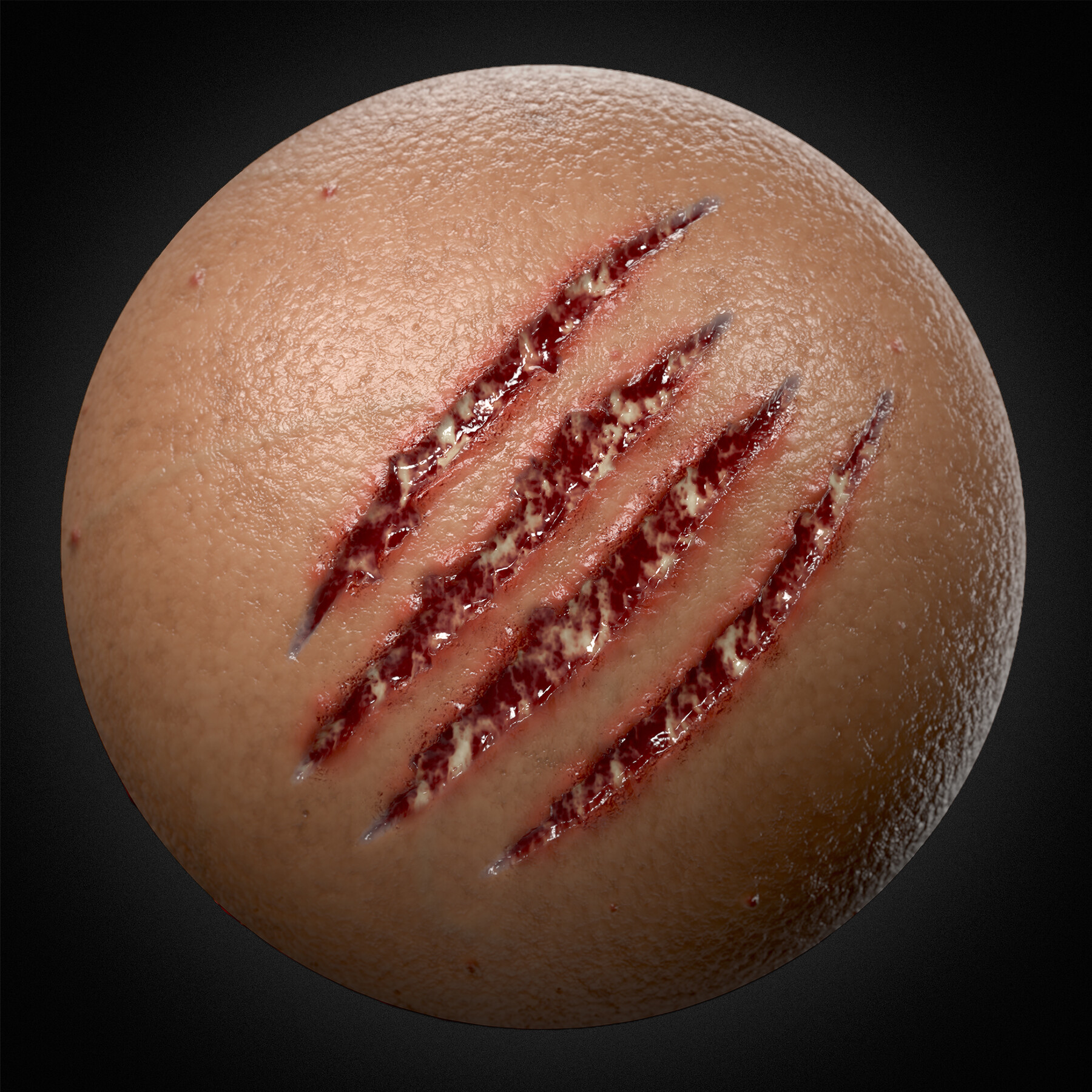
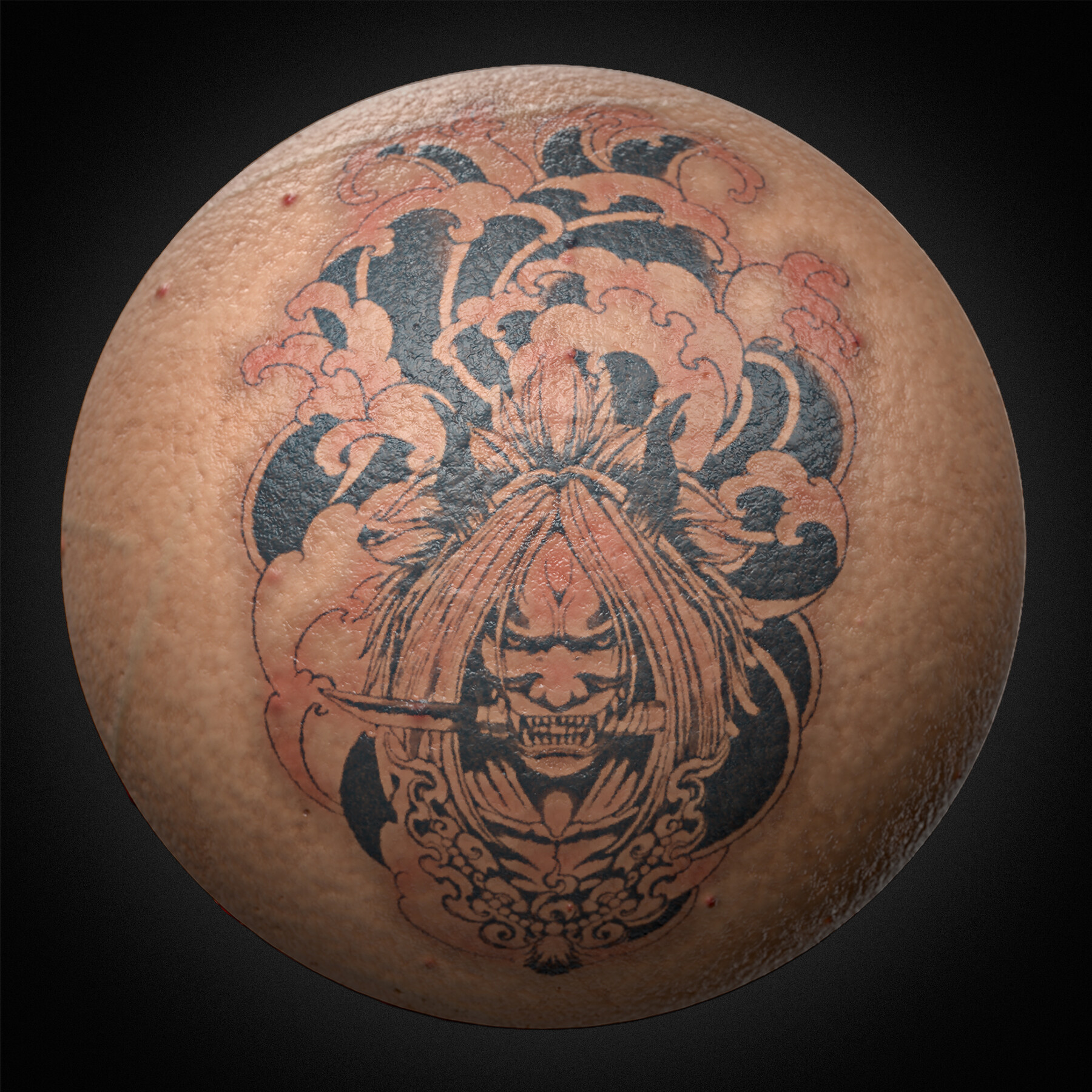
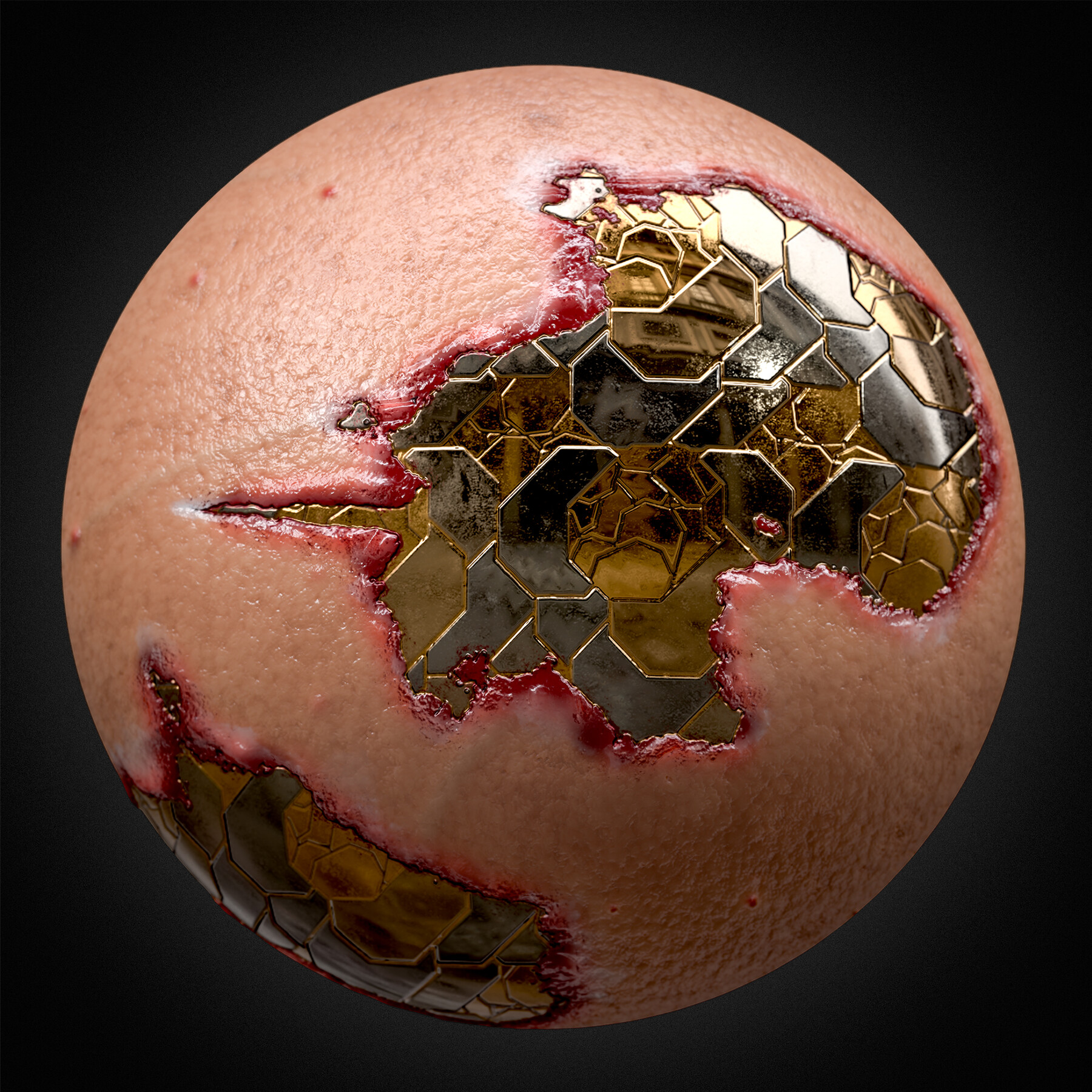
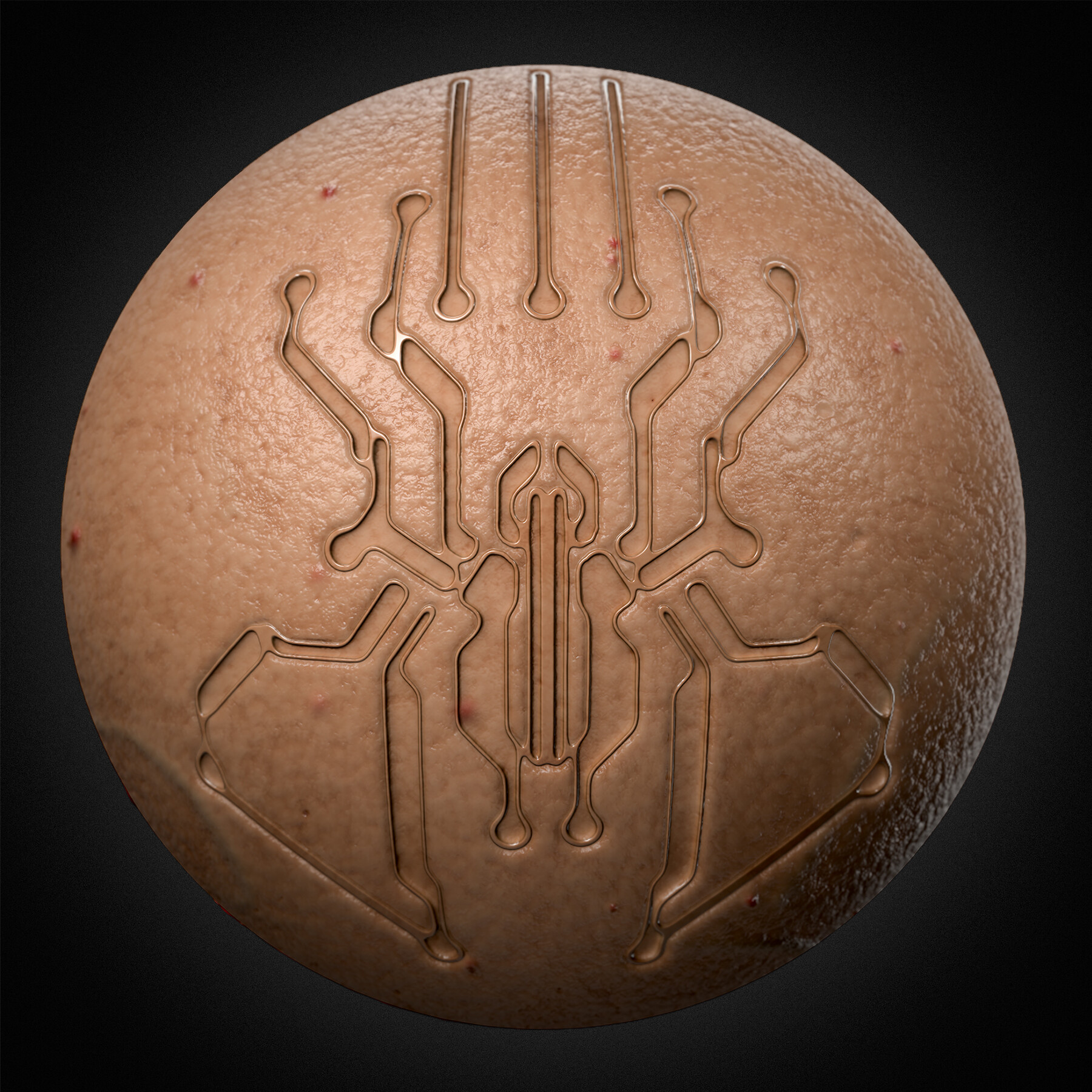
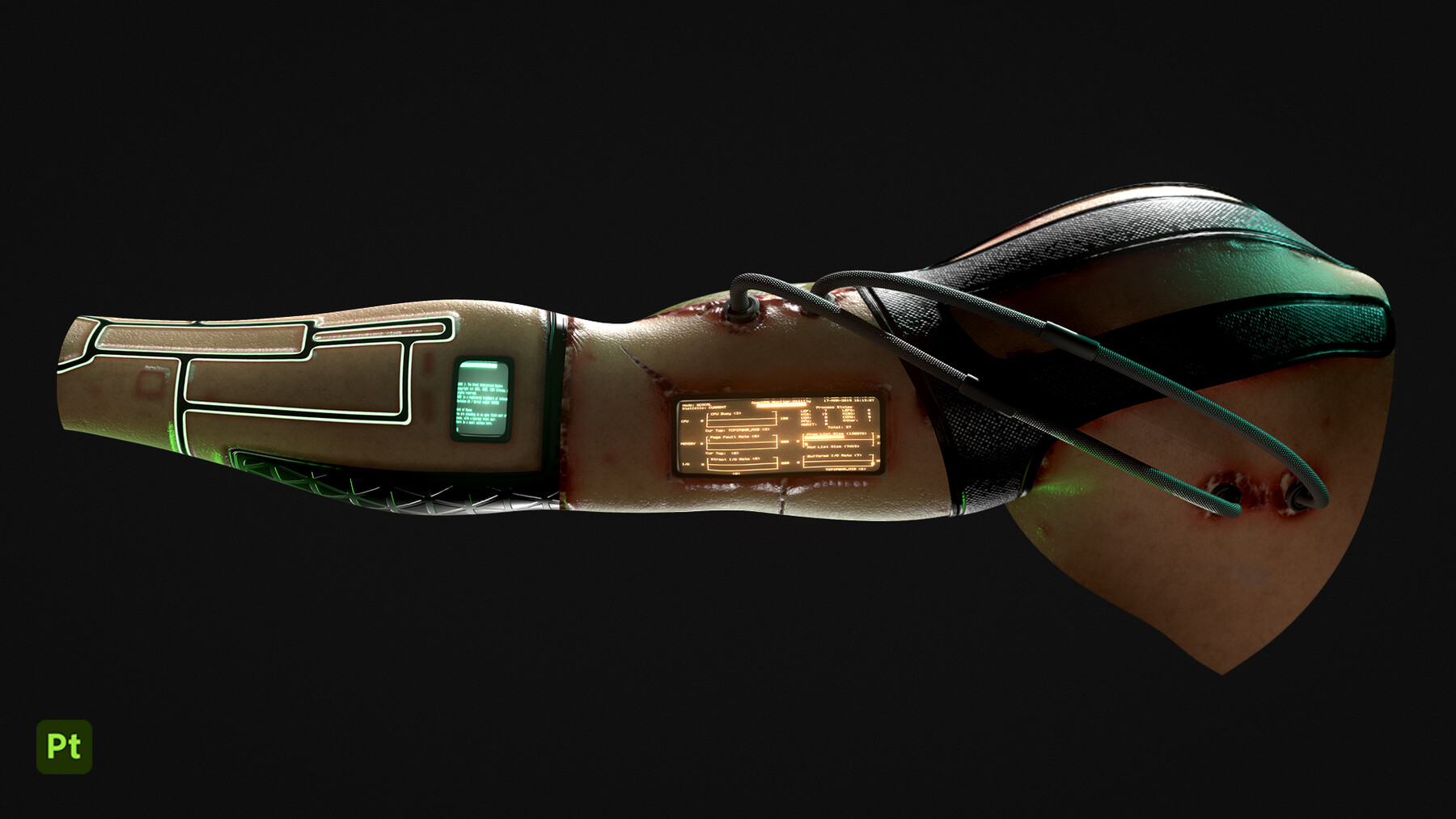
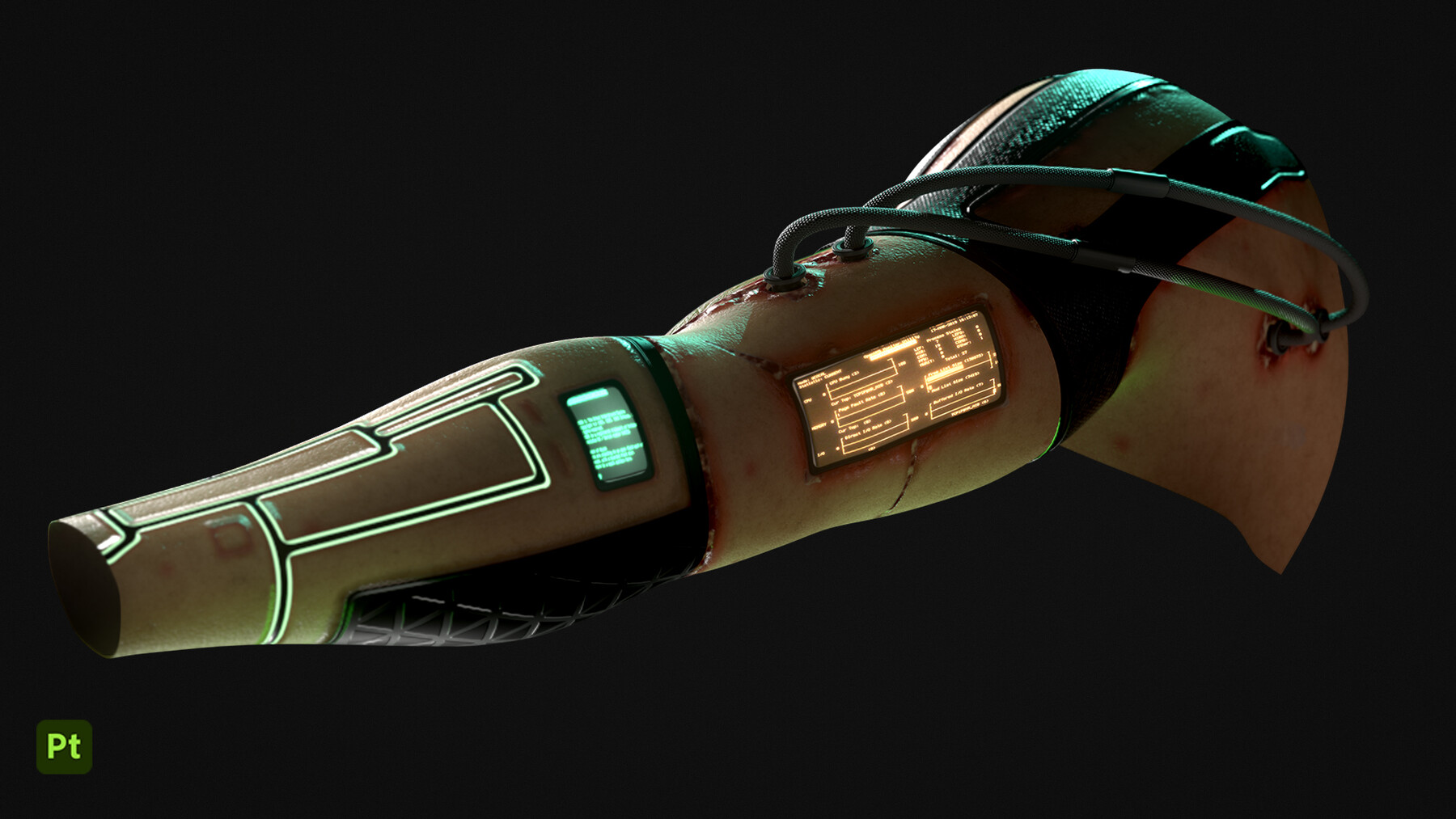
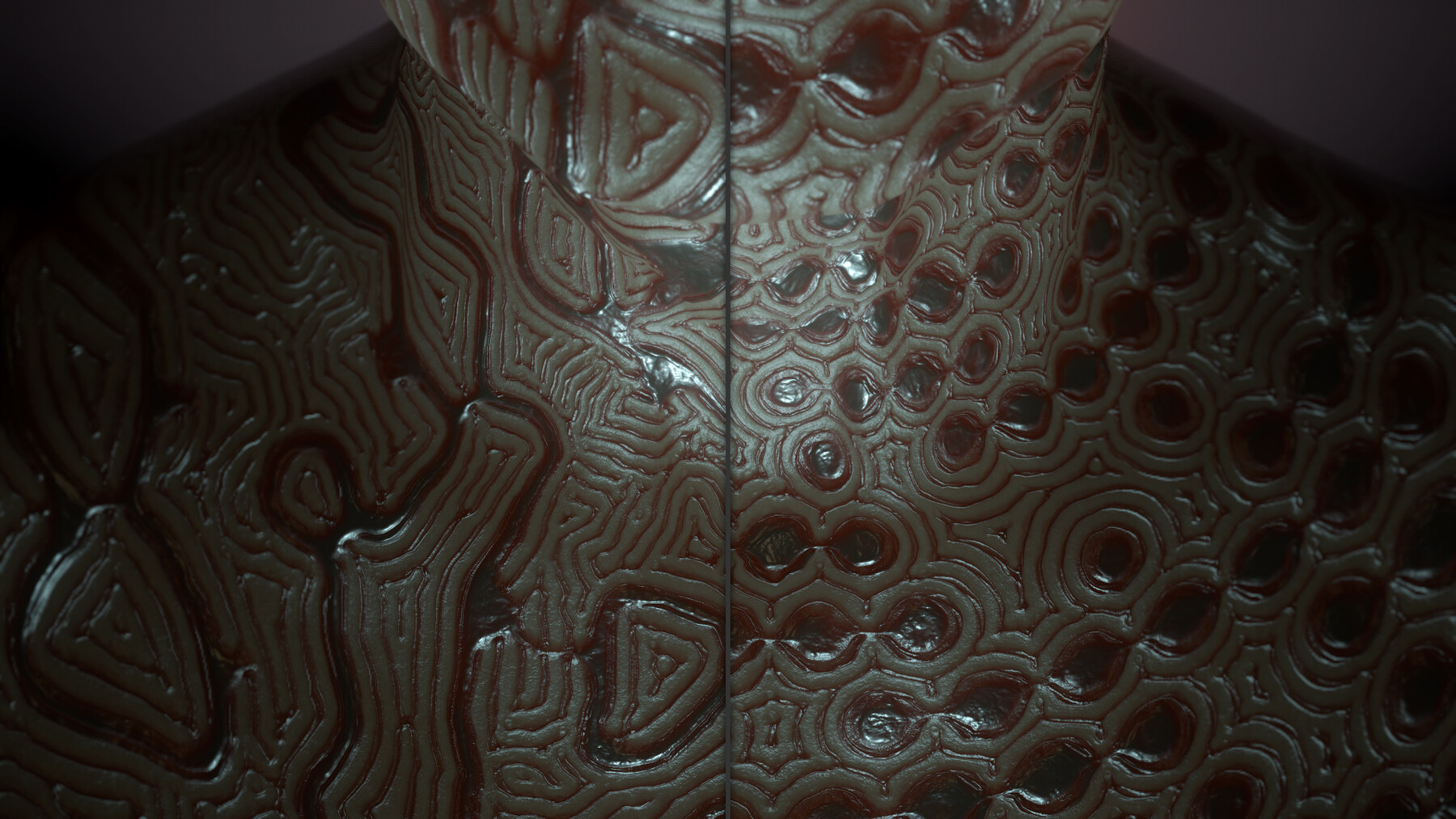
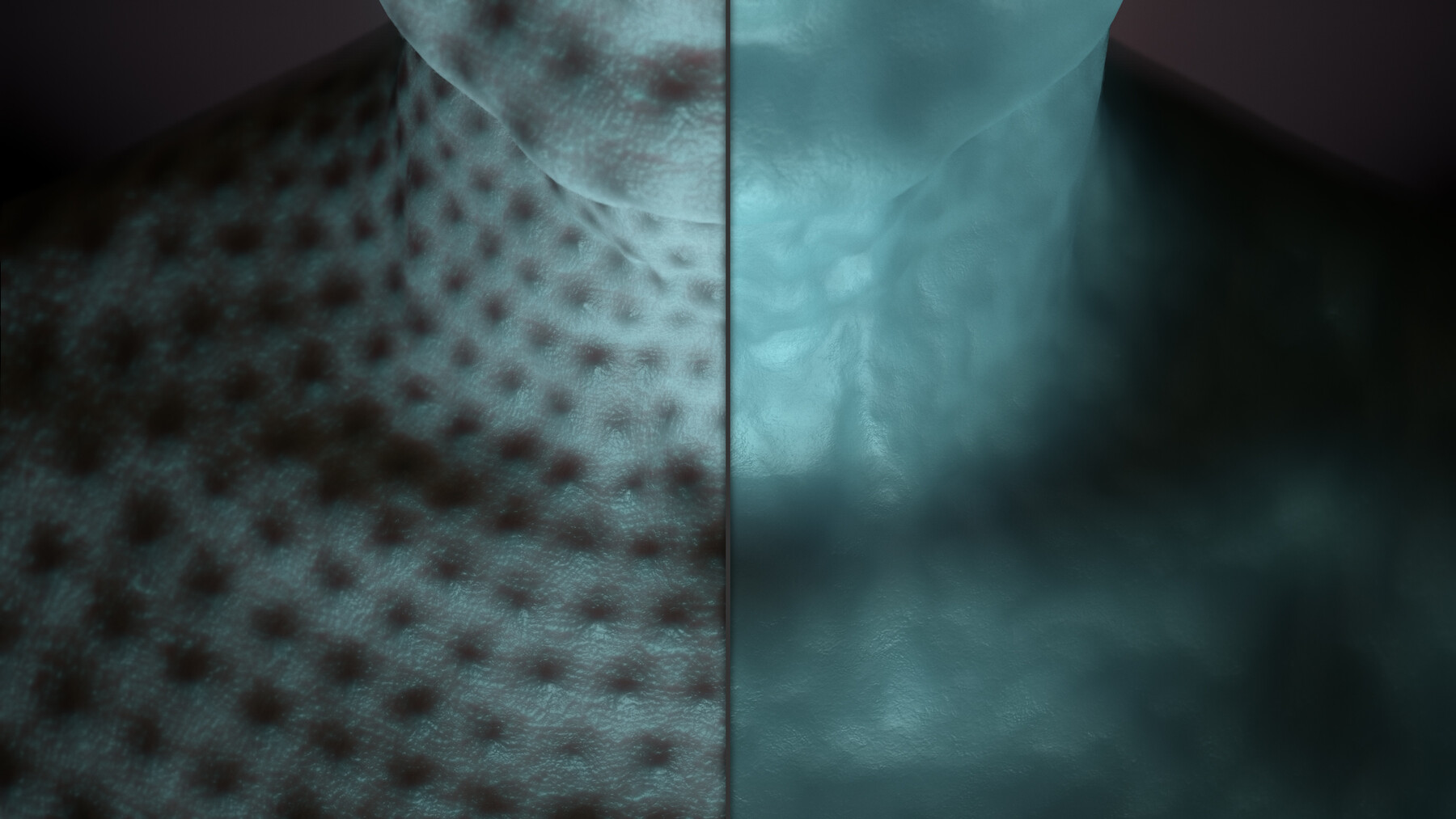
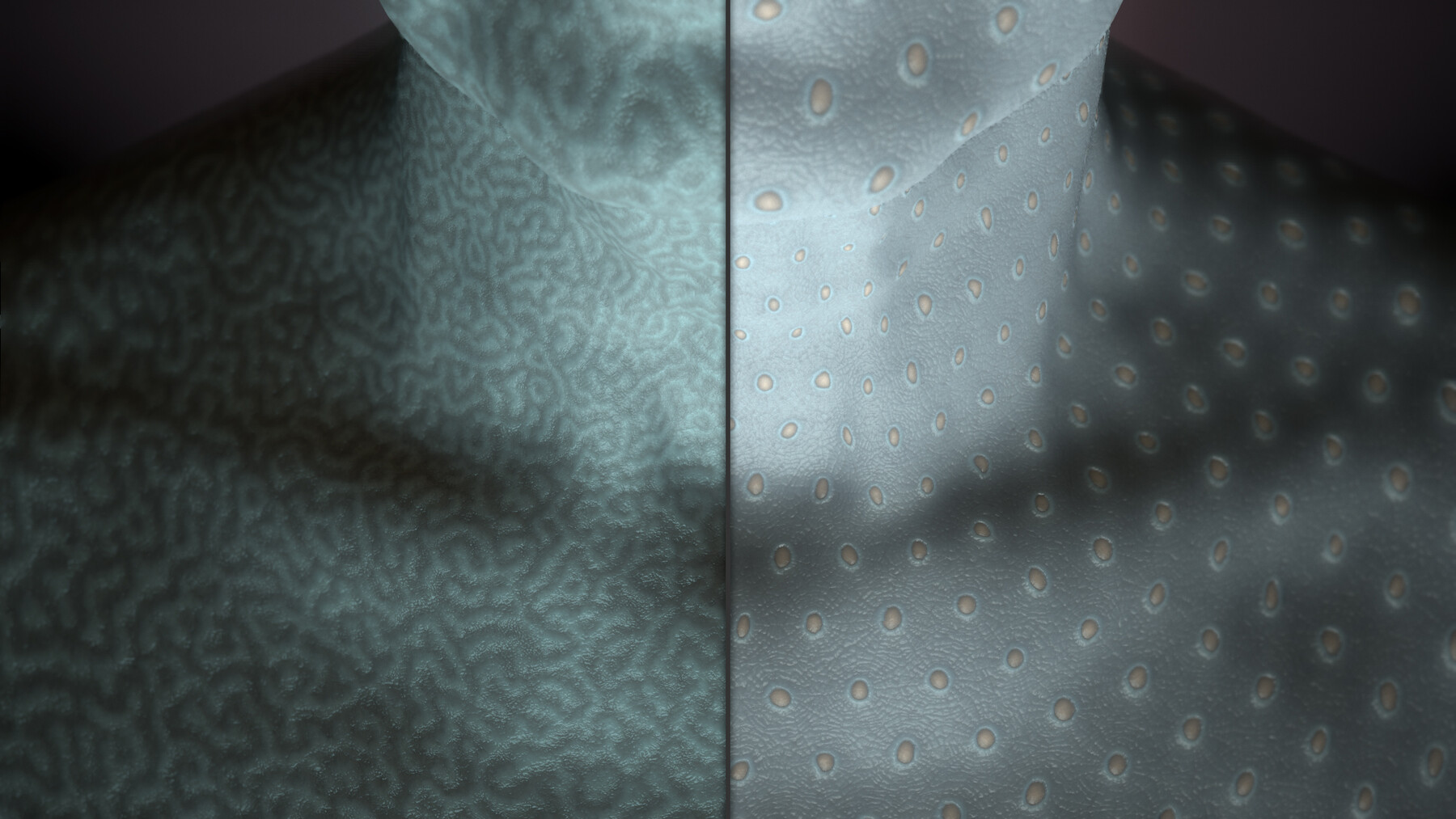
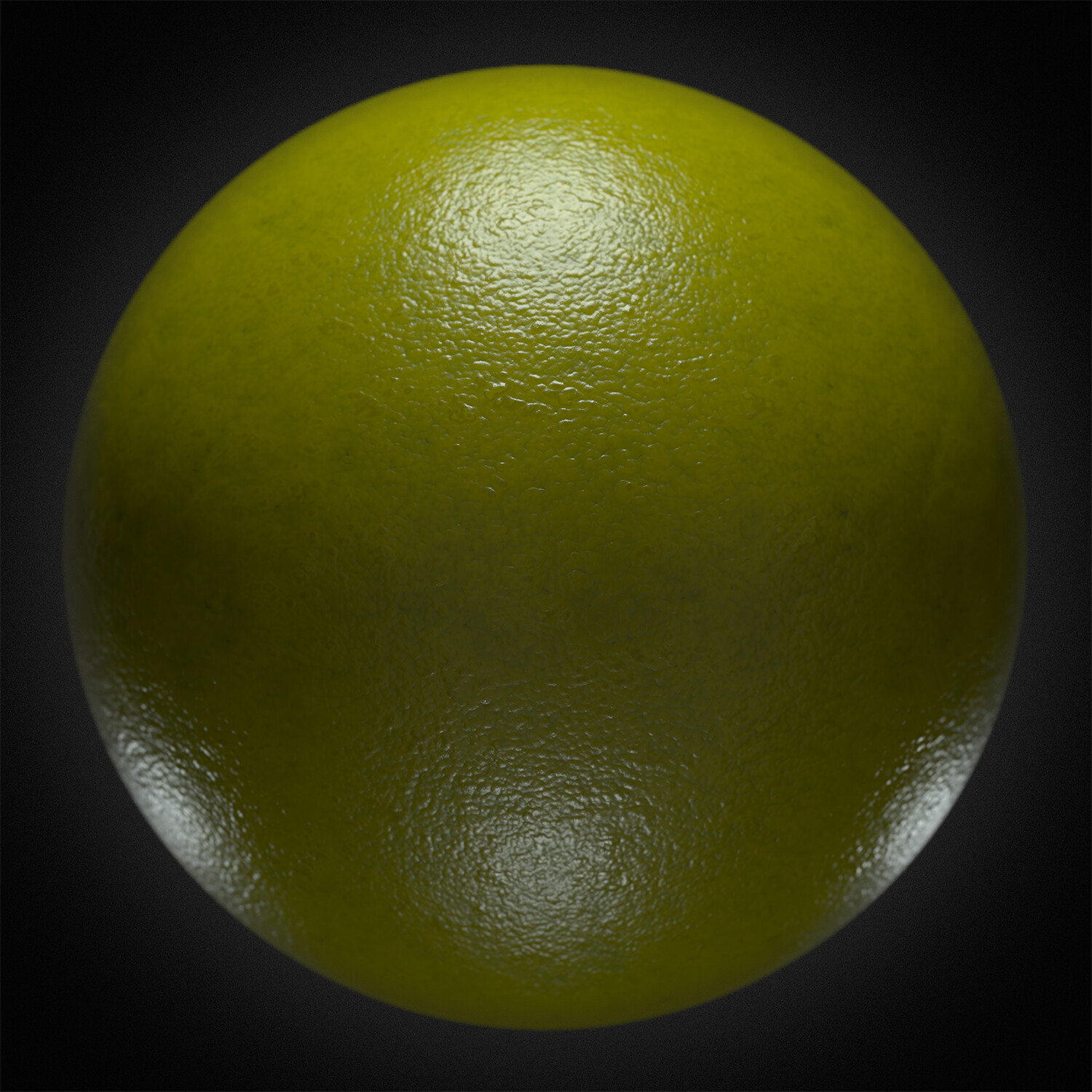
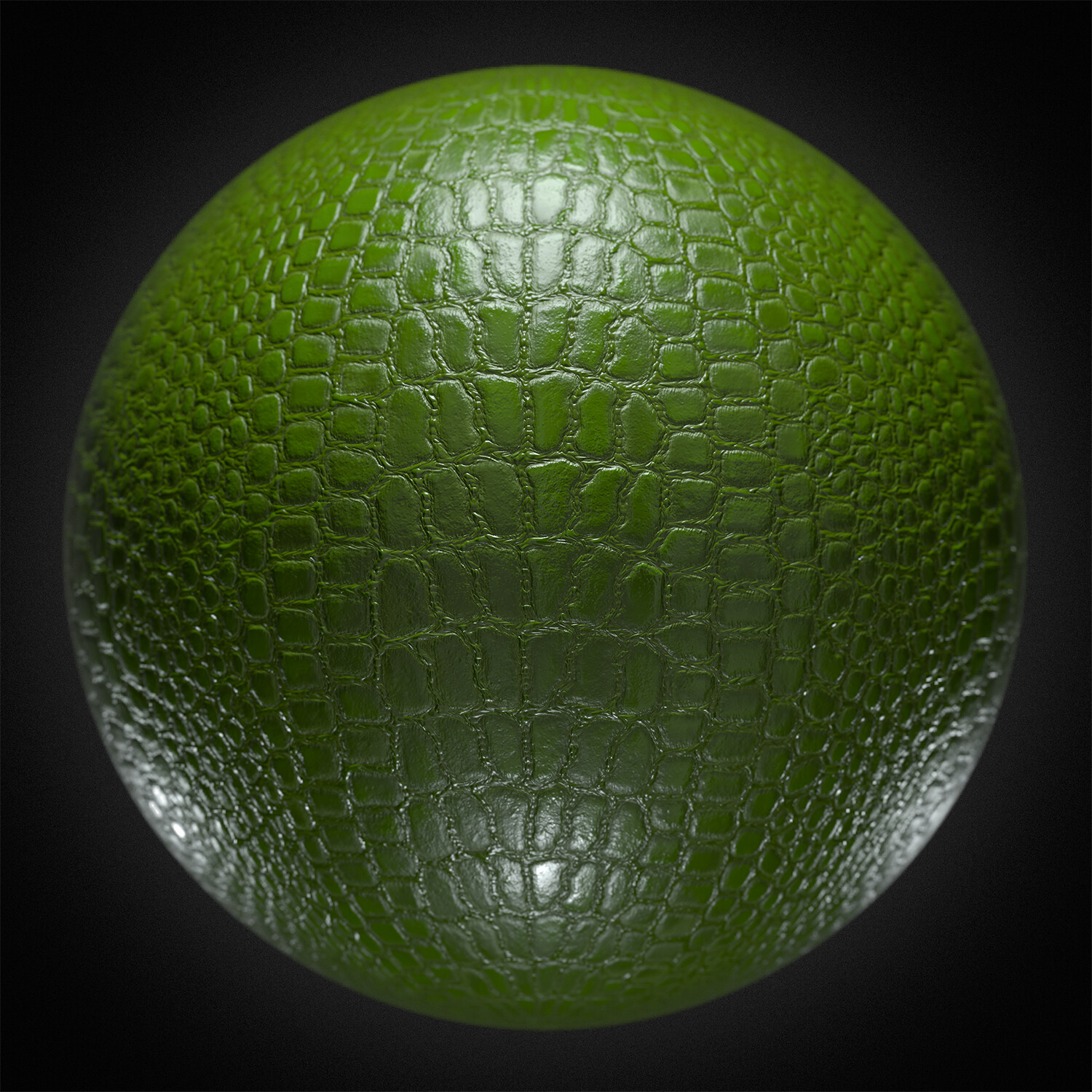
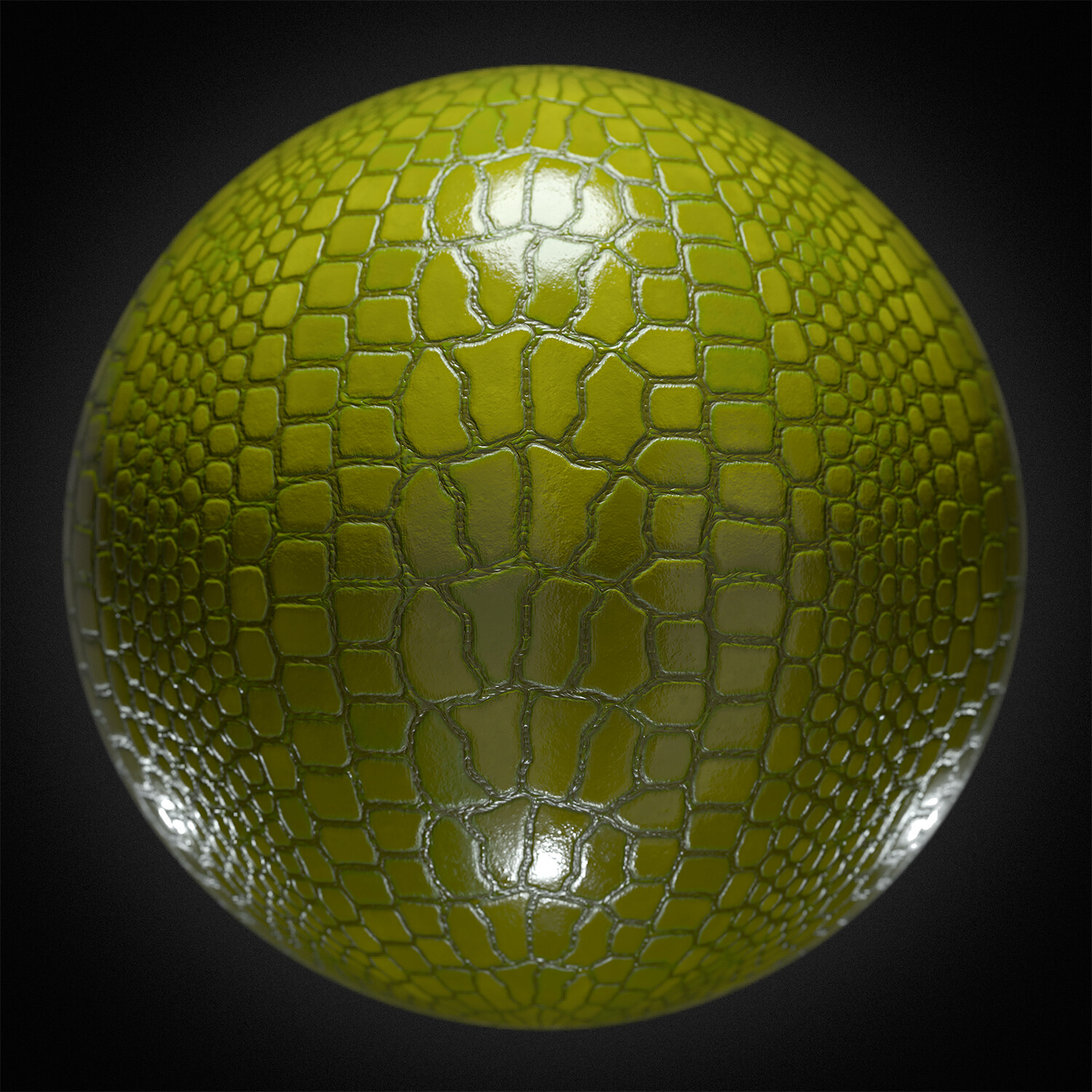
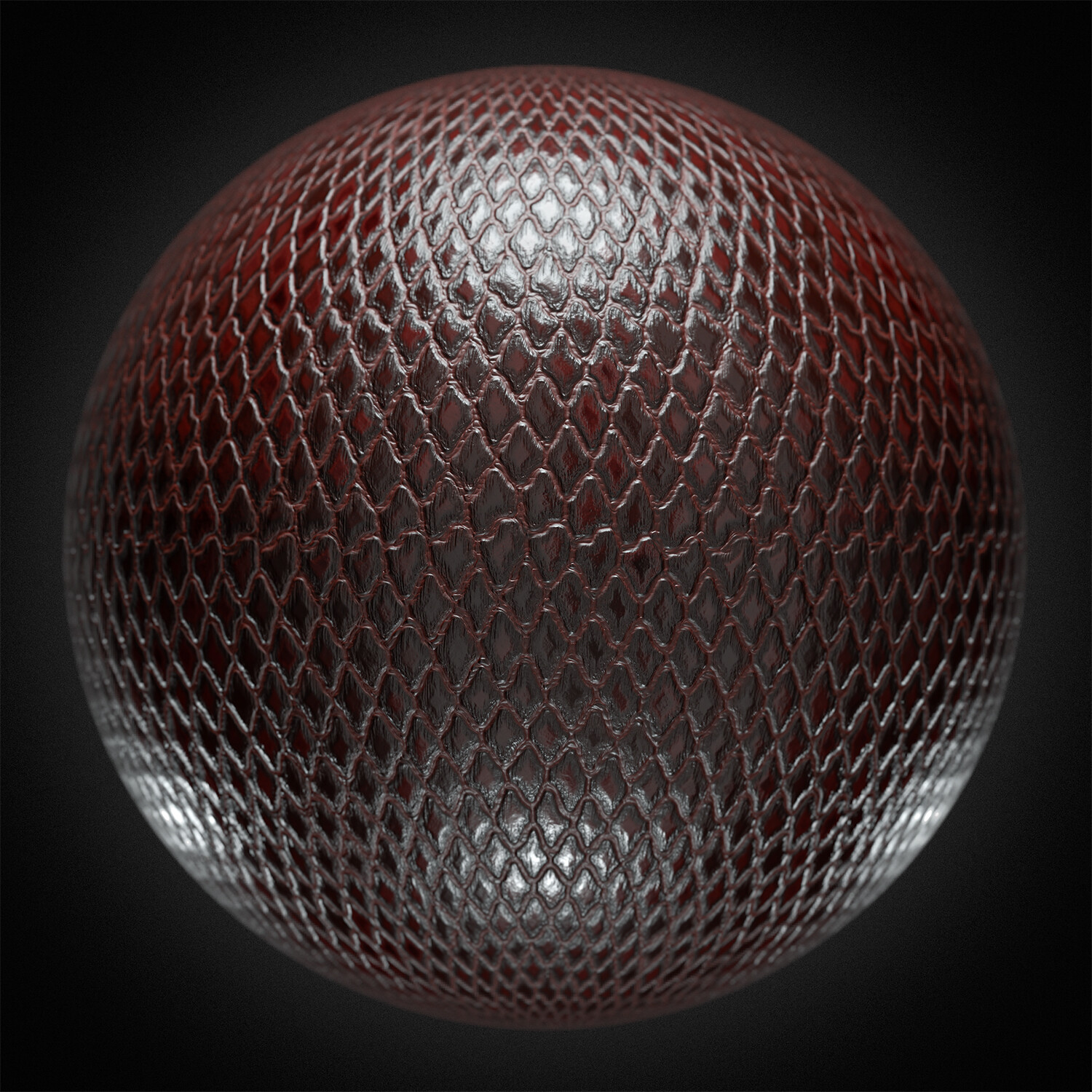
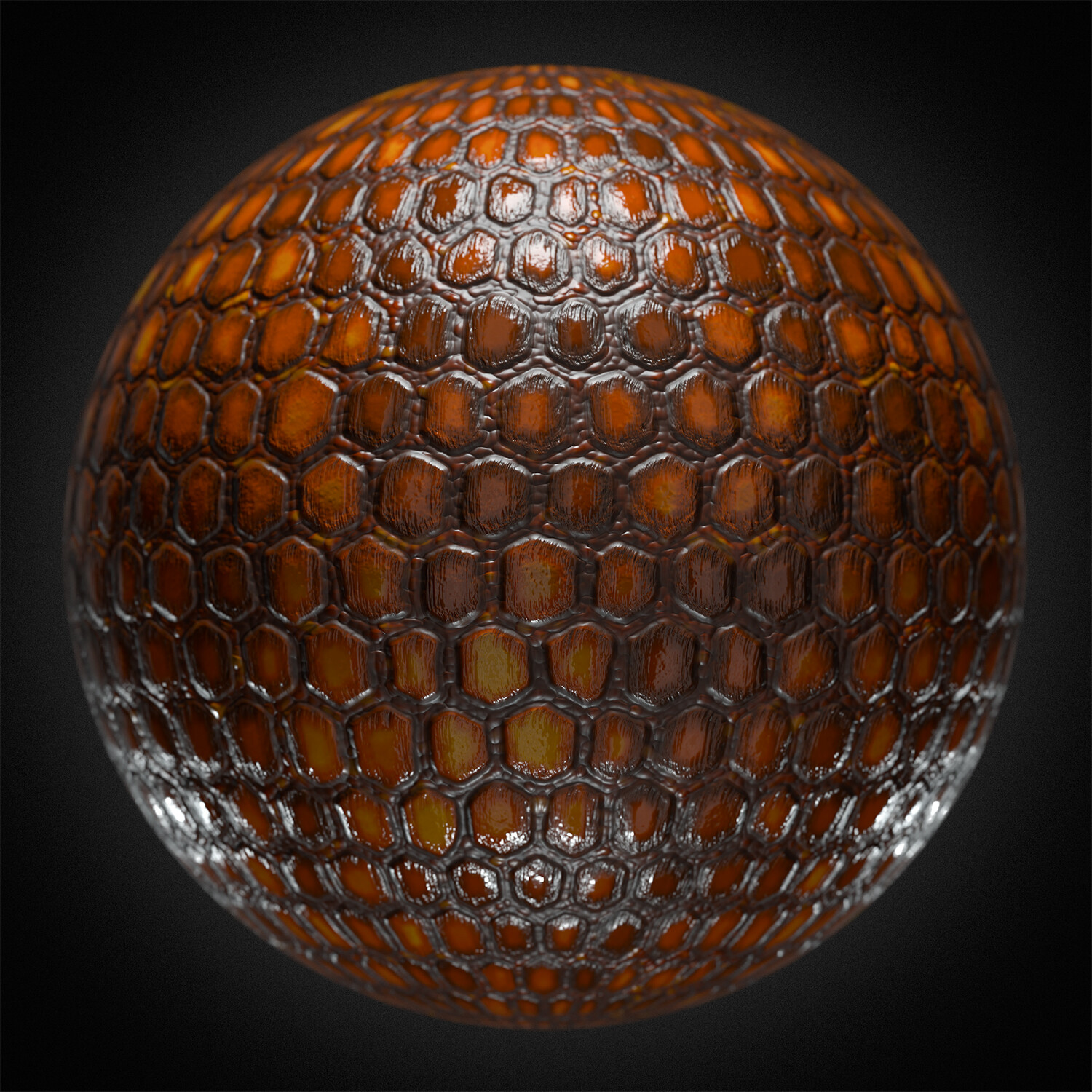
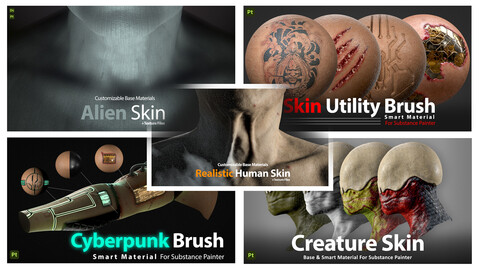
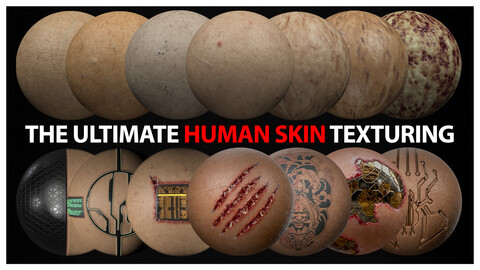
This collection includes five premium skin materials and brushes, perfect for character artists, game developers, and 3D enthusiasts. Achieve stunning, realistic textures with ease.
Bundle Contents:
-
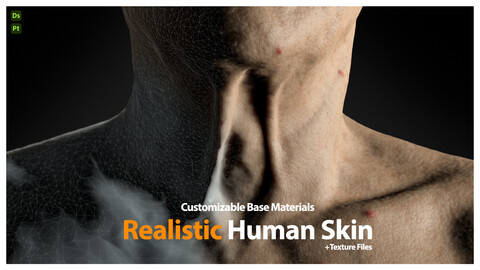
Base Material: Realistic Human Skin
- Description: 20 lifelike human skin materials with customizable parameters for details like veins and acne.
-
Specifications:
- 20 materials
- High-quality 2K textures
- Multiple maps (height, normal, color, roughness, glossiness, metallic, specular)
- Easy drag-and-drop use
Base Material: Realistic Human Skin
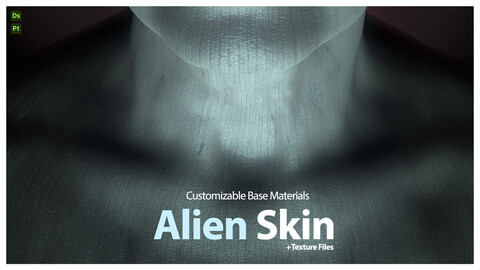
2-Base Material: Alien Creature Skin
- Description: 20 customizable alien skin materials for unique sci-fi and fantasy textures.
-
Specifications:
- 20 materials
- High-quality 2K textures
- Multiple maps
- Easy drag-and-drop use
Base Material: Alien Creature Skin
3-Creature Skin Base & Smart Material
- Description: 10 base materials and 11 smart materials for detailed creature designs.
-
Specifications:
- 21 materials
- High-quality 2K textures
- Multiple maps
- Easy drag-and-drop use
Creature Skin Base & Smart Material
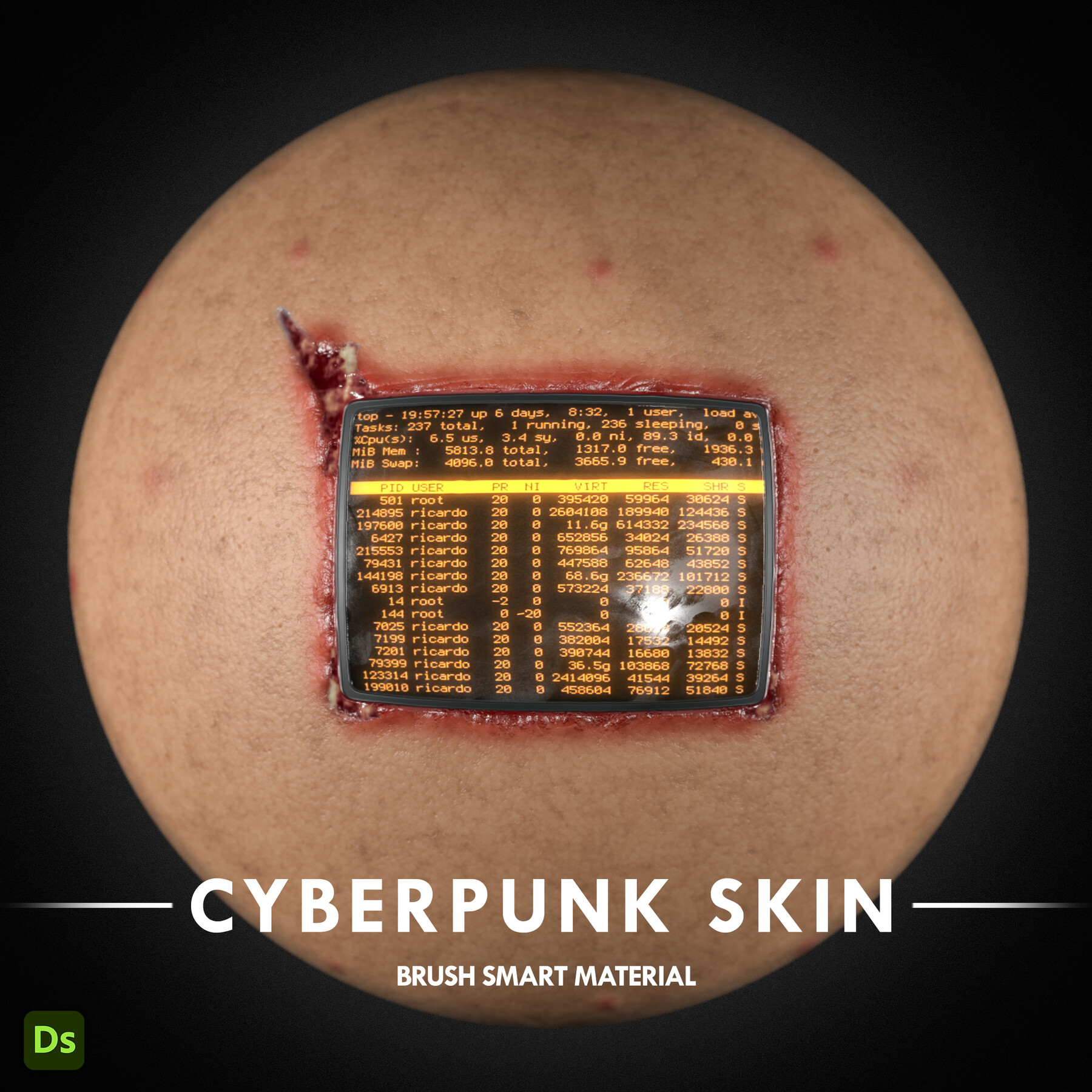
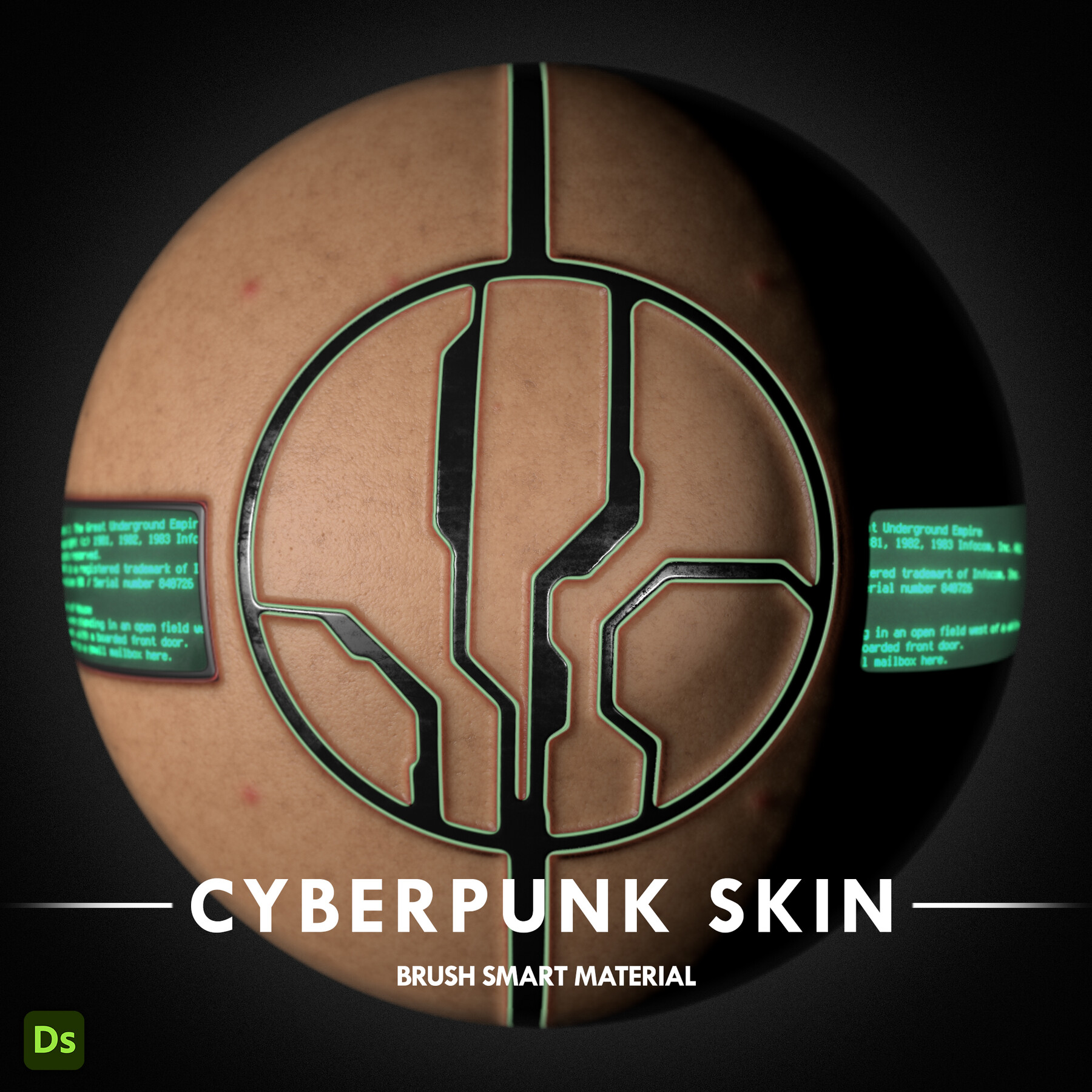
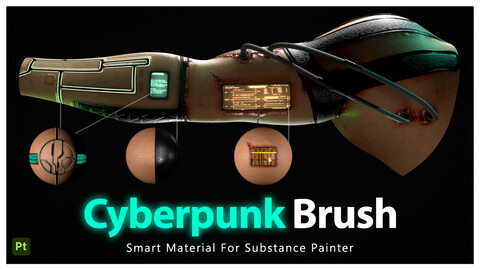
4-Cyberpunk Skin Brush & Smart Material
- Description: Create high-tech, dystopian textures with various smart materials and brushes.
-
Specifications:
- 4 smart materials, brushes, and generators
- Includes free human skin material, wound alphas, and hard surface alphas
- Fully customizable, easy drag-and-drop use
-Substance Painter V9.0.0 and higher
Cyberpunk Skin Brush & Smart Material
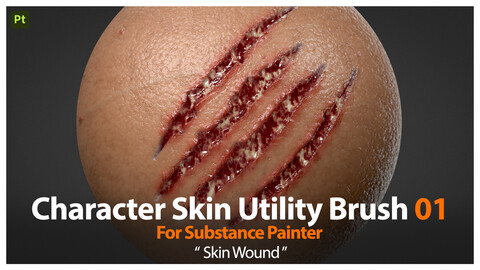
5-Skin Utility Brush & Smart Material
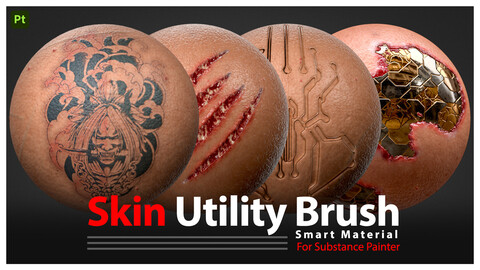
- Description: Essential tools for tattoo generators, wound brushes, and sci-fi implants.
-
Specifications:
- 3 smart materials, brushes, and generators
- Includes free human skin material, wound alphas, sci-fi pattern, and hard surface alphas
- Fully customizable, easy drag-and-drop use
- *Includes Tutorial for how to use
-Substance Painter V9.0.0 and higher
Skin Utility Brush & Smart Material
--------------------------------------------------------------------------------------------------------------------------------------------------------------------------------------------------
A few tips about how to get the best of the materials using SSS inside Substance Painter.
Start by creating a new Substance Painter project. In the ‘texture set’ settings tab, add a new scattering channel from the list.
Then add a fill layer in your stack and make sure the scattering channel is set to 1. If you keep it set to 0, the SSS will not be activated, and thus won’t be visible.
Now access the display settings panel and activate the shadows. At maximum value (100) the shadows may seem too dark, so we suggest keeping the value around 80 to get a good result. In the same tab, scroll down and activate the subsurface scattering.
Once this is set, let’s switch to the Shader Setting Panel. Here, you’ll be able to adjust the Scale parameter. This parameter allows you to manage the range of the SSS.
The next parameter is the color of the SSS. This will define the color of the scattering so you can adjust the color to the type of material you will be working with.
If you have any questions, feedback, or concerns, feel free to message me directly. I am here to assist you and ensure your satisfaction.
Per User License: Material can be used and modified for commercial projects, but cannot be sold individually or as part of a material pack in any online marketplace.
Your feedback matters! Please take a moment to rate and review this product. Your input is valuable to me, and I genuinely appreciate your support.
Release Notes
Tutorial added For Skin Utility Brush Smart Material
CATEGORIES
Special Offer! Get 5% off when you buy 2 products. Get 10% off when you buy 3 or more products. Applies to all products from this seller only from USD $5.99 to USD $100.00
Standard Use License
USD $12.99
License: Standard License
Stock Assets
For personal use and one commercial project (up to 2,000 sales or 20,000 views).
TutorialsOne copy to be used by a single user.
Installable ToolsOne installation by a single user.
Learn MoreStandard use, single user license. Read MoreRead Less
Files (9)
Commercial Use License
USD $21.00
License: Extended Commercial License
Stock Assets
For use on an unlimited number of commercial projects with no limits on sales or views.
Learn MoreCommercial use, single user license. Read MoreRead Less
Files (9)
Team/Studio License
USD $25.95
License: Extended Commercial License
Stock Assets
For use on an unlimited number of commercial projects with no limits on sales or views.
Learn MoreTeam/Studio license for commercial use/viewing for an unlimited number of users working at the same studio/company. Read MoreRead Less
Files (9)
https://artstn.co/m/j8Jxr
Copied
Ratings & Reviews
Sort by:LikesDate
Reviews (4)
 RM3D
RM3D00Report| Release v.1.2 | Standard Use License | over 1 year ago
I have already purchased several products from this author and have always been completely satisfied, without reservation. Precise work. Thank you!
4 months ago
Thank you RM.
 Carlos Castaneda
10Report| Release v.1.2 | Standard Use License | almost 2 years ago
This is an amazing product. The creator took a lot of time to cure a really good asset for cyberpunk fans. He's also quick to replying to questions and overall I'm really satisfied with his work.
almost 2 years ago
Thank you so much, Carlos! I’m glad you’re enjoying the product. Feel free to reach out anytime if you have more questions. Happy creating! 😊
 Bob Rashford
00Report| Release v.1.2 | Standard Use License | about 2 years ago
It was just perfect, thank you.
 Tom
Tom10Report| Release v.1.2 | Standard Use License | about 2 years ago
After using this set for 3 Month, I can confidently say I can’t work without these tools. they are absolutely amazing!
almost 2 years ago
I really appreciate your kind words! I’m thrilled to hear the tools have become such an essential part of your workflow.
Filter by Rating
More by A.Homayoun Amiri
Add a tip for A.Homayoun Amiri
Tips are appreciated, but optional!