Sign Up with Epic Games




NOT COMPATIBLE WITH MAC. WINDOWS ONLY.
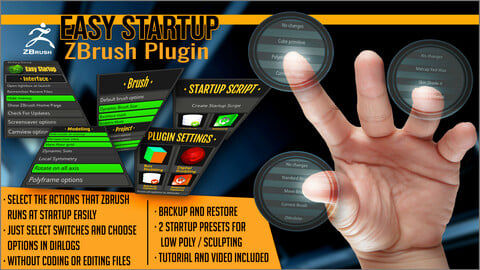
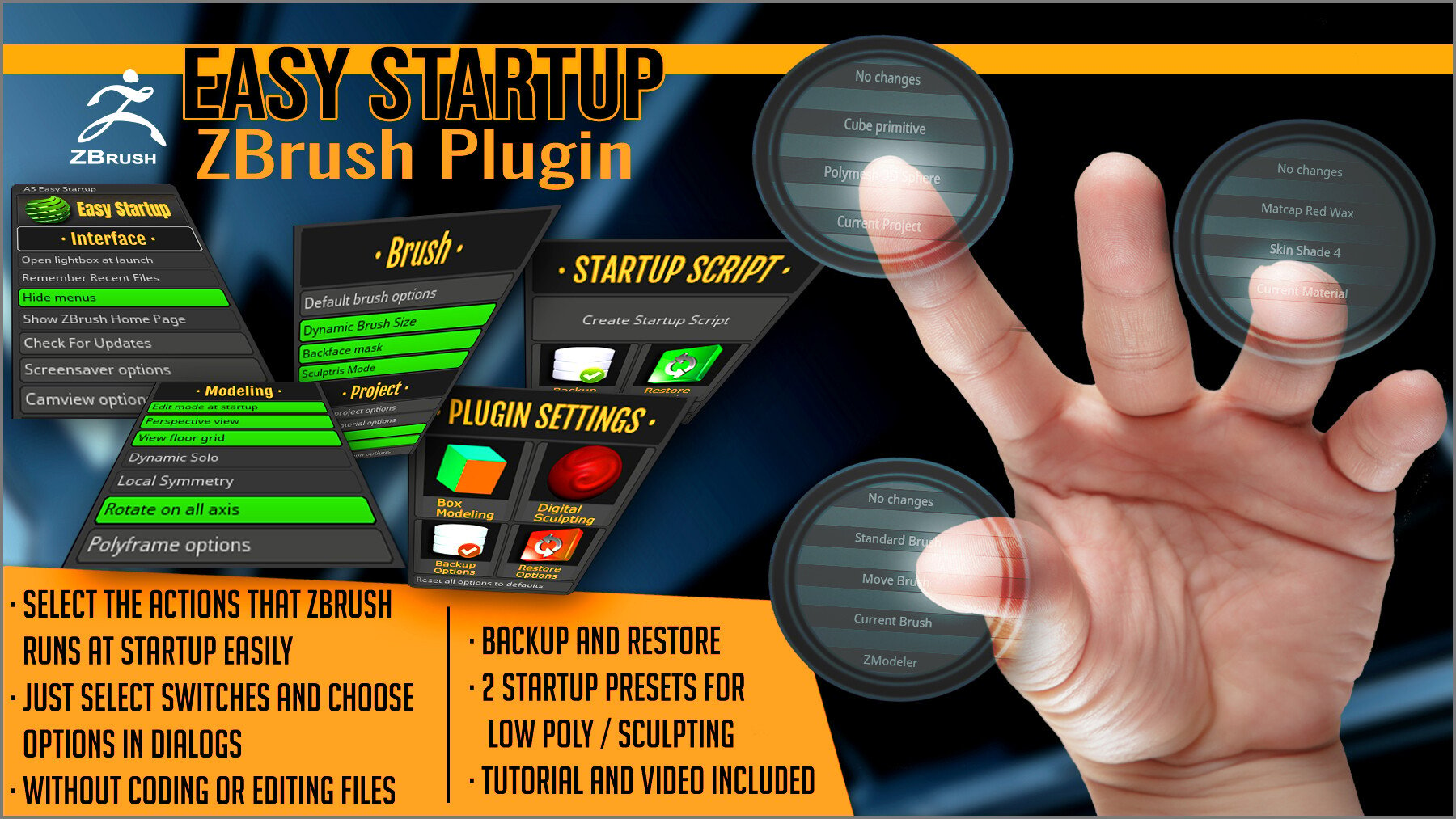
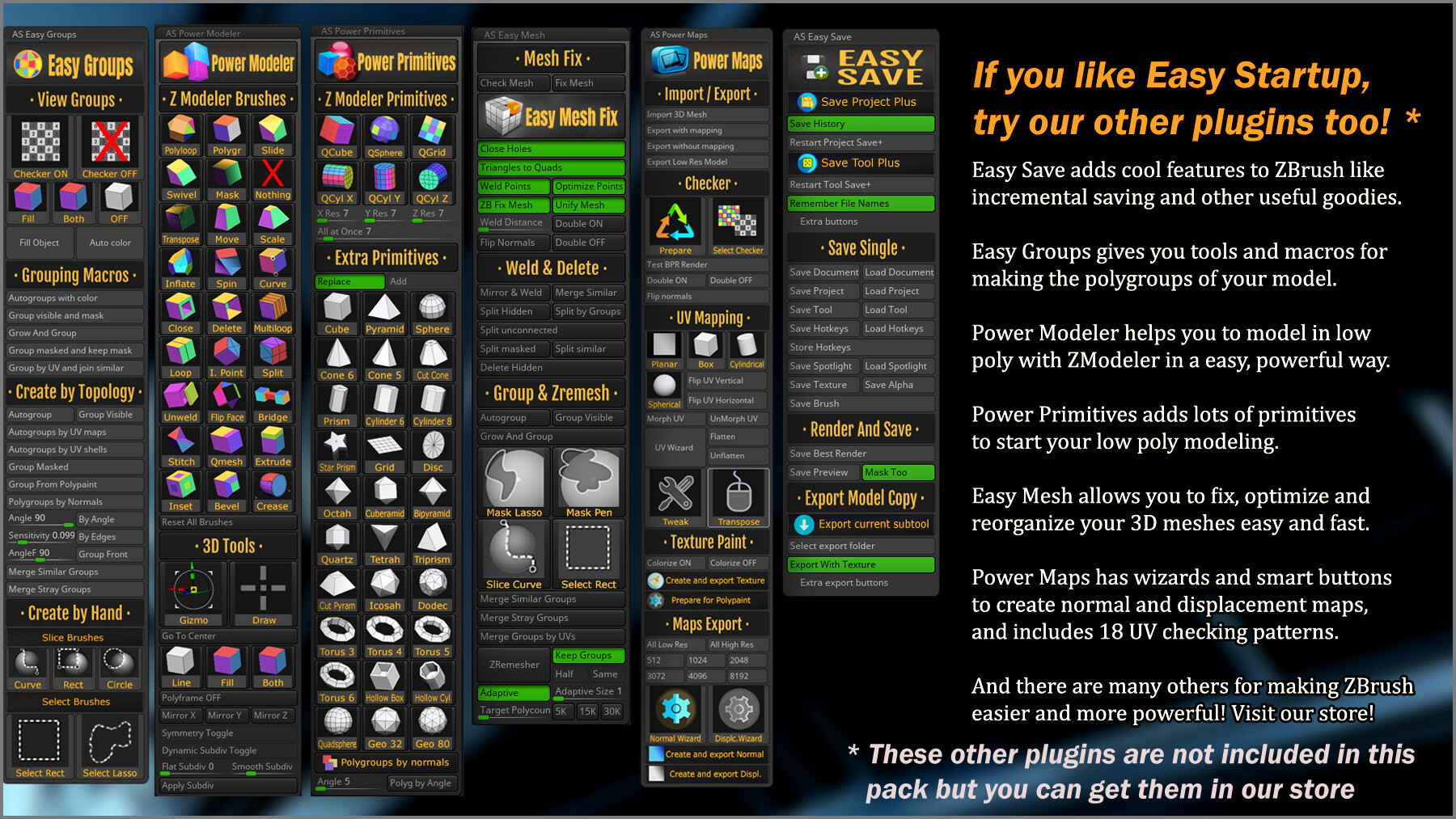
With Easy Startup, you can choose what will ZBrush do when you run it.It will create a script that will be executed when you open ZBrush, which will do the actions that you choose in this plugin.
Choosing what it does it very easy: just click on the switches or answer to the dialogs that the plugin shows for choosing things like:
- Which project, material and brush use at startup
- If you want menus, Lightbox or the Home Page open at startup or not
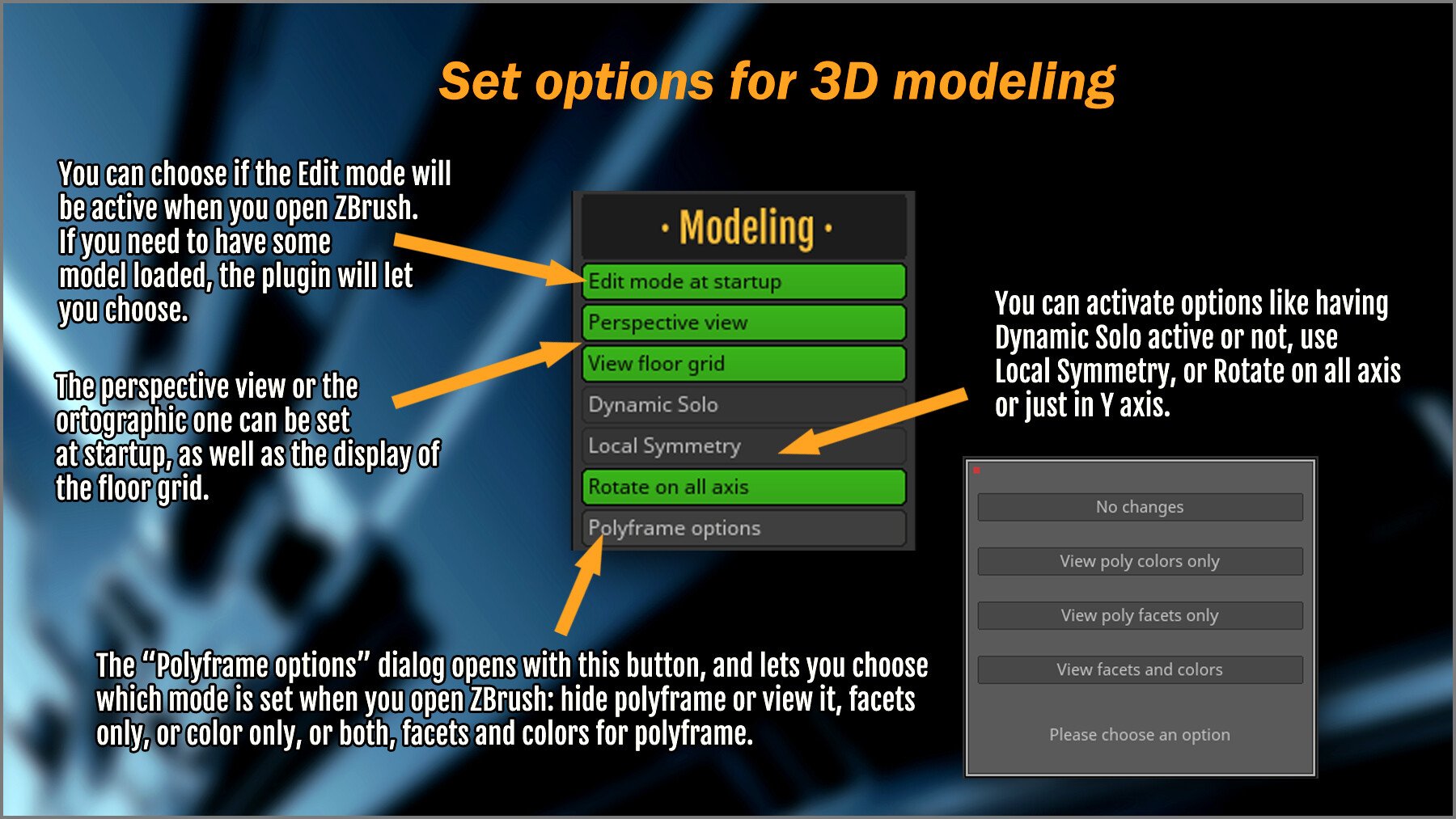
- Activate backface mask or symmetry
- Start in polyframe mode or not
- And much more!
Once chosen, you can:
- Create the startup script just with a click on a button: no coding, no dealing with files!
- Make a backup of your current script or restore it
- Restore the default ZBrush startup script
- Restore the original script that you had when you installed Easy Startup
And you can also backup, and restore the settings of Easy Startup just clicking buttons.
Two presets are also included: for low poly box modeling with ZModeler, and for digital sculpting. You can use them as a starting point for your own options.
COMPATIBLE WITH: 2021.6.6, and above.
Release Notes
Version 1.2 (March 10, 2024):
- Added a "Ignore Brush Section" switch.
- Added a "Ignore Modeling Section" switch.
- Added a dial for brush size so you can set the brush size you prefer when ZBrush starts.
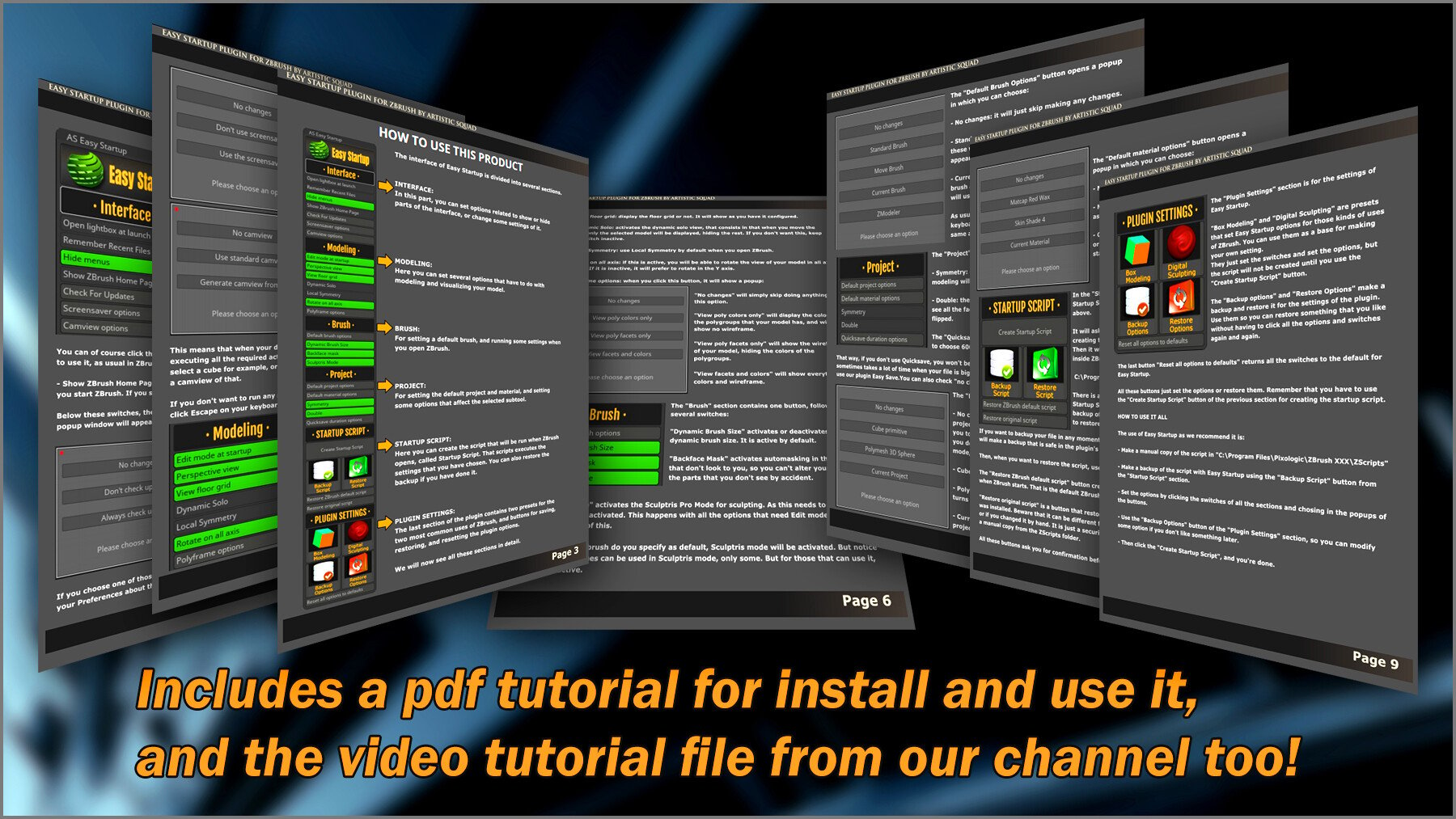
- Updated the pdf manual. See page 10 for the new features.
CATEGORIES
Special Offer! Get 10% off when you buy 2 products. Get 15% off when you buy 3 or more products. Applies to all products from this seller only from USD $1.00 to USD $100.00
Standard License
USD $6.99
License: Standard License
Stock Assets
For personal use and one commercial project (up to 2,000 sales or 20,000 views).
TutorialsOne copy to be used by a single user.
Installable ToolsOne installation by a single user.
Learn MoreFiles (1)
Extended Commercial License
USD $20.99
License: Extended Commercial License
Stock Assets
For use on an unlimited number of commercial projects with no limits on sales or views.
Learn MoreFiles (1)
https://artstn.co/m/p8b1n
Copied
More by Artistic Squad




Add a tip for Artistic Squad
Tips are appreciated, but optional!