Sign Up with Epic Games
Quadify Pro — Tri-to-Quad Retopology & Mesh Pipeline for Blender

in Resources


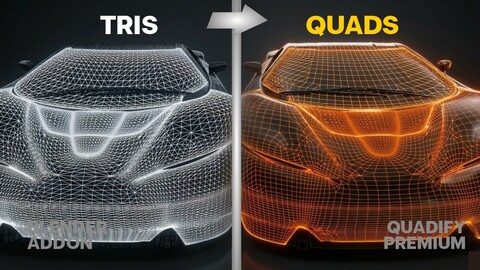
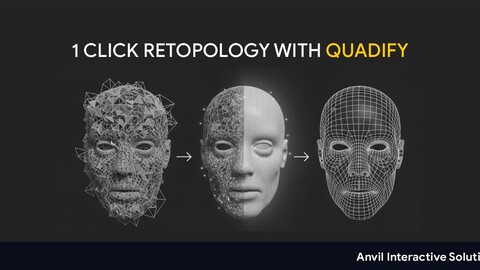
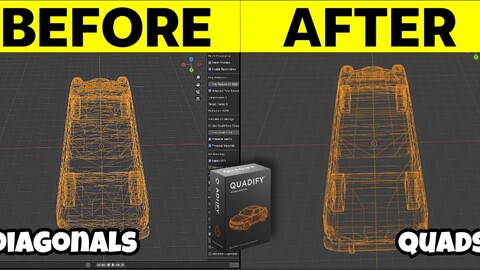
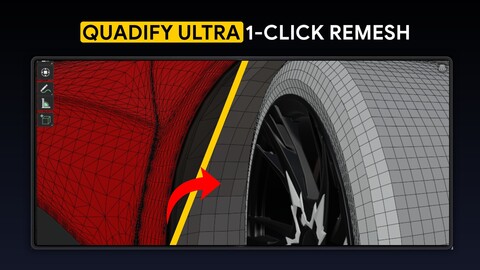
Quadify Pro is a professional Blender add-on for converting dense
triangle meshes into clean, animation-ready quad topology — with full
manual control, automated pipelines, and a natural language AI Agent
that understands your mesh before it acts.
Built for production use with scan data, AI-generated geometry,
photogrammetry, and CAD imports. Supports Blender 4.4+.
────────────────────────────────────────
🤖 NEW IN v2.4.0 — AI AGENT MODE
────────────────────────────────────────
Type plain English. Quadify Pro does the rest.
"Convert to quads, reduce to 15k faces, then generate 3 LODs"
"Fix the topology and UV unwrap for game engine export"
"Analyse the entire scene and fix each mesh"
→ 19 operations available: convert to quads, reduce poly count,
QuadriFlow remesh, voxel remesh, generate LODs, build collision,
normalize texel density, UV unwrap, transfer weights, export mesh,
and more.
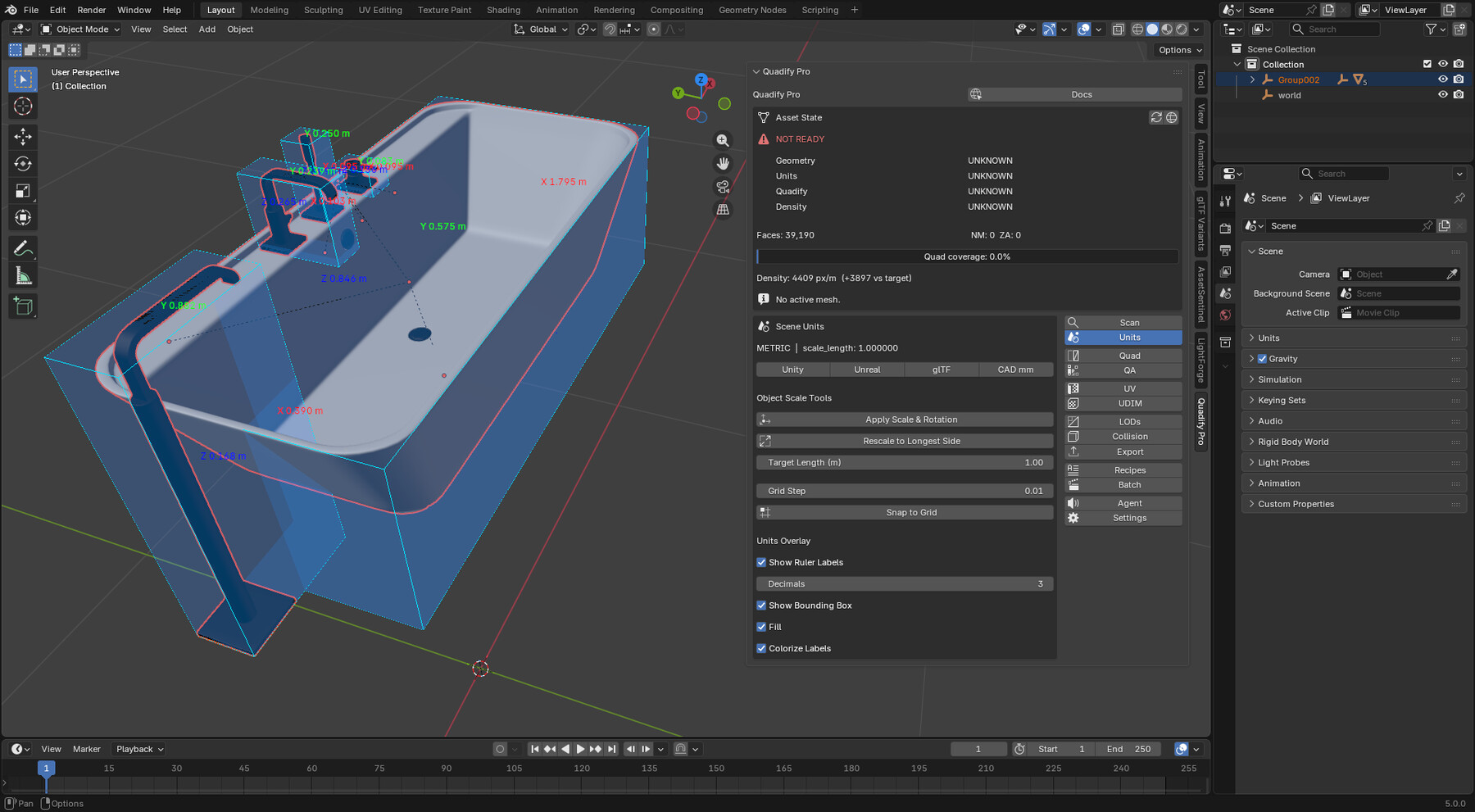
→ Rich mesh context — Agent reads your actual mesh data (face count,
quad %, non-manifold edges, shape keys, armature parents, UV layers)
before planning. No guesswork.
→ Plan preview — see every step, confidence score, and destructive
flag before anything runs. Approve or discard.
→ Per-step undo — Ctrl+Z steps back one operation at a time.
→ Hard safety guards — QuadriFlow and voxel remesh blocked on CAD /
hard-surface meshes unless you explicitly request it.
→ Multi-turn conversation — follow up with "now add LODs" without
restating context.
→ Privacy-first — only your instruction text and anonymous mesh
statistics leave your machine. No filenames, vertex positions, UVs,
or personal data ever transmitted.
→ Cost-efficient — estimated $0.001–0.003 per run.
Works with your own Claude (Anthropic) or GPT-4o (OpenAI) API key.
────────────────────────────────────────
🔧 CORE QUADIFICATION
────────────────────────────────────────
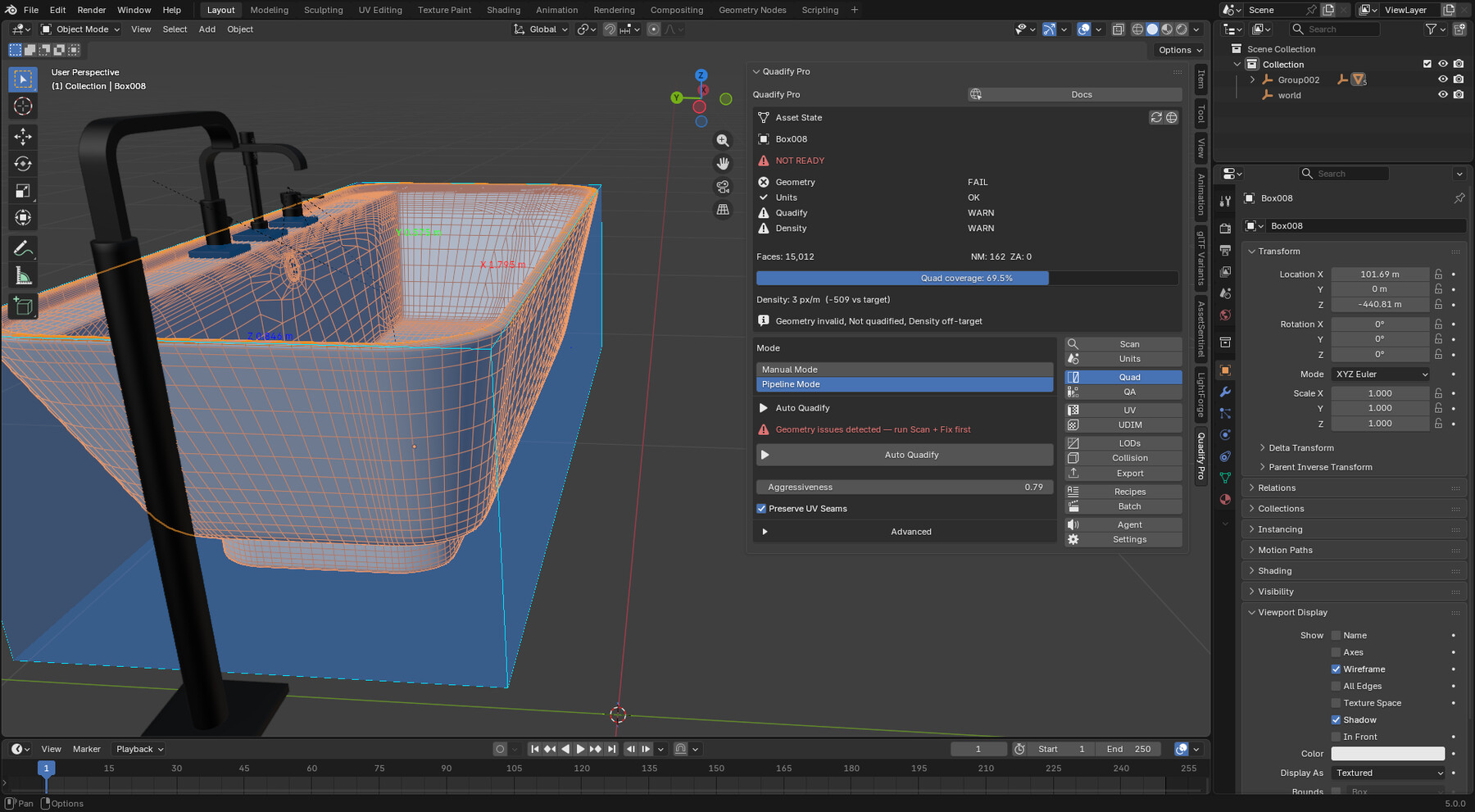
→ Selection-based quadification in Edit Mode — process only the faces
you select, leaving the rest untouched.
→ Multi-pass quadification — a second tighter pass recovers 8–15% more
quads on typical assets automatically.
→ Adaptive shape threshold — per-island, per-pass. Flat islands get a
higher threshold, curved ones a lower one. Better results than any
fixed value.
→ Constrained relax — boundary loops, UV seams, and sharp edges are
locked during relaxation. No UV drift, no hard-edge creep.
→ Triangulate First mode — for CAD, ngon-heavy imports, and
subdivision-surface assets where large polygons block quad recovery.
→ Live Quad Overlay — viewport tint showing green quads / red tris in
real time.
→ Before/After Snapshot — shape key saved automatically before every
destructive operation.
────────────────────────────────────────
⚙️ PIPELINE TOOLS
────────────────────────────────────────
→ LOD generation with silhouette protection and live face-count preview
→ Texel density normalization and UDIM packing
→ UV unwrap with seam control
→ Collision mesh generation
→ Export presets for game engines
→ Batch processing across multiple objects
→ QA heatmaps and HTML reports
→ Scan & Fix — remove doubles, fix normals, fill holes, remove loose geo
────────────────────────────────────────
📐 UNIT & SCALE DOCTOR
────────────────────────────────────────
→ Scene and object unit normalization
→ Scale application and grid snapping
→ Detects and fixes unapplied transforms before pipeline operations
────────────────────────────────────────
✅ REQUIREMENTS
────────────────────────────────────────
- Blender 4.4 or higher
- AI Agent Mode requires a Claude (Anthropic) or GPT-4o (OpenAI)
API key — your key, your cost, your data.
────────────────────────────────────────
💬 SUPPORT
────────────────────────────────────────
Documentation: https://quadify3d.com
CATEGORIES
Standard Use License
USD $50.00
License: Standard License
Stock Assets
For personal use and one commercial project (up to 2,000 sales or 20,000 views).
TutorialsOne copy to be used by a single user.
Installable ToolsOne installation by a single user.
Learn MoreFiles (1)
https://artstn.co/m/Bjord
Copied
More by Wilson Anibe

Add a tip for Wilson Anibe
Tips are appreciated, but optional!