Sign Up with Epic Games
Marble Maker: 300 ZBrush Brushes, 50 Alphas, and 100 Seamless Textures

in Brushes
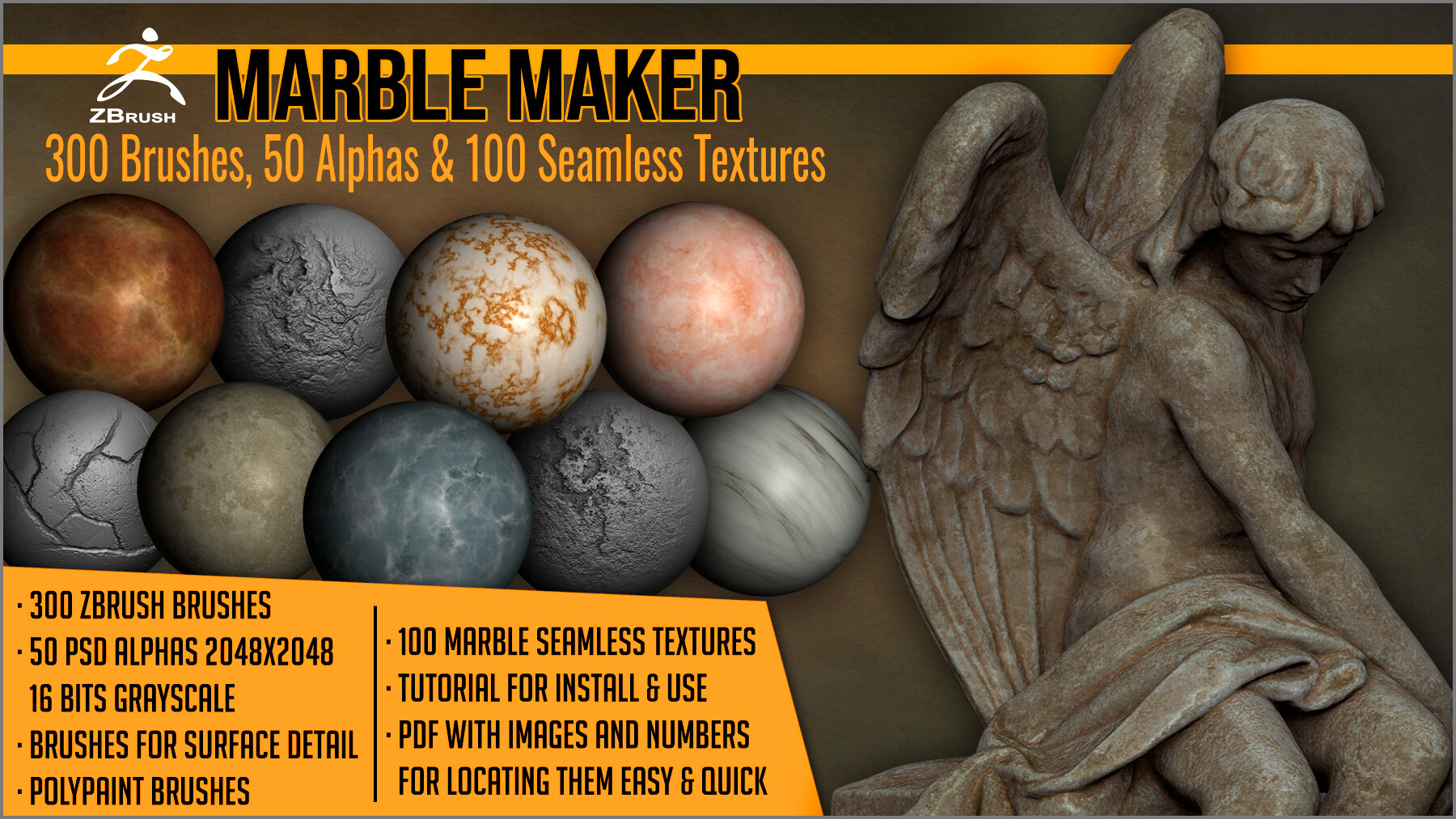
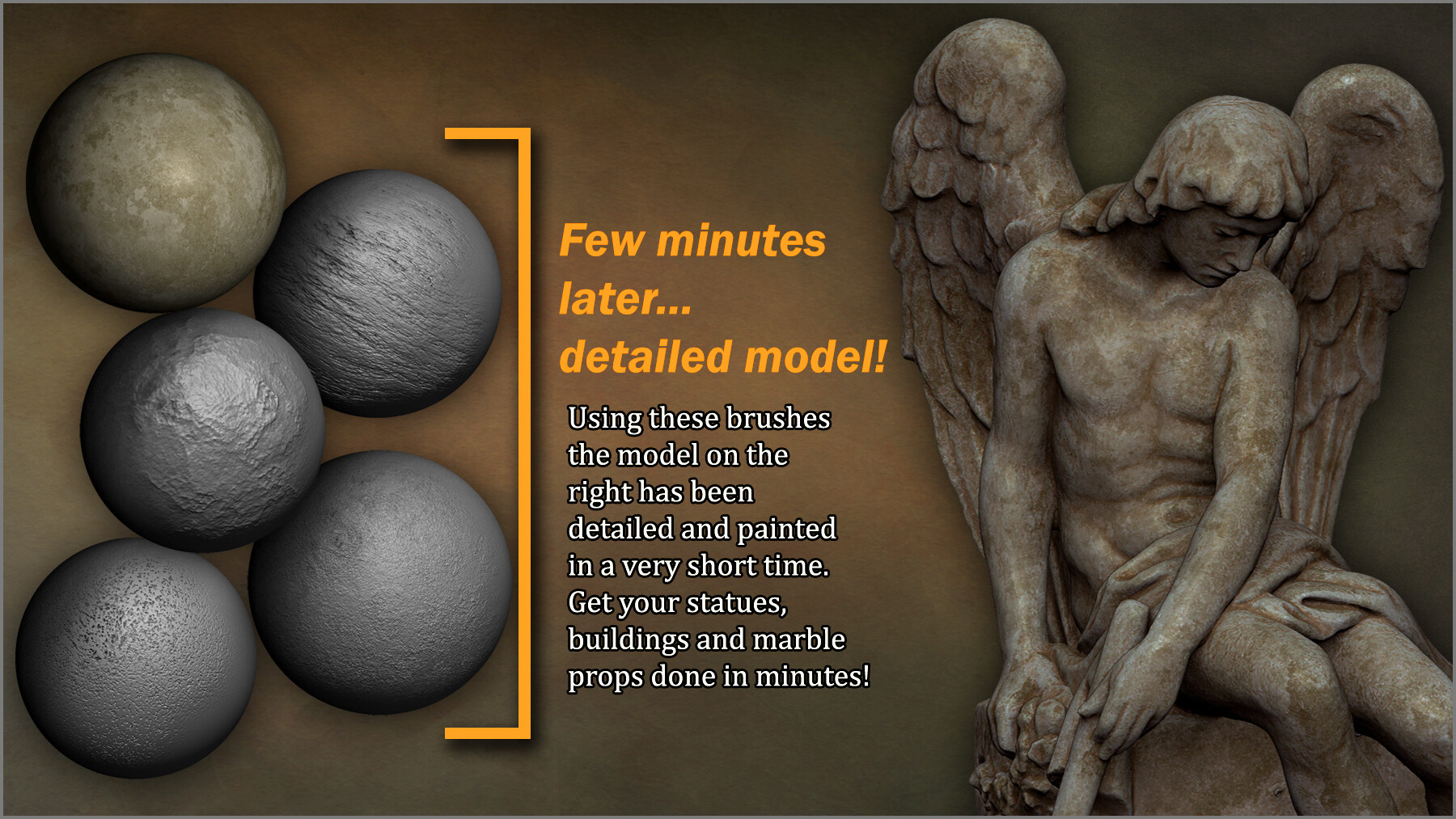


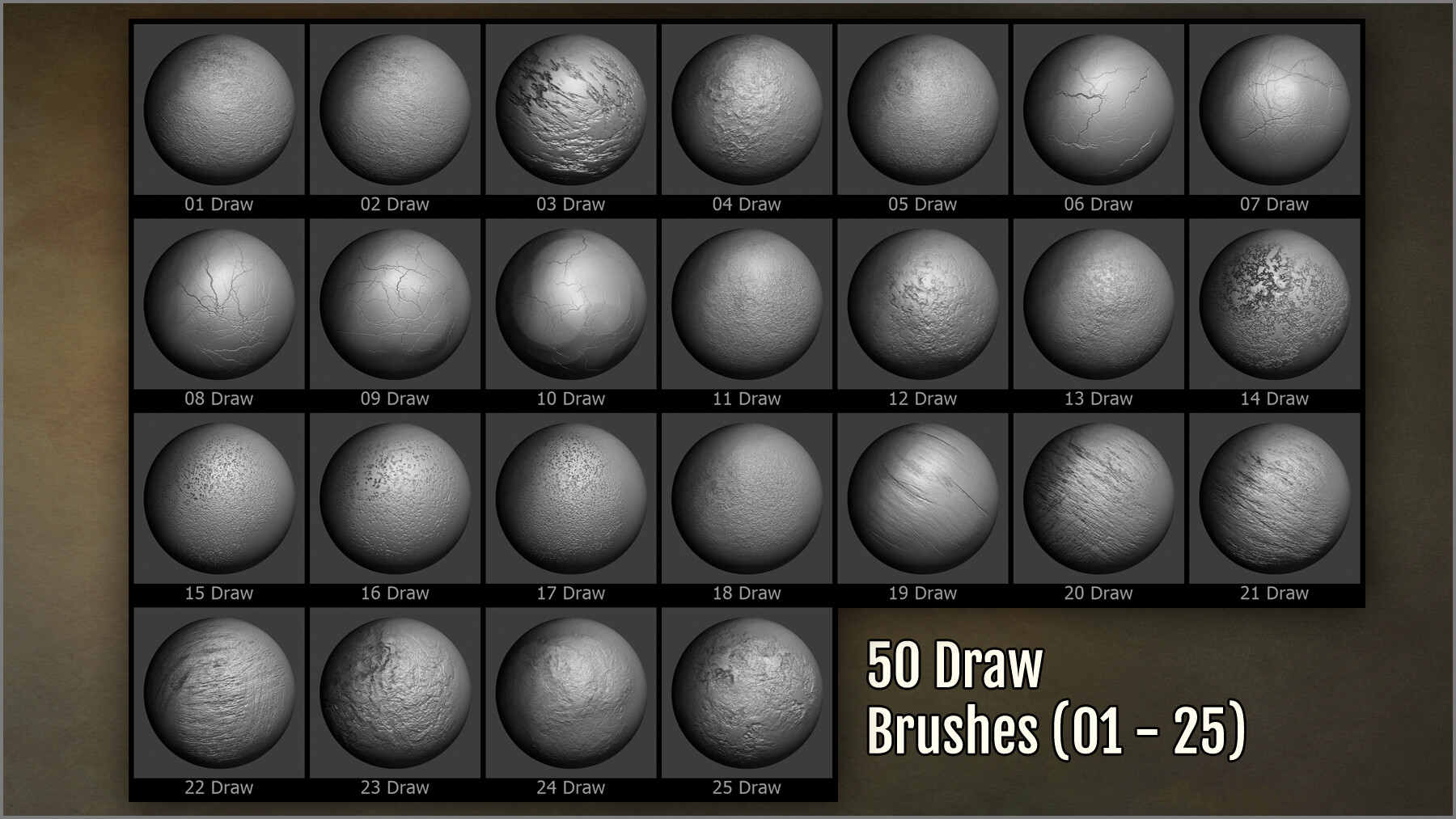
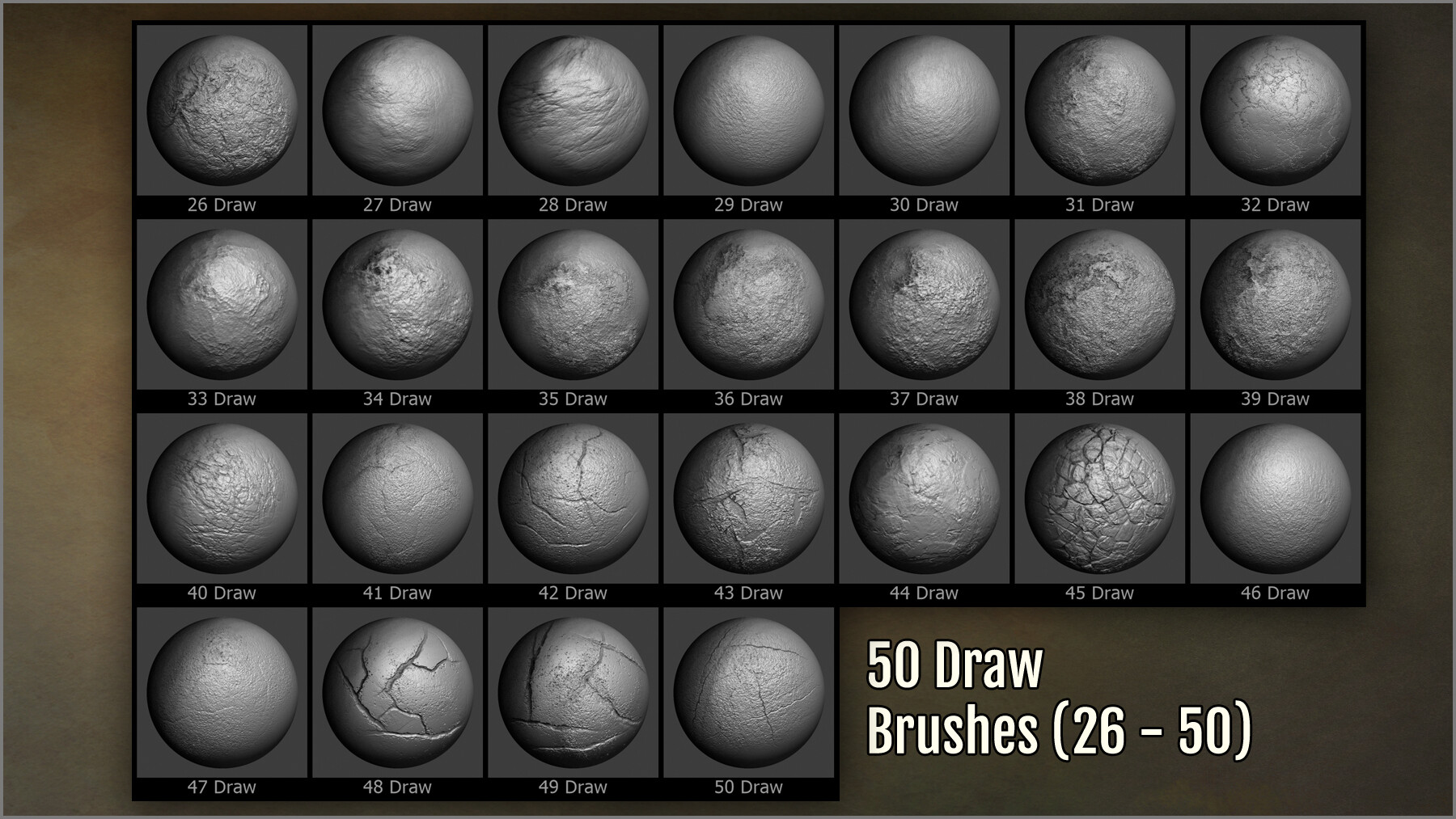
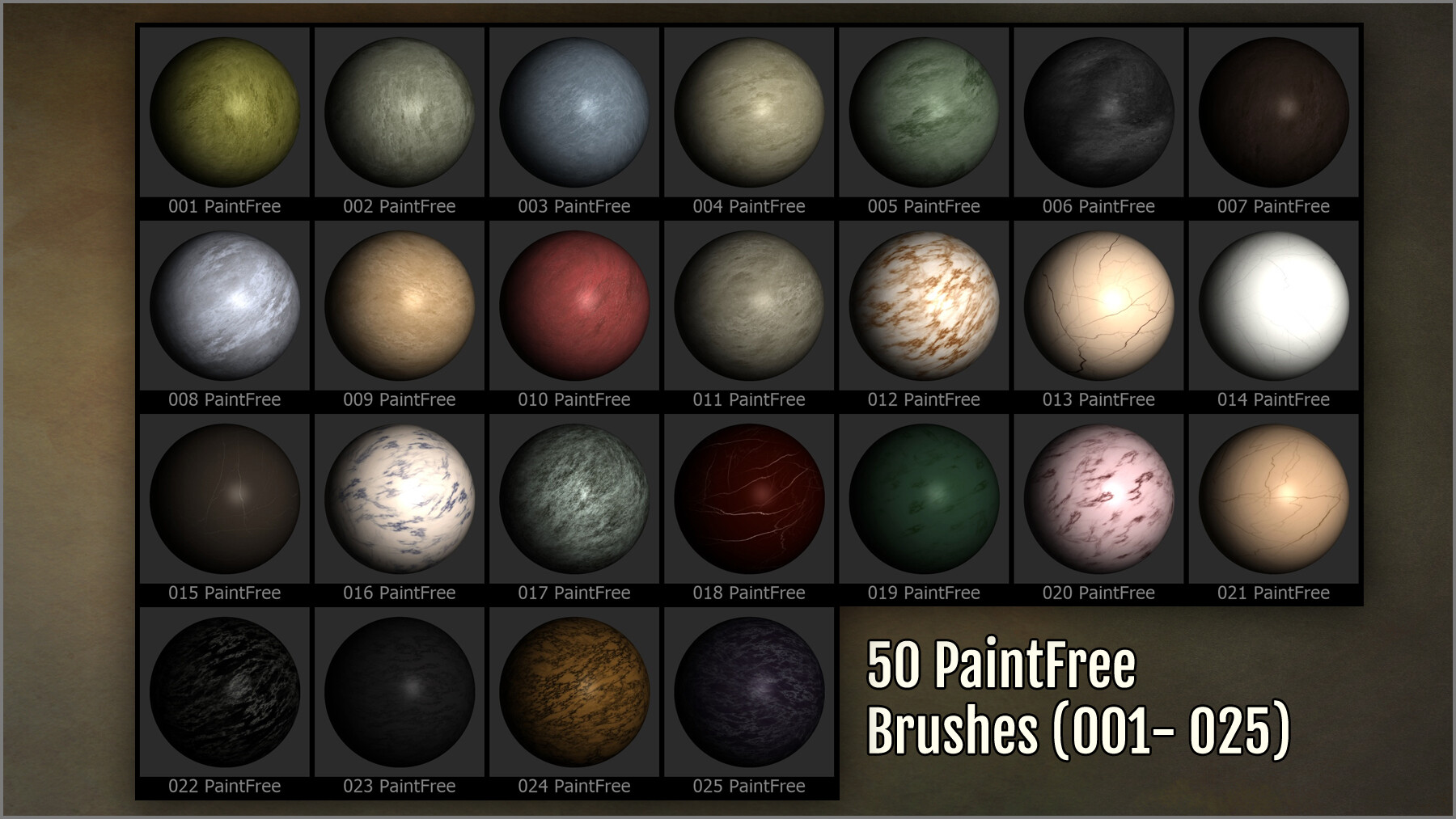
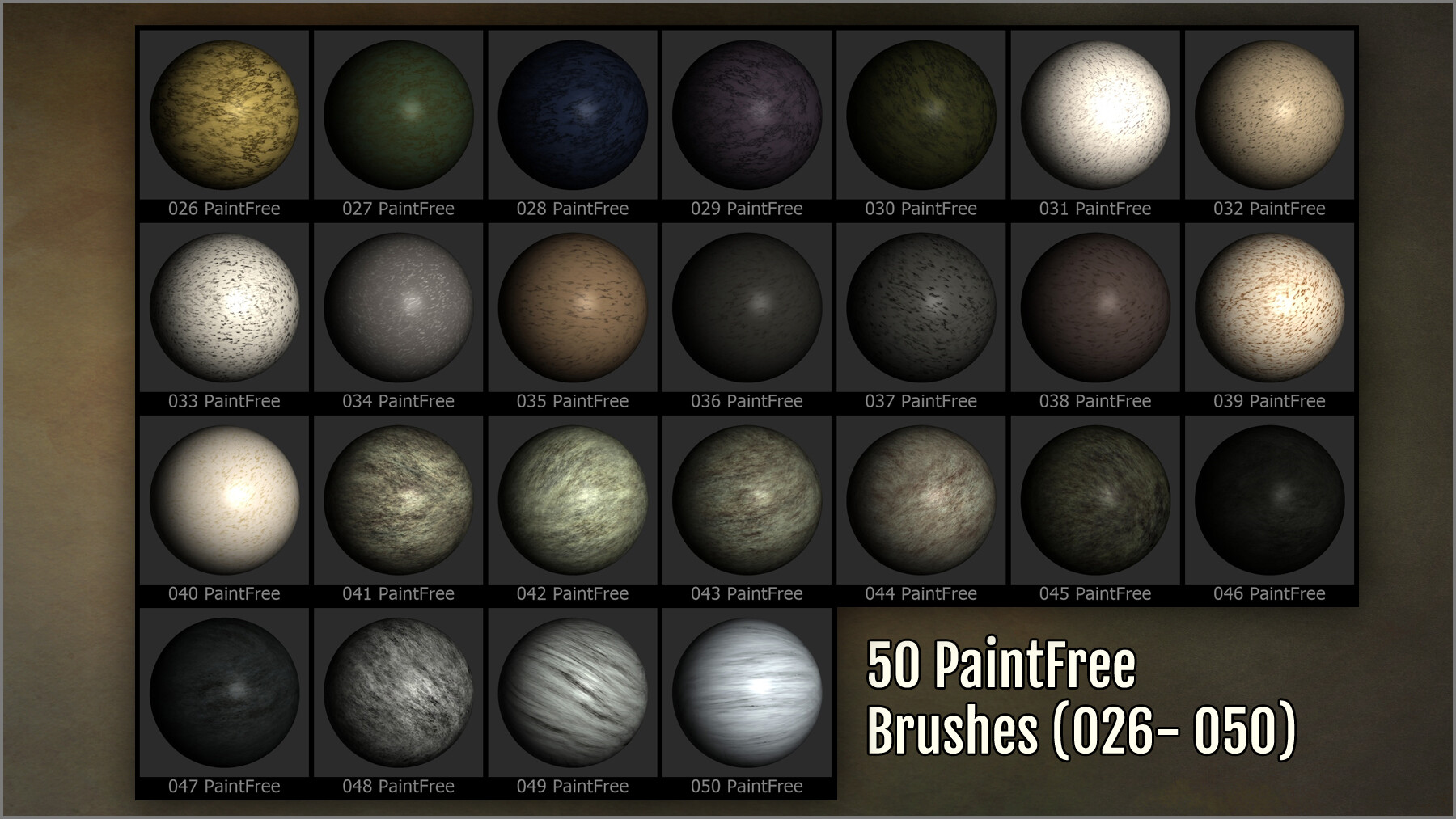
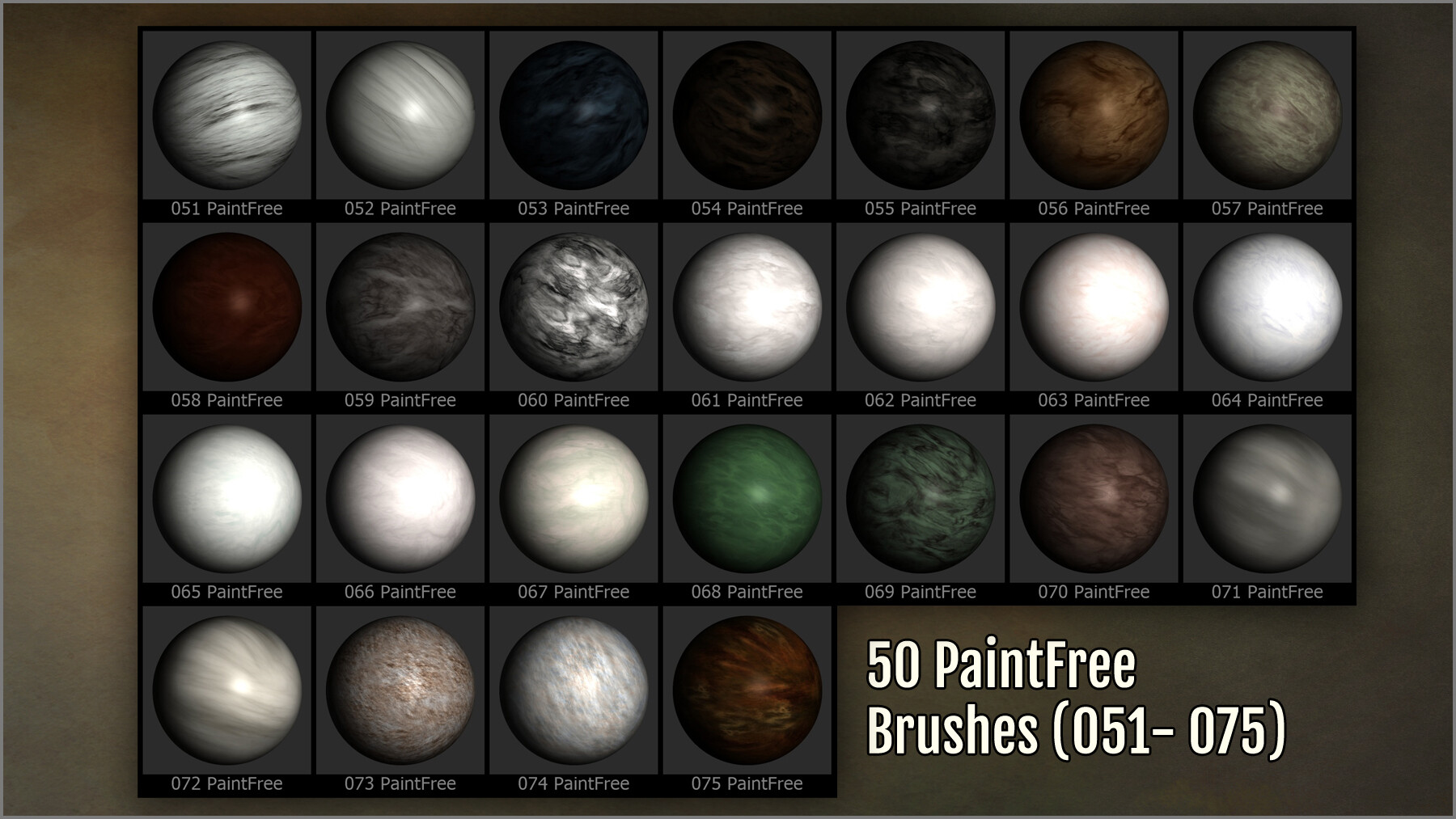
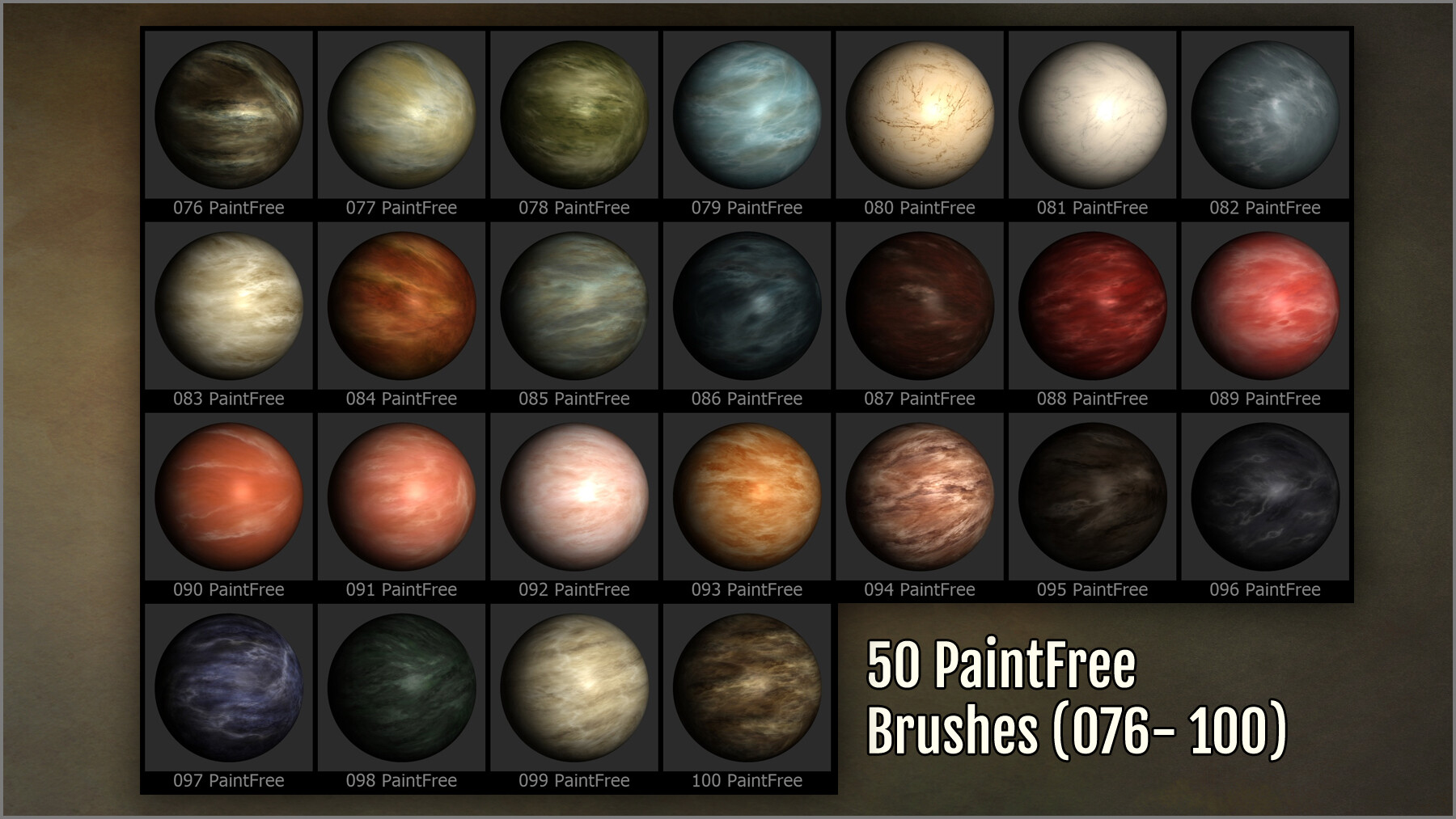
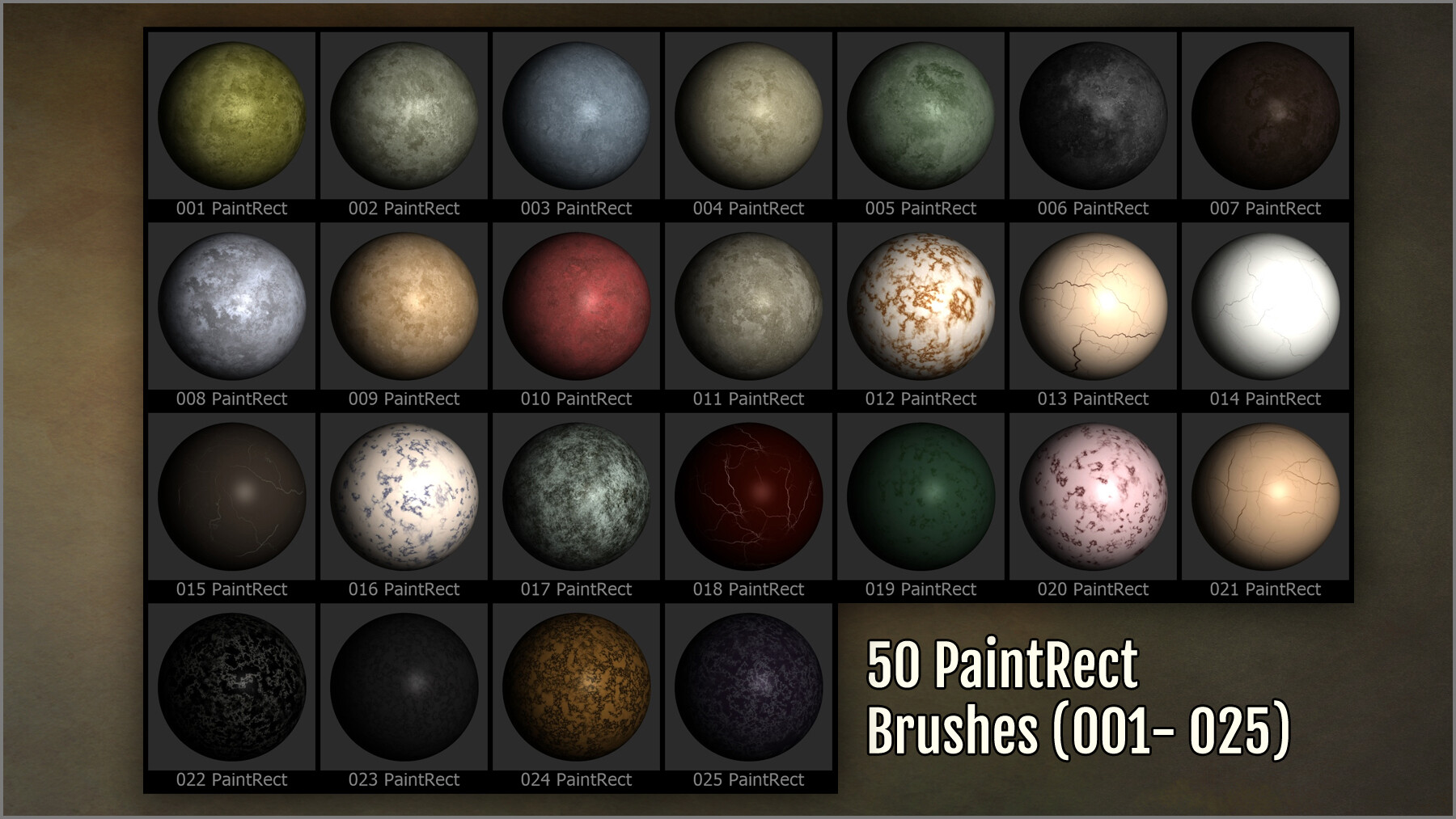
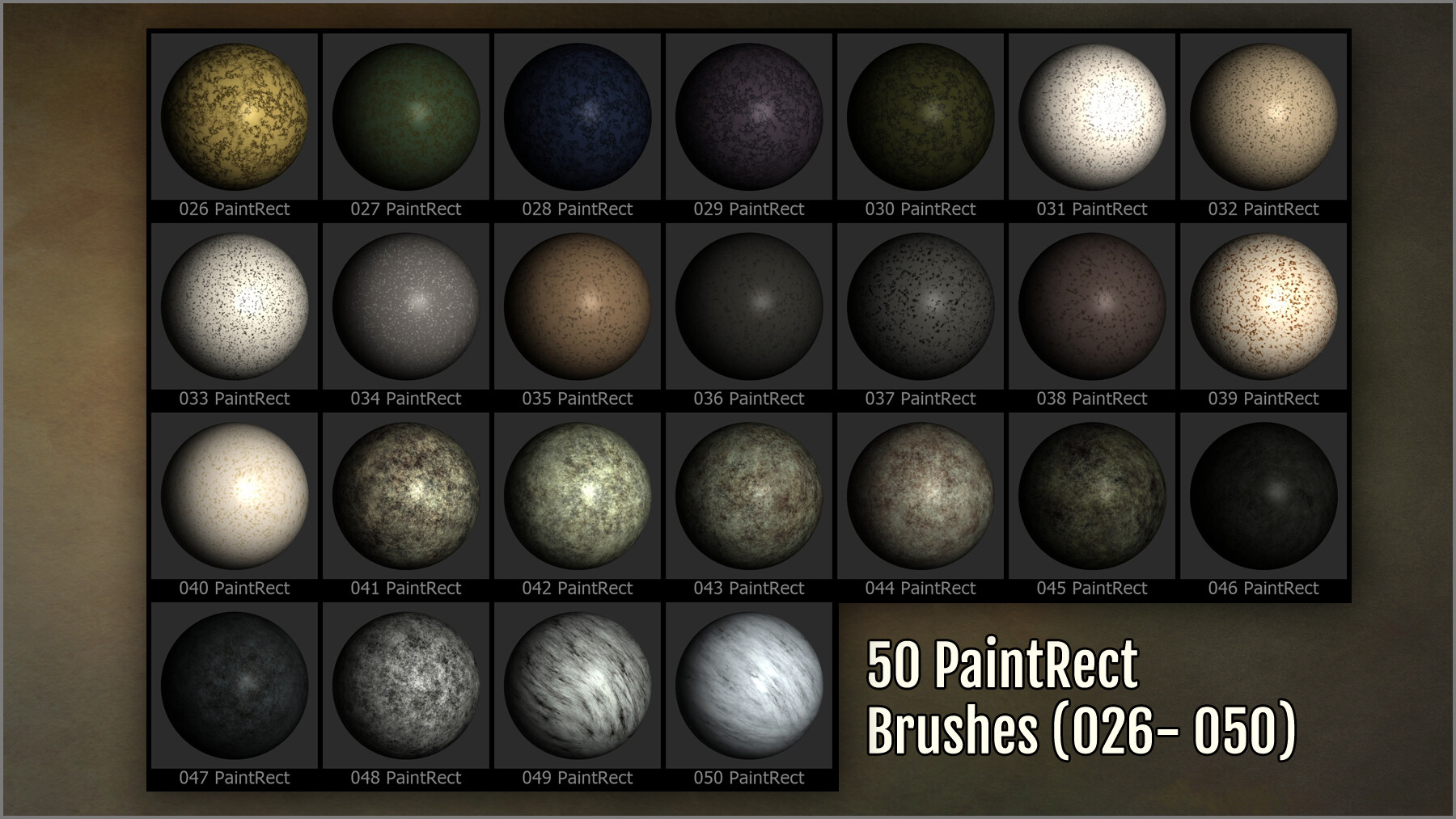
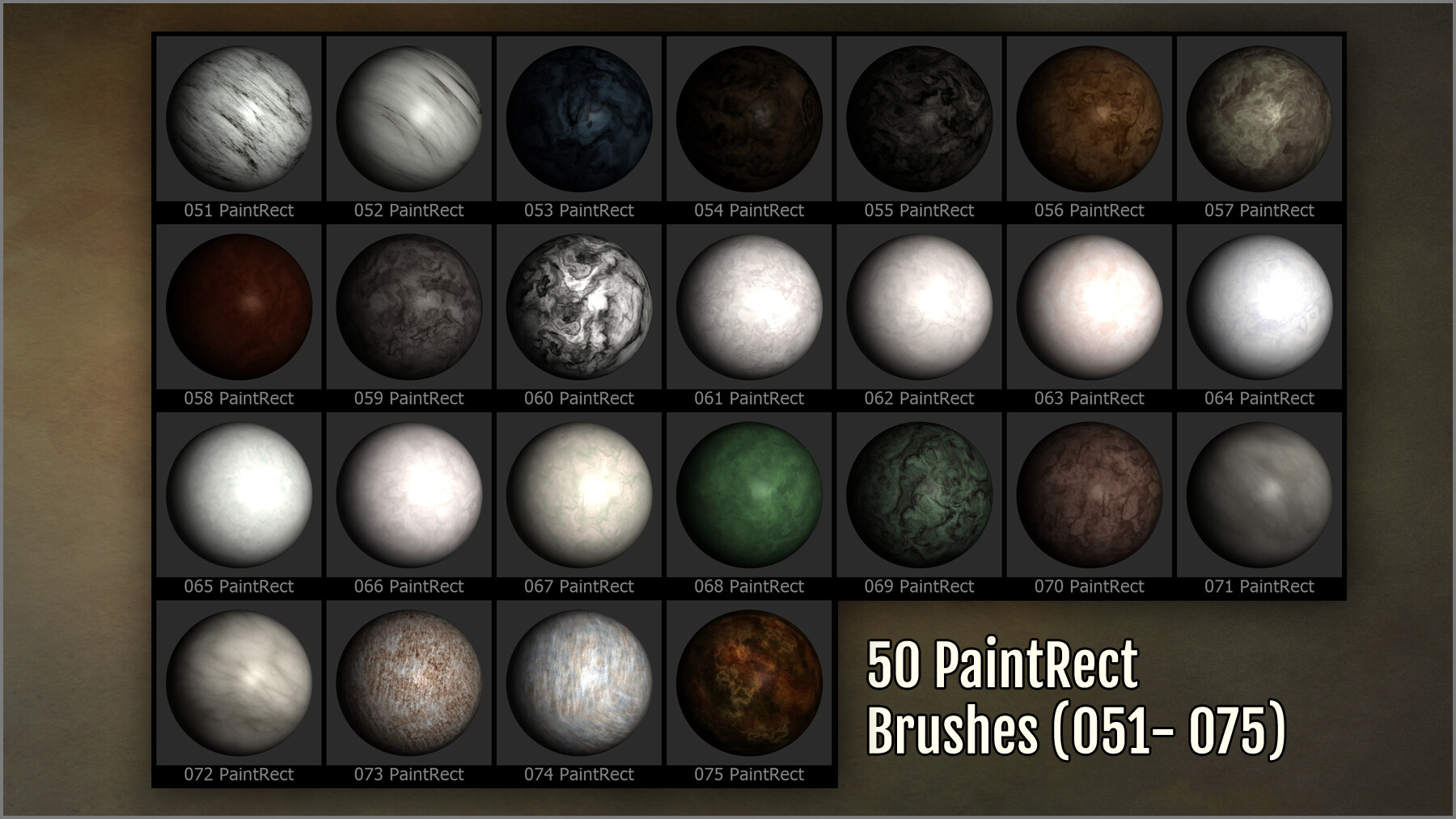
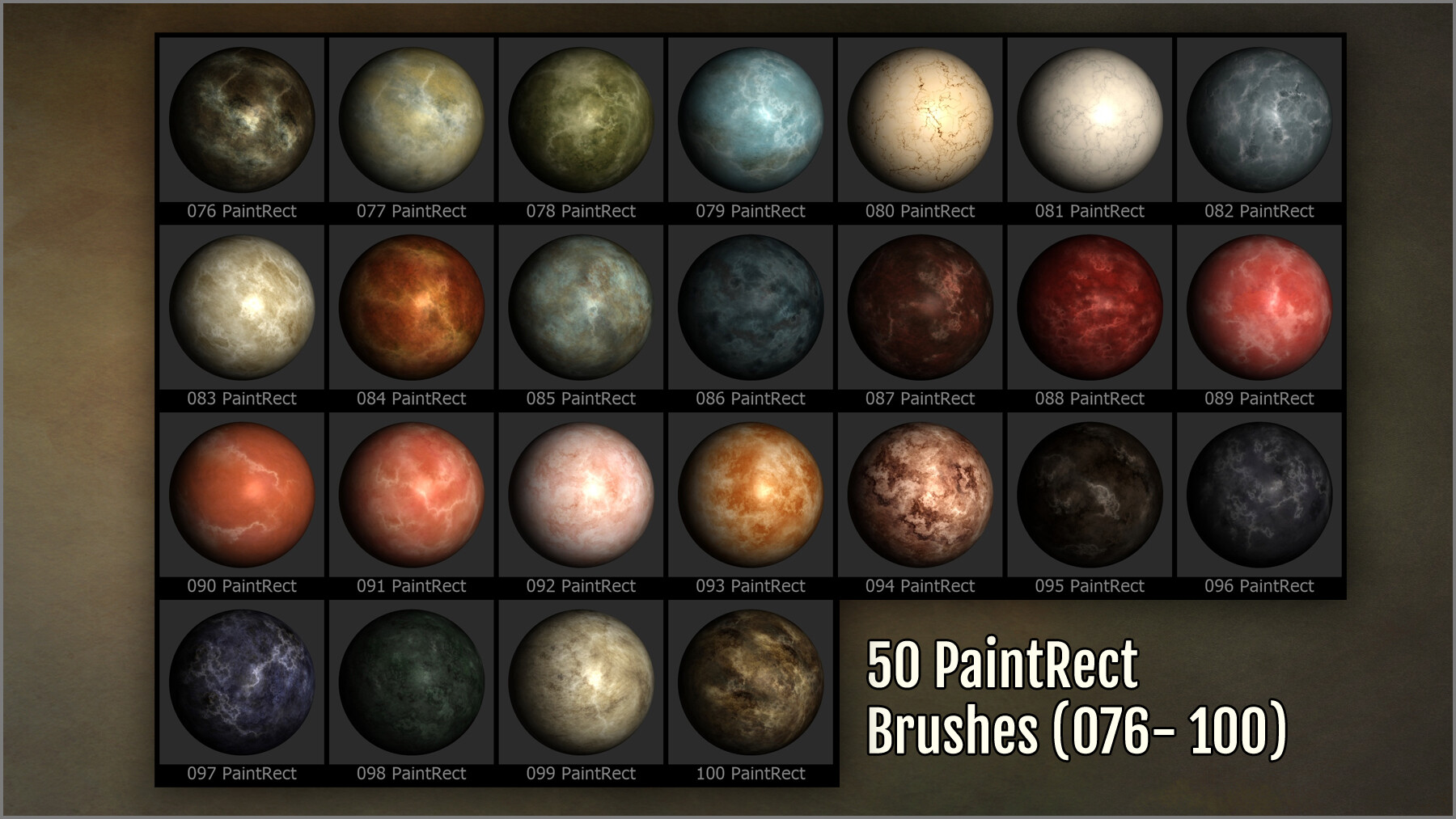

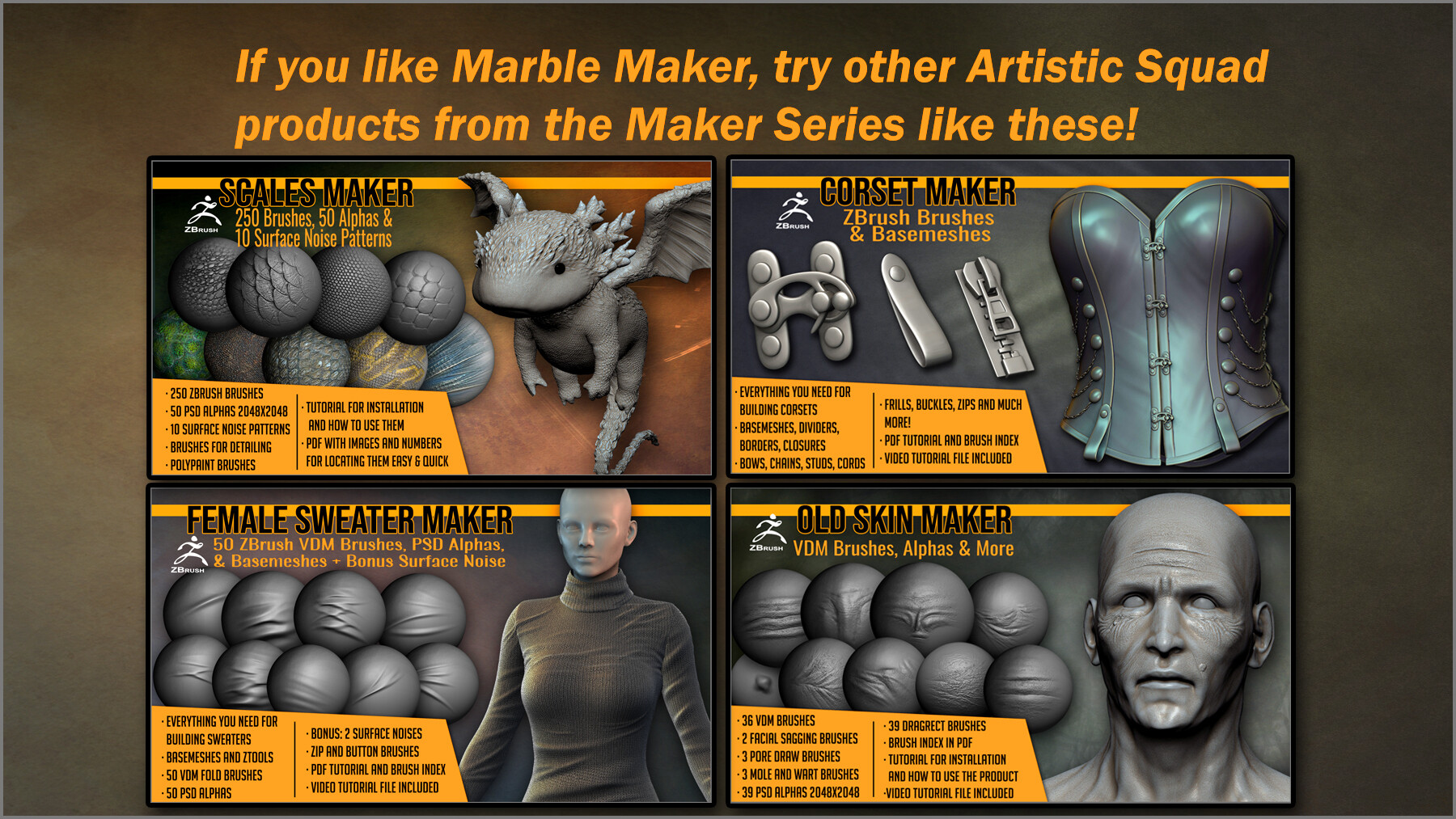
This product contains several useful tools for detailing, sculpting and painting all kinds of marble, for statues, buildings, and marble props:
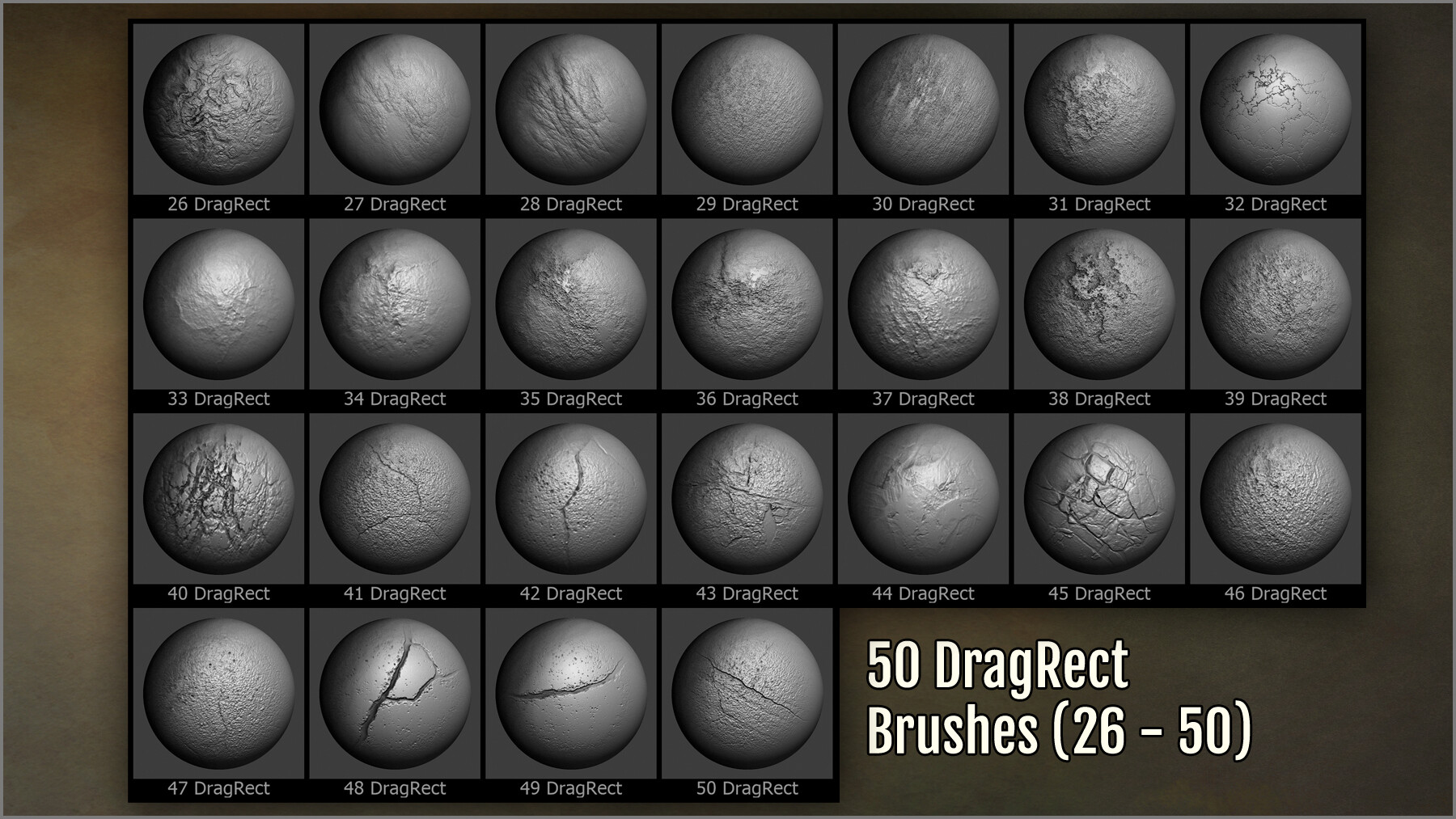
- 300 ZBrush brushes for surface detailing, texturing, and polypainting: dragrect, draw brushes, paint freehand brushes, and paint dragrect brushes.
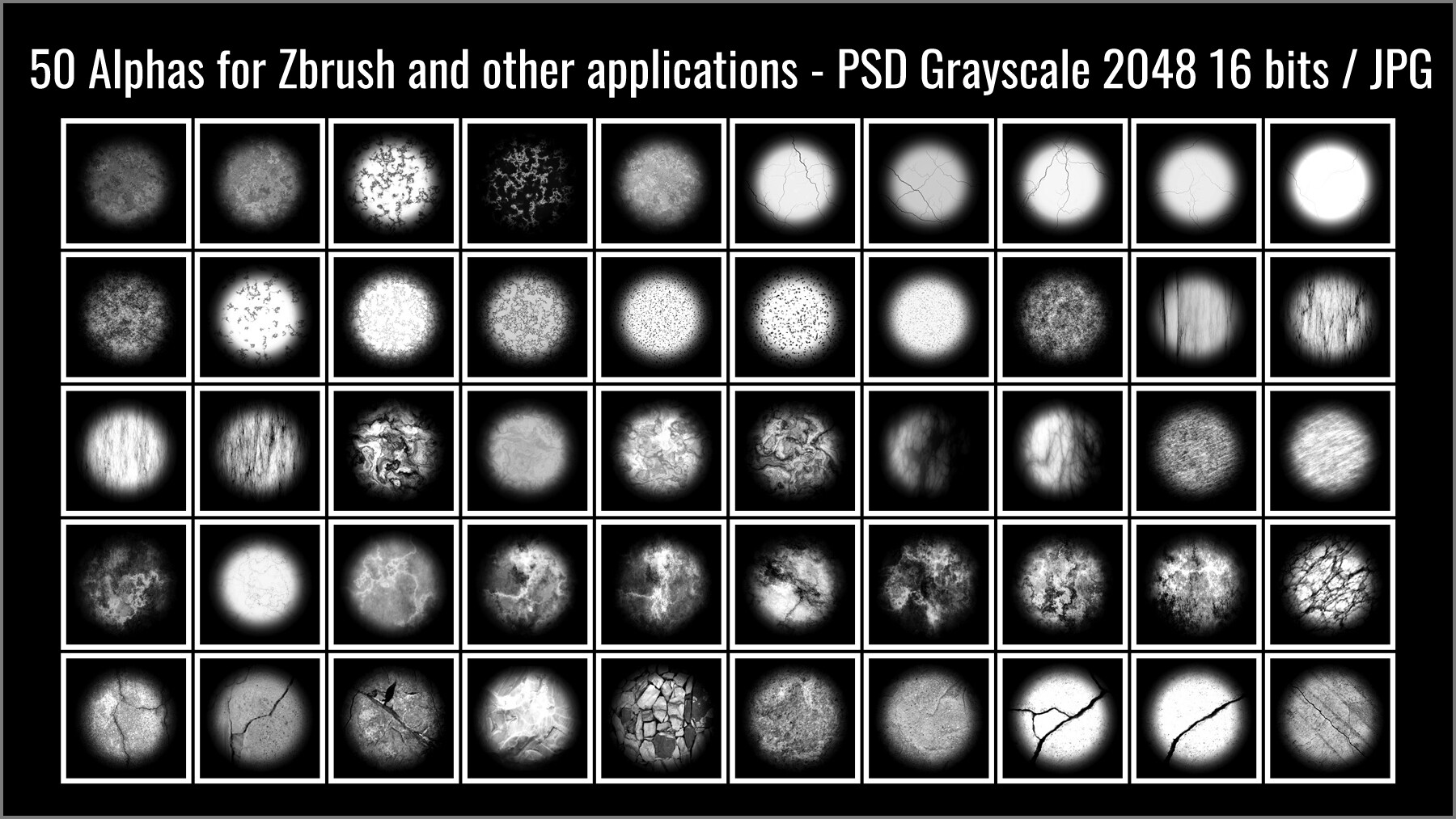
- 50 PSD Alphas that you can use in ZBrush and other 3D apps that use alphas. 2048x2048 pixels, 16 bits, grayscale, in PSD and JPG, for all 3D applications.
- 100 Seamless Textures of marble that you can use in your models.
- A PDF tutorial.
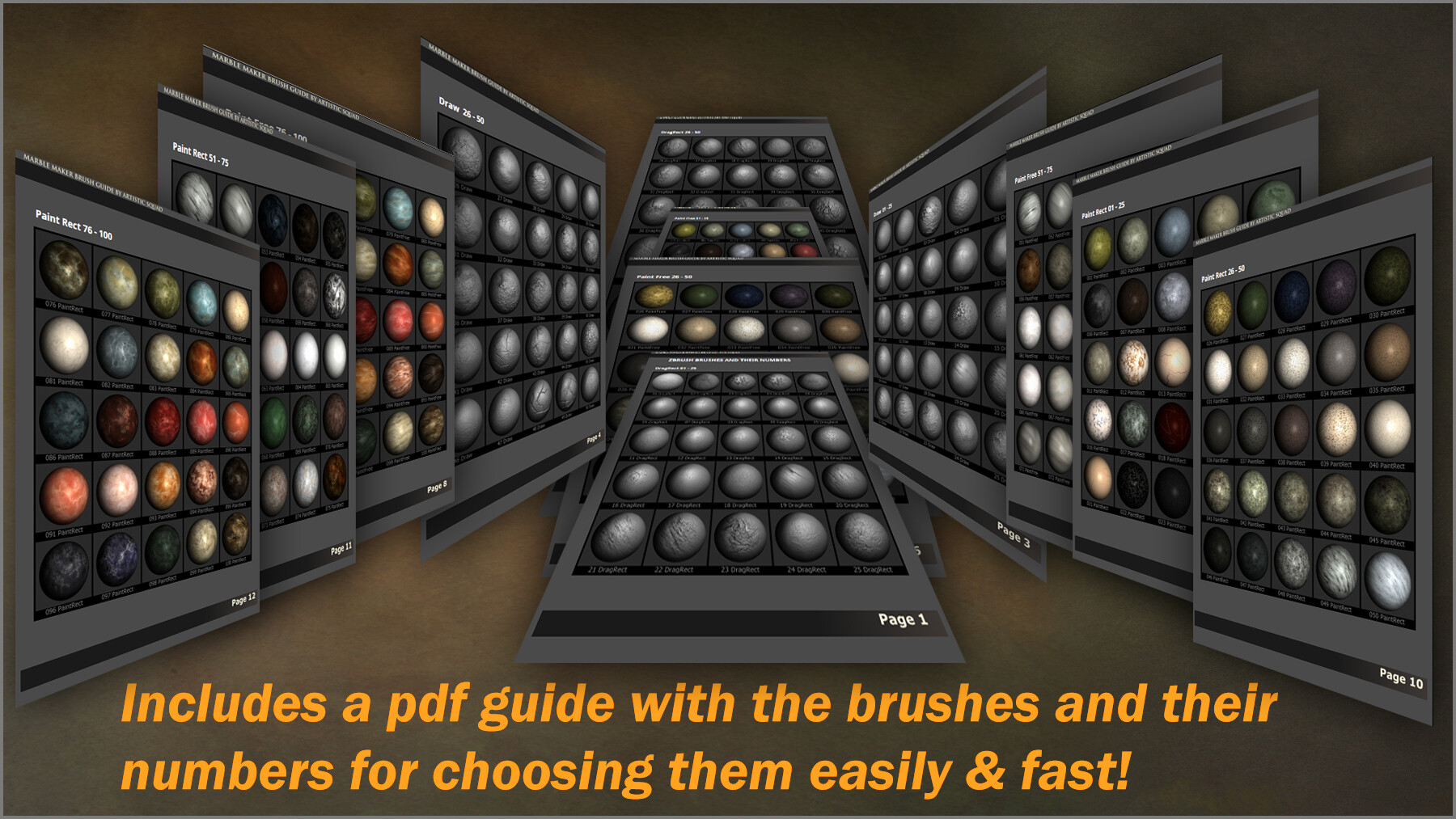
- A PDF index of the brushes so you can choose them easily.
- A video tutorial, that you can also find on YouTube (in our channel), but is included in our product for your future reference.
The ZBrush brushes include different kind of brushes:
- DragRect surface detailing brushes that you can click and drag to set the position and size of the detail.
- Special Draw brushes that have settings to allow you to paint the details in an artistic way, as if you were drawing them. This way they have direction and uniqueness, and look natural.
- Two types of Paint brushes: PaintFree, that allow you to paint texture freely like the Draw brushes, and PaintRect, in which you click and drag to paint the texture. You can use both together for painting textures, and then add the surface bump that you like with the DragRect and Draw brushes.
COMPATIBLE WITH: ZBrush 2021.6 and up (updating from 2019 to 2021.6 or more is free and easy).
CATEGORIES
Special Offer! Get 10% off when you buy 2 products. Get 15% off when you buy 3 or more products. Applies to all products from this seller only from USD $1.00 to USD $100.00
Standard License
USD $9.99
License: Standard License
Stock Assets
For personal use and one commercial project (up to 2,000 sales or 20,000 views).
TutorialsOne copy to be used by a single user.
Installable ToolsOne installation by a single user.
Learn MoreFiles (1)
Extended Commercial License
USD $29.99
License: Standard License
Stock Assets
For personal use and one commercial project (up to 2,000 sales or 20,000 views).
TutorialsOne copy to be used by a single user.
Installable ToolsOne installation by a single user.
Learn MoreFiles (1)
https://artstn.co/m/GkOaR
Copied
Ratings & Reviews
Sort by:LikesDate
Reviews (2)
 Brian Young
20Report| Release v.1.0 | Standard License | almost 4 years ago
Overall it's a nice package for texturing, but not so much for sculpting. The alphas are all made with a radial fade by default rather than just the marble pattern, this means unfortunately the brushes affect the overall shape of your mesh rather than just adding detail. PSD files are provided but have had their layers merged so this can't be corrected by the user. The texturing side however is spot on and works great!
EDIT: Support was prompt and has clarified how to change the alphas to affect just the surface.
almost 4 years ago
Thank you for the positive comments. The brushes have already set their strength so the amount of displacement applied to the mesh is minimal while keeping the sculpting details. But if you want them to affect even less, you can try this: load a brush, go to the "Alpha" menu of ZBrush. There, expand the "Modify" section, and click the button named "Surface" so it is highlighted (so menu Alpha / Modify and button Surface). This automatically adjust the middle gray of a brush. Now you can sculpt on your shape, and the amount of displacement will be very little or nothing at all, just the details of the brush. You can then set the zIntensity as you wish. If we can help you in any way please message us, we offer full support for customers.
 Nikko
Nikko10Report| Release v.1.0 | Standard License | over 5 years ago
Really work on this. Well designed.
about 5 years ago
Thank you so much! :)
Filter by Rating
Bundles with this product
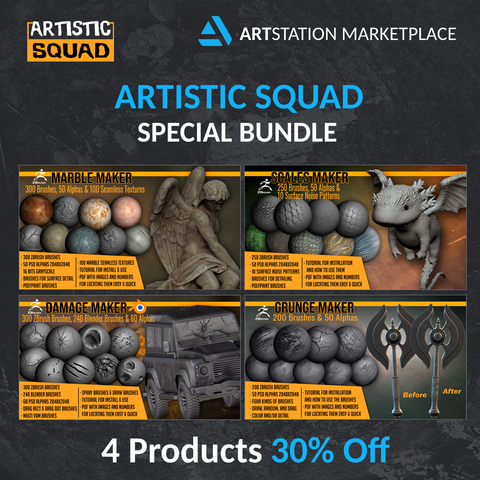

More by Artistic Squad



Add a tip for Artistic Squad
Tips are appreciated, but optional!