Sign Up with Epic Games
🔴CAUTION: BEFORE PURCHASING, CHECK VARIANTS AND LICENSES CAREFULLY and READ THE DESCRIPTION🔴
**(NOTE: the videos are not narrated, its a screen recording with shortcuts display)**
---------------------------------------------------------------------------------------
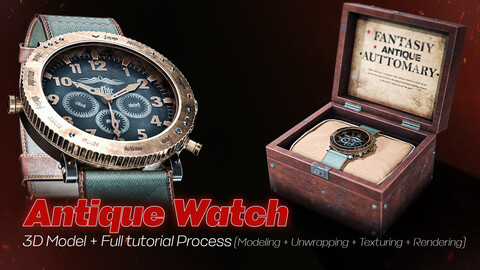
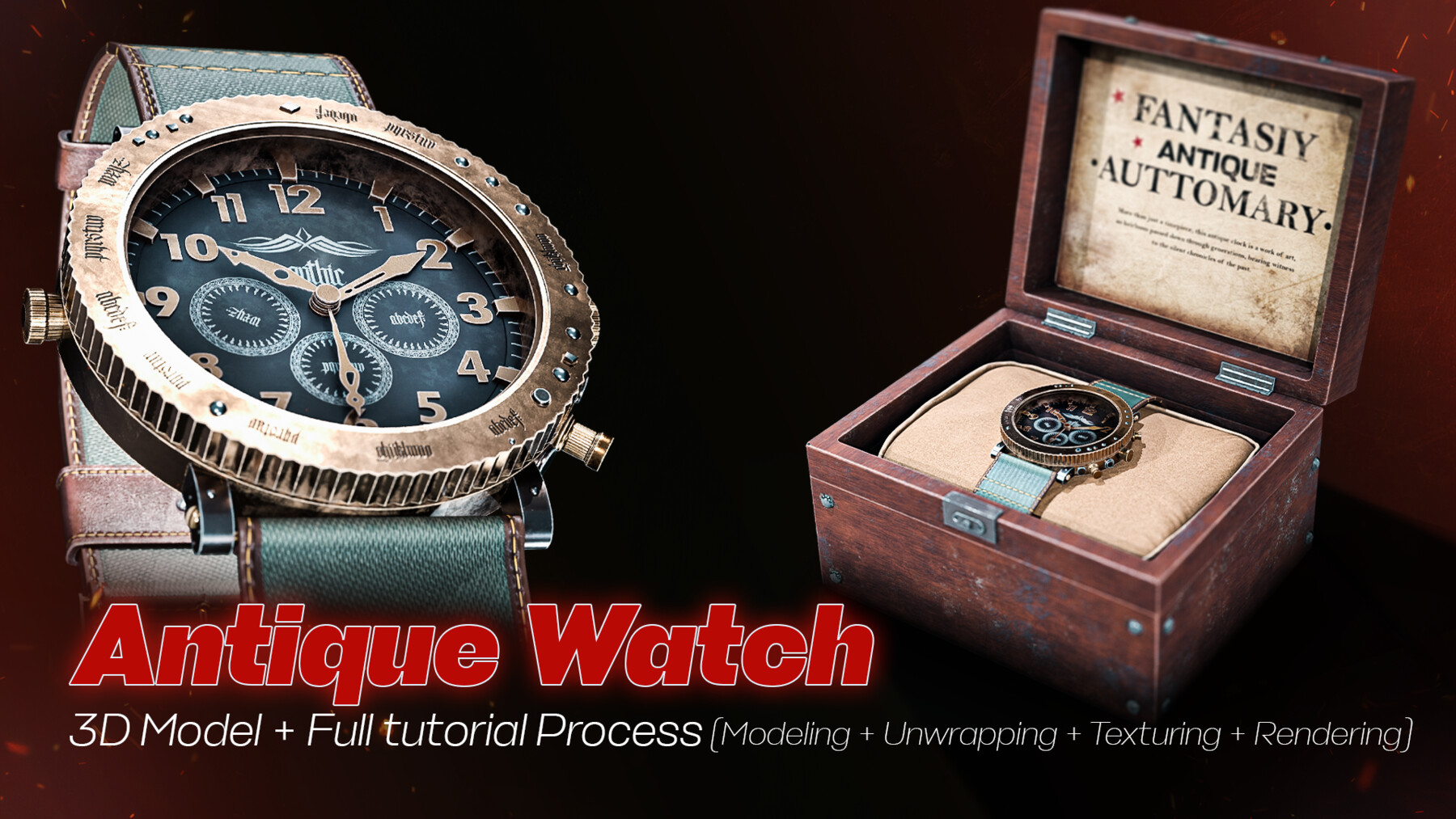
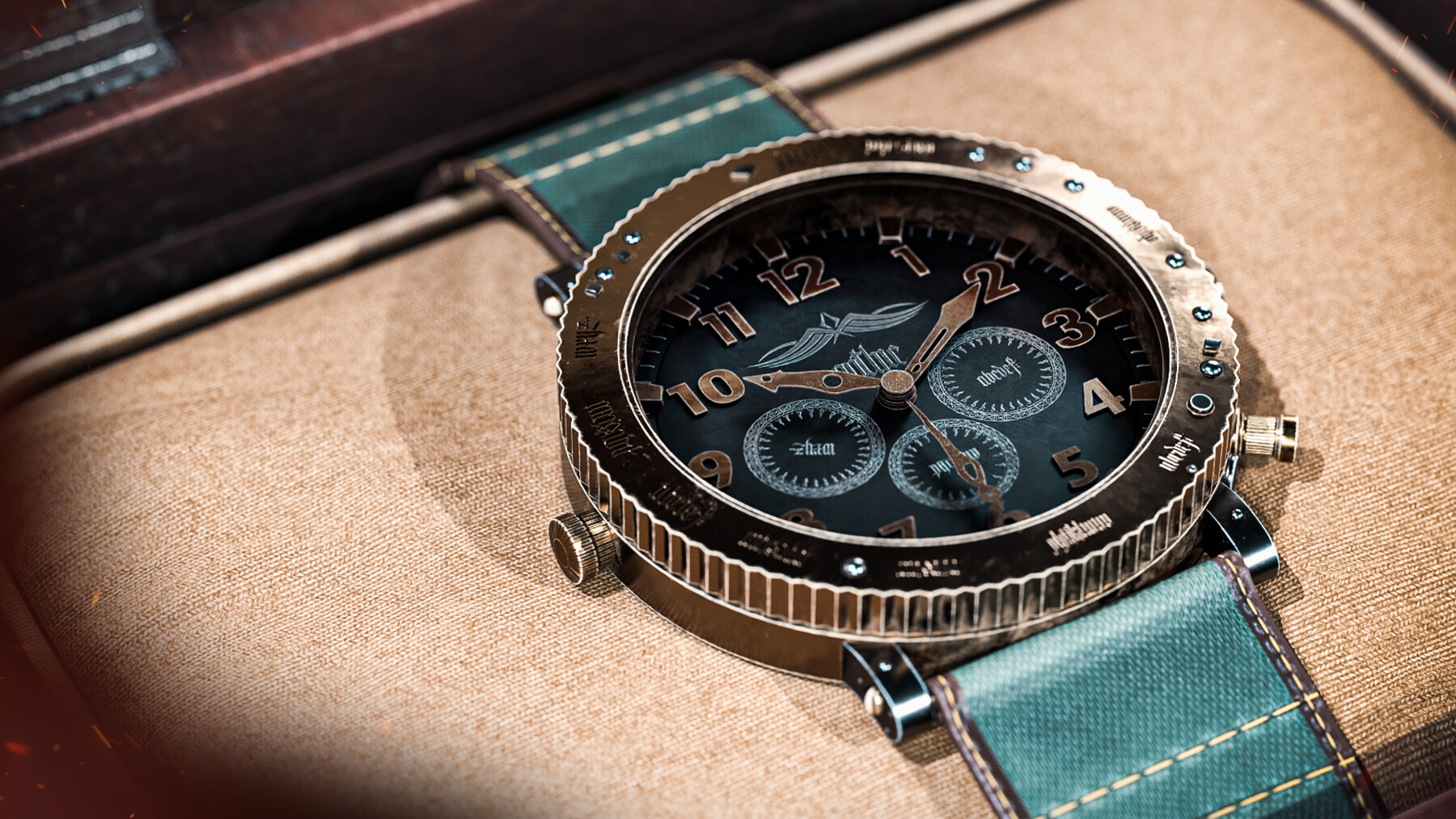
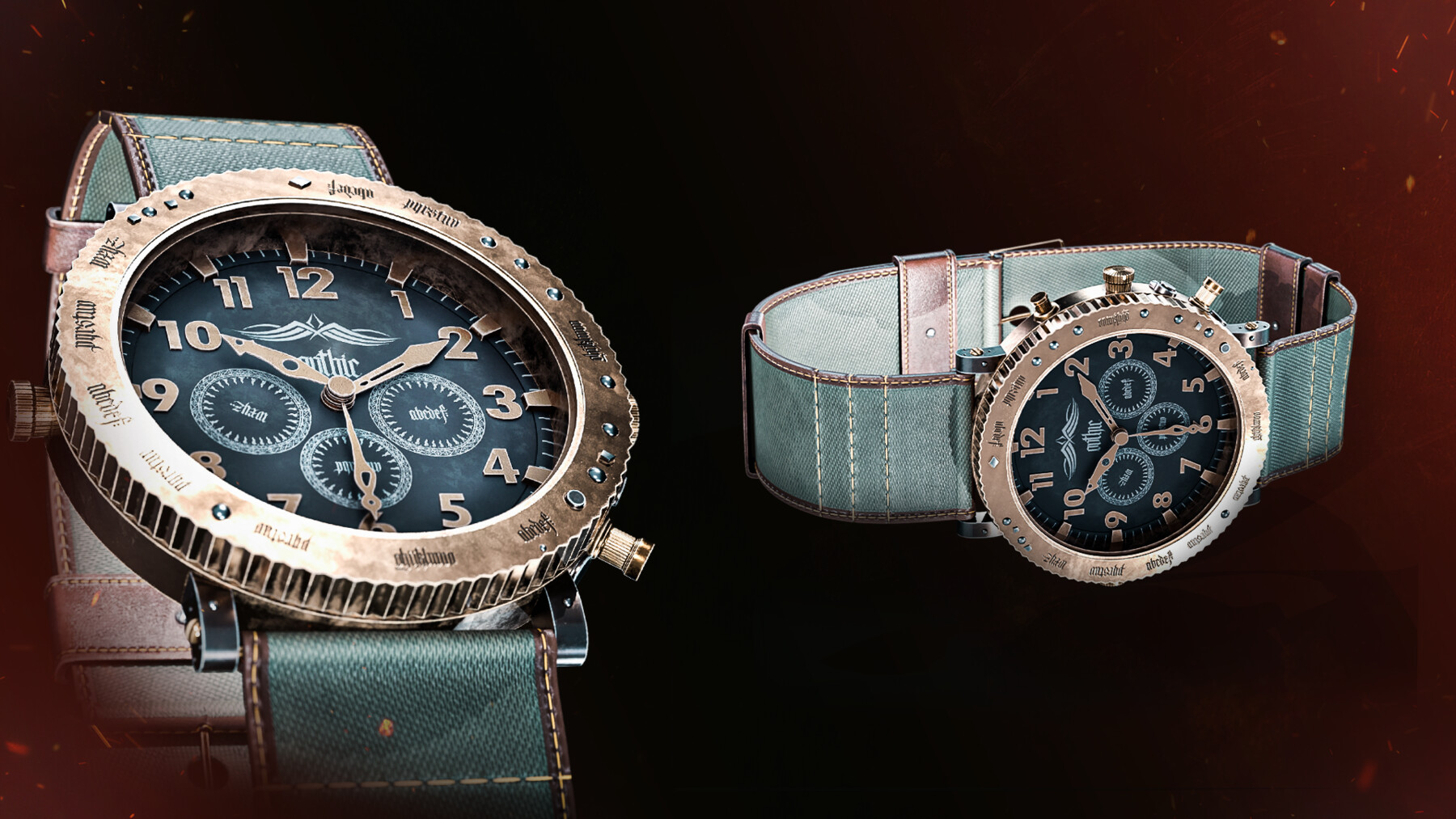
In this tutorial, we cover the entire process of modeling, unwrapping, texturing and rendering a Antique Watch.
You must have basic knowledge of this software to follow correctly.
✅ +9 hours full tutorial (Modeling,Unwrapping,Texturing,Rendering)
✅ Clean topology
✅ 4K textures in PNG
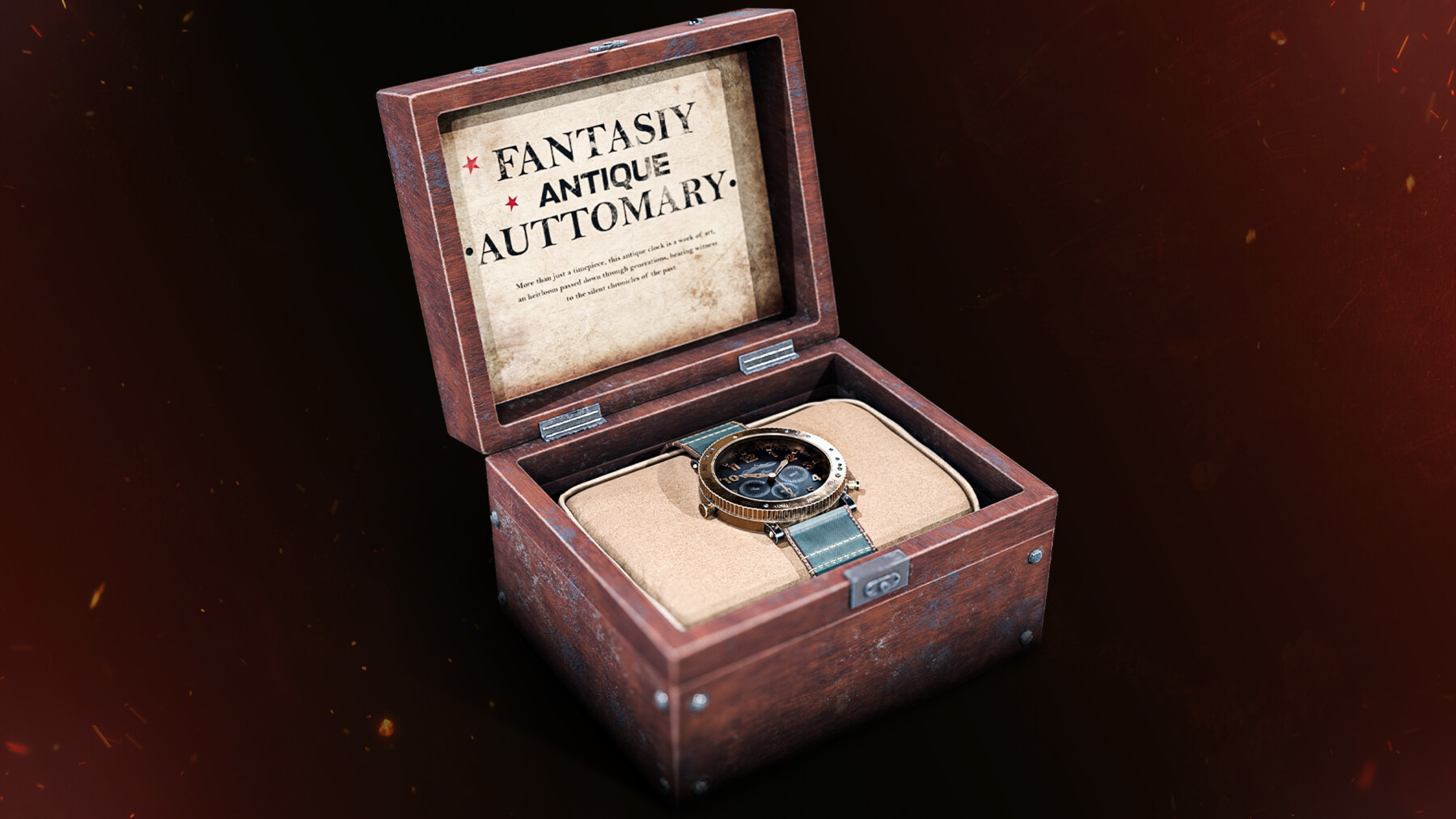
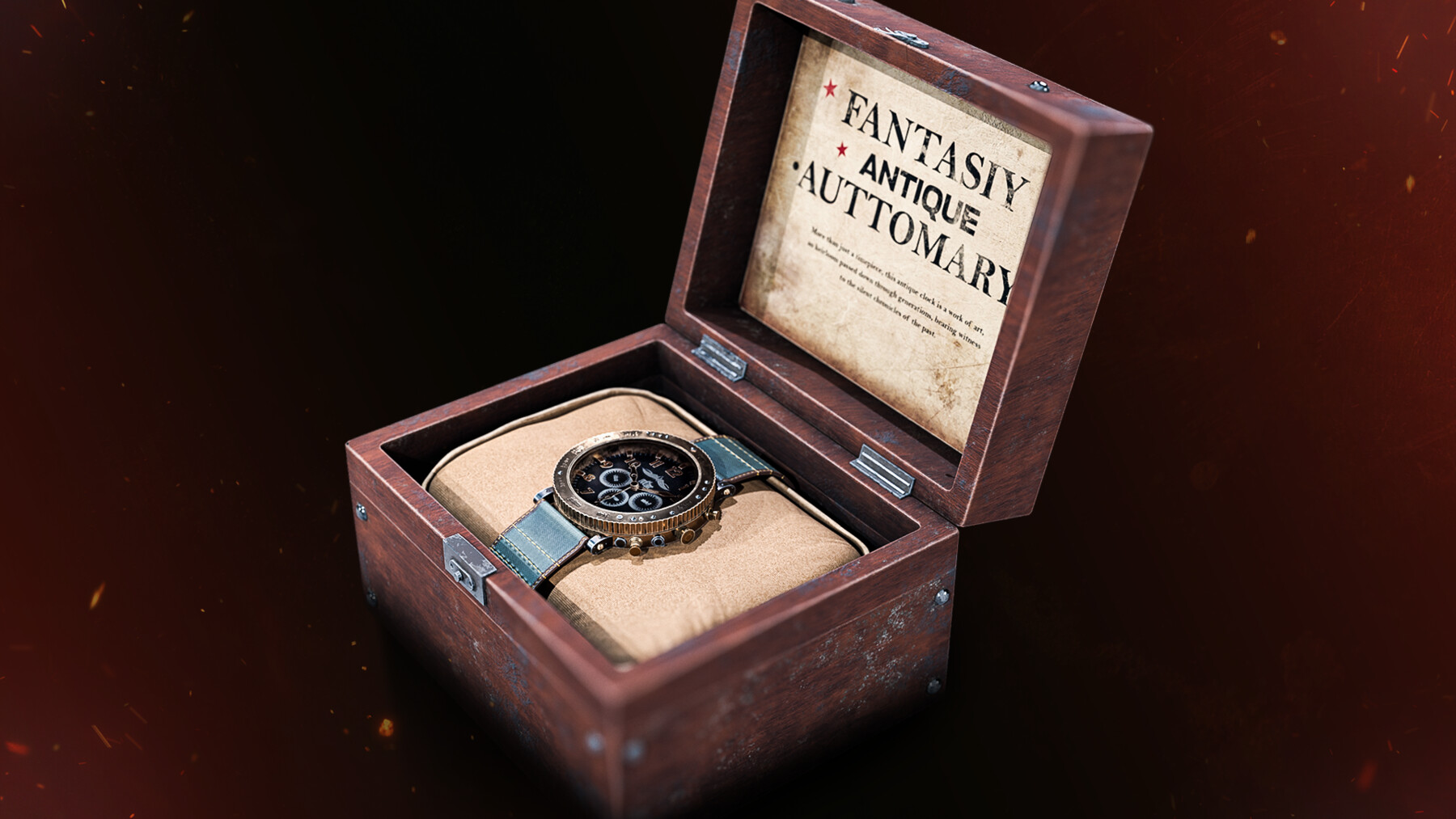
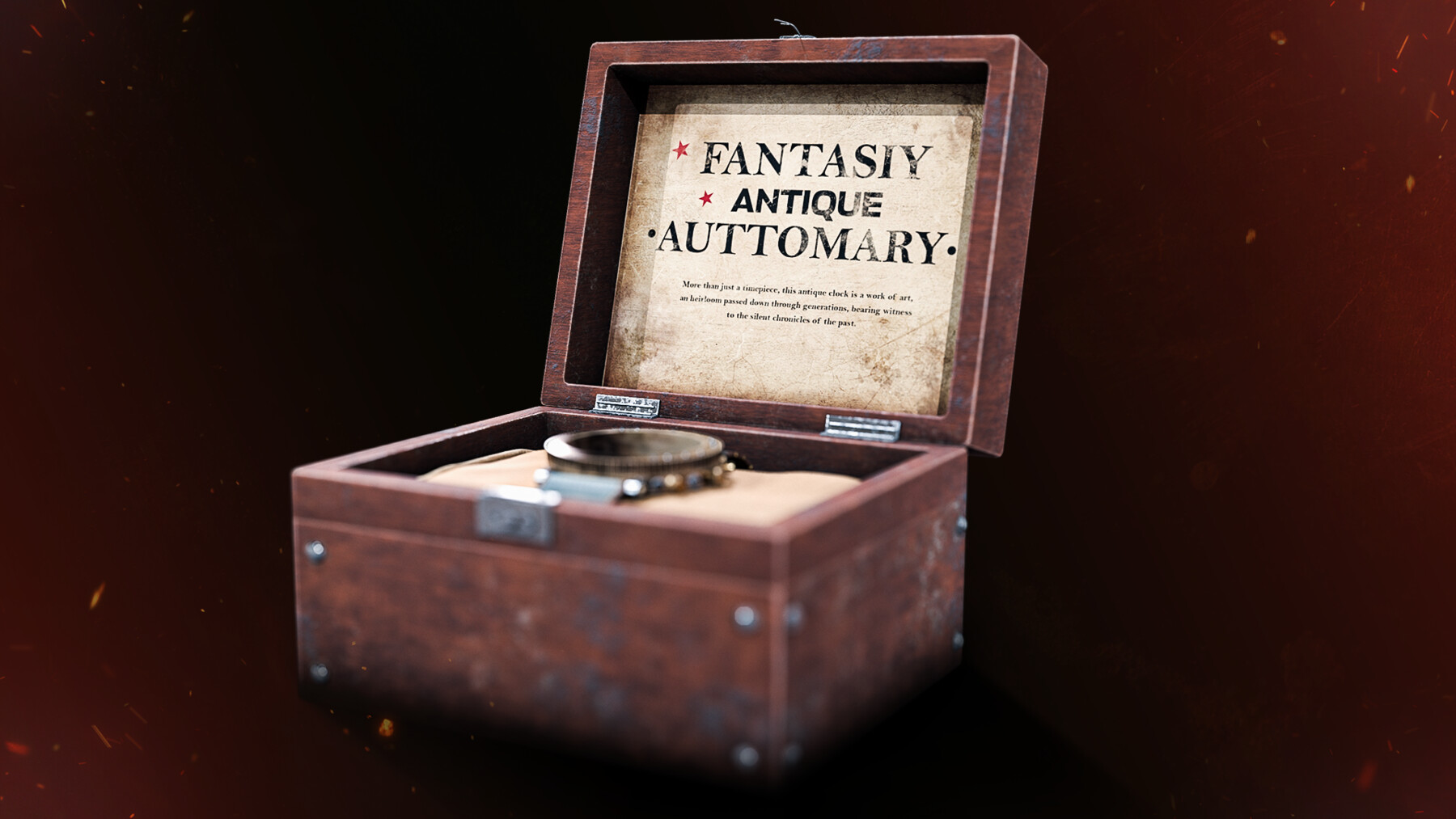
✅ Watch and Box Models & Textures
Tutorial pack contains:
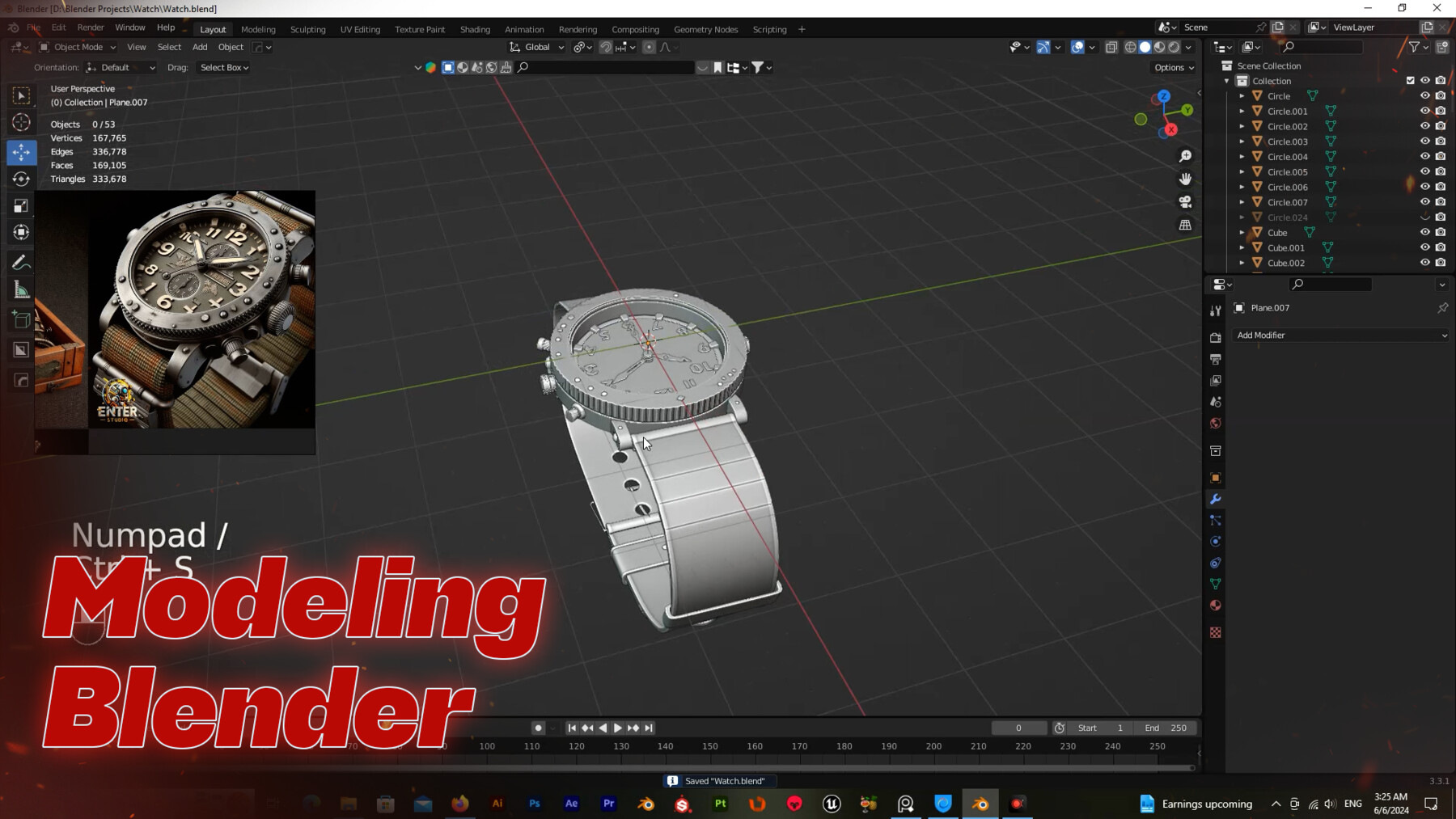
- Modeling(Blender)
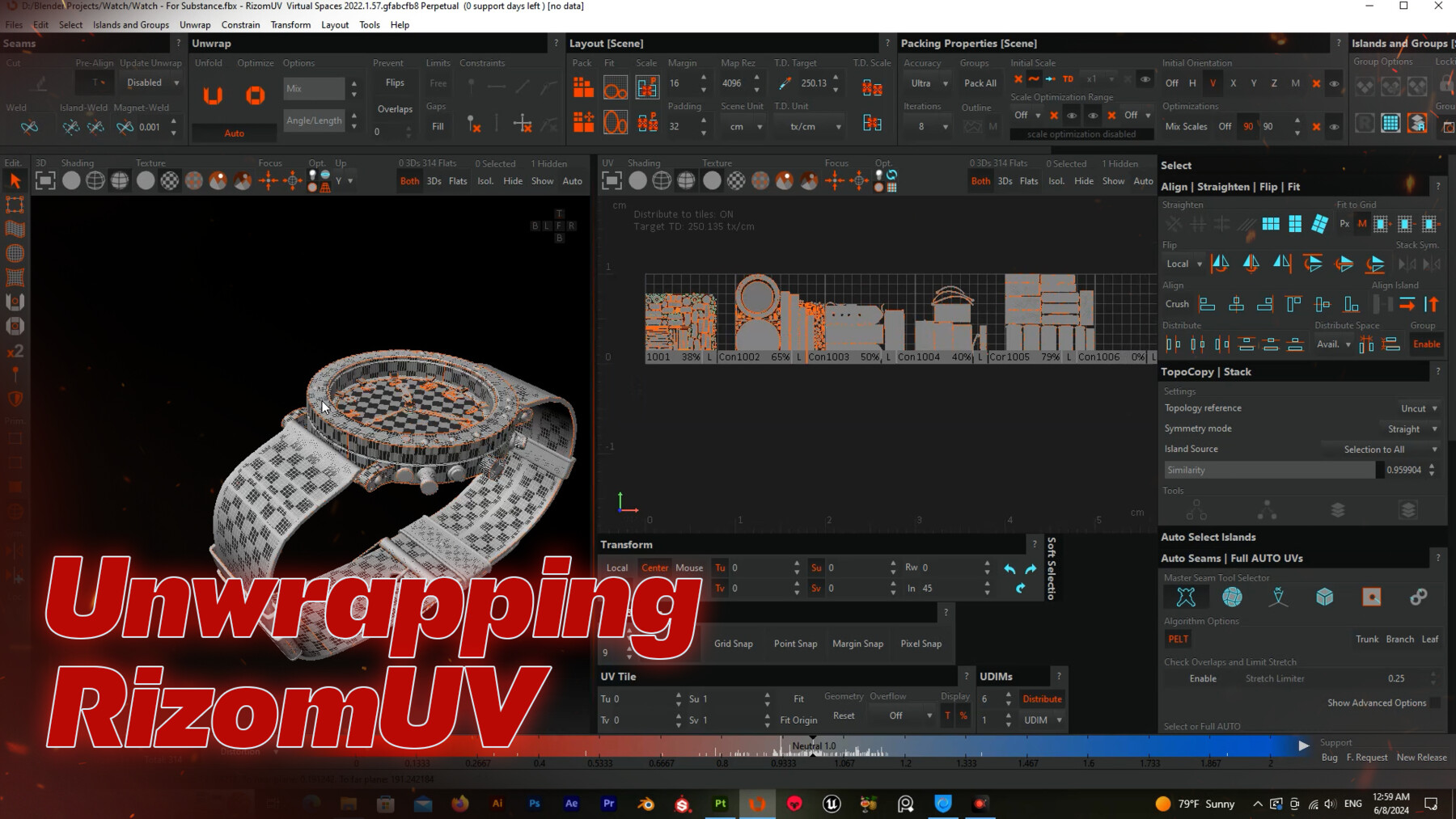
- Unwrapping(RizomUV)
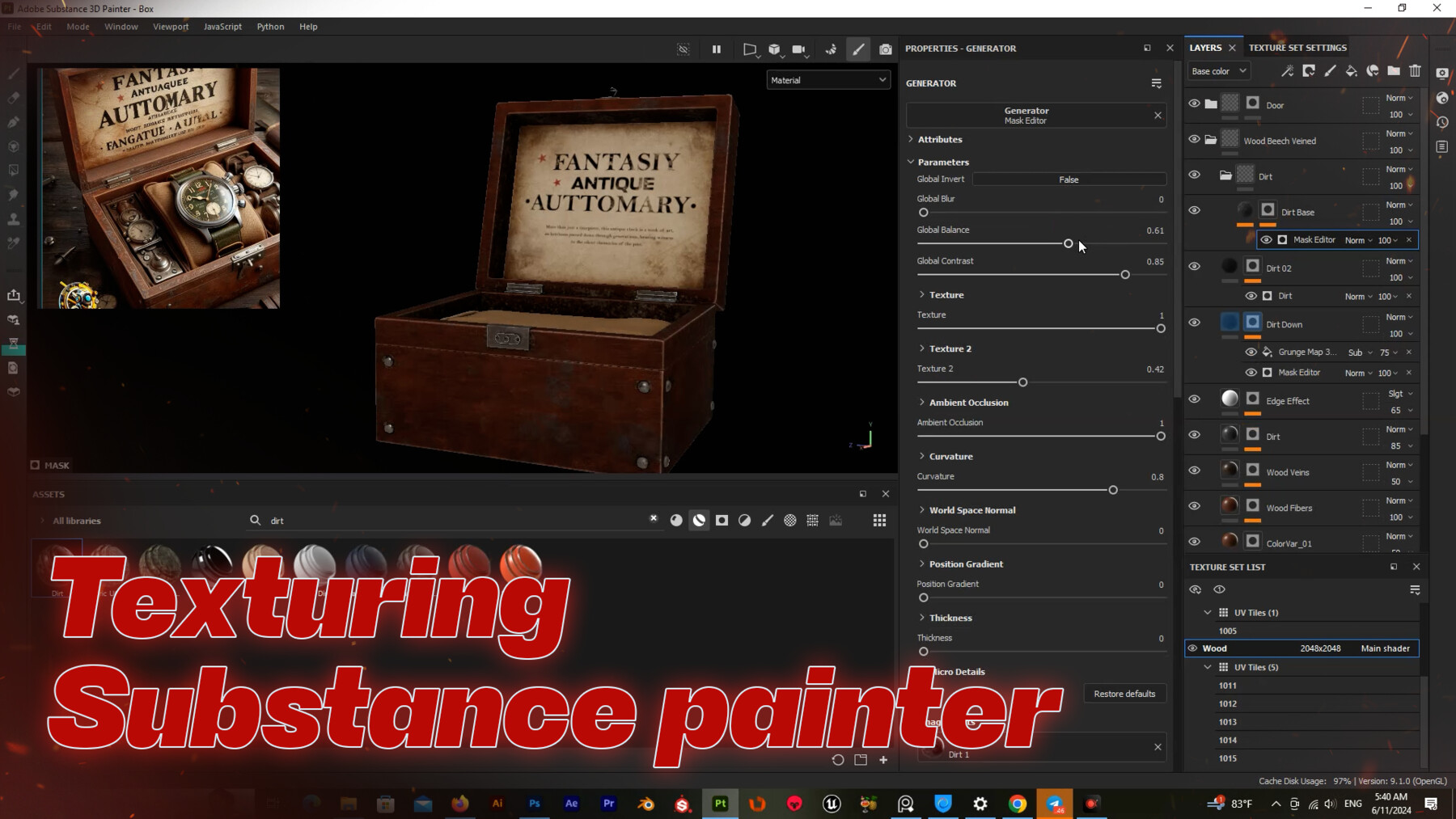
- Texturing(Substance 3d painter)
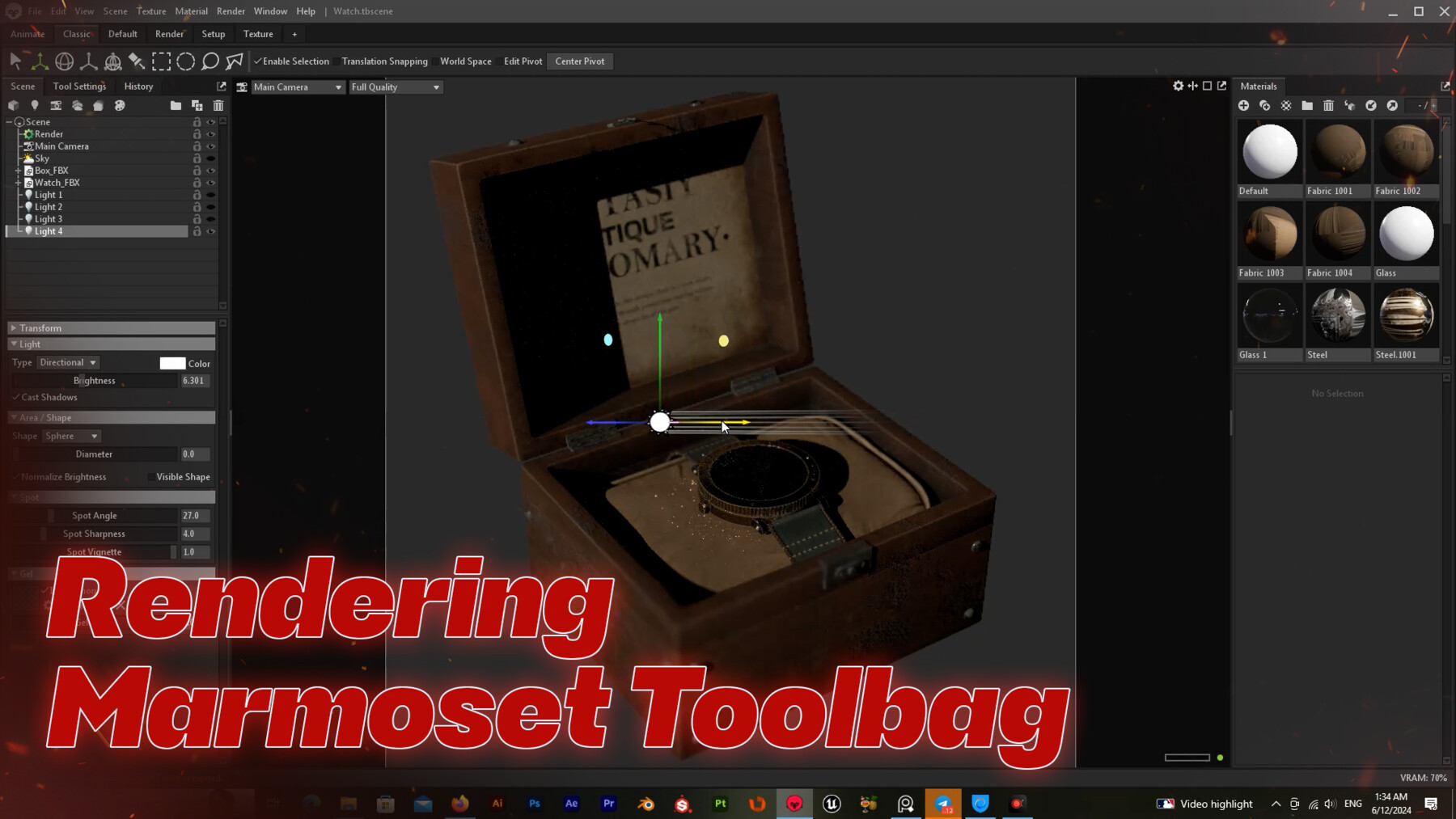
- Rendering(Marmoset Toolbag)
- Final edit(Photoshop)
Modeling Part: +4.5 hours of the process of modeling in Blender software. Everything is clear, and you can follow up easily on the modeling process.
Unwraping Part: +1 hours of unwrapping in Rizom UV. The UVs are clean and tidy. Before starting the texturing process, it must have a proper UV and we use RizomLab for this part. For large objects, you should open your project with different techniques to avoid low quality resolution after the texturing part!In this part, we use udims technique for this objects.
Texturing Part: +3 hours of texturing in the Substance Painter. Now it's time to Substance Painter and start the texturing process. In substance, we start with the UV tiles option in the project and manage material for udims method. In substance painter with uv tiles, you can paint and texture all the tiles together.
Rendering: +1 hours rendering part. The rendering is done inside the Marmoset Toolbag software.In this part of the tutorial, we first prepare the udims model in Blender. Then, in the Marmoset Toolbag software, we give the textures that we took from the Substance software to the model, and after setting the light and camera, we set the scene.
Final edit(Photoshop): In this section of the render tutorial, we will move on to the final editing of our 3D clock model in Photoshop. The goal is to enhance the visual quality of the model and add details and visual effects to it.
---------------------------------------------------------------------------------------
Softwares Used:
- Blender
- RizomUV
- Substance Painter
- Marmoset toolbag
- Adobe Photoshop
Textures pack contains:
- 4K Texture
- PNG
3D models pack contains:
- Watch (Blend, FBX, OBJ)
- Box (Blend, FBX, OBJ)
---------------------------------------------------------------------------------------
Watch Mesh properties:
- Vertices: 168.155
- Triangles: 501.391
Box Mesh properties:
- Vertices: 35.178
- Triangles: 334.264
---------------------------------------------------------------------------------------
🔴Warning: Read and check all types of licenses carefully before purchasing 🔴
---------------------------------------------------------------------------------------
🔹 Free Tutorial:
Robot / 3D model - Free Full Tutorial Process
---------------------------------------------------------------------------------------
🔹 Another Products:
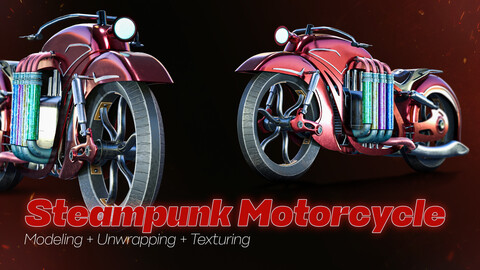
Steampunk Motorcycle / 3D Model + Full Tutorial
Mr Bean cars / 3D Model + Full Tutorial Process
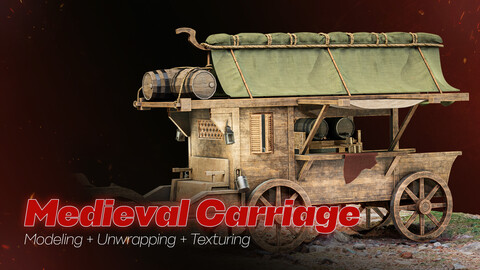
Medieval Carriage / 3D model + Full Tutorial Process
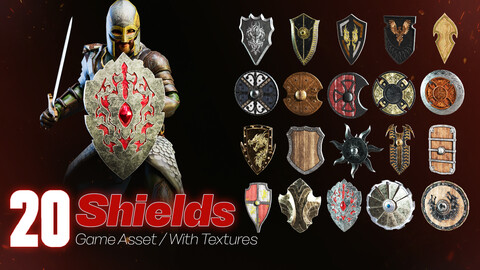
20 Shields / Game Asset + With Texture
20 Axes & Hammers / Game Asset + With Texture
CATEGORIES
Tutorials / 3D Model+4k Textures(Standard License)
USD $15.00
License: Standard License
Stock Assets
For personal use and one commercial project (up to 2,000 sales or 20,000 views).
TutorialsOne copy to be used by a single user.
Installable ToolsOne installation by a single user.
Learn Morethis variant contain 3D Model, 4k Textures , Tutorials and Refrences.For personal use. Read MoreRead Less
Files (5)
Educational/Company license (Unlimited)
USD $89.90
License: Extended Commercial License
Stock Assets
For use on an unlimited number of commercial projects with no limits on sales or views.
Learn MoreThis type of license includes 3D models and 4k textures. This license is for use in an unlimited number of commercial projects without restrictions on sales or visits, or for companies or teams where multiple people will use the product. Read MoreRead Less
Files (5)
https://artstn.co/m/w23Rk
Copied
More by Navid Naderi


Add a tip for Navid Naderi
Tips are appreciated, but optional!