Sign Up with Epic Games


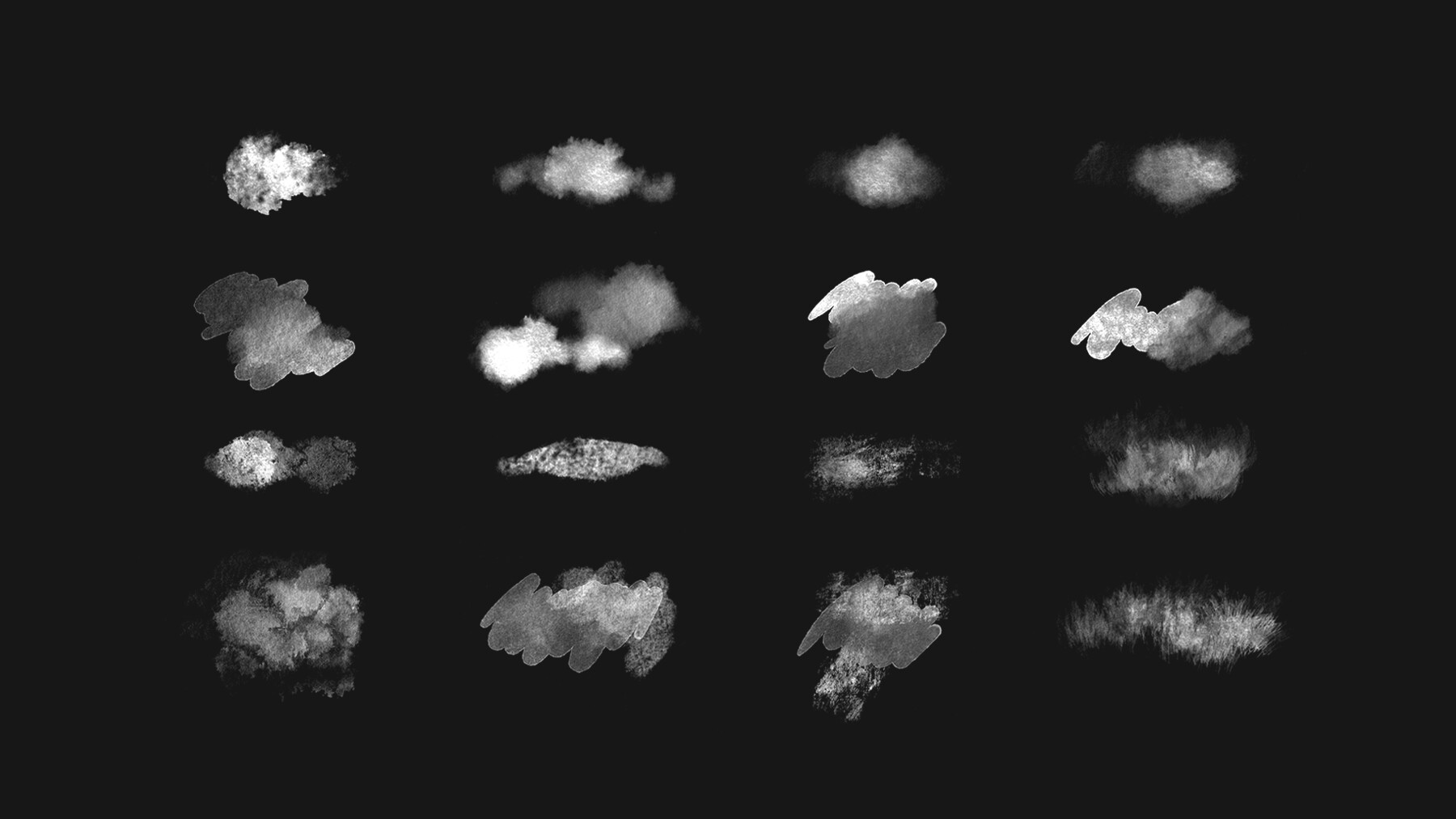


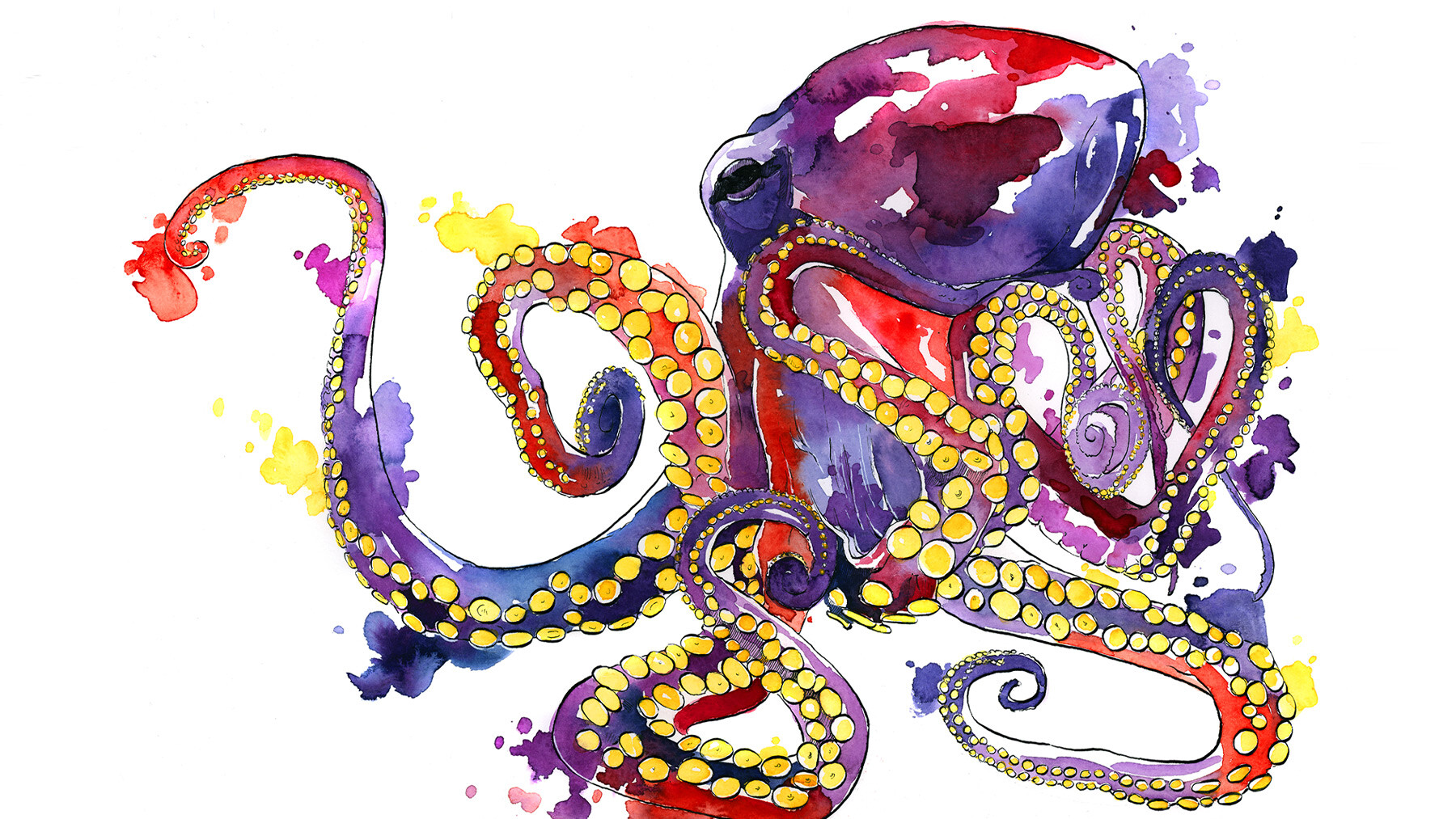
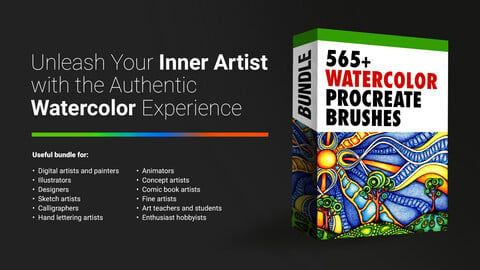
This 565+ Watercolor Procreate Brushes is a must-have for any digital artist looking to add a touch of traditional watercolour painting to their digital creations. This brushes are perfect for anyone who wants to bring a unique, hand-painted style to their artwork, whether it's for personal projects or for professional work.
With its intuitive, responsive controls, this 565+ Watercolor Procreate Brushes makes it easy for artists to achieve the rich, flowing look of traditional watercolorr paintings. Whether you're creating loose and impressionistic pieces, or you're looking to create more detailed and controlled watercolor paintings, this brush has you covered.
This Procreate Watercolor brushes has been designed to simulate the real-world behavior of watercolor paints, allowing artists to achieve a level of authenticity and realism that simply can't be matched by other digital tools. This means that you'll be able to add depth and texture to your paintings in a way that truly captures the essence of watercolor painting.
So if you're looking to take your digital art to the next level and add a touch of traditional watercolor style to your work, then this Procreate Watercolor brush is the perfect tool for you. With its ease of use and realistic results, this brush is sure to become an essential part of your digital art toolkit.
Features of this set:
- Realistic watercolor simulation: This Procreate Watercolor brushes are designed to mimic the real-life watercolor painting experience with its realistic brush strokes, color mixing, and wet edge blending.
- Versatile and customizable: The brush allows users to control the intensity and behavior of the watercolor effect through various customization options, giving them greater control over their artwork.
- Easy to use: These brushes are easy to use and compatible with the popular iPad app, Procreate, making it accessible for artists of all skill levels.
- Time-saving: With this Procreate Watercolor brushes, artists can achieve the same effects as traditional watercolor painting, but with the added convenience of digital tools, saving time and effort.
- Convenient for on-the-go painting: The brush can be used on an iPad, making it an ideal choice for artists who want to paint on the go or for those who do not want to carry heavy watercolor supplies.
How to install your premium Procreate brush sets:
- Download a selection of different brushes from Dioeye Store. Custom brushes are often available in the form of a .brush or .brushset file.
- Open Procreate and go to the Actions menu, located in the top-right corner of the screen.
- Tap on the "Import" option.
- Select the brush set file you just downloaded.
- The brush set will be imported into Procreate and will be available for use in the Brushes panel.
- To access the newly imported brushes, tap on the Brushes panel, located in the top-right corner of the screen.
- Tap on the brush set you just imported and select the brush you want to use.
Here is some related Products:
- 60+ Crayon, Chalk, Pastel, Oil Procreate Brushes
- 200+ Graffiti Spray, Street Art Procreate Brushes
- 1025+ Geometry and Pattern Procreate Brushes
- 485+ Ink, Calligraphy & Marker Pen Procreate Brushes
- 950+ Textures Procreate Brushes
- 423+ Oil Paint Procreate Brushes
- 250+ Charcoal Pencil Procreate Brushes
If you still have questions, just send me a message to dioeye@gmail.com and I’m happy to help.
CATEGORIES
Special Offer! Get 10% off when you buy 2 products. Get 15% off when you buy 3 or more products. Applies to all products from this seller only from USD $1.00 to USD $100.00
Freelance & Personal Use License
USD $5.00
License: Standard License
Stock Assets
For personal use and one commercial project (up to 2,000 sales or 20,000 views).
TutorialsOne copy to be used by a single user.
Installable ToolsOne installation by a single user.
Learn MoreFor one user only. Commercial and personal use. Read MoreRead Less
Files (1)
Indie License (5 Users)
USD $57.00
License: Extended Commercial License
Stock Assets
For use on an unlimited number of commercial projects with no limits on sales or views.
Learn MoreFor small Studios with 5 users only. Commercial and personal use. Read MoreRead Less
Files (1)
Studio License (10+ Users)
USD $85.00
License: Extended Commercial License
Stock Assets
For use on an unlimited number of commercial projects with no limits on sales or views.
Learn MoreFor larger Studios with more than 10 users. Commercial and personal use. Read MoreRead Less
Files (1)
Studio Plus License (100- Users)
USD $214.00
License: Extended Commercial License
Stock Assets
For use on an unlimited number of commercial projects with no limits on sales or views.
Learn MoreFor art institutions and studios under 100 users. Commercial and personal use. Read MoreRead Less
Files (1)
https://artstn.co/m/xWpva
Copied
More by Kumaran Handy

Add a tip for Kumaran Handy
Tips are appreciated, but optional!