Sign Up with Epic Games


Hi
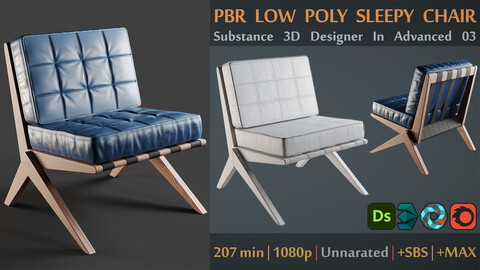
It doesn't matter if you work in architecture, or game development, or even animation production, one of the most effective ways to improve rendering and make the result realistic is to use PBR materials with high details.
And since it's very difficult to find scanned materials that match your needs, so maybe it's better to do it yourself and not wait for others.
In this tutorial, I will teach you how to do
- Modeling lowpoly armchair in 3DS Max
- Unwrapping with RizomUV
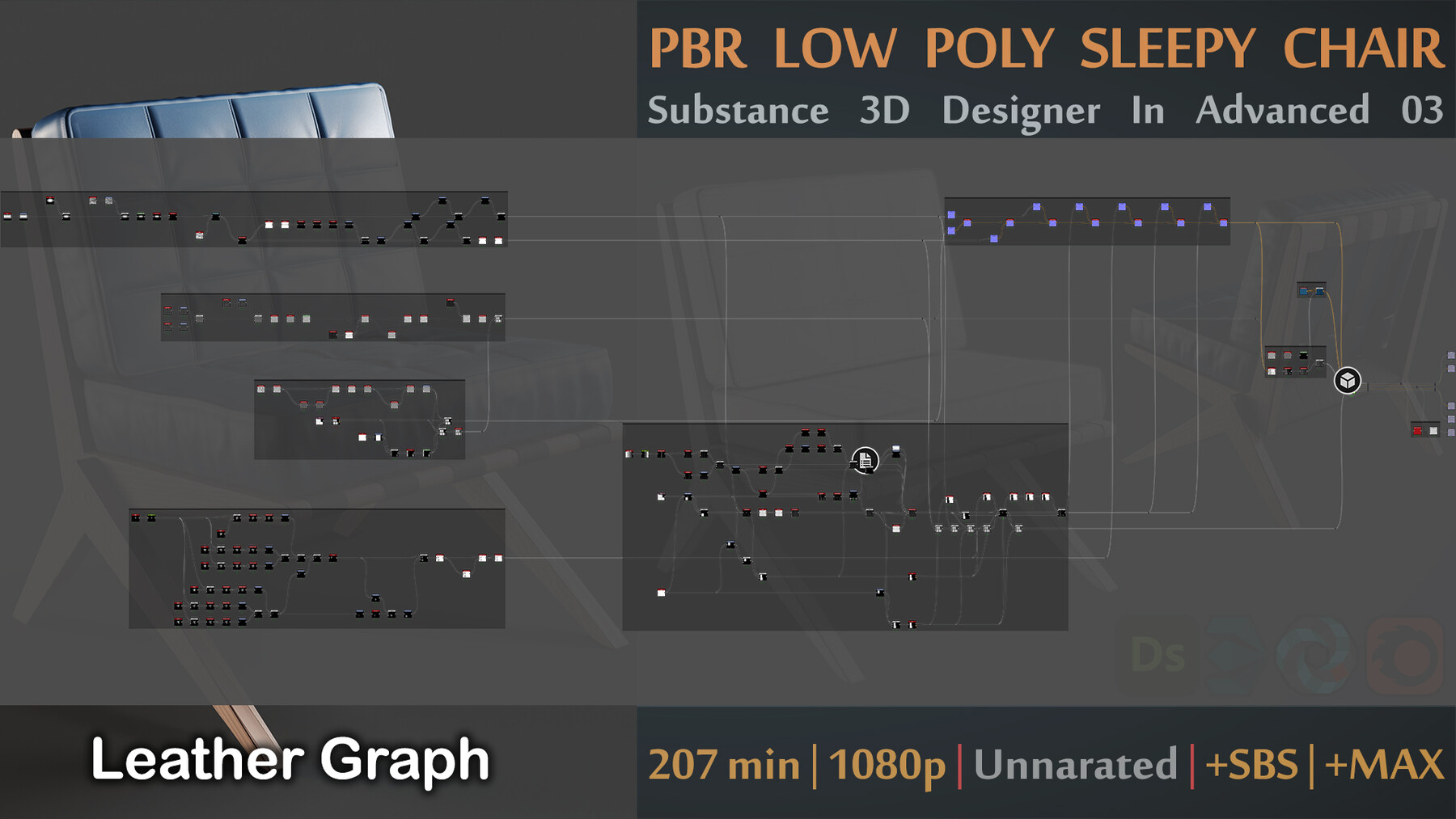
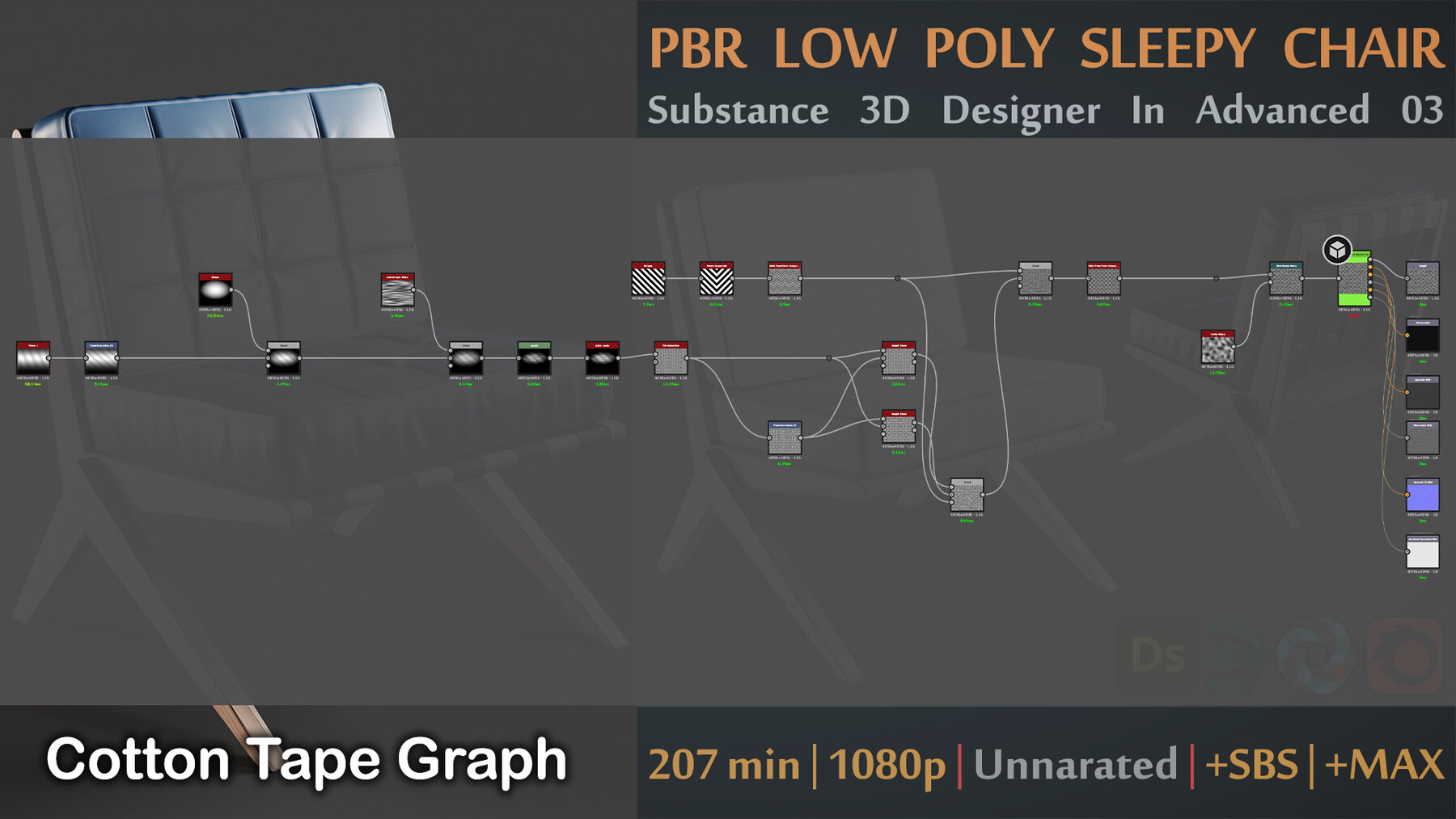
- Creating procedural PBR materials (Leather, Wood, Cotton Tape) in Adobe Substance 3D Designer
- Rendering in 3DS Max with Corona Renderer plugin
You will have
- 207 minutes unnarrated video 1080p quality (I apologize because it is difficult for me to speak in English)
- Training SBS file (To Study over that)
- Training 3DsMax file (To Study over that)
- 3DsMax files with V-ray, Corona, Scanline render engines ready to import in the scenes.
- FBX files with V-ray, Corona, Scanline render engines ready to import in the scenes.
- Obj-Mtl Files with Scanline render engine ready to import in the scenes.
- Final Outputs and textures (PNG 4K)
- 2 Custom nodes that I used in my graph (These nodes are just for better preview and make easy the works so don't effect your learning if you don't want to use them)
* I have shown all the work steps from 0 to 99; Only some small changes to improve the details and arrenge the SBS file at the end of the work are not recorded in the videos. (I promise to do better in the next trainings)
* This training is saved at 2x speed and its actual time is about 414 minutes.
* This tutorial is suitable for people with at least average ability and you must have basic knowledge of Substance Designer, 3DsMax, RizomUV, Corona Renderer softwares.
* You can use any other 3D modeling and unwrapping software, I just want to teach you what path to take to achieve this goal.
* You must have Substance Designer 11.3 or above to open SBS file.
* You must have 3DsMax 2018 or above to open .max file
Of course there is very details to improve in my tutorials, So please tell me your comment about this tutorial and I can make better tutorials in the future.
And finally, I hope you like this tutorial.
CATEGORIES
Special Offer! Get 20% off when you buy 2 products. Get 50% off when you buy 3 or more products. Applies to all products from this seller only from USD $1.00 to USD $100.00
Standard License
USD $6.99
License: Standard License
Stock Assets
For personal use and one commercial project (up to 2,000 sales or 20,000 views).
TutorialsOne copy to be used by a single user.
Installable ToolsOne installation by a single user.
Learn MoreStock Assets
For personal use and one commercial project (up to 2,000 sales or 20,000 views).
Tutorials
One copy to be used by a single user. Read MoreRead Less
Files (8)
Extended Commercial License
USD $30.00
License: Extended Commercial License
Stock Assets
For use on an unlimited number of commercial projects with no limits on sales or views.
Learn MoreStock Assets
For use on an unlimited number of commercial projects with no limits on sales or views. Read MoreRead Less
Files (8)
https://artstn.co/m/z2x7N
Copied
More by Hemase




Add a tip for Hemase
Tips are appreciated, but optional!