Sign Up with Epic Games

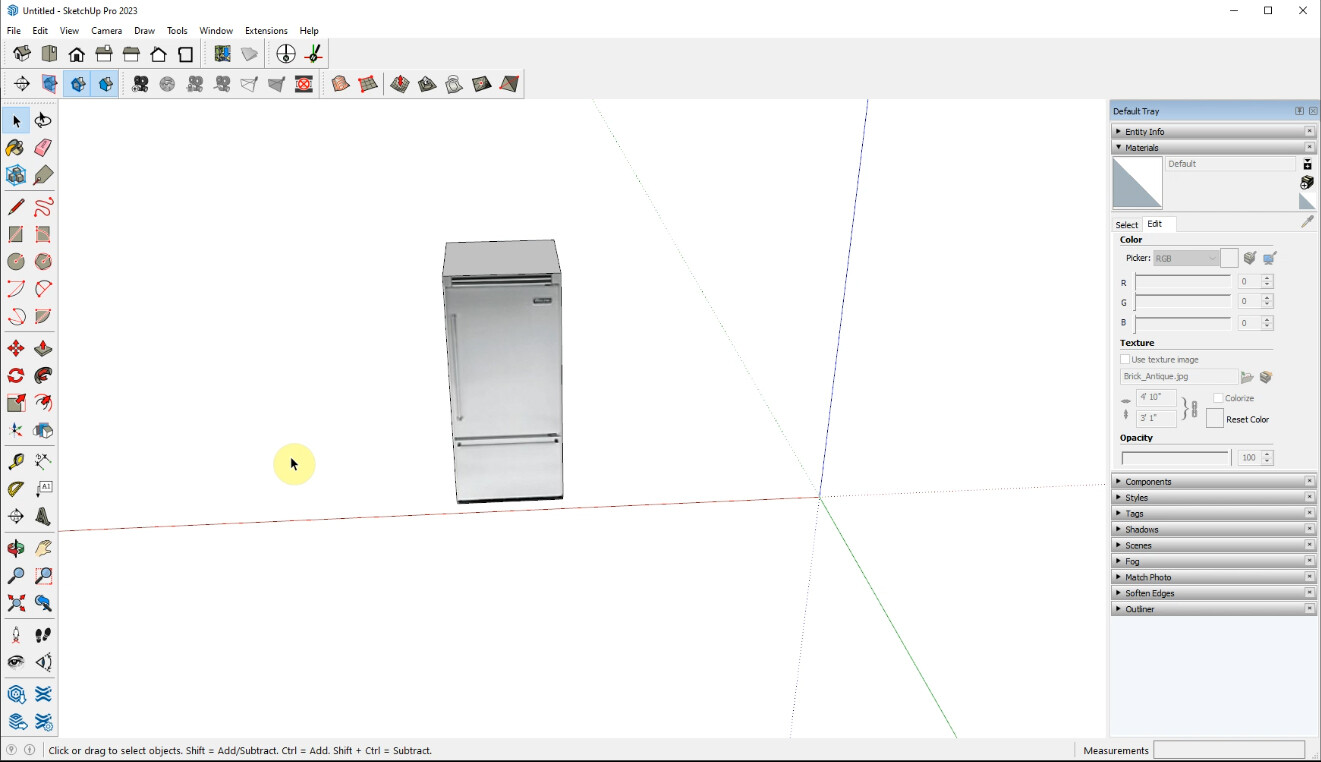
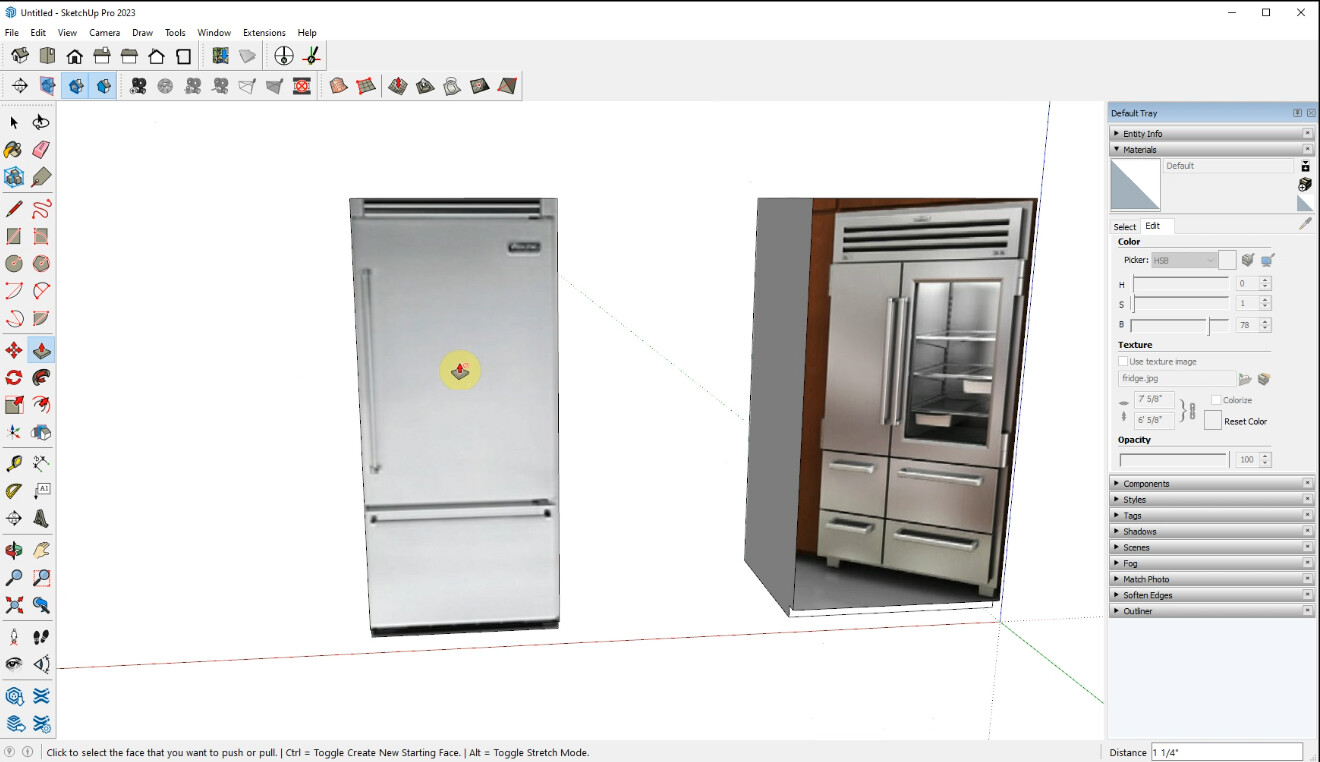
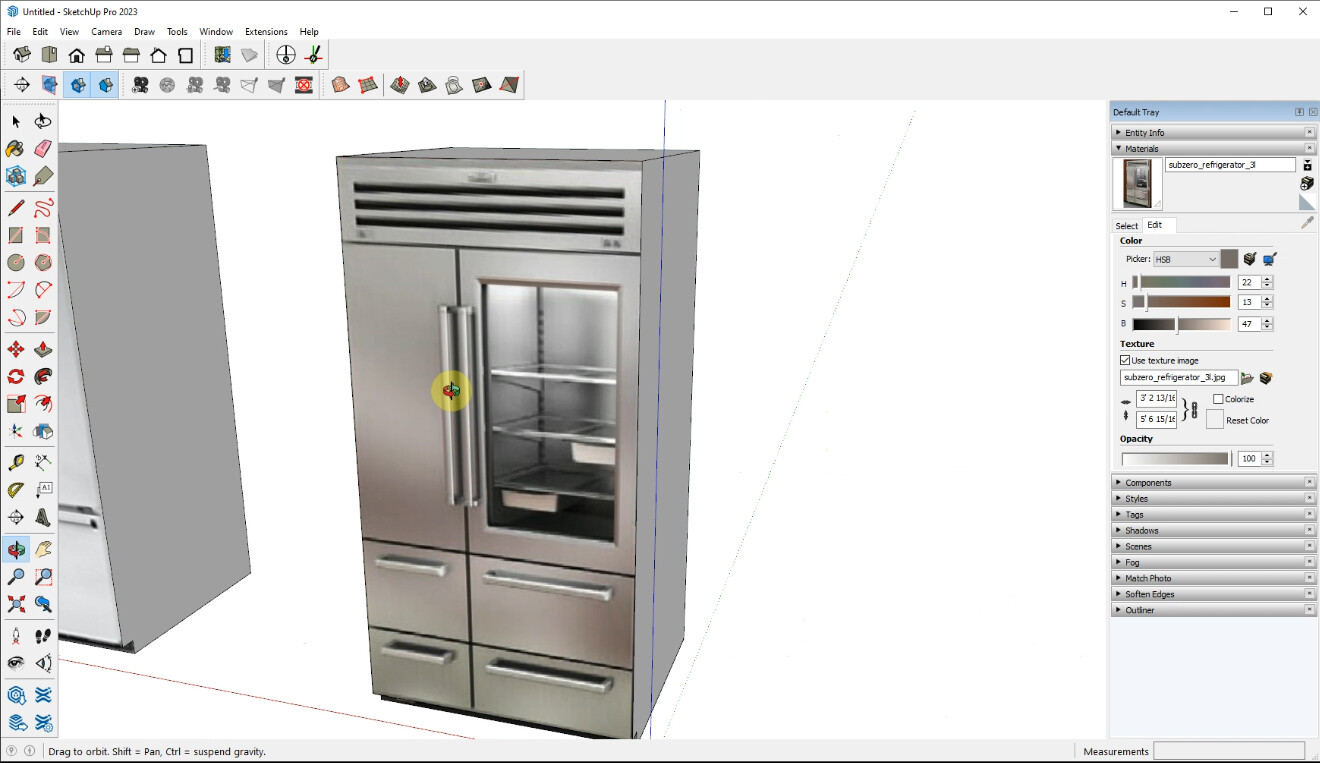
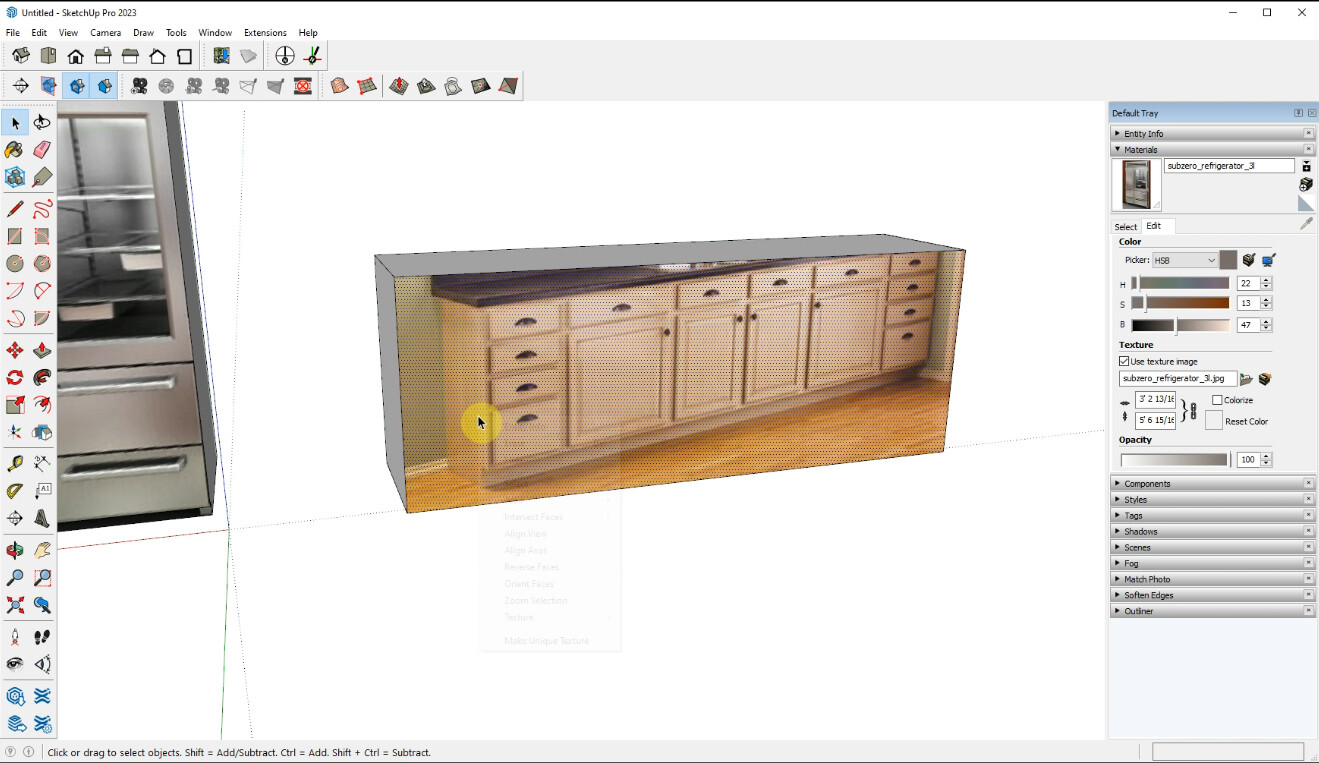
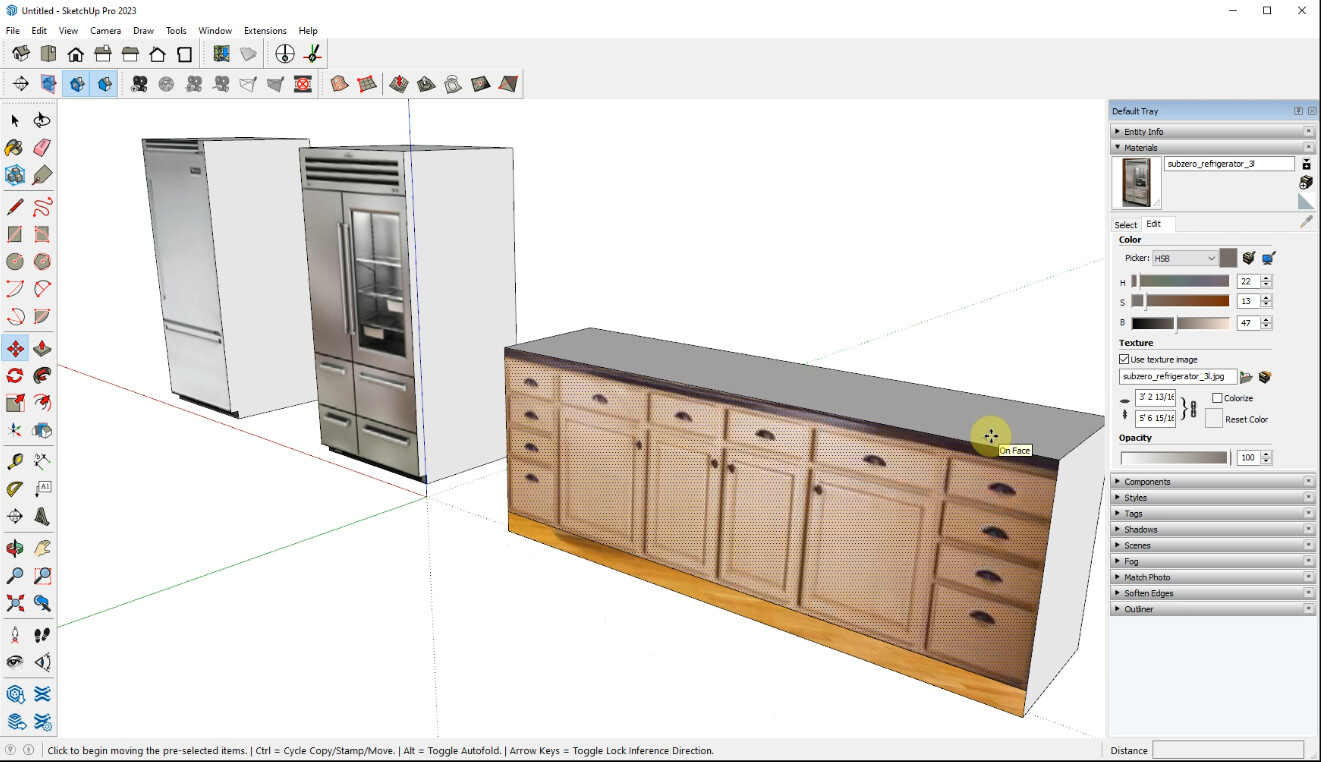
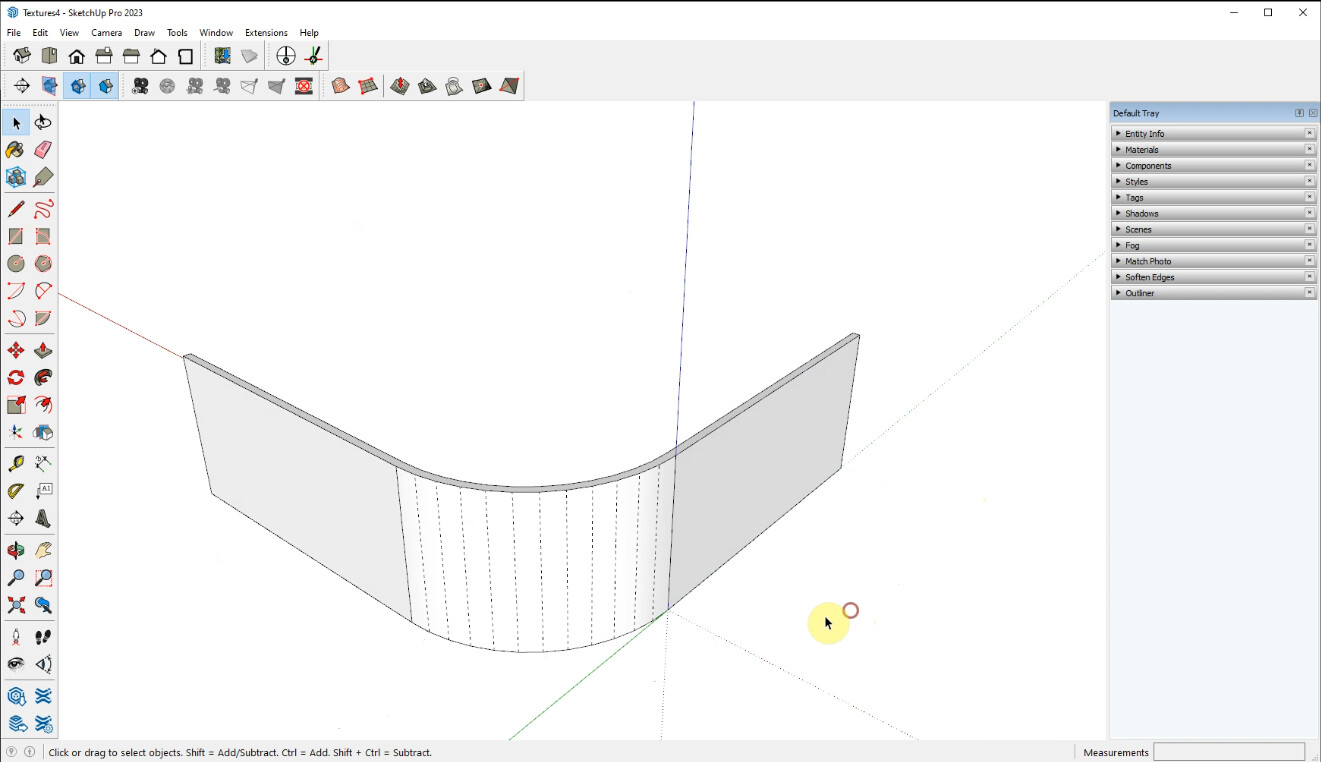


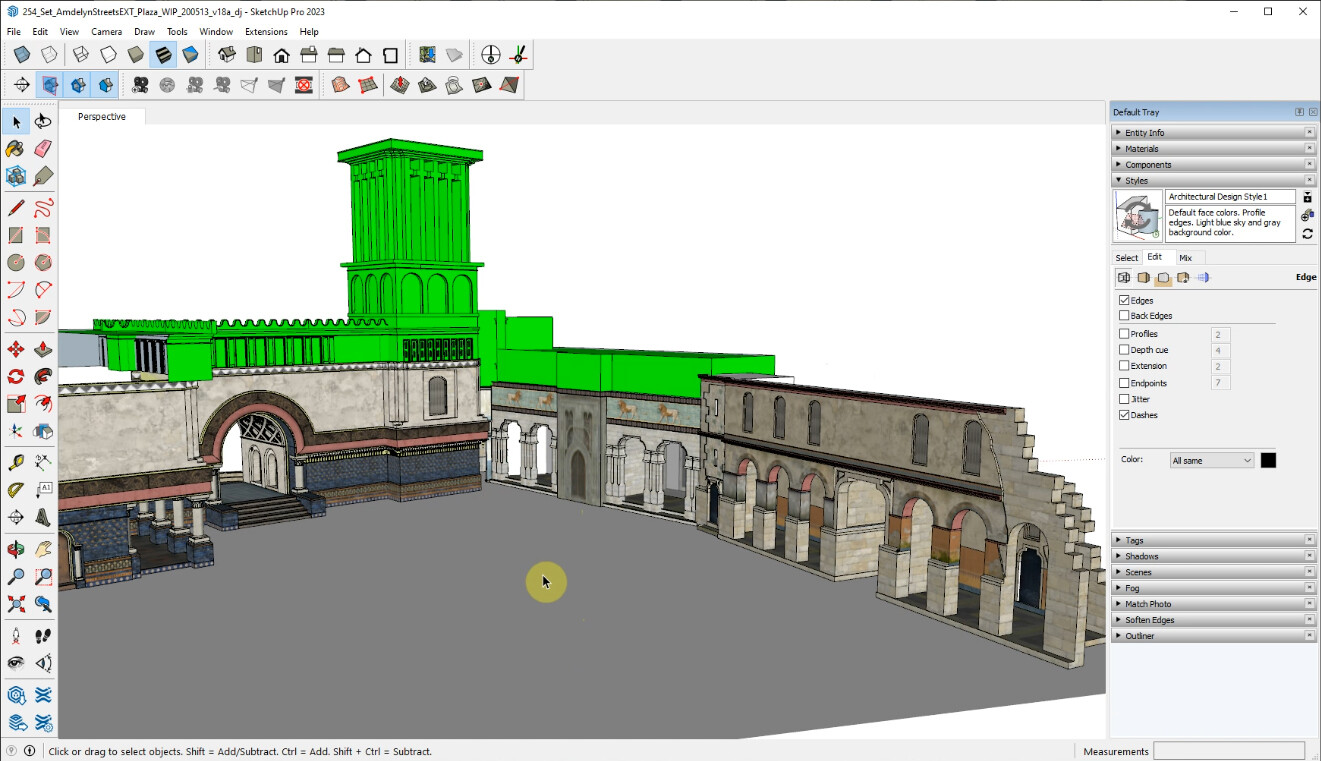
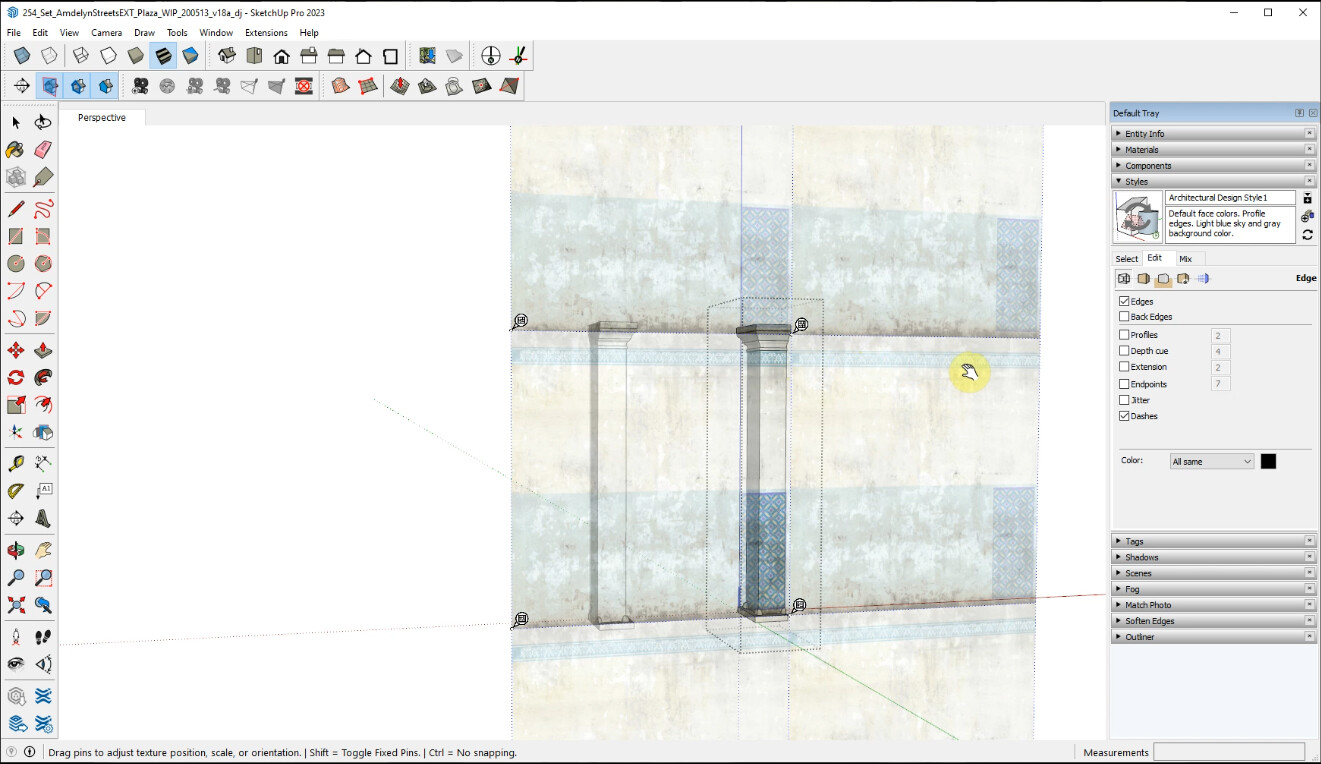

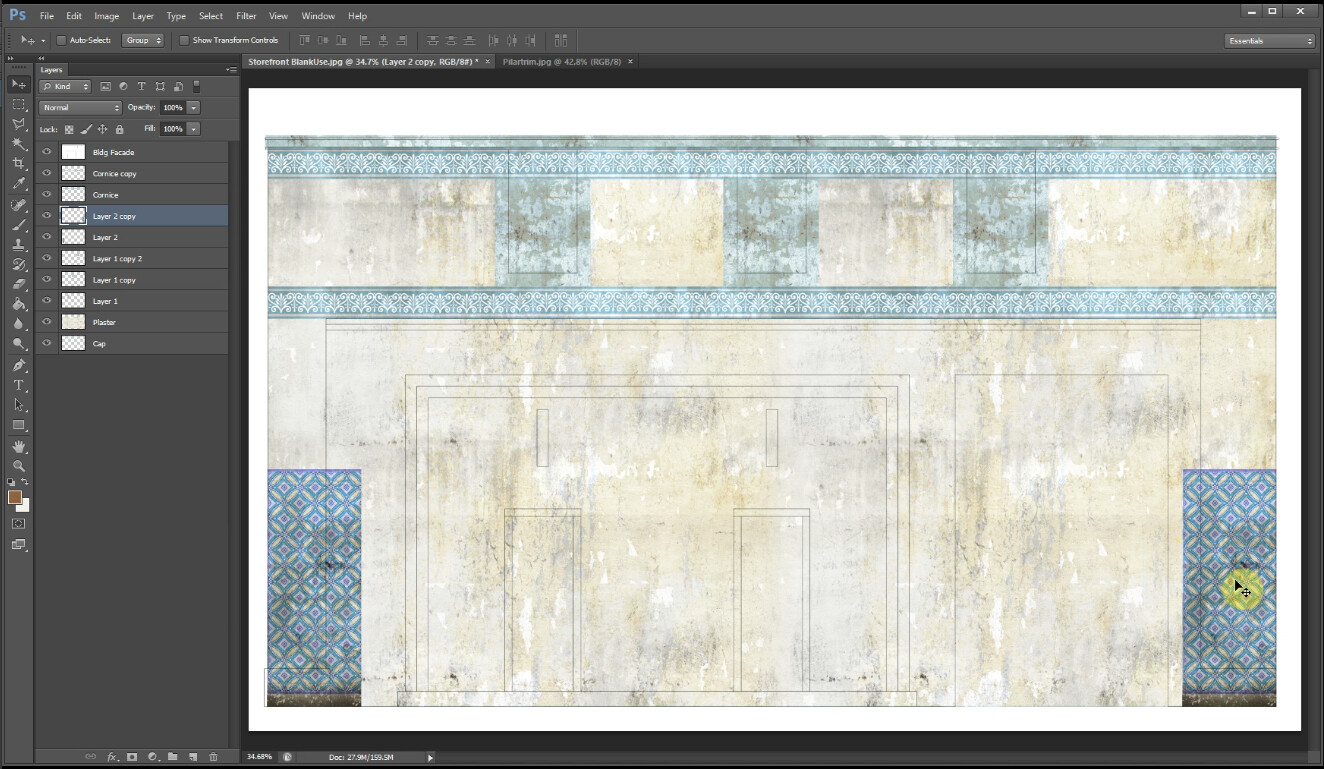
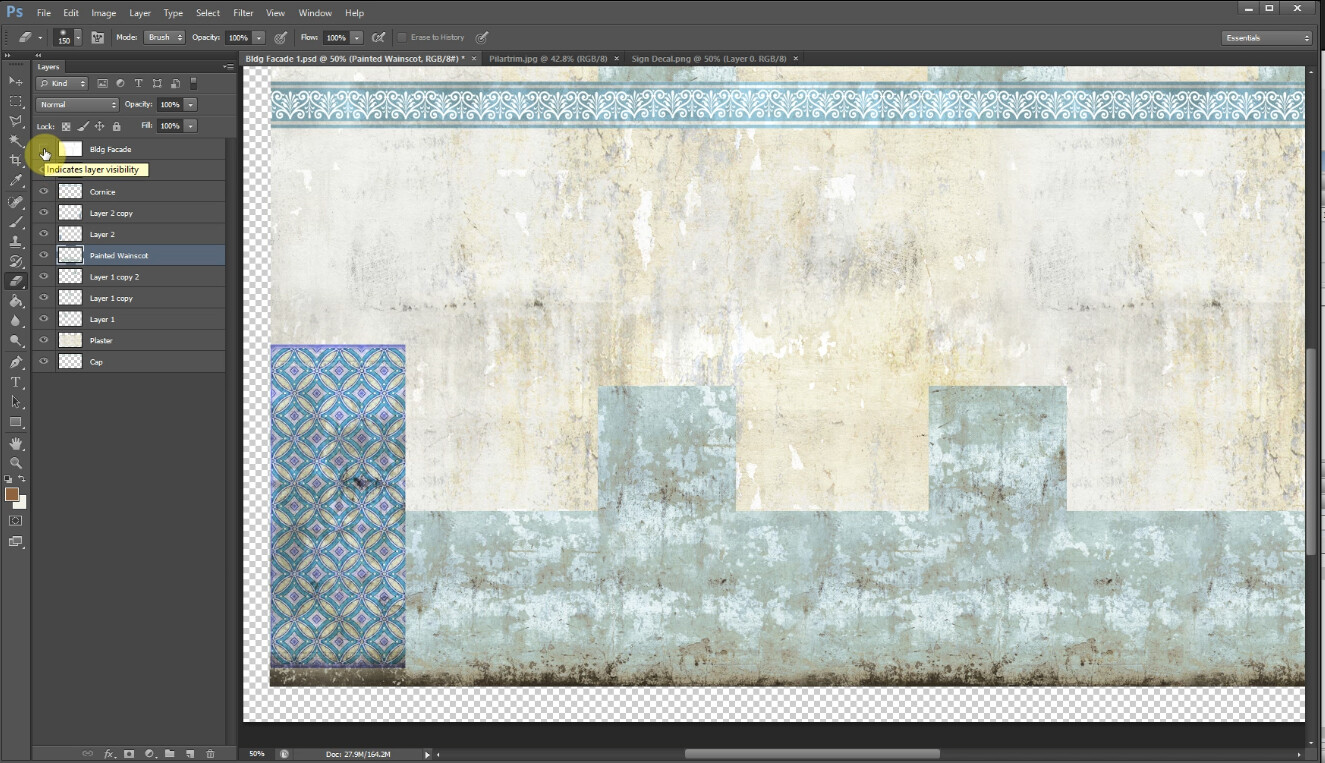
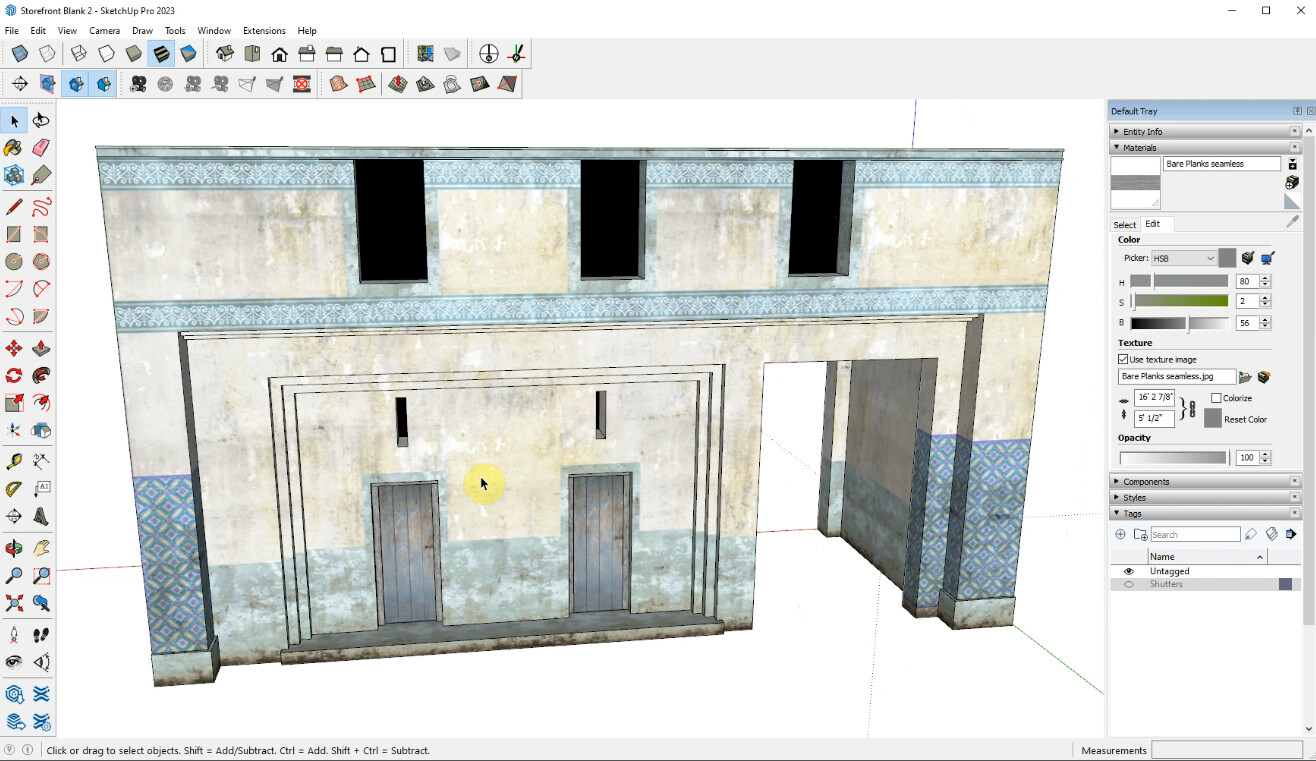
“This model is so plain!” How often has the SketchUp user heard that? How often has any other type of digital modeler heard it for that matter? Digital model previews look dull with all those ugly, putty-like colors your chosen modeling system inflicts on its hapless users. SketchUp has an advantage over other modeling apps. SketchUp is permanently in preview mode! “That’s an advantage?” I hear you ask in amazement. Yes, my friend, it is, believe it or not.
SketchUp can import and manipulate high-res textures (ok, without bump or specular; just the image) and still rapidly model and preview like it always does! It can make PNG files into decals or textures with transparency, and use layered PSD files as textures as well! You can even modify your textures on the fly, just like you do with your model! If you think I am overusing my exclamation points you obviously don’t get how exciting this can be!! So there!!! It is a great way to quickly add detail, and it gets rid of that ‘blank, preview ugliness’!!!! (Ok, enough with the exclamation points, already!)
The four hours of tutorials in this package will teach you to use SketchUp’s native texture tools and an image editor to make high-res, manipulable textures for SketchUp models.
This tutorial requires SketchUp Pro. You can use any version of SketchUp Pro, back to SUPro 2018, but Trimble only supports versions 2021, 2022, and 2023, so the more current you are the better.
You will need a photo editing program. The tutorial is geared to Photoshop but you can use GIMP, or Corel Photopaint in a pinch. In a recent development, Photoshop Elements will work in this workflow even though I said it wouldn't in the tutorial! (I think that deserves an exclamation point, don't you?) So that could well be a quick and cheap substitute for those on a budget. Remember, if you use anything other than Photoshop to make textures, you have to save them as a PSD file for this to work.
The package Includes:
Over four hours of video tutorials covering everything from basic texture functions to making seamless textures, layered PSD files as textures, and decals; both in Adobe Photoshop and SketchUp. The tutorials cover trim sheets for SketchUp, and custom-building textures for SketchUp models without UV maps or seamless textures.
Sketchup 2018 files of all the study models used in the tutorial videos.
A white paper detailing making seamless textures and using layered PSD files as SketchUp textures.
Some supporting photo and texture images.
CATEGORIES
Standard Use License
USD $50.00
License: Standard License
Stock Assets
For personal use and one commercial project (up to 2,000 sales or 20,000 views).
TutorialsOne copy to be used by a single user.
Installable ToolsOne installation by a single user.
Learn MoreFiles (3)
https://artstn.co/m/rrpq7
Copied
More by Daniel Jennings



Add a tip for Daniel Jennings
Tips are appreciated, but optional!