Sign Up with Epic Games






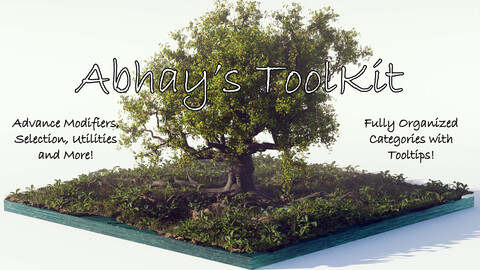
# Abhay’s Tool-Kit – Blender Geometry Nodes Add-on
A custom Blender extension that enhances procedural modeling workflows with around 100 reusable Geometry Node groups and a powerful integrated interface.
## 🚀 Overview
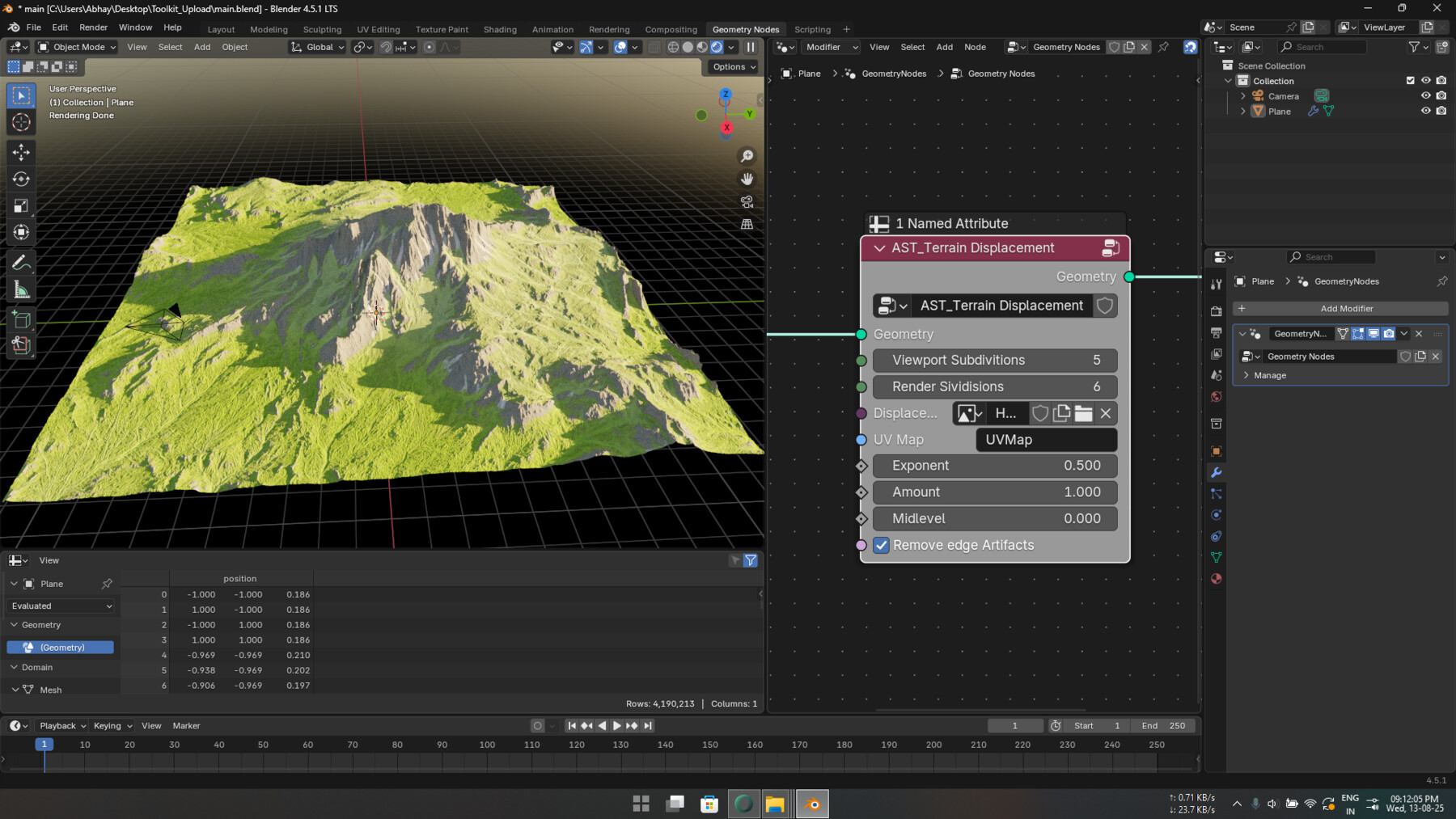
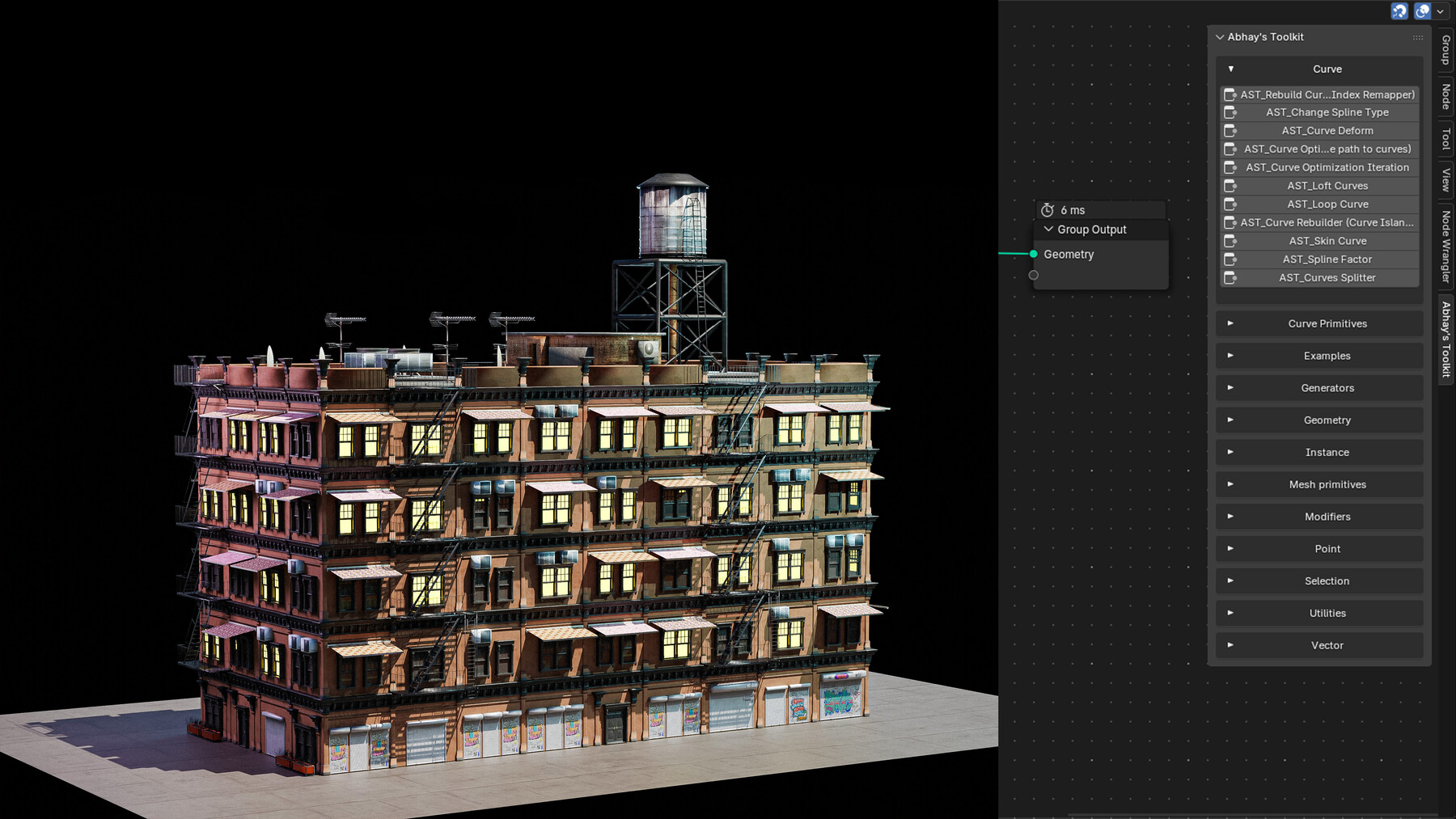
**Abhay’s Tool-Kit** is a feature-rich Blender add-on designed to supercharge node-based workflows by providing a curated library of over 100 reusable Geometry Node groups, intuitively categorized and easily accessible via both the **right-click Add Node menu** and the **dedicated N-Panel UI**.
Built for 3D artists, game developers, and technical animators, this toolkit removes the overhead of repetitive setup and empowers creative exploration through clean procedural systems.
## 🎯 Key Features
- ✅ **96 Optimized Geometry Node Groups**
- ✅ **12 Logical Categories** for streamlined browsing
- ✅ **Integrated UI Panels** in the N-Panel and Add Node menu
- ✅ **Tooltip & Description System** for each node group
- ✅ **JSON-Based Node Registry** for scalable node management
- ✅ **Lightweight, Modular, and Easy to Update**
- ✅ **Comprehensive Documentation in PDF/PPT**
- ✅ **Three Licensing Models** (Standard, Commercial, Studio)
## 🧩 Add-on Structure
Abhay's_Tool-Kit/
├── __init__.py
├── build_AST_0.9.25.blend
├── nodes_dictionary.json
├── blender_manifest.toml
└── README.md
📦 Installation- Download the latest .zip from the Releases page.
- Open Blender → Edit > Preferences > Add-ons > Install.
- Choose the .zip file and click Install Add-on.
- Enable the add-on from the list.
- Start using it from the N-Panel or right-click Add Node menu in the Geometry Node editor.
CATEGORIES
Free License
Free
License: Standard License
Stock Assets
For personal use and one commercial project (up to 2,000 sales or 20,000 views).
TutorialsOne copy to be used by a single user.
Installable ToolsOne installation by a single user.
Learn More--------------------------------------------------------------------------------
1. Open Source License – GNU General Public License v3.0 or later (GPL-3.0-or-later)
--------------------------------------------------------------------------------
You are free to use, modify, and distribute this add-on under the terms of the
GNU General Public License, version 3 or (at your option) any later version.
See <a target="_blank" href="https://www.gnu.org/licenses/gpl-3.0.html" rel="nofollow noopener noreferrer">https://www.gnu.org/licenses/gpl-3.0.html</a> for full terms.
**Key Permissions:**
- Use the ad Read MoreRead Less
Files (6)
Commercial License
USD $9.99
License: Extended Commercial License
Stock Assets
For use on an unlimited number of commercial projects with no limits on sales or views.
Learn More--------------------------------------------------------------------------------
2. Commercial License – Royalty-Free Asset Creation
--------------------------------------------------------------------------------
Organizations or individuals wishing to:
- Use this add-on as part of **commercial pipelines**
- Integrate it into **paid training**, **courses**, or **products**
- Distribute internally across teams without disclosing source code
...must purchase a **Commercial License**. This licen Read MoreRead Less
Files (9)
Studio License
USD $29.99
License: Standard License
Stock Assets
For personal use and one commercial project (up to 2,000 sales or 20,000 views).
TutorialsOne copy to be used by a single user.
Installable ToolsOne installation by a single user.
Learn More--------------------------------------------------------------------------------
3. Studio License – Team Use and Centralized Preset Management
--------------------------------------------------------------------------------
For studios and teams needing:
- Multi-user deployment
- Centralized preset synchronization
- Priority support or integration help
...a **Studio License** is required. This license includes all Commercial rights,
plus team-wide installation and support.
▶ Studio licensing Read MoreRead Less
Files (9)
https://artstn.co/m/X6Y71
Copied
More by ABHAY SIDDHARTHA
Add a tip for ABHAY SIDDHARTHA
Tips are appreciated, but optional!