Sign Up with Epic Games





Read the Description Carefully!
Turning CAD data or scan data into game assets is the future of game development!
CAD to AAA:
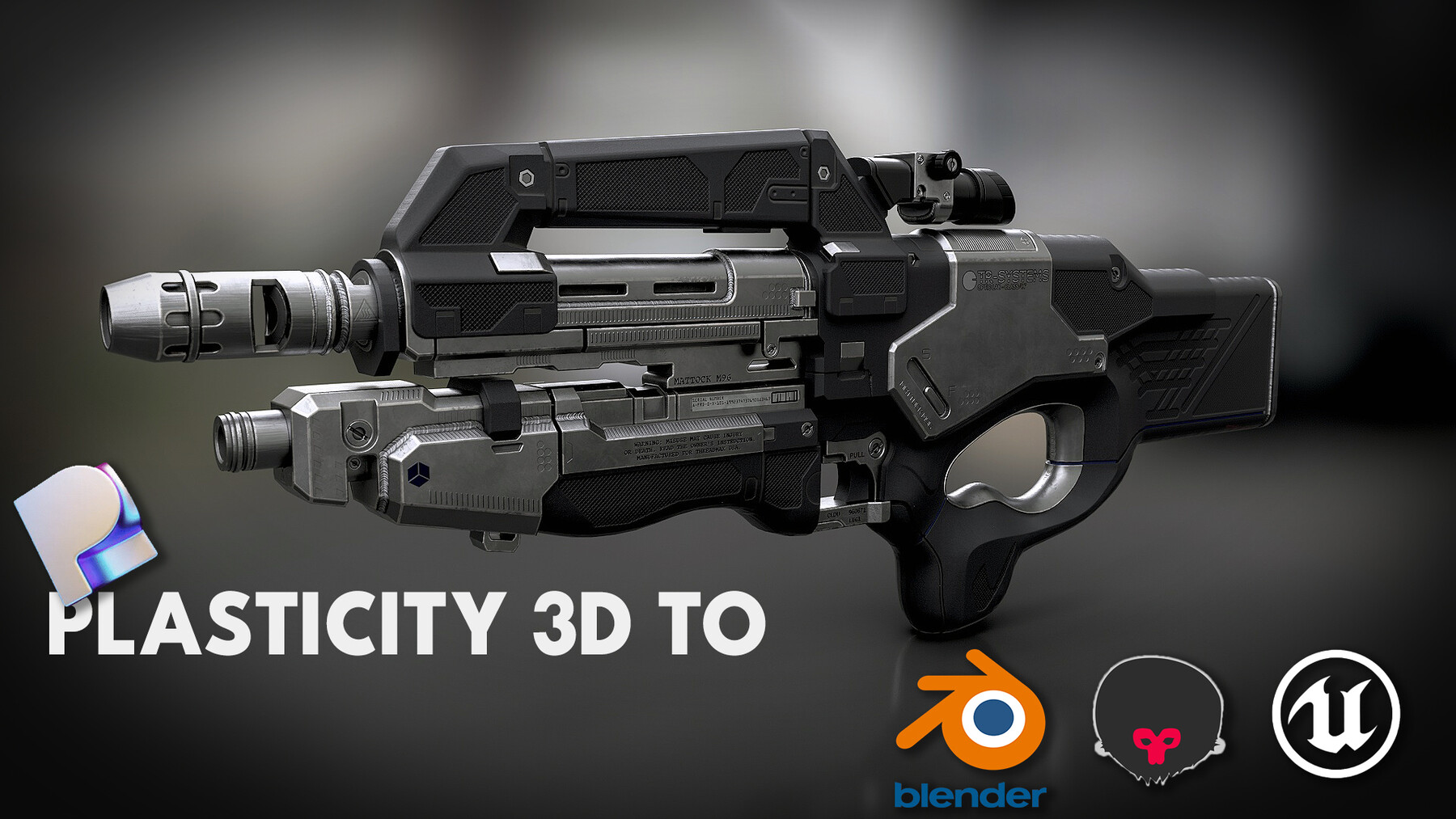
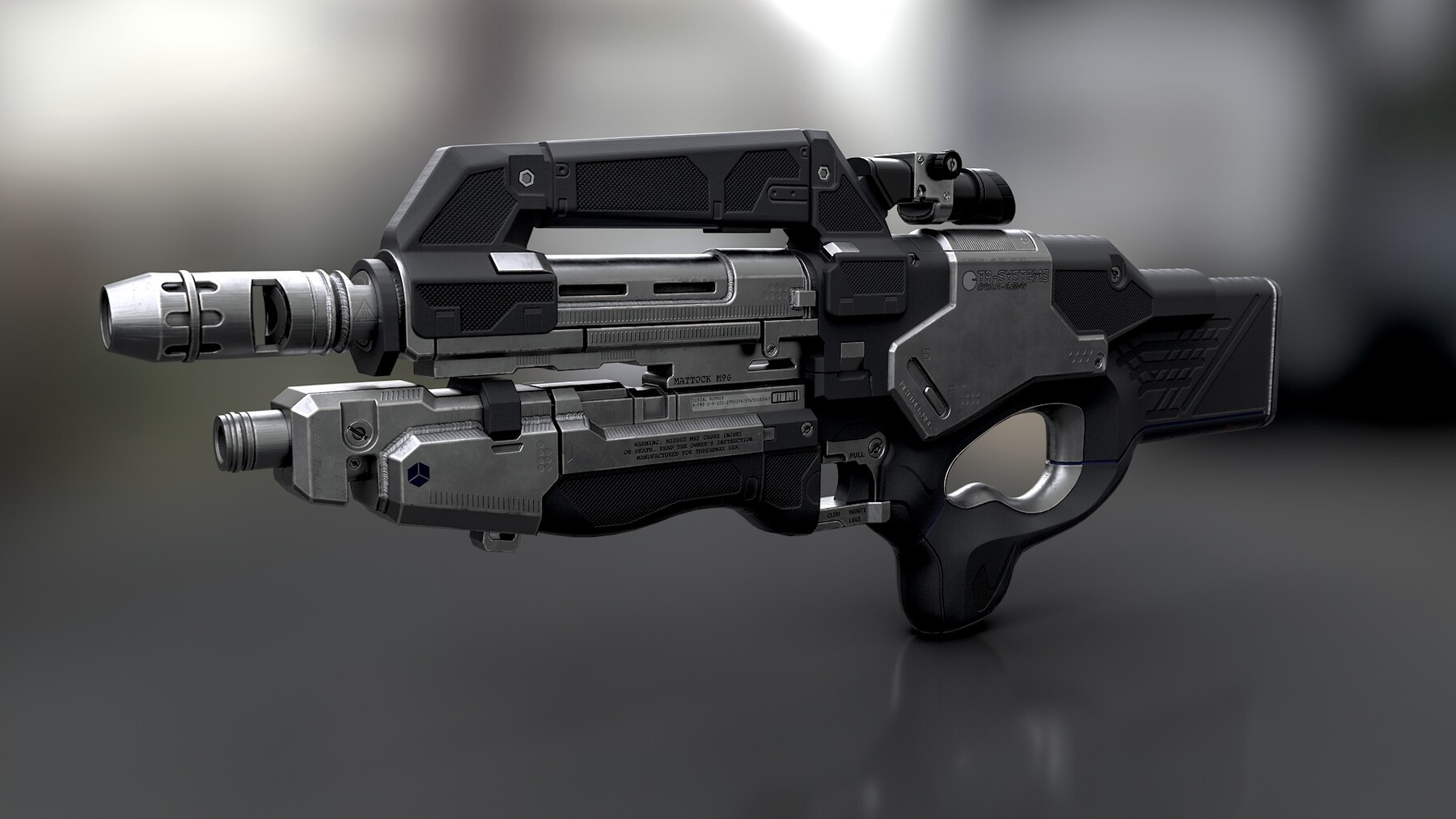
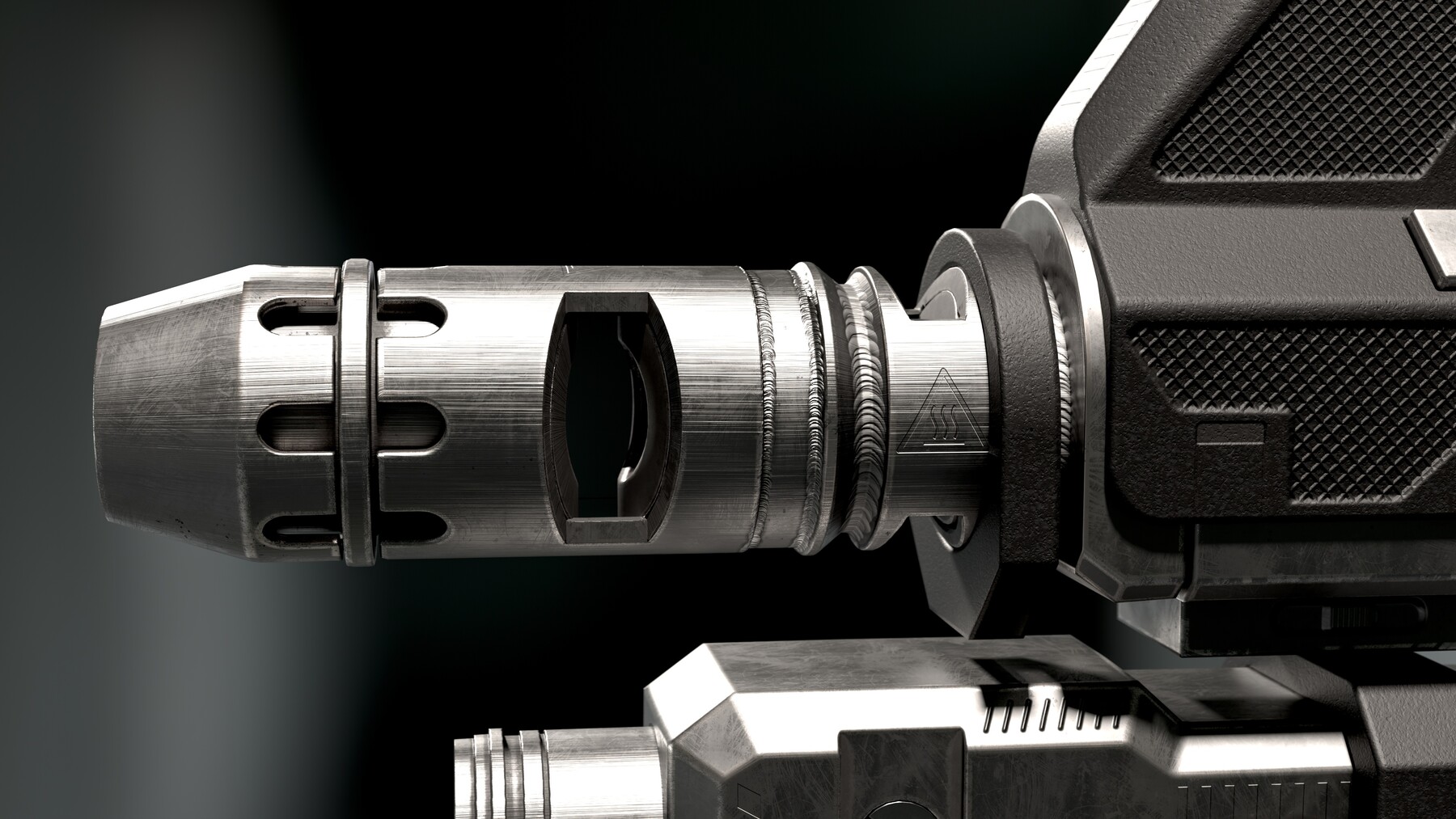
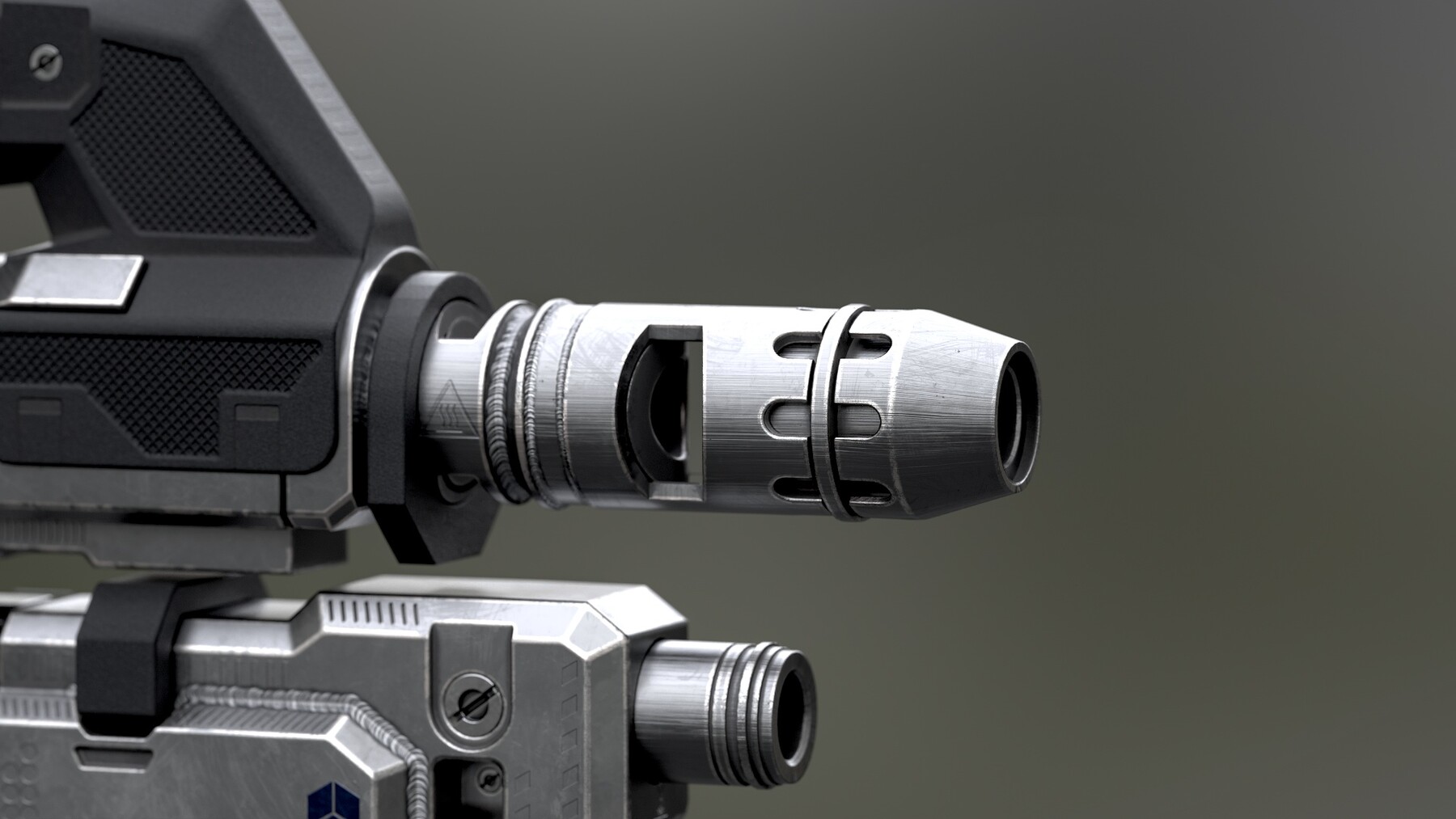
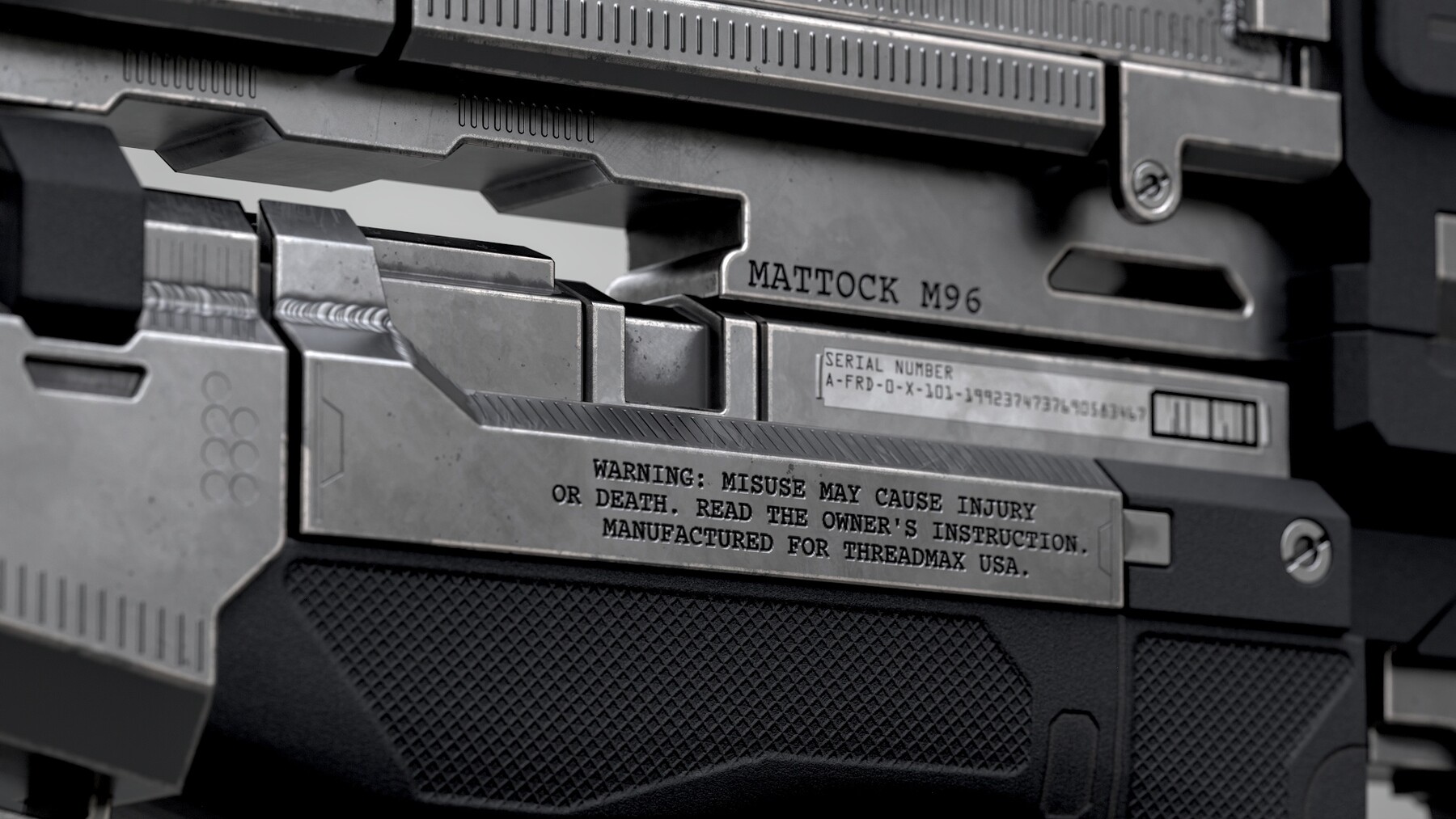
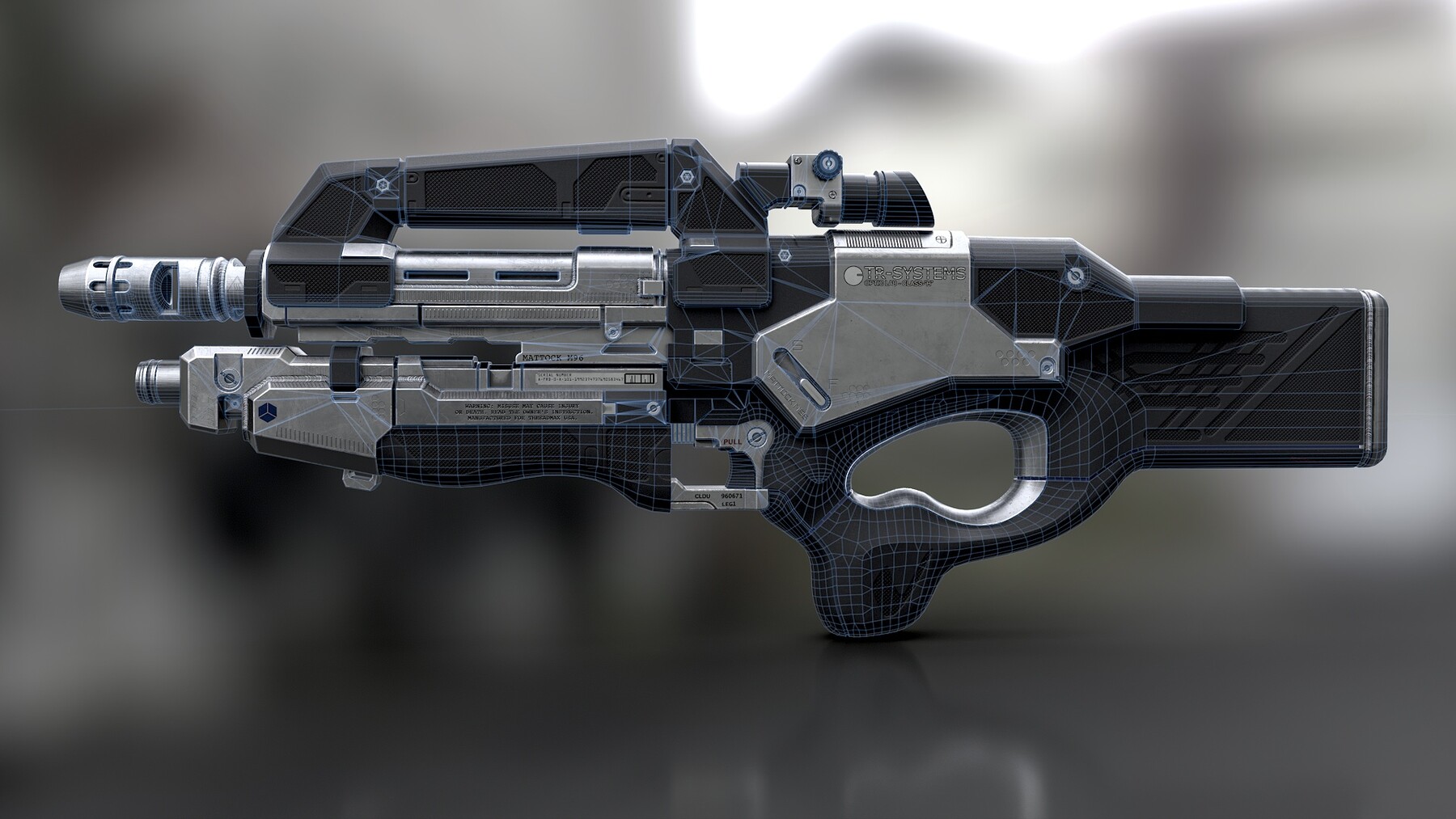
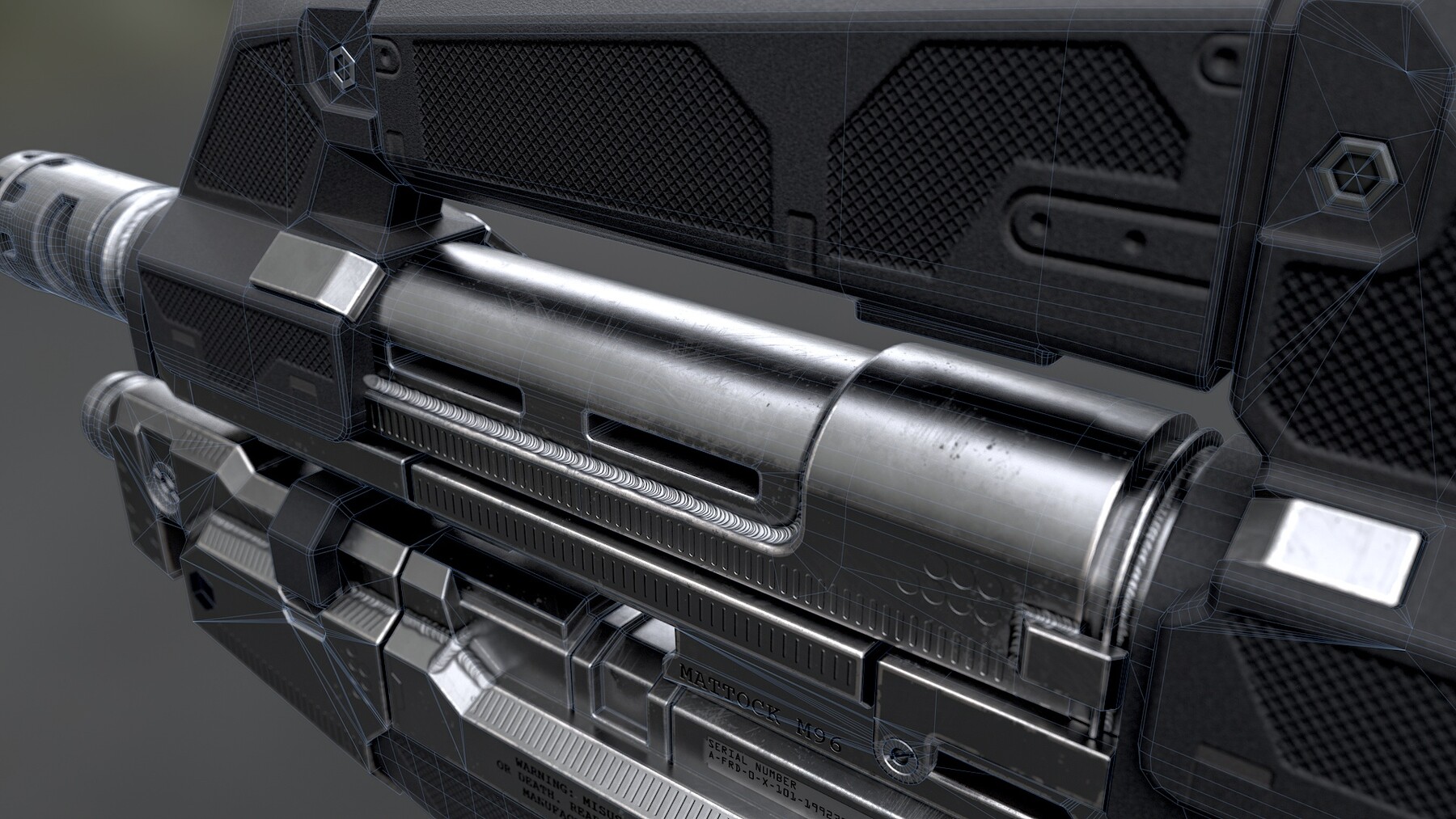
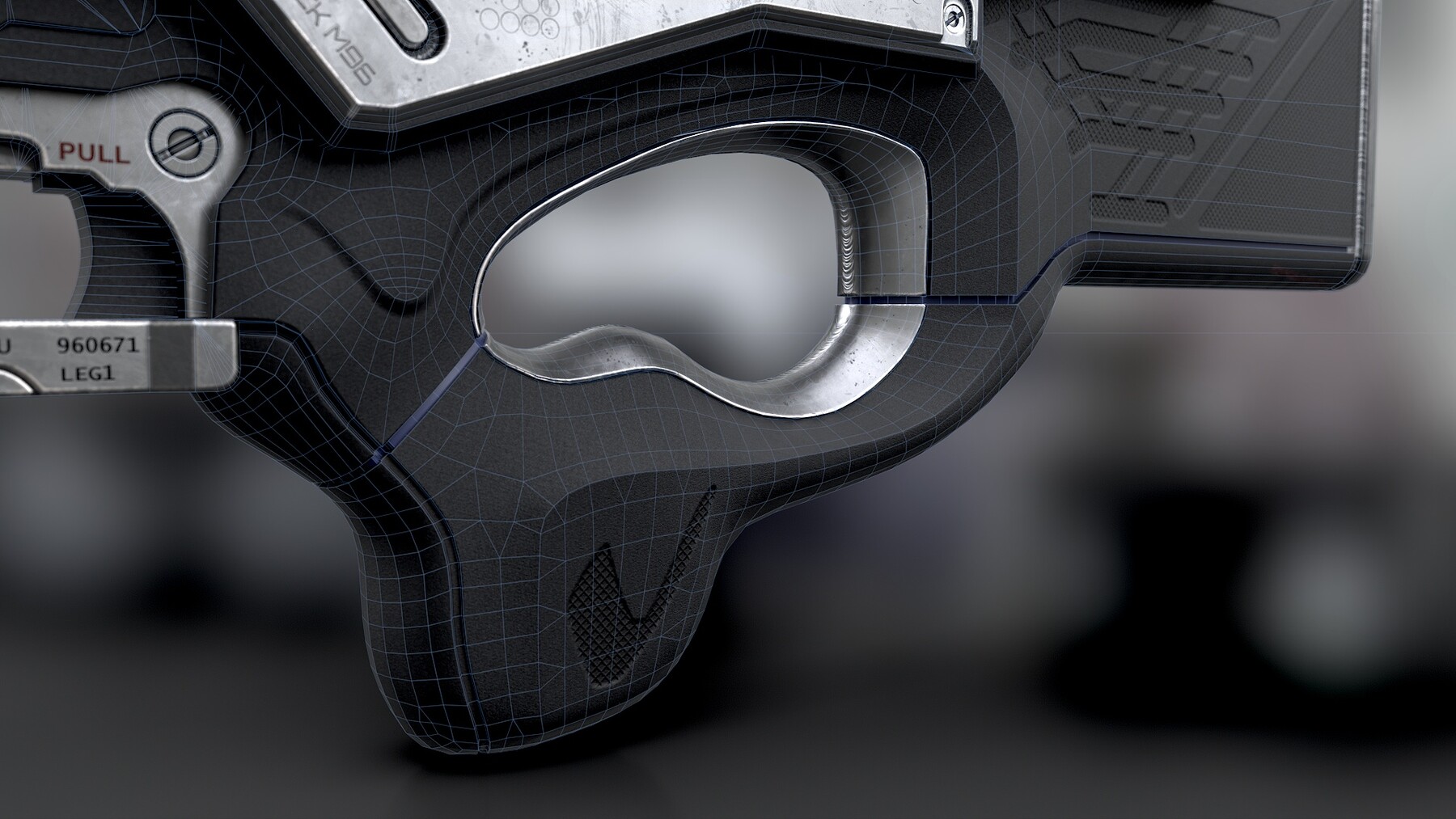
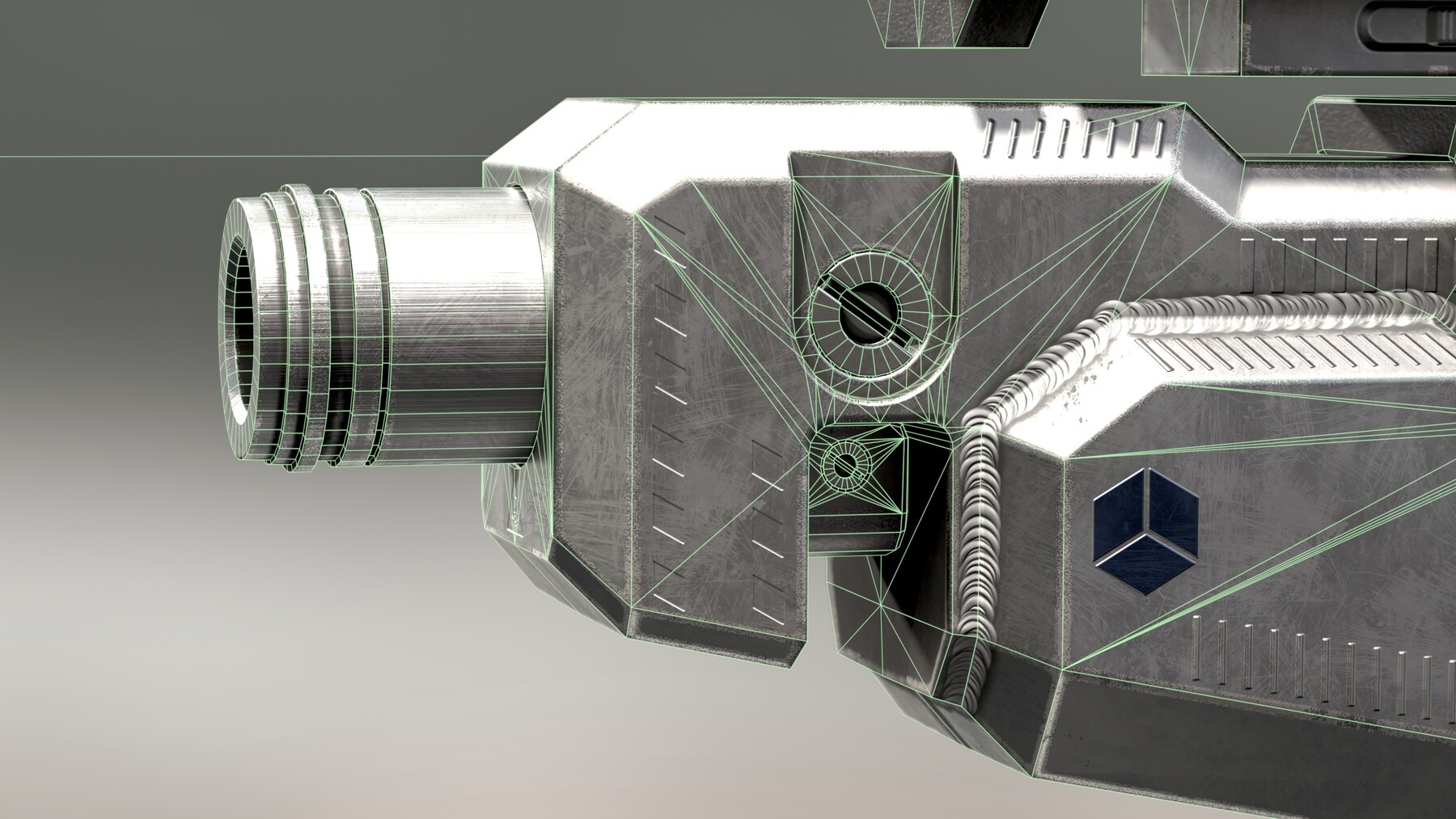
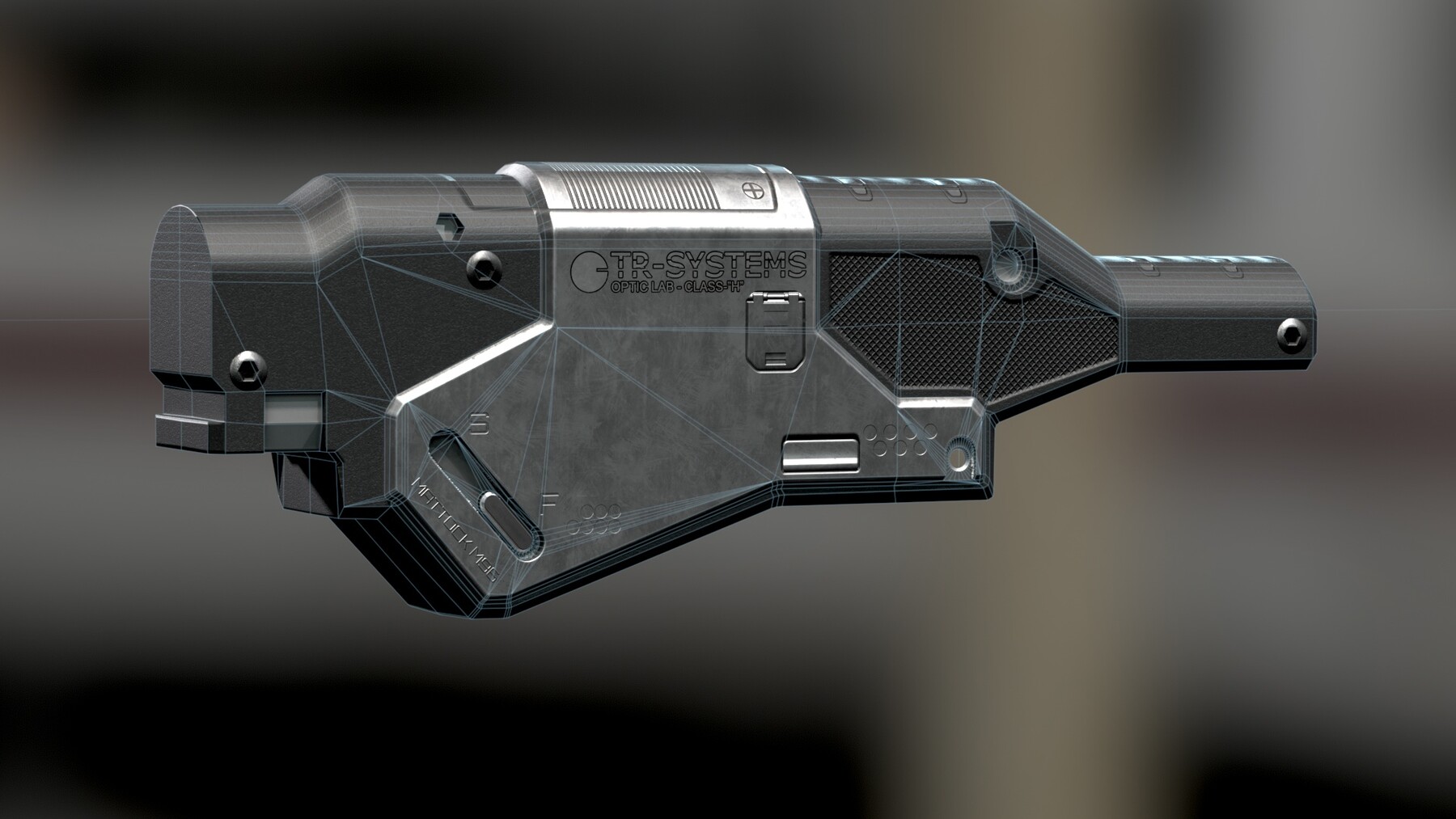
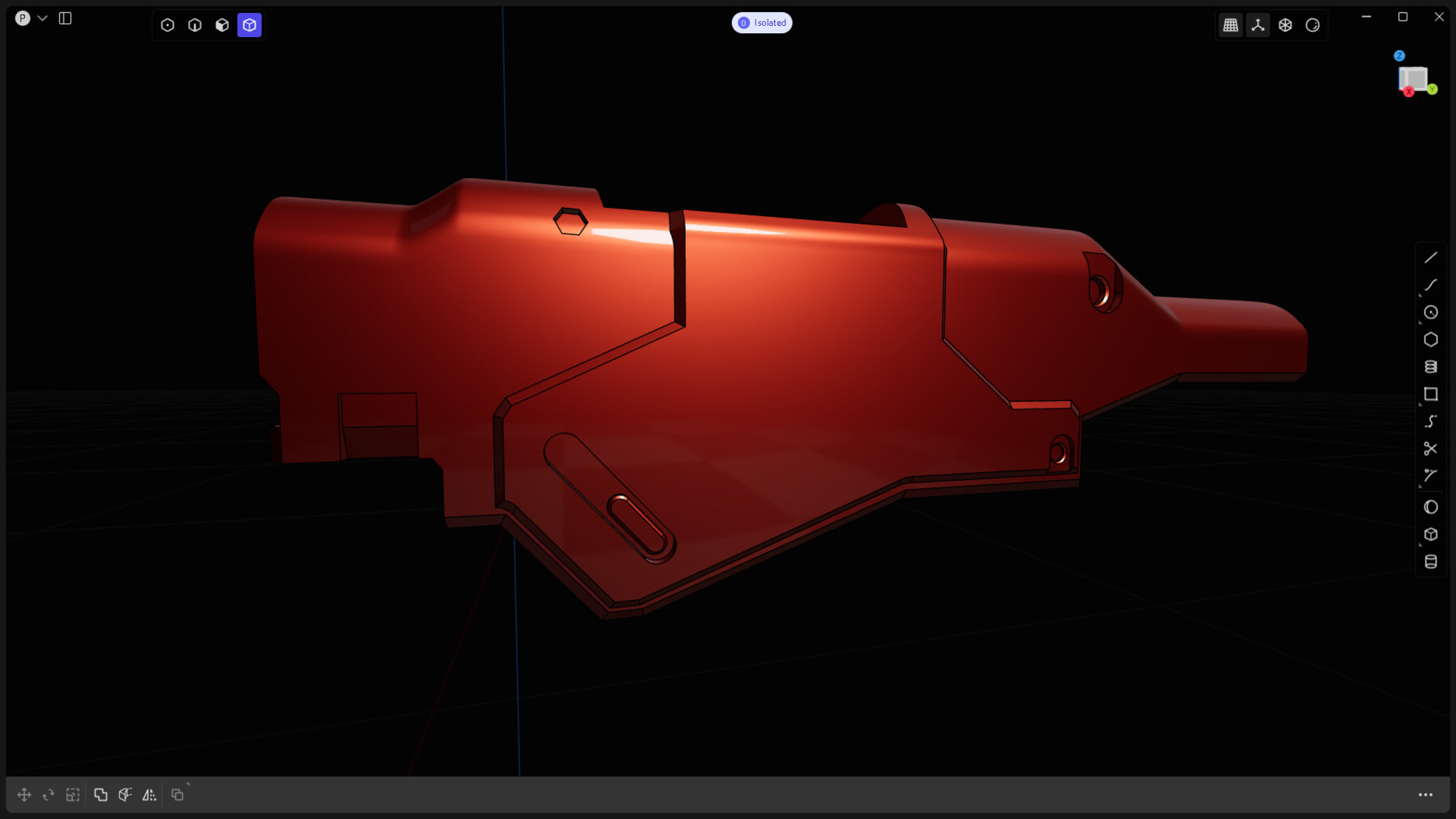
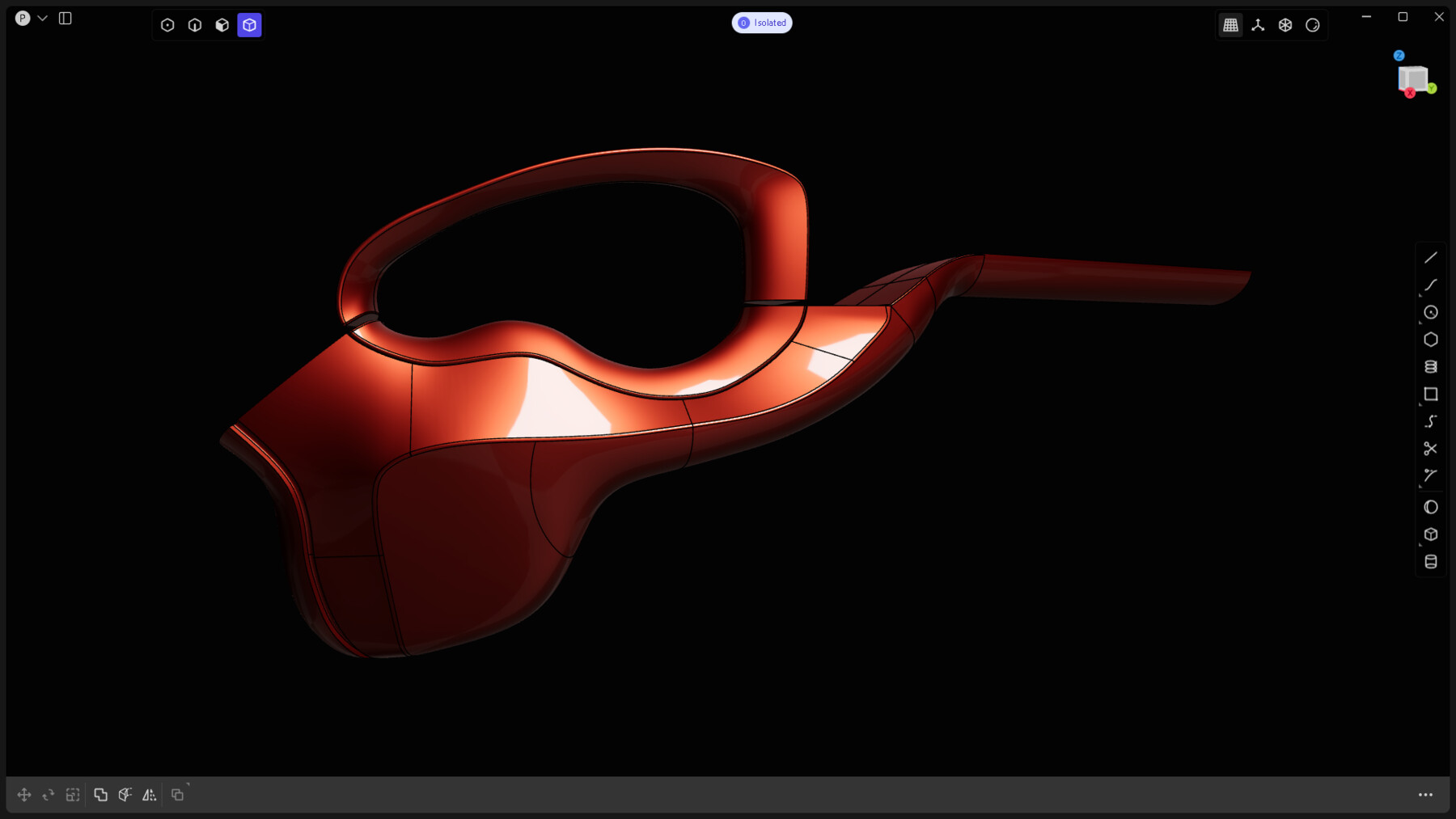
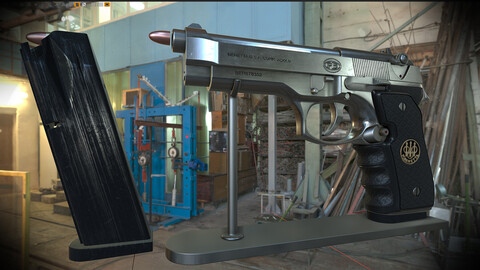
This course is all about the ins and outs of the CAD to AAA workflow. You will learn every essential step to go from unusable CAD data to an optimized and fully textured mesh, ready for game use, through practice, modeling, and optimizing this monster of a project, the M96.
What You Will Learn:
- CAD modeling, whether it’s through a surfacing or volumetric approach.
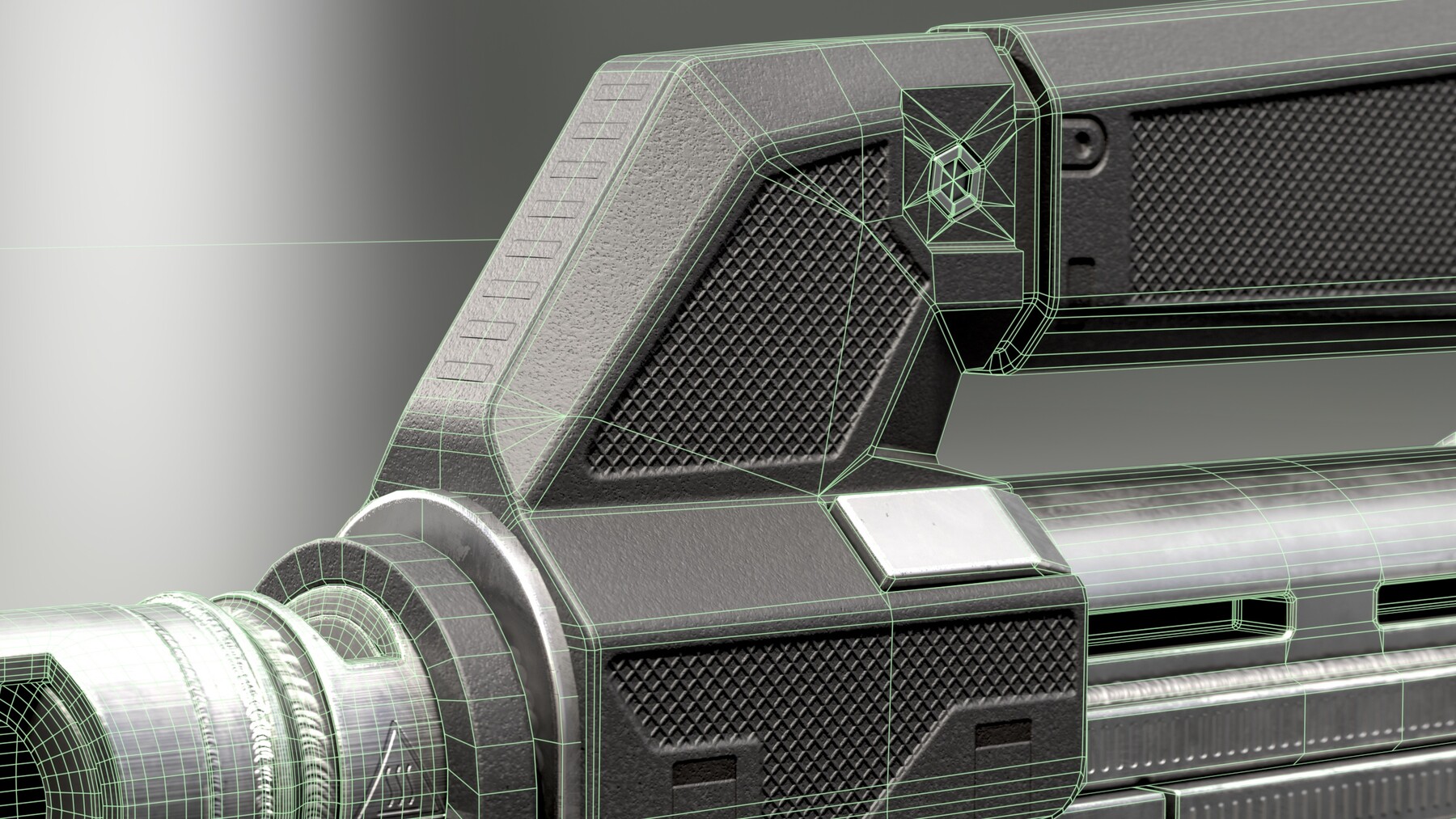
-How to Manage Hard Surfaces: Correcting Shading Errors and Understanding Normals.
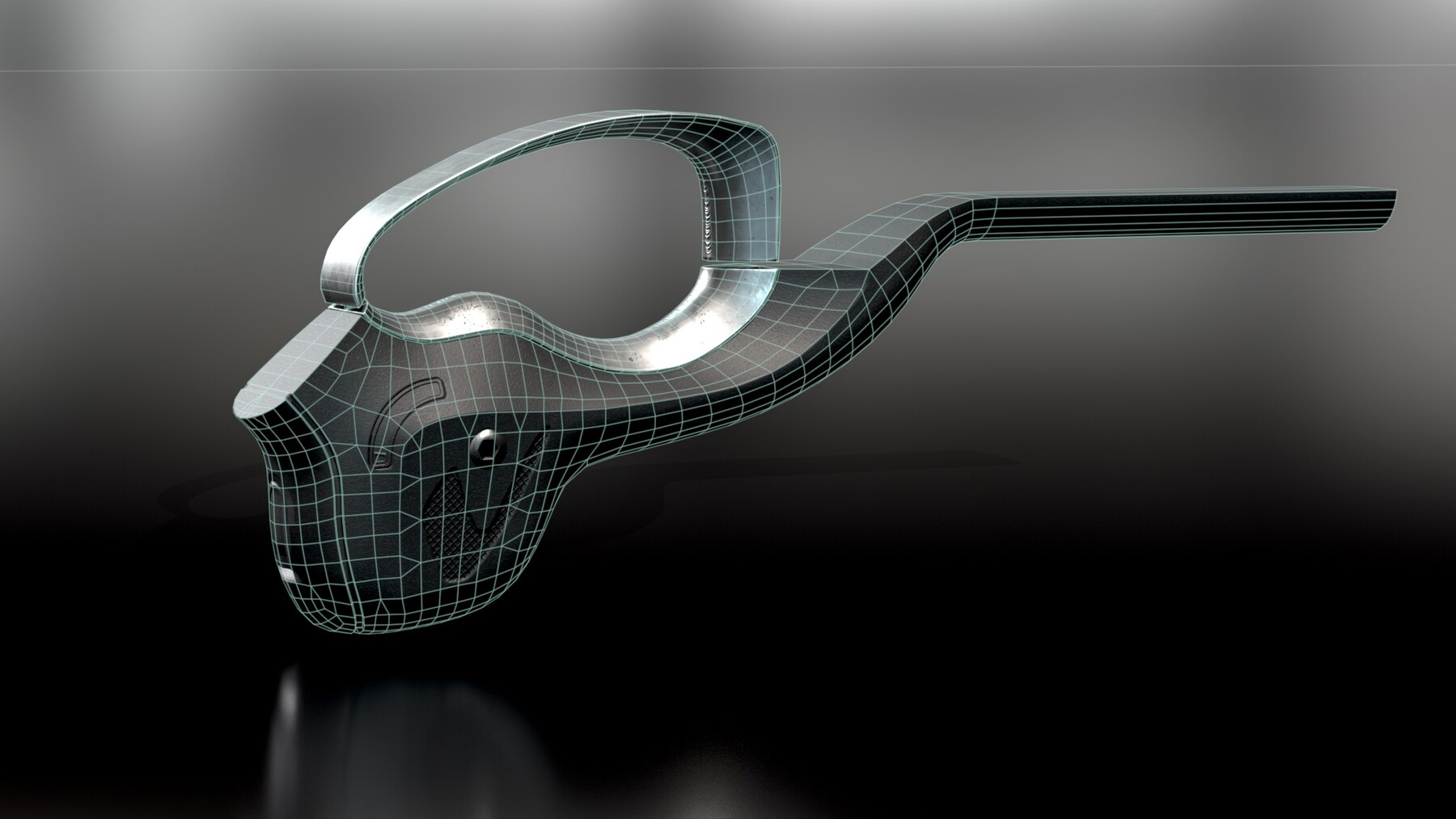
- The art of 3d optimization, learning how to retopologise it all manually, baking and texturing like a pro.
- Let’s dive into the nitty-gritty of texel density! It’s time to choose your target texel density wisely—no more random values that lead to those frustratig blurry textures. Everything you need to know is right here!
Tips and tricks on how to calculate your texture map, by using a proxy model which allows for calculating the "Surface total Area" and much more.
- The key to presentation, rendering.
- Importing a model and handling it in a game engine such as UE5.
Course Content:
- 45 hours of fully narrated, high-quality 1920 x 1080 content.
- Blueprints to kickstart your journey.
- Reference images for inspiration.
- Plasticity scene files (M96 Mattock included as a Plasticity file).
- Blender scene (M96 Mattock included).
- Marmoset 3D scene.
- Marmoset viewer.
- Useful links to free and paid add-ons.
Target Audience: Beginner / Intermediate.
Pre-Requisites:
- A basic understanding of Plasticity 3D, Blender, Marmoset Toolbag and Substance Painter.
Software Requirements:
- Plasticity 3D (Any version)
- Blender 4.2
- Substance Painter
- Marmoset Toolbag (Optional)
- Kuadro, to open the references file
- RizomUV (Optional) "If you have it, it's good for you"
Important:
Download the archives, for instance: from part 1 to part 8, then extract only the part 1, this way it will extract the whole archives seamlessly in 1 folder.
There is: -1 Tutorial Plasticity part 1 to 8. Plasticity course
-2 Tutorial retopology part 1 to 7 Blender course
-3 Tutorial Unwrapping part 1 to 5 Blender course
You need to download each course within separate folders.
Relevant details:
LOD 0: 72.885K tris
LOD 5: 2.278K tris
Calibrated PBR Material
Coordinates 3D model 0.0.0
https://www.youtube.com/watch?v=ckz6n3CTLZI&t=70s
**Important Notice:**
The models provided here are strictly for portfolio and non-commercial use only.
Please note that due to the nature of this digital product, all sales are final—no refunds will be issued.
Reuploading or sharing this content is strictly prohibited. Thank you for your understanding!
CATEGORIES
Standard Use License
USD $9.00
License: Standard License
Stock Assets
For personal use and one commercial project (up to 2,000 sales or 20,000 views).
TutorialsOne copy to be used by a single user.
Installable ToolsOne installation by a single user.
Learn MoreFiles (47)
Extended Commercial License
USD $45.00
License: Extended Commercial License
Stock Assets
For use on an unlimited number of commercial projects with no limits on sales or views.
Learn MoreFiles (47)
https://artstn.co/m/6k3zz
Copied
Ratings & Reviews
Sort by:LikesDate
Reviews (1)
 ahmad shishani
00Report| Release v.1.0 | Standard Use License | 8 months ago
Great job as always. The voice is very clear and native,. The huge mkvs are hard to manage though :)
8 months ago
Thanks a lot Ahmad!!!
Filter by Rating
More by Poly Paul
Add a tip for Poly Paul
Tips are appreciated, but optional!