Sign Up with Epic Games






________________________________________________________________________________________________________________________________
This course MUST be taken using UE5.6.1. Do NOT use the 5.7, this version changes many things and breaks shaders!
________________________________________________________________________________________________________________________________
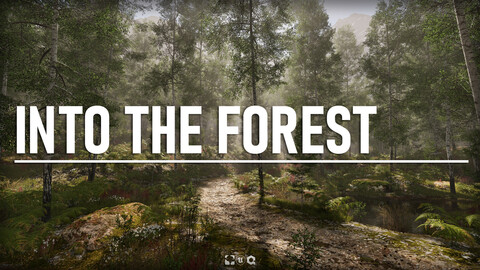
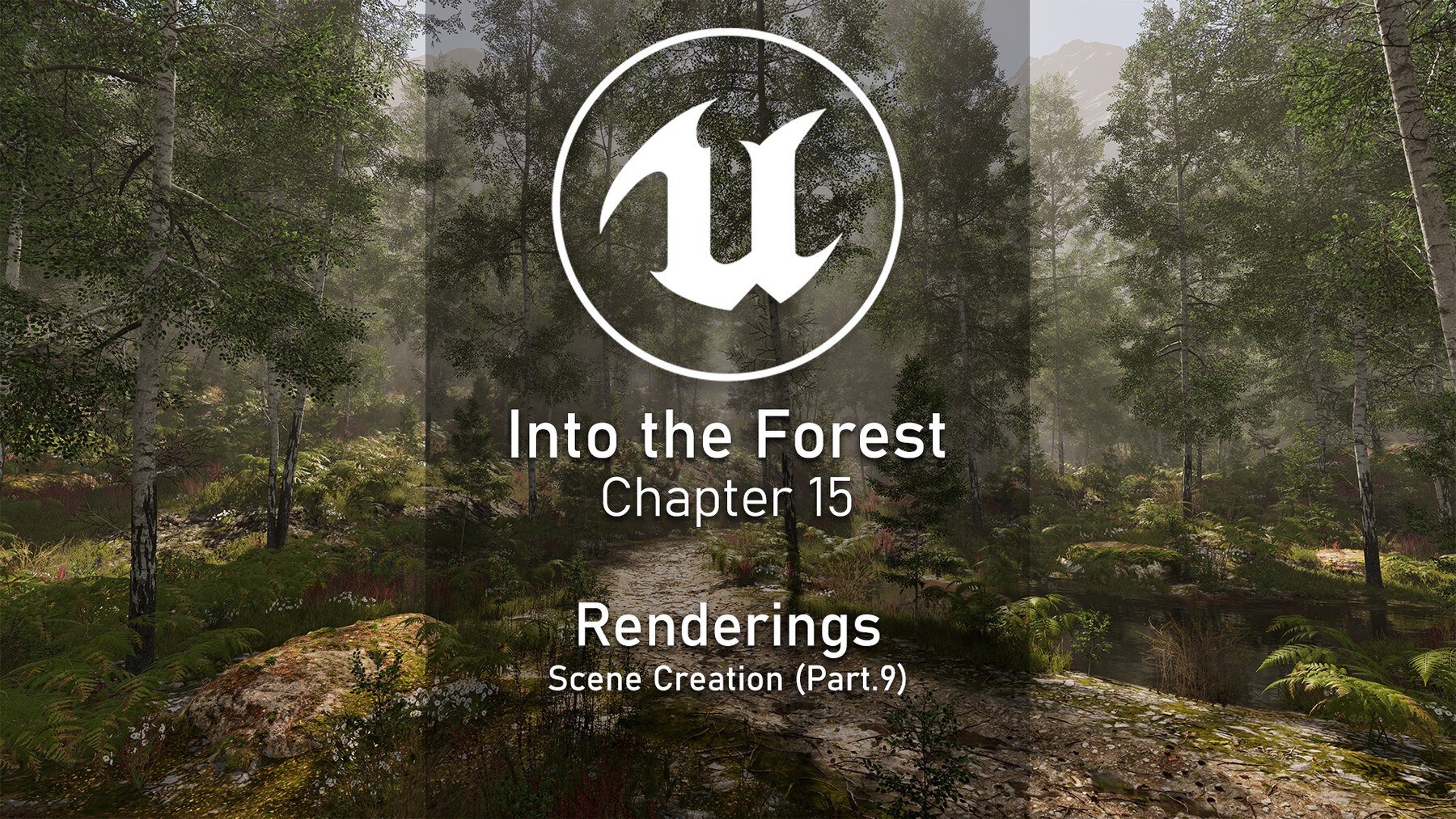
During this course, we will create a complete birch forest environment from scratch.
From building a full tree set and several ground cover models in SpeedTree 10 to the final composition using next-generation tools in Unreal Engine 5.6, every step is covered. We will also create textures using Quixel Mixer, generate background terrain with Gaea (optional), and build all the necessary shaders to achieve a high-quality result. The course concludes with final 4K renders using the Movie Render Queue.
What you will learn:
In SpeedTree 10:
- Create several next-generation trees using a hybrid workflow (Nanite for structure and LODs/Impostors for foliage)
- Create high-poly 3D branches and bake them into textures
- Understand how to build efficient atlases combining multiple elements into a single texture
- Use the provided atlas to create optimized ground cover models for real-time rendering
- Set up advanced wind fully customizable in Unreal Engine
- Create LODs for foliage and ground cover models
In Unreal Engine 5.6:
- Create advanced shaders for foliage, terrain, distant mountains, Megascans assets, decals and VFX
- Create textures using the Texture Graph plugin
- Build a complete scene (layout, lighting, decals, details, VFX)
- Use HDR lighting and Virtual Shadow Maps for more natural results
- Work with Post Process Volume and Volumetric Fog
- Use PCG tools for vegetation, decals and debris scattering
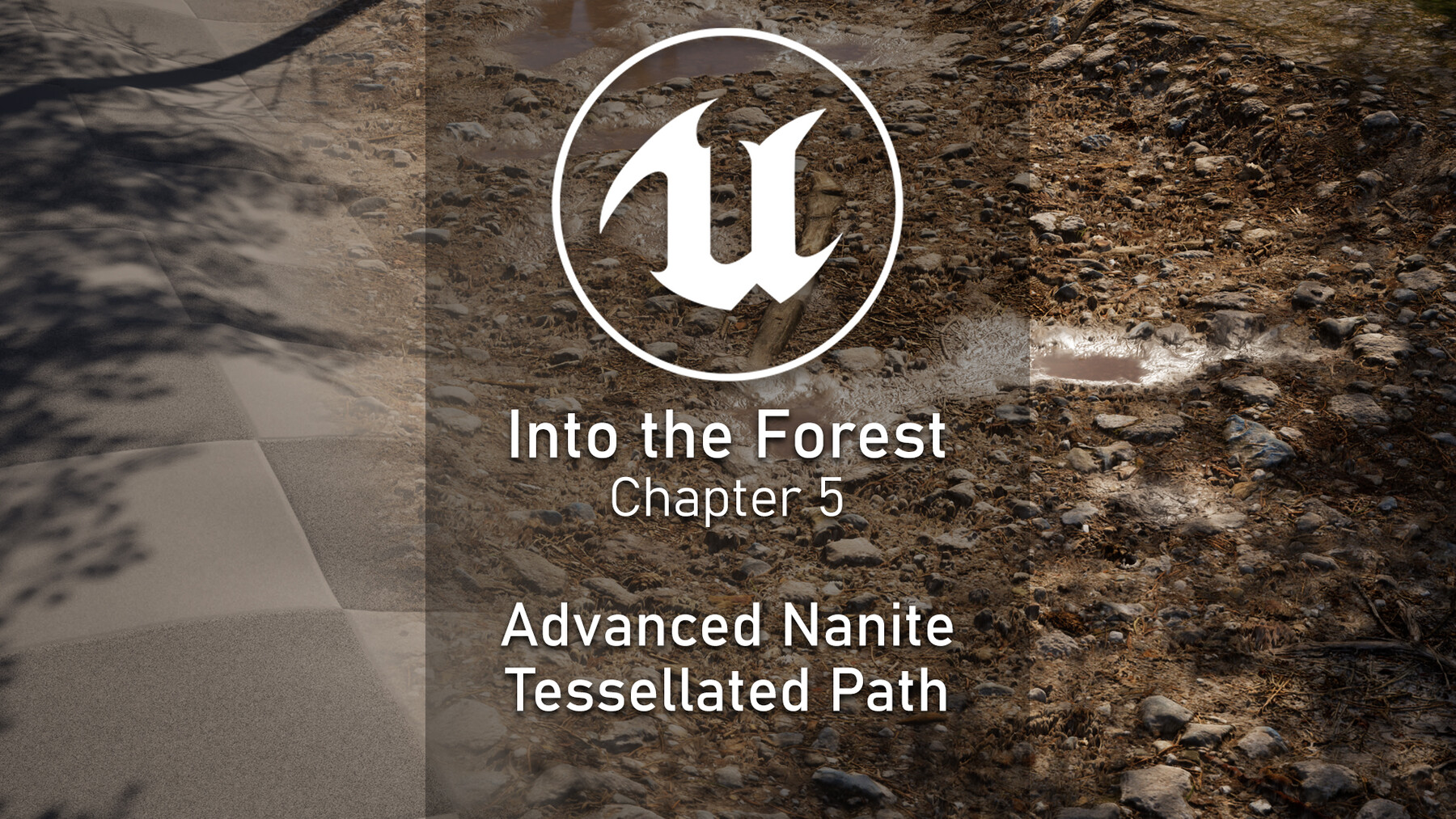
- Create an advanced path using Nanite tessellation and vertex painting
- Render high-quality 4K images using the Movie Render Queue
In Quixel Mixer:
- Create advanced textures for landscape and paths
- Export properly packed textures for Unreal Engine
In Gaea:
- Create terrain used to dress the background of the scene
- Export masks to use for texturing in Unreal Engine
In Photoshop:
- Adjust and refine textures
- Create and use actions to speed up repetitive tasks
- Improve overall texture quality
Which chapters are available
- Aspen Trees (Complete Creation - SpeedTree 10) - (10h11)
- Bark & Foliage Advanced Shader (UE5.6) - (4h26)
- Ground Foliage (Complete Creation - SpeedTree 10) - (3h32)
- Procedural Landscape Shader & Quixel Mixer Textures (UE5.6 & Quixel Mixer) - (7h45)
- Advanced Tessellated Path (Quixel Mixer & UE5.6) - (2h26)
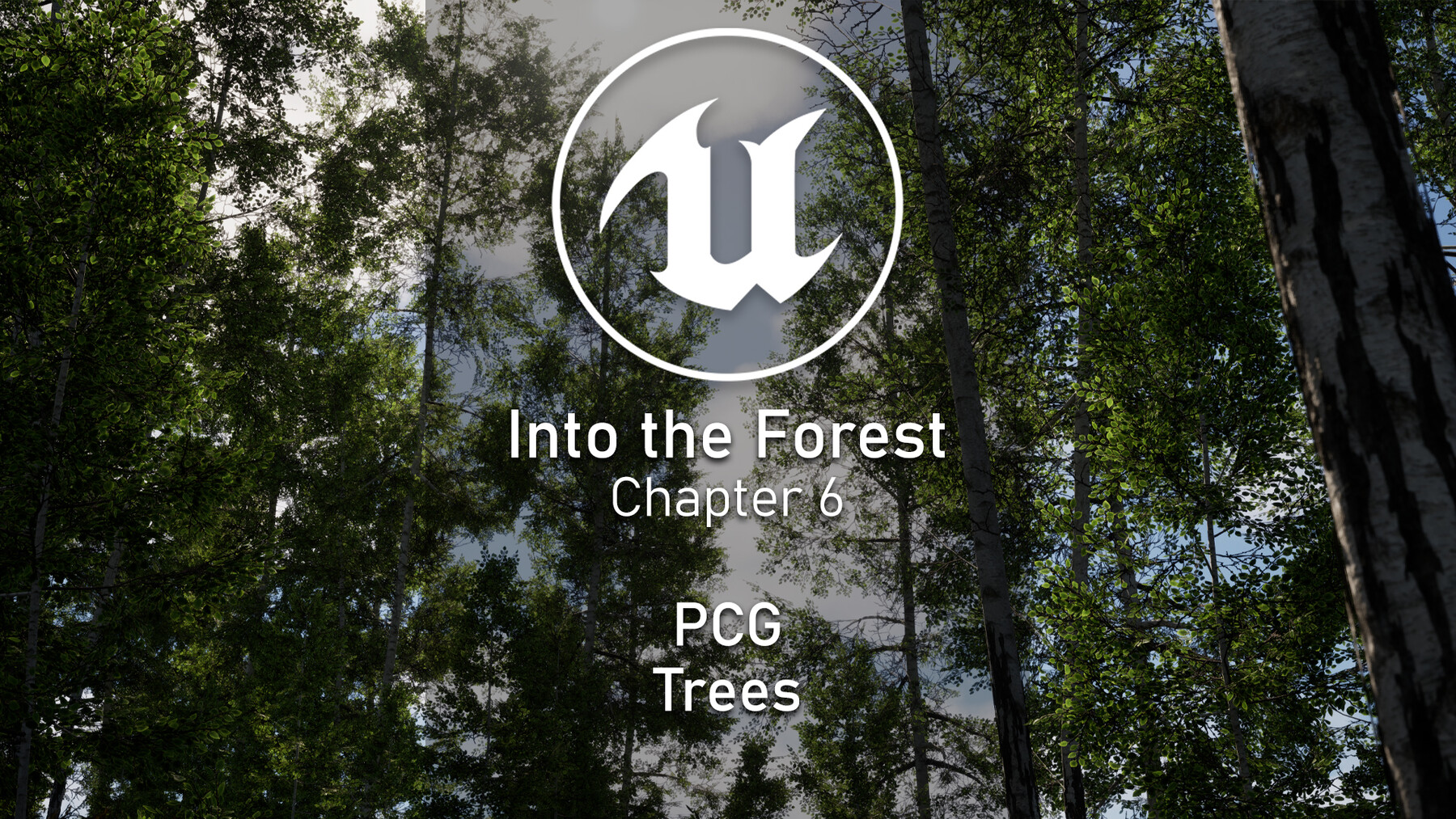
- PCG Trees (UE5.6) - (2h04)
- Scene Creation Part 1 - Main Scene Layout (UE5) - (3h38)
- Scene Creation Part 2 - Custom Water Shader (UE5 & Quixel Mixer) - (2h28)
- Scene Creation Part 3 - Distant Mountains (Gaea 2 & UE5) - (3h21)
- Scene Creation Part 4 - Custom Megascans Shader (UE5) - (2h09)
- Scene Creation Part 5 - PCG for Details (UE5) - (3h41)
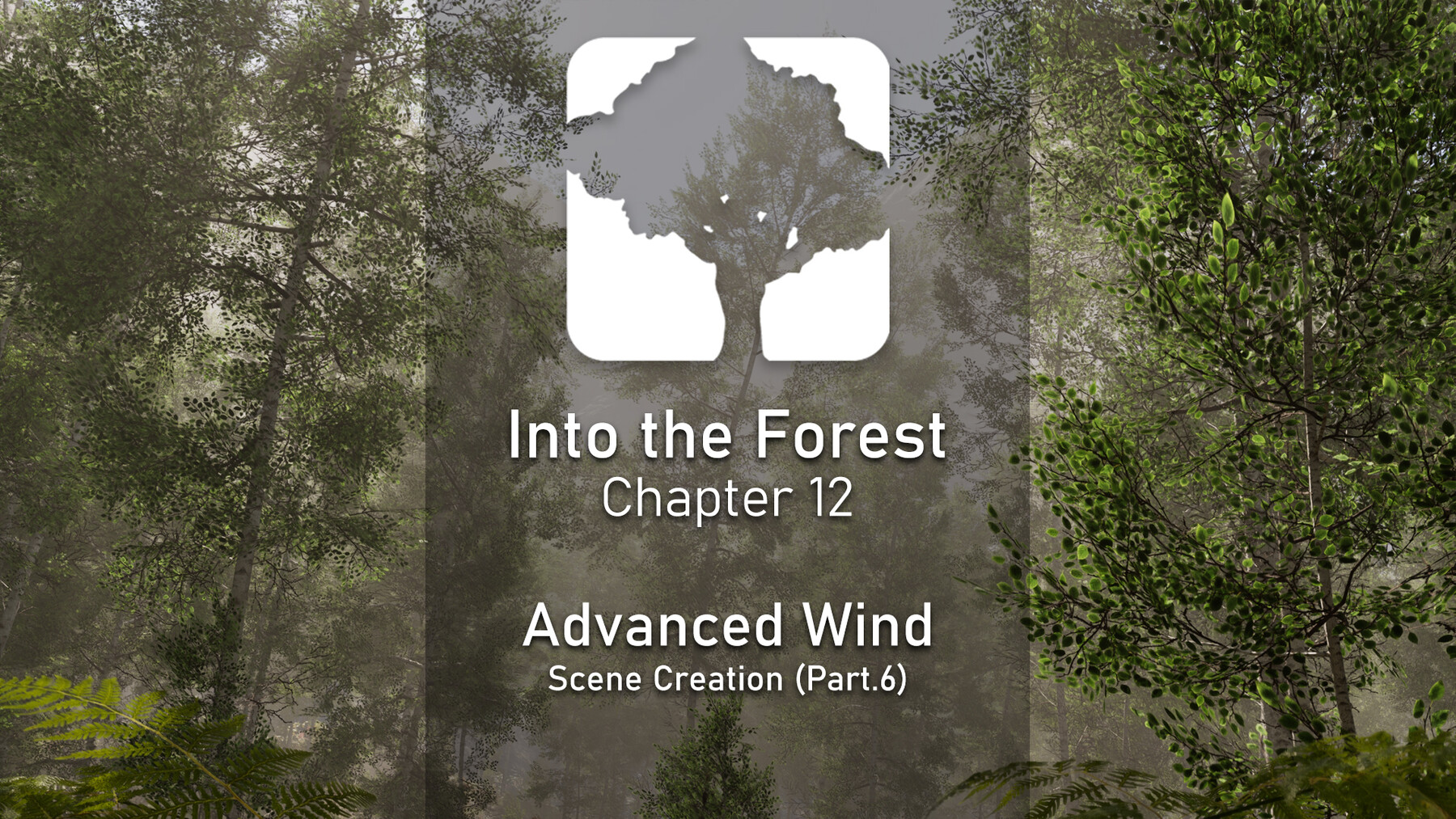
- Scene Creation Part 6 - Wind (SpeedTree & UE5) - (3h17)
- Scene Creation Part 7 - Trees & Ground Foliage Variations (SpeedTree & UE5) - (2h12)
- Scene Creation Part 8 - VFX with Niagara & Local Volumetric Fog (UE5) - (3h25)
- Scene Creation Part 9 - Final Rework & Renderings with Movie Render Queue (UE5) - (2h39)
What you will get:
- 57 hours of step-by-step video content
- 15 downloadable chapters (.zip)
- 1080p / 30 FPS
- English Subtitles
Software used:
- SpeedTree 10.0.1 (compatible with 10.1.0)
- Unreal Engine 5.6.X
- Photo/image editing software (Photoshop, Gimp, etc.)
- Quixel Mixer 2022
Level
- This course is intended for artists who want to learn, improve or refine their environment creation workflow.
Prerequisites
- A computer running Windows 10/11
- WinRAR or 7zip to extract files
- Basic knowledge of Unreal Engine
- Following my free SpeedTree overview is recommended to understand the fundamentals
Important note before starting
This course was created in Unreal Engine 5.6.1 and requires the same version. Using a different version may result in issues not covered in the course.
Recommended Next Step
- Continue with the modern Nanite-based workflow through the Into the Forest – Beech Forest (Nanite Workflow) extension.
- New users can also start directly with the Into the Forest – Modern Workflow Bundle, which includes both the base course and the Nanite workflow foundation.
Refund conditions:
- Due to the nature of downloadable content, refunds are not available once files have been accessed.
- Price changes after purchase are not a valid reason for a refund.
Release Notes
V1.1 IS NOW AVAILABLE!
Addition:
-
English Subtitles - Added English subtitles to all course videos
- Please note that these subtitles were generated using AI and may contain occasional inaccuracies, particularly regarding technical terminology.
The subtitles are provided as a separate ZIP file. Extract the archive and place the .srt files alongside the corresponding videos. Most media players will automatically detect and load them.
CATEGORIES
Personnal License
USD $50.00
License: Standard License
Stock Assets
For personal use and one commercial project (up to 2,000 sales or 20,000 views).
TutorialsOne copy to be used by a single user.
Installable ToolsOne installation by a single user.
Learn MoreFor personnal use only. We create everything together. Vegetation, shaders, PCG tools, landscape Textures and the scene. For personal usage only. Read MoreRead Less
Files (16)
Studio License
USD $120.00
License: Extended Commercial License
Stock Assets
For use on an unlimited number of commercial projects with no limits on sales or views.
Learn MoreFor team use with unlimited amount of seats. We create everything together. Vegetation, shaders, PCG tools, landscape Textures and the scene. For personal usage only. Read MoreRead Less
Files (16)
https://artstn.co/m/YMGWm
Copied
Ratings & Reviews
Sort by:LikesDate
Reviews (18)
 Oleg
Oleg00Report| Release v.1.05 | Personnal License | 21 days ago
Excellent course! I’m just beginning my journey with Unreal Engine, and I learned a lot from this. Everything is explained clearly, and the workflow is very enjoyable to follow. Thank you for creating such a great course!
19 days ago
Thank you so much! I'm really happy to hear you're enjoying the course, especially as you're just starting with Unreal Engine. Wishing you all the best on your journey, and thanks again for the kind words!
 Dmytro Beliak
00Report| Release v.1.05 | Personnal License | 3 months ago
Thank you for the great course! I've finished all chapters, it was very interesting and useful. I've learned a lot, especially about UE shaders. It is truly the best vegetation course out there, and it's worth every penny, just be ready to work hard day in and day out.
3 months ago
Thank you so much for the kind words, and especially for taking the time to complete every chapter.
I’m really happy to hear the shader sections and overall workflow helped you that much. Into the Forest was made to be a real production-oriented course, so your “prepare to work hard” line honestly means a lot to me too haha.
Congrats on finishing the full course, and thank you again for the support!
 Szabó István
00Report| Release v.1.05 | Personnal License | 7 months ago
The best tutorial I have ever seen!
I’ve already purchased two other tutorials from you before, but unfortunately I didn’t have time to start them. When I saw the preview video for this series, I bought it immediately. Yesterday I started working on the Aspen Tree. Unfortunately, each part takes me quite a long time because I’m new to SpeedTree, so I take a lot of notes and use AI to explain what each tool and feature does. I know you explain everything continuously, but my English is not very good yet.
Long story short… I’m really happy that you created this series and that I can learn from such a professional. I will definitely buy your upcoming videos without hesitation. I highly recommend it to everyone! 🤗
7 months ago
Thank you for your review, I really appreciate it and no worry, take the time you need to learn everything :D
 Dom Maher
10Report| Release v.1.05 | Personnal License | 7 months ago
It's a staggering time to be alive when this level of information and expertise is available to anyone anywhere on the internet for <$100. This guy's courses are incredible; people used to attend university for years and get less value than this course offers. If you absorb everything here you'll be well on your way to becoming a professional-level environment artist. PURCHASE THIS COURSE IMMEDIATELY
7 months ago
Hahaha! Thank you very much for your review and support. I really appreciate knowing that you enjoy the course!
 damien le seach
10Report| Release v.1.05 | Personnal License | 8 months ago
Great tutorial, lots to learn, highly recommended.
8 months ago
Thank you very much for taking the time to write this review Damien
 Luca Pavesi
10Report| Release v.1.05 | Personnal License | 9 months ago
It's just the best in the business. The forests and landscapes made with this course are just amazing
9 months ago
Thank you very much for your comment and review Luca
 Elise Vanremortere
10Report| Release v.1.05 | Personnal License | 9 months ago
Merci pour ce contenu de qualité ! Je suis ces tutoriels pour mon projet de diplôme et ça m'aide énormément !
9 months ago
Merci à toi d'avoir pris le temps de laisser un avis. Je suis très heureux de savoir que ce cours t'aide :)
 Marius Mrohs
10Report| Release v.1.05 | Personnal License | 10 months ago
Amazing Tutorial, very detailed and patient explaining.
9 months ago
Thank you for your comment Marius
 Anca Mihis
20Report| Release v.1.05 | Personnal License | 11 months ago
Amazing tutorial! Super easy and fun to learn! I'm looking forward for all the next chapters! Thank you for doing this!
11 months ago
Thank you for your review, I really apprecitate it
 Andrey Mihailov
20Report| Release v.1.05 | Personnal License | 12 months ago
Bonjour, merci pour une si belle mise à jour du cours. Je le regarderai et le referai avec plaisir pour mieux comprendre et consolider les connaissances. J’avais réalisé le cours sur le train abandonné. Excellent travail, plein de succès dans tout.
11 months ago
Merci à toi pour ton commentaire et ton soutien, ça fait plaisir à lire, surtout en Français haha!
Filter by Rating


Add a tip for Michael Gerard
Tips are appreciated, but optional!