Sign Up with Epic Games








AnimKit v3.1 Pro — The Maya Animation Toolkit You've Been Waiting For
NOW 20% OFF: $39 for 1 year, or $79 once and it's yours forever.
Official Site:
https://www.nasrtech.dev/animkit
Cut your animation time in half. Built by animators, for animators.
Stop jumping between scattered scripts, shelves, and repetitive Maya commands. AnimKit brings everyday animation tools into one clean, dockable workflow — fast blocking, pose management, timing tools, mirror/flip, retargeting, temp controls, constraints, cleanup, and more.
WHAT YOU GET
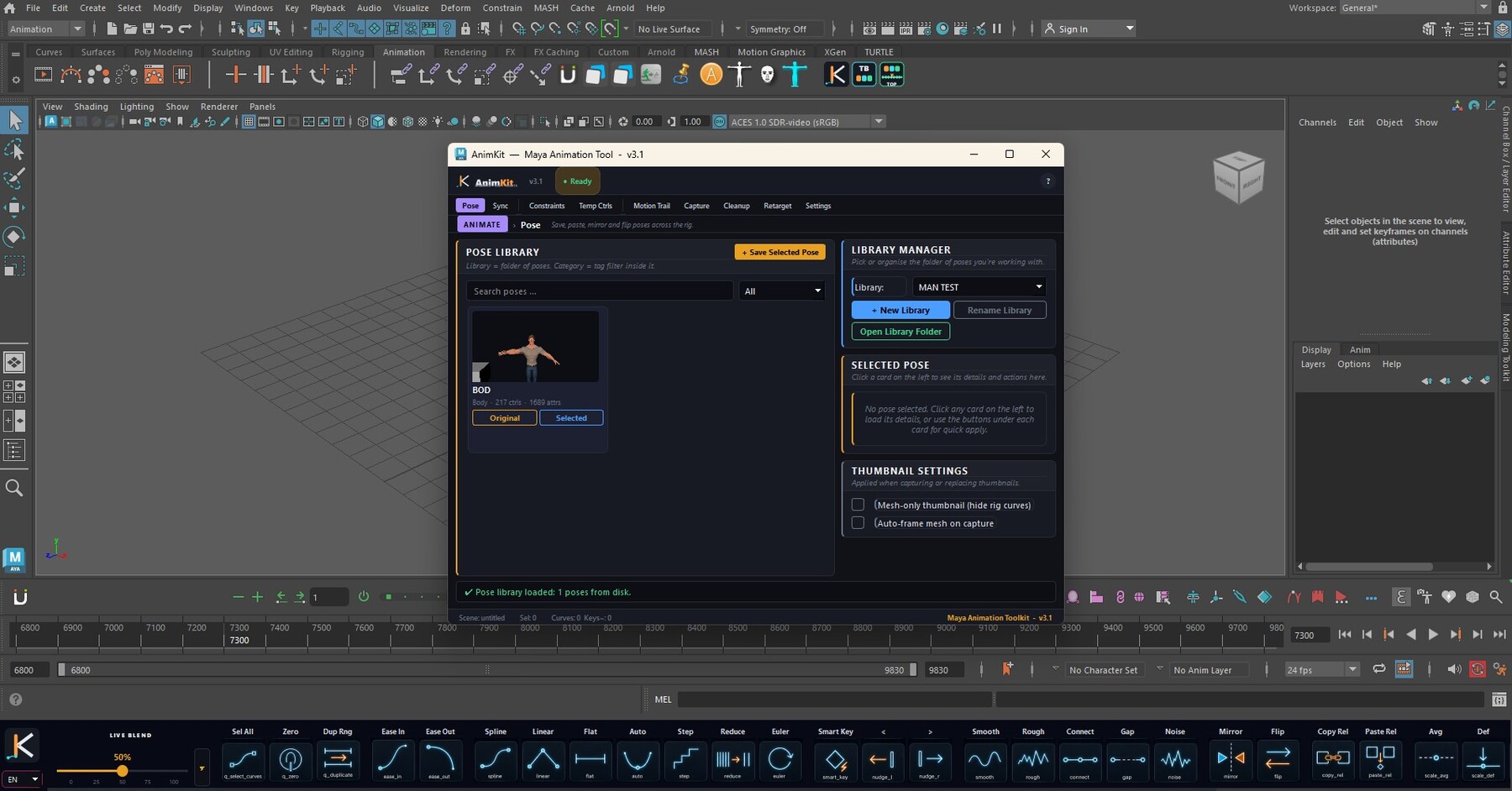
AnimKit v3.1 Pro is a production-ready Autodesk Maya animation toolkit: 50+ tools across 9 specialized tabs and a 31-button dockable toolbar.
Every tool acts only on what you have selected — a single channel like rotateX, a control, or a Graph Editor key selection (animBot-style). Each major workflow has a quick video demo so you can see exactly how it works before you buy.
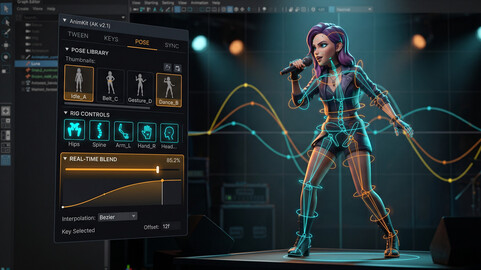
POSE LIBRARY
Studio-Library-style pose and animation library with thumbnails, folders, namespace-aware matching, subset apply, mirror-on-apply, and clean keying.
Watch the demo:
SYNC — TIMING TOOLS
Time Offset, Time Scale, snapshot-safe Reverse, and advanced timeline range tools.
Watch the demo:
MIRROR / FLIP
Smart per-control mirror and flip for real rigs: L/R, Lt/Rt, Left/Right, prefix/suffix/embedded/namespaced naming, IK default-aware math, FK joint-orient detection, time-range or current-pose modes — plus a per-rig mirror table you snapshot once in T-pose.
Watch the demo:
CONSTRAINTS + ATTACH / DETACH
Parent, point, orient, scale and aim constraints with maintain offset, plus a dedicated Attach / Detach workflow for props (cups, swords, hand-offs) powered by blendParent behavior so the animation before the attach frame stays safe.
Watch the demo:
TEMP PIVOT
AnimBot-style 3-state temporary pivot: Place, Drive, Off. Rotate or move any control around any custom pivot point — foot rolls, weight shifts, hand gestures, arcs — and it records straight into your keys without touching the rig.
Watch the demo:
TEMP CONTROLS PRO
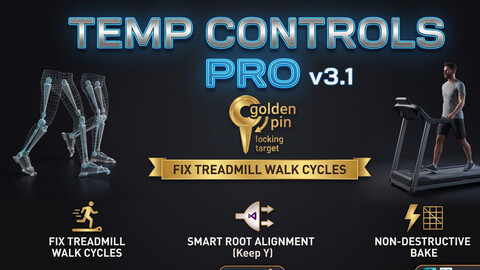
World Pin for IK feet and hands, Center Root to Target, custom temp controls in 6 shapes and 7 colors, bake back to the original rig, clean removal.
Watch the demo:
COPY / PASTE RELATIONSHIP
Copy the transform relationship between two controls, then paste it at another frame or across a range. No constraints, no helper nodes, no cleanup — perfect for moving props between hands.
Watch the demo:
TWEEN TOOL — LIVE BLEND
Drag to preview, release to commit, one undo step: Live Blend slider plus Blend to Default, to Neighbors, to Ease, and Ease In / Ease Out.
Watch the demo:
CURVES TOOLS
Smooth, Rough, Connect to Neighbors, Gap Stitch, Add Noise, Add Wave — all selection-safe.
Watch the demo:
SCALE-FROM TOOLS
Scale animation around Average, Default, Current Frame, or Left/Right Neighbor pivots — push poses and exaggerate curves fast.
Watch the demo:
STAGGER TOOL
Offset selected keys by incremental frames — waves, antennas, hair, cloth offsets, crowd timing.
Watch the demo:
SELECTION SETS
Save and load control selections from one compact widget.
Watch the demo:
CAPTURE / PLAYBLAST
One-click playblasts with output path, format, resolution, quality, frame range and viewport cleanup handled for you.
Watch the demo:
CLEANUP TOOL
Remove static and redundant keys, Euler filter, snap keys to frames, clean namespaces, delete unknown nodes, curve statistics.
Watch the demo:
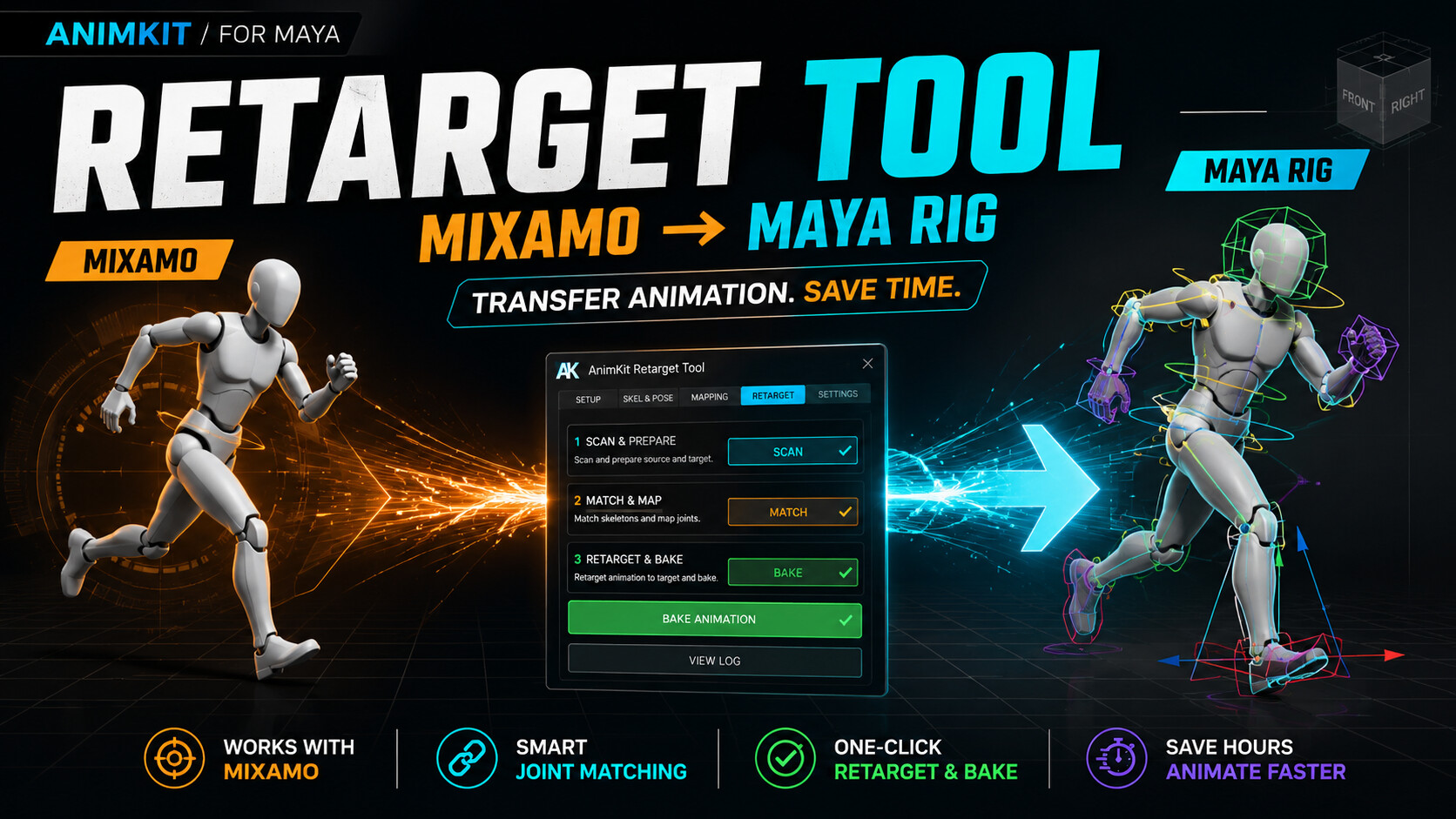
MIXAMO RETARGET
Transfer Mixamo animation onto custom Maya rigs: scene scan, FK/IK/pole matching, T-pose matching, IK proxy for foot stability, bake to rig controls, UE5 Mannequin preset.
Watch the demo:
THE TOOLBAR — 31 ONE-CLICK BUTTONS
Tangents (Spline, Linear, Flat, Auto, Step, Reduce, Euler), Smart Key, Nudge, Mirror/Flip, Copy/Paste Relationship, Stagger, Scale modes, Smooth/Rough/Noise/Wave, Selection Sets, Temp Pivot and more — docked above or below the Time Slider.
CUSTOM-DESIGNED UI
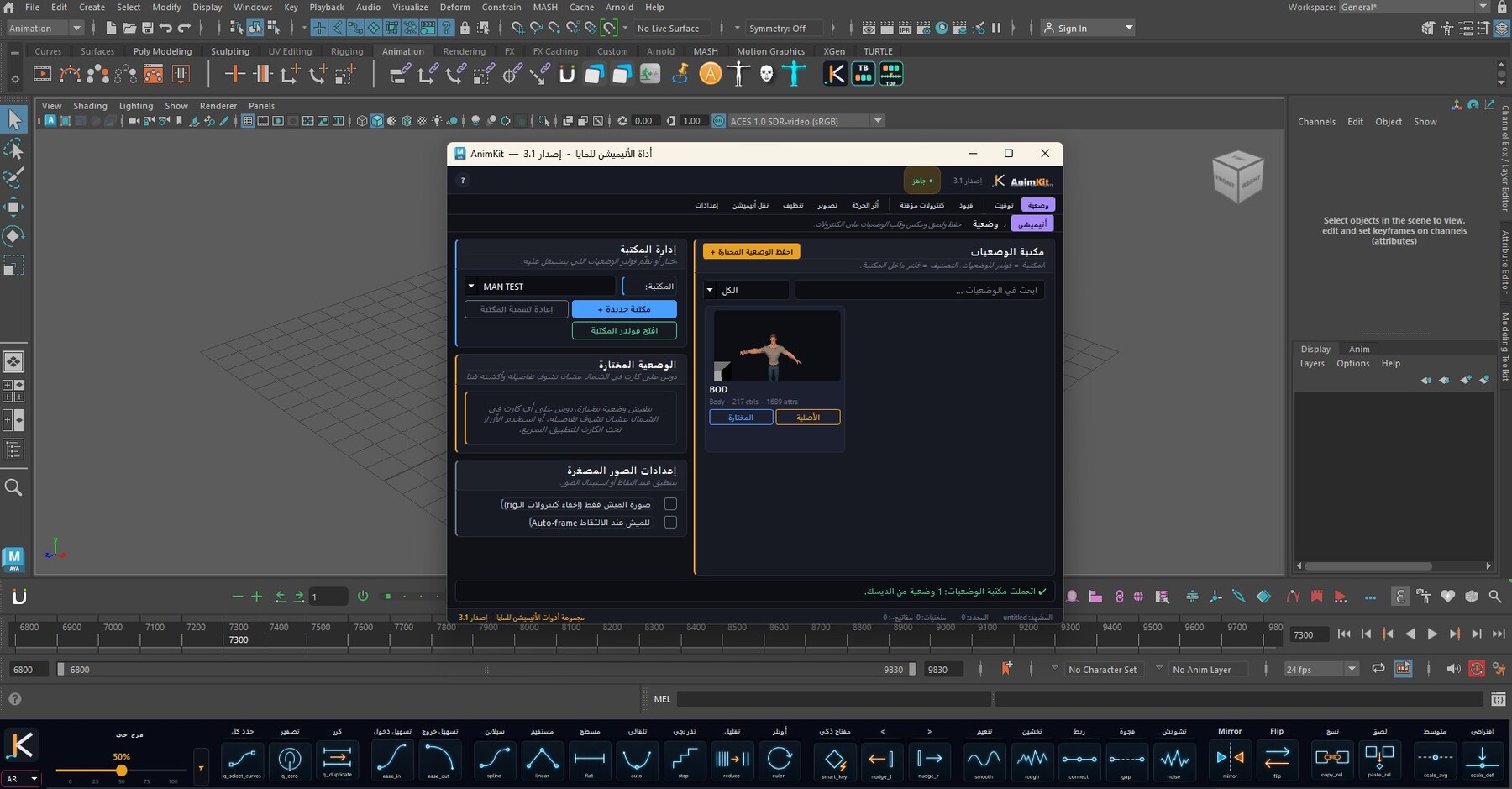
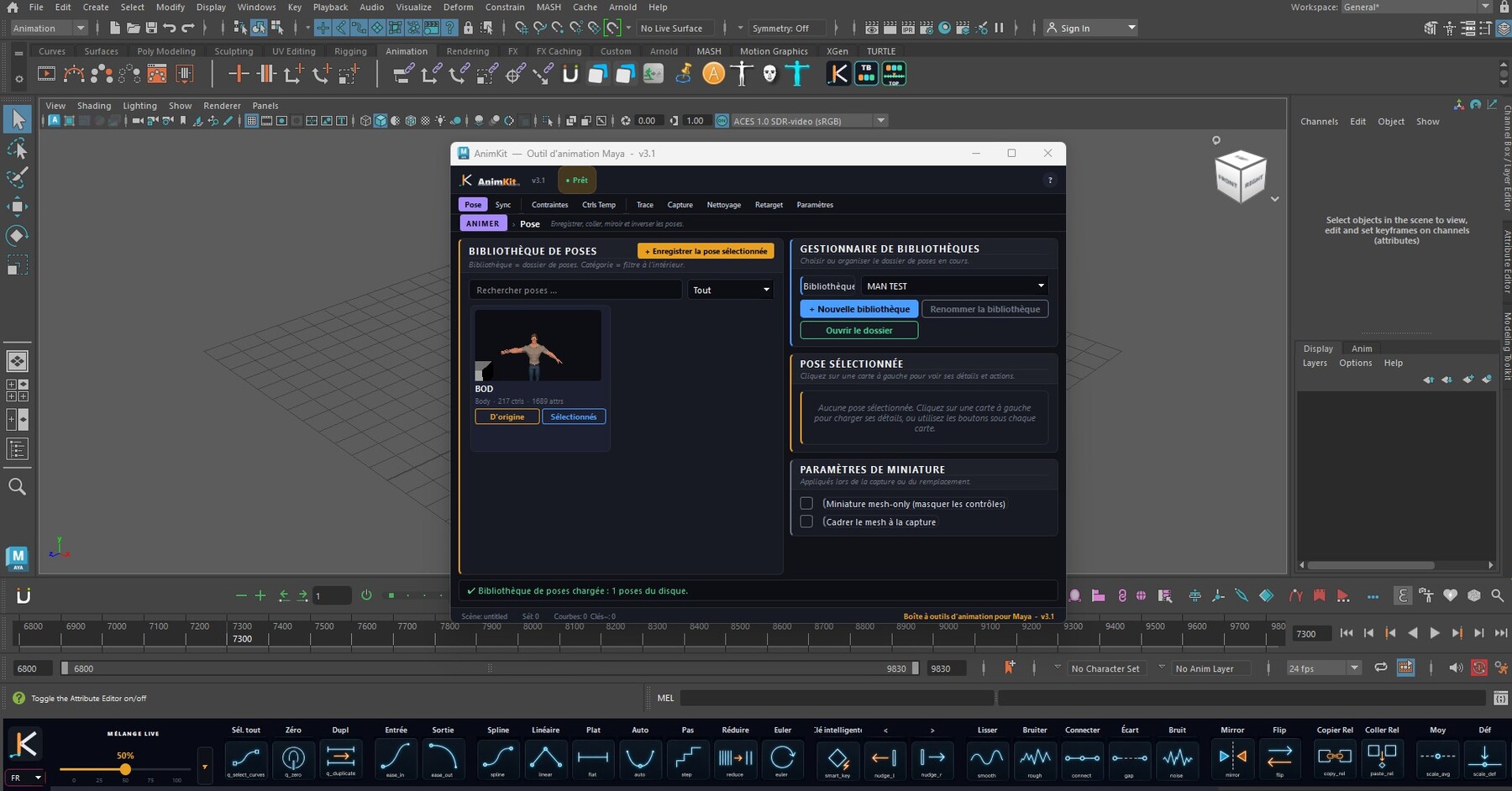
Custom neon icon set, dockable toolbar, one-click main panel, smart trilingual tooltips (EN/AR/FR with full Arabic RTL), clean dark UI that scales up to 300% for 4K/8K monitors.
SYSTEM REQUIREMENTS
• Autodesk Maya 2022, 2023, 2024, 2025 or 2026 — one package, the correct build loads automatically
• Windows 10 / 11
• No external dependencies
• Works with mGear, Advanced Skeleton, HumanIK, and custom rigs
LICENSE OPTIONS (20% OFF)
• 1 Year — $39 — one workstation, all updates for a year
• Perpetual — $79 — one workstation, never expires
• Studio — $119 — up to 5 workstations, 1 year, extended commercial rights
ACTIVATION
Buy, then redeem your ArtStation Order ID at:
https://www.nasrtech.dev/animkit/redeem
Your license file arrives by email within a minute. Questions: support@nasrtech.dev
BUILT FOR ANIMATORS, BY ANIMATORS
AnimKit was built through real daily animation production work on character rigs, props, timing tools, pose workflows, and Maya pipeline problems. Every tool exists because animators need faster ways to work inside Maya.
One drag-and-drop install. One clean toolbar. One toolkit built to save time.
LEARN MORE
Official Site:
https://www.nasrtech.dev/animkit
Support:
Release Notes
AnimKit v3.1.4 — New license options + high-DPI fix
• New license options: 1 Year ($39, 1 workstation) · Perpetual ($79, 1 workstation, never expires) · Studio ($119, 1 year, up to 5 workstations, extended commercial). Currently 20% off.
• Self-service activation: nasrtech.dev/animkit/redeem — enter your ArtStation Order ID + username, and your license file lands in your inbox within a minute.
• One package for Maya 2022, 2023, 2024, 2025 & 2026 (Windows) — the correct build is picked automatically at load.
• High-DPI fix: toolbar, menus and dialogs now scale correctly up to 300% on 4K/8K monitors.
• Protected native build (compiled) — same tools, same workflow.
Existing licenses keep working — no re-activation needed.
Support: support@nasrtech.dev
CATEGORIES
AnimKit — 1 Year License (1 workstation)
USD $39.00
License: Standard License
Stock Assets
For personal use and one commercial project (up to 2,000 sales or 20,000 views).
TutorialsOne copy to be used by a single user.
Installable ToolsOne installation by a single user.
Learn MoreOne workstation, valid 1 year. All 50+ tools and every update during your year. After purchase, activate in 2 minutes at nasrtech.dev/animkit/redeem using your ArtStation Order ID. Renew by repurchasing — your settings carry over. Read MoreRead Less
Files (1)
AnimKit — Studio License (1 year, 5 workstations)
USD $119.00
License: Extended Commercial License
Stock Assets
For use on an unlimited number of commercial projects with no limits on sales or views.
Learn MoreOne license for a studio or team — up to 5 workstations, valid 1 year, with extended commercial rights. All 50+ tools and every update during your year. After purchase, activate in 2 minutes at nasrtech.dev/animkit/redeem using your ArtStation Order ID. Read MoreRead Less
Files (1)
AnimKit — Perpetual License (1 workstation, never expires)
USD $79.00
License: Standard License
Stock Assets
For personal use and one commercial project (up to 2,000 sales or 20,000 views).
TutorialsOne copy to be used by a single user.
Installable ToolsOne installation by a single user.
Learn MorePay once, keep AnimKit forever. One workstation, never expires — all 50+ tools plus every v3.x update. After purchase, activate in 2 minutes at nasrtech.dev/animkit/redeem using your ArtStation Order ID. Read MoreRead Less
Files (1)
https://artstn.co/m/WjOrO
Copied
Add a tip for mohamed nasr
Tips are appreciated, but optional!