Sign Up with Epic Games
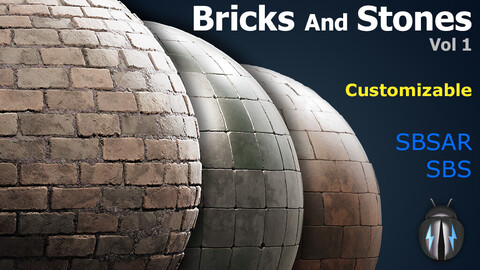
Bricks And Stones Vol.1: Customizable SBS, SBSAR with PBR Texture Maps

in Resources
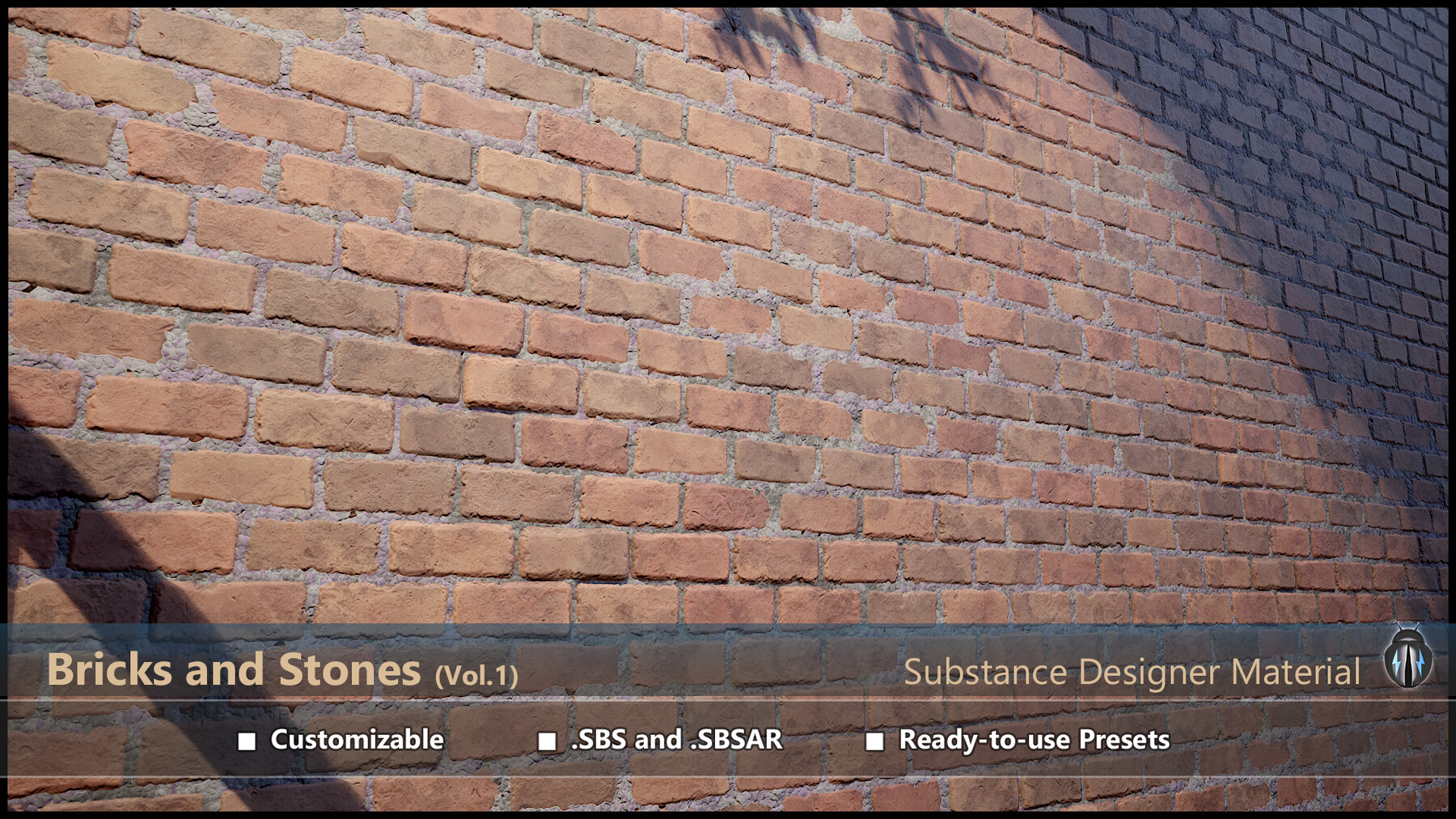

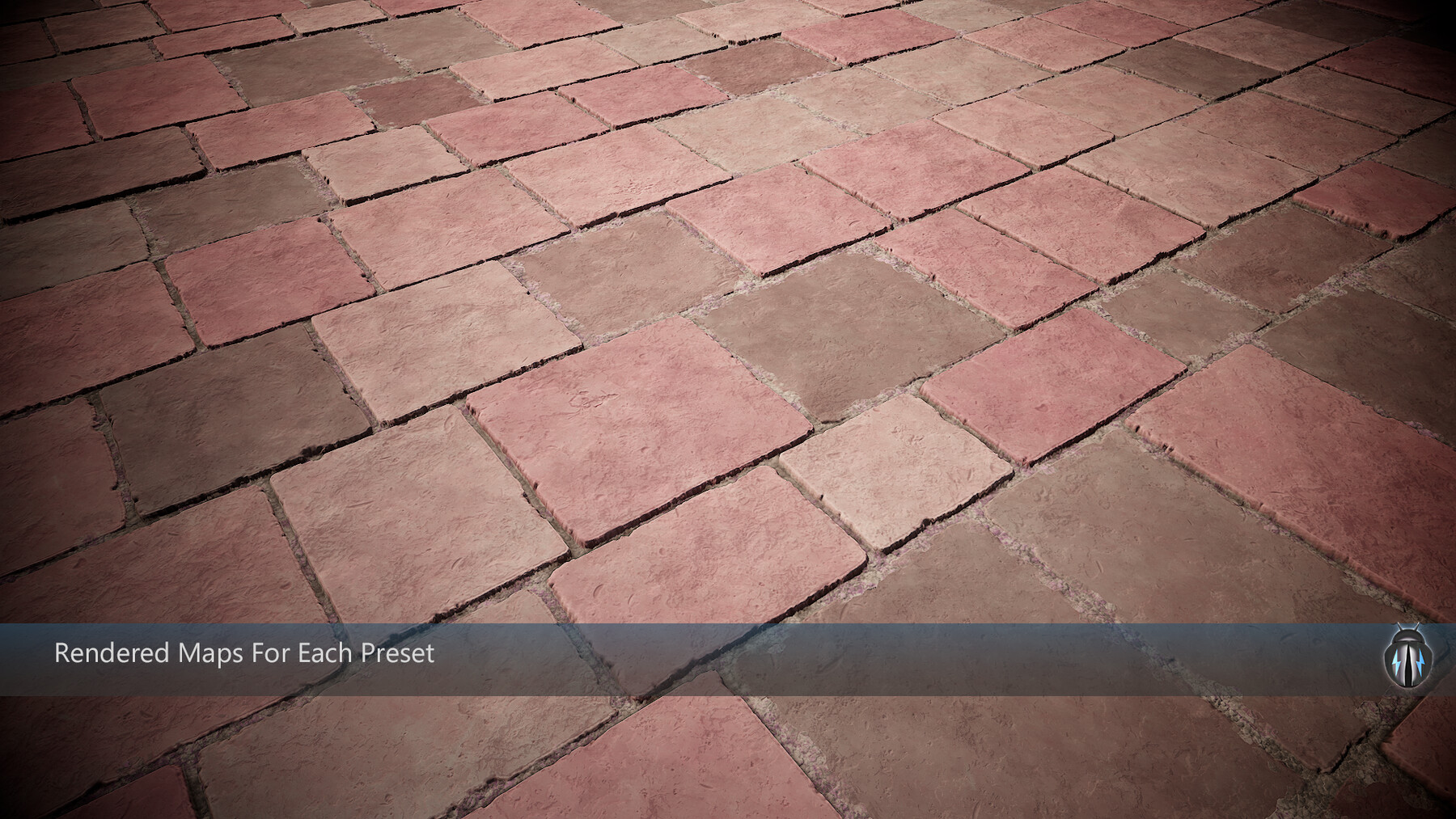
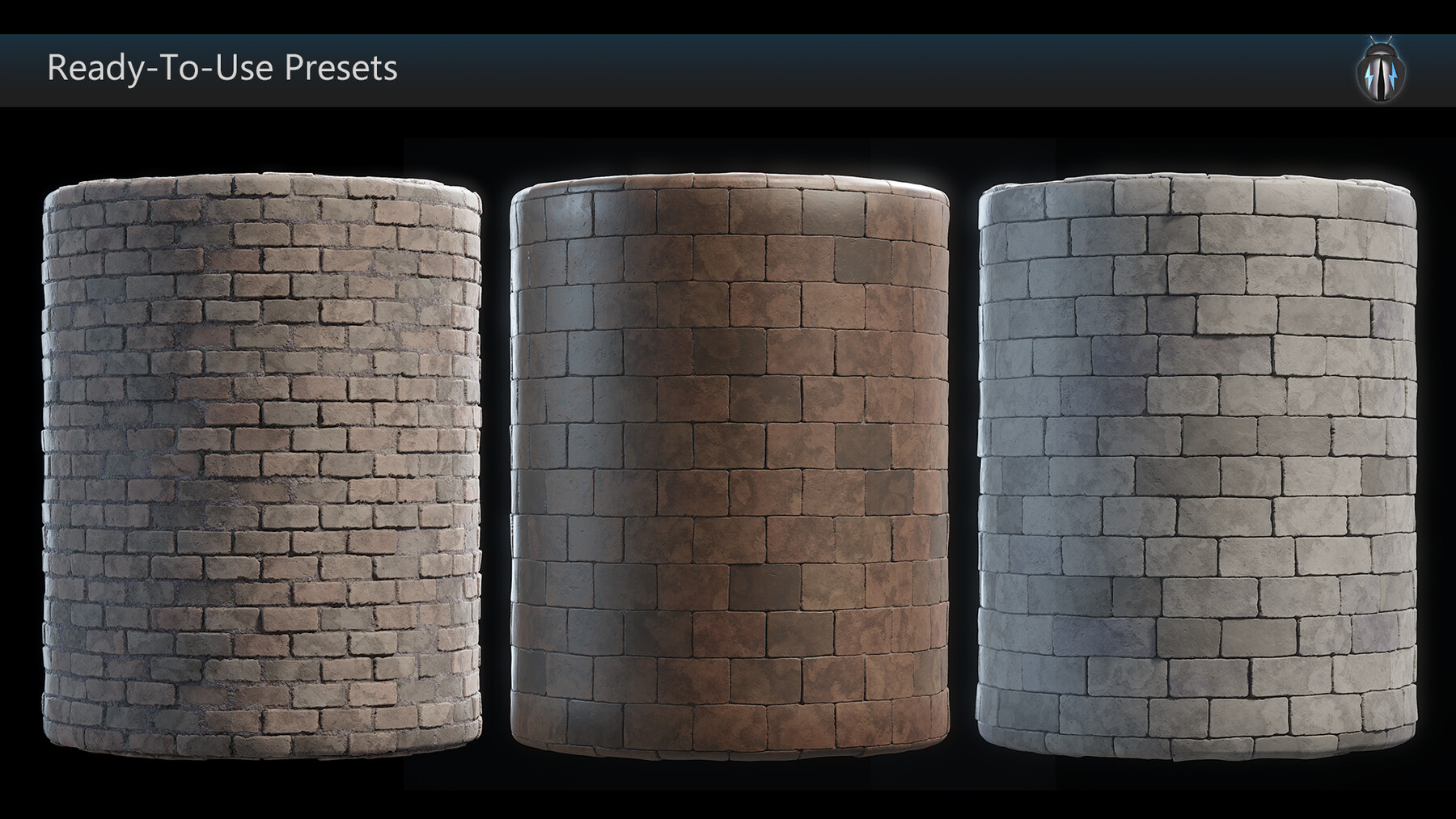
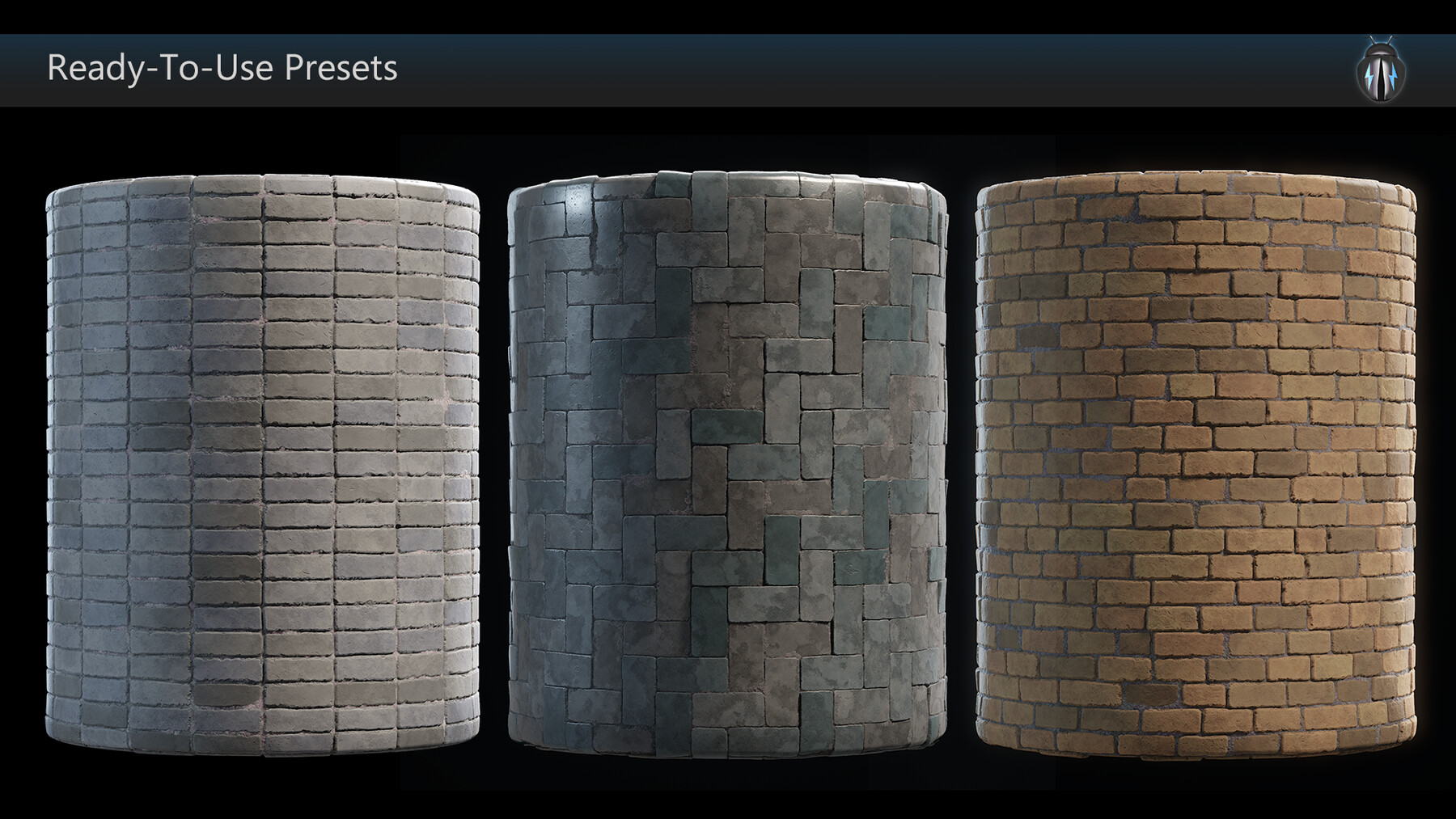
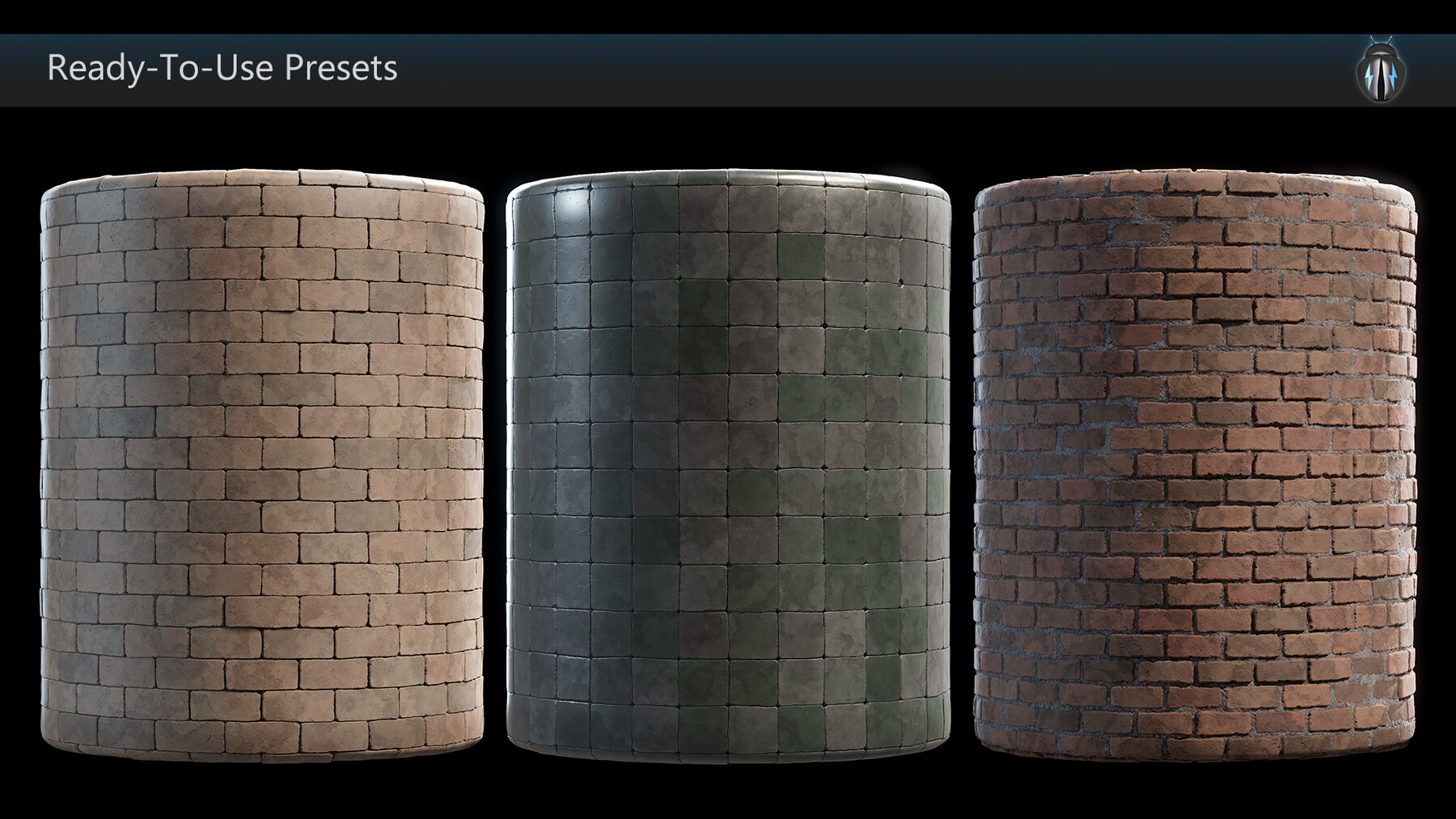
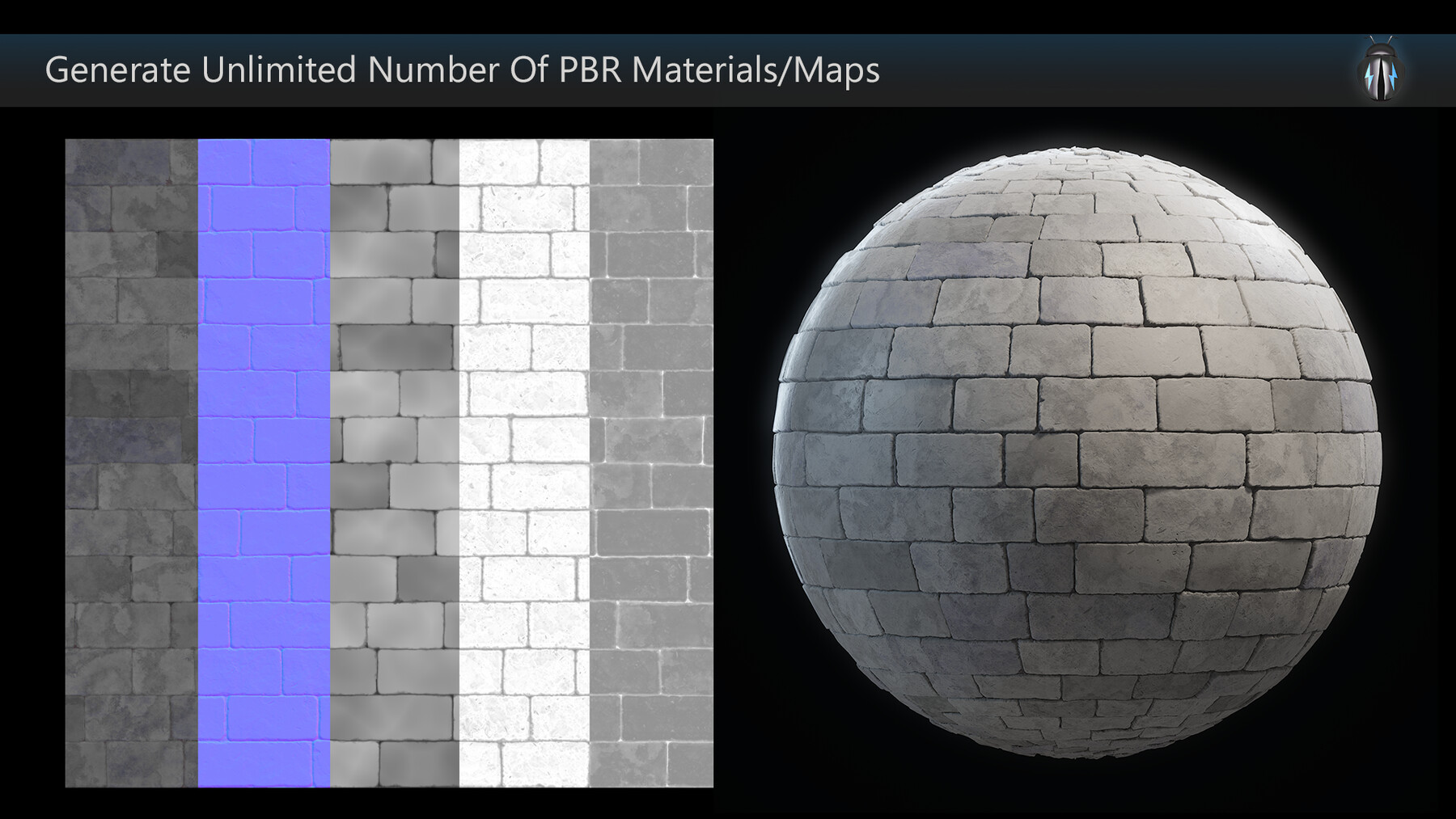


Substance Designer Material: JoltBug Bricks and Stones (vol.1)
What you are getting:
Standard Use license:
■ .sbs file with customization parameters
■ .sbsar file with customization parameters
■ One default customizable preset (attached)
All other licenses:
■ .sbs file with customization parameters
■ .sbsar file with customization parameters
■ .sbsar file with customization parameters and all attached presets
■ 9 customizable presets (including default) for substance designer users
■ Baked PBR texture maps (PNG and TGA) in 4K resolution (Color, AO, Height, Roughness, Normal) for all nine preset materials.
The .sbs file needs Substance Designer** to open. But the .sbsar can be used outside Substance Designer.
All presets, except the default one, are stored in a separate .sbsprs file. To use these presets, they must be loaded first in Substance Designer or Player.
There are two versions of the .sbsar. One includes all the presets which is slightly heavier than the other that doesn’t include any preset. However, you can still manually load the presets (.sbsprs) here and work on them. The .sbsar can be opened and edited in substance player (free) to edit or customize and bake new textures. Watch the video demonstration* to know how it works in Substance Designer and Substance Player. The .sbsar without presets is relatively light weight than the one that comes without presets. However, it is always possible to manually load the presets.
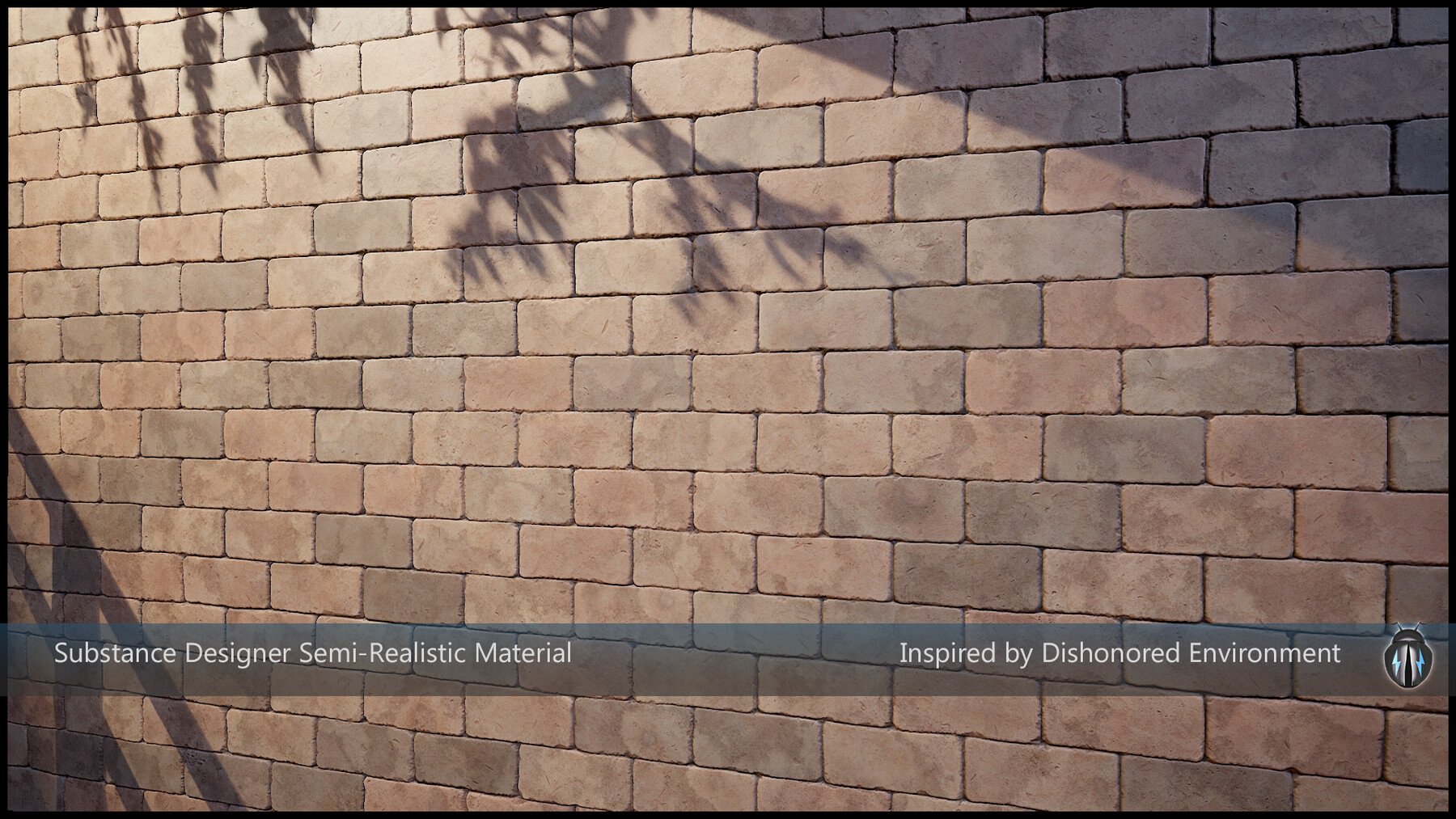
This is a fully customizable substance designer brick and stone material. It’s a simple material that comes with a wide range of customizations to generate an unlimited number of unique and versatile bricks and/or stone patterns as per your requirements. This is partly inspired by the Dishonored environments though not entirely like them as it is made with a subtle realistic touch to make it look more semi-realistic than painterly.
Customization:
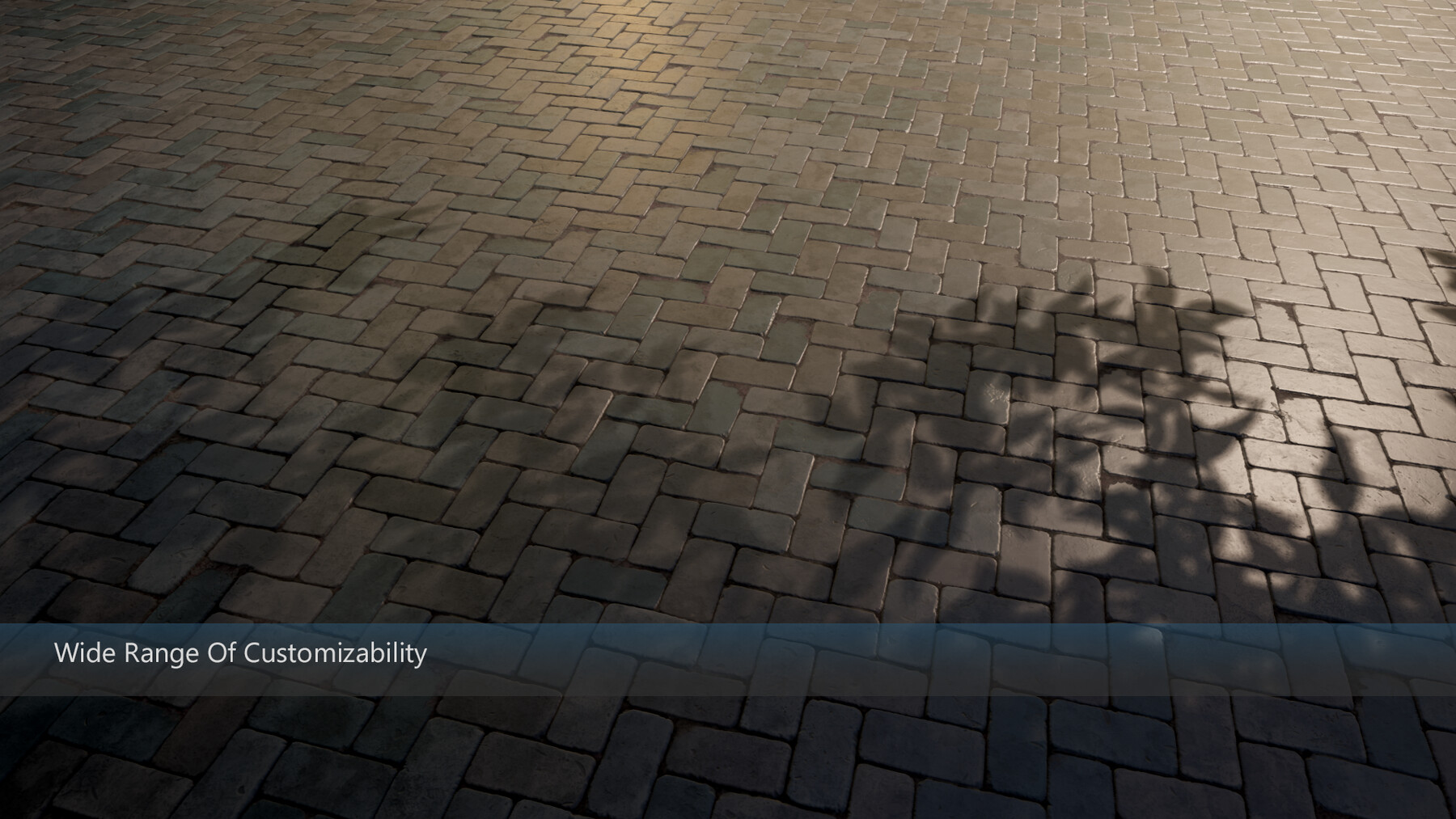
You can customize all the parameters to create different patterns of tiled stone blocks, brick walls, stone walls, pavements, cobblestone, ground or floor tiles and wall tiles of different sizes, lengths and widths. Each customization parameter contains brief tooltips describing the function of that slider. Some of the customization parameters are interdependent, which means, changing one influences the effects of another. And some of the parameters won’t show any results if some others are turned off or very low or high in value. This is why it is very important to carefully read the tooltips to know the functionality of each parameter. Otherwise, it might get confusing to handle the parameters.
Here is a Video Demonstration of the SBSAR and SBS.
All display images had been rendered in Marmoset Toolbag 4.0 with 4K maps exported from Substance Designer. Results may vary with different settings or on other render platforms and with lower/higher resolution maps.
The parent size of the original graph provided is 2k which can be changed to higher or lower resolution as per requirements. However, while editing the material graph, working on high resolution may slow down the entire process. So, it is recommended to work on lower resolutions like 1k or 2k and then save the final materials in 4k. That is how all the preset materials had been baked and used to create all the display images.
The entire node graph has been generated on OpenGL settings. So, you may need to re-check if the DirectX Normal on the main material properties is set to “False” which it should be to get the desired output. You may also need to flip or readjust the normal settings of the application/render platform where you are finally using these materials.
Note:
*In an attempt to make it more user-friendly the positions of some of the customization parameters had been rearranged in the order of the customization list after recording the video. However, the original functionalities are still the same.
**This material was created in Substance Designer version 11.2.0.
Release Notes
The Standard License now contains the .sbs as well as .sbsar following the requests of some buyers.
CATEGORIES
Standard Use License
USD $10.00
License: Standard License
Stock Assets
For personal use and one commercial project (up to 2,000 sales or 20,000 views).
TutorialsOne copy to be used by a single user.
Installable ToolsOne installation by a single user.
Learn MoreUp to 1 user : Unlimited personal and one commercial use. Not allowed for AI training. Read MoreRead Less
Files (4)
Extended Commercial License
USD $25.00
License: Extended Commercial License
Stock Assets
For use on an unlimited number of commercial projects with no limits on sales or views.
Learn MoreUp to 1 user : Unlimited personal and unlimited commercial use. Not allowed for AI training. Read MoreRead Less
Files (7)
Studio Basic License
USD $52.00
License: Extended Commercial License
Stock Assets
For use on an unlimited number of commercial projects with no limits on sales or views.
Learn MoreUp to 5 users : Unlimited personal and unlimited commercial use. Not allowed for AI training. Read MoreRead Less
Files (7)
Studio Plus License
USD $108.00
License: Extended Commercial License
Stock Assets
For use on an unlimited number of commercial projects with no limits on sales or views.
Learn MoreUp to 20 users : Unlimited personal and unlimited commercial use. Not allowed for AI training. Read MoreRead Less
Files (7)
Studio Pro License
USD $336.00
License: Extended Commercial License
Stock Assets
For use on an unlimited number of commercial projects with no limits on sales or views.
Learn MoreUp to 100 users : Unlimited personal and unlimited commercial use. Not allowed for AI training. Read MoreRead Less
Files (7)
https://artstn.co/m/6gjwg
Copied
More by JoltBug (Jayati Chakrabarti)


Add a tip for JoltBug (Jayati Chakrabarti)
Tips are appreciated, but optional!