Sign Up with Epic Games

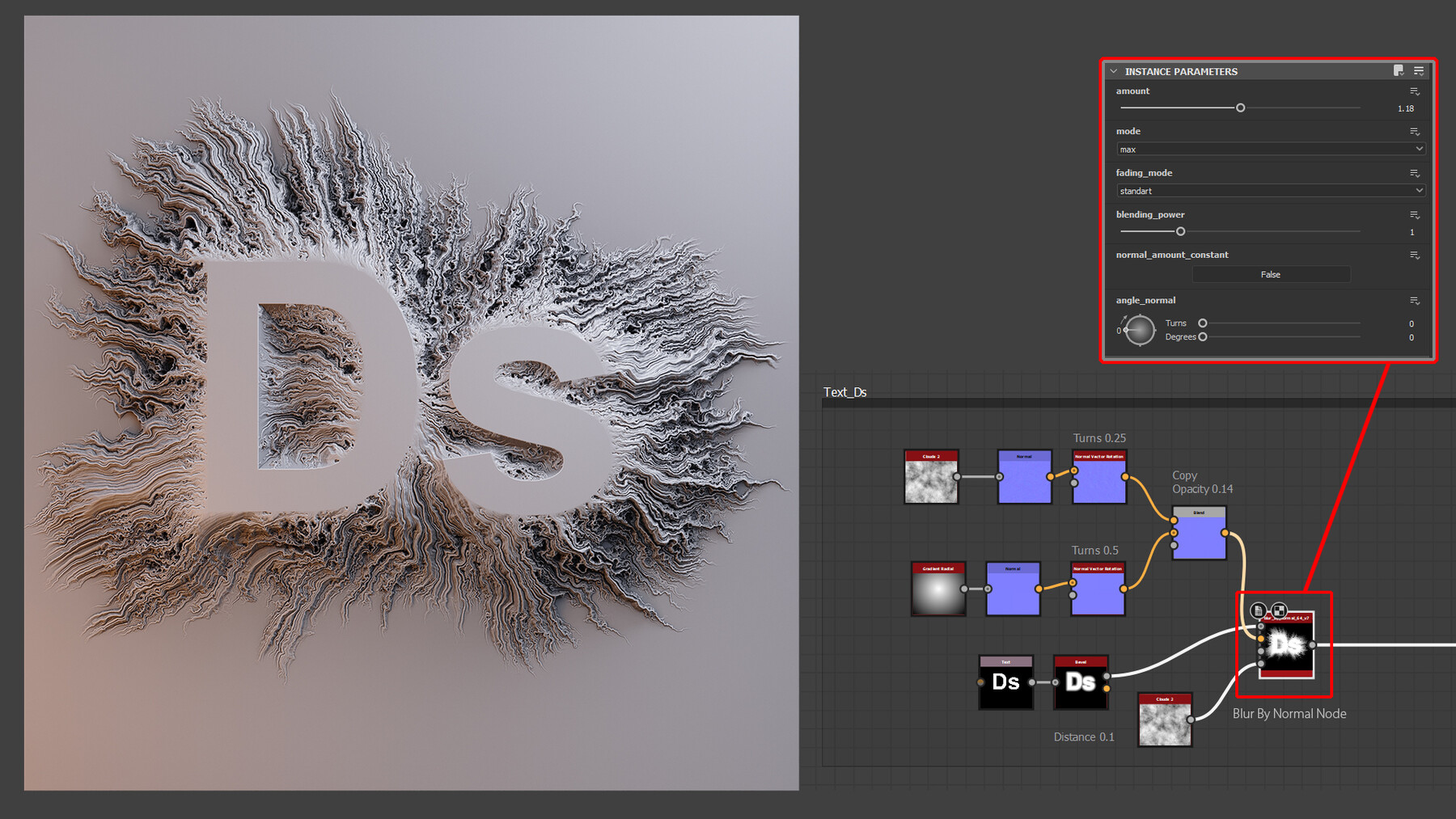




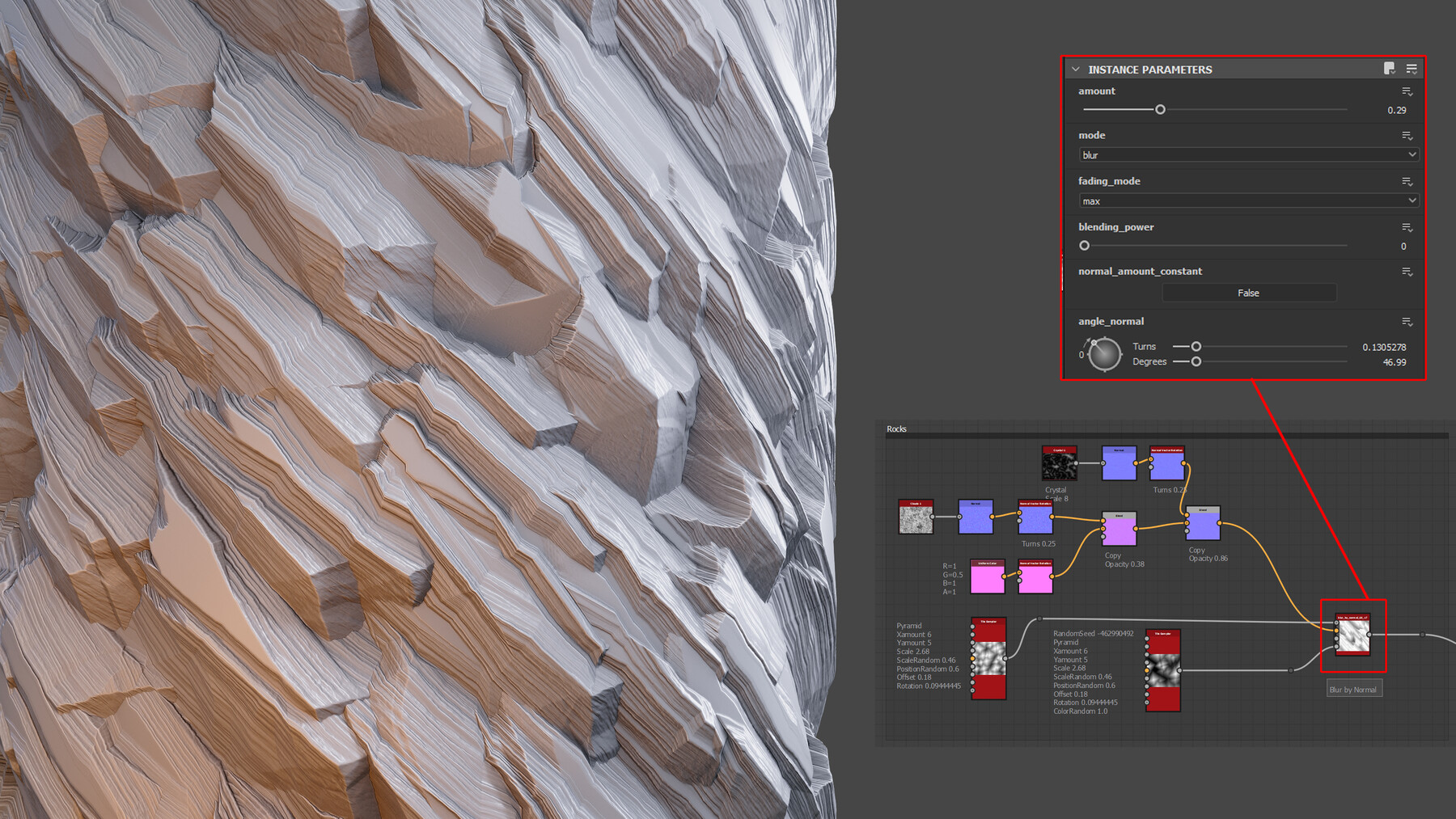
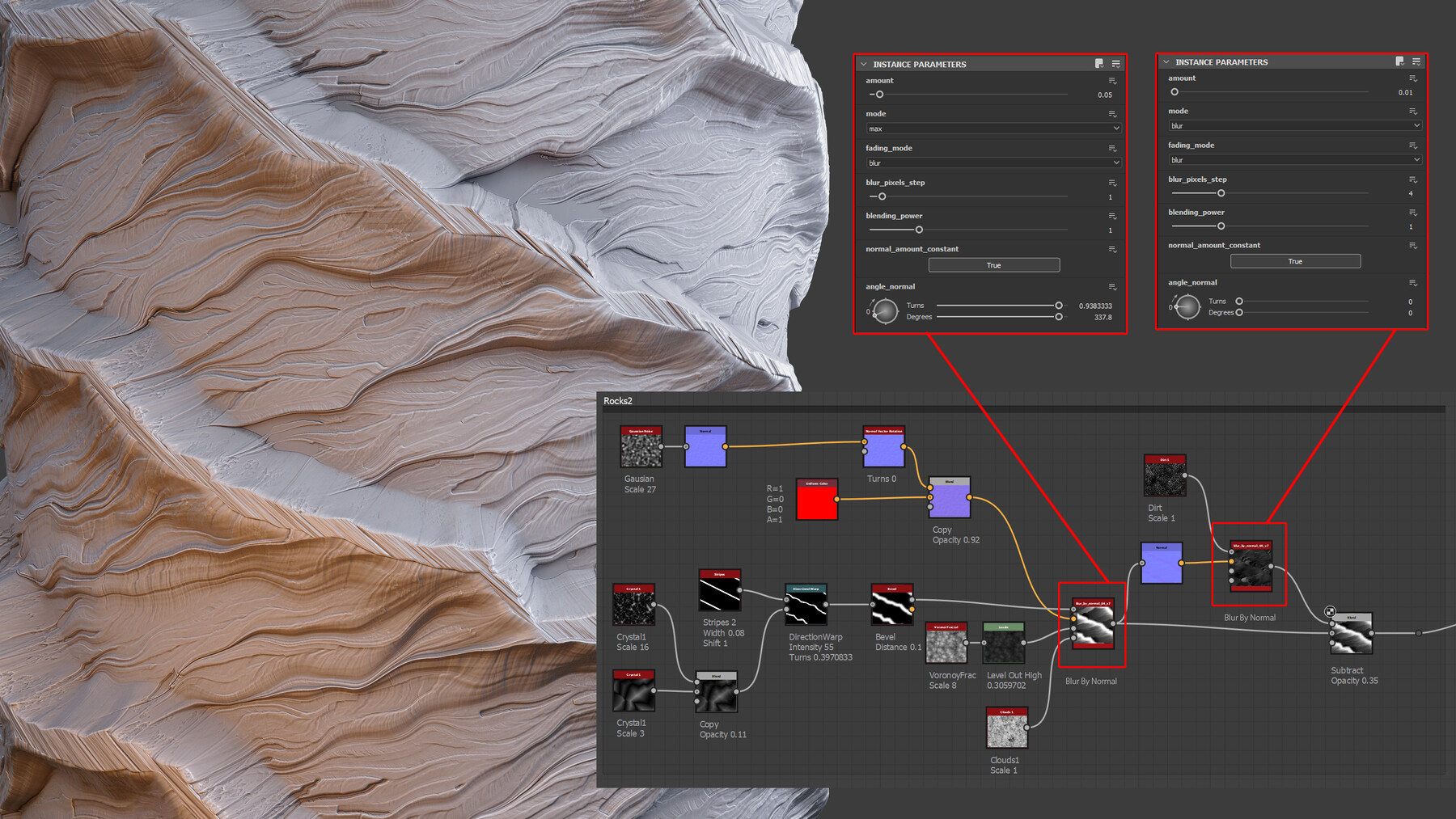
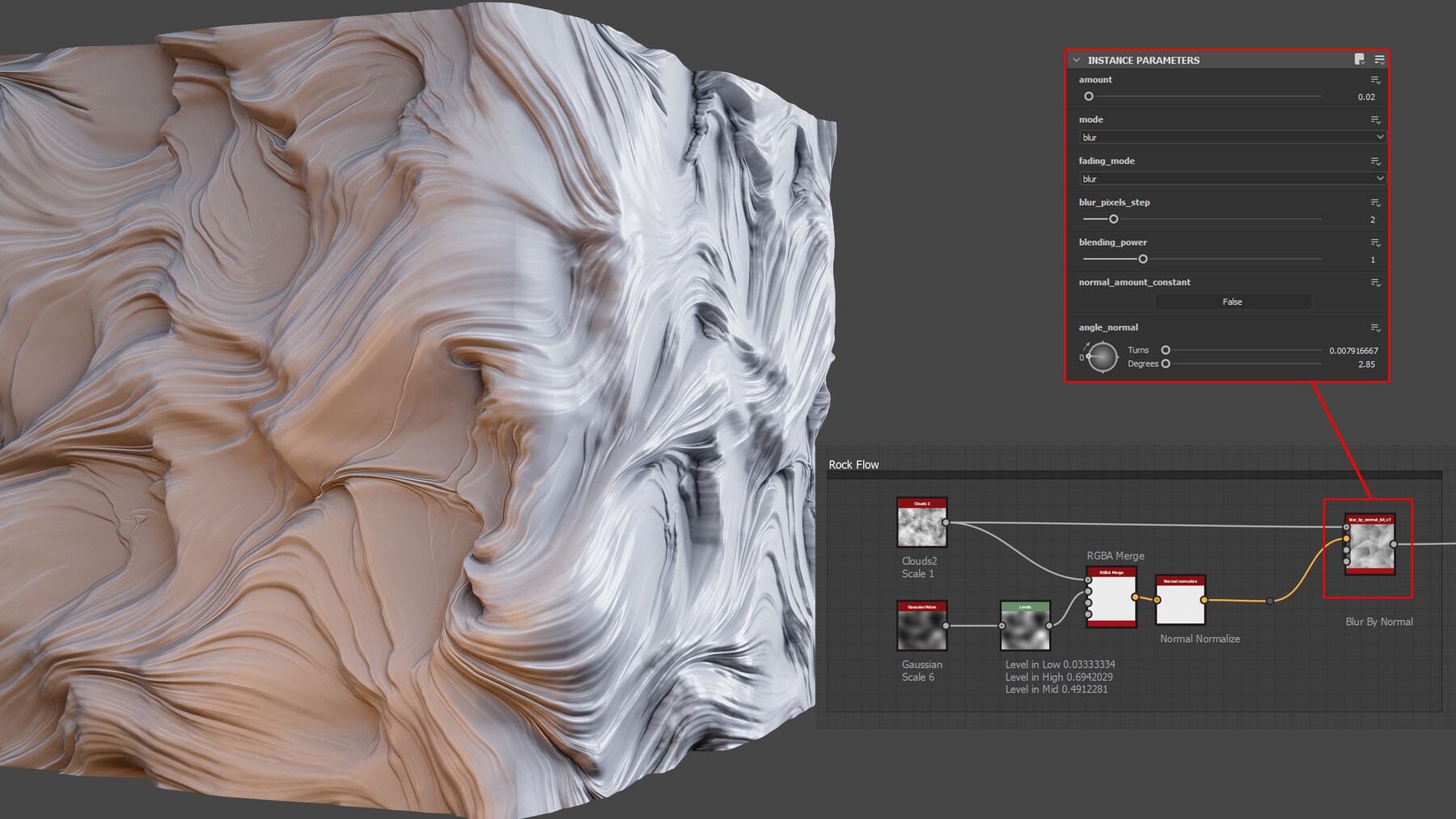

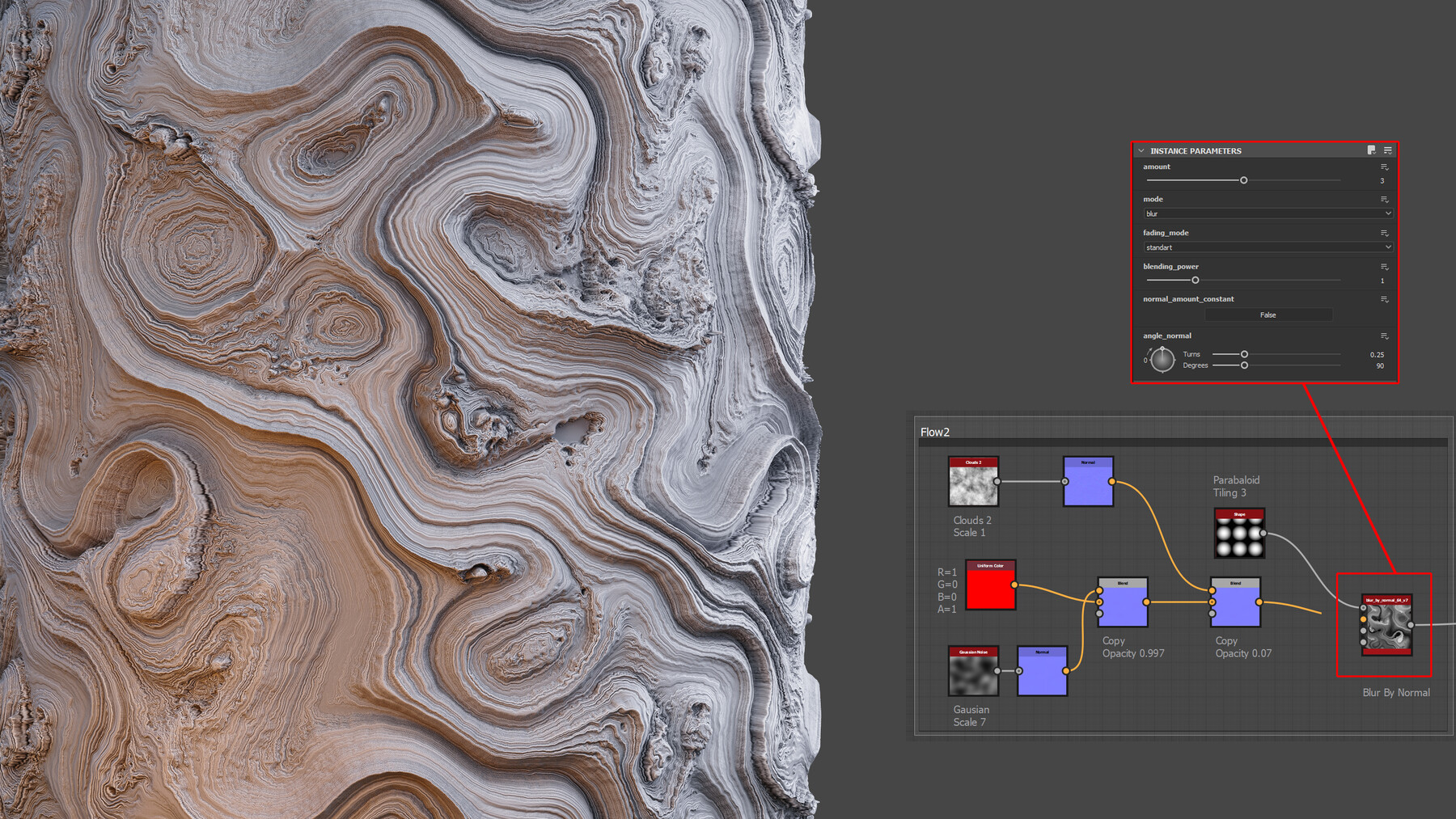
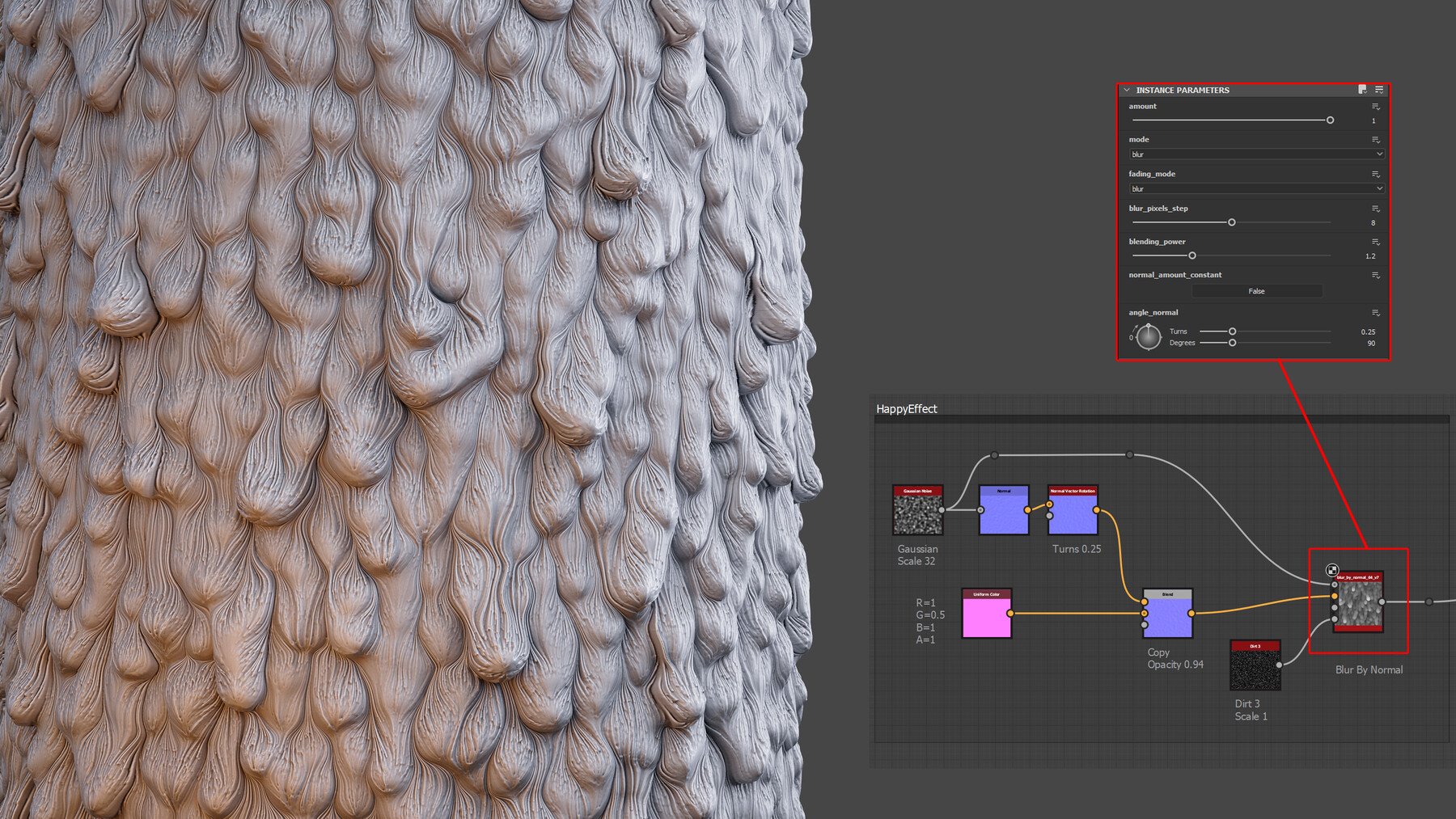

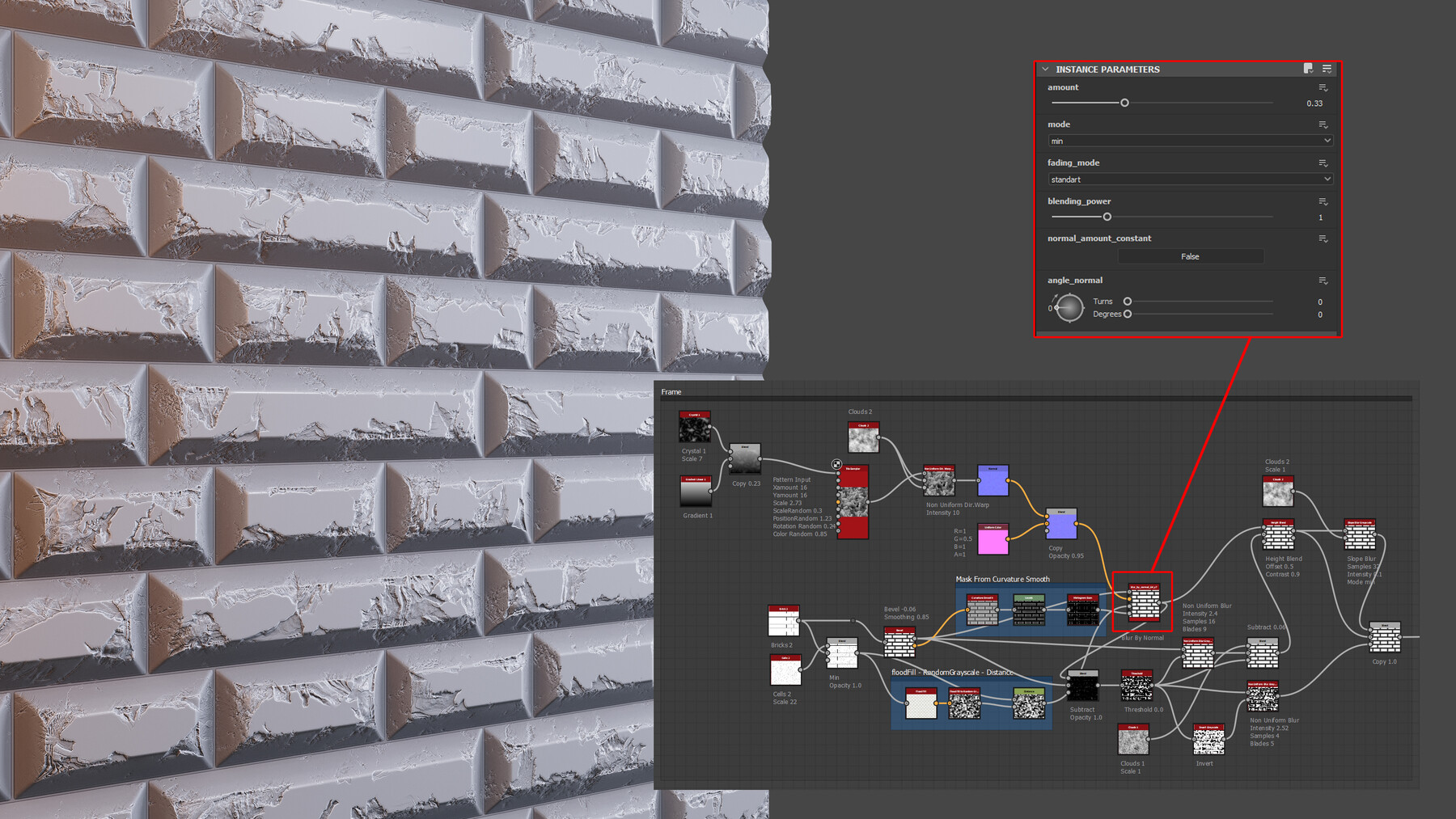
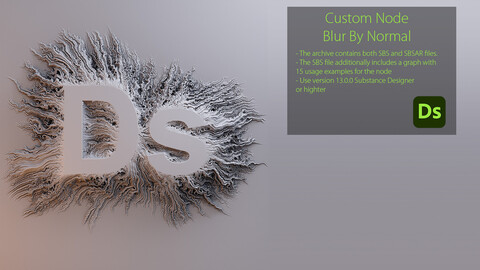
Hello everyone! After much hard work and experimentation, I'm thrilled to present the new Blur By Normal node. This is the second release of this node, and it comes with several exciting improvements:
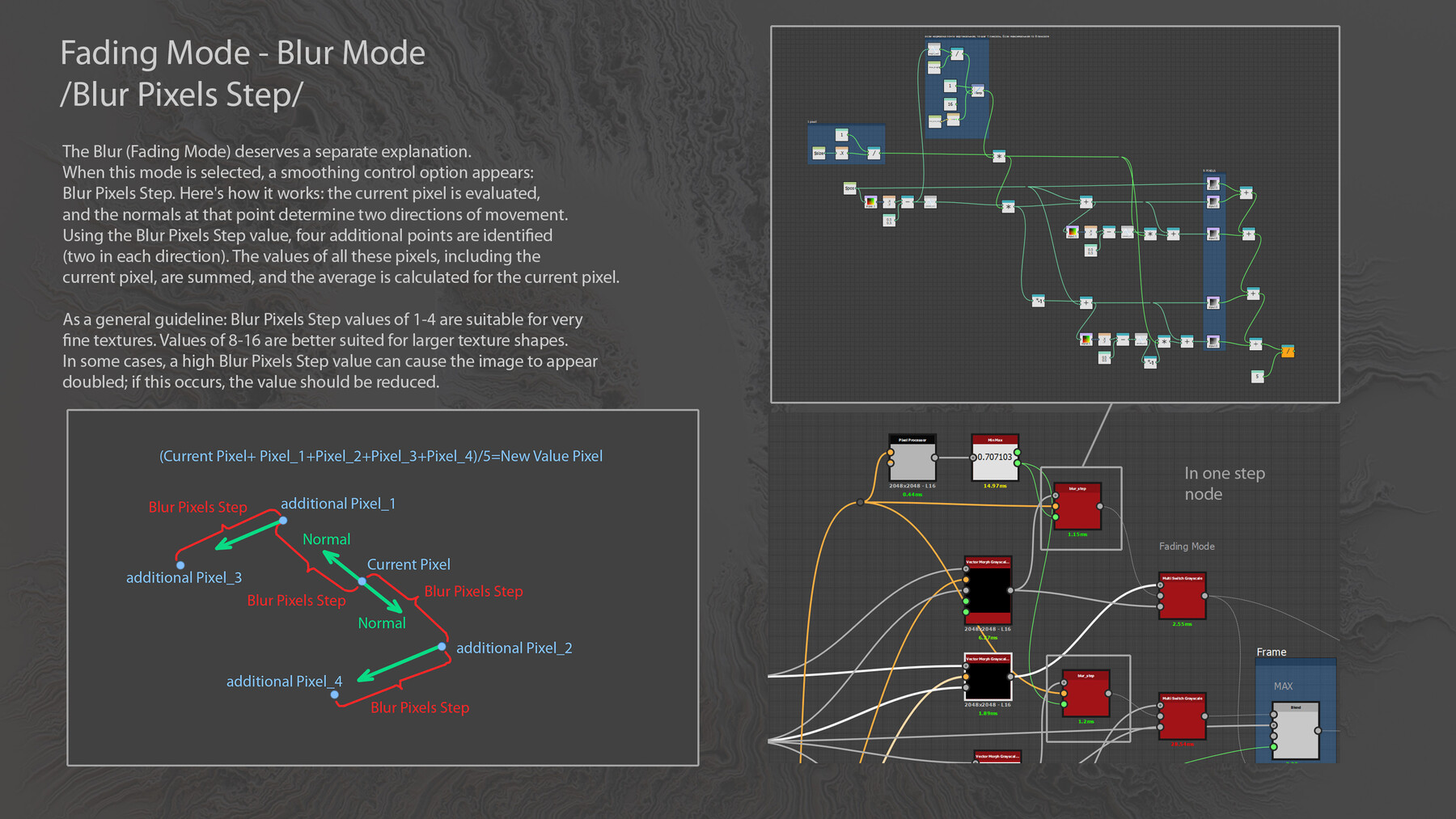
- A smoothing mode has been added, which also blurs based on normals.
- You can now incorporate an intensity map.
- An additional Max (Fading Mode) has been introduced, allowing you to create truly captivating shapes.
- The overall node algorithm has been enhanced.
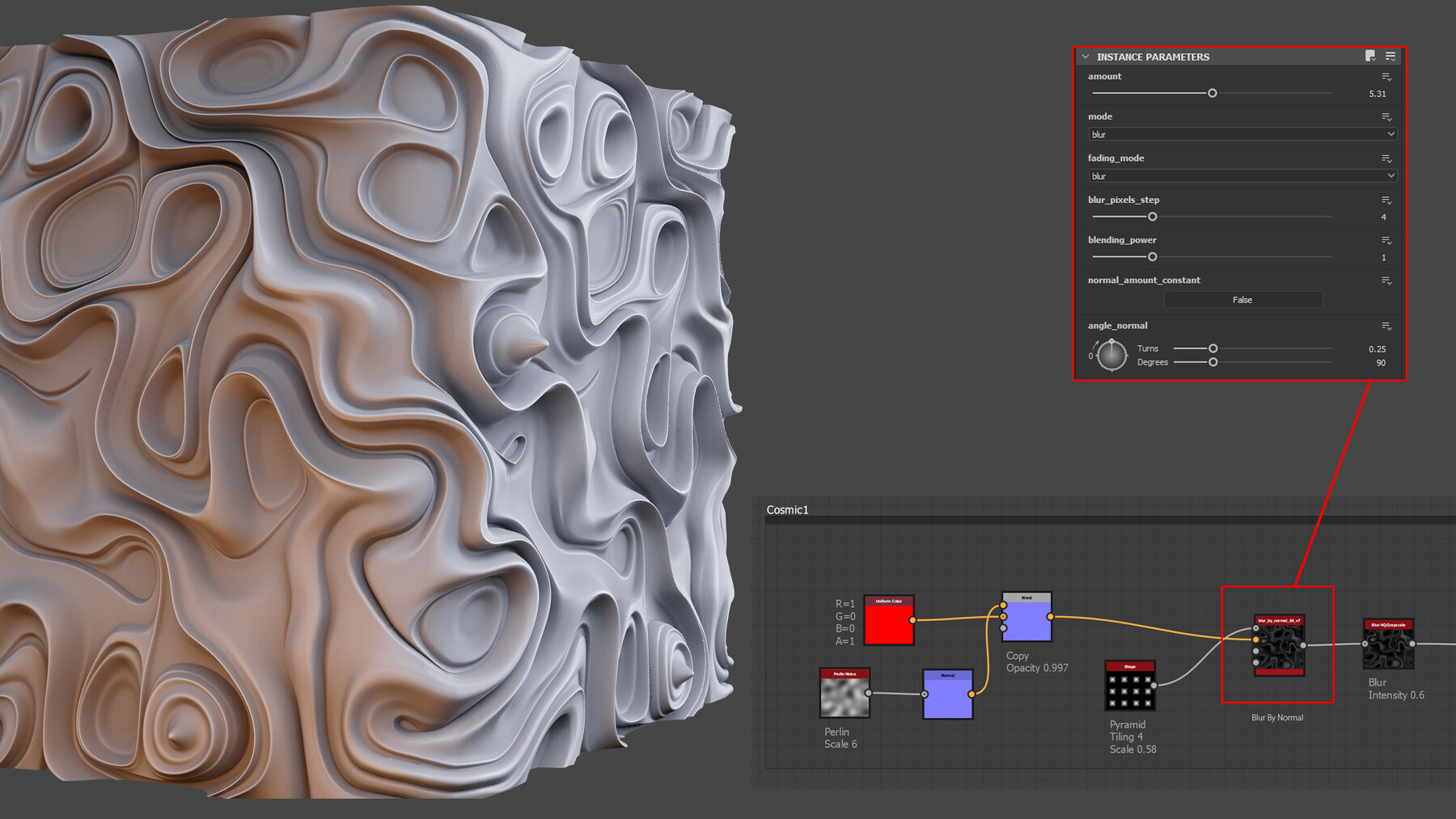
While the changes may seem modest, they unlock a world of creative possibilities. Admittedly, the node can be a bit challenging to grasp initially, so I've included numerous examples to illustrate its usage.
As always, the node is open-source, empowering you to delve into the code and tailor the algorithm to your specific needs. I've also provided screenshots highlighting some nuanced configuration options.
Download, experiment, and explore its potential!
----------------------------------------------------------
This node blurs an image based on an input normal map. It performs 64 iterations, each blended with the previous one using Copy, Max, or Min modes, with an opacity of 1/n, where n represents the current iteration. This means the pattern gradually fades with each iteration, similar to a slope blur.
At the core of each iteration is a modified Vector Morph Grayscale node. Firstly, it allows for the normalization of all normals. (In standard mode, normals on flatter surfaces are weaker, resulting in a less pronounced texture shift.) Secondly, it incorporates three modes for calculating the value of the current point:
1. The value of the point along the specified normal path is used.
2. The average value of all points along the normal path is used (blur mode).
3. The maximum value along the entire path is used and applied to the current point (max mode).
The SBS file contains all the examples (15 of them).
CATEGORIES
Standard Use License
Free
License: Standard License
Stock Assets
For personal use and one commercial project (up to 2,000 sales or 20,000 views).
TutorialsOne copy to be used by a single user.
Installable ToolsOne installation by a single user.
Learn MoreFiles (2)
https://artstn.co/m/rd3O2
Copied
More by Andrey Frolov
Add a tip for Andrey Frolov
Tips are appreciated, but optional!