
 Sign Up with Epic Games
Steampunk Submarine Modeling & Texturing Tutorial - Full Production Pipeline

in Tutorials


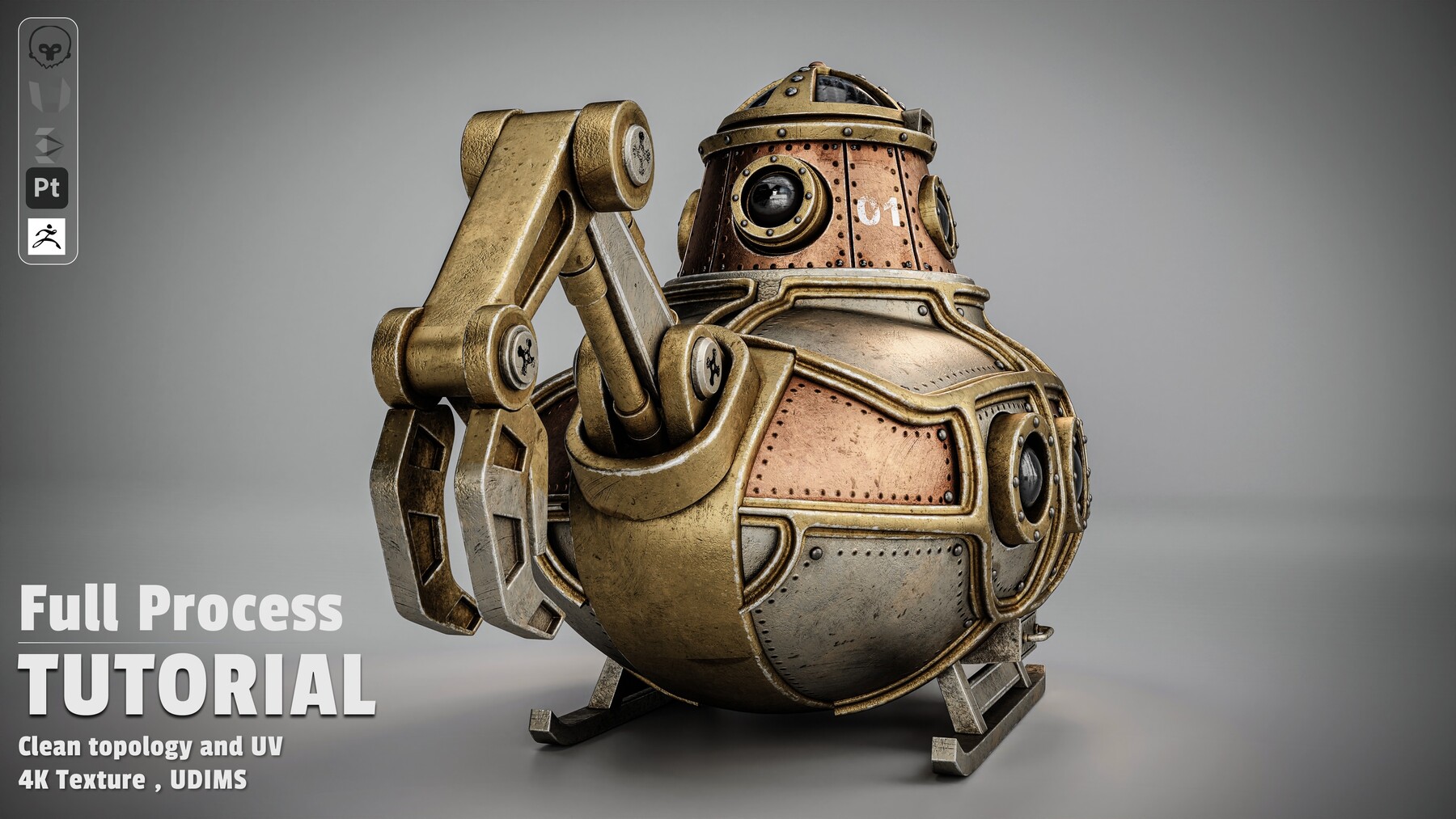
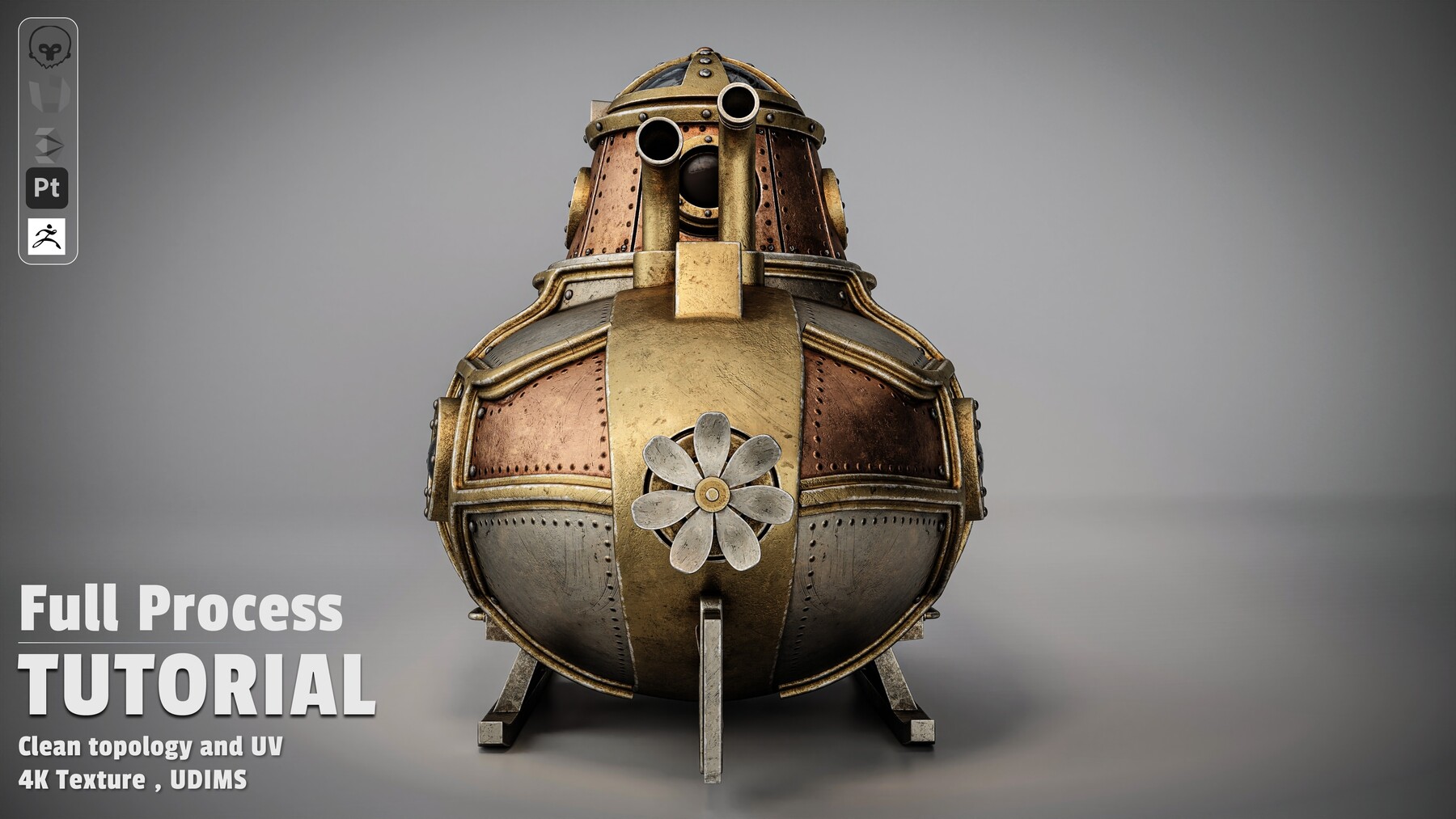


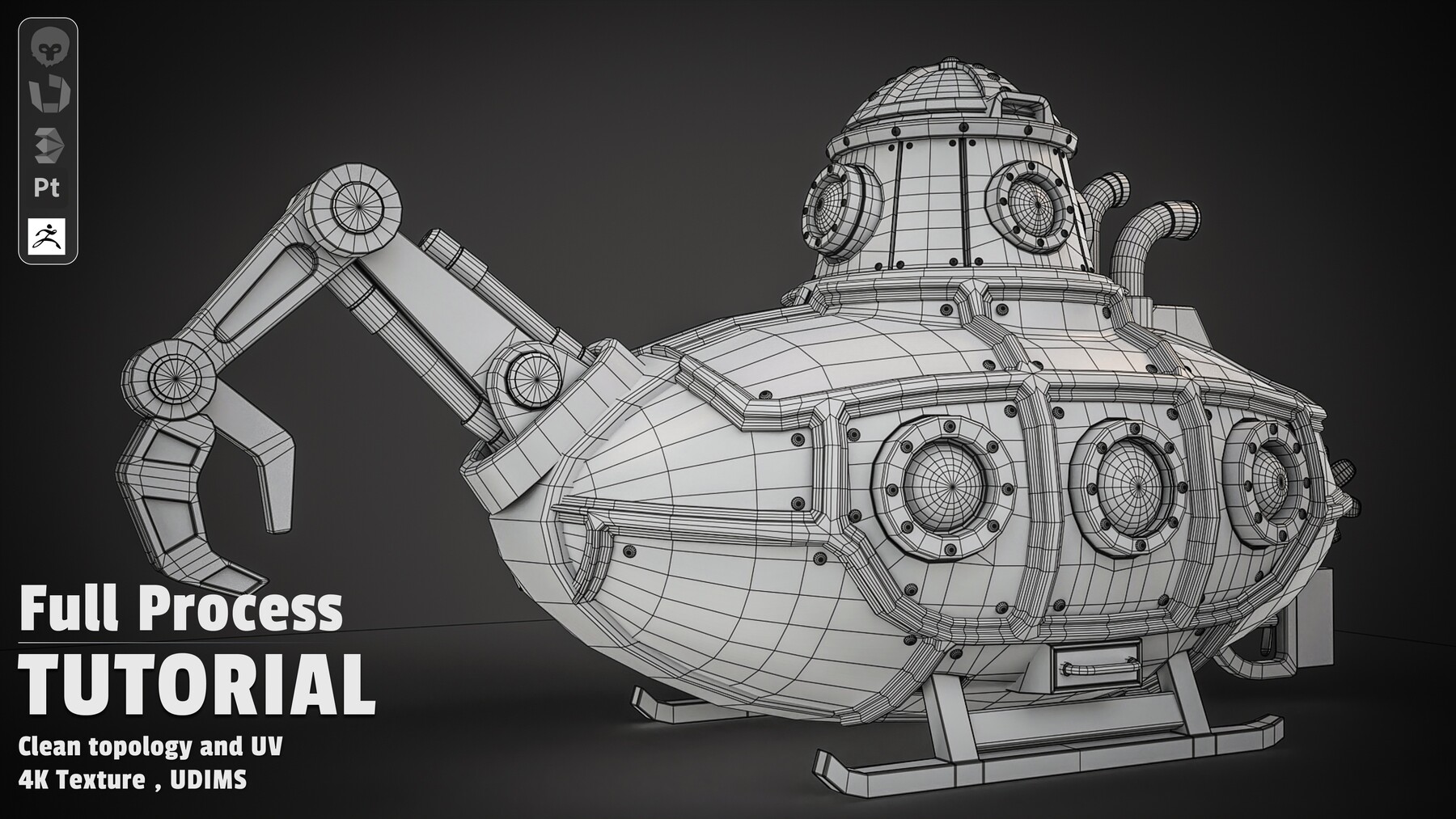


Learn how to build a high-end, studio-grade Steampunk Submarine model from scratch using a production-ready 3D pipeline. This course bridges the gap between basic modeling and advanced industry workflows—showing you not just what to build, but how to think like a senior asset artist.
What You Will Learn
Chapter 1: Hard-Surface Modeling & Mechanics (3ds Max 2026)
- Primary Blockout: Master the logic behind establishing striking proportions, silhouettes, and main hull forms from scratch.
- Detailed Mechanical Modeling: Step-by-step creation of complex hard-surface elements: portholes, heavy rivets, periscope towers, rear propellers, and intricate exhaust systems.
- Complex Hydraulics: Unlock the techniques for modeling mechanical hydraulic arms, articulated claws, pistons, and support stands.
- Professional Mesh Optimization: Learn essential topology cleanup and face optimization secrets that separate amateur models from production-ready assets.
Chapter 2: High-Density UV Strategy & UDIMs (RizomUV)
- Artifact-Free Unwrapping: Efficiently unwrap complex hard-surface geometry without texture stretching.
- The UDIM Advantage: Master the exact UDIM workflow used to maximize texel density and achieve ultra-sharp 4K material details.
- Lightmap Setup: Dedicated UV Channel 2 creation for game engine lightmap compatibility.
Chapter 3: Realistic Texturing & Storytelling (Substance Painter)
- Flawless Map Baking: Mesh preparation strategies in 3ds Max to ensure clean, artifact-free map bakes every time.
- Multi-Layered Metallic Shaders: Learn the hidden recipes for realistic aged copper, oxidized brass, brushed steel, and tarnished gold trims.
- Environmental Storytelling & Wear: Master realistic weathering—adding edge wear, deep rust accumulation, water streaks, grime, and custom stenciled decals ("01" graphics).
- Special Shaders: Crafting refractions for glass portholes and fine-tuning roughness maps for realistic metal reflections.
Chapter 4: Studio Lighting & Cinematic Rendering (Marmoset Toolbag)
- Asset Assembly: Final UDIM mesh prep and seamless scene import into Marmoset Toolbag.
- 3-Point Studio Lighting: The secrets to setting up cinematic studio lights that accentuate surface details, edge wear, and material roughness.
- Portfolio-Ready Presentation: Master camera settings, framing, depth of field, and post-effects to create renders that captivate recruiters and clients.
Software Used
- 3ds Max 2026 (Modeling & Pre-production)
- RizomUV (Unwrapping & UDIM Layout)
- Substance Painter (Baking, Texturing & Smart Materials)
- Marmoset Toolbag (Lighting, Materials & Final Studio Rendering)
📢 Important Note Regarding the Videos:
Please note that this is a non-voiced (no narration) tutorial, allowing you to focus completely on the visual workflow without any language barriers. Using precision tools like Spot on the Mouse and OSD (On-Screen Display), every single mouse click, keyboard shortcut, and tool selection is clearly visualized on the screen in real-time for a seamless learning experience.
CATEGORIES
Special Offer! Get 5% off when you buy 2 products. Get 10% off when you buy 3 or more products. Applies to all products from this seller only from USD $1.00 to USD $100.00
Free
Free
License: Standard License
Stock Assets
For personal use and one commercial project (up to 2,000 sales or 20,000 views).
TutorialsOne copy to be used by a single user.
Installable ToolsOne installation by a single user.
Learn MoreFiles (1)
Standard License
USD $15.00
License: Standard License
Stock Assets
For personal use and one commercial project (up to 2,000 sales or 20,000 views).
TutorialsOne copy to be used by a single user.
Installable ToolsOne installation by a single user.
Learn MoreFiles (10)
Extended Commercial License
USD $45.00
License: Extended Commercial License
Stock Assets
For use on an unlimited number of commercial projects with no limits on sales or views.
Learn MoreFiles (10)
This digital product contains promotional content
The author has indicated this digital product promotes a brand, product or business (whether their own or someone else’s).
https://artstn.co/m/pvdDX
Copied
More by mohadese farzi

Add a tip for mohadese farzi
Tips are appreciated, but optional!
