Sign Up with Epic Games

Artstation's handling fee is too high, I have to raise the price, I suggest buying from Gumroad for a bigger discount. ( Only $10 )
Artstation 的手续费太高,我不得不提高价格,建议从 Gumroad 购买以获得更大优惠。(只需要 10 美元)
中文介绍在这里。
What is this?
This is a Photoshop helper tool that can ONLY run on WINDOWS.
Why artists need it?
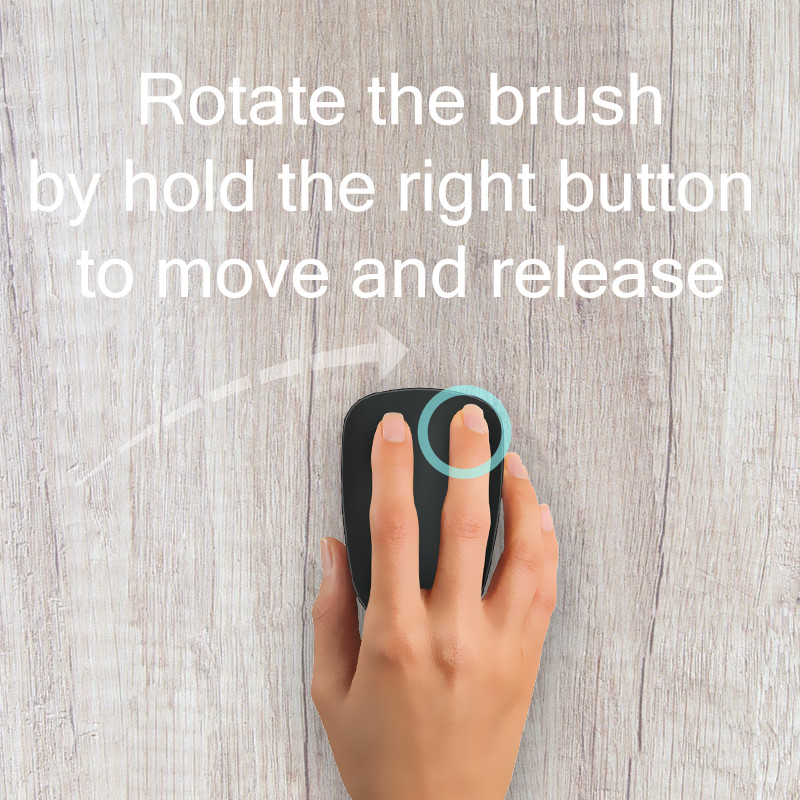
When you use Photoshop to draw, some angles of the brush will have a good effect (such as a flat-shaped brush), but sometimes (or often) you want it to rotate a little, you can right click or press F5 Manually adjust the angle, but this is too much trouble! Very affects the smoothness of painting.
How to use it?
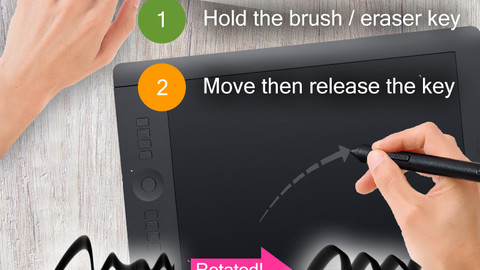
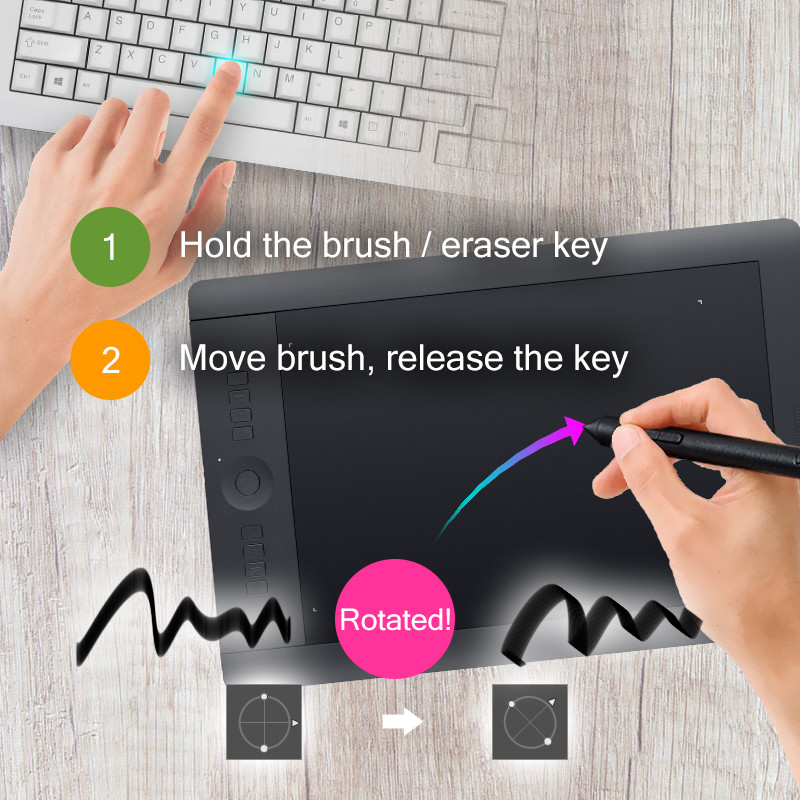
- Hold the brush key (Photoshop defaults to b, the eraser key is e).
- Floating movement the brush ON CANVAS to determine the direction of rotation.
- Release the brush key to complete the rotation.
- Click the brush key to zero the rotation.
Any discounts?
About Optional (Apssistant)
Apssistant is another free software I wrote, with many features for Photoshop, it is recommended to use.
Read more:
https://www.deviantart.com/millionart/art/Adobe-Photoshop-assistant-160950828
Release Notes
1.5
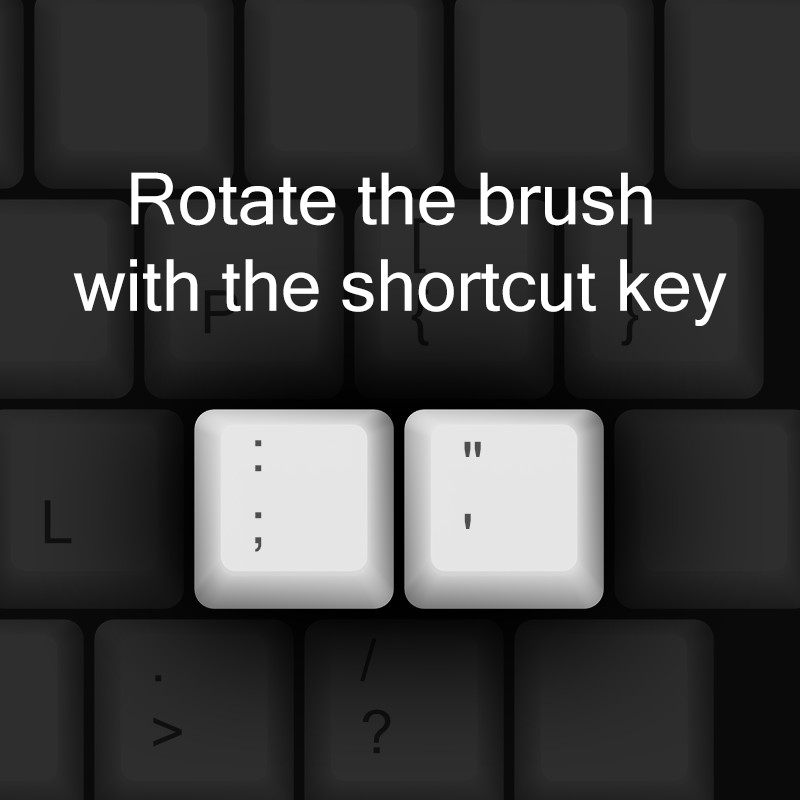
Add: Random Rotate Brush
Now you can rotate the brush randomly with the shortcut key.
The default shortcut key is " / ", it is usually located to the left of the key " Right Shift ".
Fix: A brush with a roundness less than 30% will cause deformation.
1.4
Fix: Not work on some devices.
1.3
Add: Refresh option
Adjusted menu order
Disabling the Rotate Brush switch now also affects key adjustment
Fix: caused some mouse failures in some cases.
CATEGORIES
Standard Use License
USD $10.00
License: Standard License
Stock Assets
For personal use and one commercial project (up to 2,000 sales or 20,000 views).
TutorialsOne copy to be used by a single user.
Installable ToolsOne installation by a single user.
Learn MoreFiles (2)
https://artstn.co/m/mdK6
Copied
Add a tip for Jack Frost
Tips are appreciated, but optional!