
 Sign Up with Epic Games
Path Array Pro - A flexible path-based array script for 3ds Max with scale shaping, randomization and live updates.

in Resources
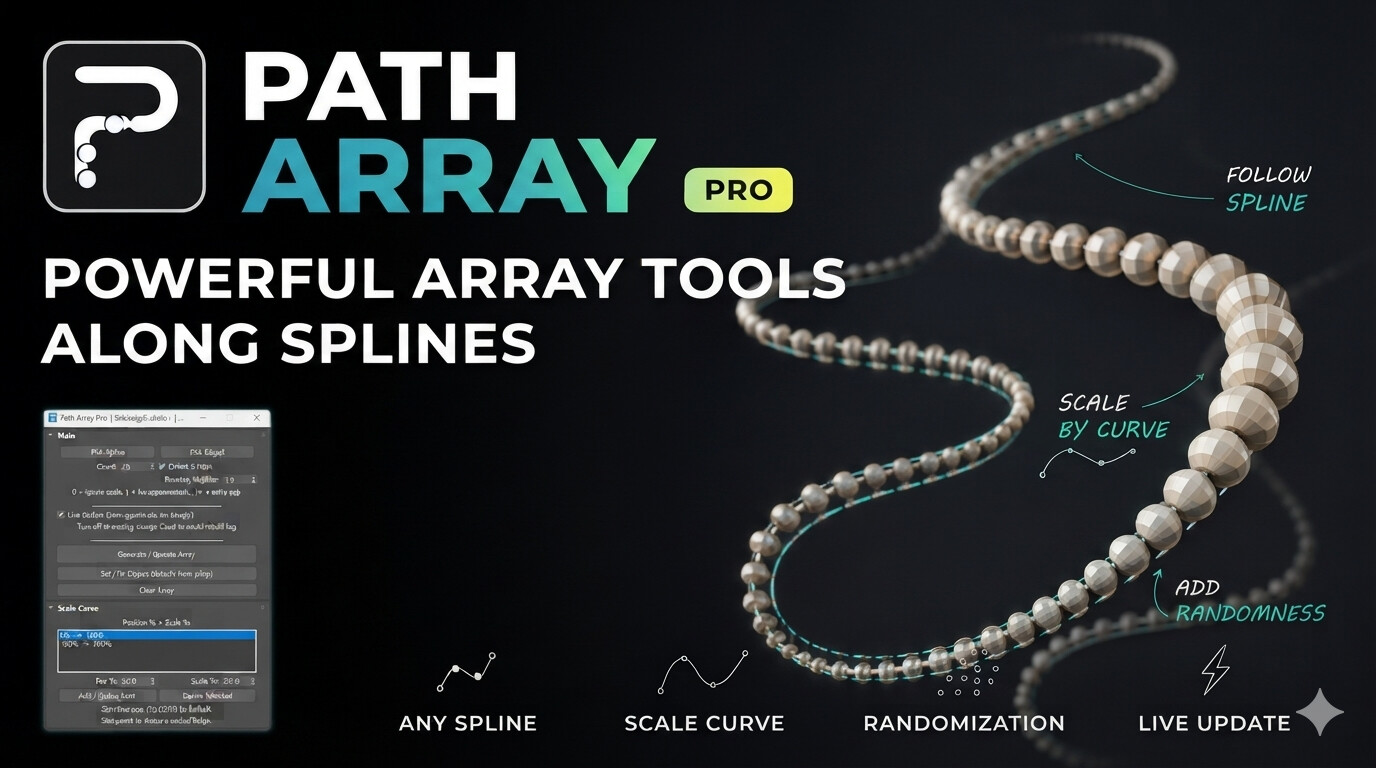
Path Array Pro — Free 3ds Max Script
Path Array Pro is a flexible 3ds Max tool for distributing objects along a spline with more control over spacing, scale, and variation.
I originally created it while working on a chandelier made from beads. I needed the beads to follow a spline while being able to change their size along the path and add controlled randomization. The existing tools could handle parts of the workflow, but I wanted everything in one place.
Key Features
Distribute objects along any spline
Control the number of objects and spacing
Custom Scale Curve using position and scale points
Scale-aware spacing to prevent objects from getting too close
Randomize Local Position
Randomize Local Rotation
Randomize Local Scale
Repeatable randomization with Seed
Live Update for interactive adjustments
Fix the generated result when the design is finished
The tool can be useful for creating chandeliers, lighting installations, architectural elements, ceiling slats, facade systems, decorative objects, landscape elements, and many other procedural arrangements along a path.
I built Path Array Pro for my own modeling workflow and decided to share it with other 3D artists who might face similar challenges.
Download
GitHub:
https://github.com/Shirbeigi-Studio/PathArrayPro
Video Tutorial & Demo
YouTube:
https://www.youtube.com/watch?v=h8QQsZqs9d0&t=3s
Free to use for your 3D projects.
If you create something interesting with it, I'd love to see how you use it.
CATEGORIES
Free Download — Path Array Pro
Free
Support the Developer
USD $6.00
https://artstn.co/m/mDobn
Copied



Add a tip for Mohammad Shirbeigi
Tips are appreciated, but optional!
