Sign Up with Epic Games
Mastering KeyShot TWO - Comprehensive Product Visualization Tutorial

in Tutorials

Welcome to "Mastering KeyShot," a comprehensive online tutorial that will transform your product visualization skills using the powerful KeyShot software. Whether you're a novice or an experienced user, this course will guide you through the intricacies of KeyShot, helping you create photorealistic renderings that bring your product designs to life. From mastering the user interface to advanced rendering techniques, each lesson is designed to enhance your proficiency and elevate your visual communication.
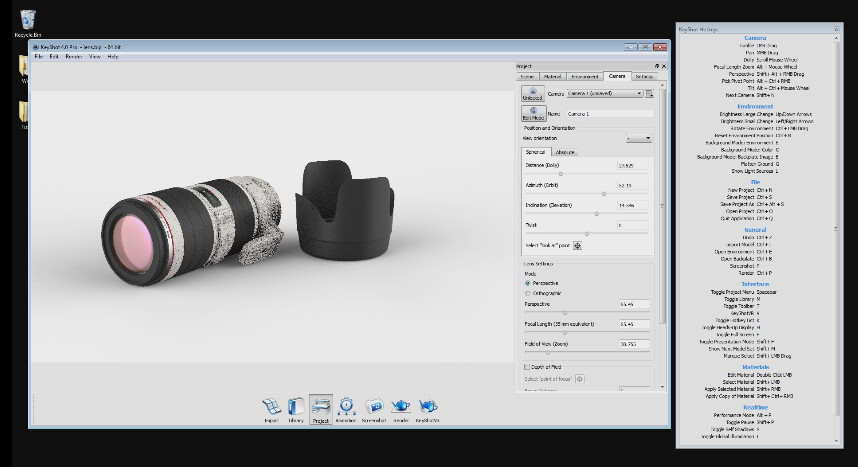
Lesson 03: Working with Cameras in KeyShot 4 Master camera techniques to craft compelling product compositions. Dive into camera settings, animation, and depth of field to create dynamic visual narratives.
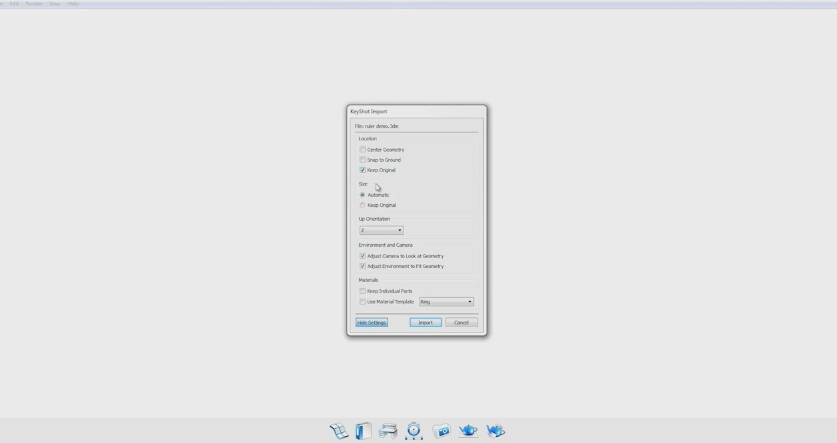
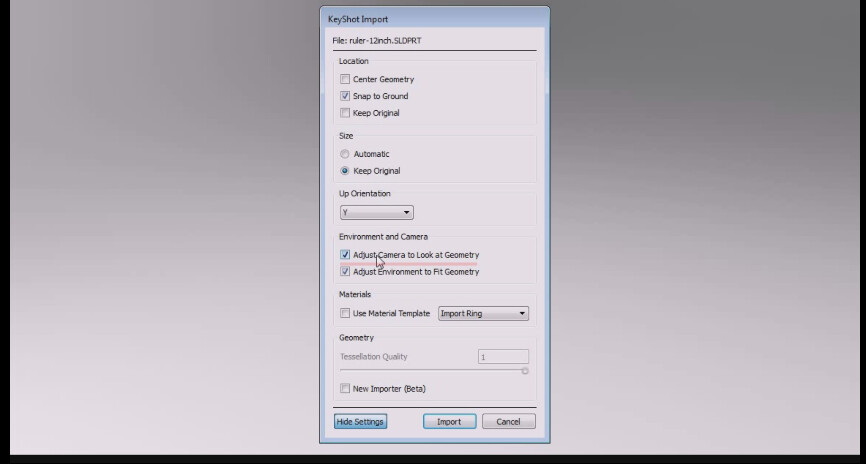
Lesson 04: Importing and Working with Data in KeyShot 4 Effortlessly import 3D data into KeyShot from various sources. Optimize geometry, organize scenes, and explore file formats for seamless integration and smooth workflows.
Lesson 05: Assigning Materials in KeyShot 4 Unlock the art of material creation and manipulation. Learn to assign materials, customize textures, and achieve realistic effects, enhancing the visual appeal of your product designs.
Embark on this immersive "Mastering KeyShot" tutorial, and witness the transformation of your product visualization skills. From the basics to advanced rendering techniques, each lesson provides invaluable insights and hands-on guidance. Your products will stand out with photorealistic visuals, captivating your audience and elevating your professional prowess. Embrace the power of KeyShot and unlock the potential of visual communication like never before.
CATEGORIES
Standard Use License
USD $5.50
License: Standard License
Stock Assets
For personal use and one commercial project (up to 2,000 sales or 20,000 views).
TutorialsOne copy to be used by a single user.
Installable ToolsOne installation by a single user.
Learn MoreFiles (1)
https://artstn.co/m/j11mM
Copied

Add a tip for IttyBetty
Tips are appreciated, but optional!