Sign Up with Epic Games
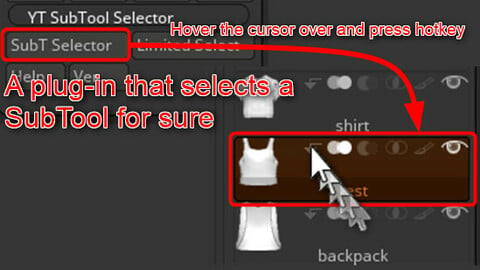
YT Sub Tool Selector, that selects a Zbrush sub tool for sure

in Resources
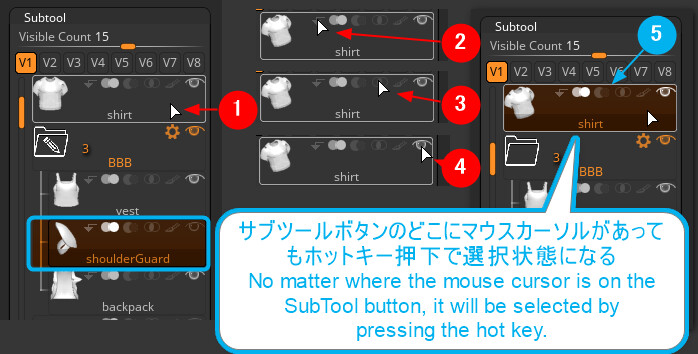

You intended to select an specific sub tool by tap or click, but it sometimes became the START button activated, or the type of boolean only changed, and the target sub tool remained unselected. Have you ever had the experience of doing all the work over and over again after noticing the sub tool unselected?
This plug-in is a very simple and powerful plug-in developed for professionals who use Zbrush for a long time in order to eliminate such "small irritations". It's a very useful tool especially for professional commercial sculptors who can't afford to make even the slightest mistake.
[YT Sub Tool Selector]
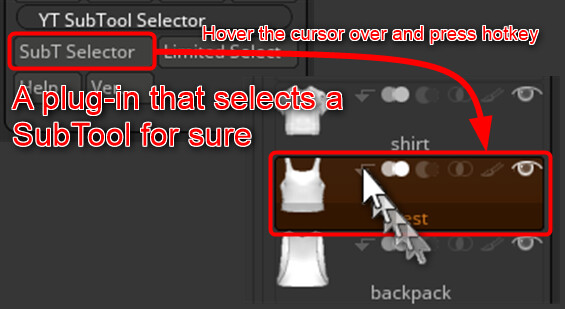
It is a Zbrush plug-in for "surely selecting the sub tool" by placing the mouse cursor on the sub tool and clicking the hot key instead of tapping the pen tablet or clicking the mouse.
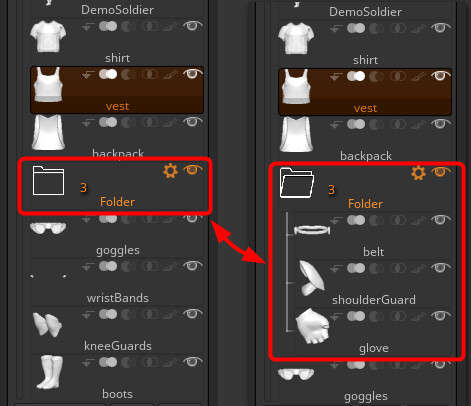
In addition, it also has a toggle function for opening and closing the Zbrush folder, and a click action function for buttons other than sub tools.
This allows almost any button selection to be mapped to a non-dominant hand hotkey operation. It's a simple but powerful plug-in that reduces tapping on the pen tab, so it's kind to your dominant hand, and you can also make sure that the sub tool is only selected.
Please check the description by visiting to the YouTube site.
There are URLs for free trial version and tutorial site.
CATEGORIES
Standard Use License
USD $8.00
License: Standard License
Stock Assets
For personal use and one commercial project (up to 2,000 sales or 20,000 views).
TutorialsOne copy to be used by a single user.
Installable ToolsOne installation by a single user.
Learn MoreFiles (1)
https://artstn.co/m/grk9q
Copied
More by Tsukasa YAMATO
Add a tip for Tsukasa YAMATO
Tips are appreciated, but optional!