Sign Up with Epic Games
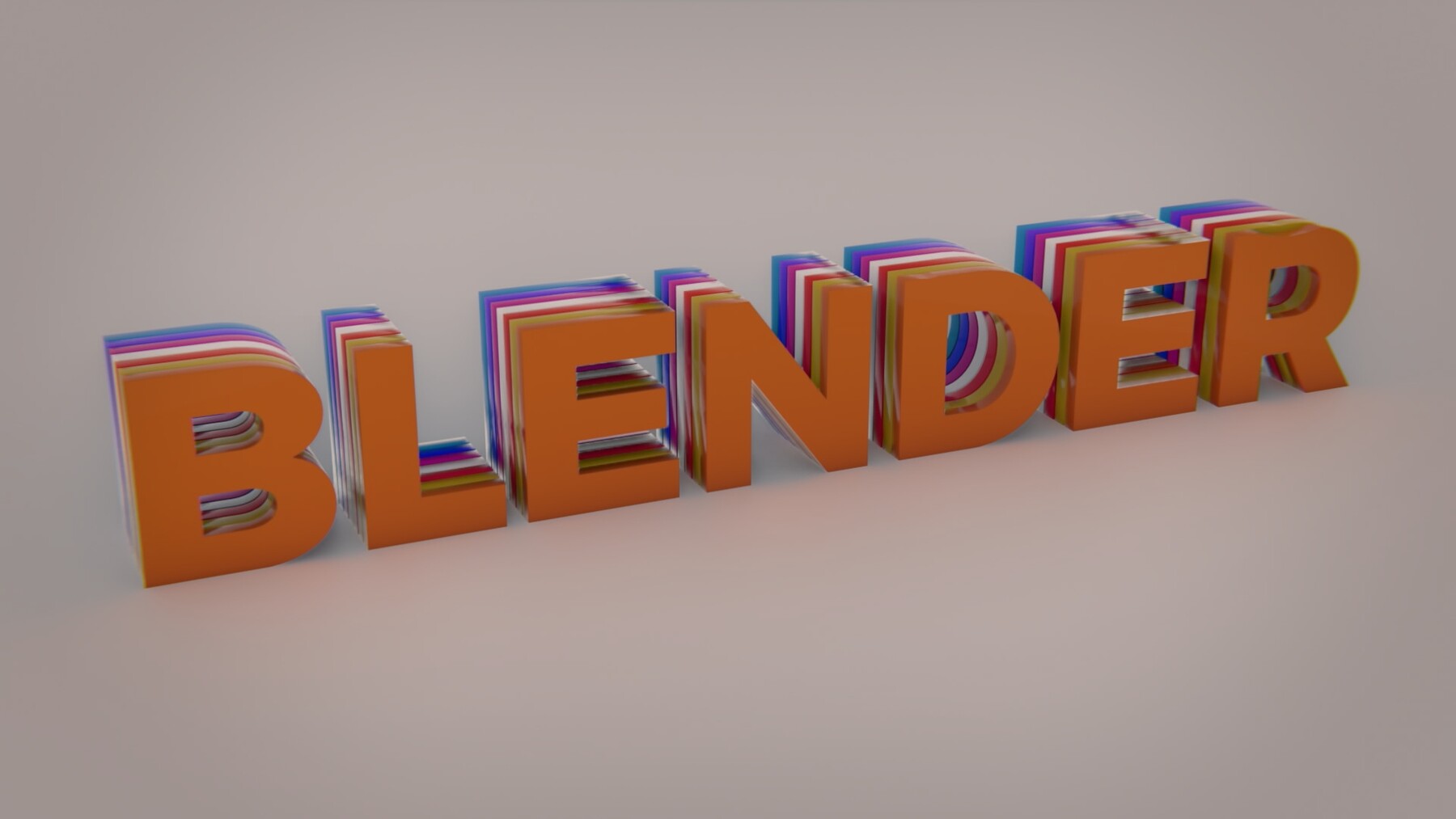
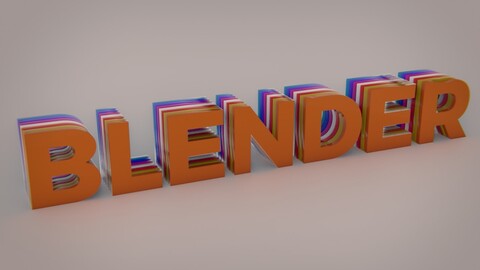
In this short, practical Blender mini-course walks you through creating a clean, simple text animation from start to finish. The project is straightforward and designed for beginners who want to learn the basics of motion graphics inside Blender without any unnecessary complexity.
You’ll learn how to set up your text, build the reveal effect, animate the elements, and finalize the shot with camera movement, lighting, color, and basic compositing. By the end of the course, you’ll have a polished text animation that you can customize for intros, titles, or personal projects.
What You’ll Learn:
Video 01 — Creating the Text
We begin by adding and preparing the text inside Blender. You’ll adjust a few essential settings to get the look you want, setting the foundation for the rest of the animation.
Video 02 — Building the Boolean Mask
Next, you’ll create the Boolean objects that will be used to reveal the text. This step sets up the core mechanism behind the effect.
Video 03 — Animating the Reveal
Here, you’ll build the main animation that brings the text reveal to life. The goal is to create a clean, controlled movement that feels smooth and intentional.
Video 04 — Adding the Camera
You’ll finalize the shot by adding a camera and applying a subtle camera move. This small detail helps make the final result feel more dynamic.
Video 05 — Lighting and Color
In this lesson, you’ll add lighting and color to shape the mood of the shot. This is where the scene starts to come together visually.
Video 06 — Compositing and Rendering
Finally, you’ll set up a simple compositing node tree and render the finished animation. This ties everything together and prepares the shot for export.
Who This Course Is For
This course is ideal for beginners or anyone looking to create quick, clean motion graphics inside Blender. No prior animation experience is required.
Course Outcome
By the end, you’ll have a complete, customizable text animation and a clear understanding of the basic workflow for creating motion graphics in Blender.
CATEGORIES
Standard Use License
USD $1.00
License: Standard License
Stock Assets
For personal use and one commercial project (up to 2,000 sales or 20,000 views).
TutorialsOne copy to be used by a single user.
Installable ToolsOne installation by a single user.
Learn MoreFiles (7)
https://artstn.co/m/ebAPx
Copied
More by Yassine
Add a tip for Yassine
Tips are appreciated, but optional!