Sign Up with Epic Games
Blender Histogram Material & Shader Tool – Procedural Histogram Nodes for Texture & Mask Control

in Resources
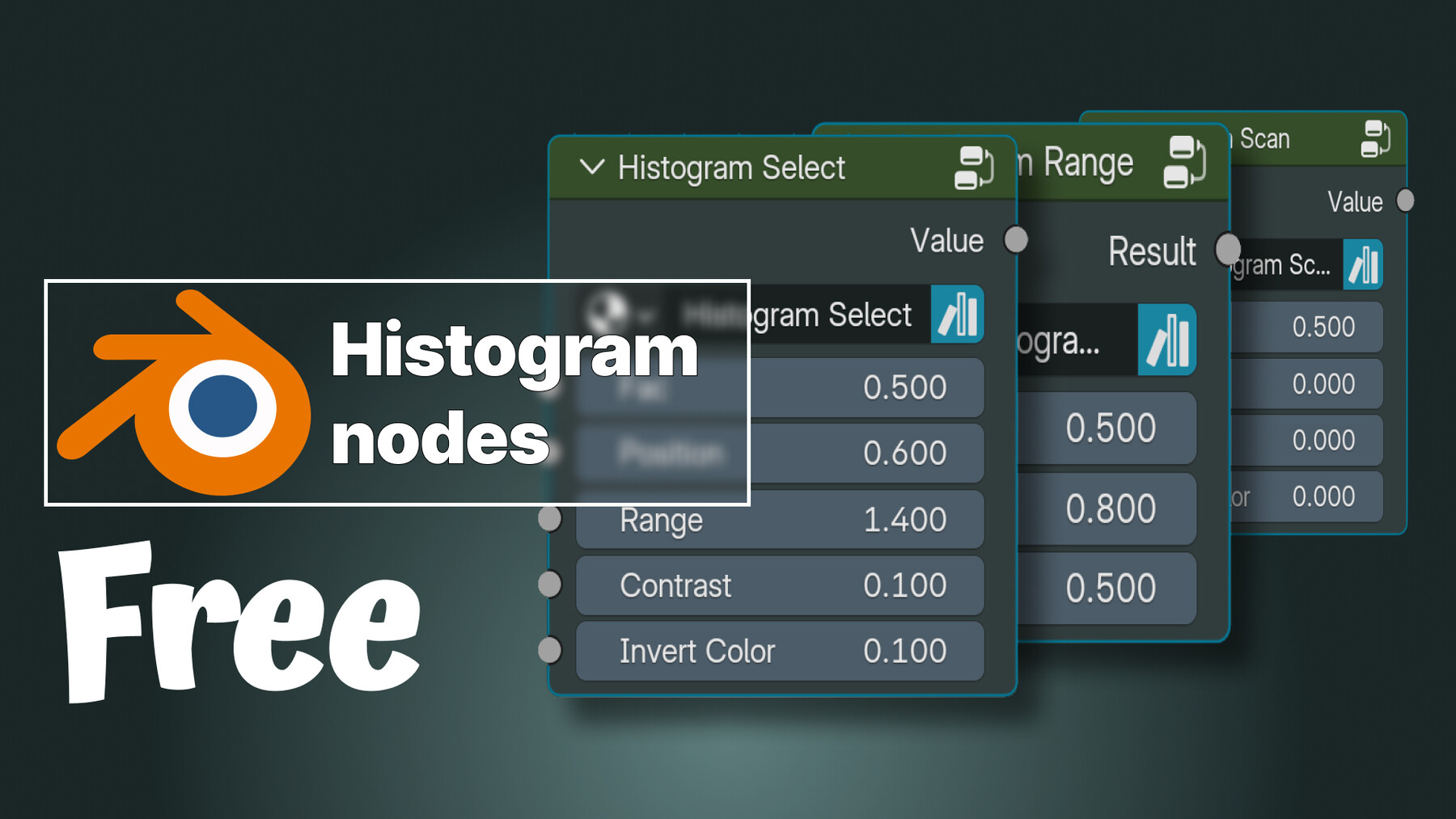
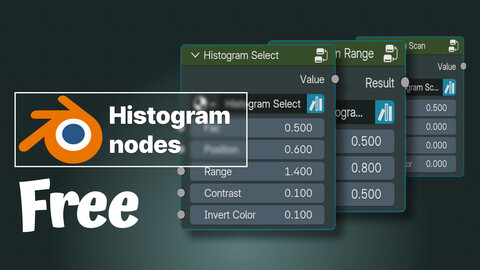
Introducing a free, production-ready Blender histogram toolset, designed to bring Substance Designer–style histogram workflows directly into Blender’s Shader Editor.
This toolset provides precise, non-destructive control over values, masks, and grayscale textures, making it ideal for material creation, texture authoring, and advanced shader development.
The package includes three dedicated histogram nodes, each built for clarity, flexibility, and real-world use in professional pipelines:
🔹 Histogram SelectIsolate specific value ranges with clean transitions. Perfect for extracting masks from noisy textures, controlling material zones, or separating details without destroying gradients.
🔹 Histogram RangeRemap and compress grayscale values with full control over black and white points. This node allows accurate contrast shaping while preserving smooth gradients, ideal for roughness, height, and mask refinement.
🔹 Histogram ScanScan through value ranges dynamically to visualize and debug grayscale data. Extremely useful for analyzing textures, tuning procedural masks, and understanding value distribution inside complex shaders.
All nodes are optimized for procedural workflows, ensuring predictable results and easy integration into existing Blender material and shader setups.
📁 Installation & UsageTo ensure permanent and easy access:
Place the tool file directly inside your Blender Asset Browser folder.
Once added, the histogram nodes will always be available across projects via the Asset Browser, streamlining your workflow and keeping your shader tools organized.
No add-ons, no external dependencies, no nonsense.
🎯 Perfect ForMaterial creation and look-dev
Procedural texturing
Game-ready material workflows
Environment and prop shading
Technical artists and shader developers
Blender users transitioning from Substance Designer
CATEGORIES
Extended Use License
Free
License: Extended Commercial License
Stock Assets
For use on an unlimited number of commercial projects with no limits on sales or views.
Learn MoreFiles (2)
https://artstn.co/m/ebAJK
Copied
More by Parsa Taheri
Add a tip for Parsa Taheri
Tips are appreciated, but optional!