Sign Up with Epic Games
Rig Anything With Rigify - Auto Rigging in Blender

in Tutorials
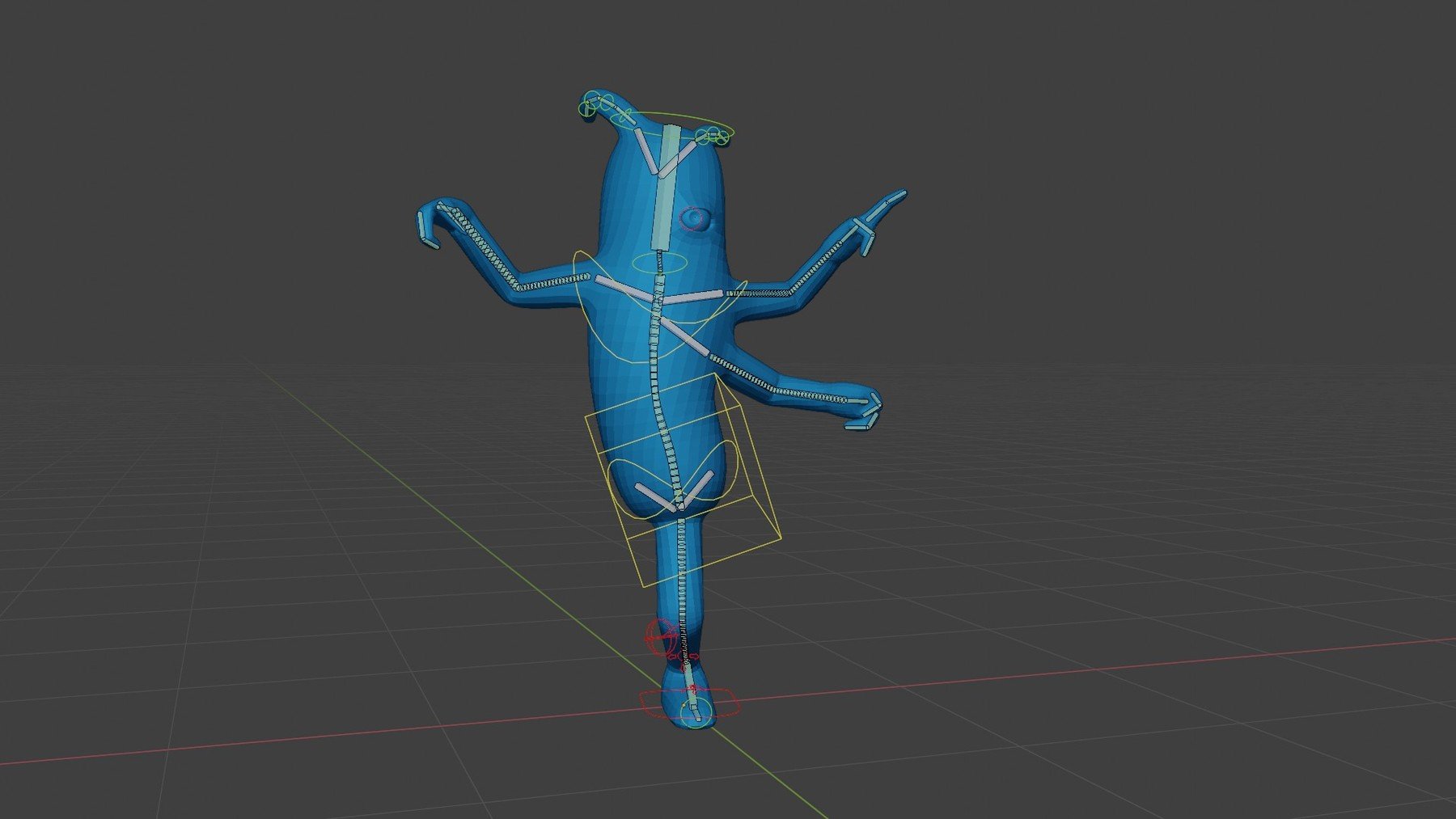
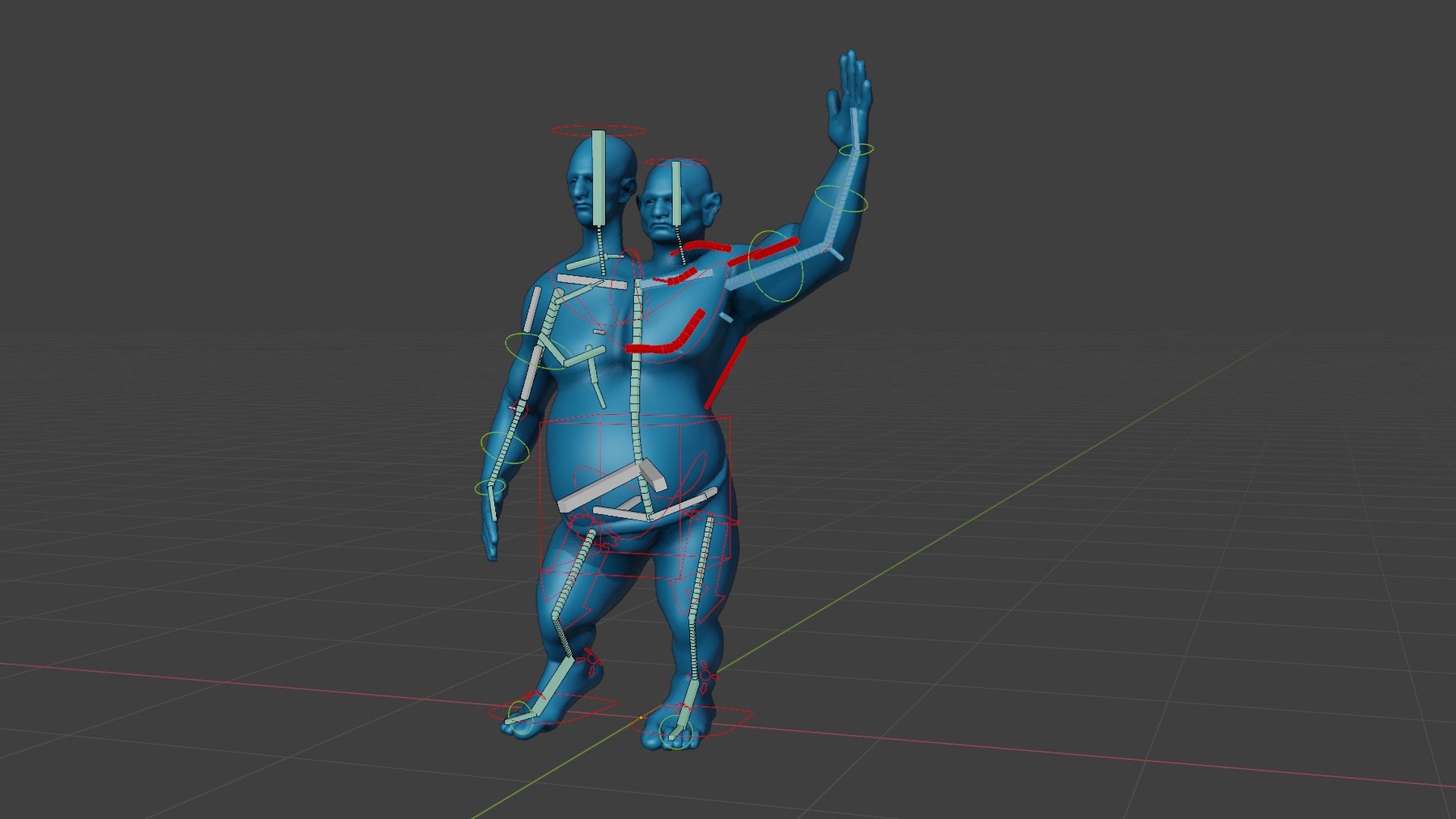
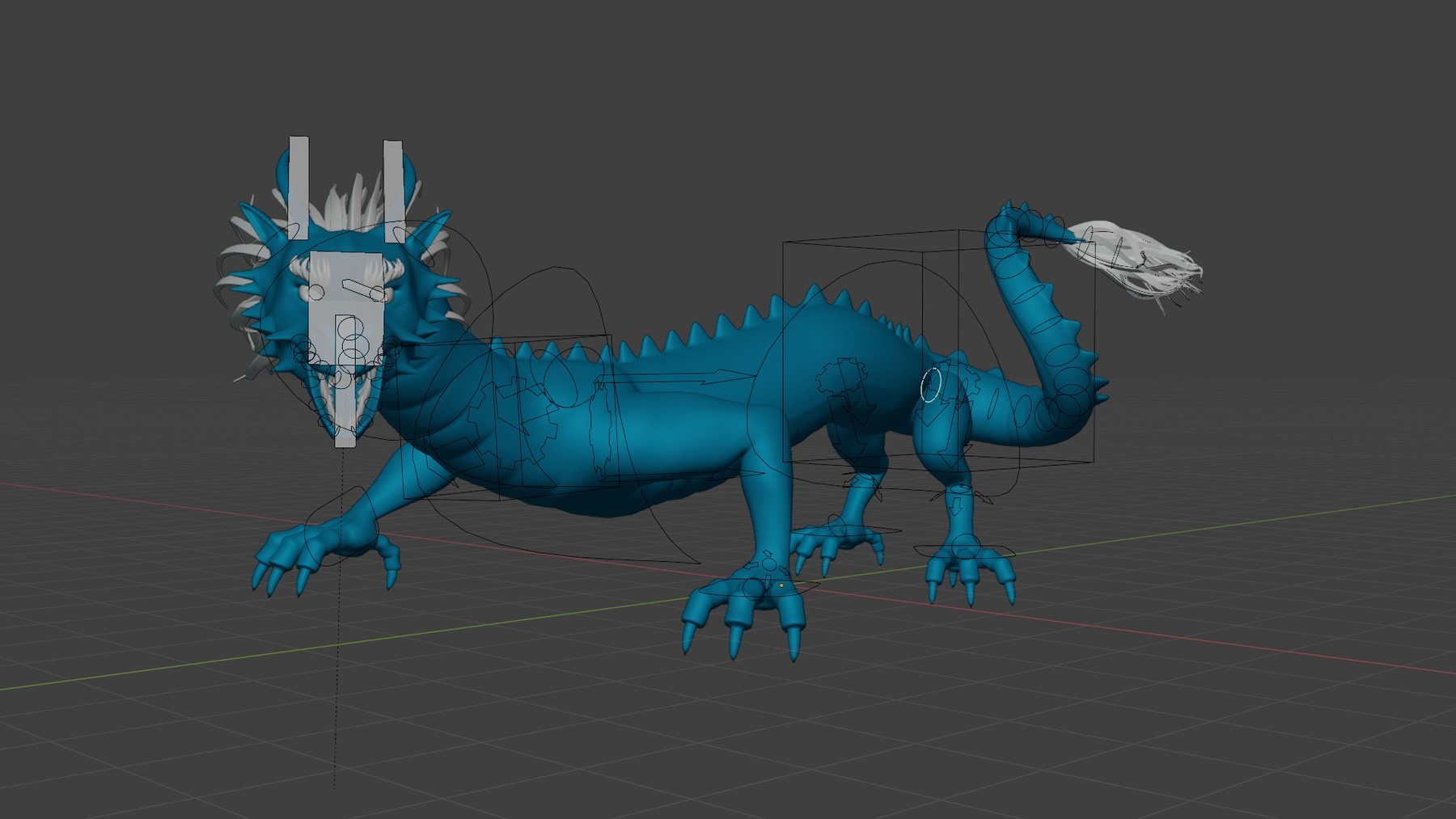

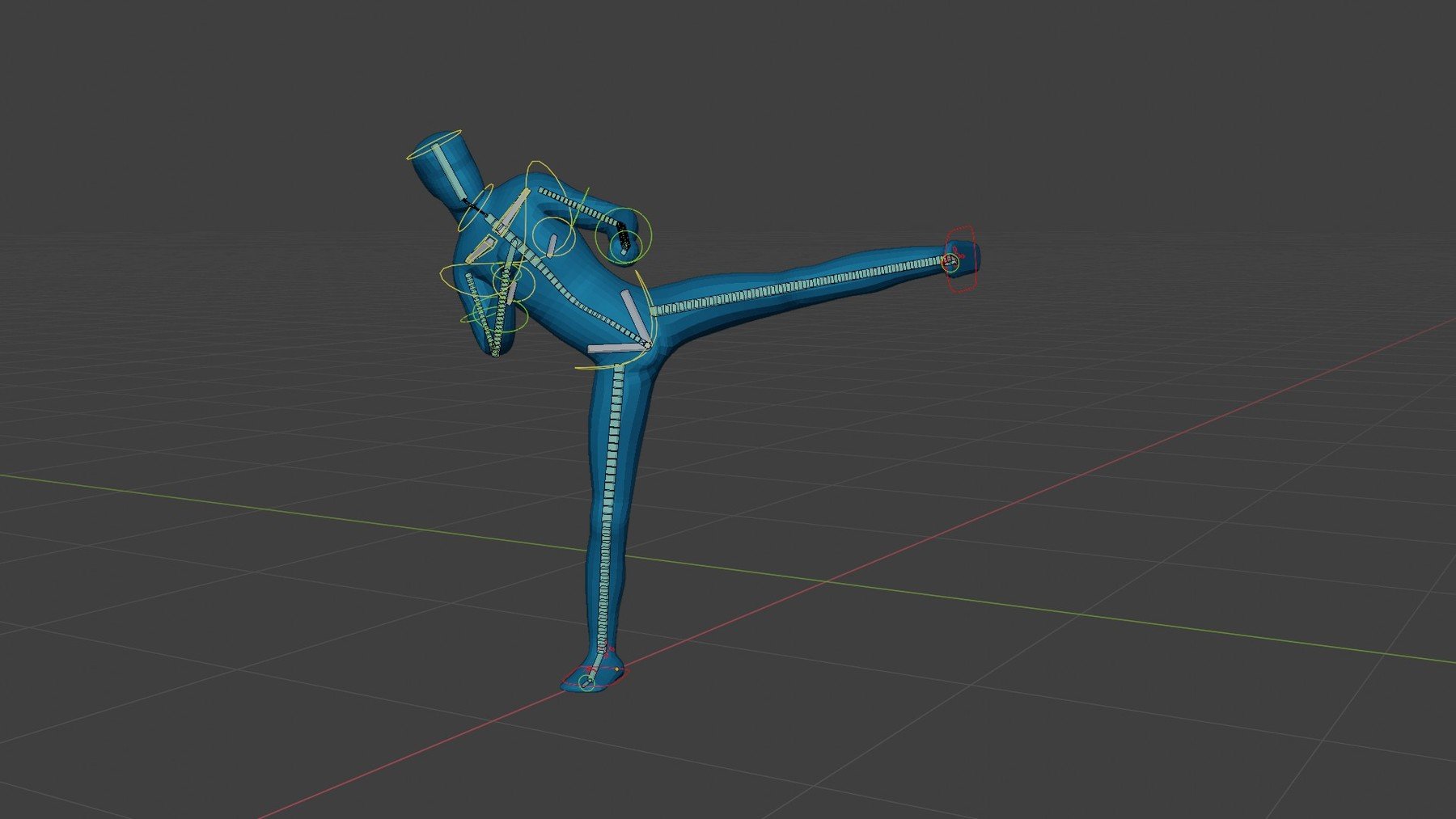
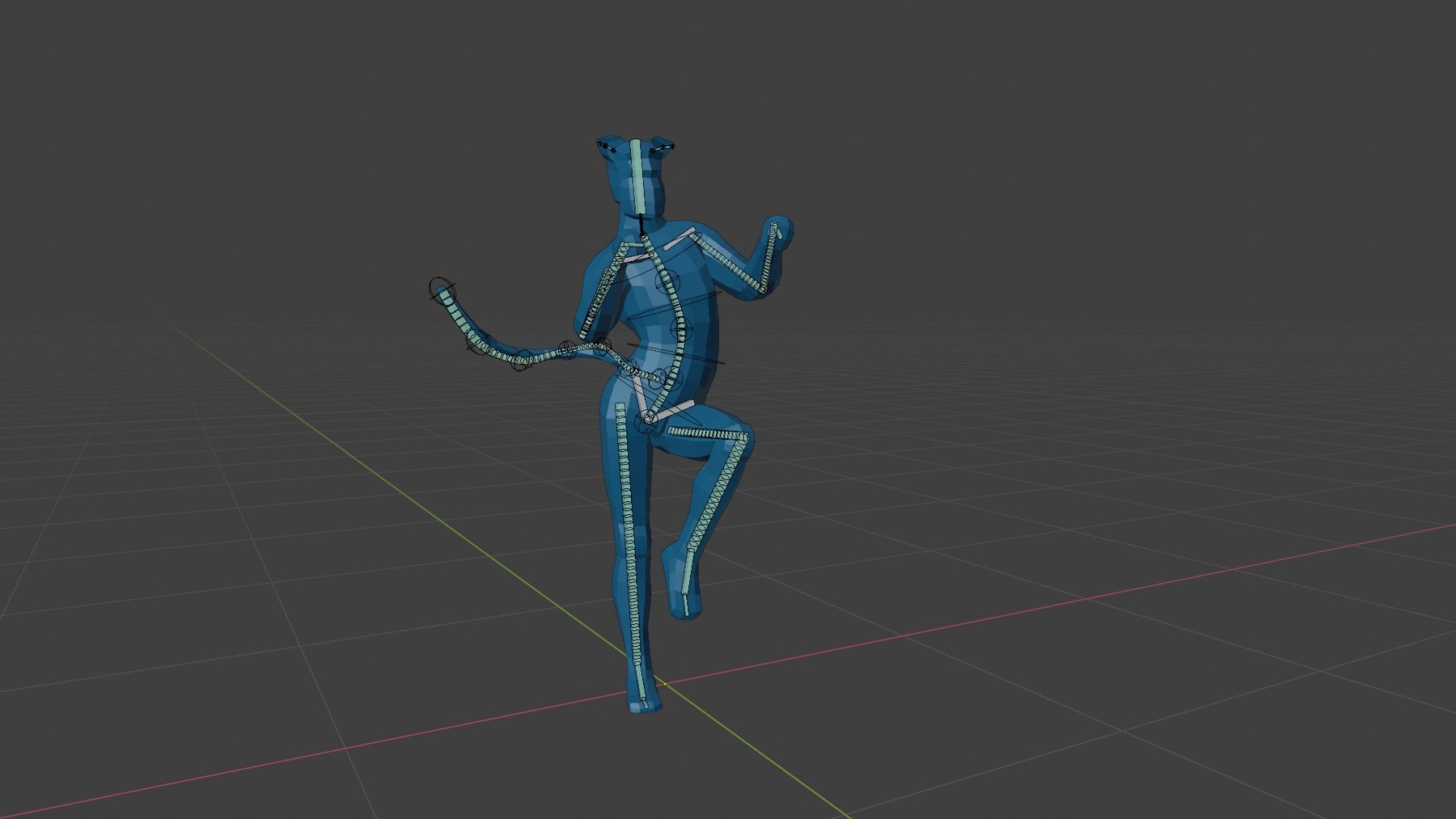
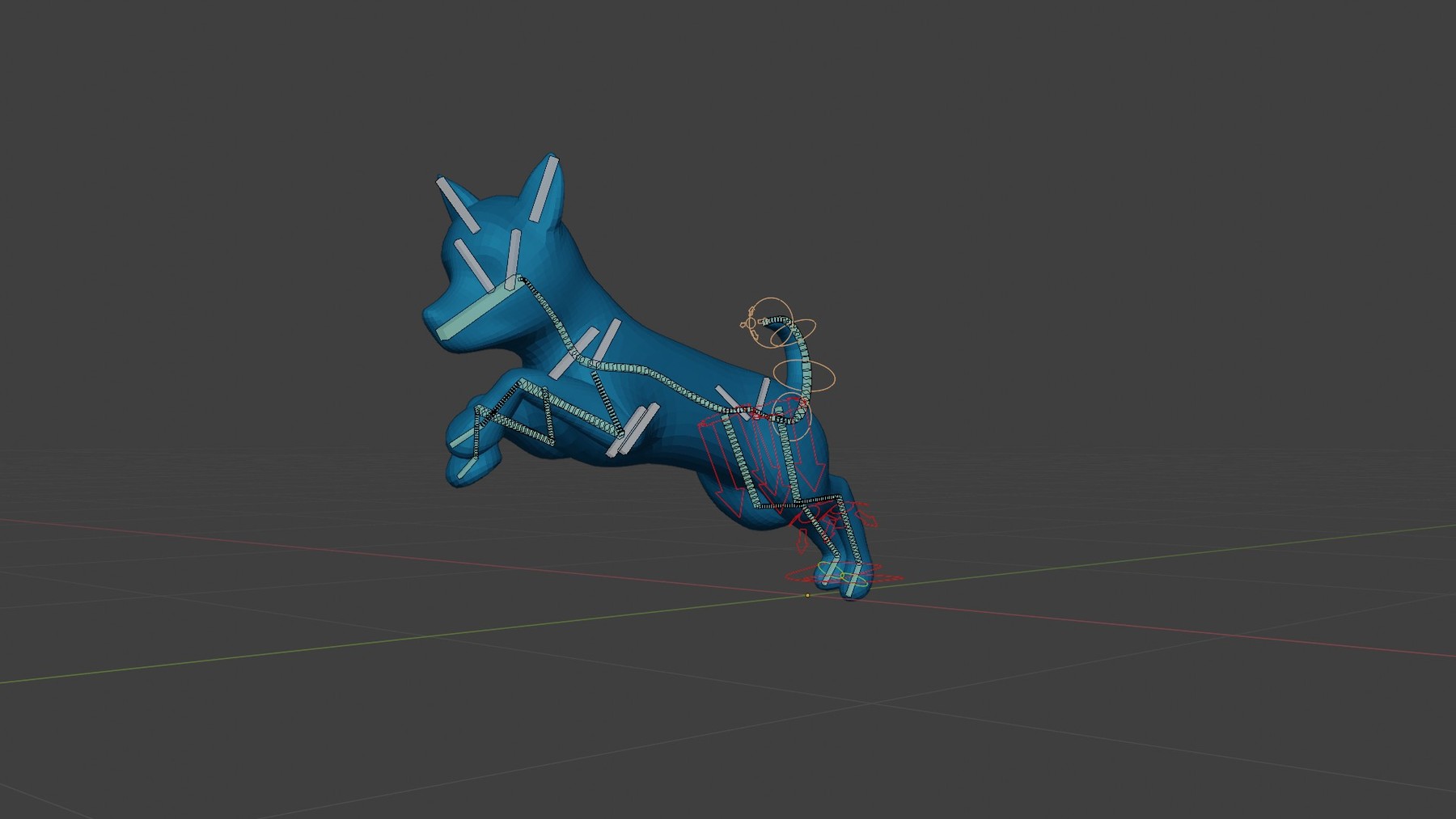
Important update:This course is getting old :) The information provided is still valid but the Blender interface may have changed enough to throw off beginners. The videos were created with Blender 2.8~2.93. It should be watchable for intermediate users using Blender up to version 3.6. My plan is to dust it off, patch the videos up a bit with additional information and release most of them for free.
That will take time so if you want to watch it now, you can still buy it (thank you for the understanding and support!). I have already heavily reduced the price.
-----
Do you find rigging in Blender difficult? Tried and failed to build advanced rigs for your characters? Do you find it takes forever to create even a rudimentary rig?
You're not alone. Rigging is tough. It requires a high level of both artistic and technical skills.
Lucky for us Blender offers us an easier solution: a free addon called Rigify. It's not enabled by default, therefore many people don't even know it exists. And its' advanced features are hidden behind a slightly unintuitive interface. Thus few artists utilize it to its full potential.
Due to a lack of quality information, a lot of Blender users think that Rigify is all about the "Human Meta-rig". But the human rig is nothing more than a shortcut that solves a common problem: rigging a simple humanoid character.
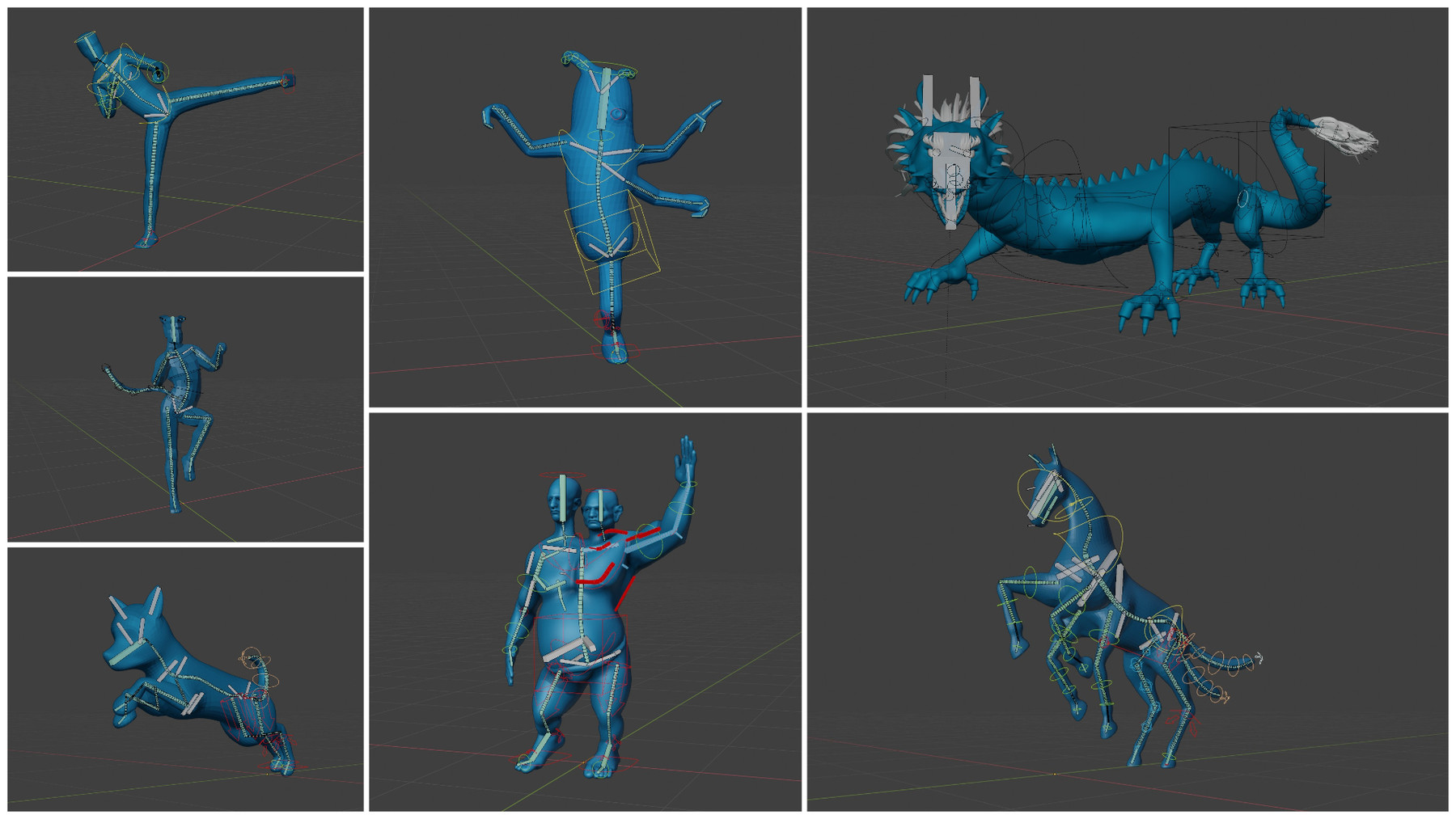
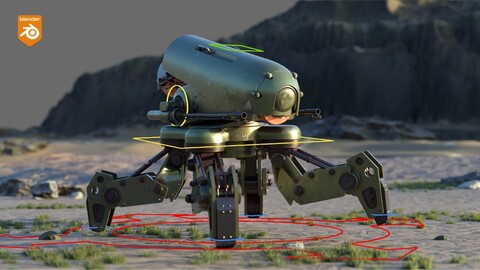
When you learn how to use Rigify properly you can rig just about any character. To get an idea of the characters we'll rig together in this course, see the images attached in the product info.
Build your Rigs from Lego Blocks
Rigify is a modular rigging system. It provides the artist with easy to understand building blocks like legs, arms, spines, tails, and many more. Using those you can rig almost any character.
Traditional rigging, on the other hand, deals with abstract and complicated concepts like constraints, drivers, local vs world translations, matrices etc. The truth is, most artists won't have the time to learn manual rigging at an advanced level. Thanks to Rigify, we don't have to.
So Rigify is pretty awesome... The only problem is figuring out how to use it.
➡This is where this course comes in.
You'll learn how to rig any character in the following three modules: Rigify Basics, Rigify Video Manual, and Advanced Rigify Sessions.
*Module 1: Rigify Basics(Available for FREE)*
In "Basics" you'll learn the most important aspects and basic concepts of Rigify. Rigify does not work like traditional rigging. You need to understand the philosophy behind it in order to use it correctly. The first 3 chapters will take care of that.
➡This module is FREE on YouTube but it is also included for download with the product! (I am not allowed to share a link to it, but google is your friend)
1. Intro to Blender Armatures
2. Overview of the Rigify Workflow
3.Rigging with Meta Rigs (biped and quadruped)
4. Extending the meta rigs and avoiding bad practices
5. The Rigify Building Blocks, aka Rig Types
6. Creating a custom Meta Rig from scratch: Alien Character
7. Usability Improvements
8. Posing your character using the Rigify rig
*Module 2: The Rigify Manual *
The "Manual" is for people who want to understand every single option you find in Rigify. I go over each and every Rig Type/Building block and explore every option you'll encounter. There are meta rig options that affect how the rig will behave after it is generated. There are also options in the Generated rig that change the behavior of the Armature on the fly. All of that is covered in this module. It will teach you the correct workflow, which will help you avoid errors.
*Module 3: Advanced Rigging Sessions*
In this part, we'll rig several complex characters together.
This module includes rigging a Dragon and a Two-headed Ogre. One more session is planned, probably a bird wing. These characters allow me to demonstrate creative and unorthodox usage of the Rigify tools.
- Dragon Rigging
Sneak peek here:
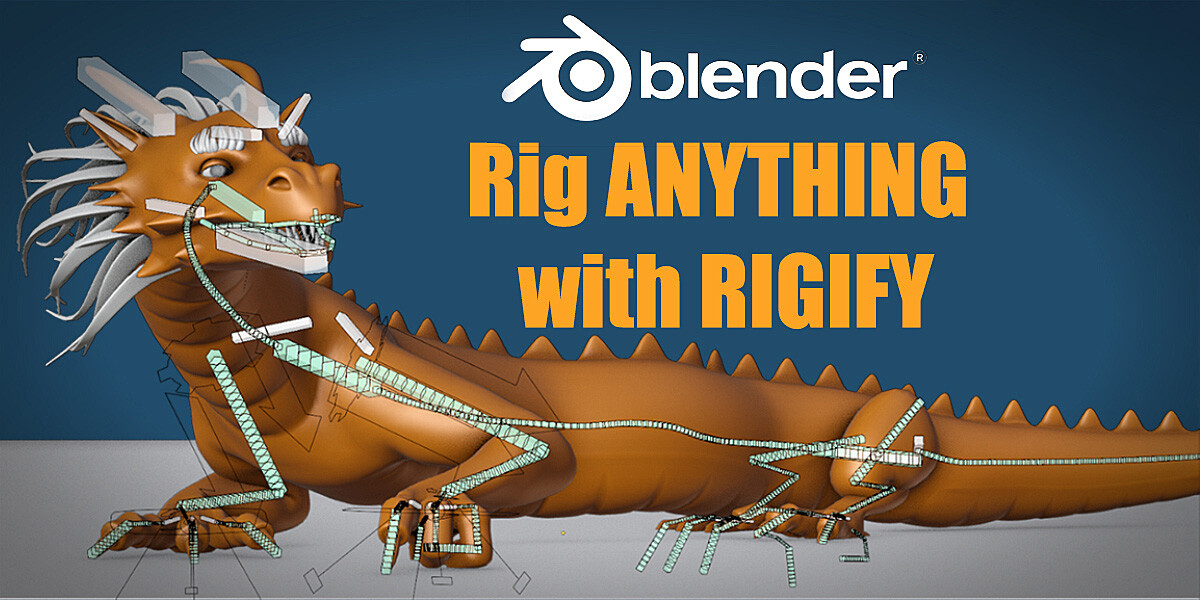
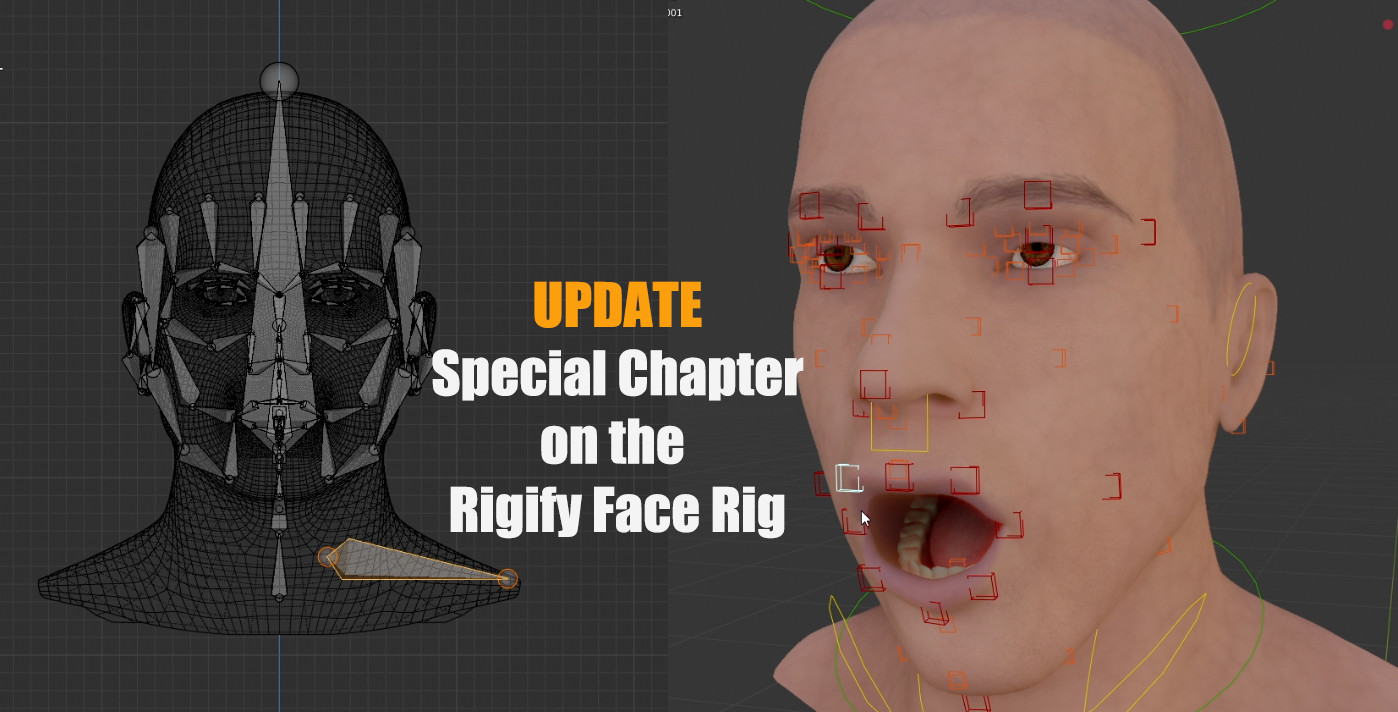
In this session, we'll rig a dragon using Rigify. Rigging the body and limbs of the Dragon with Rigify is so easy that I decided to add something really special to this series: a custom face rig that works with Rigify. This is achieved using one of the most advanced features of the addon. You won't find this workflow ANYWHERE else!
- Two-headed Ogre Rigging
Sneak peek here:
In this series, we'll rig a humanoid character with two heads and faces. His large muscles and belly pose a special challenge. As with the Dragon, building the basic rig using Rigify will be easy as pie. That will allow us to focus on a few more interesting areas.
-advanced shoulder rig
-automated controls for cumbersome areas like elbows, knees, belly etc.
-advanced weight painting
- Wing Rigging (planned bonus session)
As I get closer to completing the advanced chapters, the price will gradually go up. If you don't want to pay $45+ in the future, get the course now!
BLENDER FOR MAYA RIGGERS and MAYA ANIMATORS
If you're coming from Maya as a rigger I think you'll love Rigify, which is Blender's auto-rigging system.
And if you're a Maya Animator, Rigify can help you create versatile rigs quickly so you can start animating right away.
⚠️A few warnings before you buy:
- This course may be updated with new chapters. Make sure to set up your ArtStation profile such that you get notifications for product updates.
Release Notes
This update includes:
- a completely new Rigify Fundamentals Module for Blender 4 and later
- an new version of the Ogre Rigging Module, updated for Blender 4 and later
Other Changes:
Video streaming on ArtStation was discontinued because the platform makes it difficult to organize and update a large number of video and resource files. Streaming may still be possible if you contact me :)
CATEGORIES
Standard Use License
USD $24.99
License: Standard License
Stock Assets
For personal use and one commercial project (up to 2,000 sales or 20,000 views).
TutorialsOne copy to be used by a single user.
Installable ToolsOne installation by a single user.
Learn MoreThanks! (You get ALL FILES and CHAPTERS) Read MoreRead Less
Files (7)
Supporter
USD $39.99
License: Standard License
Stock Assets
For personal use and one commercial project (up to 2,000 sales or 20,000 views).
TutorialsOne copy to be used by a single user.
Installable ToolsOne installation by a single user.
Learn MoreThank you x2! (You get ALL FILES and CHAPTERS) Read MoreRead Less
Files (7)
Super Supporter
USD $79.99
License: Standard License
Stock Assets
For personal use and one commercial project (up to 2,000 sales or 20,000 views).
TutorialsOne copy to be used by a single user.
Installable ToolsOne installation by a single user.
Learn MoreYou rock!
(You get ALL FILES and CHAPTERS) Read MoreRead Less
Files (7)
https://artstn.co/m/dnY0
Copied
Ratings & Reviews
Sort by:LikesDate
Reviews (13)
 Richard Derteano
00Report| Release v.5.6 | Supporter | over 3 years ago
Great course! Was a Maya rigger, now I feel competent using Blender for my rigs as well
over 2 years ago
Awesome, so glad to hear that!
 Guilherme Oliveira
00Report| Release v.5.6 | Standard Use License | about 4 years ago
Required for anyone who wants to get serious about animation for either games or movies with Blender. This will not make you an expert in animation, but its the perfect start, Rigify is a powerful (and confusing) tool. There is also more high quality content inside the author's youtube channel which I recommend, this is someone who really knows about this tool and you won't even need to google up answers for anything because everything is very well explained from top to bottom. 5/5
about 4 years ago
Thank you very much for the kind review, Guilherme!
 Gameaning Studio
10Report| Release v.5.6 | Standard Use License | over 4 years ago
Finally I can leave a review since I finished the course completely and I have to say I'm really blown away with the effort put in this course along with value.
I'm quite used to rigify and I have been tweaking al sort of things and got some deep understanding about it but man that was nothing comparing to what I've learned so far from Todor!
One last thing I want to mention that I had a problem in the course and I reached to Todor by mail and he responded I think In less than 2 hours which is amazing combining good quality, value and support.
Looking forward to see more successful courses and good luck Todor!
over 4 years ago
Thank you for the great review! Feel free to reach out again. I can't promise a response within 2 hours but I usually reply within 1 ~ 2 workdays :)
 Almaz Rysbayeff
10Report| Release v.5.6 | Standard Use License | almost 5 years ago
Great tutorial. Rigging is a very difficult process. Thanks for making it understandable!
almost 5 years ago
Thank you for the positive review!
 Chris
Chris00Report| Release v.5.6 | Supporter | almost 5 years ago
Coming to the end of chapter 1, learned even more than I expected to. Would recommend to anyone who wants to understand rigify as well as use it.
almost 5 years ago
Nice! I hope you like the rest as well :)
 Grzegorz
00Report| Release v.5.6 | Standard Use License | over 5 years ago
I had very basic knowledge of armature system in blender. Thanks to this course I was able to rig my whole dragon. I can certainly recommend this course for beginners too, Todor not only shows you the how to use rigify addon but he explains it in depth so you will be able to use that knowledge later in different models. I will definitely recommend this in future to my friends when they will begin rigging their models. 5/5
over 5 years ago
Grzegorz, I'd love to see the dragon you rigged :)
And thanks for the positive feedback! I am always happy to read such reviews. My goal was to enable people to rig different creatures, and not just follow along with the examples.
 Tim (Poca) Petty
00Report| Release v.5.6 | Standard Use License | over 5 years ago
Great Job!!! Could you rig a piece of clothing to an already established rig, like the UMA male bones? If you made a shirt for it, how would you use the same rig to paint weights for the shirt, in Blender, with Rigify?
over 5 years ago
Hi, I am not familiar with UMA male bones.
Rigging clothes is something very specific that is not covered in this course (aside from a few simple examples in the Ogre videos). In the future I'll probably make videos about rigging clothes on my youtube channel https://www.youtube.com/c/CGDive/
 Patrick Wilson
00Report| Release v.5.6 | Super Supporter | over 5 years ago
A really great so far I am super happy with my purchase! I’ve been doing animationA really great so far I am super happy with my purchase! I’ve been doing animation for a long time but I am new to blender and this is getting me up to speed with its quirks. And I’m learning stuff!
over 5 years ago
Very cool! Thanks for the review!
 Paulius Dambrauskas
00Report| Release v.5.6 | Standard Use License | over 5 years ago
Very detailed and intuitive Tutorial. I think that's one of the most expansive and detailed Tutorial on how to handle the Rigify you can currently get! By the way props to the author for creating the Rigify Workflow Mind Map! It helped me to understand the basic concept of the Rigify, its necessities and workflow overall. Thank you!
over 5 years ago
Thanks for the review!
The mindmap was initially just meant as a means to organize my own thoughts and make the presentation better. Turns out that it was helpful to a lot of people tho.
 Vince Russell
20Report| Release v.5.6 | Standard Use License | almost 6 years ago
I watched many tutorials on Rigify and nothing else comes close to this series of lessons. Todor breaks down the Rigify process and explains in detail how it works. I love that I came away from this series with an understanding of why to do something and not just what buttons to push. Buy and watch this course on Rigify and you will never need to watch another one.
Filter by Rating
More by Todor Nikolov / CGDive


Add a tip for Todor Nikolov / CGDive
Tips are appreciated, but optional!