Sign Up with Epic Games
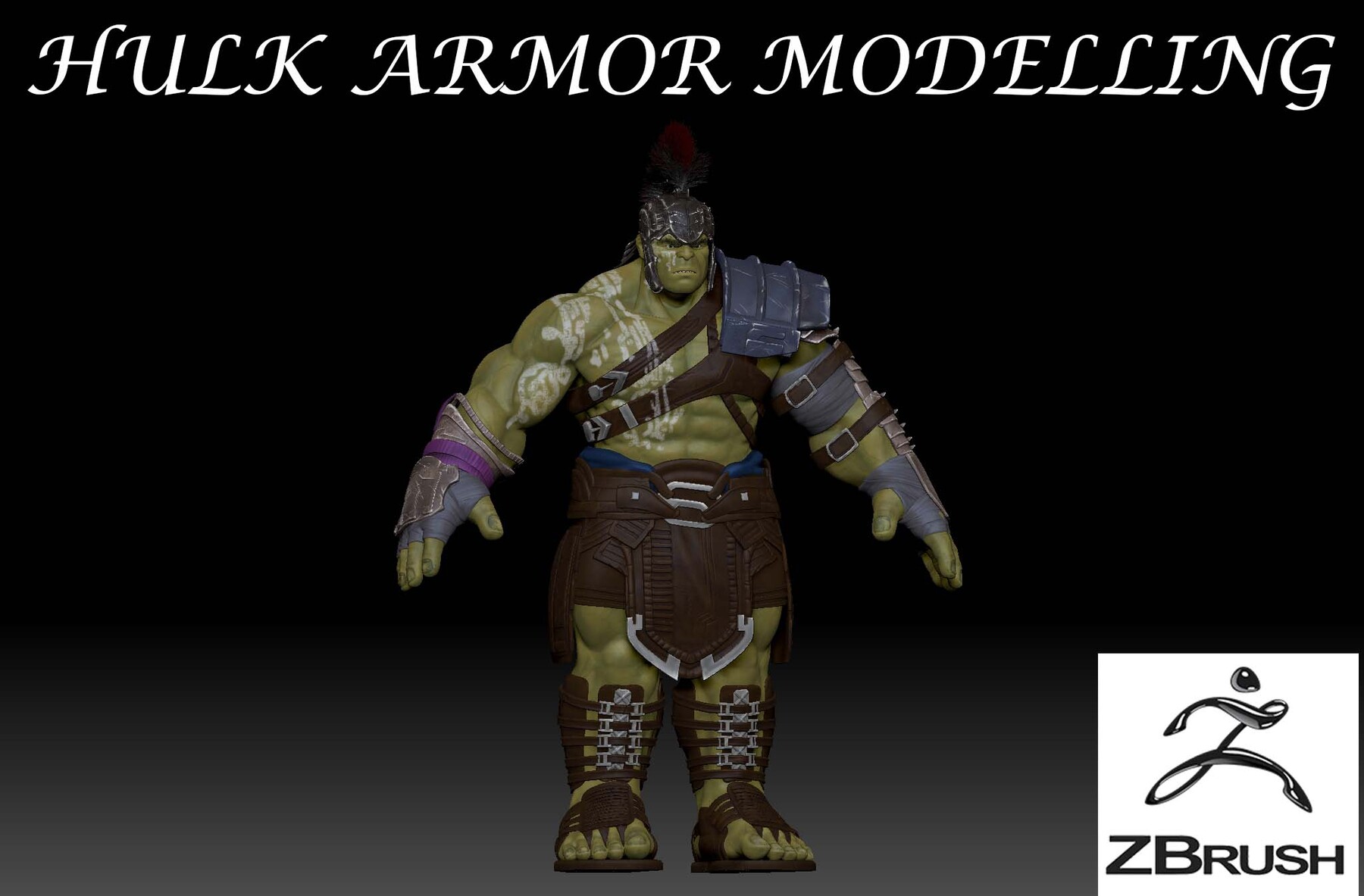
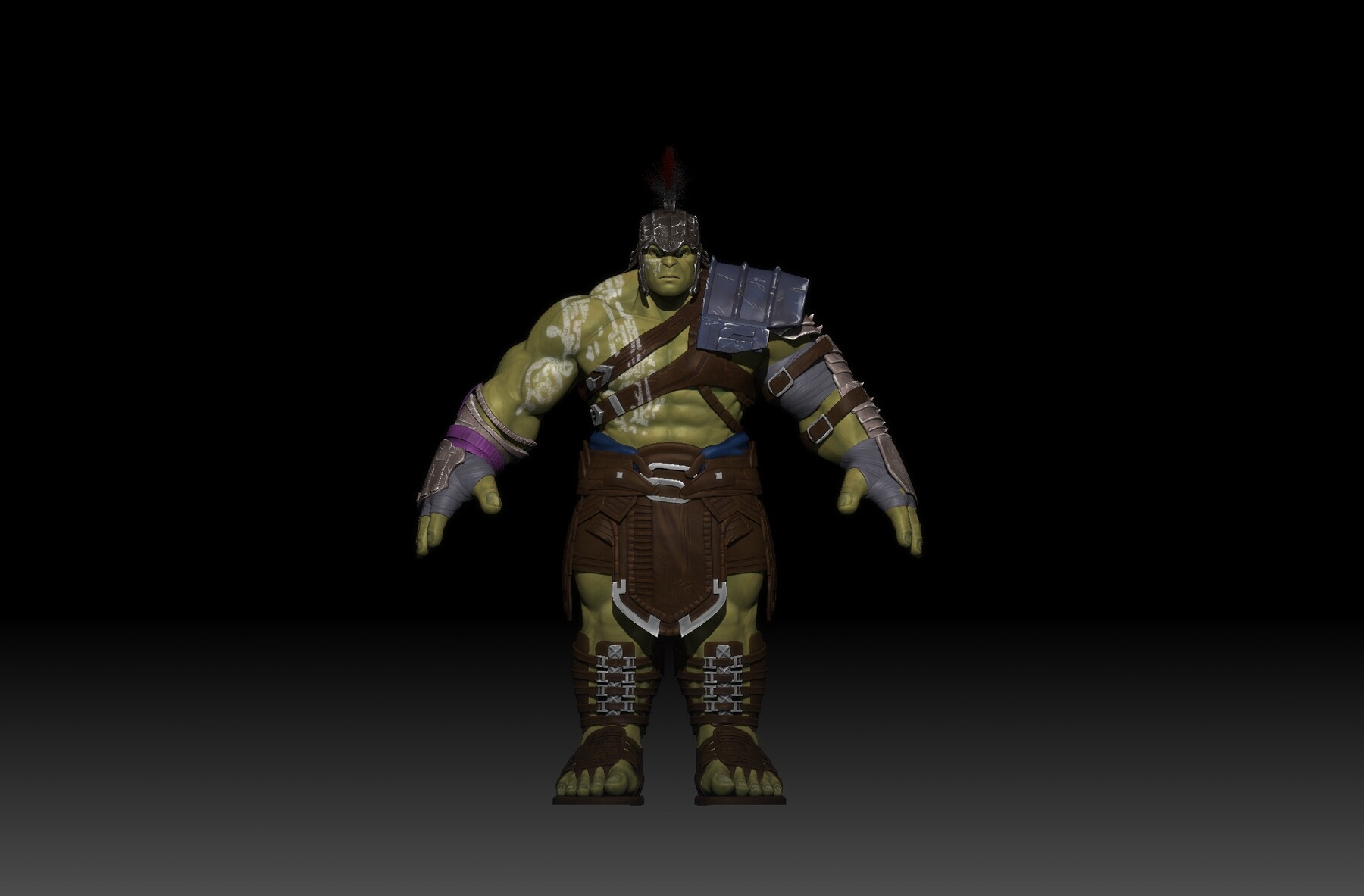


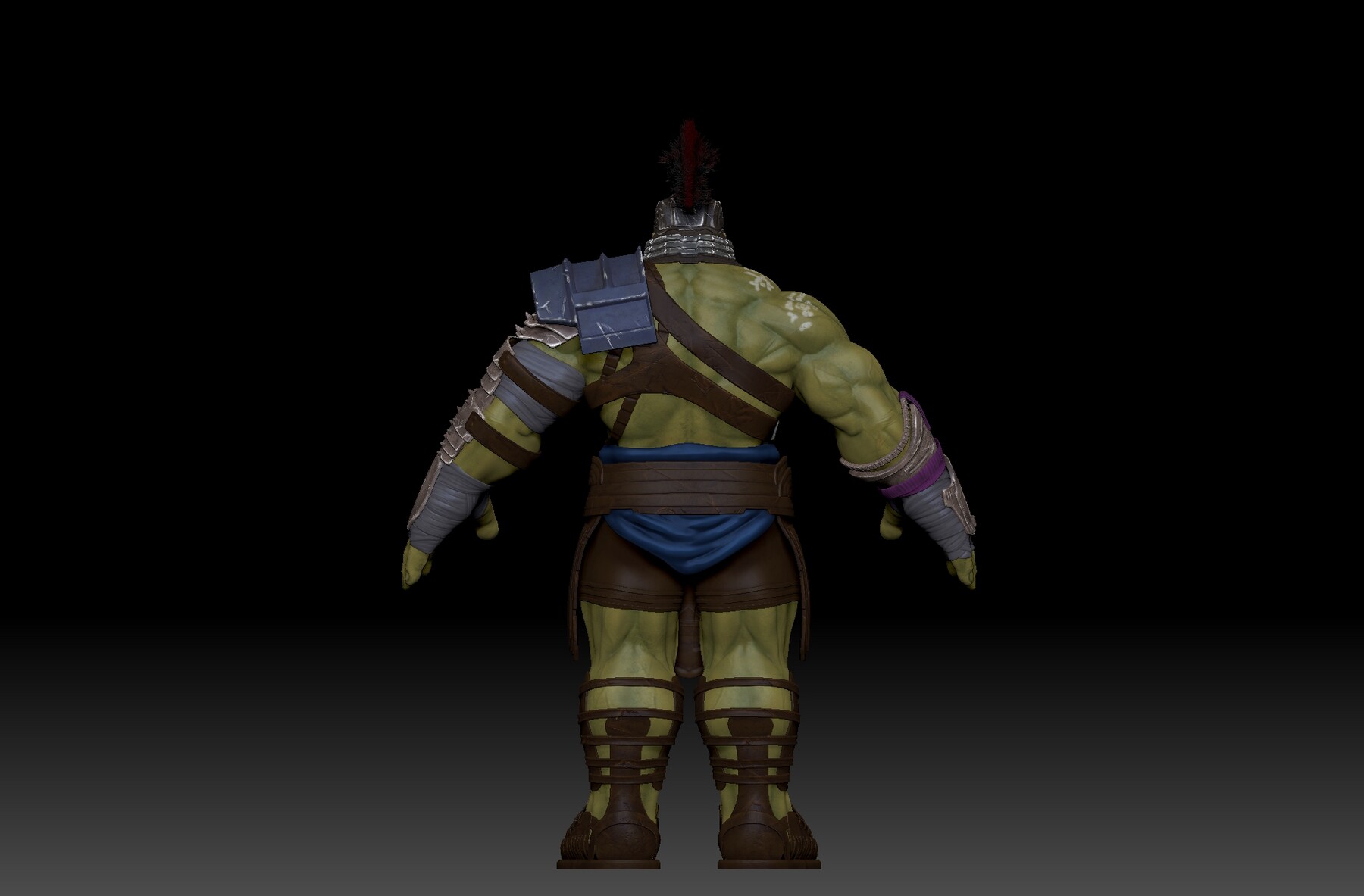
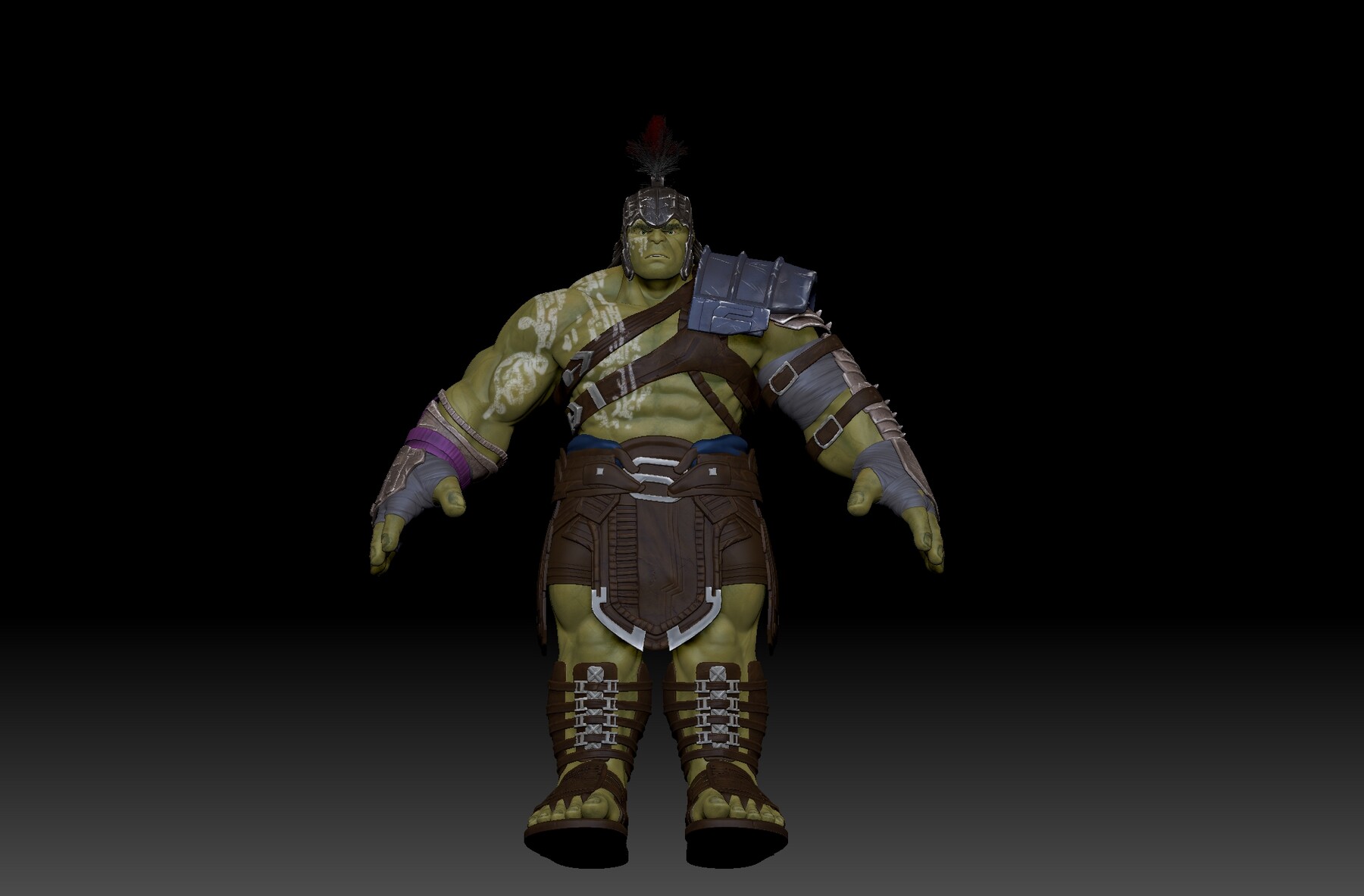
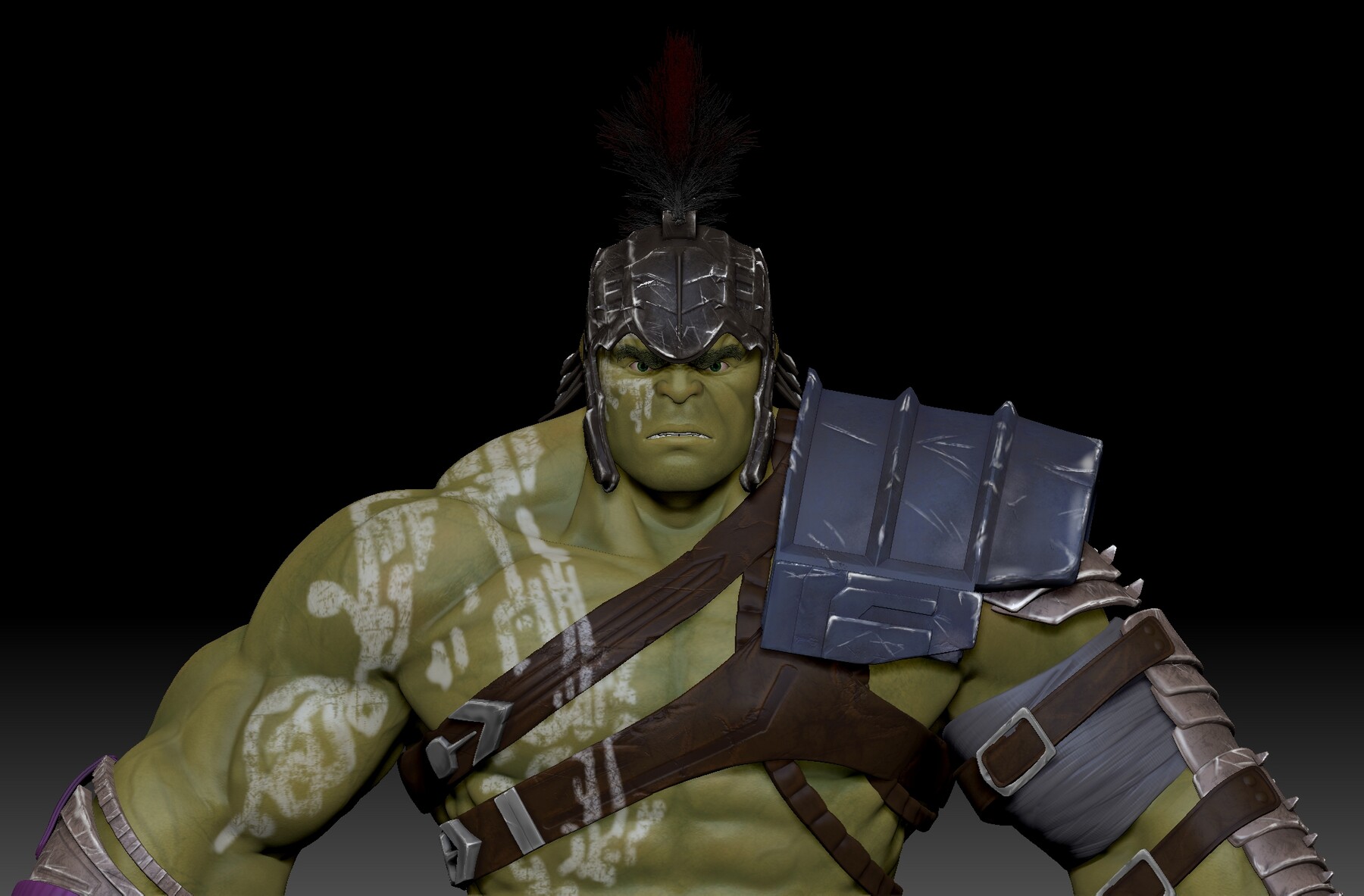
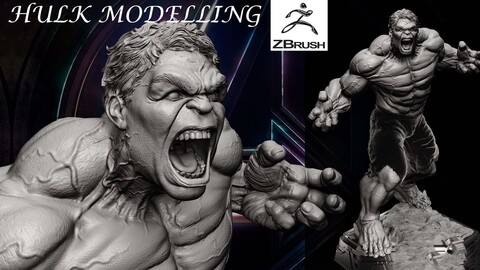
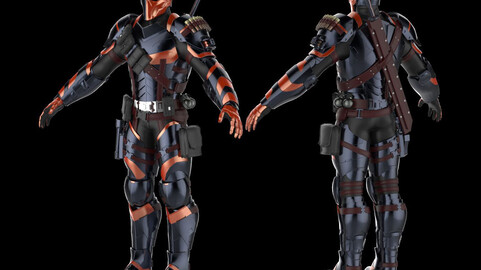
HULK ARMOR MODELLING IN ZBRUSH FOR BEGINNERS
Step 1: Create a Base Mesh
- Start by creating a base mesh for your Hulk character using ZBrush's tools like ZSpheres, DynaMesh, or importing a pre-made base mesh.
- Ensure that the base mesh matches the proportions of the Hulk and has enough geometry to support the armor details.
Step 2: Sculpt the Base Anatomy
- Sculpt the Hulk's anatomy, including muscles and facial features, using various brushes like Standard, Clay Buildup, and Move.
- Focus on getting the Hulk's body right, as the armor will be built on top of it.
Step 3: Block Out the Armor
- Begin blocking out the basic shapes of the armor pieces using primitives like spheres and cubes.
- Use the Transpose tool to position and shape the armor parts on the Hulk's body.
Step 4: Refine Armor Shapes
- Refine the shapes of the armor parts by using brushes and tools to add details and adjust proportions.
- Pay attention to the reference images to ensure accuracy.
Step 5: Detailing the Armor
- Add surface details to the armor, such as scratches, dents, and panel lines.
- Use brushes like DamStandard and Clay Tubes to create these details.
Step 6: Sculpting Surface Textures
- Sculpt texture details on the armor, such as fabric patterns or metallic textures.
- Experiment with various brushes and alphas to achieve the desired texture.
Step 7: Fine-Tune the Hulk's Anatomy
- Continue to refine the Hulk's anatomy where it interacts with the armor.
- Ensure that the armor fits snugly and realistically on the character.
Step 8: Pose Your Character (Optional)
- If you want to pose your Hulk character, use ZBrush's Transpose Master or ZSphere rigging to create a dynamic pose.
Step 9: Polishing and Final Details
- Smooth out any rough areas on the model.
- Add final touches, like small embellishments or insignias, to the armor.
Step 10: Paint and Texture
- Apply colors and textures to your model using ZBrush's Polypaint feature.
- Create different material zones for different parts of the armor.
Step 11: Rendering
- Set up lighting and materials for your scene.
- Experiment with ZBrush's rendering settings to create a high-quality render of your Hulk armor.
CATEGORIES
Standard Use License
USD $10.00
License: Standard License
Stock Assets
For personal use and one commercial project (up to 2,000 sales or 20,000 views).
TutorialsOne copy to be used by a single user.
Installable ToolsOne installation by a single user.
Learn MoreFiles (2)
https://artstn.co/m/d5OPJ
Copied
More by msprenders

Add a tip for msprenders
Tips are appreciated, but optional!