Sign Up with Epic Games


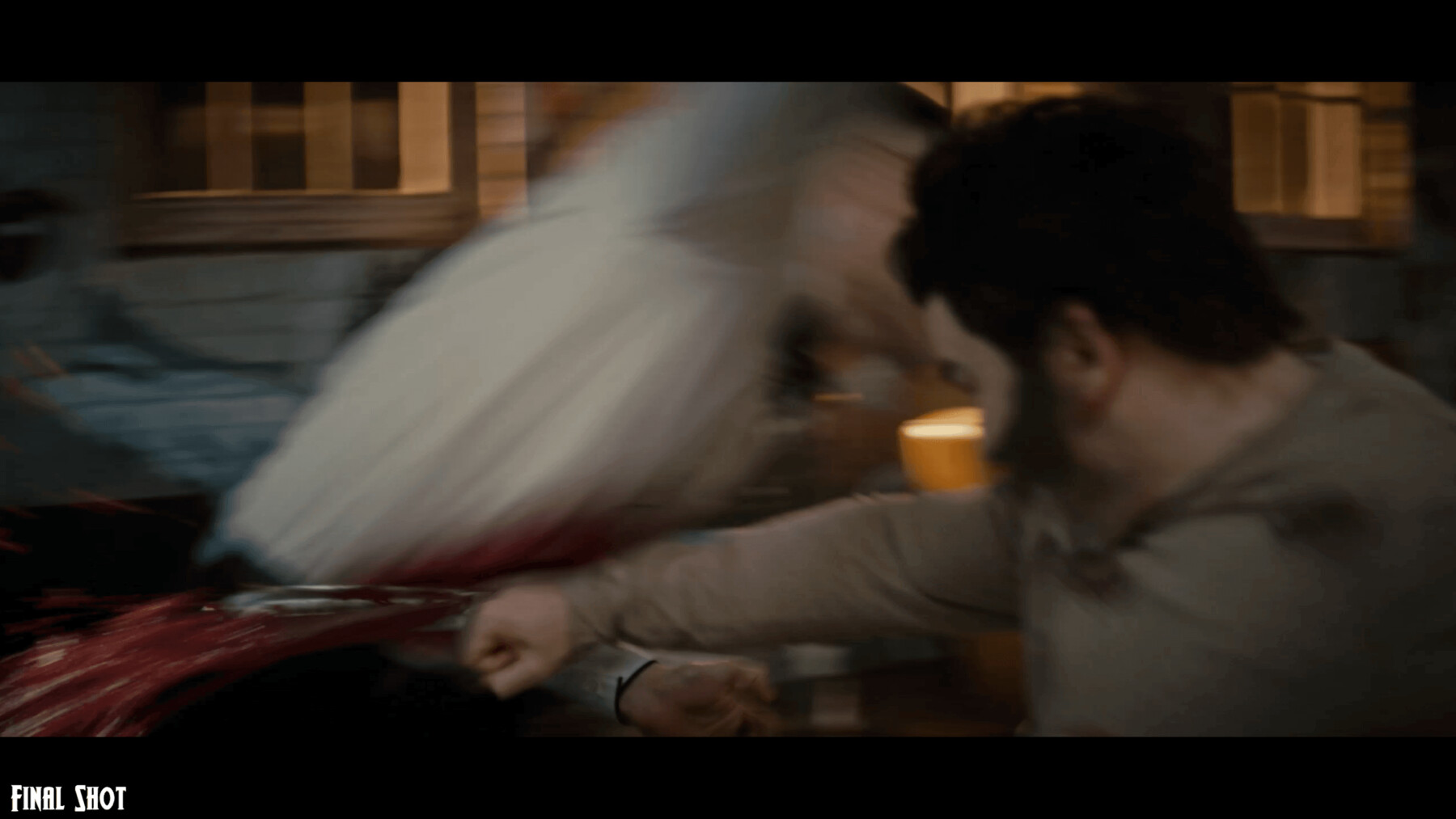




Watch the advert trailer here: vimeo.com/1008269285
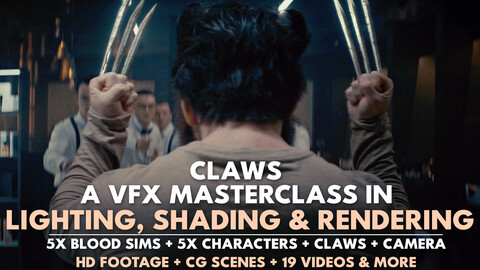
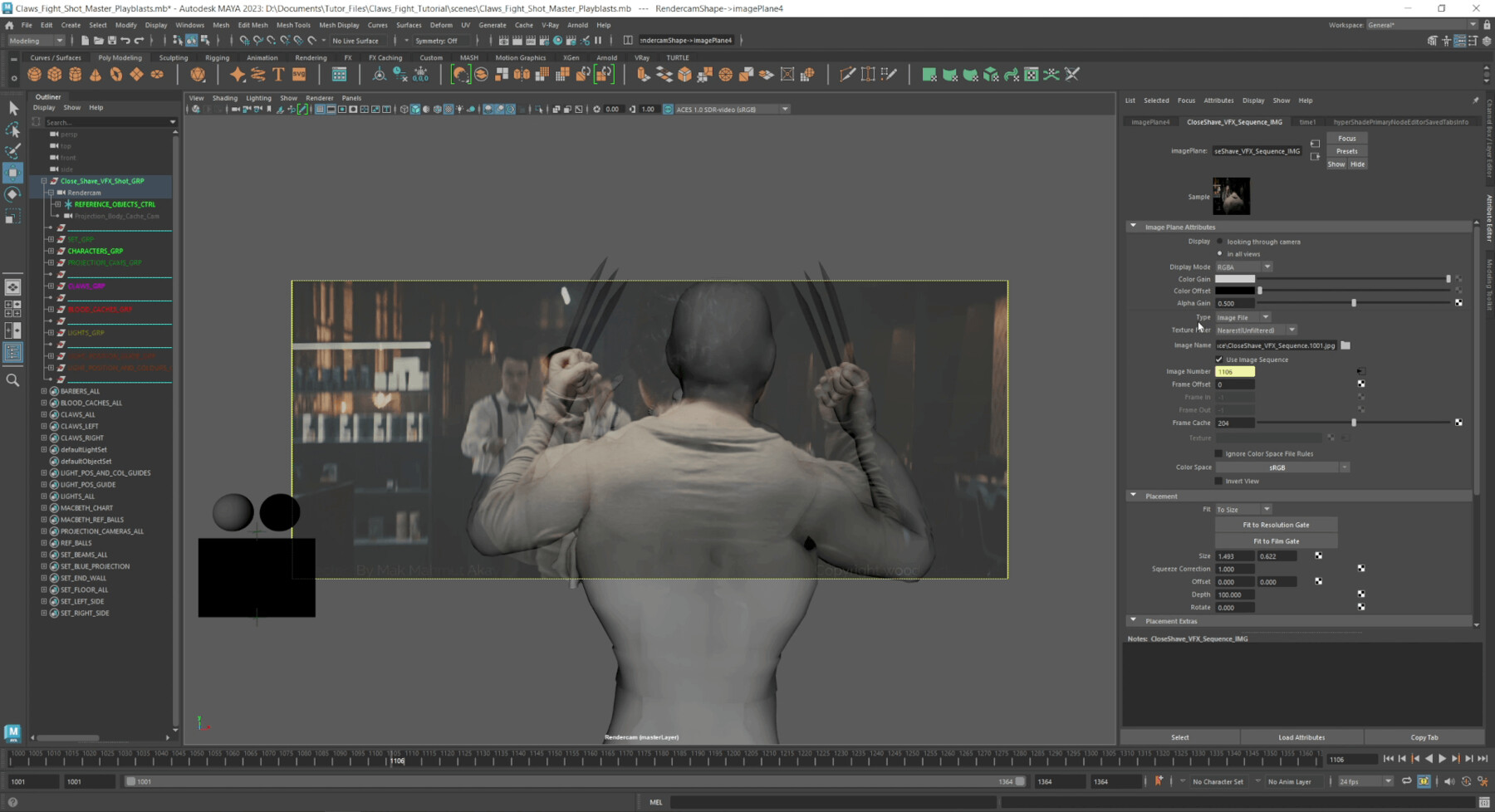
CLAWS is a complete VFX tutorial package that walks you through shading, lighting, rendering and some compositing for a high-end cinematic shot, using the same processes applied on real film and television productions (without the need for proprietary tools).
The package was created years after the shots were created for a superhero short fan-film called "Close Shave" which can be seen here: https://youtu.be/EO8KnUIyebg?si=eI-sgThIauZ-at5X
This product is not affiliated with, endorsed by, or related to any comic, film or studio's, their characters or brands. Any similarities are purely homage from the 2020 non-profit fan film short, to which this tutorial was constructed from years later.
What you will learn:
- Scene setup for clean reflections and shadows
- Light placement and shaping for a cinematic look
- HDR grading and balancing
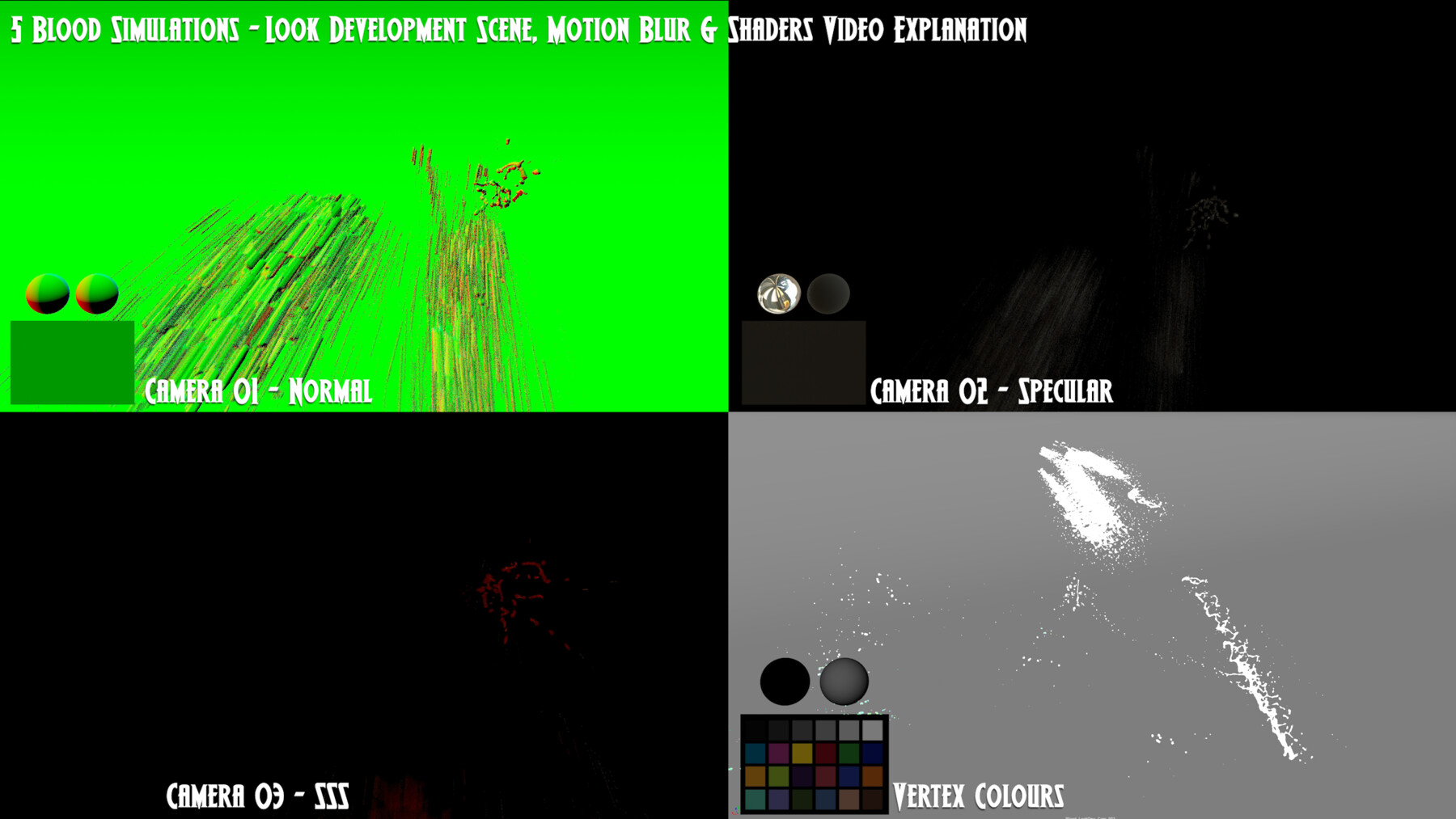
- Motion blur for simulations
- Render layer and pass structure as used in studios
- Blood and fluid look development, both shaded and non-shaded
- Compositing CG elements seamlessly into HD footage, fine-tuning the CG lighting during the comp
What is included:
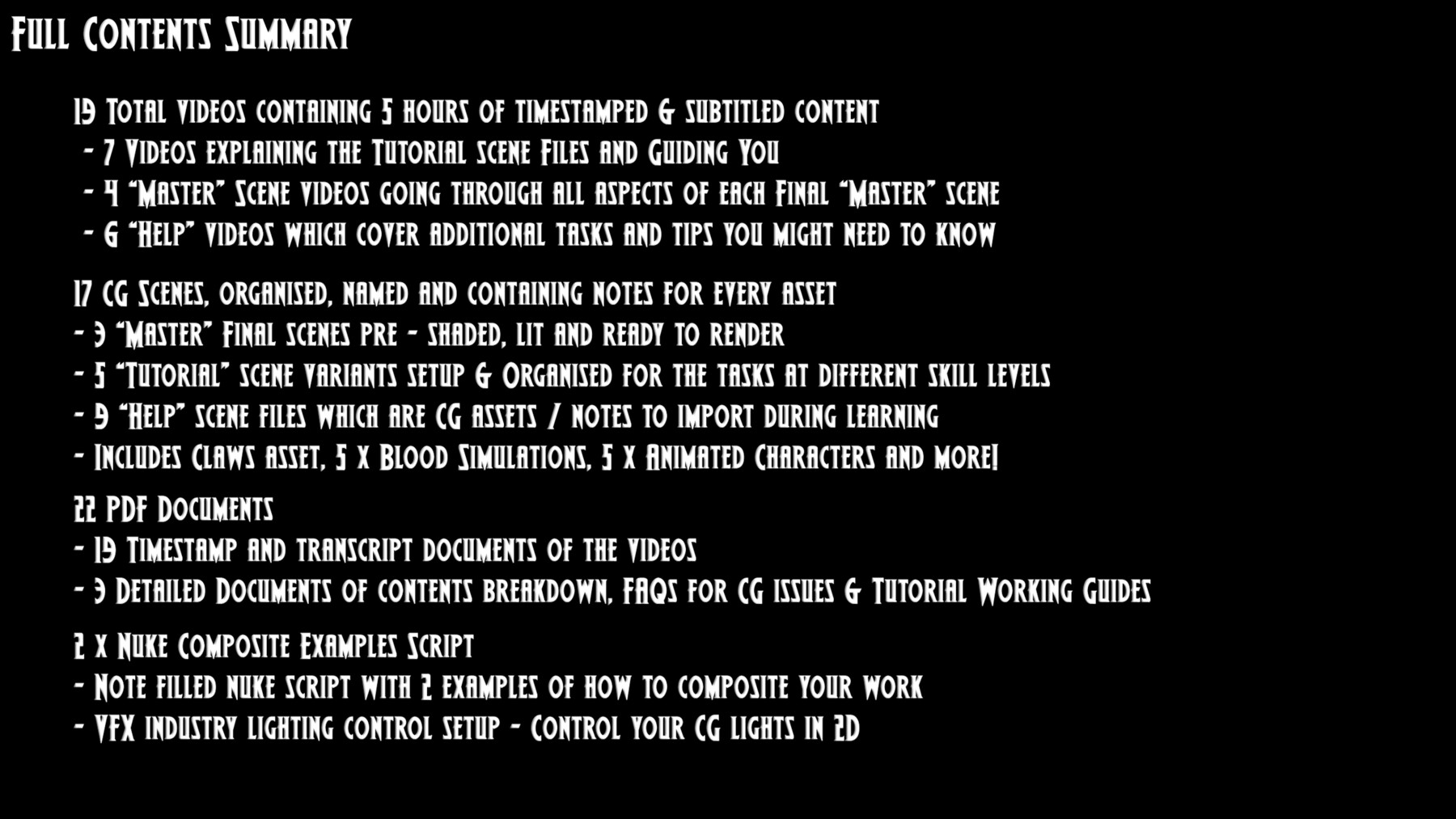
- 5 hours of subtitled, timestamped video content across 19 videos, including full scene walkthroughs, tips and guides
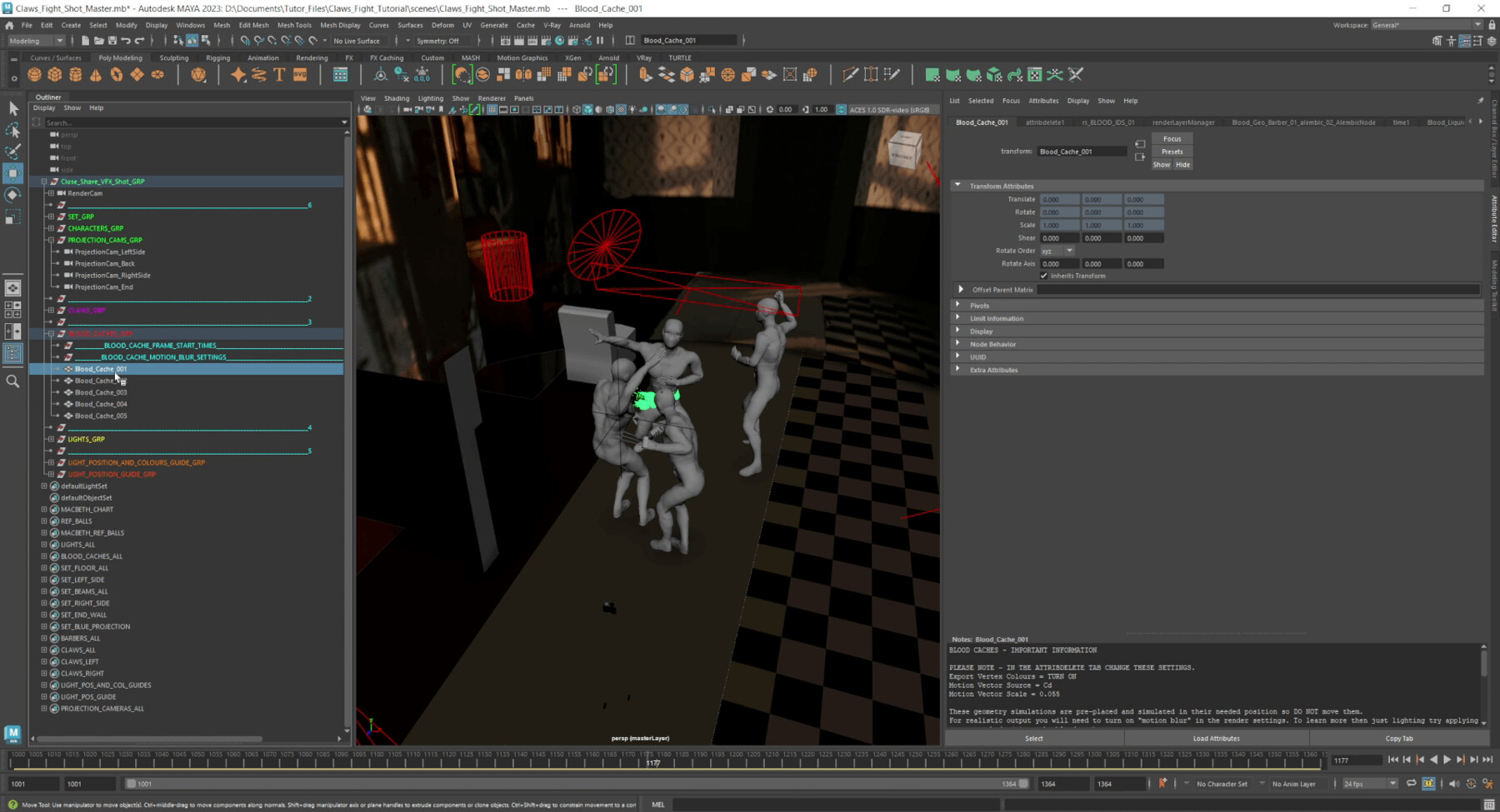
- 8 CG project scenes: 5 tutorial scenes (easy to advanced) and 3 master final scenes, each organised with detailed notes
- 5 blood simulations (shaded and non-shaded), with final shot positions and look development variations
- 5 CG characters, fully animated to match the actor movements in 3D space
- 9 CG scene help files to support you at every stage
- 22 PDF files: 19 video transcripts, a work guide with FAQs, a content breakdown, and key points for each video
- All of this content was cleaned, organised and created over 100+ hours of time!
Industry expertise:
- The techniques taught here are the same ones I have applied across numerous film and television productions, including The Lion King (2019), The Hunger Games: The Ballad of Songbirds and Snakes (2023), A Wrinkle in Time (2018) and Dinosaurs: The Final Day (2022), among many others. The course is guided by over a decade of professional VFX experience.
- In January 2025 the package was added to FlippedNormal's Staff Picks in their marketplace and could be seen on the front page for some time (this was prior to their marketplace closing down in May 2026!).
Who is this for:
- This suits artists already comfortable in Maya (or similar software) who know how to connect shaders, place lights and render.
- That said, every video explanation is simplified so the material stays accessible at any skill level.
- I have also created 3 "difficulty" versions in which the scenes have less content within them, so it allows you to decide if you want to construct the shot from essentially an empty scene, or if you would want a scene prepped just to add lights too, or if you want to play around with a full finished scene.
What makes it different:
- Rather than the simplified exercises common to most tutorials, CLAWS uses the same general processes found in working actual VFX studios, with dynamic cinematic footage and CG assets that mirror industry standards.
Structure:
- YOU DO NOT NEED TO WATCH ALL 5+ HOURS OF CONTENT!
- The content is built so you can start straight away.
- A quick start video and methodology guide give you the overview, while the supplementary videos and PDFs are there when you need them.
- Written timestamps and master timestamp PDFs make finding any specific answer fast.
Software and compatibility:
- The tutorials focus on primarily Maya (with Arnold), some Photoshop and Nuke.
- All key elements are also supplied as Alembic caches and image based textures, so they can be imported into other packages such as Blender, 3ds Max and After Effects.
- The course could be done in other software, still using the same assets to import such as blood simulations, claw assets, set geometry, alongside using the videos as a reference point for how the lights were constructed (colours/ maps), positioned, camera projections etc..
- The underlying techniques transfer across software.
Licence:
- This purchase is for personal private use licence.
- For studio, business or educational facility use, please contact info@woodcockvfx.com
Contact & Queries:
- For more information or questions please visit www.woodcockvfx.com
- There is more information and screenshots of the product on the website and a contact page for any questions you might have.
CATEGORIES
Standard Use License
USD $99.99
License: Standard License
Stock Assets
For personal use and one commercial project (up to 2,000 sales or 20,000 views).
TutorialsOne copy to be used by a single user.
Installable ToolsOne installation by a single user.
Learn MoreFiles (1)
https://artstn.co/m/Yyqw1
Copied
Add a tip for Woodcockvfx
Tips are appreciated, but optional!