Sign Up with Epic Games

Layers Animation Tool for Substance Painter
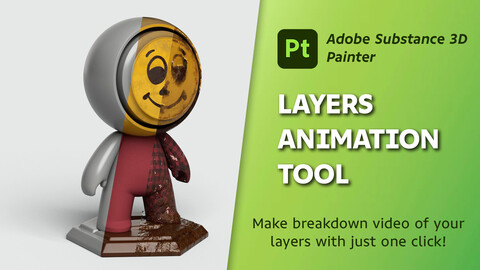
Elevate your texturing workflow with the Layers Animation Tool, designed to simplify and enhance the way you create breakdown videos of your texturing process. Whether you're presenting your work to clients, showcasing your skills in a portfolio, or creating tutorials, this tool is your go-to solution for generating professional and dynamic layer animations effortlessly.
What the Plugin Does:
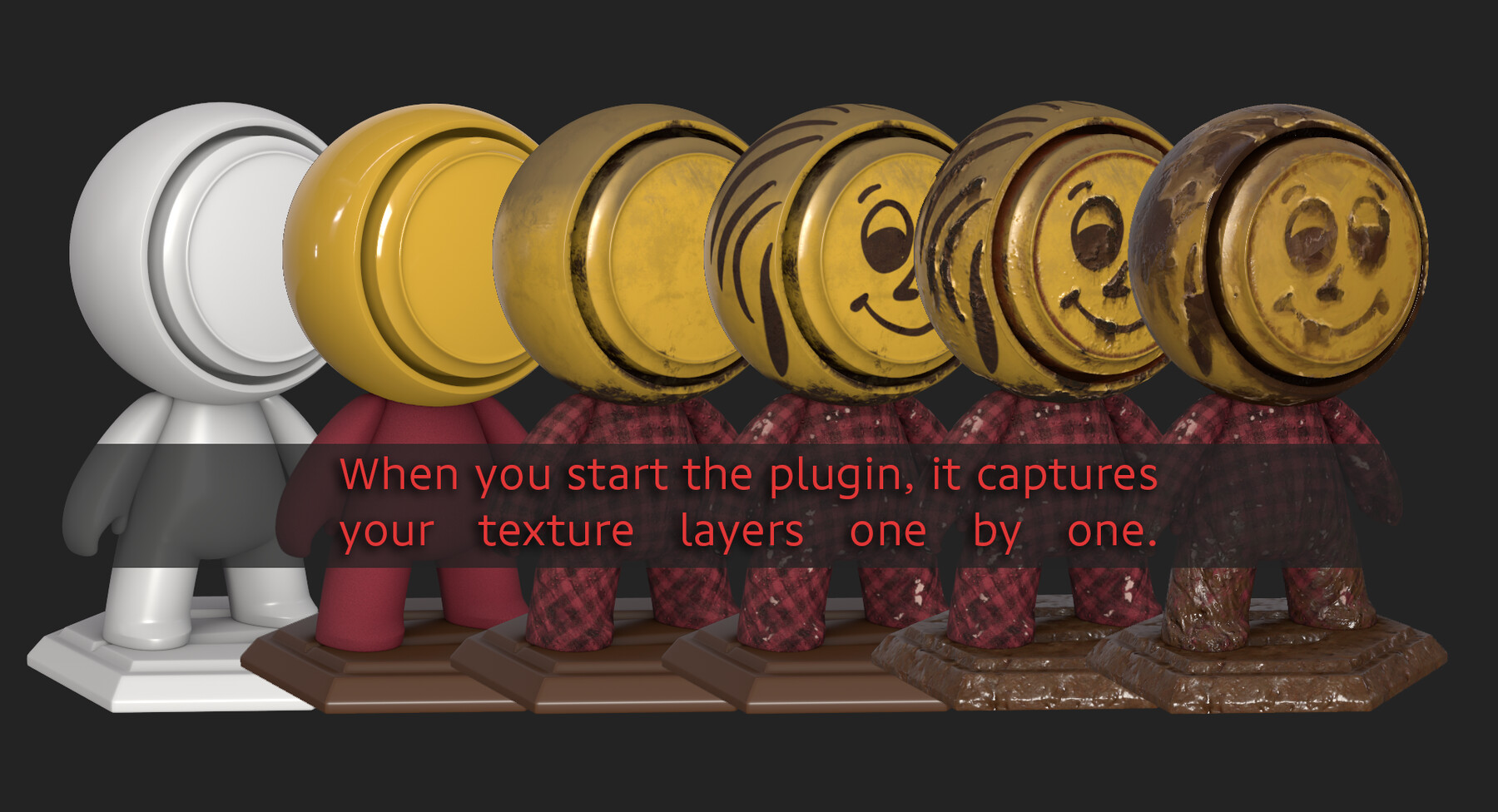
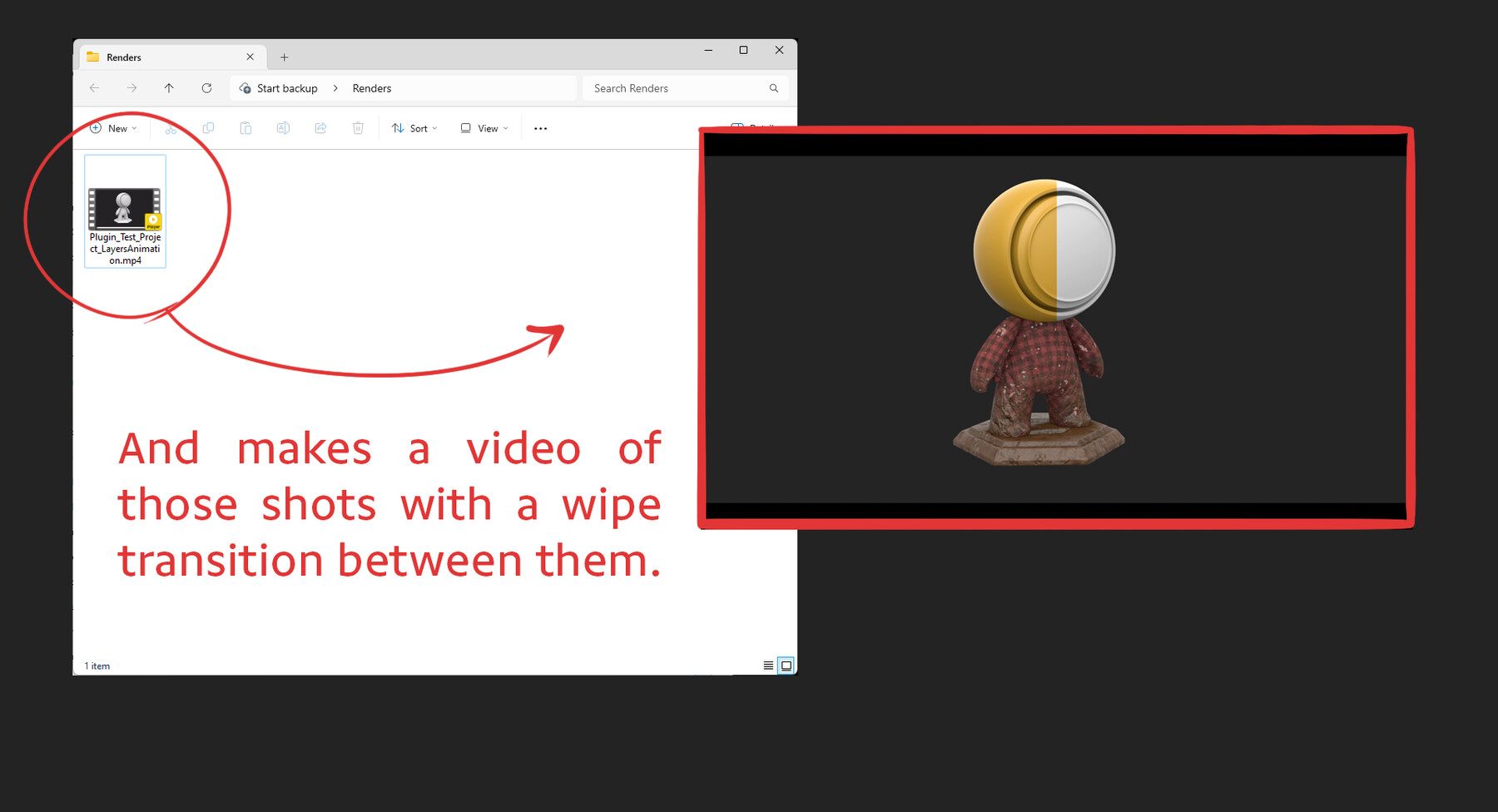
The Layers Animation Tool automatically reveals your texture layers one by one and creates a video of the process. This is done fully automatically in Adobe Substance 3D Painter and without the need for any third-party applications. Simply configure your custom camera angles and settings, and the plugin will handle the rest, capturing each step of your texturing process to create a seamless and professional breakdown video.
Compatibility:
- Operating System: Only compatible with Windows OS
- Substance Painter Version: Requires at least Substance Painter 10.0
Key Features:
- One-Click Breakdown Videos: Automatically create videos that reveal your texture layers one by one, showcasing the step-by-step progression of your work.
- Custom Camera Angles: Record your animations from any custom camera angle, ensuring your textures are presented exactly as you envision.
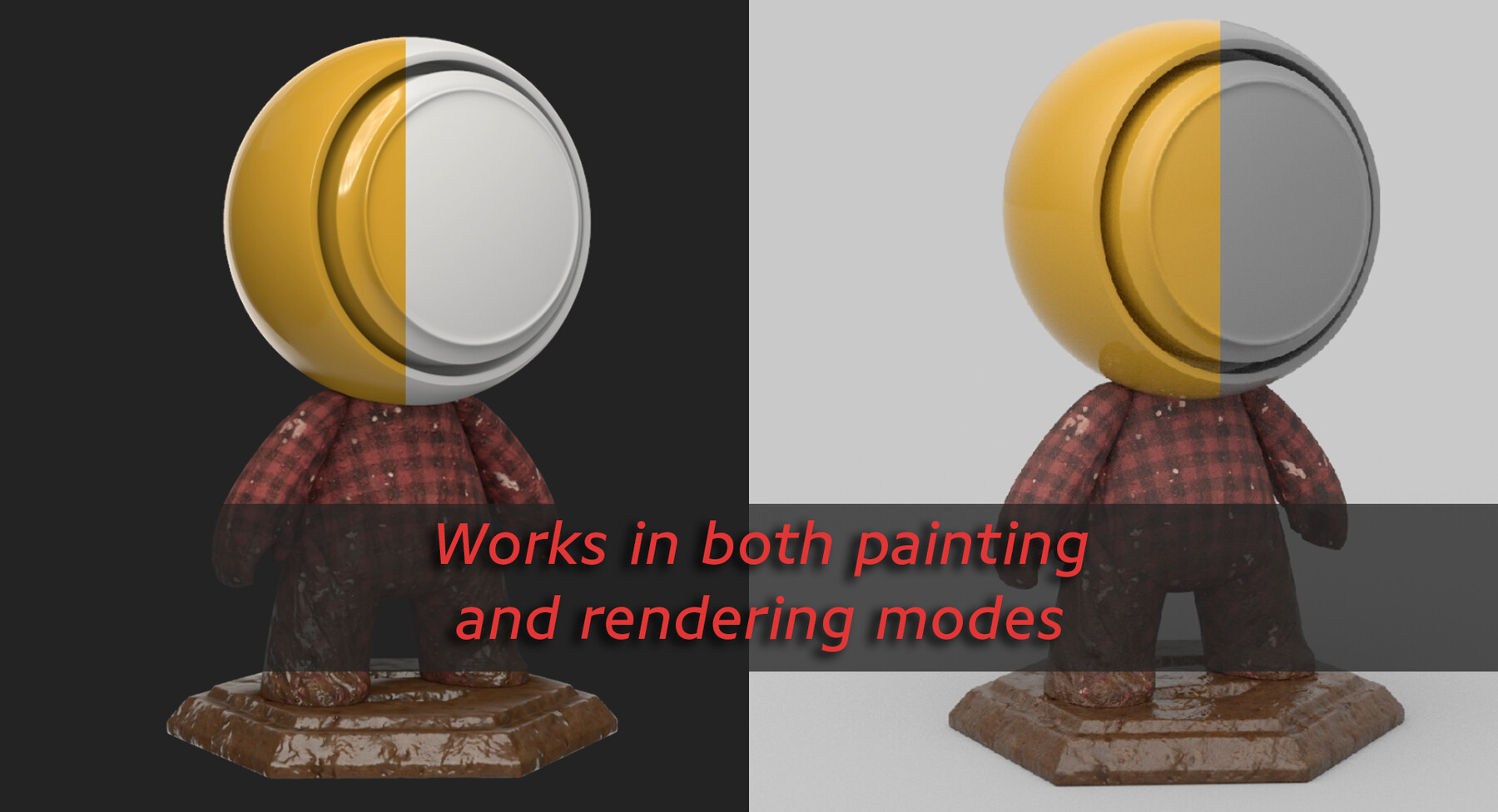
- Painting and Rendering Modes: Compatible with both painting and rendering modes in Substance Painter, giving you flexibility in how you showcase your textures.
- Substance Painter Settings Compatibility: Fully compatible with Substance Painter's rendering and camera settings, allowing you to leverage your existing configurations.
- Fully Automated Process: The plugin unhides texture layers one by one and creates a video of the process automatically, without the need for any third-party applications.
- Easy to Use: Intuitive interface designed for artists of all levels. Start creating professional animations with minimal effort.
Installation Instructions:
-
Place the Batch File:
- Move the Install_Requirements.bat file to your Substance Painter installation directory (default: C:\Program Files\Adobe\Adobe Substance 3D Painter).
- Right-click on the batch file and select "Run as administrator" to install all necessary dependencies.
-
Install the Plugin:
- Copy the layers_animation.py file to C:\Users\[username]\Documents\Adobe\Adobe Substance 3D Painter\python\plugins.
-
Load the Plugin in Substance Painter:
- Open Substance Painter and navigate to the Python menu.
- Click on "Reload Plugins Folder" to load the Layers Animation Tool plugin.
-
Using the Plugin:
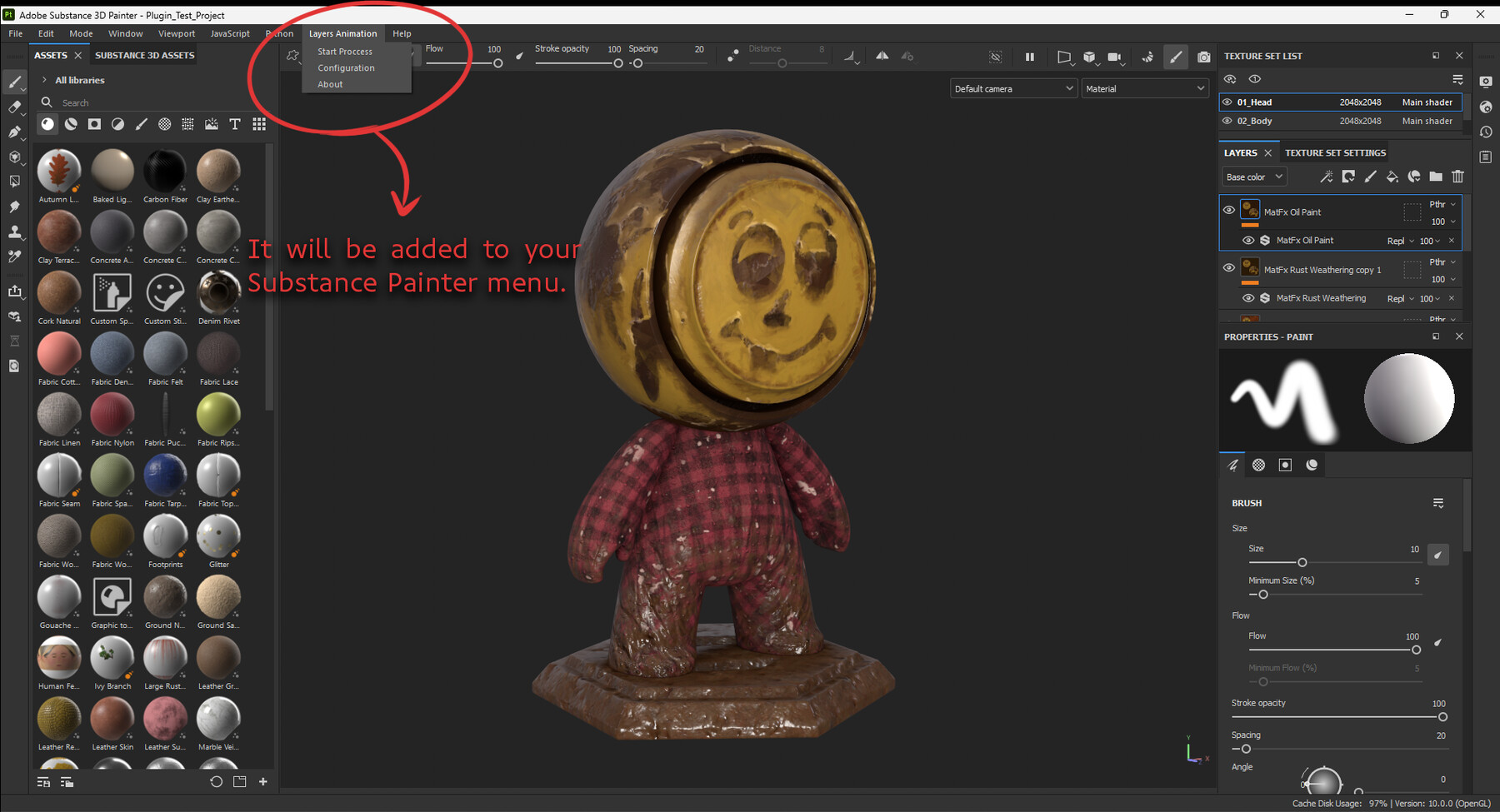
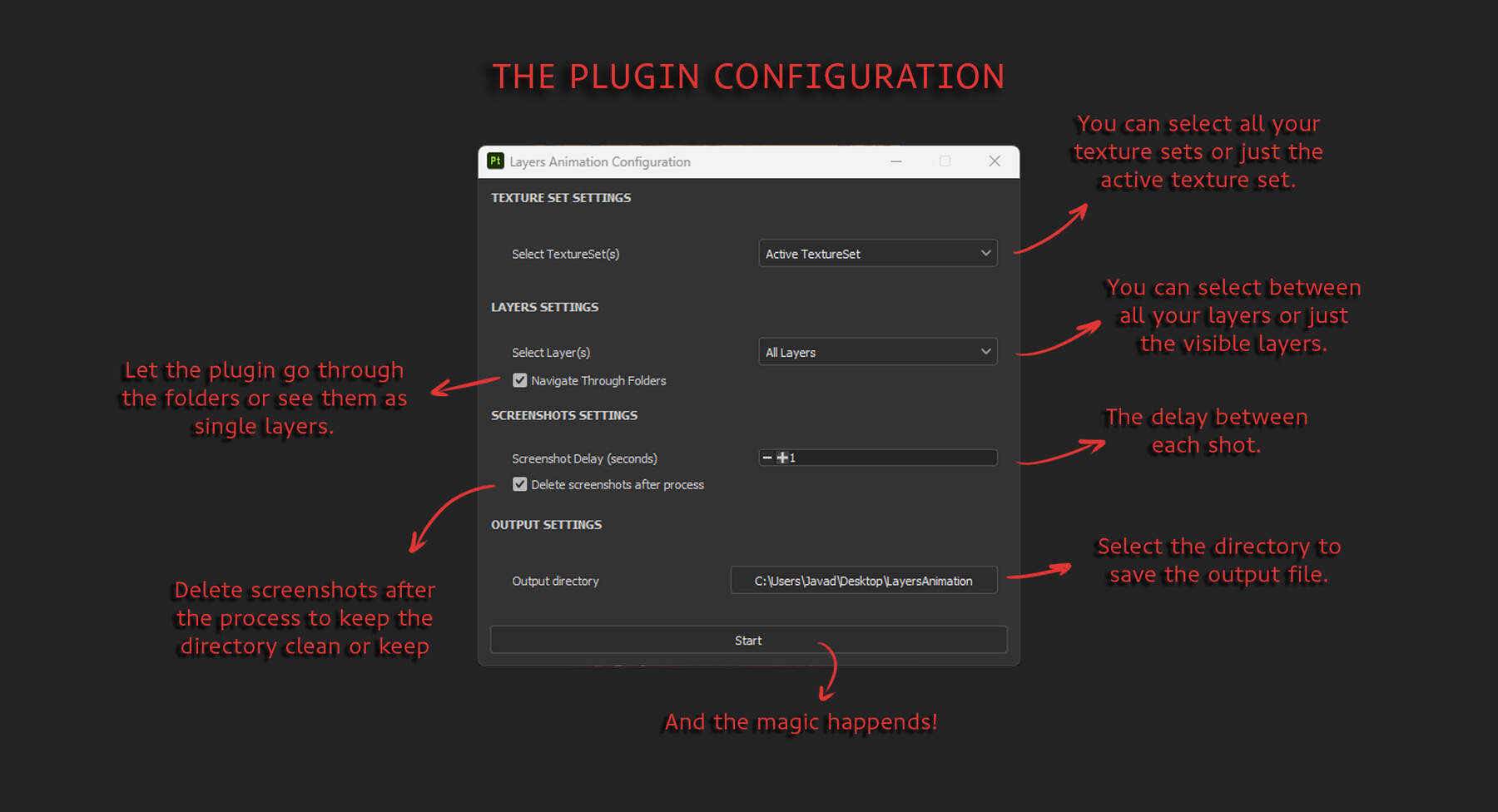
- Once loaded, the Layers Animation will appear in the Python menu. Click on it to launch the plugin.
- Configure your custom camera angles and settings as needed.
- Click start and let the plugin automatically unhide each texture layer and create a video of the process.
Support:
If you have any questions or encounter any issues, please contact me at:
Email: javad.peykari@gmail.com
Thank you for choosing the Layers Animation Tool! We look forward to seeing the incredible videos you'll create.
License:
Please refer to the LICENSES.txt file included with this plugin for information about the licenses for the third-party libraries used in this project.
CATEGORIES
Standard Use License
USD $10.00
License: Standard License
Stock Assets
For personal use and one commercial project (up to 2,000 sales or 20,000 views).
TutorialsOne copy to be used by a single user.
Installable ToolsOne installation by a single user.
Learn MoreFiles (1)
https://artstn.co/m/XOL25
Copied
Add a tip for Javad Peykari
Tips are appreciated, but optional!