Sign Up with Epic Games
Procreate Online-Course: Learn Digital Drawing with the iPad

in Tutorials
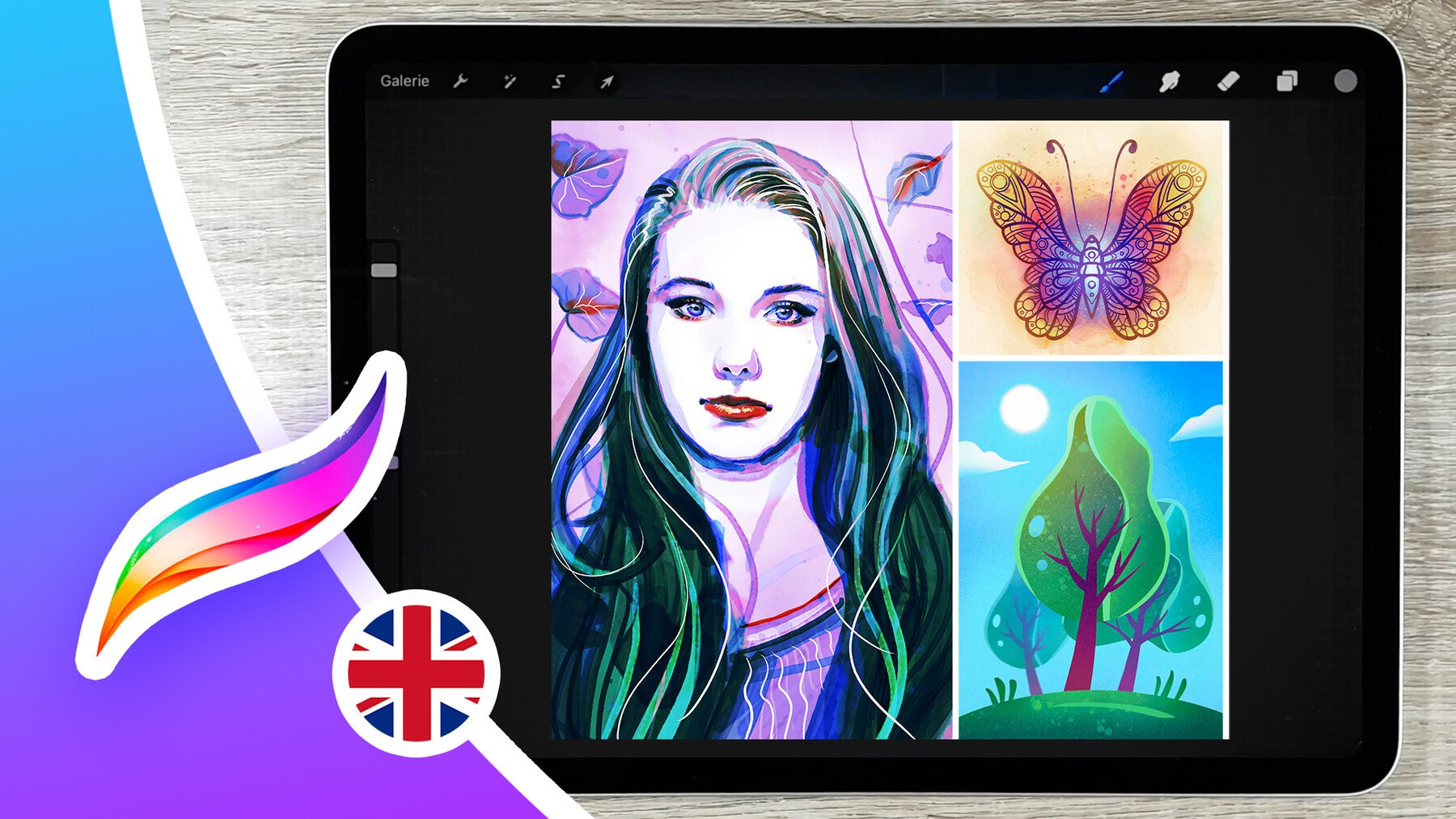

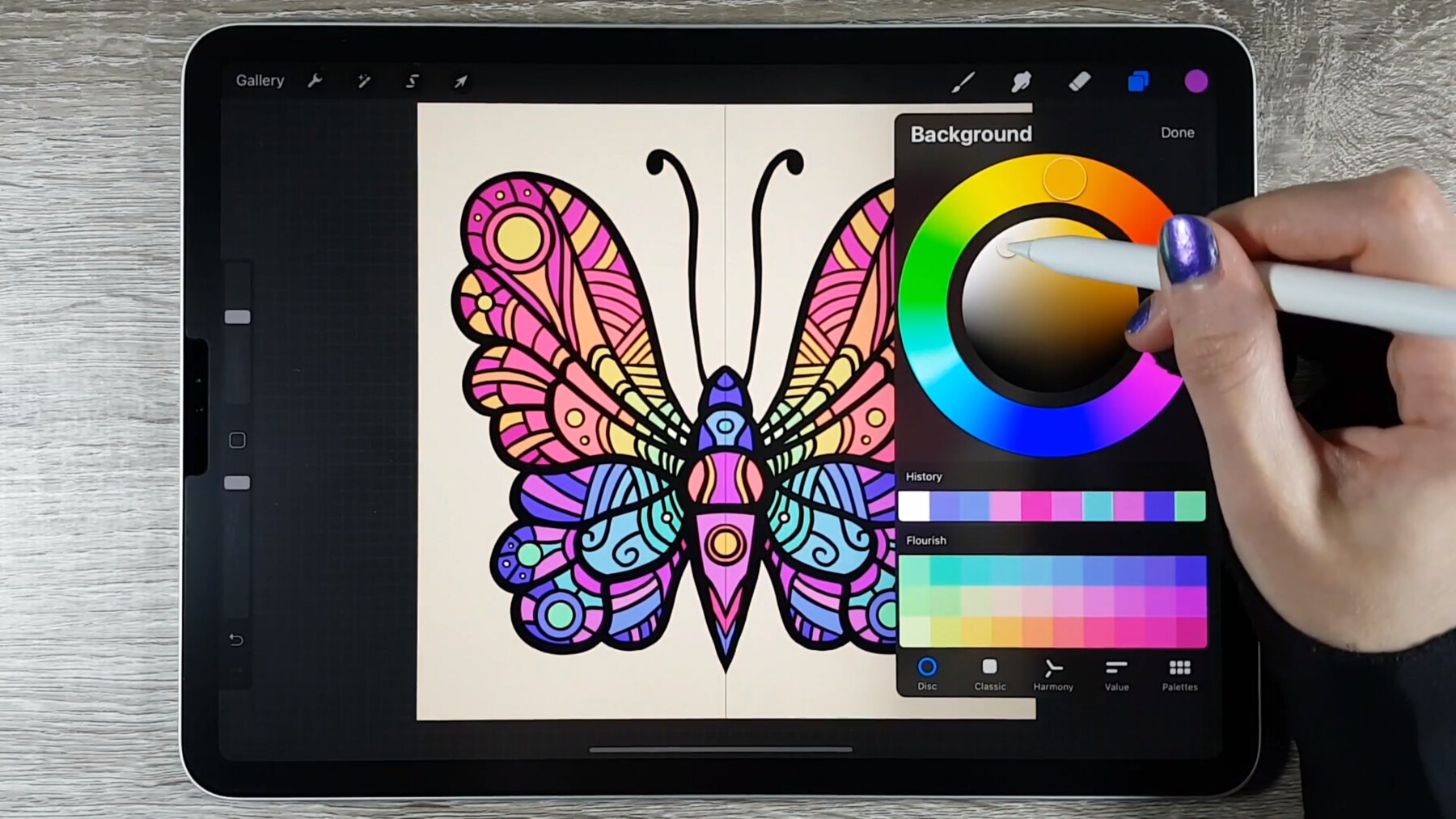
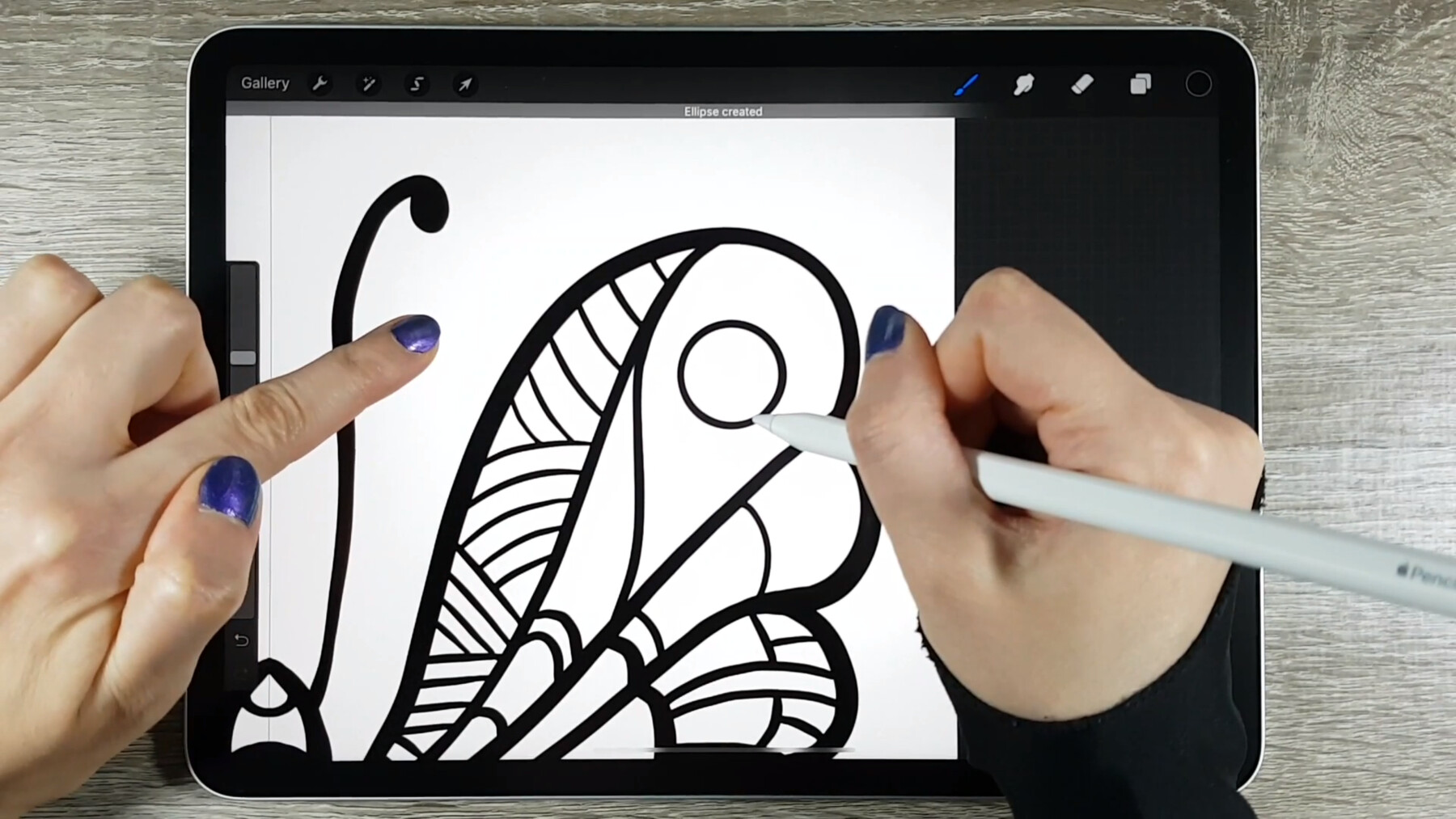
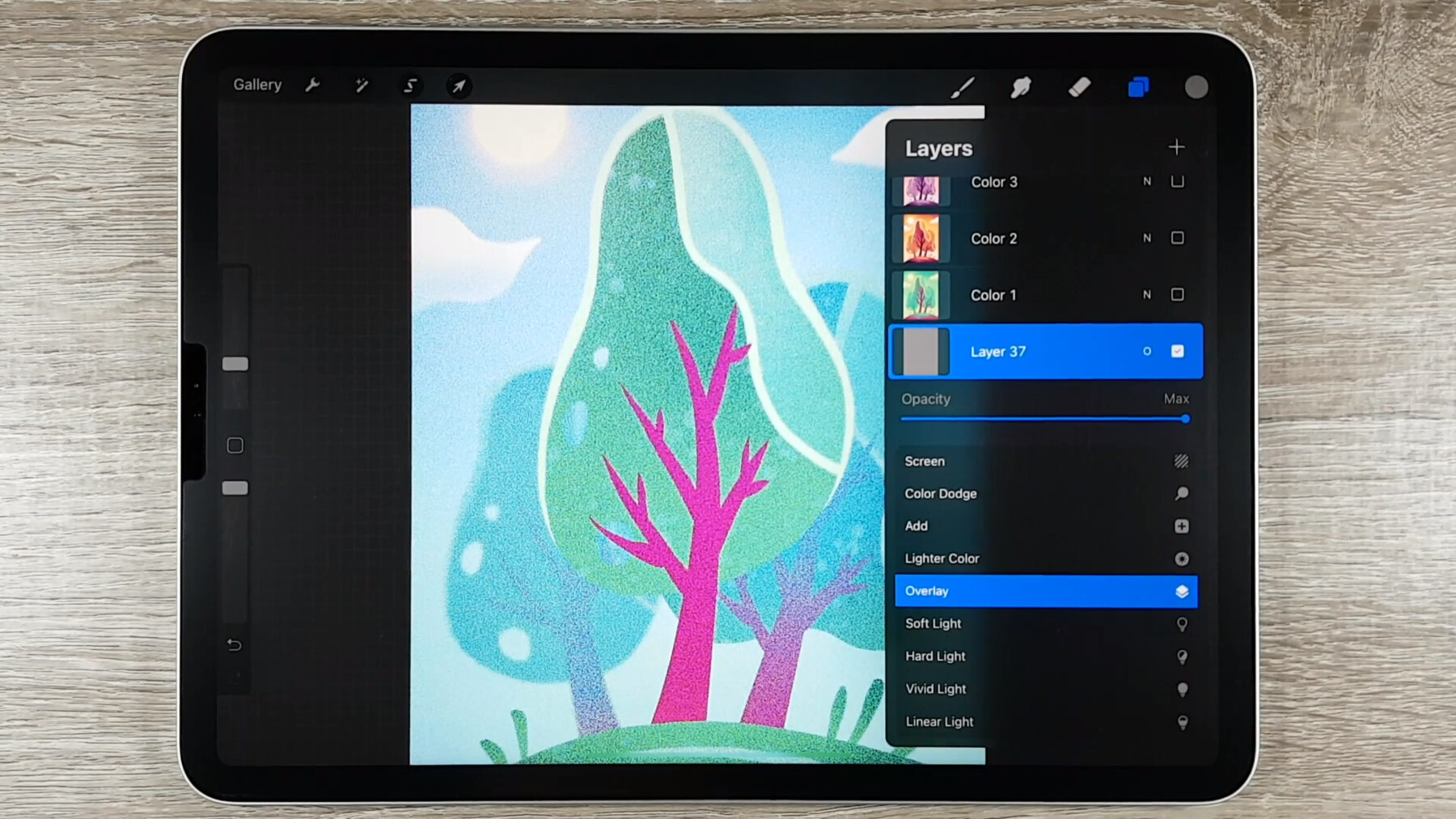
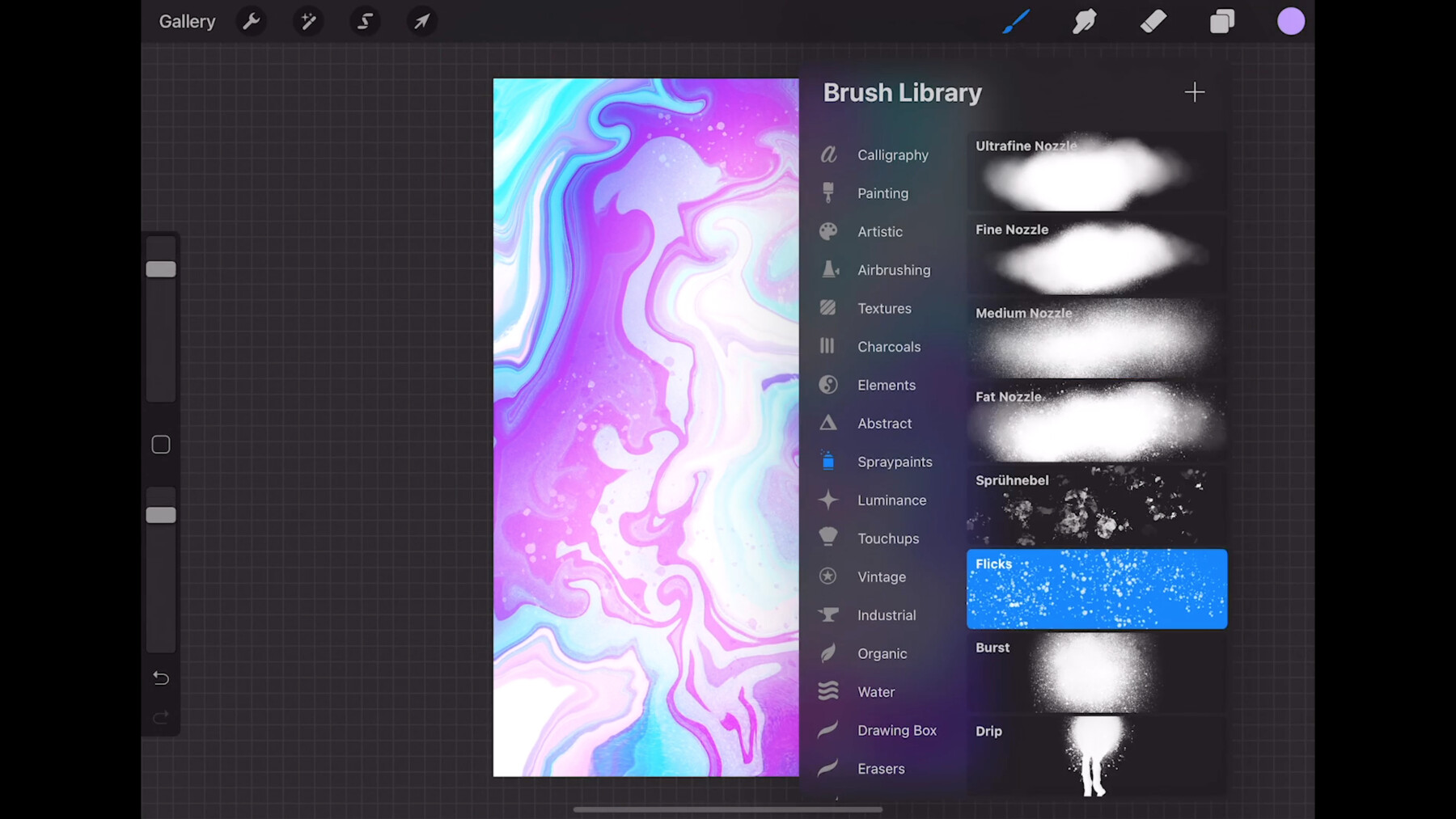
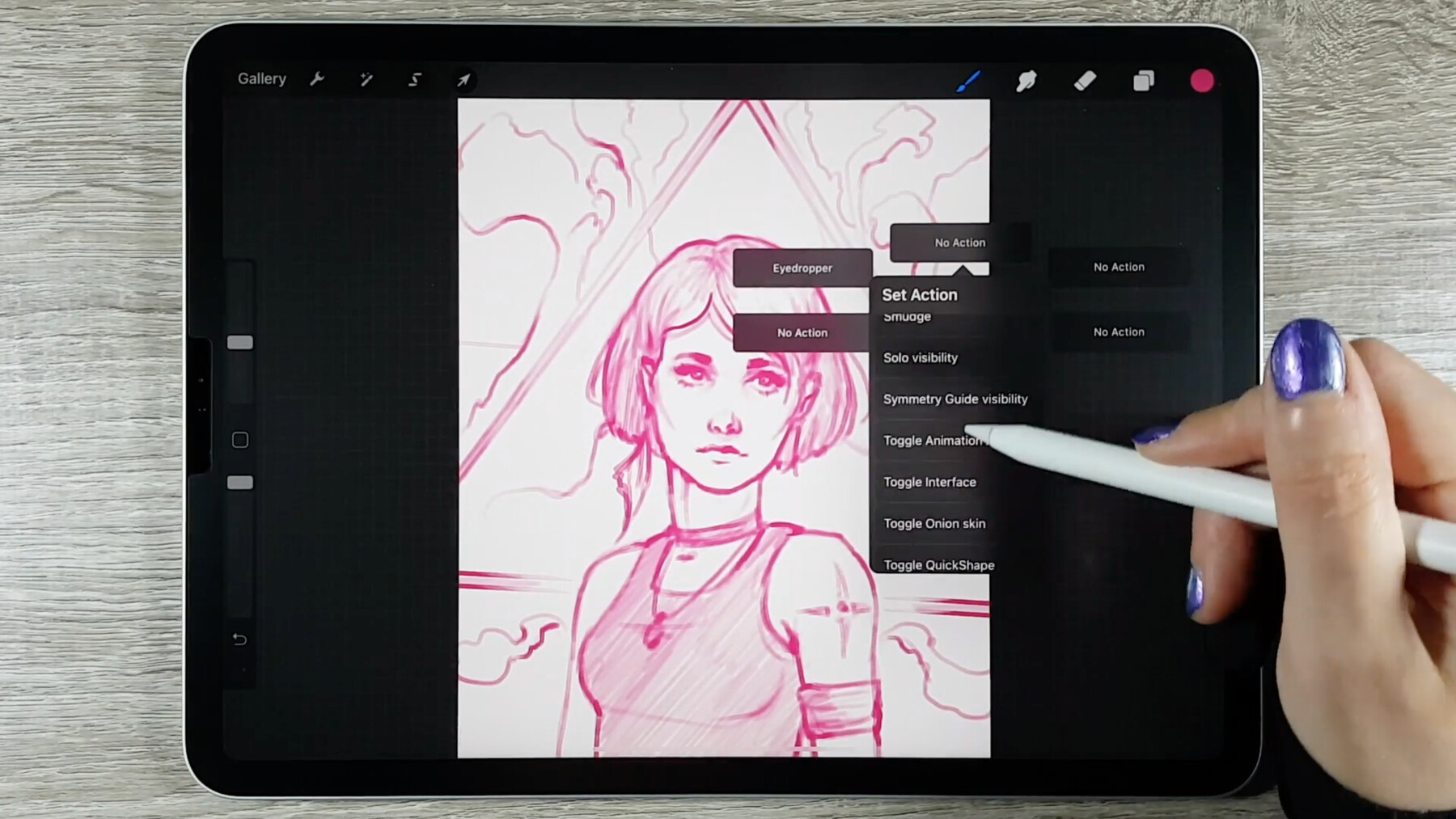
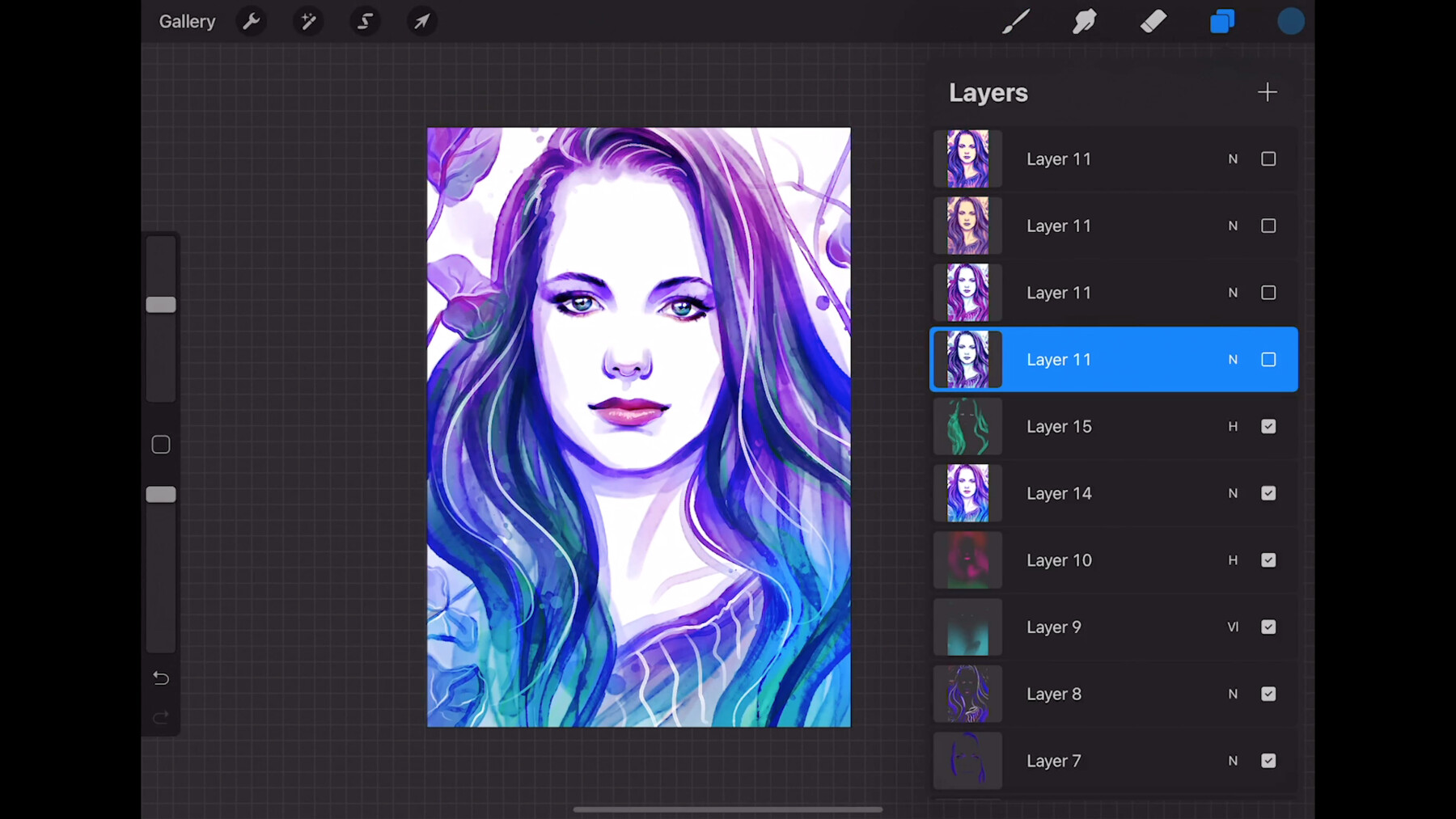
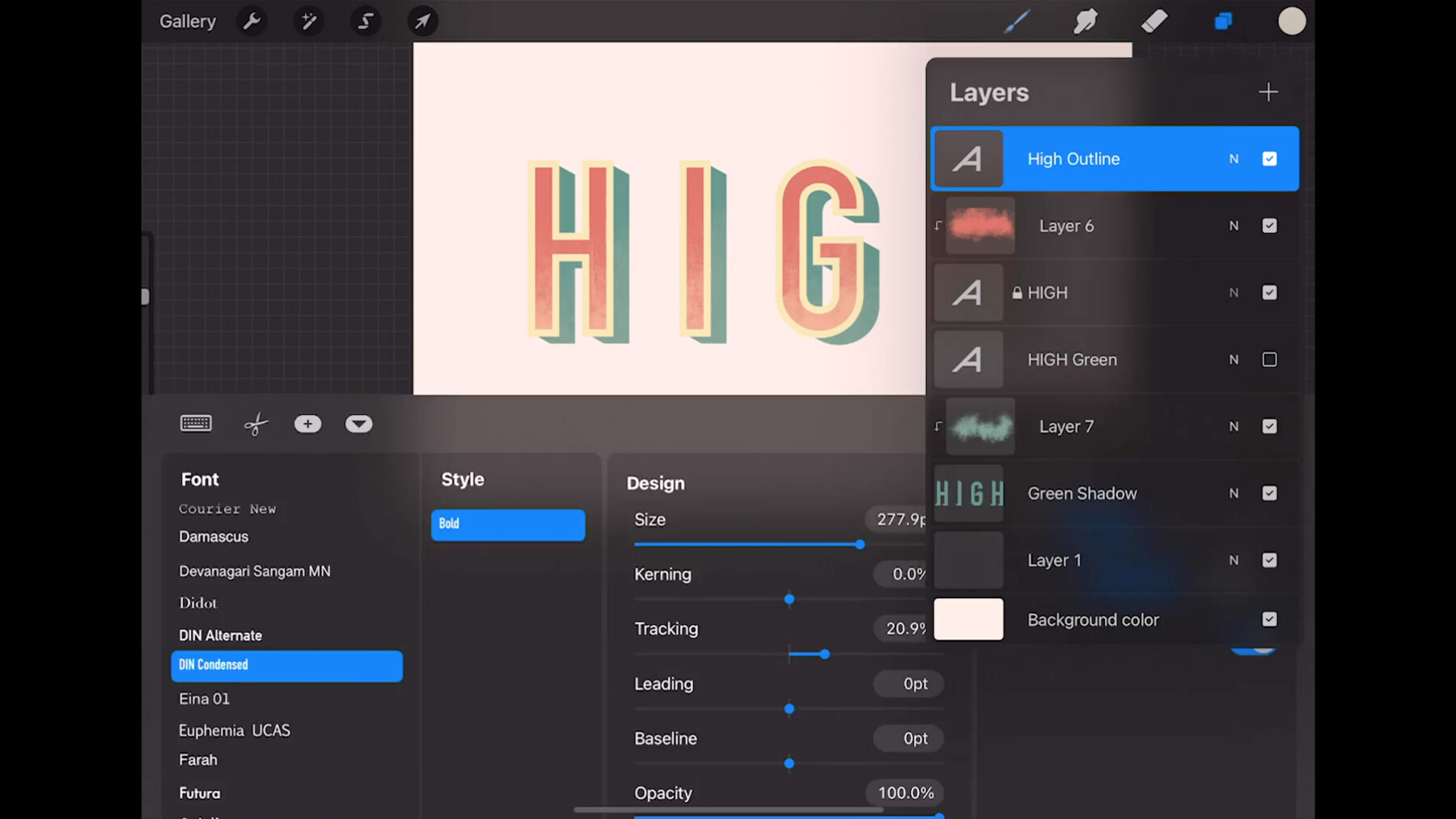
Want to learn all of Procreate's features and secrets step-by-step with applied drawing projects and an effective learning plan?
Then this is the course for you!
You will learn or deepen the following things:
how to draw with Procreate / draw on the iPad
how to use the basic Procreate user interface
how to use the gesture controls in Procreate & how to customize them to your liking
how to best equip yourself as a digital artist
how to create documents in Procreate
how to edit canvases in Procreate
how to make the best use of the brush, eraser & smudge tools in Procreate
how to edit, customize, create new brushes & import brushes inside the Bush Studio
how to work with colors & color palettes in Procreate and use your own color harmonies
what the special features of digital art are & how to make the most of them in Procreate
what layers are and how to use them in Procreate
what masks are & how to use the different types (alpha lock, clipping mask, layer mask) optimally in Procreate for your images
how to edit your images with selections & transformations in Procreate
how to copy, duplicate and paste elements in Procreate
how to use many of Procreate's digital editing techniques (drawing guides, adjustments like color balance, curves, etc.)
how to arrange projects in Procreate's gallery, save them correctly & export them for different media
how to use advanced techniques (e.g. animations, tex tool, liquify & other adjustments) to create or finalize your images in Procreate
how to use your iPad beyond Procreate for drawing (e.g. with a split screen)
... and much more
That's what the course is about:
Do you want to get started in the world of digital drawing or switch from another drawing program to Procreate or deepen your knowledge?
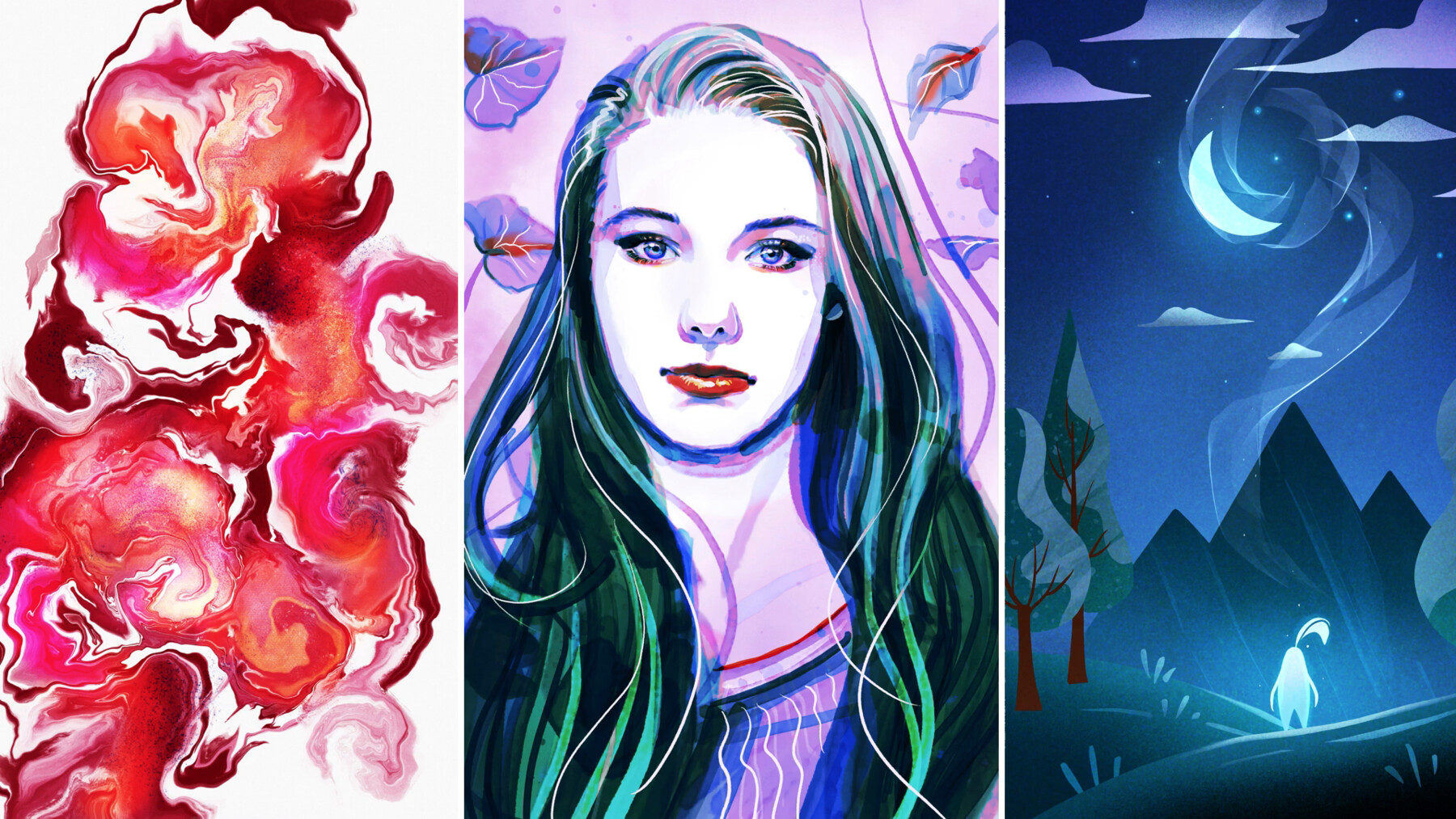
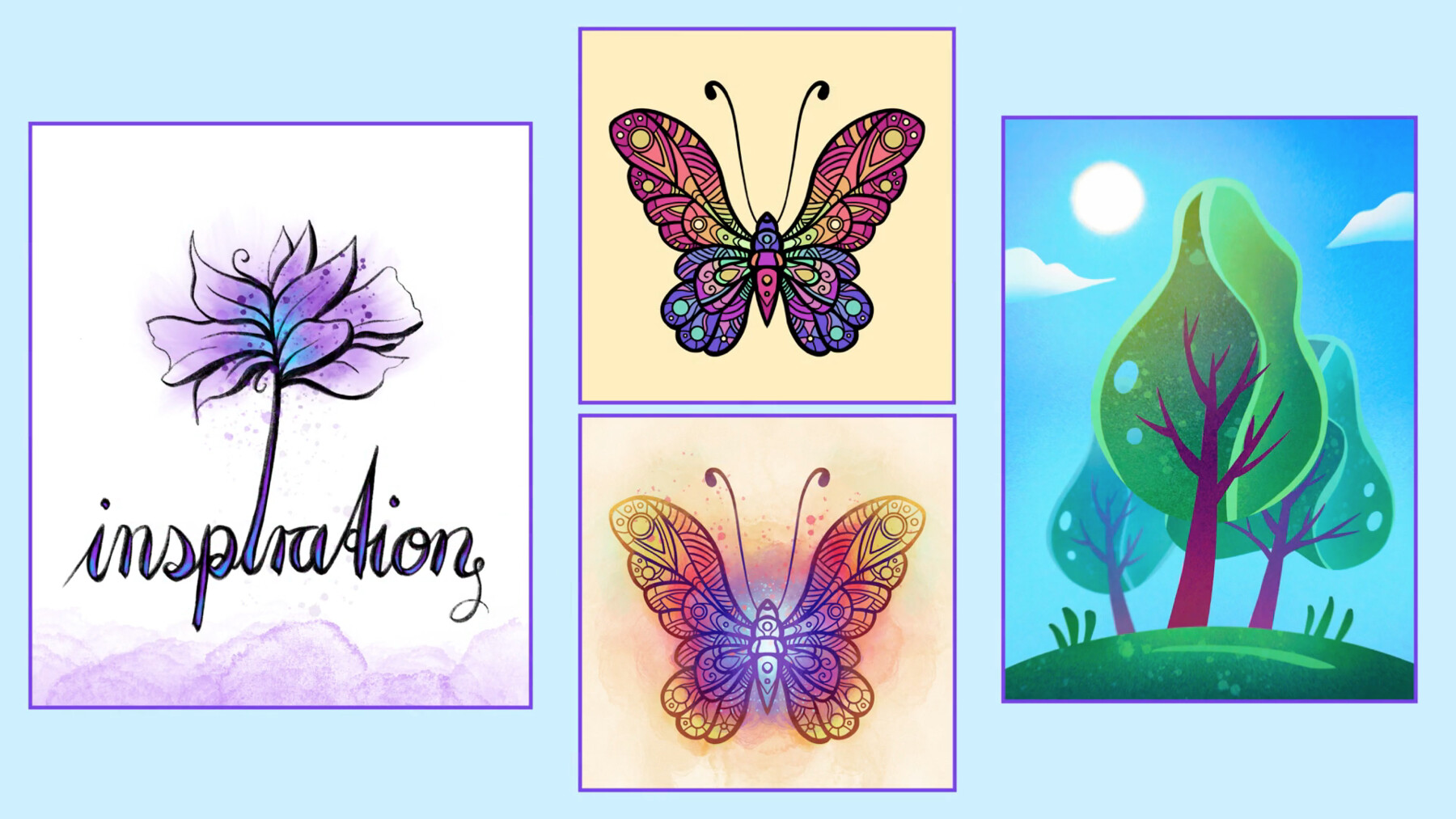
In this course I'll teach you how to use the drawing software Procreate on the iPad. And not just anyhow, but by showing you applicable drawing projects I will guide you step by step through all the essential functions of the program. So you can apply your knowledge directly and after the course you will already have at least 3 to 5 beautiful artworks in your gallery – and you don't even have to know how to draw for that yet.
However, you can continue to improve in later sections and implement different projects & styles. So there is a lesson or exercise for every drawing level. In addition, I give you a lot of useful additional knowledge, materials and secret tricks that even many professionals do not know.
Who is the course for?
- hobby creatives who are new to digital drawing (in Procreate) or want to deepen it.
- especially for illustrators, draftsmen, comic artists, mangaka, digital artists & iPad owners in general.
- digital artists who want to switch from another drawing program (such as Photoshop) to Procreate.
Requirements & Prerequisites
- iPad & Procreate (but in the first section I will give you specific purchase recommendations as well)
- willingness to learn & implement creative projects independently.
—
Note: This download does not include assignment feedback
Thank you so much for your support!
If you have any questions or feedback, please let me know via sandra.suesser@web.de
Disclaimer:
You are not allowed to use my videos or my art in any commercial way.
CATEGORIES
Standard Use License
USD $50.00
License: Standard License
Stock Assets
For personal use and one commercial project (up to 2,000 sales or 20,000 views).
TutorialsOne copy to be used by a single user.
Installable ToolsOne installation by a single user.
Learn MoreFiles (58)
https://artstn.co/m/W7z5
Copied

Add a tip for Sandra Süsser
Tips are appreciated, but optional!