
 Sign Up with Epic Games
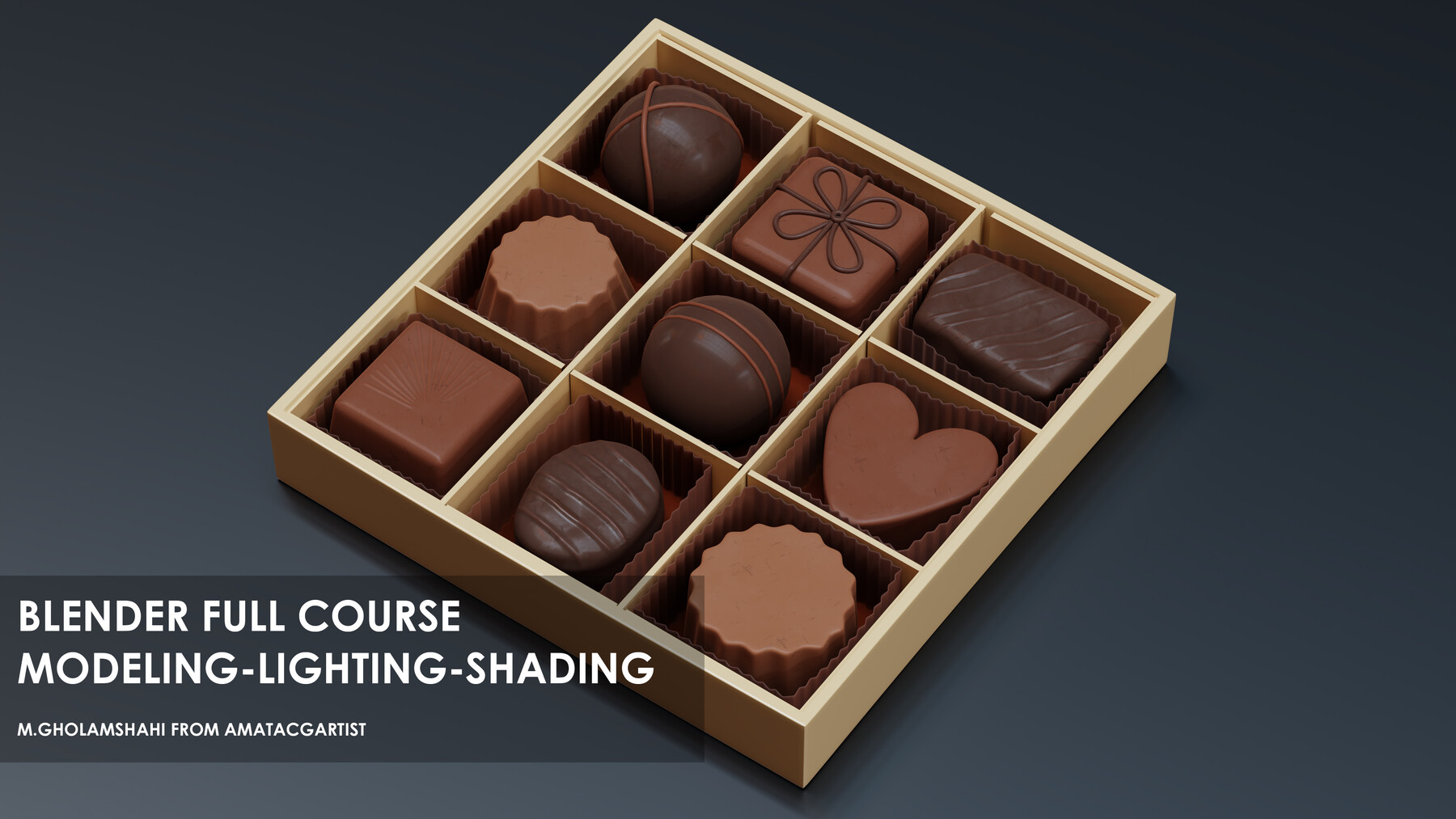
This Course is for People who want to Learn Presentation From modeling to shading And Rendering
Questions?
in this course, you will learn how to use Blender to model highly detailed objects and shading them for presentation.
I'm mojtaba gholamshahi from amatacgartist and I have 14 years of experience in the 3d industry and archviz
my teaching way is different and doesn't waste time just learning what you need
remember this course doesn't have any audio but we are working on narrated version and will upload it as soon as possible with a different price
I don't place music on the video you can play your music in the background, play the tutorial and enjoy ;-)
If you get stuck at some point during the tutorial, you can always skip to the next chapter. I included all the Files so that you can skip lessons.
you will learn how to use references for modeling in a blender
you will learn how to create basic objects
you will learn how to sculpt with multi-resolution
you will learn how to use the camera and place it in the scene
you will learn how to create different materials
you will learn how to create studio lighting for products
you will learn how to use the collection to manage layers
you will learn how to use studio lighting to achieve the best results
you will learn how to use cycles settings
you will learn a lot of tricks to speed up the projects
and finally, you will learn how to render without noise and save it in the correct way
- and you will learn a lot of tips and tricks duration of the course
- please note this to finish one video and don't copy my commands and learn the basics
- after finishing the video and writing all of what you need then you can practice on the video
- Your render must not be the same as my render that's the reason you don't need to worry about that
[You get all the files you need to follow each step and to be able to recreate an exact copy of the final image.]
12 Video Lessons [Over 3 hours long, Full HD Resolution]
-
one Blender Files including all of you need :-)
F.A.Q.
What Software is required?
This Course was done using Blender 3.4
I'm a beginner, is this course for me? Yes, this Course works perfectly for beginners as I explain every detail step-by-step. I will also tell you which shortcuts I use and demonstrate my workflow from start to finish.
I've been a professional for a long time, already working as an architectural visualizer. What are the benefits of this Course for me? We have all different approaches to things. This Course could consolidate your knowledge.
Do I have lifetime access to this? Yes! And you will also be able to download the Video files so that you can watch them anytime, anywhere with no time limit.
Do I have access to the pictures used? Yes, if you decide to buy the complete Tutorials with all the Files included, you can use these images also for other projects and you can show these images in your portfolio. The Design of the building is copyrighted and you don't have permission to sell it or use it in official projects.
Questions?
CATEGORIES
Standard Use License
USD $10.00
License: Standard License
Stock Assets
For personal use and one commercial project (up to 2,000 sales or 20,000 views).
TutorialsOne copy to be used by a single user.
Installable ToolsOne installation by a single user.
Learn MoreFiles (16)
https://artstn.co/m/RGyJm
Copied
More by Amatacgartist

Add a tip for Amatacgartist
Tips are appreciated, but optional!
