Sign Up with Epic Games
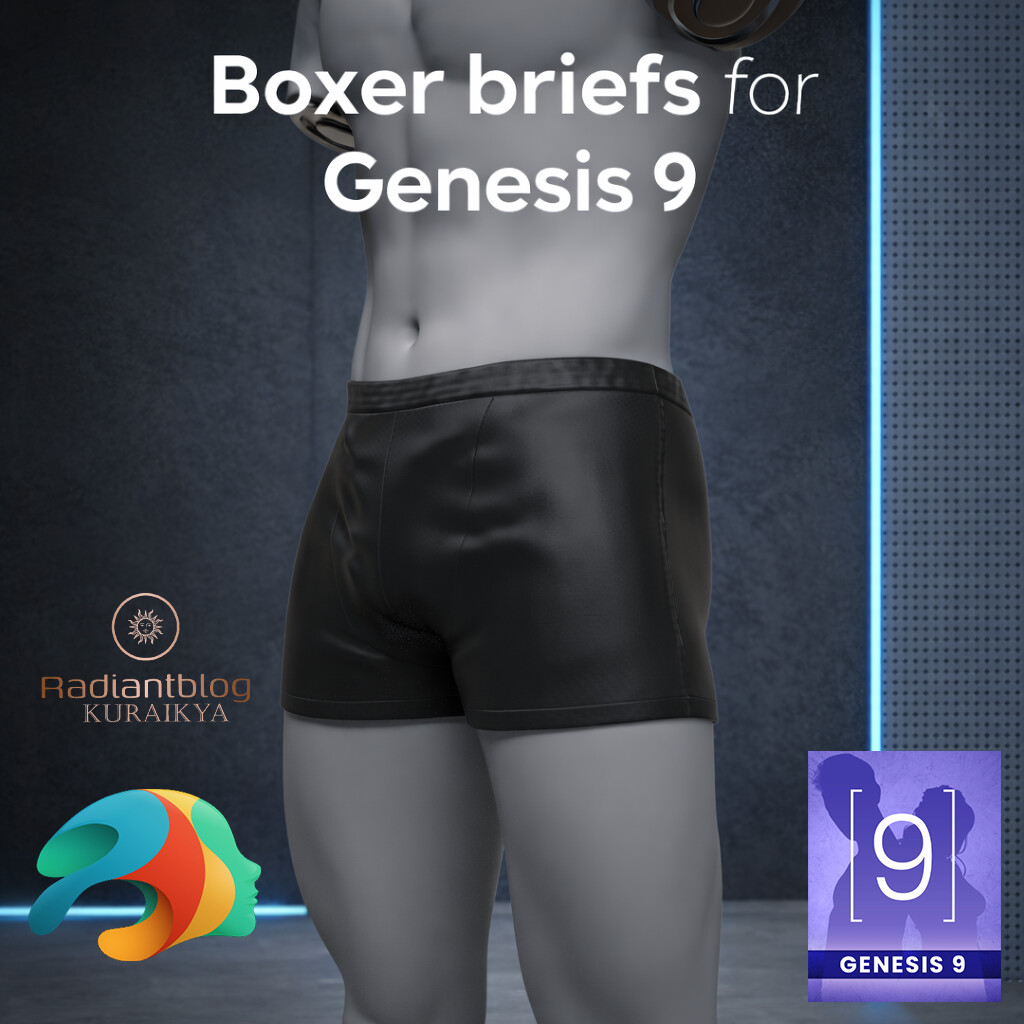

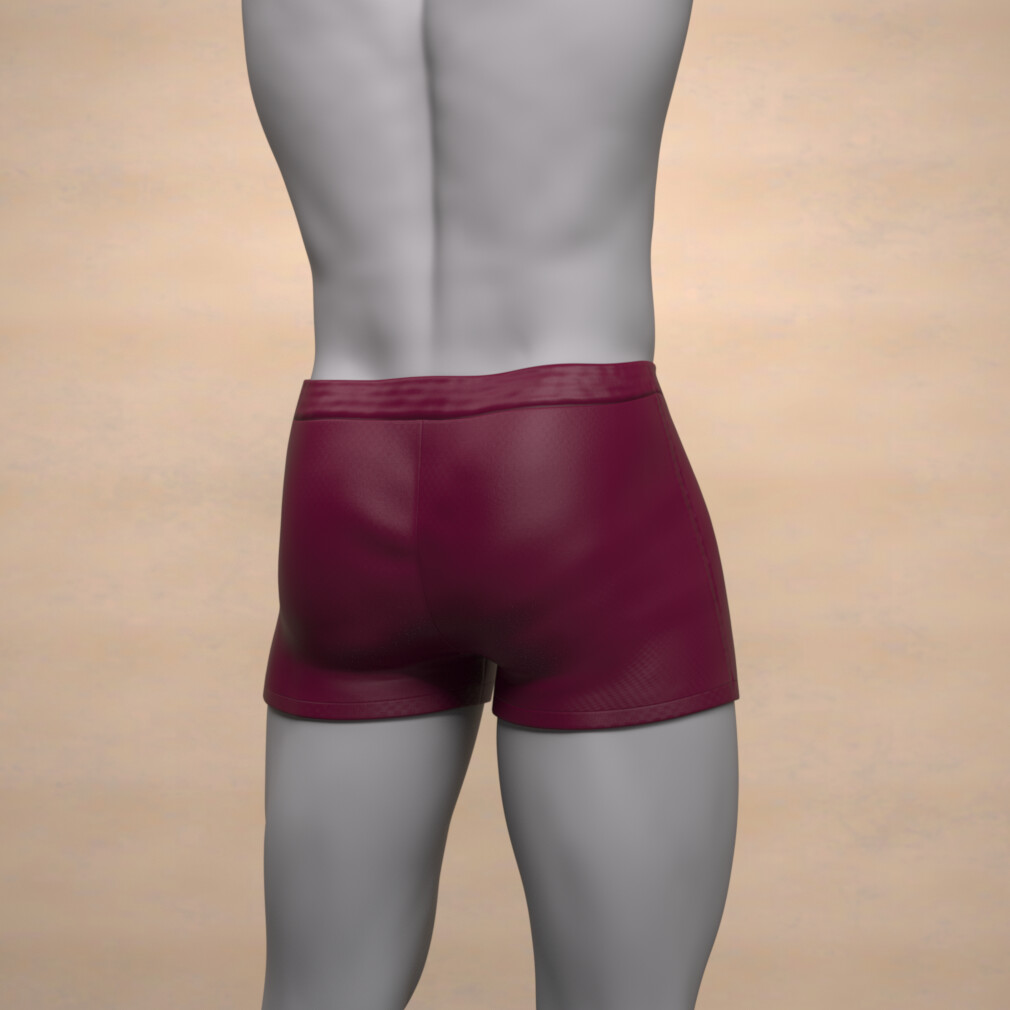


Boxer Briefs for Genesis 9
Upgrade your Genesis 9 library with this essential piece of menswear. These Boxer Briefs are designed with a focus on a modern, snug fit and clean aesthetic, making them a perfect foundation for any male character's wardrobe. Whether you are rendering a casual morning scene, a fitness-themed shoot, or simply need high-quality undergarments for your character, this set provides the versatility and detail required for professional-grade renders.
The model is optimized for Genesis 9 and is a static mesh (non-dForce), ensuring a consistent look and ease of use across various poses without the need for complex simulations.
Product FeaturesPrecision Fit: Specifically tailored for the Genesis 9 base masculine shapes.
Material Variety: Includes 6 distinct color presets to suit any style or character personality.
Static Mesh: No dForce required, allowing for quick setup and predictable results in every frame.
Optimized Folder Structure: Files are neatly organized for a seamless workflow within Daz Studio.
The files are located in your library under: Clothing > KuraiKya > Menswear > Boxer briefs
1 Boxer Briefs Wearable Preset (.duf)
-
6 Material Options (found in the "Material" subfolder):
Default Black (Classic and sleek)
Blue (Deep navy tone)
Brown (Earth-toned aesthetic)
Green (Olive/Forest shade)
Red (Rich burgundy hue)
White (Clean and bright)
To use this content in Daz Studio, follow these simple steps to ensure the files are placed correctly:
Download and Locate: Once your download is complete, locate the .zip file in your downloads folder.
-
Extract the Files:
Windows: Right-click the file and select "Extract All...".
Mac: Double-click the file to automatically unzip it using the Archive Utility.
Choose the Destination: When prompted for a location, select your main Daz 3D Content Library folder (usually named My DAZ 3D Library).
Merge Folders: If the system asks to merge folders (e.g., "Data", "Runtime", "People"), click Yes. This ensures the internal file paths remain intact so Daz Studio can find the textures and meshes.
Refresh: Open Daz Studio, go to the Content Library tab, right-click on your library, and select "Refresh" to see your new Boxer Briefs.
CATEGORIES
Special Offer! Get 10% off when you buy 2 products. Get 15% off when you buy 3 or more products. Applies to all products from this seller only from USD $1.00 to USD $100.00
Standard Use License
USD $10.00
License: Standard License
Stock Assets
For personal use and one commercial project (up to 2,000 sales or 20,000 views).
TutorialsOne copy to be used by a single user.
Installable ToolsOne installation by a single user.
Learn MoreFiles (1)
https://artstn.co/m/MrXv5
Copied
More by Radiantblog


Add a tip for Radiantblog
Tips are appreciated, but optional!