Sign Up with Epic Games


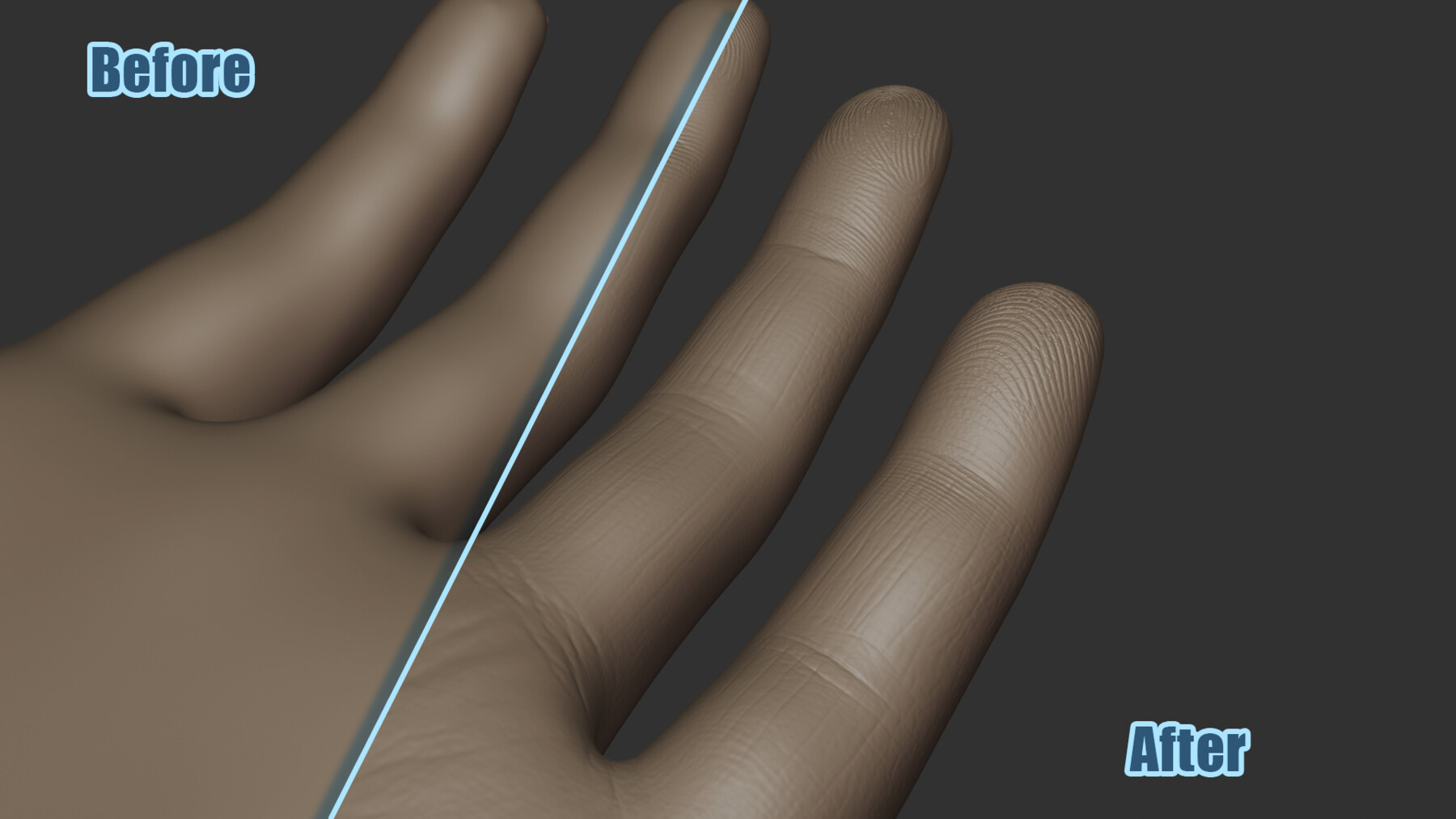


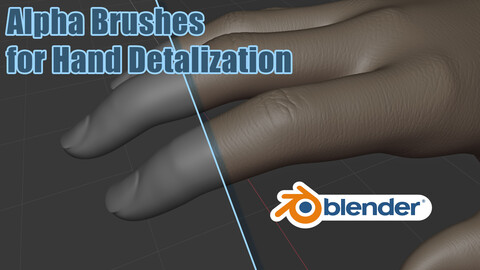
SqPix Hand is a set of sculpt brushes for Blender created to add detailed features to the hands of human characters. The brushes are designed primarily for non-professionals who want a straightforward solution for improving hand detail without complex setup. They are especially useful for fast prototyping, concept work, and accelerating character production.
The brushes were designed to be used with blender 4.3 and above.
AI use
I’d like to be transparent about the role of AI in creating these brushes. All brushes in this set were developed using a combination of techniques:
Depth Estimation (Non-Generative): For most brushes, real-world references were used as a base. Monocular depth estimation—a non-generative computer vision technique—was applied to extract structural layers, which were then blended with manual Photoshop processing.
Generative AI (Fingerprint Brushes Only): The fingerprint brushes are the exception. Due to privacy concerns and to avoid using real human fingerprints, these were created using generative AI as the foundational source, followed by manual refinement in Photoshop."
Installation
- Extract the zip archive to any temporary location on your computer.
- Locate the folder named “SqPix Hand” inside the extracted files.
- Copy the entire SqPix Hand folder to the following directory on your system:
C:\Users\YOUR_USER_NAME\Documents\Blender\Assets\Brushes
- If the Brushes folder does not exist, create it manually inside:
C:\Users\YOUR_USER_NAME\Documents\Blender\Assets
Using the Brushes in Blender
- Open Blender.
- Switch to Sculpt Mode and enable brushes catalog as it is shown at the figure below.
- Select the desired brush and start sculpting.
Tips
Layered workflow. Use these brushes only on a high-resolution mesh after the primary forms and anatomical structure are already completed. Follow a layered workflow. Start with large and medium forms, refine secondary shapes, and move gradually toward fine surface detailing. The SqPix Hand brushes are intended for the final micro detail stage of sculpting. They work best when applied after the overall hand anatomy and proportions are already established.
Reference Images. For best results, refer to the included reference images. Each image shows recommended brush placement zones and indicates which brush should be used in specific areas. This allows you to apply details more accurately and achieve realistic surface definition with minimal guesswork.
CATEGORIES
ADDITIONAL INFORMATION
Standard Use License
USD $1.00
License: Standard License
Stock Assets
For personal use and one commercial project (up to 2,000 sales or 20,000 views).
TutorialsOne copy to be used by a single user.
Installable ToolsOne installation by a single user.
Learn MoreFiles (1)
https://artstn.co/m/JegoK
Copied

Add a tip for Mykyta Petrenko
Tips are appreciated, but optional!