Sign Up with Epic Games
UPDATE: The brushes were created on Zbrush 2020 version, so, please make sure your client is updated to avoid any bugs!
--------------------------------------------------------
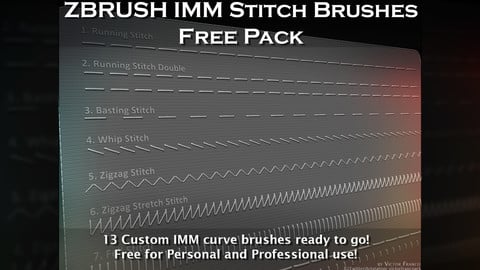
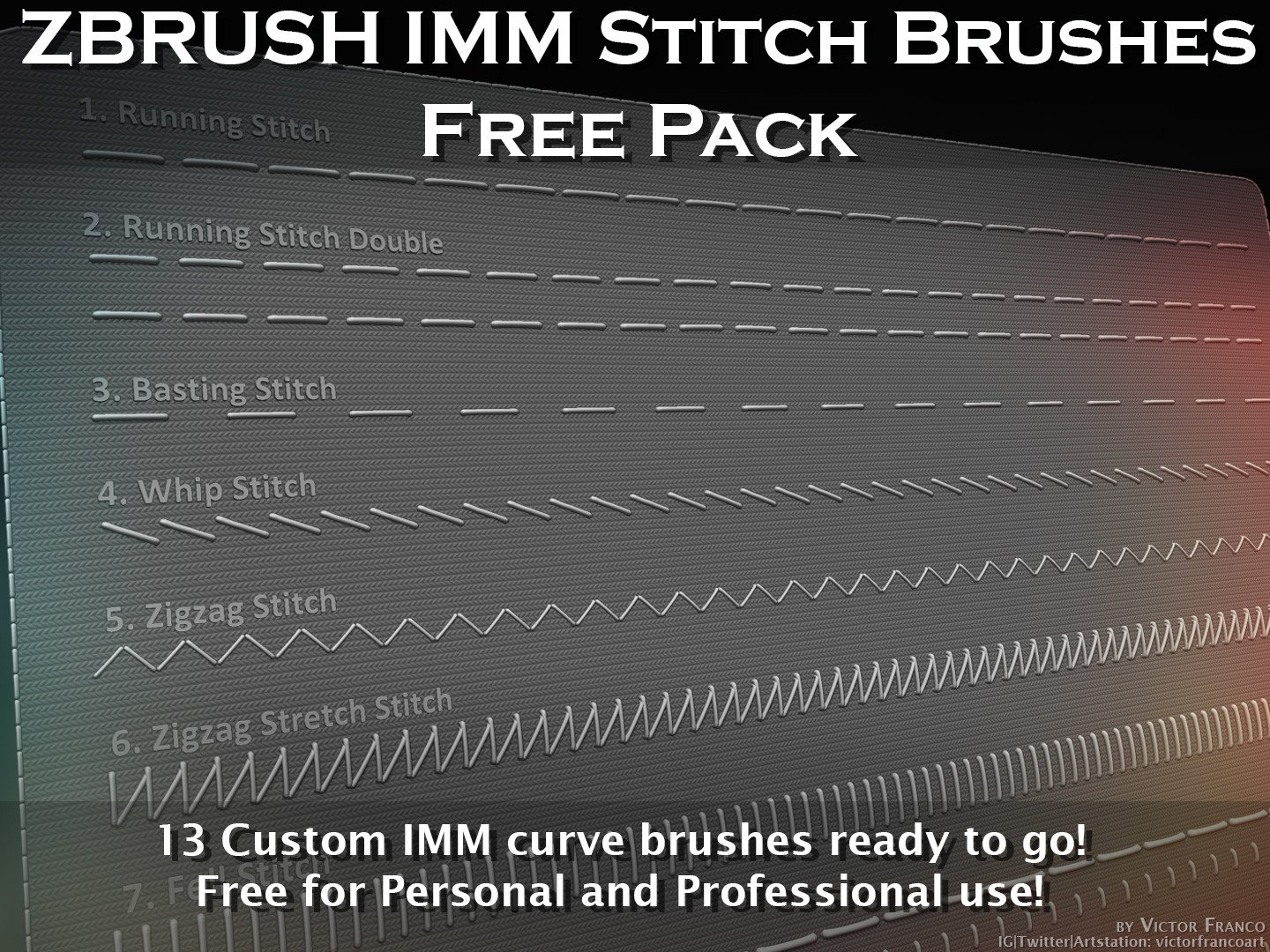
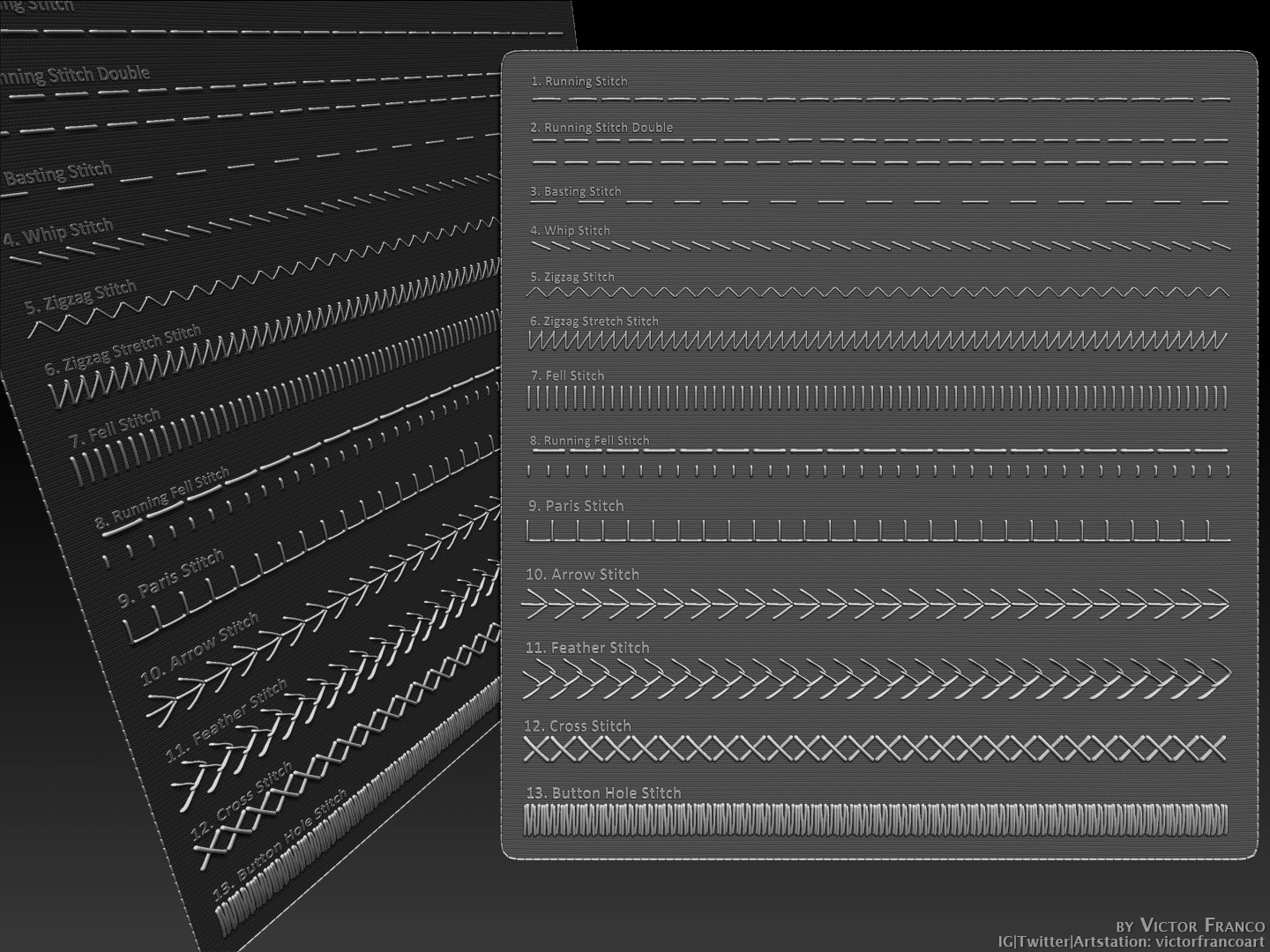
Hello, in this pack you will find 13 custom IMM curve brushes of real stitching techniques, to use on Zbrush, totally free!
The brushes contained are:
1. Running Stitch (the most common);
2. Running Stitch Double;
3. Basting Stitch;
4. Whip Stitch;
5. Zigzag Stitch;
6. Zigzag Stretch Stitch;
7. Fell Stitch;
8. Running Fell Stitch;
9. Paris Stitch;
10. Arrow Stitch;
11. Feather Stitch;
12. Cross Stitch;
13. Button Hole Stitch (used for Embroidery as well);
--------------------------------------------------------
Installation recommendations (you don't need to follow this if you don't want):
1. Unpack the vF_CustomStitchBrushes.rar in any folder on your pc;
2. Create a shortcut of the folder;
3. Copy the shortcut of the folder on your Zbrush's brush folder (drive:\Program Files\Pixologic\ZBrush version\ZBrushes);
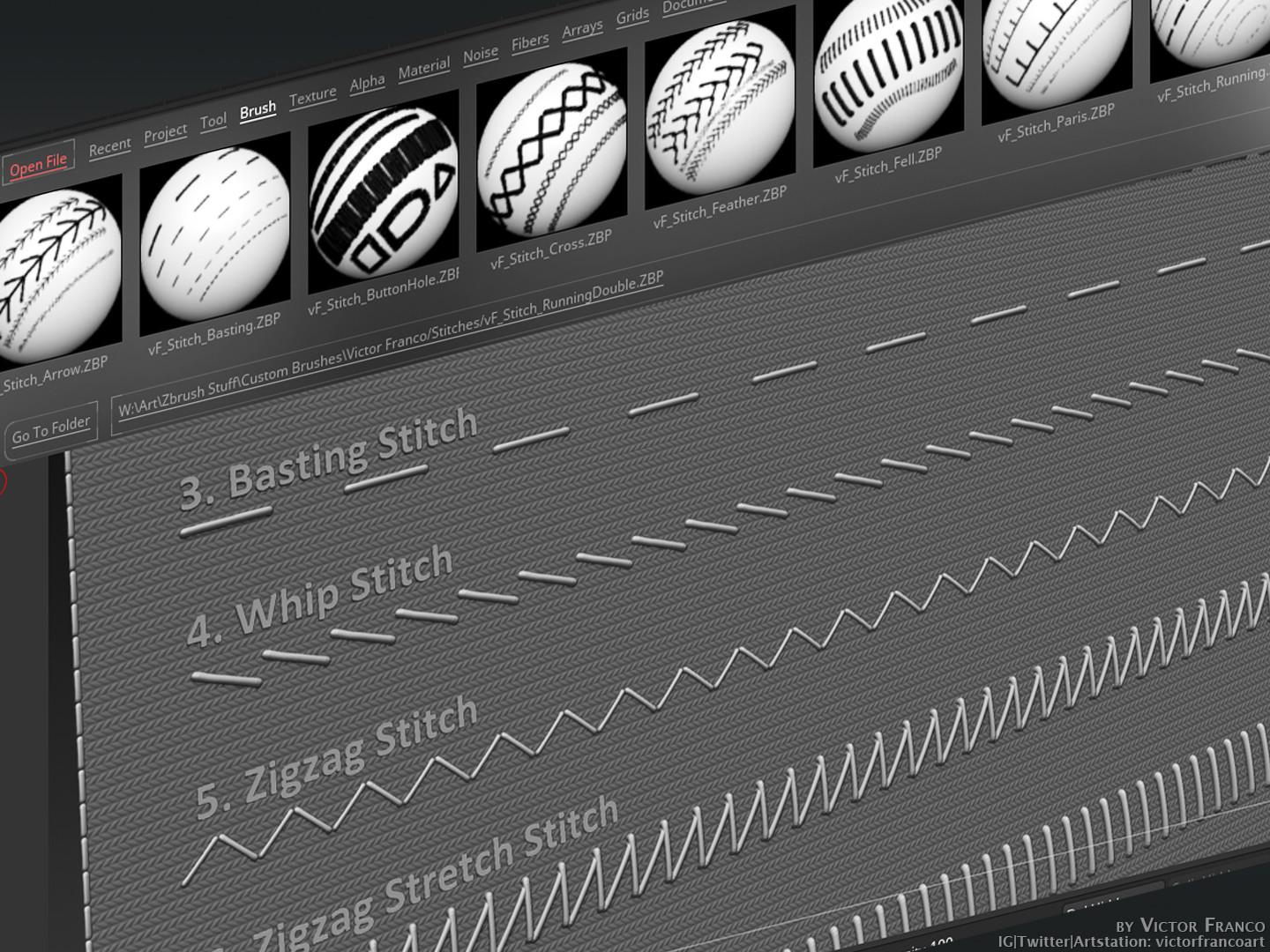
4. Open Zbrush, press "," (comma) to open the Lightbox, go to Brushes and locate the folder;
5. Done!!!
I recommend this method of organizing brushes because every brush you create or acquire, you can just drop it on your computer's library and zbrush will find it once you access through the lightbox shortcut.
This way you can always format your pc without worring of losing files or creating backups everytime, as well as organizing your brush library on Zbrush's startup menus.
--------------------------------------------------------
Tips to use:
I like to sculpt the cloth separate of the stitch, manually or with help of alphas, and then I just duplicate the cloth subtool and delete the subdivisions to a lower one. Then I place the IMM curve brush.
This way you have a better control of the thickness,color,material and size of the stitch, that you normally don't have with only Alpha brushes (that contain cloth and stitch info together and are kinda fake).
--------------------------------------------------------
If you want to check some of my personal works, my Instagram, Twitter and Artstation ID is: victorfrancoart
I hope you may find this helpful,
Victor.
--------------------------------------------------------
EXTRA NOTE: I realized that my follower numbers started to grow exponentially, and discovered that whenever you purchase something for free in Artstation, you automatically start to follow the seller. So, as much as I appreciate that, I'd like to share this information, and let you decide if you want to keep following me or not.
I will never charge for this pack of assets, as my goal is to give something back to the community. So, despite your decision, I really hope this product is useful somehow. Thanks!
CATEGORIES
Extended Use License
Free
License: Extended Commercial License
Stock Assets
For use on an unlimited number of commercial projects with no limits on sales or views.
Learn MoreFiles (1)
https://artstn.co/m/6yPA
Copied
More by Victor Franco

Add a tip for Victor Franco
Tips are appreciated, but optional!