Sign Up with Epic Games
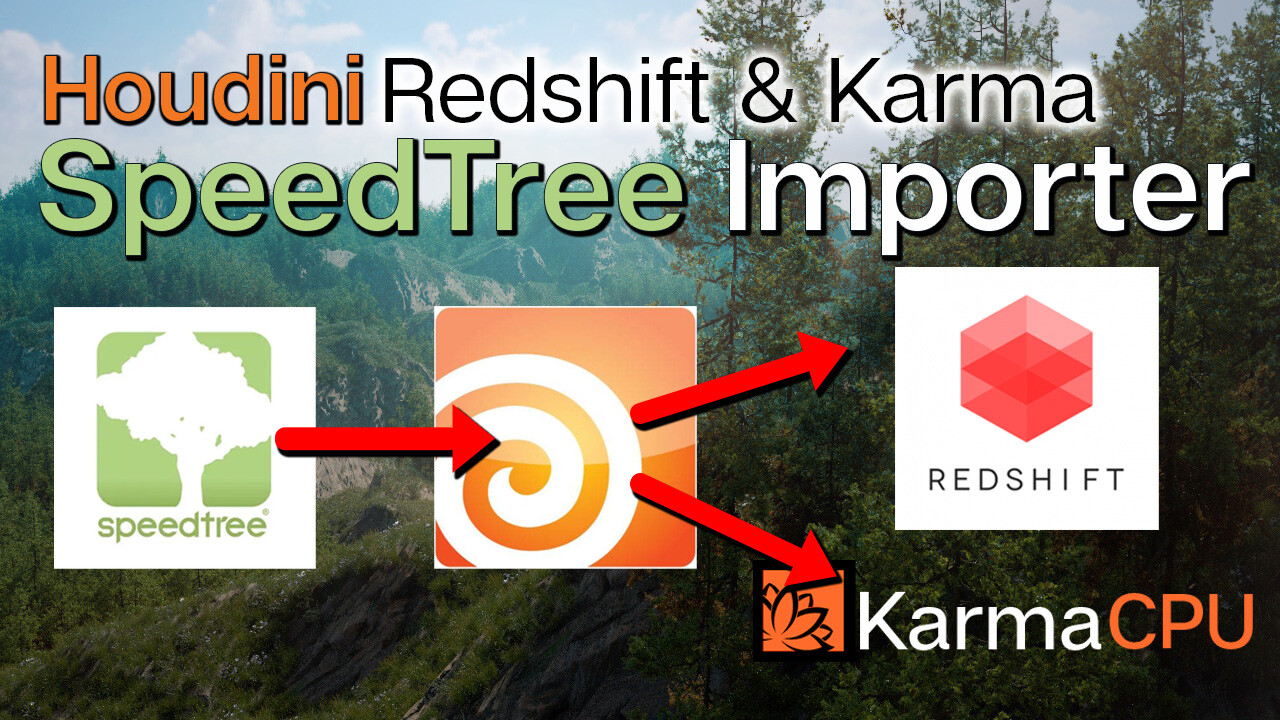
SpeedTree importer for Houdini 19+ Redshift & MTLX (Karma CPU)

in Resources



***** UPDATE: *****
Supporting Houdini 19+ and Redshift 3.5.03 or later.
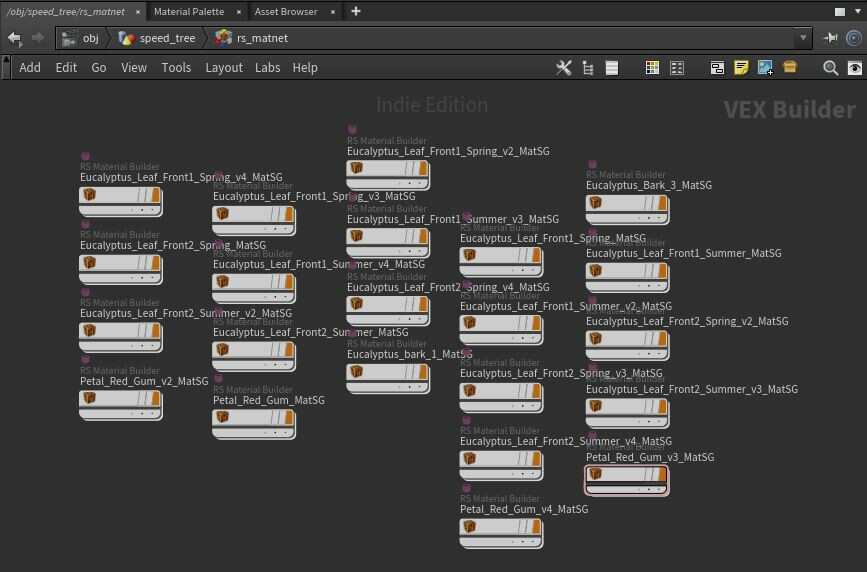
This tool also reads in Displacement files for Redshift Tessellation/Displacement, but you will need to turn it on in the Redshift tab and dial in the displacement settings. See Redshift Houdini documentation for how to use displacement/Tessellation. There is also an example in the videos provided.
Detailed installation instructions "readme.txt" included with the zipped folder. This is the new standard for installing Houdini plugins and is relatively easy to follow.
Supported software versions:
* Houdini 19+ (Python 3 is the new default)
* Karma CPU supported. Karma XPU may work as well.
* Redshift 3.5.03 + [latest releases are always supported]
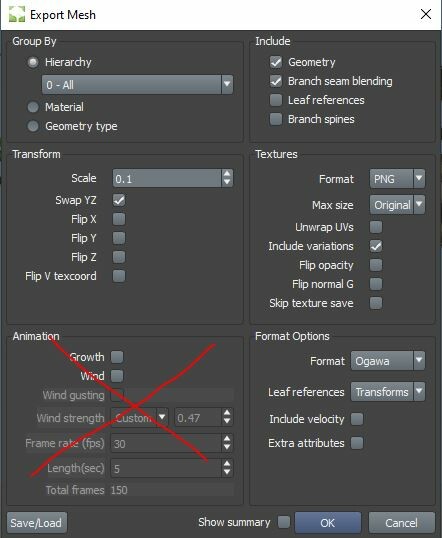
* Any SpeedTree Cinema 9+ (Speed Tree 8 is likely fine too) tree mesh export with the following settings:
- .jpg and .png textures are officially supported, but all others should work in theory (as long as Houdini/Redshift supports it.)
- Only supports .fbx (filmbox) and .abc (alembic) mesh exports (Alembic recommended)
- If you want your wind to import, you need to use .abc (alembic)
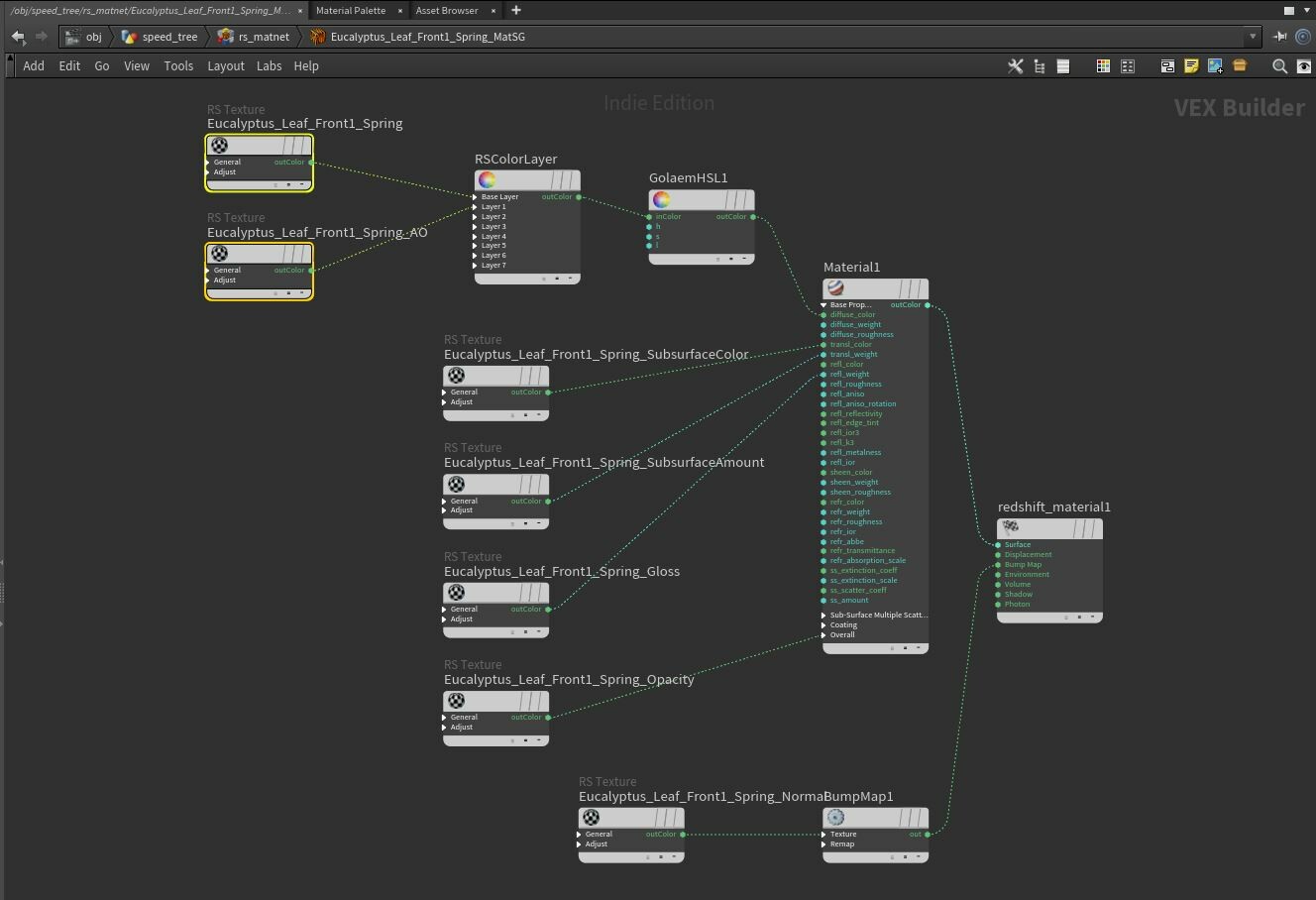
The following naming convention is strictly followed for texture file names and appears to be standard for SpeedTree exports (case-sensitive):
- diffuse: "<texture_name>.jpg"
- ambient occlusion: "<texture_name>_AO.jpg"
- **displacement: "<texture_name>_Displacement.jpg" or "<texture_name>_Height.jpg"
- roughness/gloss: "<texture_name>_Gloss.jpg"
- normal: "<texture_name>_Normal.jpg"
- opacity: "<texture_name>_Opacity.jpg"
- subsurface_color: "<texture_name>_SubsurfaceColor.jpg"
- subsurface_amount: "<texture_name>_SubsurfaceAmount.jpg"
** displacement is the same as height. This texture file is not normally output with the textures, but you can find where these are from speed tree and add them to the exported textures folder yourself. This is needed for displacement tessellation and must be in the folder BEFORE the tool is used to import the file.
A note about the script: This script was developed using the OX python framework. Any redistribution of this framework is strictly prohibited.
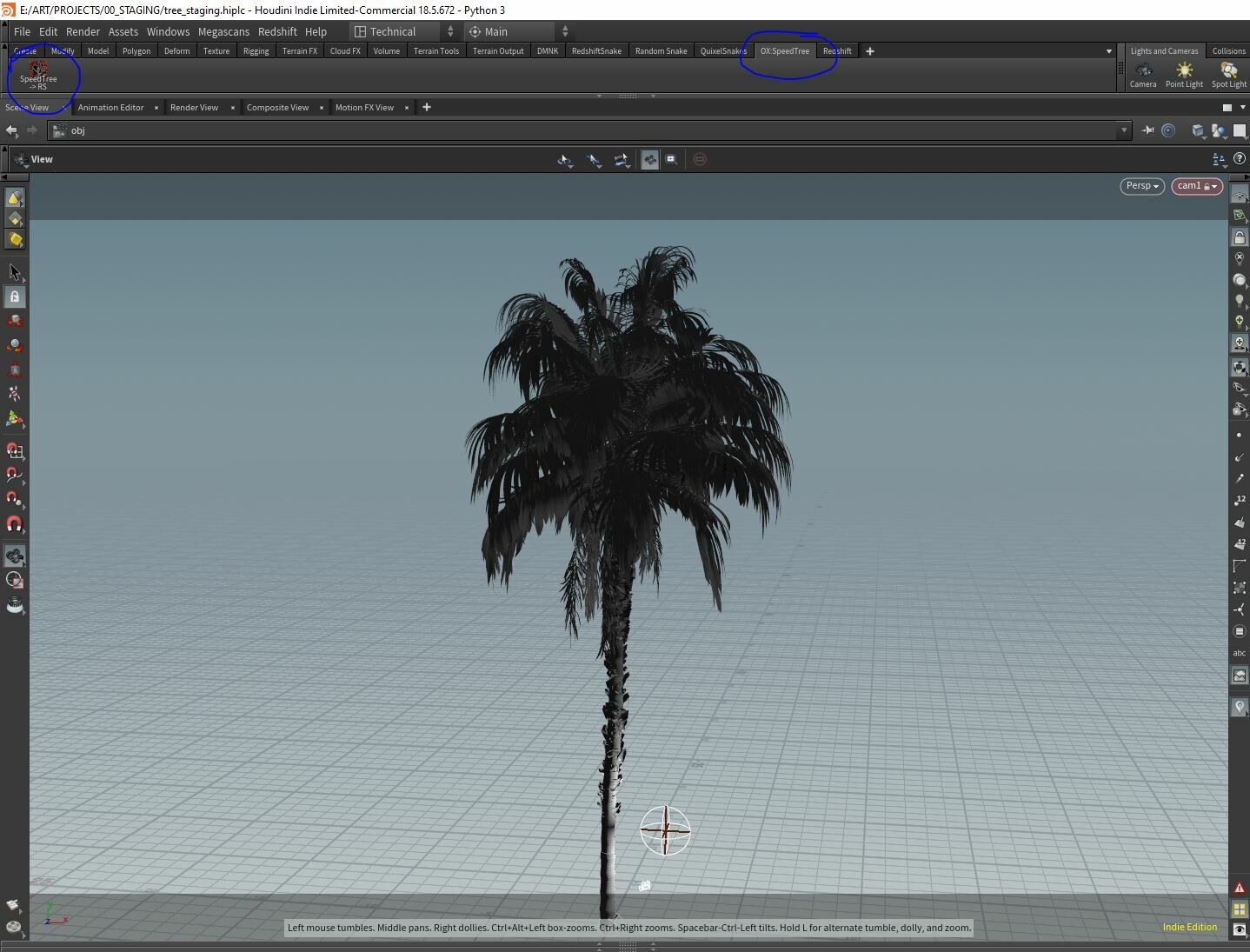
Overview of the tool:
How to set custom color spaces for redshift nodes
Release Notes
* Added support for Houdini 20
CATEGORIES
Extended Use License
USD $20.00
License: Extended Commercial License
Stock Assets
For use on an unlimited number of commercial projects with no limits on sales or views.
Learn MoreFiles (4)
https://artstn.co/m/5jWKN
Copied
Ratings & Reviews
Sort by:LikesDate
Reviews (3)
 Marcelo Almeida
00Report| Release v.2.0 | Extended Use License | over 3 years ago
Perfect :-)!
 Ari Reisner
00Report| Release v.2.0 | Extended Use License | over 3 years ago
Running Houdini 19.5.435 and couldn't get the Speedtree native plugin to work. Gave this a whirl and after figuring out where to place all of the files+folders I got this up and running. Huge time-saver, great plug-in!
 Paul Colton
00Report| Release v.2.0 | Extended Use License | over 4 years ago
Works great, and developer immediately fixed a minor issue I found. Thanks!
Filter by Rating
![Advanced Redshift Automation Texture Tools for Houdini Indie [20.0+]](https://cdnb.artstation.com/p/marketplace/presentation_assets/004/089/559/20241122230629/thumbnail/file.jpg?1732338384)
![OX Tools Rock Tool Suite for Houdini [20.5+ Indie]](https://cdna.artstation.com/p/marketplace/presentation_assets/004/156/110/20241219184946/thumbnail/file.jpg?1734655785)
Add a tip for OX Tools
Tips are appreciated, but optional!