Sign Up with Epic Games

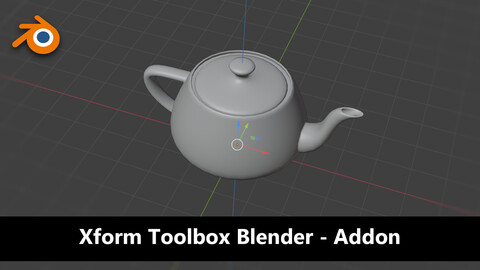
xForm Toolbox
A powerful transform toolkit inspired by 3DSMax's Transform Toolbox, bringing familiar and efficient object manipulation tools to Blender.
To get morte info on it, you can go to the git repository: xForm Repository
Overview
xForm Toolbox is a Blender addon that streamlines object transformation workflows with view-based operations and intuitive controls. Whether you're modeling, rigging, or laying out scenes, this add-on speeds up common tasks and brings a familiar workflow from 3DS Max to Blender.
- View-Based Rotation - Rotate objects relative to your camera view, not world axes
- Size Management - Set and retrieve object dimensions with axis control
- Pivot Alignment - Move pivot points to object bounds (Min, Max, Center, Origin)
- Quick Clone - Duplicate and position objects instantly, based on view
- Transform Reset - Apply all transformations in one click
- Multi-Object Support - Works on multiple selected objects simultaneously
Features
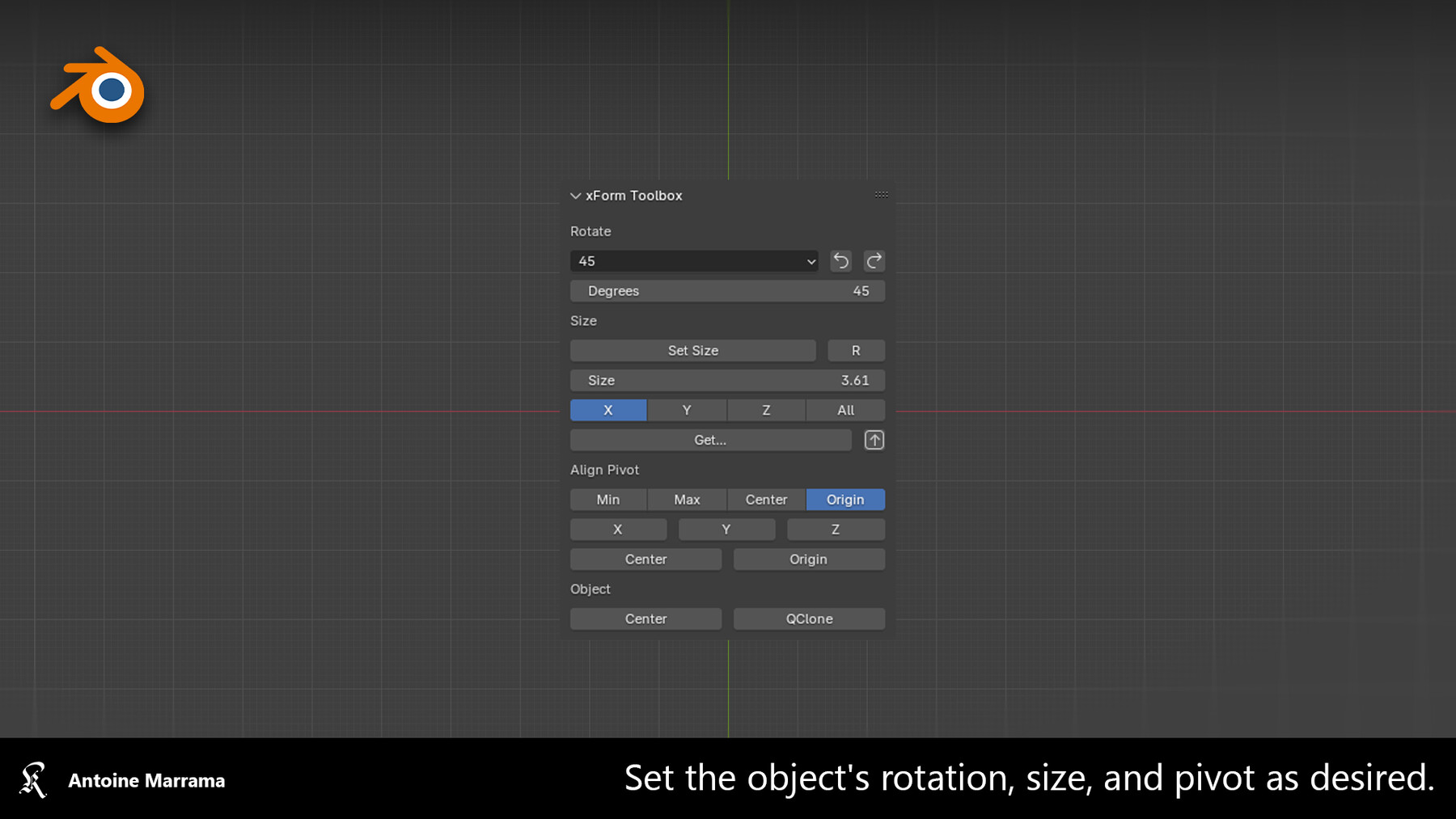
The addon creates a panel in the **3D Viewport** (in the right sidebar, "Transform Toolbox" tab).
Rotate Section
View-Based Rotation - Rotates objects relative to your camera view, not world axes.
- Dropdown Menu - Choose rotation angle (1°, 5°, 10°, 20°, 30°, 45°, 60°, 90°, 120°, 180°, 240°)
- CCW Button (← icon) - Rotate Counter-Clockwise
- CW Button (→ icon) - Rotate Clockwise
- Degrees Field - Manual rotation angle input
Size Section
Set & Retrieve Dimensions - Manage object sizes with precise control.
Set Size
Click "Set Size" button to apply the size value to selected objects.
Get Size
Click "Get..." to display the active object's dimensions in a pop-up.
Click "↑" to read the size from the active object and put it in the Size field.
Align Pivot Section & Object Section
Move Pivot Points - Position object pivots relative to their geometry bounds.
Alignment Modes
Choose how the pivot should align (Min, Max, Center, Origin)
Apply to Axis
After selecting a mode, click the axis button to apply:
- X - Align pivot on X axis only
- Y - Align pivot on Y axis only
- Z - Align pivot on Z axis only
- Center - Align pivot to center on all three axes
- Origin - Move pivot to origin on all three axes
Center Object
Move selected objects to the **world origin** (0, 0, 0).
QClone (Quick Clone)
Clone an object and position it instantly based on your camera view.
---
Inspired by 3DSMax's Transform Toolbox.
CATEGORIES
Standard Use License
Free
License: Standard License
Stock Assets
For personal use and one commercial project (up to 2,000 sales or 20,000 views).
TutorialsOne copy to be used by a single user.
Installable ToolsOne installation by a single user.
Learn MoreFiles (1)
https://artstn.co/m/1KKko
Copied
More by Antoine Marrama
Add a tip for Antoine Marrama
Tips are appreciated, but optional!