Sign Up with Epic Games

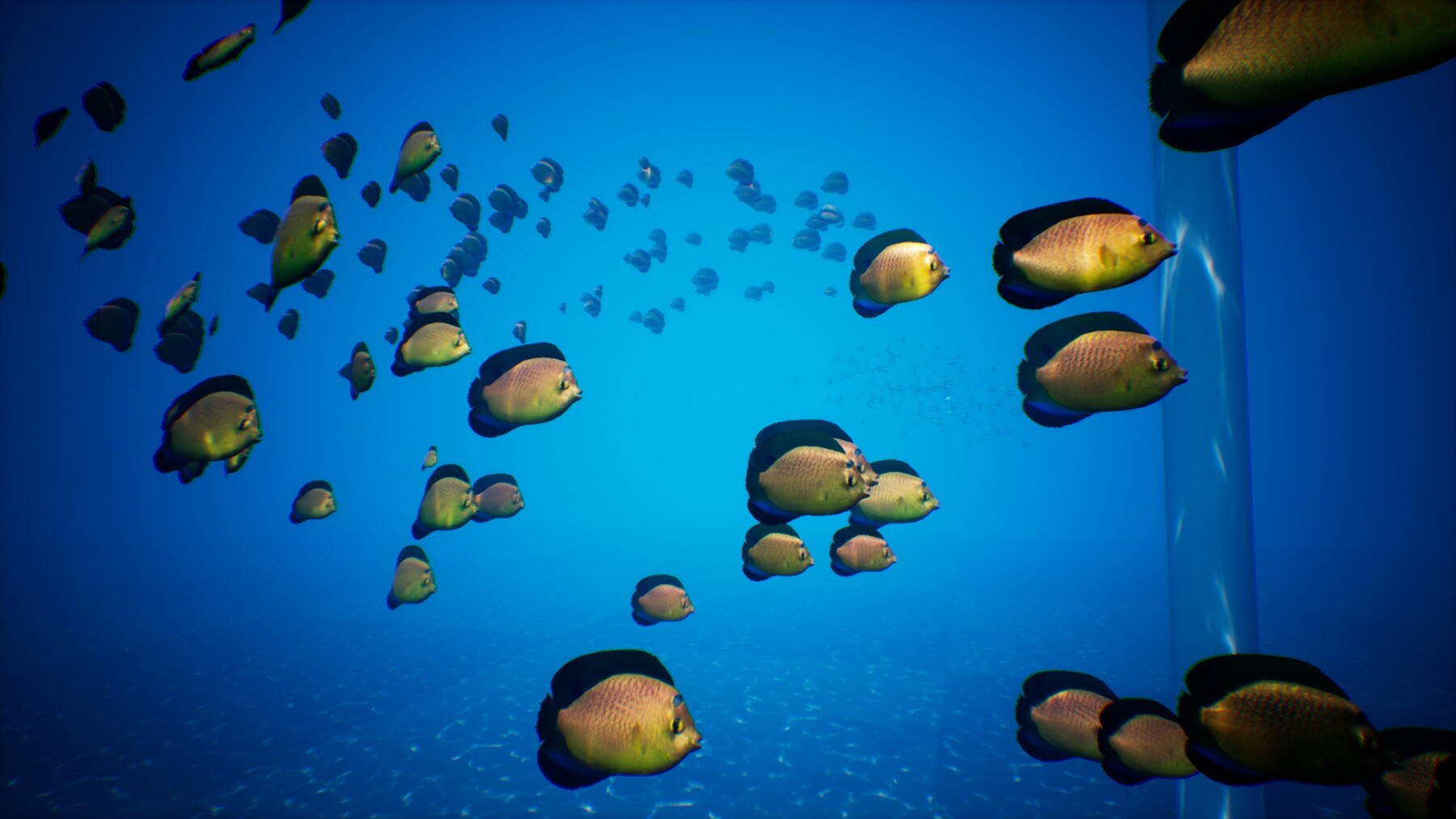
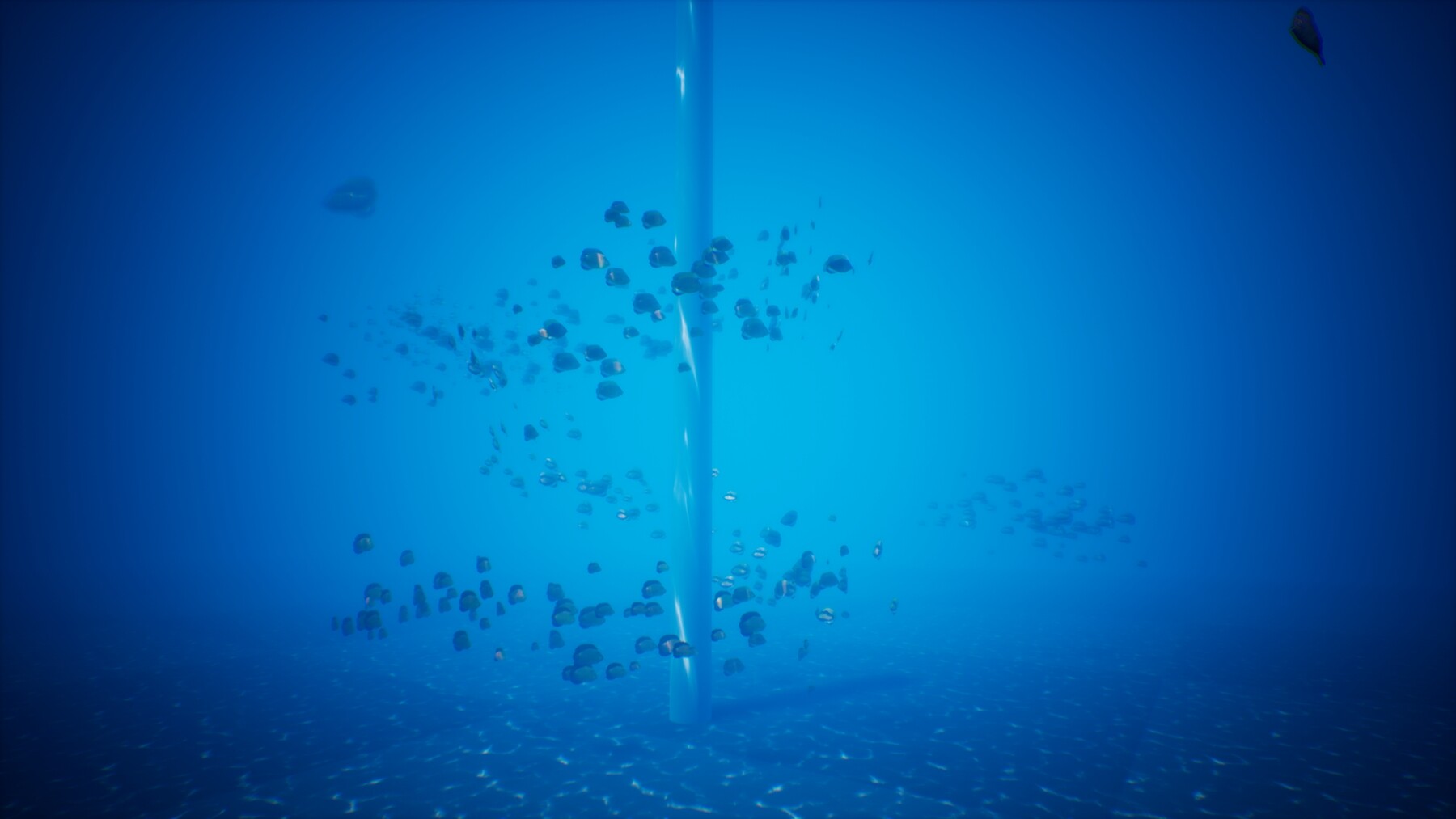

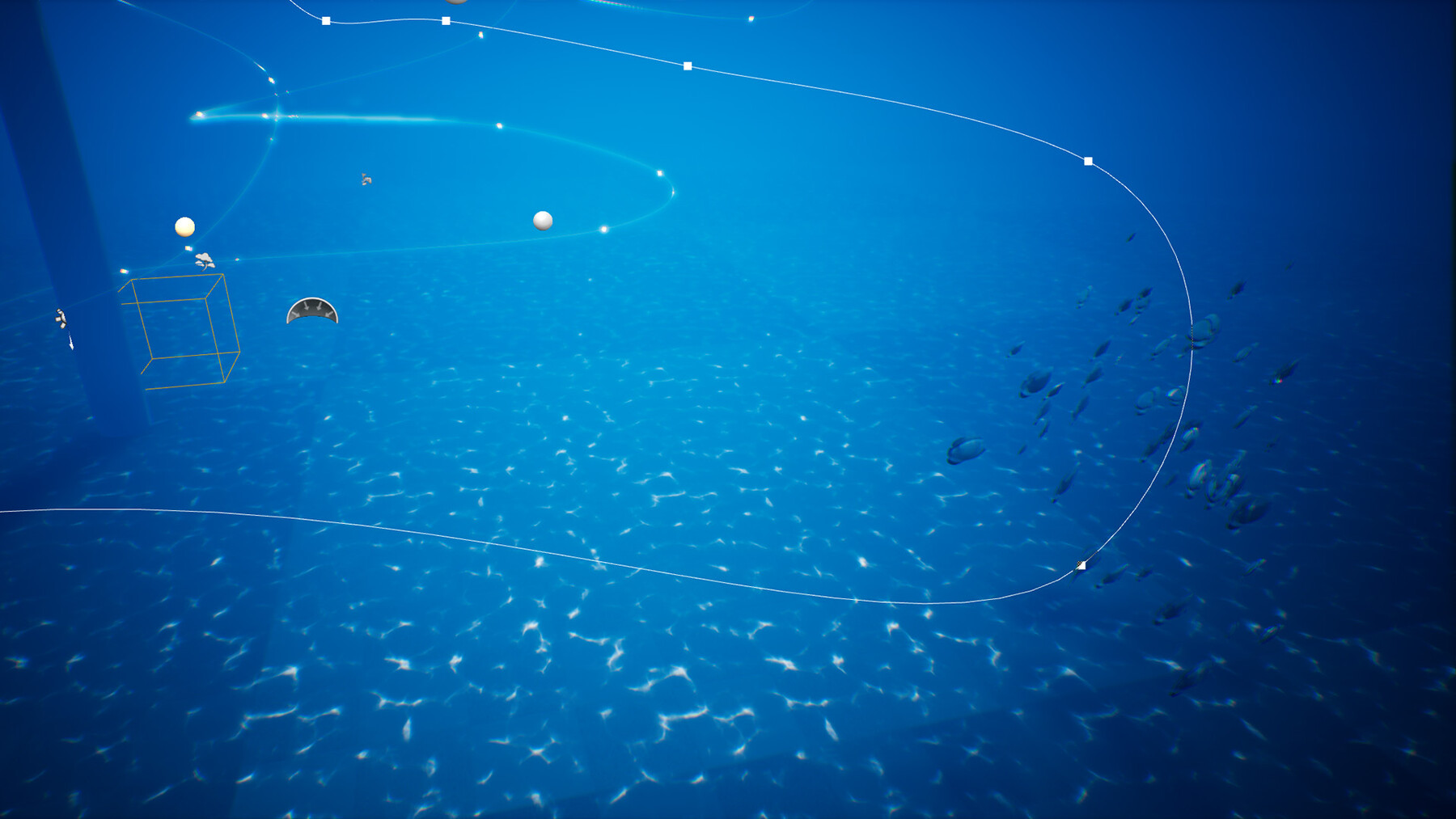


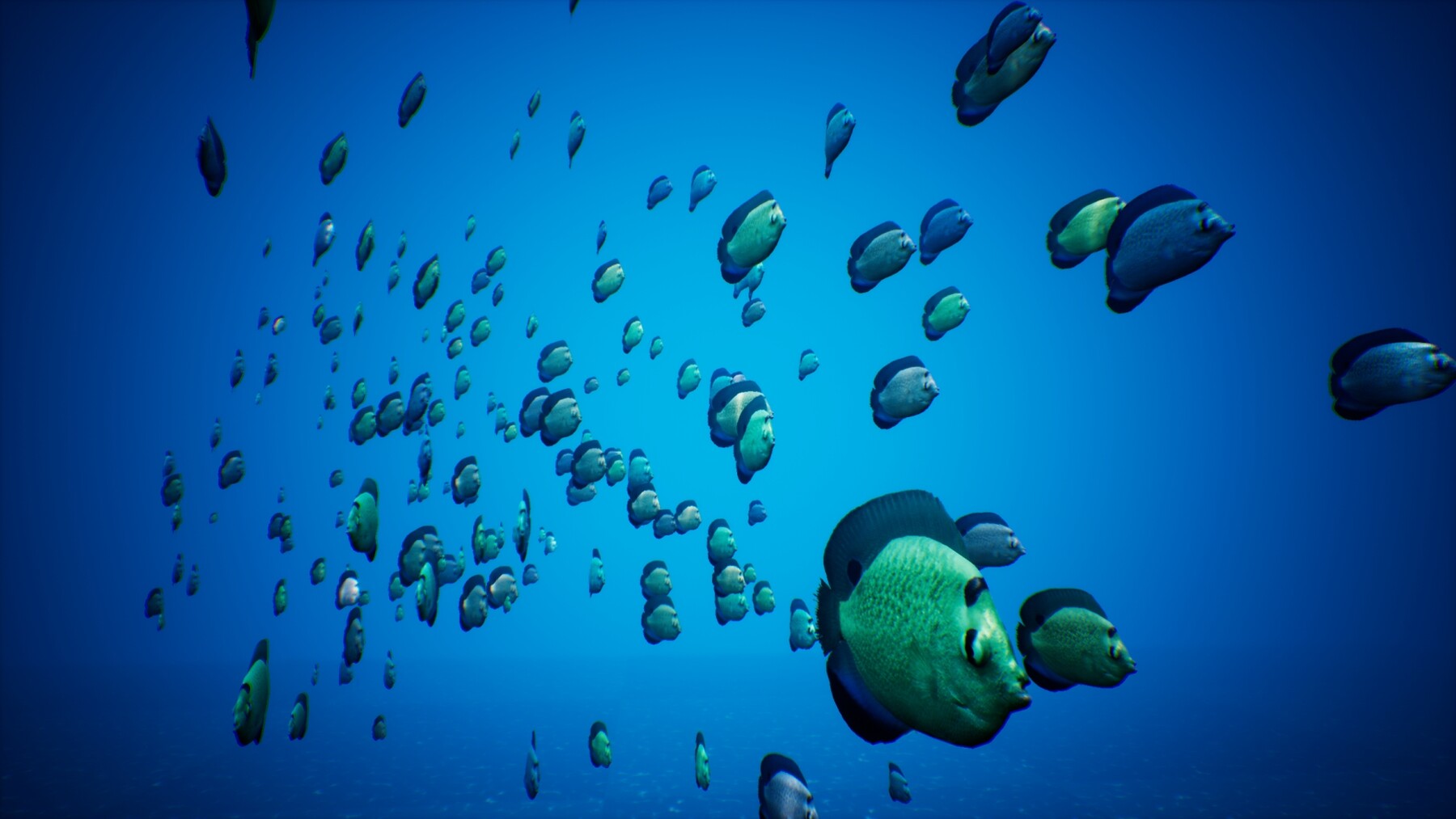
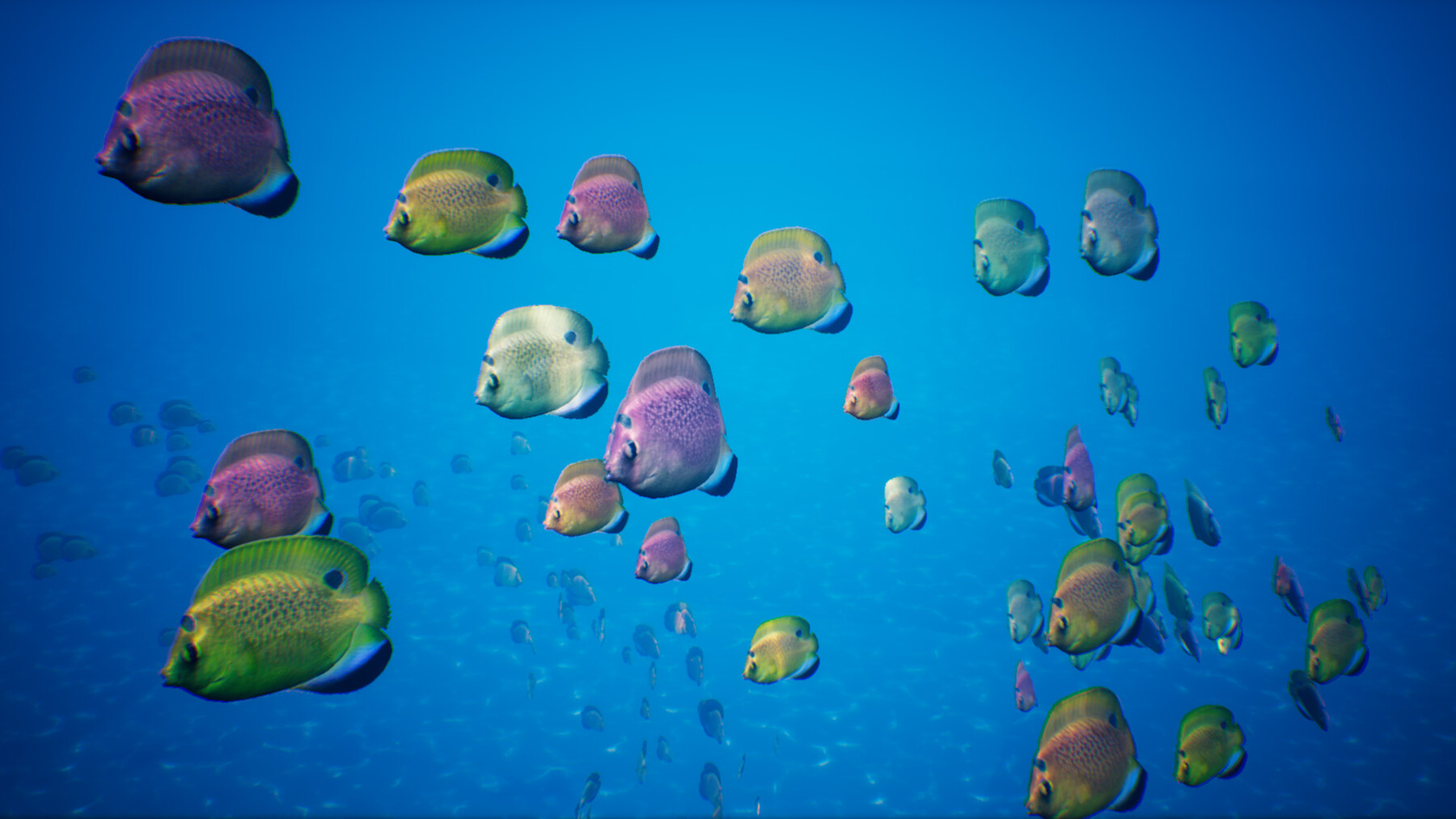

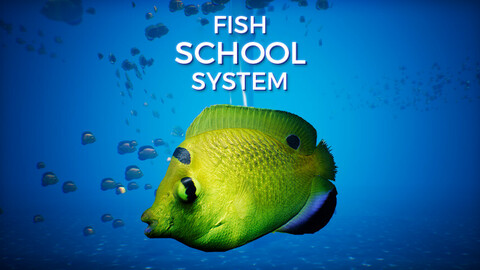
The Fish Spline System allows you to quickly and easily animate hundreds of fish with ease. It uses instanced vertex animated meshes that dynamically move along procedurally generated splines.
This System is compatible with an abundance of Fish Meshes, found in the Fish for School System V1 and Fish for School System V2 packages.
PLEASE NOTE: There is a newer School System available, which operates differently than this one.
Version 1 of the School System operates using splines, not particles.
It may have lesser performance than the School System V2, but can provide a more specified & controlled outcome due to it animating all the fish using splines. This may be more useful for certain scenarios.
Please check out both packages before purchasing one or the other, or both!
Please CLICK HERE to view Version 2 that uses Niagara Particles!
With the 'Dynamic Speed' checkbox enabled, the fish will alternate between slow and fast speeds based on timers with random variables. Choose the number of fish, the Scale and Size variation. Set the starting position along the spline and choose the distance between each instance. When working with hundreds of fish, you can simply check the "Spline Edit Mode" checkbox to hide all additional splines.
You can also easily replace the mesh and materials.
Automatically grab the meshes default materials, or use the 'Custom Materials' checkbox to pick your own.
Set the Desaturation, Hue shift & Random Hue Shift of each blueprint instance in order to distinguish each school.
Important Note: Skeletal meshes aren't supported, but your animations can easily be converted to vertex animations using 3DS Max (See video description for tutorial).
NOTE: This package does not support Unreal 4.17 and 4.18 due to a bug in these engine versions.
Features:
Fish Model
- Static Mesh (779 Triangles) with 3 LODs. (No Lightmap UV's due to Vertex Animation UV's)
- 5 Textures
- 6 Vertex Animation Textures
- 2 Materials (Body and Fins)
- 6 Material Instances
BP_School_System
- Customizable Mesh
- Automatically grab Default Materials from mesh
- Pick custom materials
- Adjustable Hue Shift, Desaturation and Random Hue Shift of Blueprint materials
- Set the amount of instances
- Set the Scale and Scale variation of instances
- Set the starting position of the school
- Set the distance between each instance
- Set the random offset of each generated spline's individual points
- Set the random offset of each generated spline's world position
- Toggle visibility of generated splines
- Toggle Dynamic Speed
- Adjustable acceleration and deceleration
- Adjustable Fast / Slow movement speeds
- Adjustable Fast / Slow movement swim lengths (in seconds)
- Customizable Vertex animation intensity and speed
Other
- Caustic Light Function Material
- Caustic Light Texture (2048x2048)
- "Swimming Spectator" Pawn Blueprint
- Demonstration Level
Number of Blueprints: 3
Number of Textures: 14
Input: Keyboard, Mouse
Supported Development Platforms: Windows
Supported Target Build Platforms: Windows, SteamVR, Oculus, PS4, XBox One, Gear VR
Documentation: In Blueprint
CATEGORIES
Special Offer! Get 10% off when you buy 2 products. Get 15% off when you buy 3 or more products. Applies to all products from this seller only from USD $1.00 to USD $10,000.00
Standard Use License
USD $39.99
License: Standard License
Stock Assets
For personal use and one commercial project (up to 2,000 sales or 20,000 views).
TutorialsOne copy to be used by a single user.
Installable ToolsOne installation by a single user.
Learn MoreFiles (4)
https://artstn.co/m/NNJoo
Copied
More by Justin Davis



Add a tip for Justin Davis
Tips are appreciated, but optional!