
 Sign Up with Epic Games
Large Game Environment Creation - In-Depth Tutorial Course [UE5]

in Tutorials
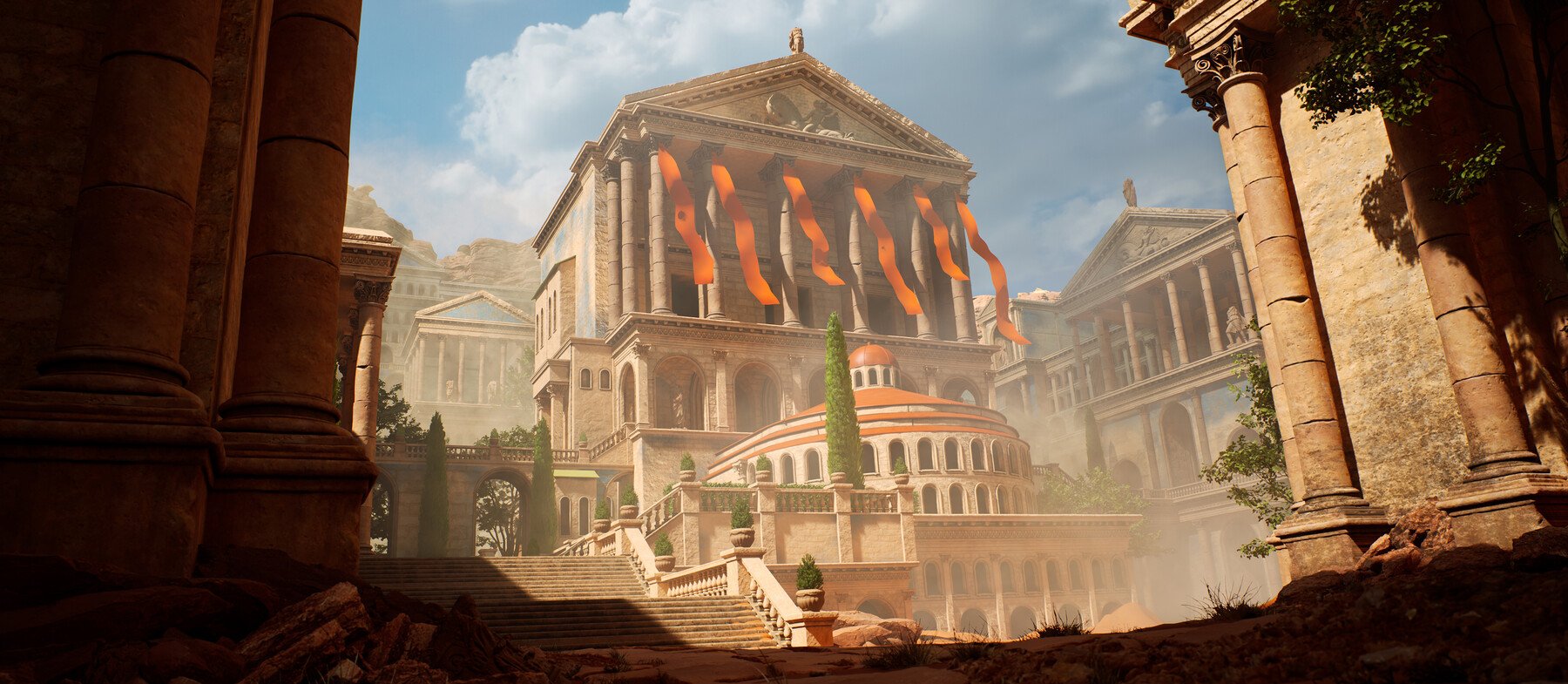
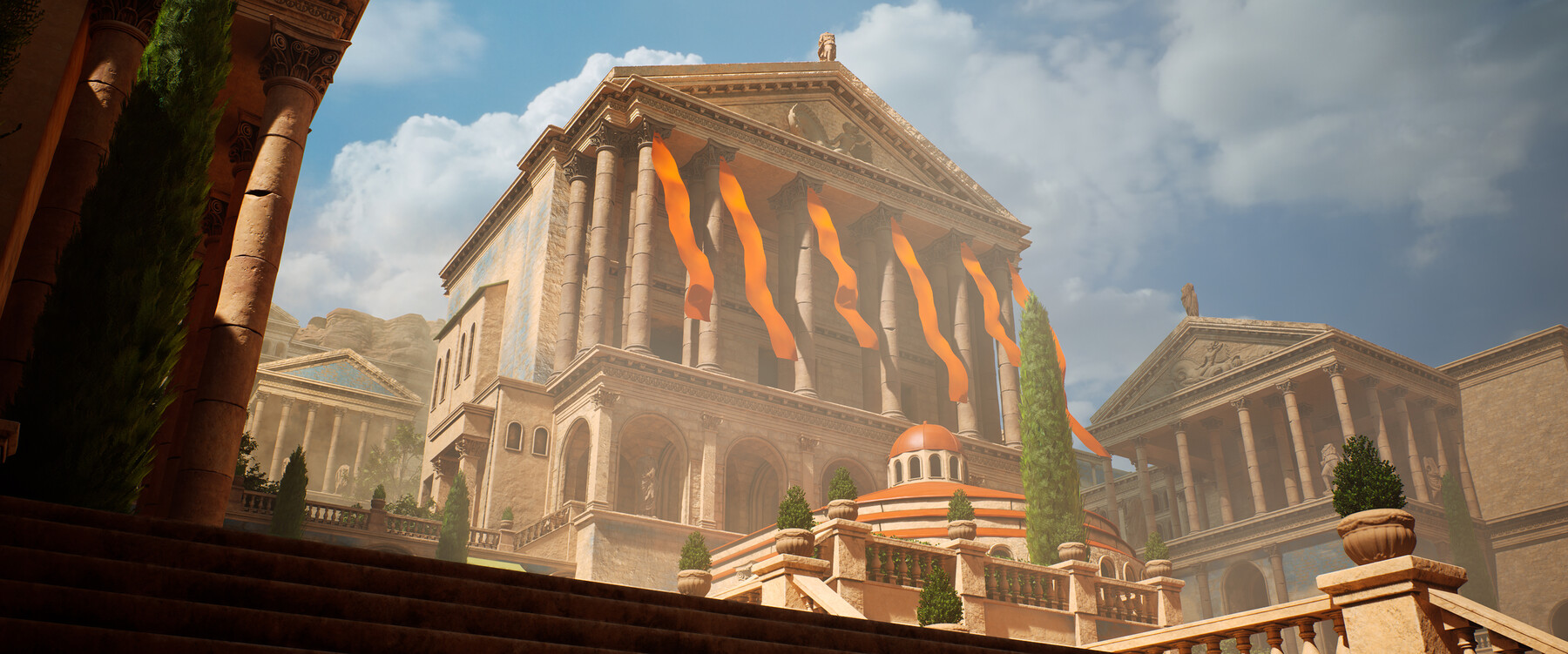
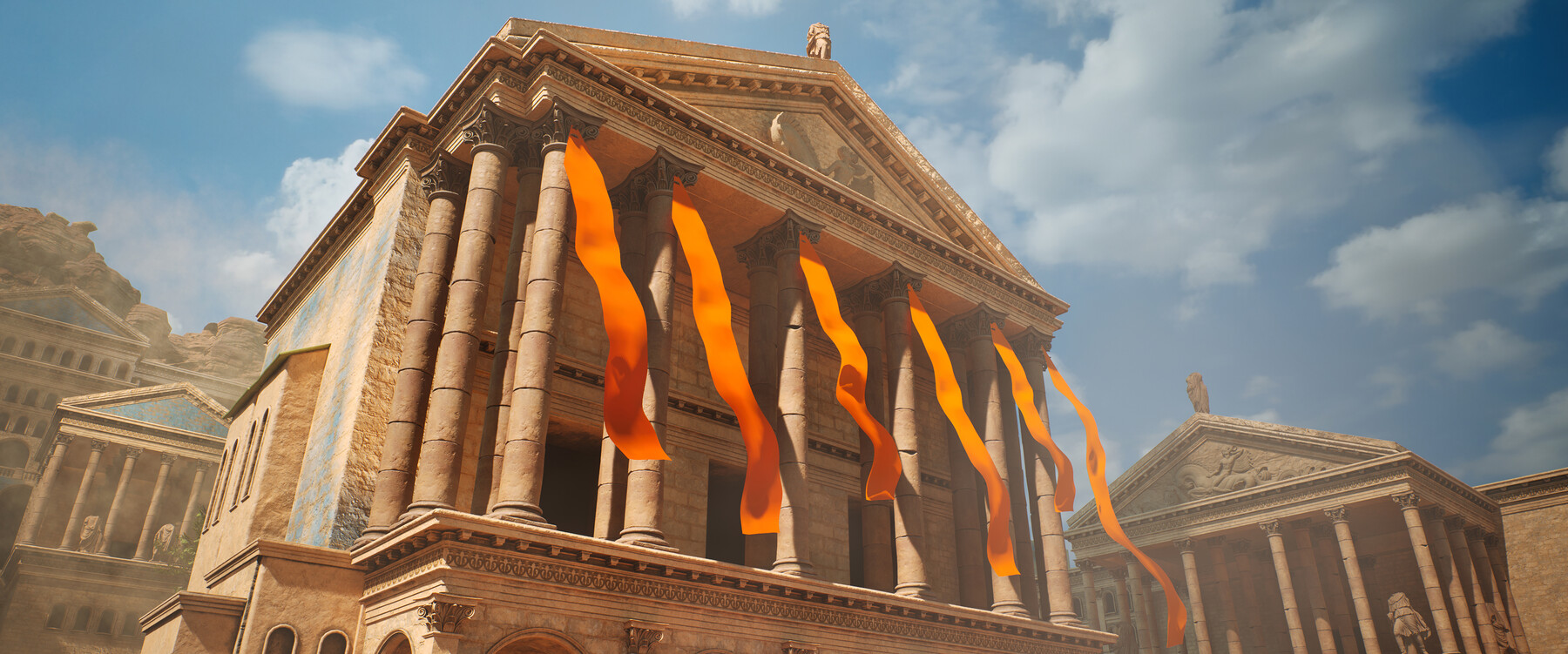
Large Game Environment Creation - In-Depth Tutorial Course
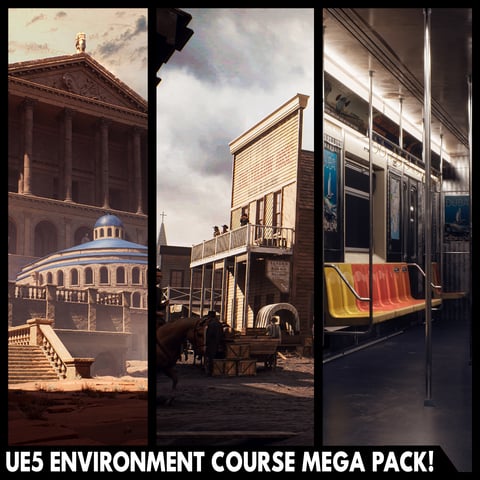
Learn how a professional environment artist works when creating large environments for games. You’ll learn techniques like Modular Modeling, Procedural Texturing, High to low poly modeling, Sculpting, Composition, Level Art, Lighting – and much more!
*Environment based on the concept art from Luis Medina*
Update:
MAYA, SUBSTANCE, AND UNREAL ENGINE 5
All the modeling will be done in Maya, However, the techniques used are universal and can be replicated in any other 3d modeling package. Sculpting will be done using Zbrush and the materials will be created using Substance Designer and previewed in marmoset toolbag 4. The environment will be built in the brand-new Unreal Engine 5 and the lighting will use the new Lumen system. Next to this, we will also use Substance Painter to generate masks.
In this course, you will learn everything you need to know to create the final results that you see in the images and trailers. Next to this, the same techniques can be applied to almost any type of environment.
32.5 HOURS!
This course contains over 32.5 hours of content – You can follow along with every single step – The course does enclose a few small-time lapses, this is just to speed up very repetitive tasks, the rest is done in real-time. However, due to popular requests, we have also included the un-time lapsed footage without audio.
We will start by going over our reference and planning and then continue to create a blockout version of our environment. We will be using modular modeling techniques to create all the pieces and later on take them to final.
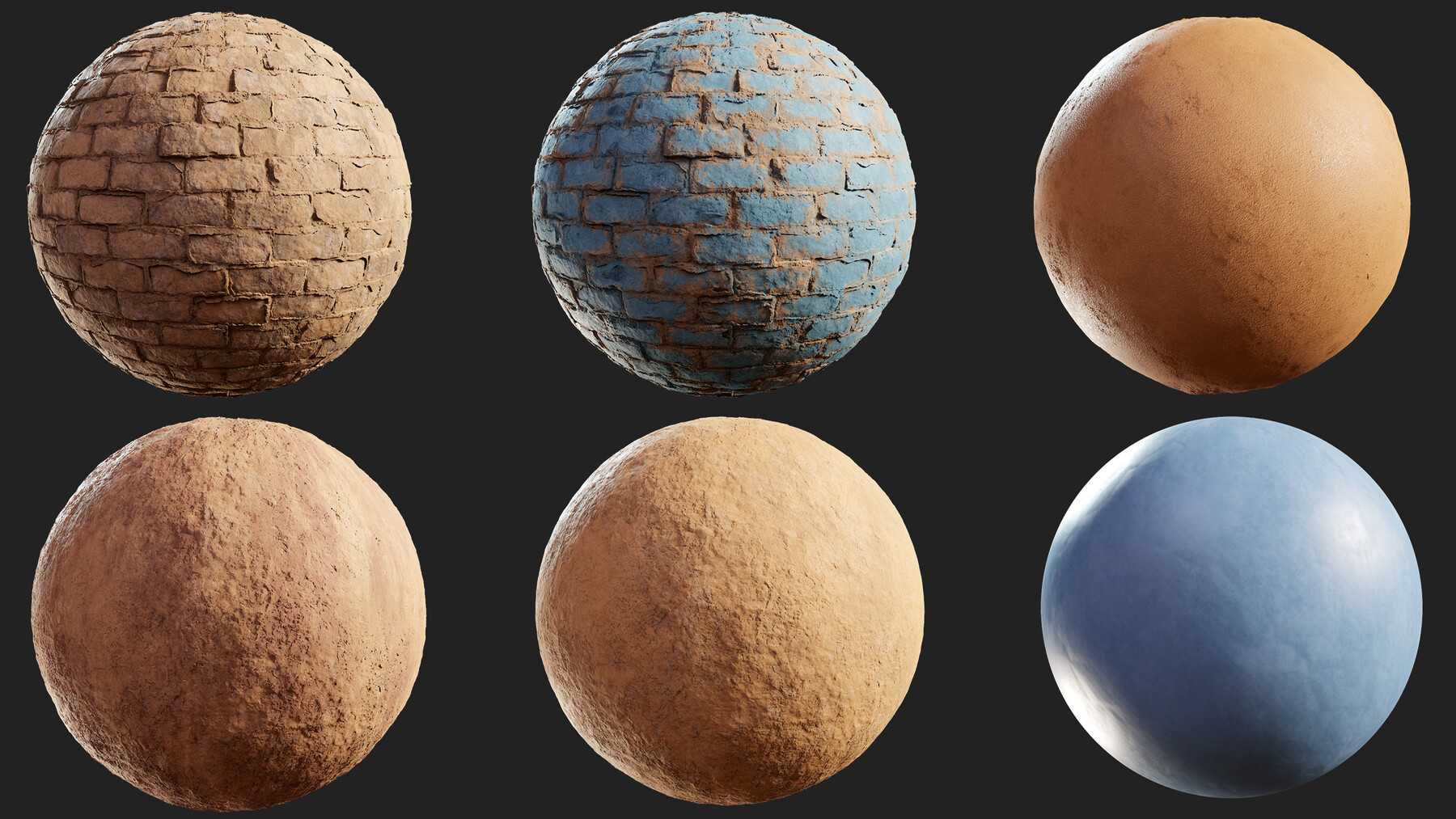
We will also be using Zbrush to sculpt more detailed pieces like the pillars. We will set up all these pieces in UE5 and already build our environment. Then we will move on to create our procedural materials.
Once those are done, we will do the UV-Unwrapping of our models and apply our materials.
We will then export everything to UE5, set up our materials and shaders, and get started with the composition, lighting, and general improvement of our environment.
We will leave the course off with general polishing and also adding some megascans statues to push the quality even more.
SKILL LEVEL
This game art tutorial is perfect for students who have some familiarity with a 3d Modeling tool like Maya, Substance Designer/Painter, Zbrush, and Unreal Engine – Everything in this tutorial will be explained in detail. However, if you have never touched any modeling or texturing tools before we recommend that you first watch an introduction tutorial of those programs (you can find many of these for free on YouTube or paid on this very website)
TOOLS USED
- Maya 2022
- Substance 3D Designer and Substance 3D Painter
- Zbrush 2021
- Unreal Engine 5
- Marmoset Toolbag 4
YOUR INSTRUCTOR
Emiel Sleegers is a senior environment artist currently working in the AAA Game Industry. He’s worked on games like The Division 2 + DLC at Ubisoft, Forza Horizon 3 at Playground Games, and as a Freelancer on multiple projects as an Environment Artist and Material Artist.
SOURCE FILES
All Source Files are included in this course except for some megascans assets.
CHAPTER SORTING
There’s a total of 89 videos split into easy-to-digest chapters.
All the videos will have logical naming and are numbered to make it easy to find exactly the ones you want to follow.
*All videos come in 1080p with clean audio. please see the trailer for a general idea of the audio and video quality*
JOIN OUR DISCORD!
https://discord.gg/Uhj6PCjdeX
Release Notes
fixed a license problem which showed the bonus files missing
CATEGORIES
Special Offer! Get 10% off when you buy 2 products. Get 15% off when you buy 3 or more products. Applies to all products from this seller only from USD $29.99 to USD $500.00
Personal License
USD $29.99
License: Standard License
Stock Assets
For personal use and one commercial project (up to 2,000 sales or 20,000 views).
TutorialsOne copy to be used by a single user.
Installable ToolsOne installation by a single user.
Learn MorePerfect for individuals who just want to watch the tutorial and learn Read MoreRead Less
Files (93)
Commercial License
USD $179.99
License: Extended Commercial License
Stock Assets
For use on an unlimited number of commercial projects with no limits on sales or views.
Learn MorePerfect when you work in a team up to 10 people and want to share this course with your co-workers. Read MoreRead Less
Files (93)
https://artstn.co/m/8O1qz
Copied
Ratings & Reviews
Sort by:LikesDate
Reviews (23)
 Yuting Chen
10Report| Release v.1.5 | Personal License | over 1 year ago
Absolutely comprehensive and well-explained course. Despite the very long hours of the course it's worth it to follow throughout. No unfriendly fast- forward, which I really appreciate.
 Sven Viland
00Report| Release v.1.5 | Personal License | about 2 years ago
A truly exhaustive and detailed insight into making large scale modular environments. A lot of in depth material shader and material creation workflows and breaking up the repetition via masks and vertex painting (and NOT decals, which are EASY) which are essential for proper large scale environment work. Amazing tutorial. <3
 Vincent Rolland
00Report| Release v.1.5 | Personal License | over 2 years ago
Incredible course! it allows you to expand your knowledge in most aspects of 3D environment design, the instructor is clear, precise and takes the time to explain with real passion! thank you!
 Bradley Michael
10Report| Release v.1.5 | Personal License | over 3 years ago
Best tutorial course I've ever done, there's plenty of content out there covering a few techniques in isolation, but very few cover such large-scale projects as this one. It's a grind to get through but there's no replacement for such an in-depth overview of the workflow and thought process behind large portfolio-worthy projects.
 Sebastian Potts
00Report| Release v.1.5 | Personal License | over 3 years ago
Brilliant tutorial, Emiel is an incredible teacher who is able to inform you of not only what to do but why you are doing it, and he never stops repeating those important steps so it really gets stuck in your brain.
 German Fuquene
00Report| Release v.1.5 | Personal License | over 3 years ago
If You are into Environment Art, this is a must have. Superdetailed, with all the resources You need. One of the best tutorial packages You can find on Artstation.
 Hrushikesh Jadhav
00Report| Release v.1.5 | Personal License | over 3 years ago
Great Detailed explanation of every Workflow, learned new technics. Explained everything in a very simple way. And also " Sense of Humor of the Teacher" is the cherry on top of this course. Would definitely recommend it, even I am looking to get another one from FastTrack Tutorials.
 Ignat Antonov
00Report| Release v.1.5 | Personal License | over 3 years ago
It`s been a long way for me as a Environment Artist job dreamer - studing maya and other soft like ZBrush, Substance Painter etc. But concern UE there was no idea where to start from. This tutorial is definetely worth your attention! Despite funny price it`s more like deep Environmetn Art begginer`s course teaching you basic of modeling, composing, lighting, materials creation and why it so important to follow soft updates. Don`t miss it up!
 Jack Tilling
00Report| Release v.1.5 | Personal License | almost 4 years ago
Great value, really useful!
 Victor Teigen
00Report| Release v.1.5 | Personal License | about 4 years ago
I love the format of this course, practical and project-based where you always understand the right context to appy tools as they are introduced. Could be slightly more structured at times, but overall very well laid out and easy to understand with very little prior knowledge.
Filter by Rating
More by FastTrackTutorials


Add a tip for FastTrackTutorials
Tips are appreciated, but optional!
