Sign Up with Epic Games







Hello Everyone!
I hope you are all doing well.
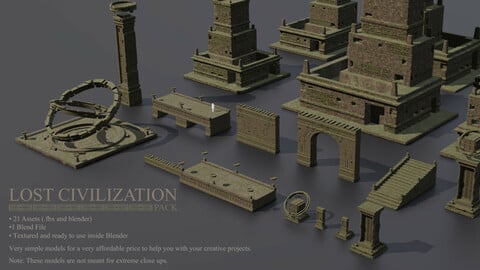
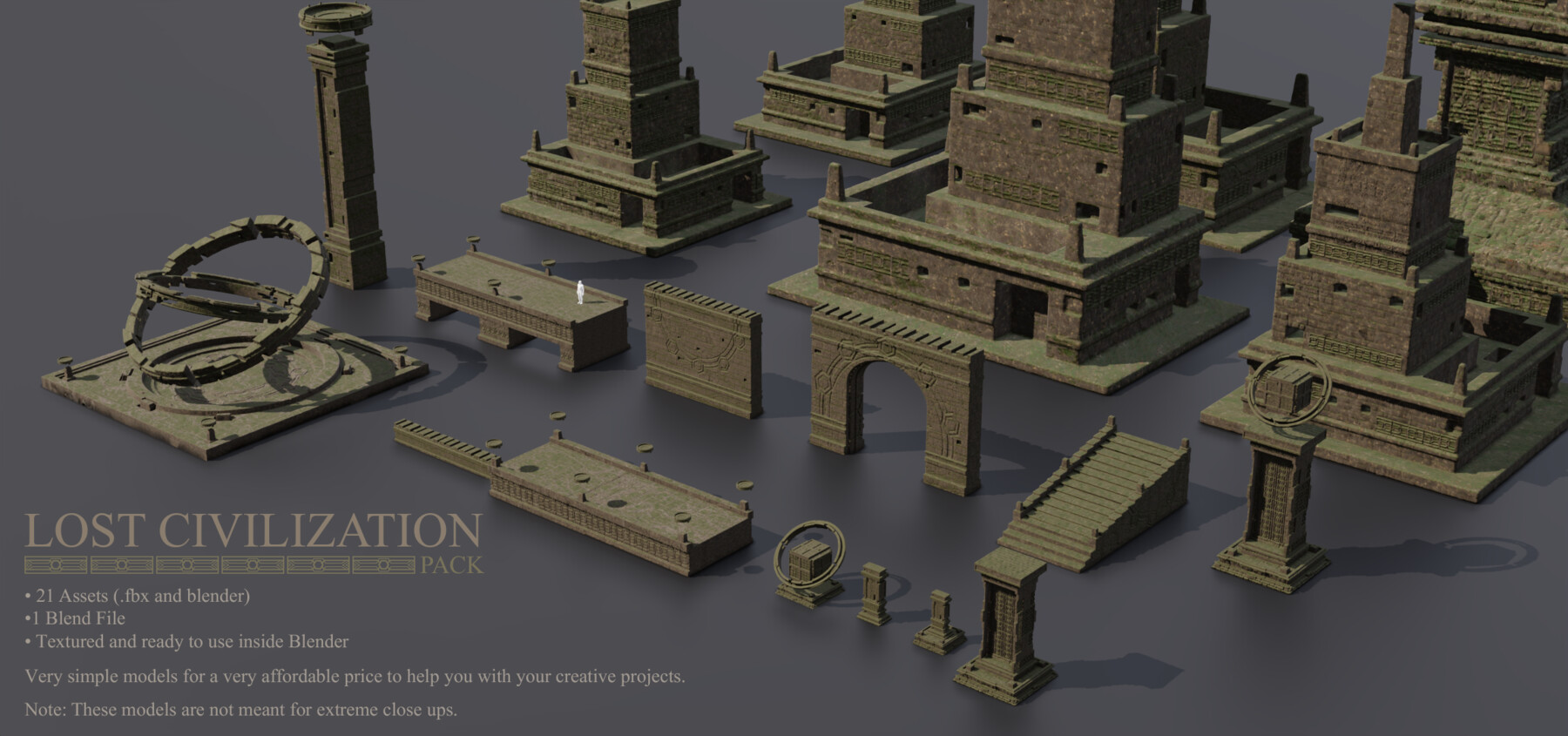
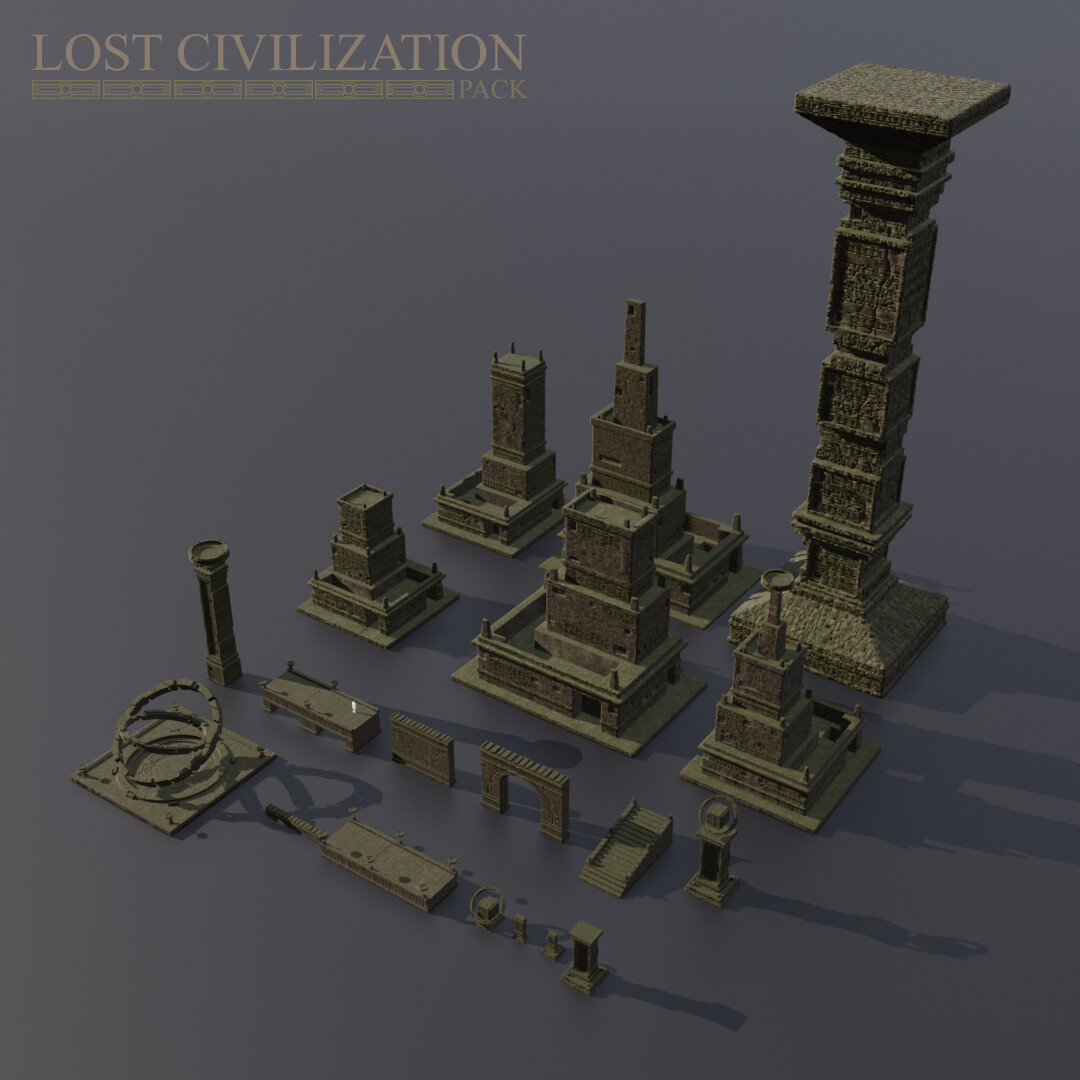
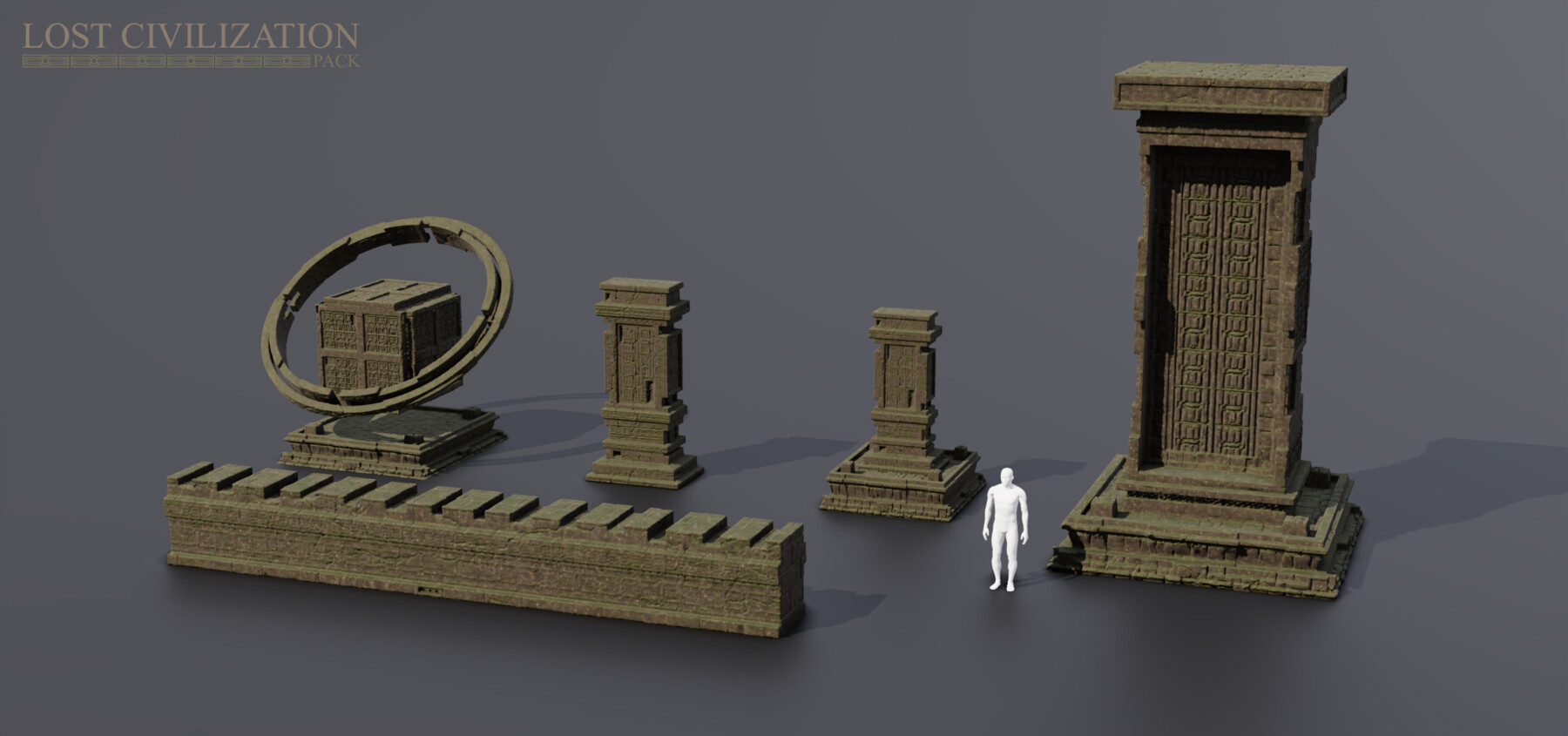
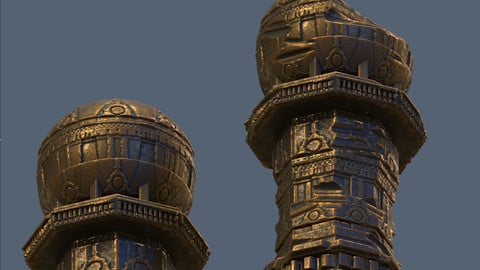
Today, I will be sharing with you the ancient lost civilization pack that I created for my personal practice in Blender so you can also use it for your projects, for a very AFFORDABLE price.
In this pack, you will be getting the following:
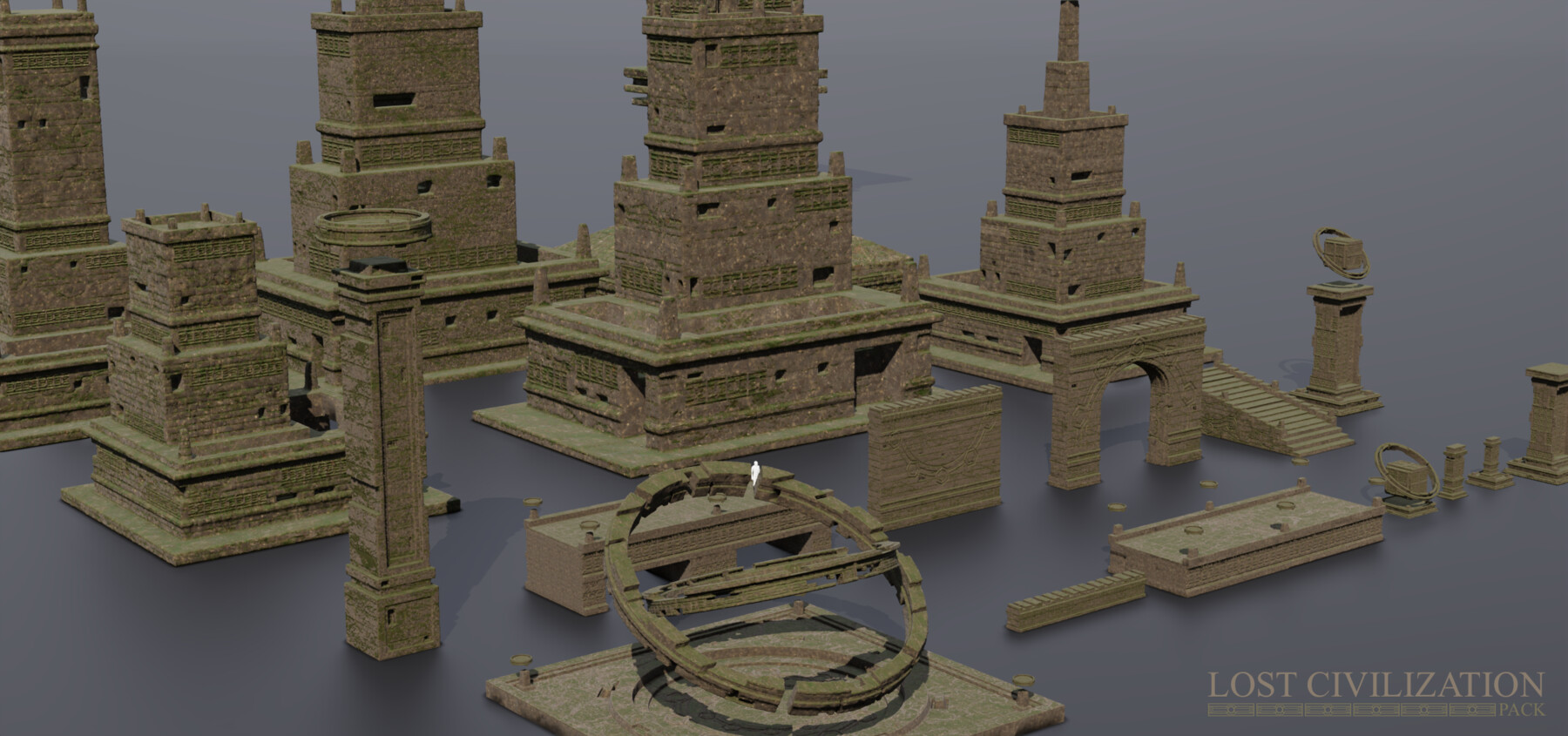
1. 21 Diverse Assets - ranging from a simple ancient post to large scale structures that are more than enough to create a large environment scene inside Blender or any other software
2. 1 Blender File - includes the textures (Megascan textures at 2K resolutions)
3. 1 FBX Files containing the 21 assets - ready in case one is not using Blender and using a different 3D program (also comes with textures)
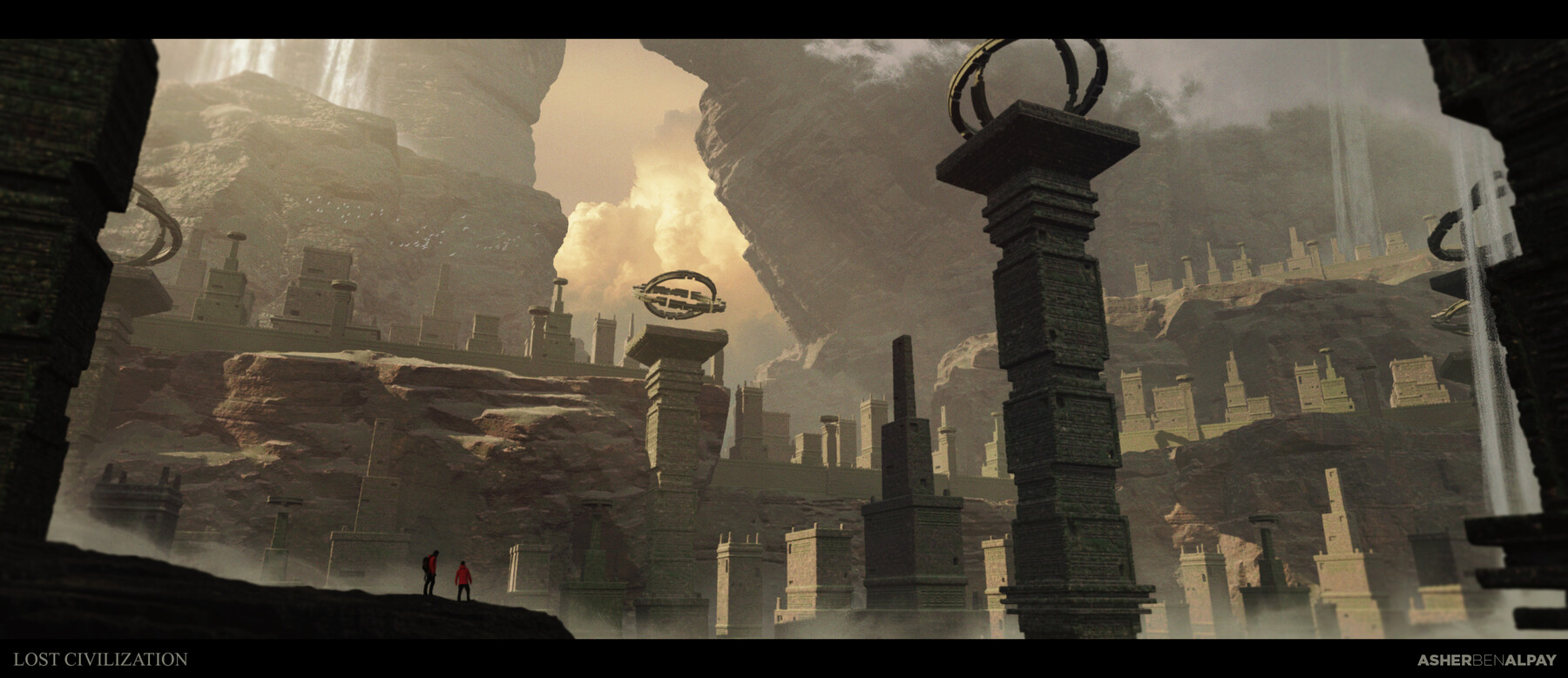
I included a couple of artworks I created using the pack in the thumbnail images so you'll see the usability of the assets and how it works in a project.
Important note: These assets are not meant for extreme closeups
If you have concerns and suggestions please reach out to me via my Artstation or my email: poweredbypen@gmail.com
I hope you'll enjoy the product as much as I do and I hope I can see your creations using the assets. Have a great day everyone!
Release Notes
UPDATE!!!!
Hello everyone!
I added the Blender Guru Poliigon Uber Mapping Nodes as I used it instead of the default Mapping node that Blender provides.
I found that it is very easy to prevent tiling using the Uber Mapping Nodes than the default Mapping node.
So just in case you don't have the Blender Guru Poliigon Uber Mapping Nodes, just download the file I included here.
To use the Blender Guru Poliigon Uber Mapping Nodes:
- Download the Blender Guru Poliigon Uber Mapping Nodes Blender Node
- Inside Blender, go to FILE then choose APPEND from the dropdown menu
- Select the file you just downloaded
- Now in Shading Editor, press SHIFT + A and Search Uber Mapping
- You can now use it the same way you use the Default Mapping in Blender
CATEGORIES
Standard Use License
USD $4.00
License: Standard License
Stock Assets
For personal use and one commercial project (up to 2,000 sales or 20,000 views).
TutorialsOne copy to be used by a single user.
Installable ToolsOne installation by a single user.
Learn MoreFiles (4)
https://artstn.co/m/kxmqA
Copied
Add a tip for Asher Ben
Tips are appreciated, but optional!