
 Sign Up with Epic Games
SpeedSculpt: Accelerate Your Blender Sculpting Workflow
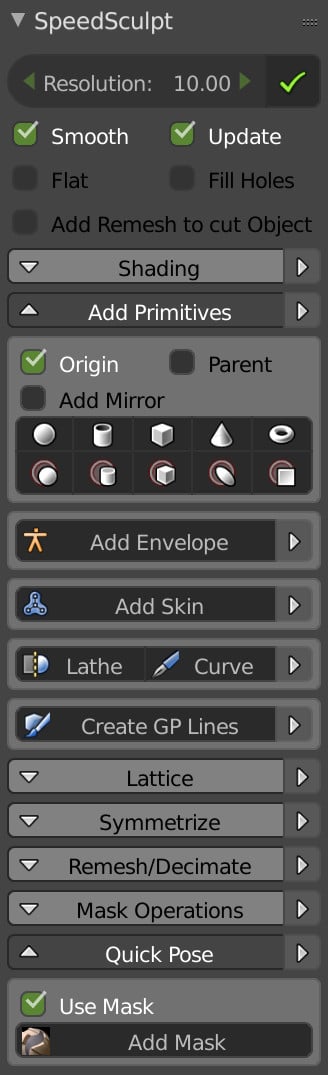
Enhance your sculpting efficiency in Blender with SpeedSculpt, an intuitive add-on designed to streamline the creation and management of complex models.
Key Features:
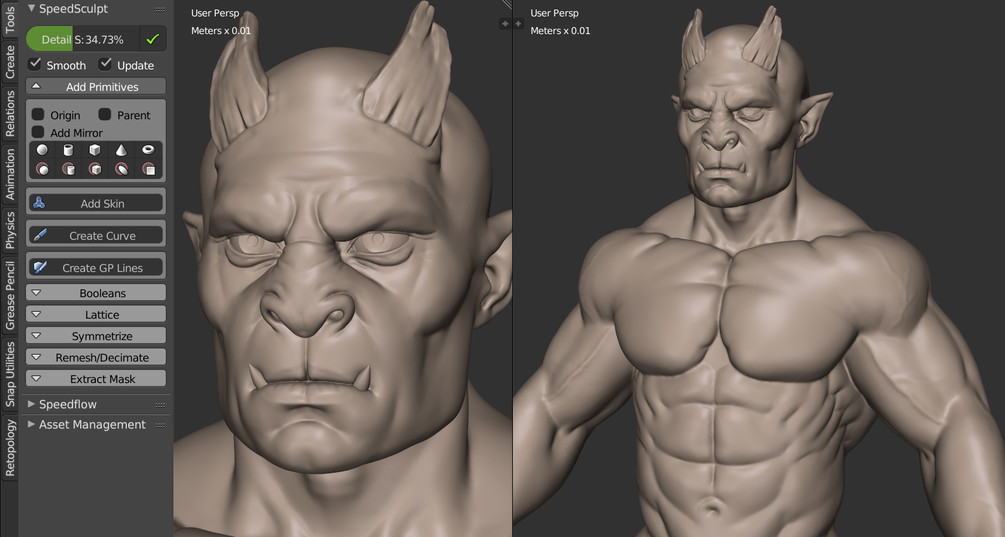
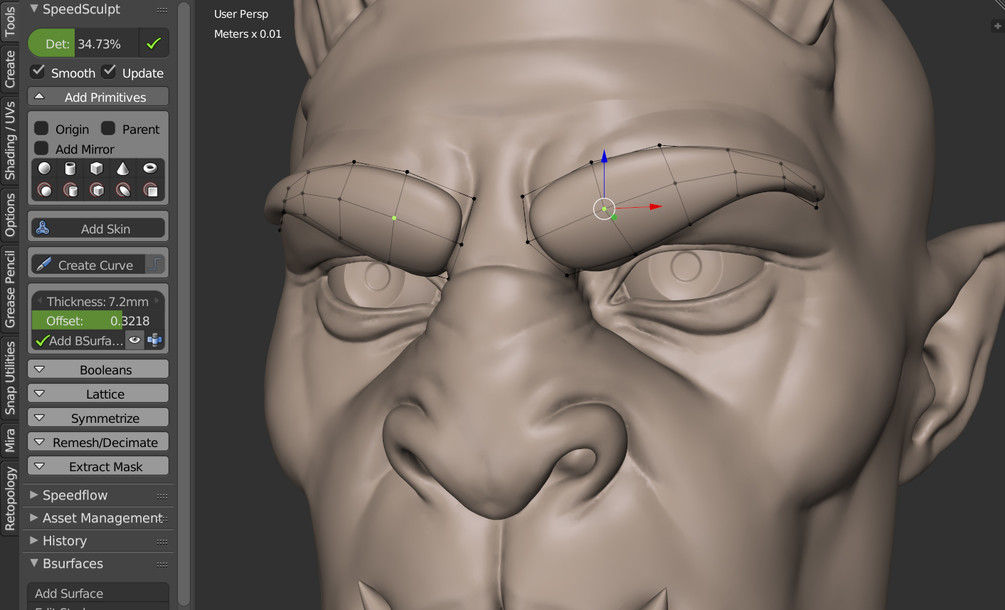
Rapid Character Creation: Quickly generate base meshes using primitives, curves, and the skin modifier, providing a solid foundation for your sculpts.
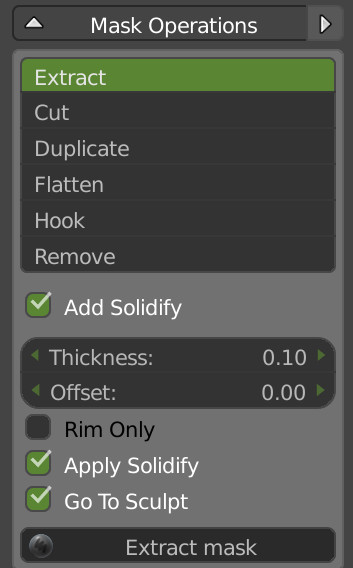
Dynamic Topology Management: Effortlessly handle Dyntopo sculpting with integrated boolean operations, curve cutting, and masking tools, allowing for intricate detailing.
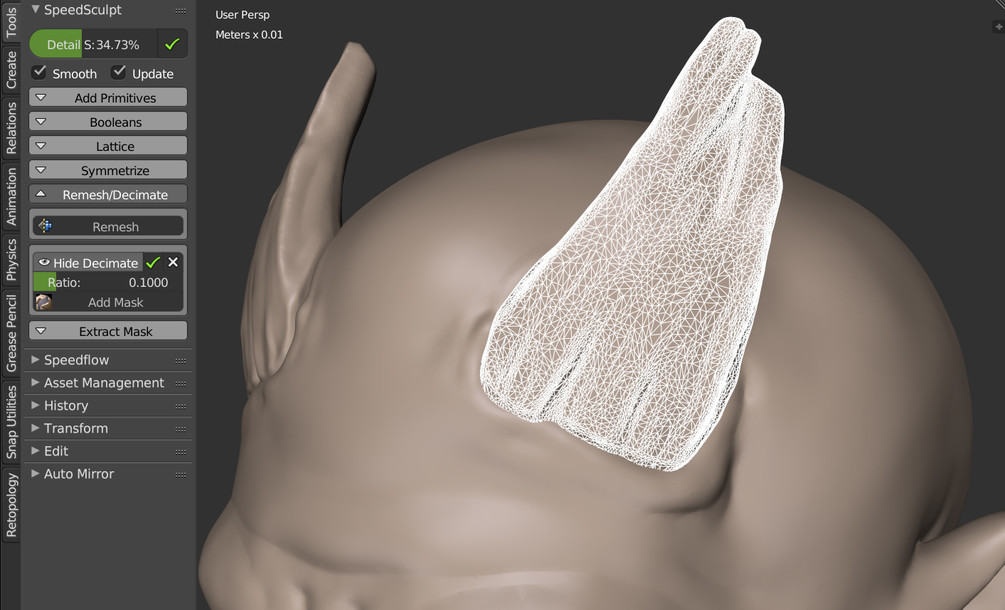
Remesh and Decimate Functions: Optimize your models for sculpting or 3D printing with the Remesh modifier, achieving clean surfaces ideal for hard surface modeling. Additionally, use the Decimate feature to reduce mesh complexity while preserving essential details.
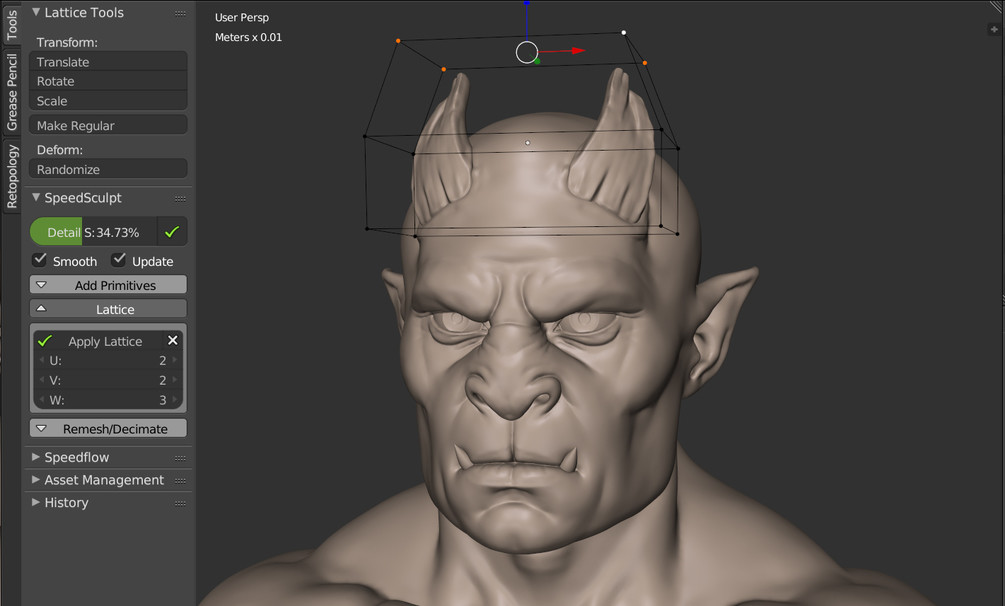
Lattice Editing: Apply and manipulate lattice modifiers across multiple objects, utilizing the active object's orientation for precise deformations.
Masking Tools: Define specific areas for detailed sculpting or protection during editing, enhancing control over your workflow.
Why Choose SpeedSculpt?
Designed for both beginners and professionals, SpeedSculpt offers:
Enhanced Productivity: Reduce time spent on repetitive tasks, allowing more focus on creative aspects of sculpting.
User-Friendly Interface: Intuitive controls that integrate seamlessly into Blender, making advanced sculpting techniques accessible.
Versatility: Suitable for character modeling, hard surface sculpting, and preparation for 3D printing.
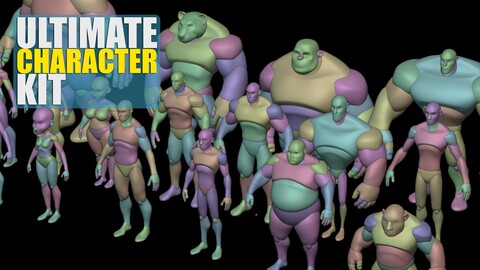
With Speedsculpt, Get 25% off the Ultimate Character Kit!
Get Started Today
Revolutionize your Blender workflow with Easy Projects. Available for personal and commercial use.
Discord server for customer support
REFUND POLICY
Since we offer non-tangible, irrevocable goods we do not provide refunds after the product is purchased, which you acknowledge before purchasing any product on the Website. Please make sure that you have carefully read the product description before making a purchase.
Release Notes
SPEEDSCULPT
Updated the UI
Added a bunch of new tools (brushes tools, cursor tools, store views, etc.)
Fixed the Pipette
Added warnings for beginners
Updated the documentation
Added Troubleshooting in the UI and preferences
Minor fixes
CATEGORIES
Special Offer! Get 10% off when you buy 2 products. Get 15% off when you buy 3 or more products. Applies to all products from this seller only from USD $5.00 to USD $100.00
PERSONAL
USD $20.00
License: Standard License
Stock Assets
For personal use and one commercial project (up to 2,000 sales or 20,000 views).
TutorialsOne copy to be used by a single user.
Installable ToolsOne installation by a single user.
Learn More1 user - Personal or Commercial usage Read MoreRead Less
Files (28)
PRO
USD $80.00
License: Extended Commercial License
Stock Assets
For use on an unlimited number of commercial projects with no limits on sales or views.
Learn MoreUp to 5 users - For commercial projects Read MoreRead Less
Files (28)
STUDIO
USD $140.00
License: Extended Commercial License
Stock Assets
For use on an unlimited number of commercial projects with no limits on sales or views.
Learn MoreUp to 10 users - For commercial projects Read MoreRead Less
Files (28)
Speedsculpt Personal + Ultimate Character Kit
USD $46.00
License: Standard License
Stock Assets
For personal use and one commercial project (up to 2,000 sales or 20,000 views).
TutorialsOne copy to be used by a single user.
Installable ToolsOne installation by a single user.
Learn MoreGet Speedsculpt + 15% off the Ultimate Character Kit Read MoreRead Less
Files (32)
https://artstn.co/m/JmKn
Copied
Ratings & Reviews
Sort by:LikesDate
Reviews (3)
 Rivwynn
00Report| Release v.0.3.1 | PERSONAL | about 1 year ago
Really satisfying workflow that saves me time!
 Sharon Wong
00Report| Release v.0.3.1 | PERSONAL | almost 4 years ago
Really handy tools for blocking out.
 Michelle Clemen
00Report| Release v.0.3.1 | PERSONAL | about 4 years ago
Great item to add to my software. Should help the work flow. Thanks!
Filter by Rating


Add a tip for CEDRIC LEPILLER
Tips are appreciated, but optional!
