
 Sign Up with Epic Games
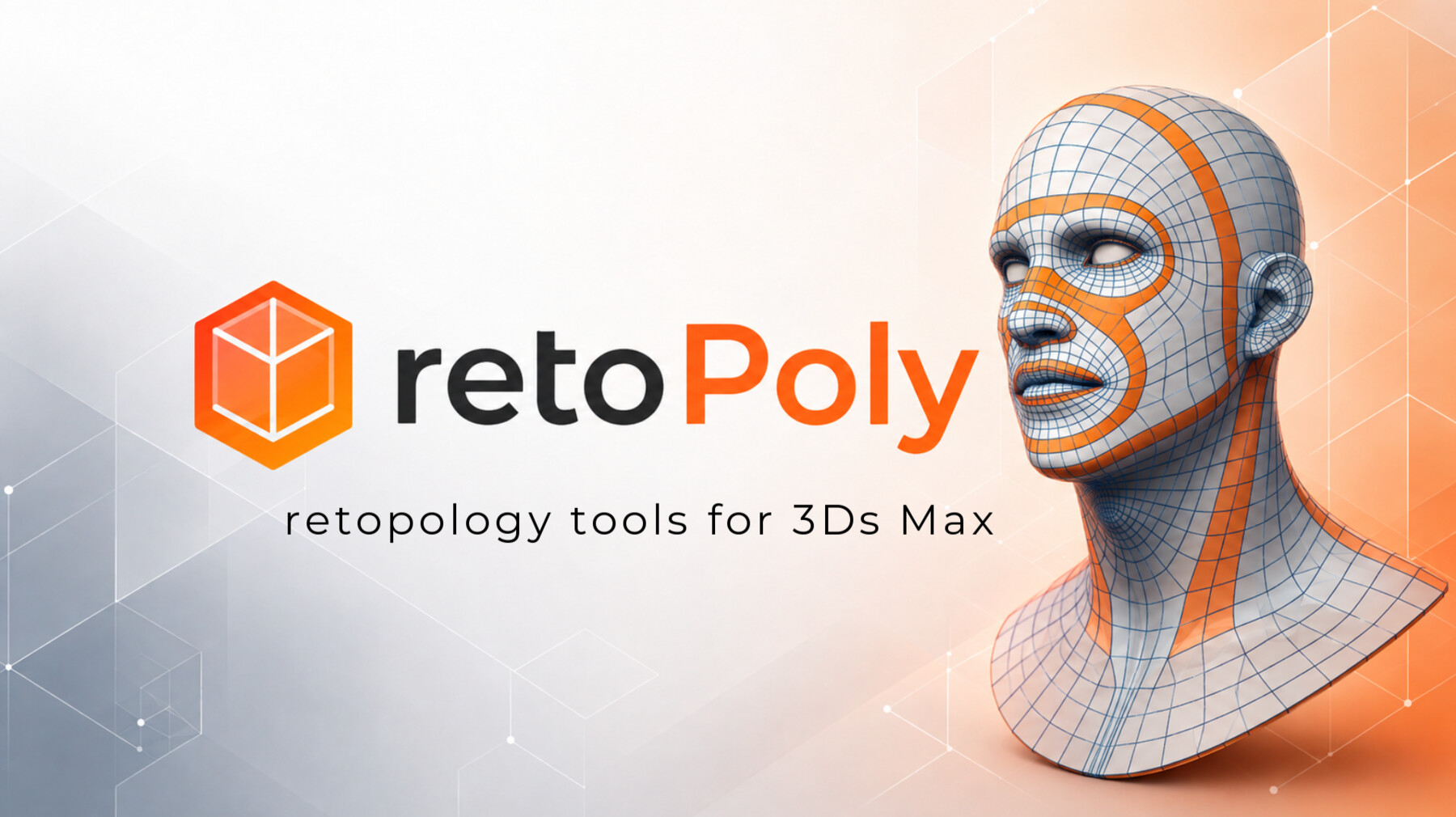


retoPoly is a native retopology modifier for Autodesk 3ds Max 2023–2027, designed for fast and intuitive topology creation directly on high-resolution surfaces. It combines projected drawing, Edit Flow operations, brushes, masking, guides, bridging, patching, edge tools, Auto Weld, Show Cage, and live conforming in a single workflow.
Because retoPoly works as a modifier, the topology stays editable inside the 3ds Max stack, making it easy to continue working with other modifiers such as Symmetry and TurboSmooth without collapsing the mesh.
To receive a license key, please complete the Request page.
The tool doesn't have a trial version and it has a cloud license type. After purchasing please read the online documentation for retoPoly modifier to understand how to get the license key and how to use it! Additionally, the tool requires an active internet connection to function properly.
You can transfer the license key to another computer whenever needed by activating or deactivating it. However, the license is valid only on the computer where the key is currently activated!
Tools and brushes:
- Contour
- Pen
- Bridge
- Fill Hole
- Stripe
- Patch
- Draw
- Transform brush
- Relax brush
- Flow
- Edit Flow
- Straighten
- Edge Length
- Conform brush
- Cut
- Fast Loop
- Guide Flow
- Mask / Frozen Faces
Check out how to use it!
Release Notes
retoPoly v1.002:
- Multiple Unit Systems Support: Improved compatibility with scenes using different unit system configurations.
- High-Poly mesh thickness handling: Improved handling of interior thickness in high-poly meshes, preventing unwanted flipped surface normals.
- Mesh Inspector – Repair mode: Added the ability to automatically flip normals that incorrectly face the high-poly mesh surface.
- Improved mesh projection: Prevents retopology meshes from sinking into the high-poly surface, even when the high-poly mesh is not watertight.
- Straighten Tool: improvement vertex projection when dealing with closed edge loops.
- Edit Flow Tool - Vertex placement: Added the ability to create new vertices with a simple click. Hold Shift + LMB to bypass the preview and force additional vertex placement.
- Edit Flow Tool: Edge / Vertex range detection improvement.
- Faster tool switching: Fixed delays when switching between tools in 3ds Max scenes containing heavy, high-poly meshes, resulting in a smoother workflow.
- Pen Tool improvements: Hold Ctrl key to enhanced patch rotation, allowing the topology to dynamically adjust as the patch is rotated.
- Pen Tool improvements: U-shaped gap filling: added the ability to close U-shaped openings, similar to the existing Fill Hole functionality.
- Pen Tool improvements: Bridge between separate mesh elements: the Pen Tool can now create bridges between two disconnected meshes, providing greater flexibility when building and connecting topology.
These updates focus on making the retopology process more reliable, flexible, and efficient, especially when working with complex high-poly geometry.
CATEGORIES
Personal Use [non-commercial use]
USD $32.00
License: Standard License
Stock Assets
For personal use and one commercial project (up to 2,000 sales or 20,000 views).
TutorialsOne copy to be used by a single user.
Installable ToolsOne installation by a single user.
Learn MoreFor personal use only. Ideal for individuals creating non-commercial projects at home. Read MoreRead Less
Files (1)
Pro [commercial use]
USD $65.00
License: Standard License
Stock Assets
For personal use and one commercial project (up to 2,000 sales or 20,000 views).
TutorialsOne copy to be used by a single user.
Installable ToolsOne installation by a single user.
Learn MoreThis variant is for commercial use by a single individual, such as a freelancer. It is intended for personal use only and not for use within a company, studio, or any other organization. Read MoreRead Less
Files (1)
Studio / Company [commercial use]
USD $120.00
License: Extended Commercial License
Stock Assets
For use on an unlimited number of commercial projects with no limits on sales or views.
Learn MoreThis version is intended for commercial use within a company or studio. Read MoreRead Less
Files (1)
https://artstn.co/m/Ompq9
Copied



Add a tip for Mihail Lupu
Tips are appreciated, but optional!
