
 Sign Up with Epic Games

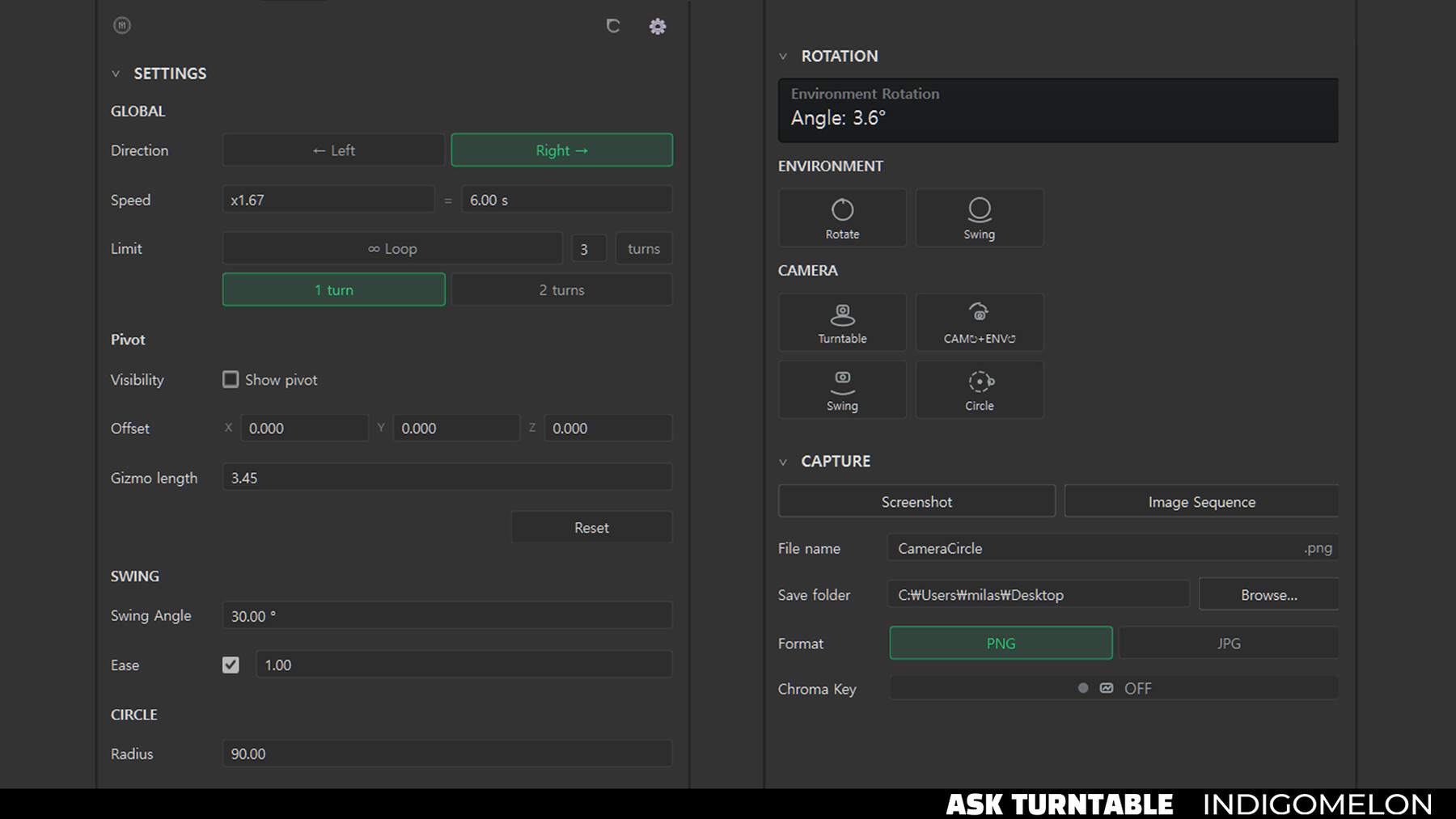

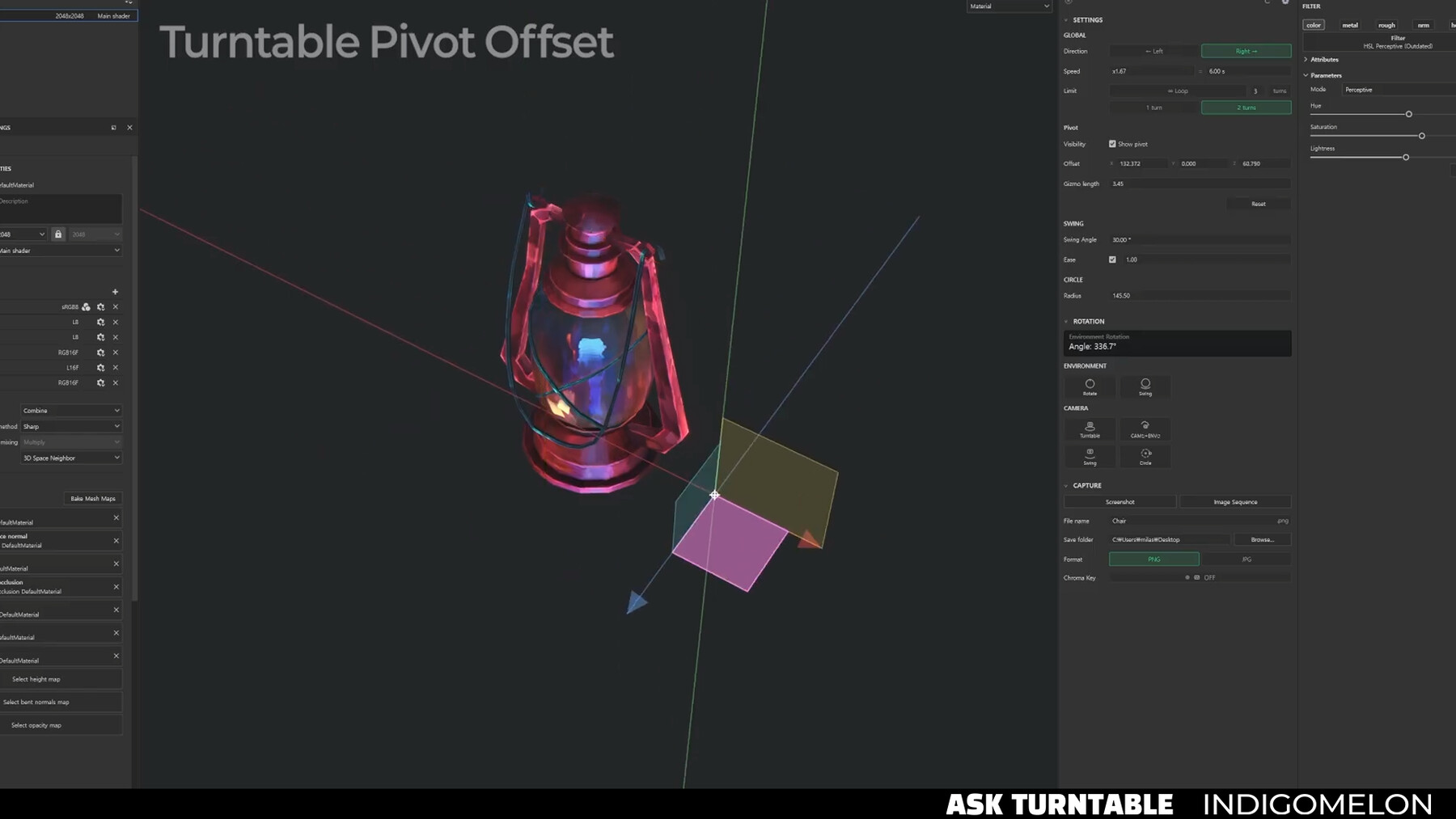


ASK_Turntable — v1.0.0 by Su Kuk Ahn (Babbababi) · INDIGOMELON
- Automated environment / camera rotation + capture for Adobe Substance 3D Painter
- Teaser / Tutorial / Support Discord
- Artstation / Youtube / LinkedIn
Requirements
Minimum: Adobe Substance 3D Painter 10.1.0 (Qt6 / PySide6 build). Versions before 10.1 are NOT supported: Painter prior to 10.1 ships Qt5, so the plugin cannot load there.
Recommended: Substance 3D Painter 11.0 or newer, for the best compatibility and a smoother experience.
Windows is recommended. Screen capture and the Environment-rotation input fallback use Windows APIs; on macOS some features degrade gracefully but are not fully supported.
INSTALL
IMPORTANT: BEFORE YOU INSTALL ASK_Turntable, ASK_Launcher is required
ASK_Turntable is launched from the ASK_Launcher toolbar menu, so ASK_Launcher must be installed as well. Before you install ASK Turntable, install ASK_Launcher the same way (copy its "ASK_Launcher" folder into the same Python plugins folder). Install ASK_Launcher first, then ASK_Turntable. (Or at the same time)
1. If you downloaded a .zip, unzip it first. Inside is a folder named exactly "ASK_Turntable" — that inner folder is the plugin (ignore any outer dated wrapper folder).
2. Copy the whole "ASK_Turntable" folder into Substance Painter's Python plugins folder. The easiest way to find it is in Painter, where you can open Python > Plugins Folder, which opens the exact location (typically .../Documents/Adobe/Adobe Substance 3D Painter/python/plugins/).
3. In Painter, run Python > Reload Plugins Folder or restart Painter. (In order to reload plugins through the 'Reload Plugins Folder', the plugins must be disabled)
4. Make sure "ASK_Launcher" and "ASK_Turntable" are enabled in the Python menu. The dock then appears; drag it wherever you like.
CATEGORIES
Extended Use License
Free
License: Extended Commercial License
Stock Assets
For use on an unlimited number of commercial projects with no limits on sales or views.
Learn MoreFiles (1)
https://artstn.co/m/L7n90
Copied
More by Sukuk Ahn(Babbababi)
Add a tip for Sukuk Ahn(Babbababi)
Tips are appreciated, but optional!
