Sign Up with Epic Games
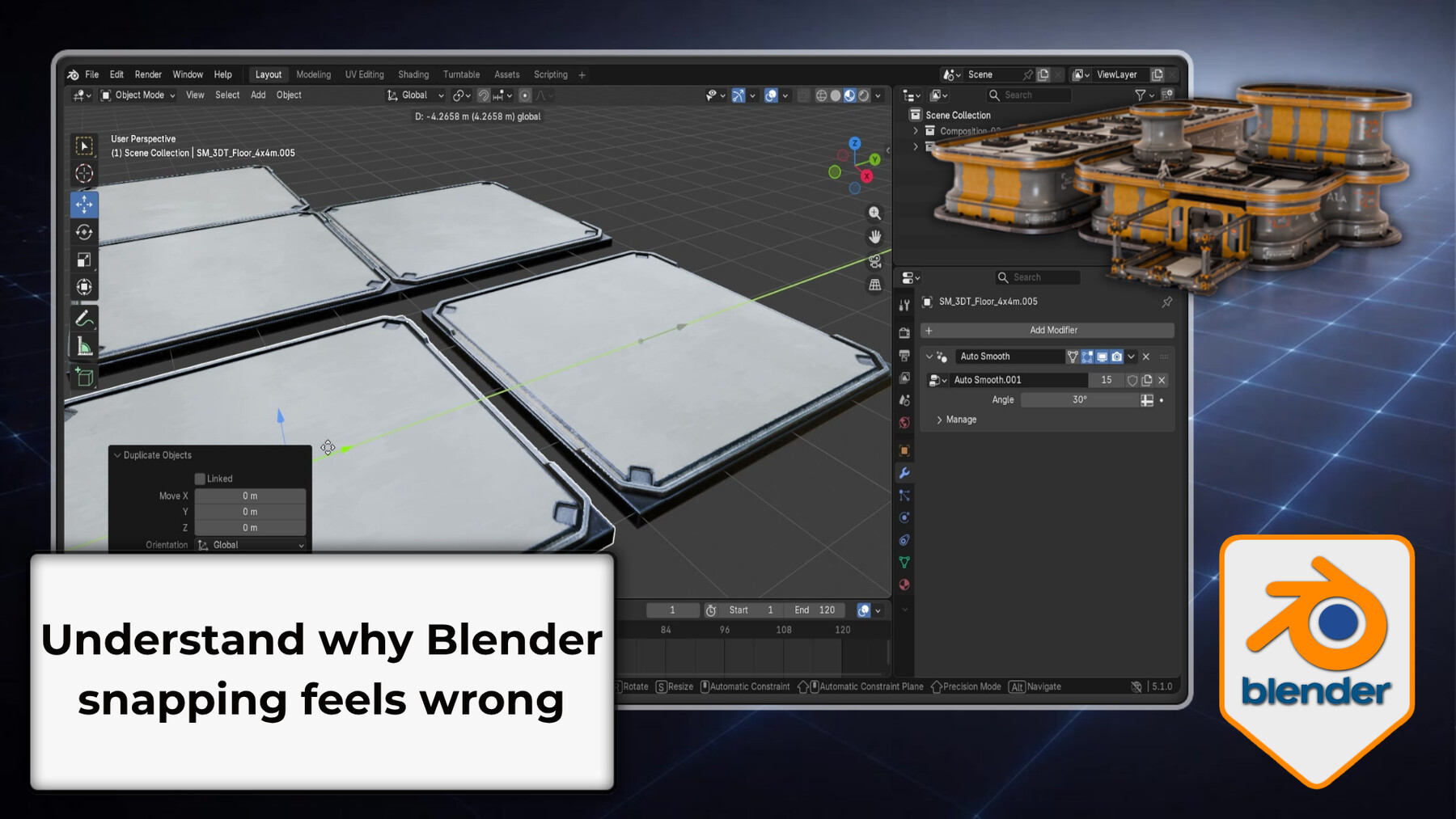
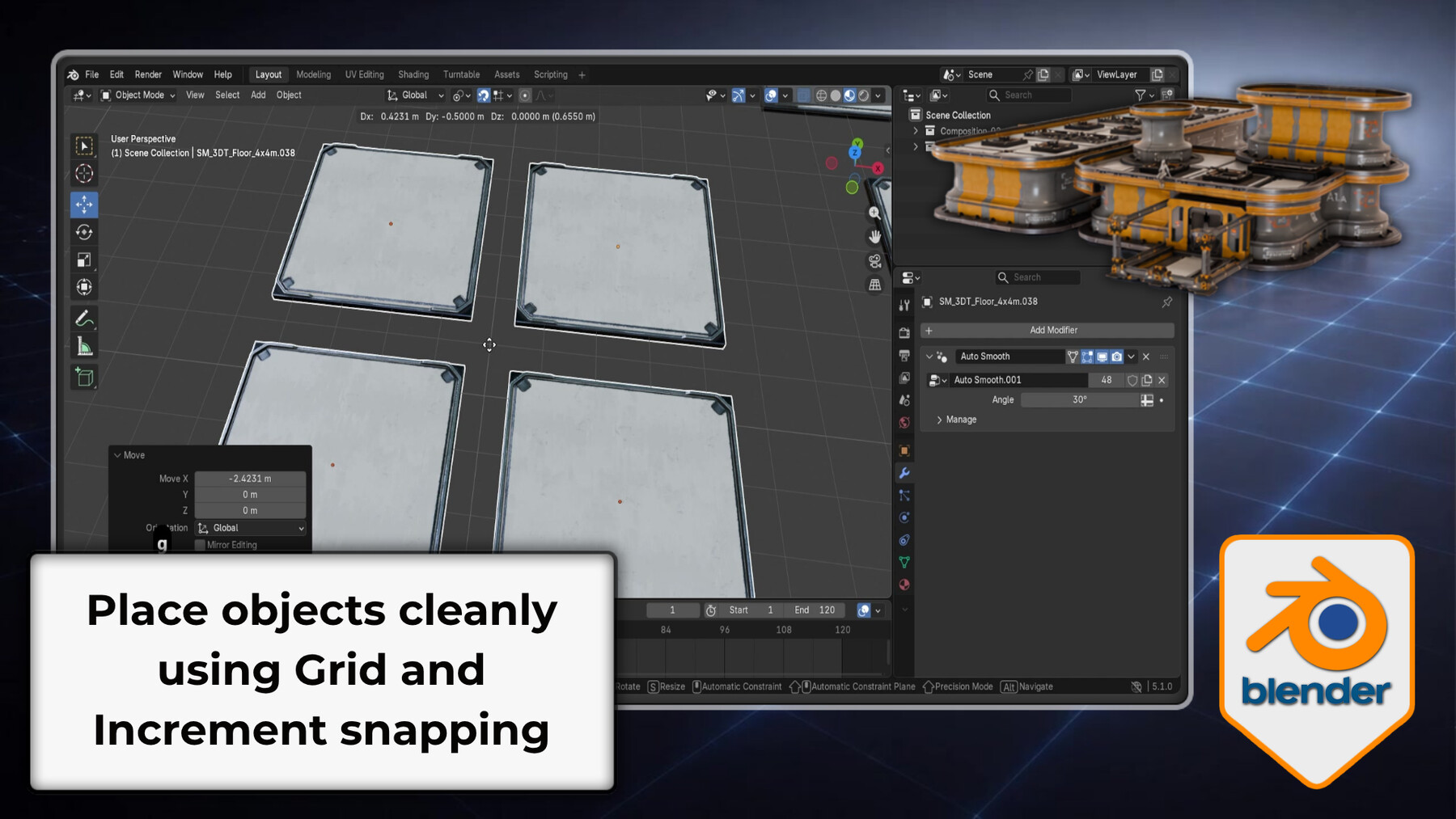


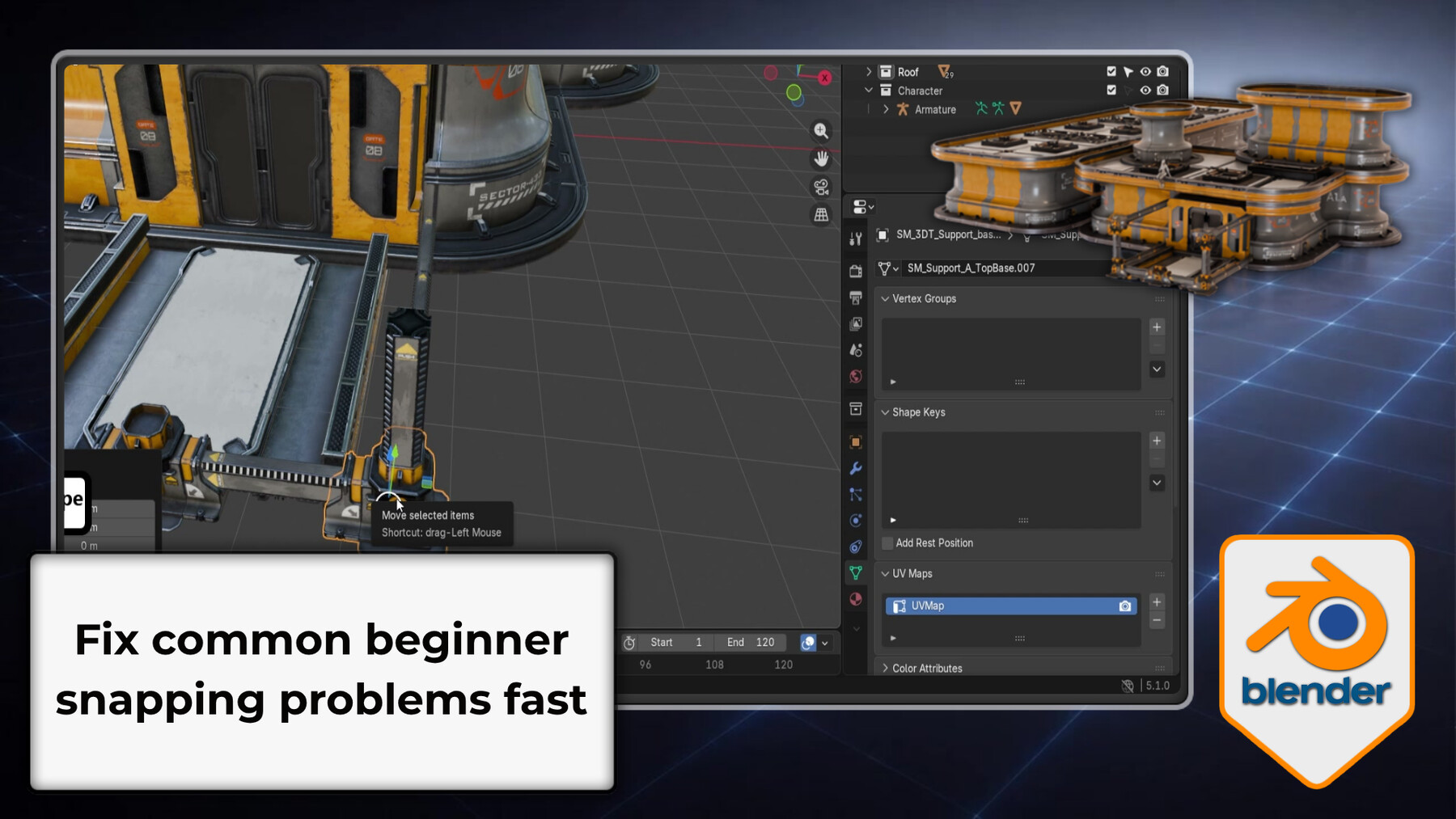
Snapping in Blender isn't random - once you understand the system, it becomes the most powerful alignment tool you have.
Most artists either avoid snapping because it behaves unpredictably, or use only the smallest slice of what it can do - usually Vertex snap and nothing else. This course gives you the complete picture: the three-part logic that controls every snapping operation, all six snap target types, advanced placement techniques with the 3D Cursor, snapping in Pose Mode, UV snapping across UDIM tiles, and a troubleshooting section for when things go wrong.
19 lessons. Every part of Blender's snapping system, explained properly.
The three-part system this course is built around
Everything in Blender's snapping system flows from three settings working together:
- Snap Base - what part of your object initiates the snap (Center, Closest, Median, Active, Individual)
- Snap Target - what it snaps to (Vertex, Edge, Face, Volume, Edge Center, Face Center)
- Effect - which operations are affected (Move, Rotate, Scale)
These three settings interact with each other and with your Transform Pivot Point. Mismatches between them are the cause of almost every snapping problem. Once you see how they connect, you can configure any snapping operation you need.
What the 19 lessons cover
Foundations
Grid vs Increment snapping, what snapping actually is, and where all the controls live.
The snap system in depth
Snap Base / Target / Effect, how they interact with Pivot Points, Active Element control.
All snap target types
Vertex, Edge, Face, Volume, Edge Center, Face Center - with real examples of when each is the right choice.
Align Rotation to Target
Automatic rotation alignment to face normals, Face Project for curved surfaces, Face Nearest for close-proximity placement.
Controlling what snaps
Exclude Non-Selectable Targets, Edit Mode snapping options, X-Ray for through-surface snapping.
3D Cursor and Shift+S menu
Full Shift+S workflow: cursor to selection/active/origin/grid, selection to cursor/grid/active. Cursor rotation and why it silently breaks snapping. Using the cursor as a placement intermediary.
Pose Mode snapping
Snapping characters onto surfaces, rotation increment snap for clean joint angles, fixing armature self-snapping with collections.
UV snapping and UDIM tiles
Pixel-grid UV snapping, organising islands across UDIM tile boundaries.
Practical builds
A modular entrance assembly using grid and vertex snapping, and a stair centering and alignment workflow using the 3D Cursor.
Troubleshooting
Diagnosing jitter, offset origins, self-snapping, wrong rotation, and locked-object interference.
What you'll be able to do by the end
- Place objects precisely using Grid, Increment, Vertex, Edge, Face, and Volume snapping
- Control the full Snap Base / Target / Effect system intentionally
- Align rotation to surface normals automatically
- Drive precision placement with the 3D Cursor and Shift+S menu
- Snap accurately in Pose Mode and the UV editor across UDIM tiles
- Diagnose and fix every common snapping problem
Who this is for
- Beginners who find snapping unpredictable and want to understand it properly
- Self-taught artists who want their modular scenes to go together cleanly and efficiently
- Aspiring game and environment artists building modular kits for game engines
- Anyone who wants precise, intentional control over the 3D Cursor and the Shift+S placement workflow
Snapping is one of the most immediately useful precision skills in Blender. Once the three-part system is clear, what used to be unpredictable becomes one of the fastest ways to build complex scenes with exact placement - no guesswork, no fiddling, no eyeballing gaps and hoping for the best.
Free modular placement practice pack included.
Blender 5 compatible. Basic navigation and transforms recommended - Courses 1 and 2 of this series cover both.
This is Course 3 of the Blender Essentials for Beginners series. After completing it you'll have the full navigation, transform, and snapping foundation to move into modelling, environment art, or any other Blender discipline.
Happy modelling everyone!
Neil - 3D Tudor
Release Notes
- Fixed File Structure
CATEGORIES
Special Offer! Get 20% off when you buy 2 products. Get 35% off when you buy 3 or more products. Applies to all products from this seller only from USD $1.00 to USD $100.00
Standard Use License
USD $9.99
License: Standard License
Stock Assets
For personal use and one commercial project (up to 2,000 sales or 20,000 views).
TutorialsOne copy to be used by a single user.
Installable ToolsOne installation by a single user.
Learn MoreFiles (3)
https://artstn.co/m/Kbq9v
Copied
More by 3D Tudor


Add a tip for 3D Tudor
Tips are appreciated, but optional!