Sign Up with Epic Games

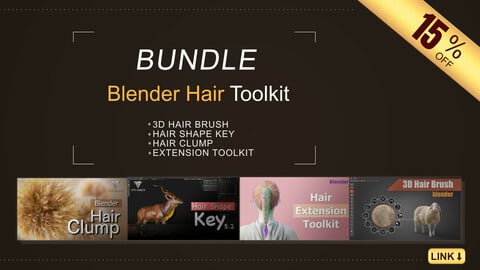
🎁 15%OFF | BUNDLE SALE
Introduction
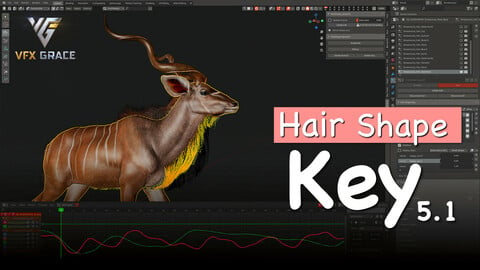
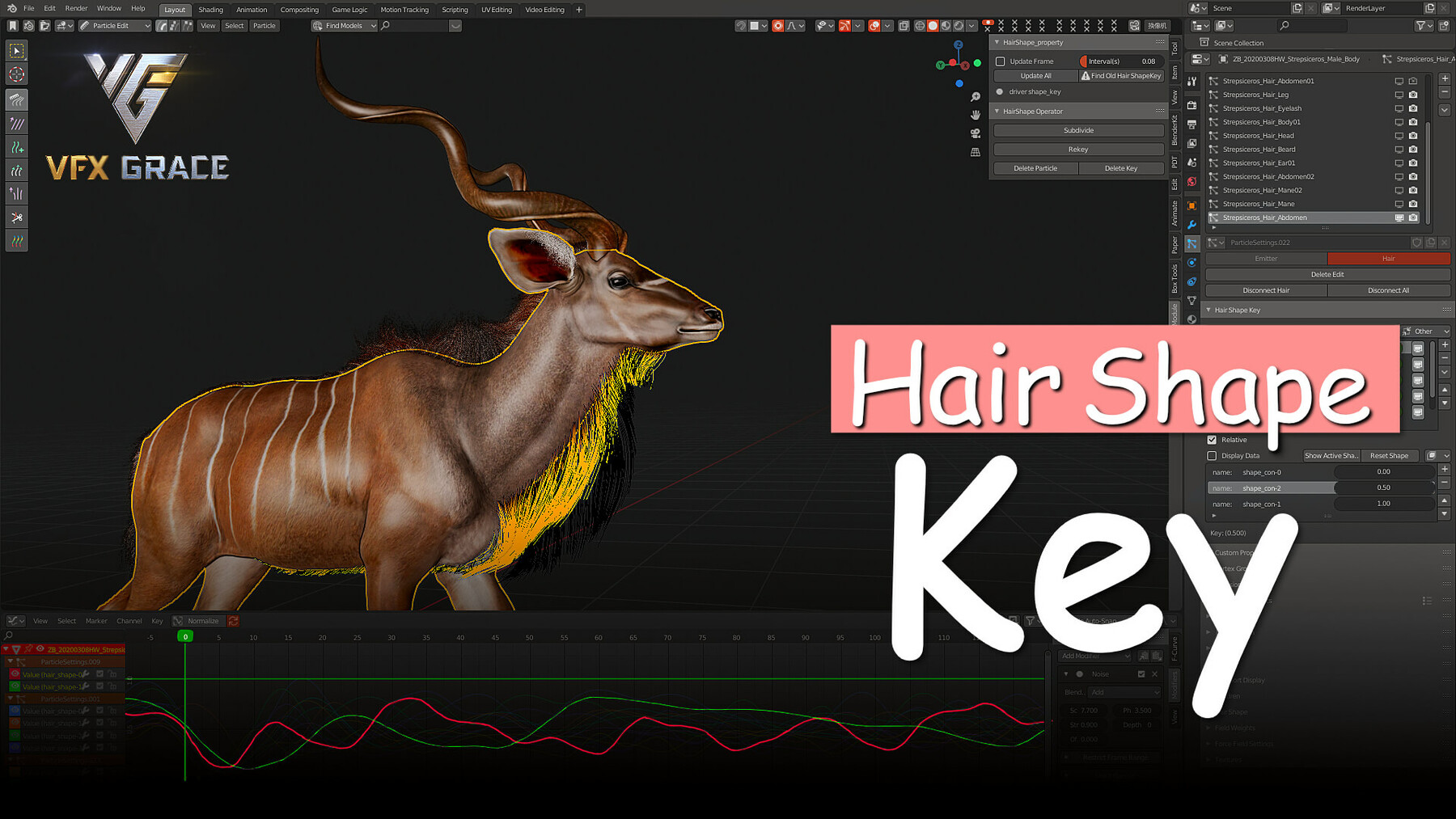
Hair Shape Key is a Blender add-on with the support of adding shape keys to hair and creating transition animation between them. Users can switch between the different shapes freely, keyframe animation, which gives more possibilities and controllability to handle hair in Blender.
What it can do
How it works
Features
Create hair shapes and create transition animation between them.
Work with a Noise modifier.
Use a driver to control animation.
Installation
Edit - Preferences - Add-ons - Install, and select the zip file to install.
Note
Compatibility with previous versions has been fixed. Please refer to the tutorial for more details.
Changelog
2021-12-20 v5.3
- Support Blender 3.0
2021-06-20 v5.2
- Support Blender 2.92 & 2.93. Blender 2.79 is not supported. GCC above 7.4 is required on Linux.
2021-01-05 v5.1:
- Support Blender 2.90, 2.91 in Windows.
2020-01-26 v5.0:
- Bug fixes.
- Add some functions—Delete Keys, Delete Particles, Subdivide and Update Added Hair—to support re-editing the number of hair’s points.
2020-04-15 v4.0.0:
- Fix compatibility with previous versions in v3.0.
2020-03-02 v3.0.0:
- Change from single-file editing to multi-module editing, and reduce the repeated code and the unused features
- Modify UI
- Add continuous support to multiple shapes
- Bugfix: keyframe and driver are not deleted after the deletion of the shape key
- Incompatible with previous versions
2020-01-07 v2.32
- Support shape key animation, play driver, and update rendering in Blender 2.79b and 2.81a.
- Bug fixes
2019-11-03 v2.15
- Bug fixes: hair shape can not be updated when rendering;
- Shape keys controlled by drivers won't update
2019-03-24 v2.1
- Support Blender 2.80
2019-03-09 v2.0
- Auto-update animation
- Add auto-update for driver shapes
- One shape key supports multiple keyframes
2018-12-17 v1.5
- Support multiple keys.
2018-12-19 v1.4
- Optimize the size.
2018-11-26 v1.3
- Fix errors.
- Improve speed.
Release Notes
Changelog
Version: Hair Shape Key 6.7
Updated on Mar 28, 2026
New Features:
Support Blender 5.0 & 5.1
CATEGORIES
Extended Use License
USD $35.00
License: Extended Commercial License
Stock Assets
For use on an unlimited number of commercial projects with no limits on sales or views.
Learn MoreFiles (2)
https://artstn.co/m/k5LR
Copied
More by VFX Grace



Add a tip for VFX Grace
Tips are appreciated, but optional!