Sign Up with Epic Games
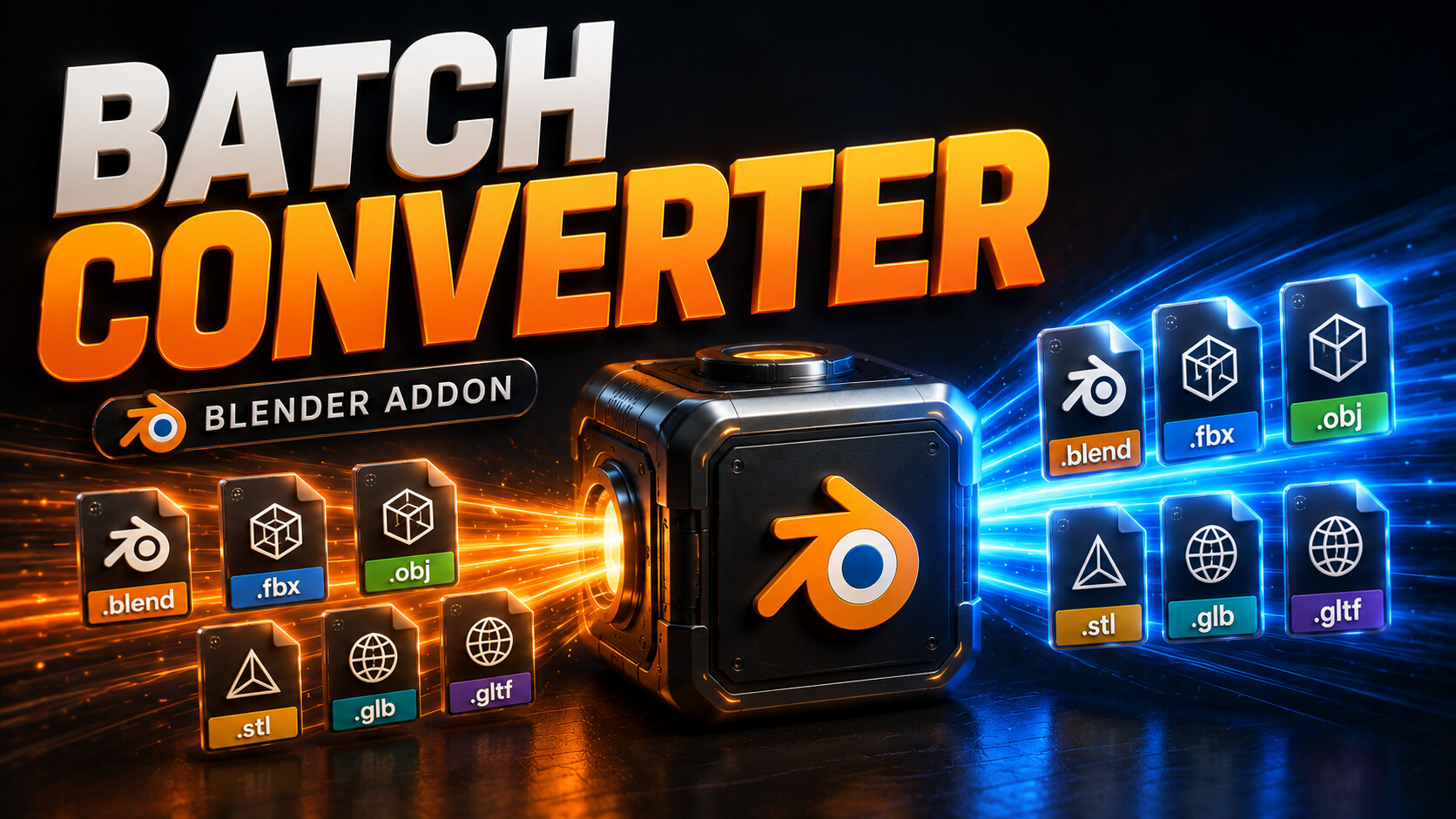


🎯 MK Universal Batch Converter
One-Click 3D Format Conversion for Blender
Convert hundreds of 3D files between all major formats with a single click. No manual work, no scripting.
⚡ What It Does
Point the addon to any folder, pick your target formats, and let it handle the rest. It recursively scans every subfolder, auto-detects all 3D files, and converts them in one batch run.
🔄 Universal Format Support
- ✅ FBX
- ✅ OBJ
- ✅ STL
- ✅ GLB
- ✅ GLTF
- ✅ Blender (.blend)
Convert any format to any format, even multiple targets at once (FBX to OBJ + STL + GLB in a single run).
📖 How To Use
- 1️⃣ Open the N-Panel in the 3D Viewport (press N) and go to the "Batch Converter" tab
- 2️⃣ Select your Parent Folder (the addon scans it and all subfolders)
- 3️⃣ Tick the formats you want to export to
- 4️⃣ Choose your output mode (beside source or category folders), or set a custom output path
- 5️⃣ Hit "Start Batch Convert" and you're done
📁 Smart Output Control
- ✅ Save beside source files with format suffixes
- ✅ Organize into clean category folders per format
- ✅ Redirect everything to a custom output path
🚀 Key Features
- ✅ Recursive folder scanning that handles entire libraries
- ✅ Multi-format export in one click
- ✅ Memory-safe with auto cleanup between files to prevent crashes on large batches
- ✅ Clean native N-Panel UI under a dedicated "Batch Converter" tab
- ✅ Zero setup, just select, tick, convert
💼 Perfect For
- ✅ 3D artists managing large asset libraries
- ✅ Game developers preparing assets for multiple engines
- ✅ Pipeline TDs automating format conversion
- ✅ Asset store sellers packaging multi-format bundles
🛠️ Compatibility
Blender 4.2+ (Extension format with manifest)
CATEGORIES
Standard Use License
USD $5.00
License: Standard License
Stock Assets
For personal use and one commercial project (up to 2,000 sales or 20,000 views).
TutorialsOne copy to be used by a single user.
Installable ToolsOne installation by a single user.
Learn MoreFiles (1)
https://artstn.co/m/qpwP3
Copied
More by Milad Kambari




Add a tip for Milad Kambari
Tips are appreciated, but optional!