Sign Up with Epic Games
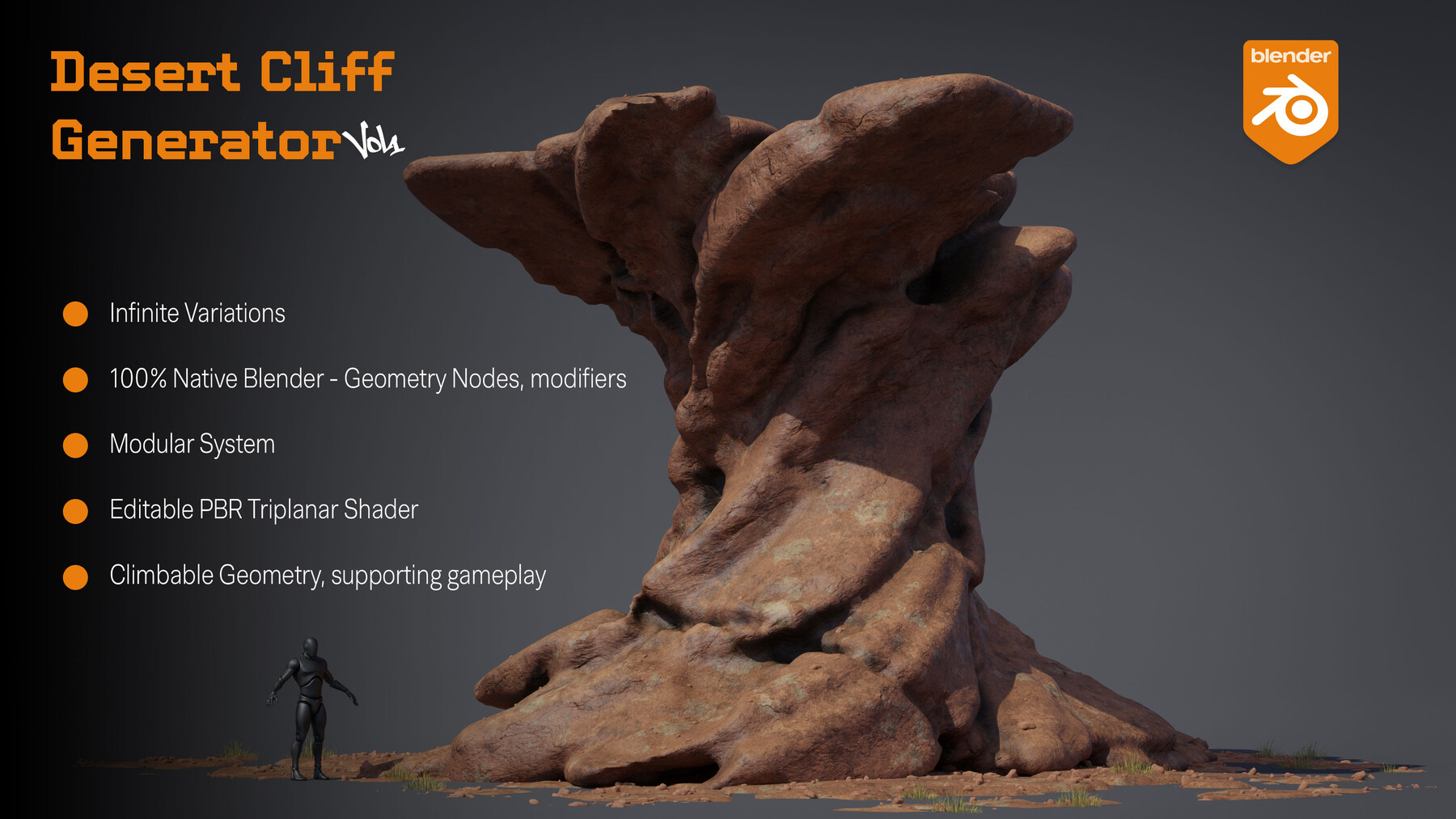



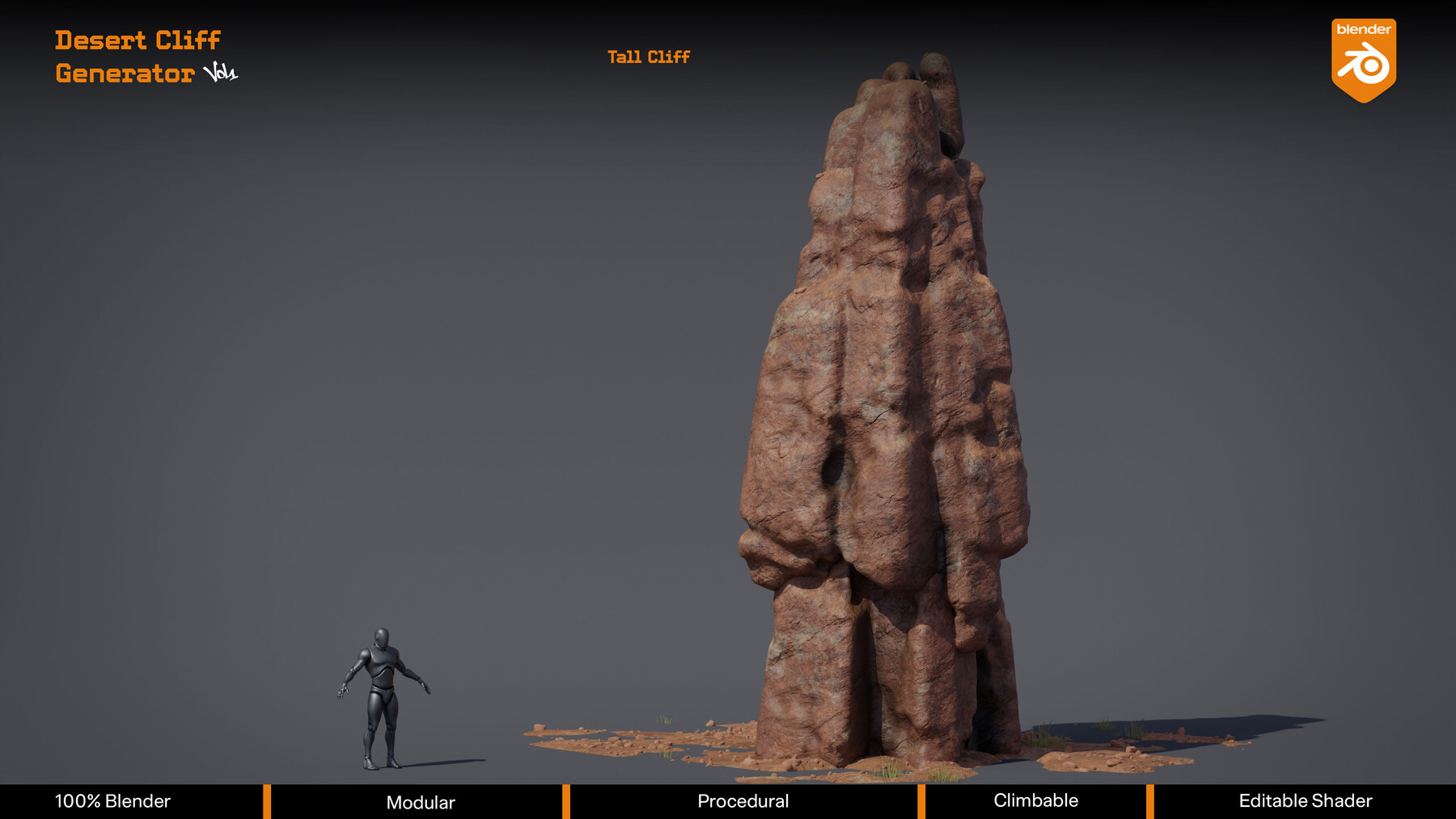
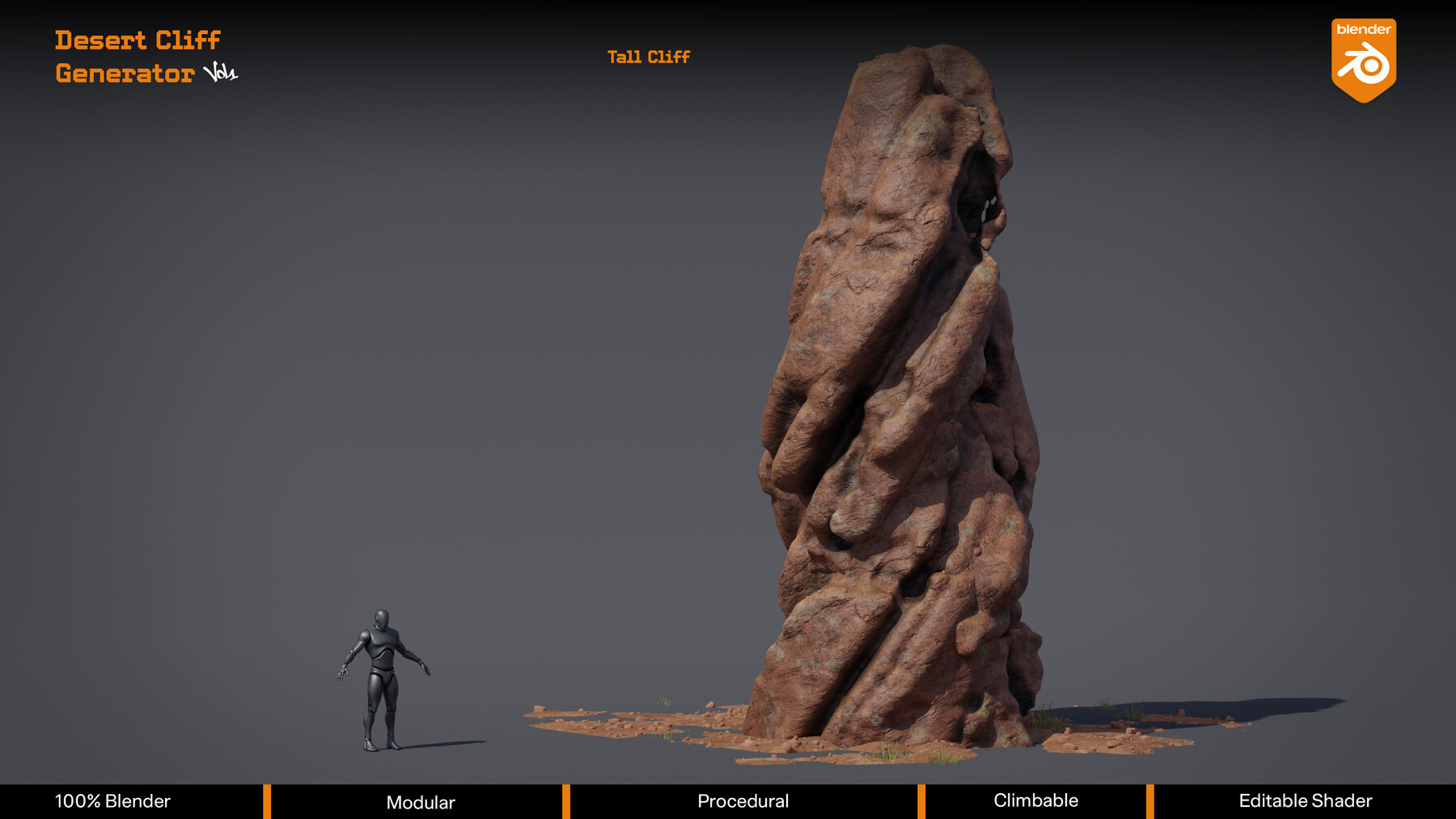


Desert Cliff Generator Vol. 01
Procedural Desert Formations for Blender
Every desert scene starts with a rock. This is the tool that generates them.
What's Inside
Fully procedural desert cliff formations built entirely in Blender , no addons, no plugins, no hidden scripts. Each one generated through a Geometry Nodes system that produces a completely unique result every time you change the seed value.
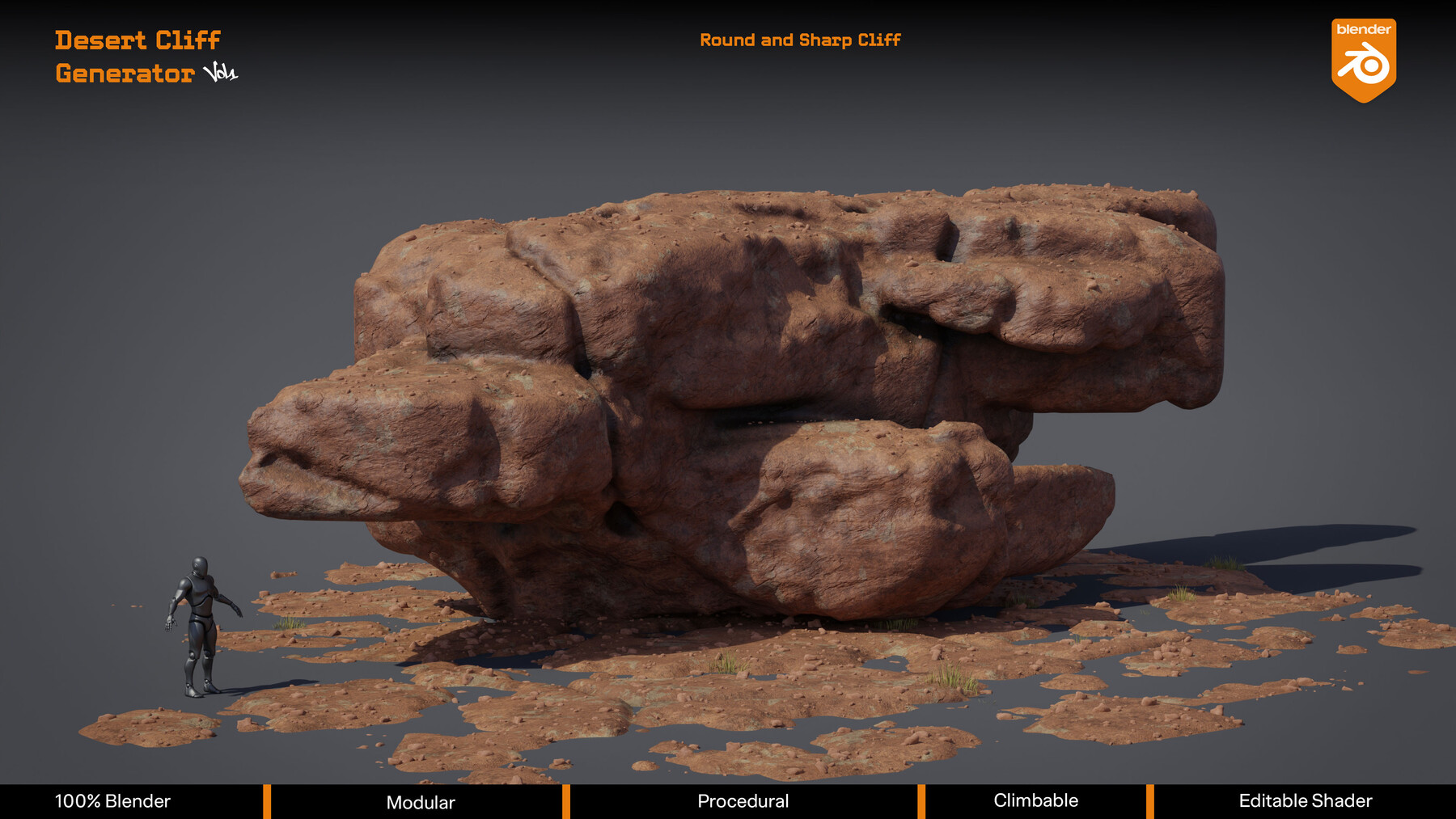
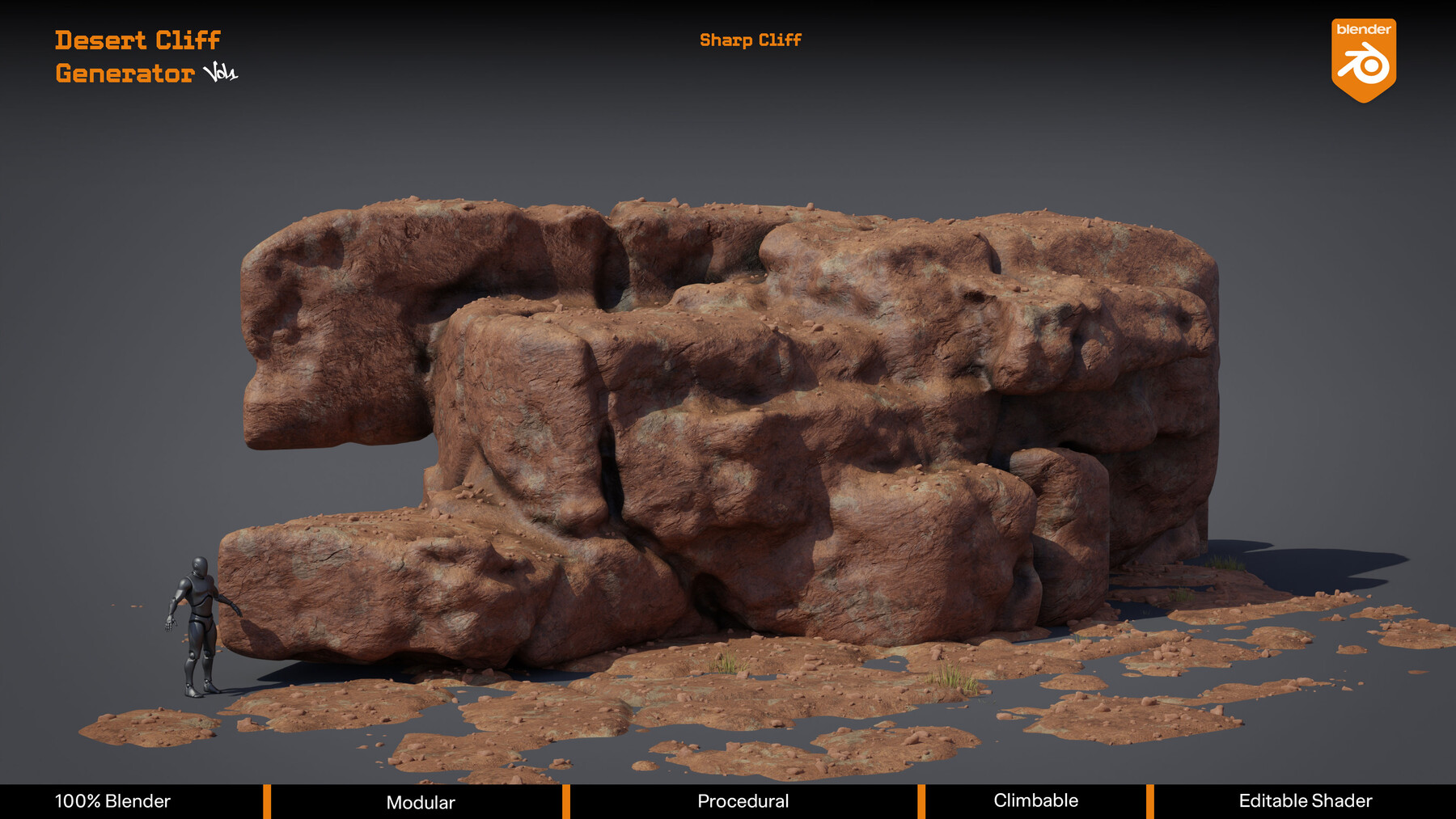
Overhang, Monolith, Flat, Twisted, Winged, Arch, Rounded, Sharp, Tapered , distinct formation types covering desert environment you'll need to build.
Built Different
Most rock assets give you one mesh. This gives you infinite. Change one value. Get a new cliff. Every single time.
The shader is fully editable — PBR triplanar projection eliminates tiling completely. Dual normal maps capture surface detail simultaneously. You can change normal map textures as you like.
For Every Pipeline
Blender artists: drag directly from the asset browser. All parameters exposed as simple sliders. Seed, scale, erosion, color, everything accessible and open.
Game developers — climbable geometry with natural ledges, overhangs and plateau tops designed with gameplay traversal in mind. Clean FBX export with full 4K PBR texture set ready for Unreal Engine, Unity and Godot: bake your textures in blender and export everywhere.
What You Get
- 7 formation presets to get started — ready as an example ( you can change sliders and modifiers as you like to get new formation types )
- Full procedural nodes and modifiers system — open and editable
- PBR triplanar shader — zero tiling
- Dual normal map system — photoscan detail ( you can add any mormal map texture you want )
- Pebbels scatter geometry nodes system.
- FBX export — Unreal, Unity, Godot compatible. Clean topology for game engines.
- 4K texture set
Compatibility
Blender 5.1.1.0 and above. Geometry Nodes. No addons required.
Early Supporter Offer
First buyers receive an exclusive 15% discount on Vol. 02 at launch. Coupon code will be shared with early buyers.
Vol. 02 coming soon — more formations, same system.
Inside Blender demonstration:
CATEGORIES
Standard Use License
USD $24.99
License: Standard License
Stock Assets
For personal use and one commercial project (up to 2,000 sales or 20,000 views).
TutorialsOne copy to be used by a single user.
Installable ToolsOne installation by a single user.
Learn MoreFiles (1)
Extended Commercial License
USD $49.99
License: Extended Commercial License
Stock Assets
For use on an unlimited number of commercial projects with no limits on sales or views.
Learn MoreFiles (1)
https://artstn.co/m/6exK7
Copied
Add a tip for Anas Herba
Tips are appreciated, but optional!