Sign Up with Epic Games



🔧 SP TOOLKIT — All-in-One Plugin for Adobe Substance 3D Painter
Stop switching between windows, losing unsaved work, and digging through hundreds of layers. SP Toolkit brings 7 professional tools directly into Substance Painter — features that should have been built-in from the start.
📦 What's Inside:
🖼 Reference PanelView reference images directly inside Substance Painter. Drag & drop, zoom, pan, and tabbed multi-image viewing. No more alt-tabbing — your references stay right where you work.
🔄 Layer TransferTransfer layers and entire groups between texture sets — with full content. Groups are automatically converted to Smart Materials, so every mask, generator, texture, and effect transfers intact. The fastest way to replicate materials across texture sets without rebuilding from scratch.
📐 Resolution ManagerBatch control texture set resolutions across your entire project. See VRAM estimates, use quick presets (512 to 8K), or change all texture sets at once with a single click. Perfect for optimization before export or boosting viewport performance.
🧹 Project CleanerScan your entire project for empty groups and hidden layers. Get a full overview — texture set count, layer count, project size, resource usage. Select issues and clean them in one click. Keep your projects lightweight.
💾 Auto BackupAutomatic versioned backups running silently in the background. Customizable intervals, starts on Substance Painter launch, survives panel closes. Set it once, forget about it — your work is always safe.
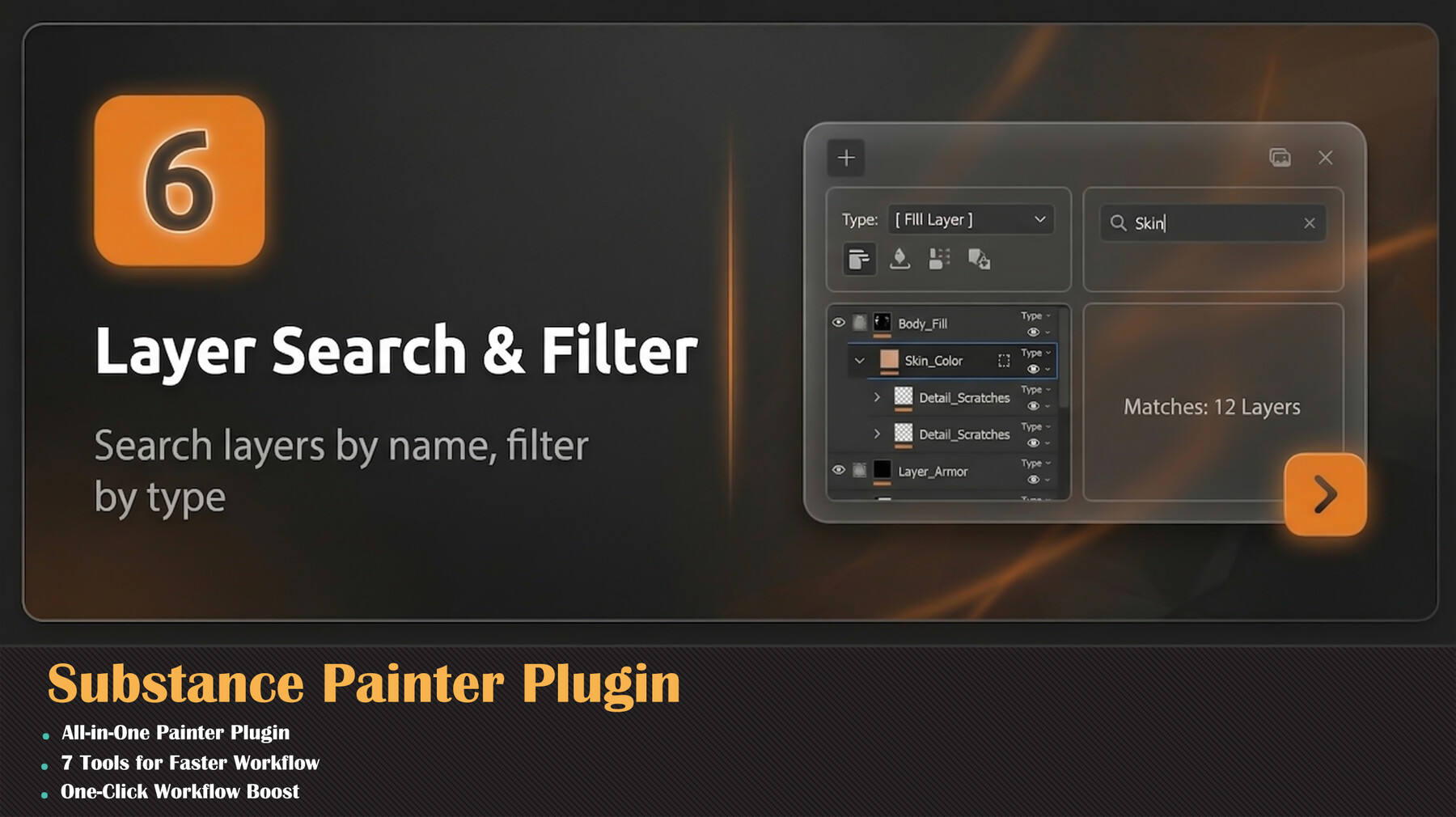
🔍 Layer Search & FilterFind any layer across all texture sets instantly. Search by name, filter by type (Fill, Paint, Group) and visibility. Click to select directly in Substance Painter's layer stack — automatically switches to the correct texture set.
📝 Texture Set NotesAdd notes and annotations per texture set. Material instructions, team comments, personal reminders — all saved per-project and persistent between sessions. Overview mode shows all notes at a glance.
⚡ Key Features:
✅ Central launcher with one-click access to all tools
✅ Dark UI matching Substance Painter's interface
✅ Substance Painter 11.0+ compatible
✅ No external dependencies — extract, install, done
✅ Lightweight — zero performance impact
CATEGORIES
Special Offer! Get 10% off when you by 2 and more products. Applies to all products from this seller only from USD $20.00 to USD $100.00
Standard License
USD $15.00
License: Standard License
Stock Assets
For personal use and one commercial project (up to 2,000 sales or 20,000 views).
TutorialsOne copy to be used by a single user.
Installable ToolsOne installation by a single user.
Learn MoreIncludes a full license for both commercial and non-commercial use with no limitations. Read MoreRead Less
Files (1)
Studio License
USD $45.00
License: Extended Commercial License
Stock Assets
For use on an unlimited number of commercial projects with no limits on sales or views.
Learn MoreCommercial license for studios and teams, with no limit on the number of studio members or seats. Read MoreRead Less
Files (1)
https://artstn.co/m/Kbbed
Copied
More by Milad Kambari


Add a tip for Milad Kambari
Tips are appreciated, but optional!