Sign Up with Epic Games


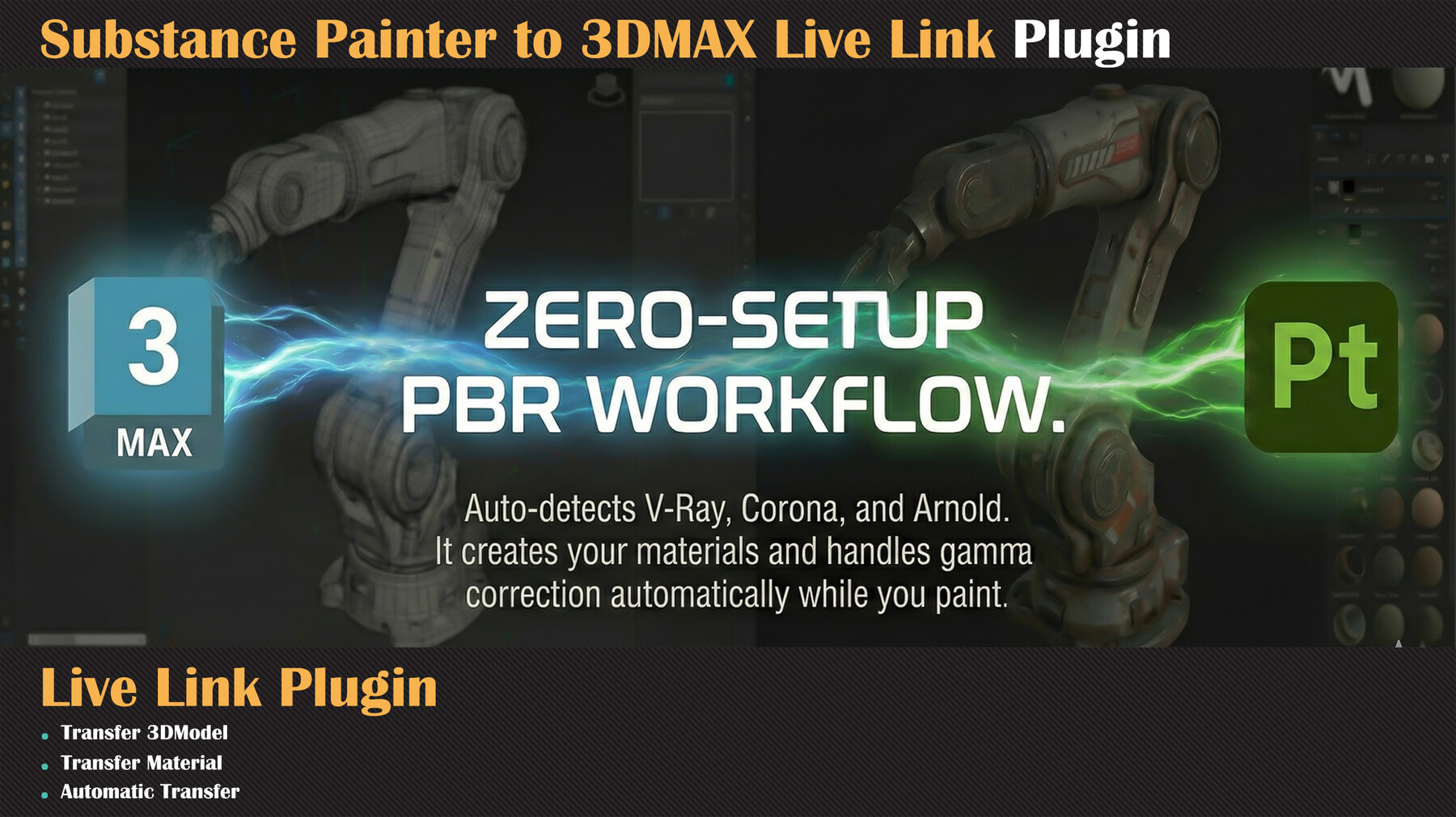

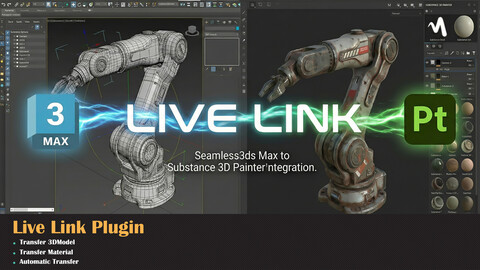
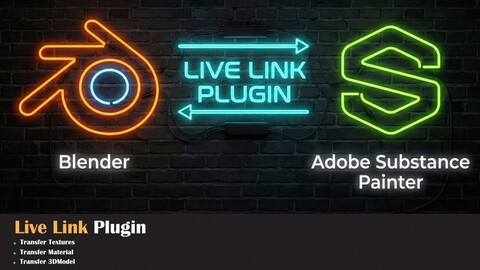
🔗 3ds Max ↔ Substance Painter — LIVE LINK v1.0⚡ Paint in Substance Painter. See it in 3ds Max. In Real-Time.😩 The Old Way
Export mesh → Open Substance Painter → Paint → Export textures → Go back to 3ds Max → Import textures → Assign material → Check result → Fix something → Re-export → Re-import → Re-assign...
Sounds familiar?
🚀 The Live Link Way
Paint a stroke → It's already in your 3ds Max viewport.
That's it. No export. No import. No manual material setup. Just paint and see.
✨ Features⚡ Real-Time Texture Sync
Paint in Substance Painter and watch your textures automatically appear in 3ds Max viewport — within seconds. No buttons to press.
🔄 Bidirectional Mesh Sync
Edit your mesh in 3ds Max → It auto-reloads in Substance Painter. All your layers, materials and paint strokes stay intact. No more starting over after geometry changes!
🌟 Multi Render Engine Support
Live Link automatically detects your active render engine and creates the correct material type:
Render EngineMaterial Created🟡 CoronaCoronaPhysicalMtl + CoronaNormal🔵 V-RayVRayMtl + VRayNormalMap🟠 Arnoldai_standard_surface⚪ Standard / ARTPhysicalMaterial + Normal_Bump
No manual material setup. Ever.
🎨 Full PBR — All 8 ChannelsChannel✅Base Color (Diffuse)✅ Auto-syncedRoughness✅ Auto-syncedMetallic✅ Auto-syncedNormal Map✅ Auto-synced + correct handler per engineHeight (Displacement)✅ Auto-syncedAmbient Occlusion✅ Auto-syncedEmissive✅ Auto-syncedOpacity✅ Auto-synced🔧 One-Click Gamma Correction
Normal maps need Gamma Override 1.0 for Corona and V-Ray? Just check one box. Live Link handles it automatically — no more manual gamma overrides per texture!
🧹 Clean Material Editor
When textures update, bitmaps are refreshed in-place — no duplicate nodes, no orphaned bitmaps. Your Slate Material Editor stays clean and organized.
⏱️ Smart Live Export
Intelligent debounce system: waits until you finish your brush stroke before syncing. Adjustable delay from 0.5 sec to 30 sec. Zero performance lag during painting.
📂 Preserve Everything on Mesh Reload
Update geometry from 3ds Max → Substance Painter preserves all your strokes, layers, and materials. Just like you never left.
🖥️ Professional UI in Both Apps
Clean dockable panels in both 3ds Max and Substance Painter with:
- 📊 Real-time status & logging
- 🌟 Render engine display
- ⚙️ Full control over sync settings
- 🎨 ArtStation portfolio link
📂 Zero Configuration
No servers. No network setup. No dependencies. No configs. Install → Run → Done. Under 60 seconds.
📊 Golden Points
⚡ Automatic Import to 3ds Max
⚡ AutomaticMaterial creation, manual per engine
⚡ Auto-detected Normal map gamma , Manual per texture
⚡ One checkbox Mesh update
✅ Live Link Export textures Manual every time ( if you need )
🔢 The Numbers
- ⚡ 0.5 sec minimum sync delay
- 🌟 5 render engines supported
- 🎨 8 PBR channels automated
- ⏱️ 2-3 hours saved per project
- 🔄 90% less manual export/import
- 📂 60 seconds to install
🛠️ CompatibilitySupported 3ds Max 2022, 2023, 2024, 2025, 2026
Substance 3D Painter2024, 2025 (v10.x, v11.x)
Windows10 / 11
Render EnginesCorona · V-Ray · Arnold · ART · Scanline💬 What Artists Say
"I can't believe I was doing it the old way for so long. This changed everything."
"The Corona auto-material alone is worth it. Perfect normals, perfect gamma."
"My team adopted it in one day. It just works."
"Finally a REAL live link between Max and Painter. Not a workaround."
🚀 Stop the Loop. Start Creating.
Your textures. Your viewport. In sync. Always.
🛠️ Developed by Milad Kambari ( 3DRedbox Studio )🌐 ArtStation Portfolio📧 miladkambari1@gmail.com
Release Notes
What's New in v1.2
- Substance Painter 12 Support — Fully compatible with SP 12
CATEGORIES
Special Offer! Get 10% off when you by 2 and more products. Applies to all products from this seller only from USD $20.00 to USD $100.00
Standard License
USD $12.00
License: Standard License
Stock Assets
For personal use and one commercial project (up to 2,000 sales or 20,000 views).
TutorialsOne copy to be used by a single user.
Installable ToolsOne installation by a single user.
Learn MoreIncludes a full license for both commercial and non-commercial use with no limitations. Read MoreRead Less
Files (2)
Extended Commercial License
USD $45.00
License: Standard License
Stock Assets
For personal use and one commercial project (up to 2,000 sales or 20,000 views).
TutorialsOne copy to be used by a single user.
Installable ToolsOne installation by a single user.
Learn MoreCommercial license for studios and teams, with no limit on the number of studio members or seats. Read MoreRead Less
Files (2)
https://artstn.co/m/WjeAO
Copied
More by Milad Kambari




Add a tip for Milad Kambari
Tips are appreciated, but optional!