Sign Up with Epic Games
100+ Dragon Skin Brushes for Blender & ZBrush (Bonus — 4K Alphas)

in Brushes
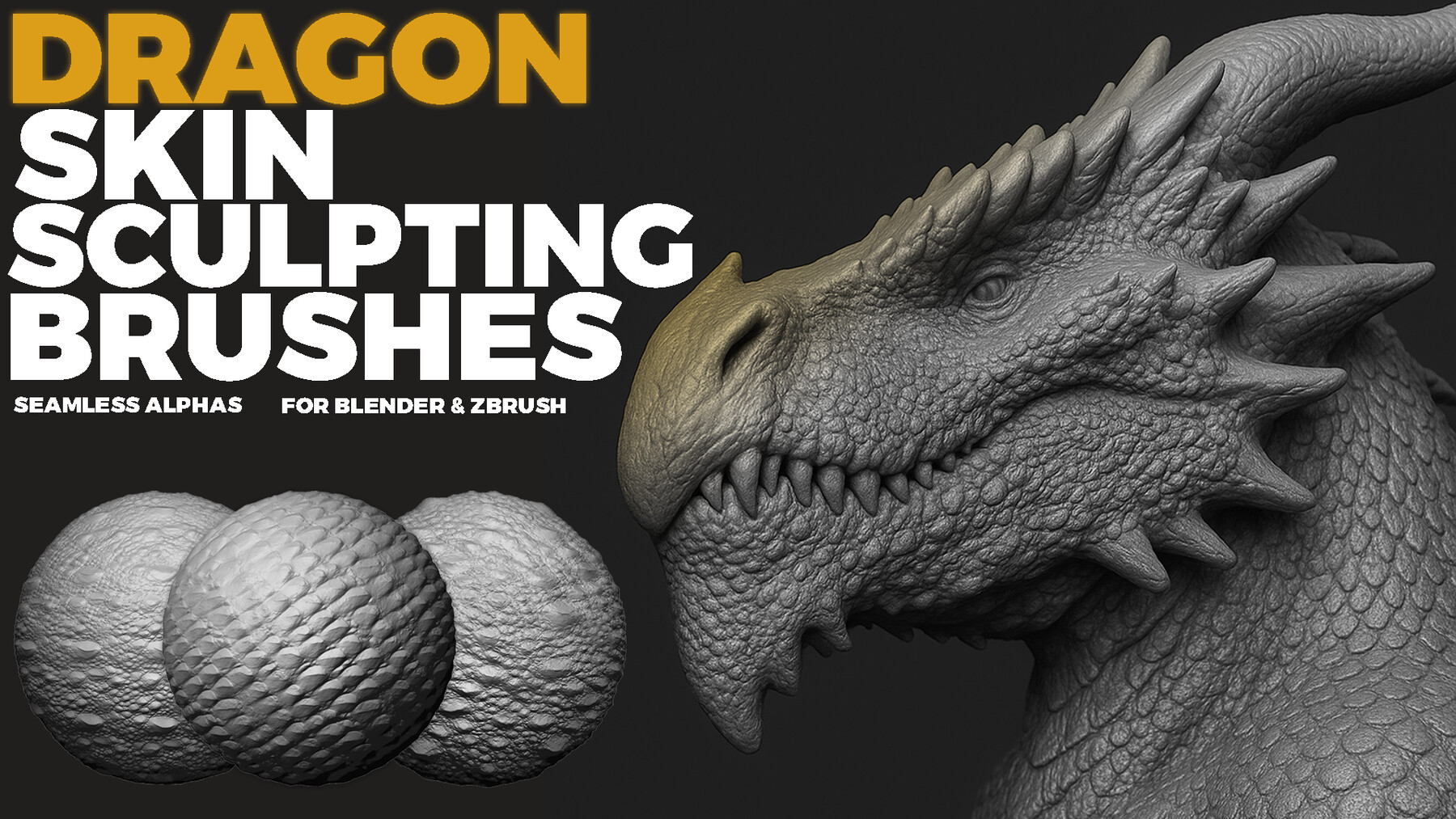

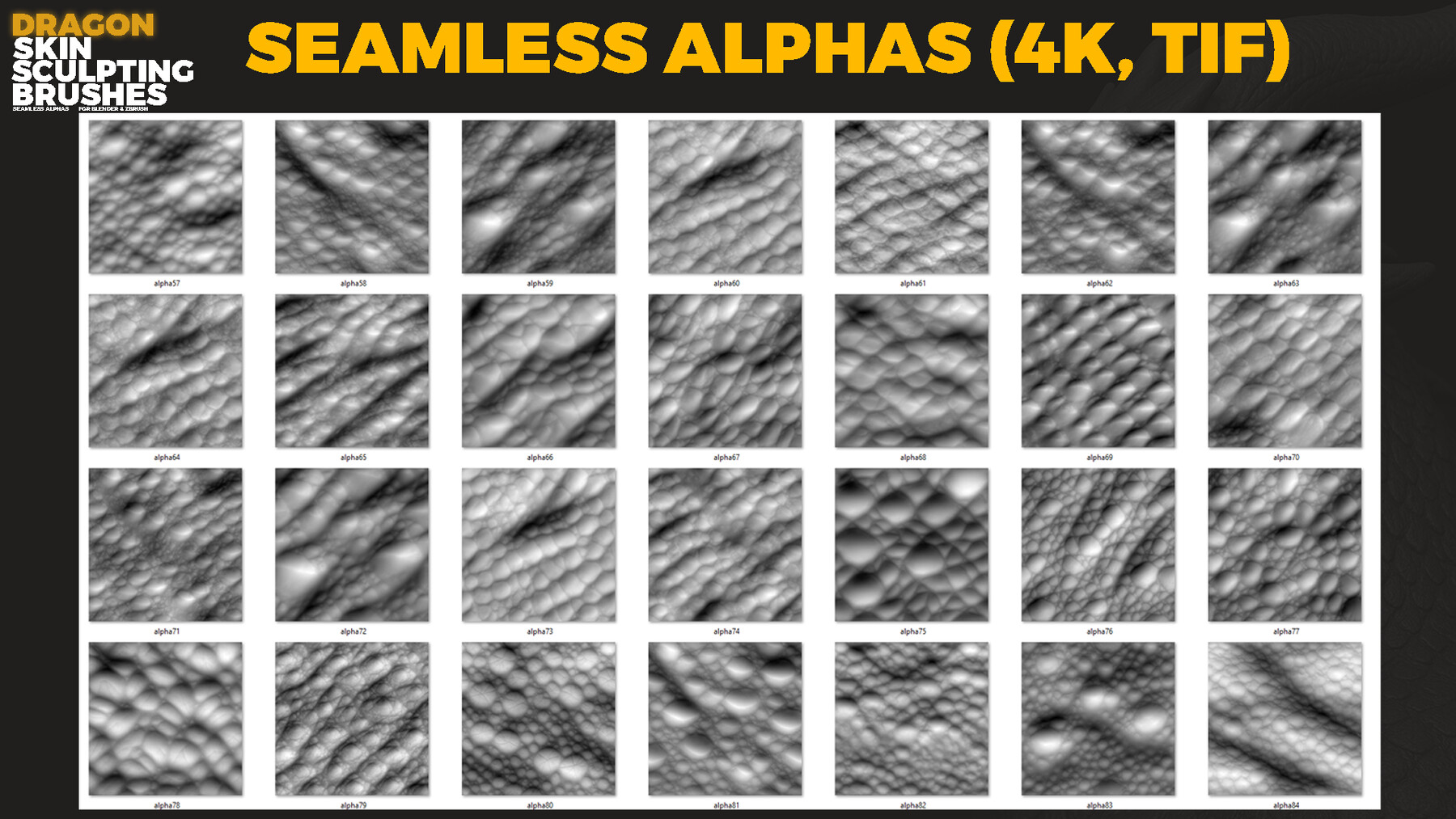

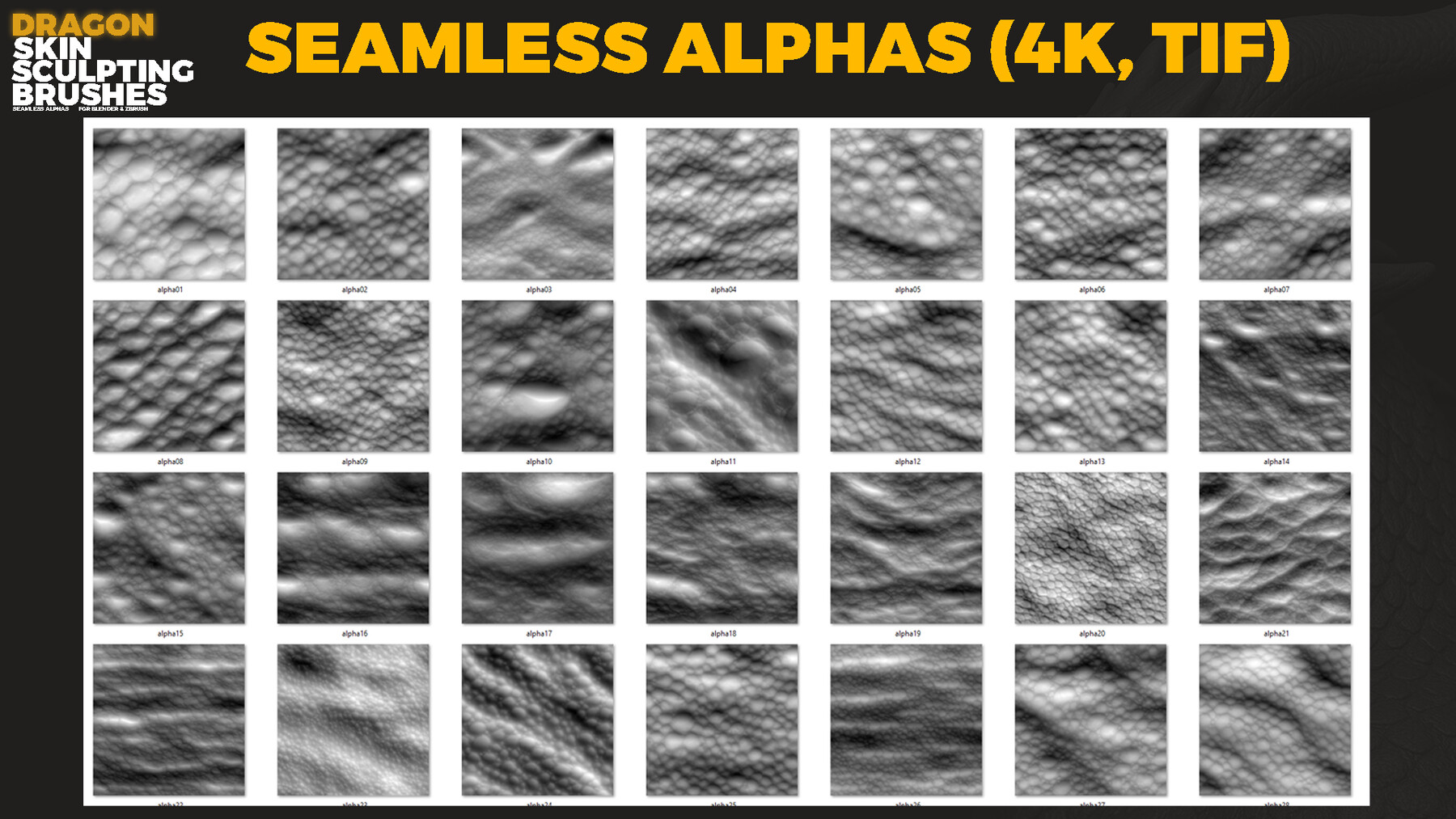
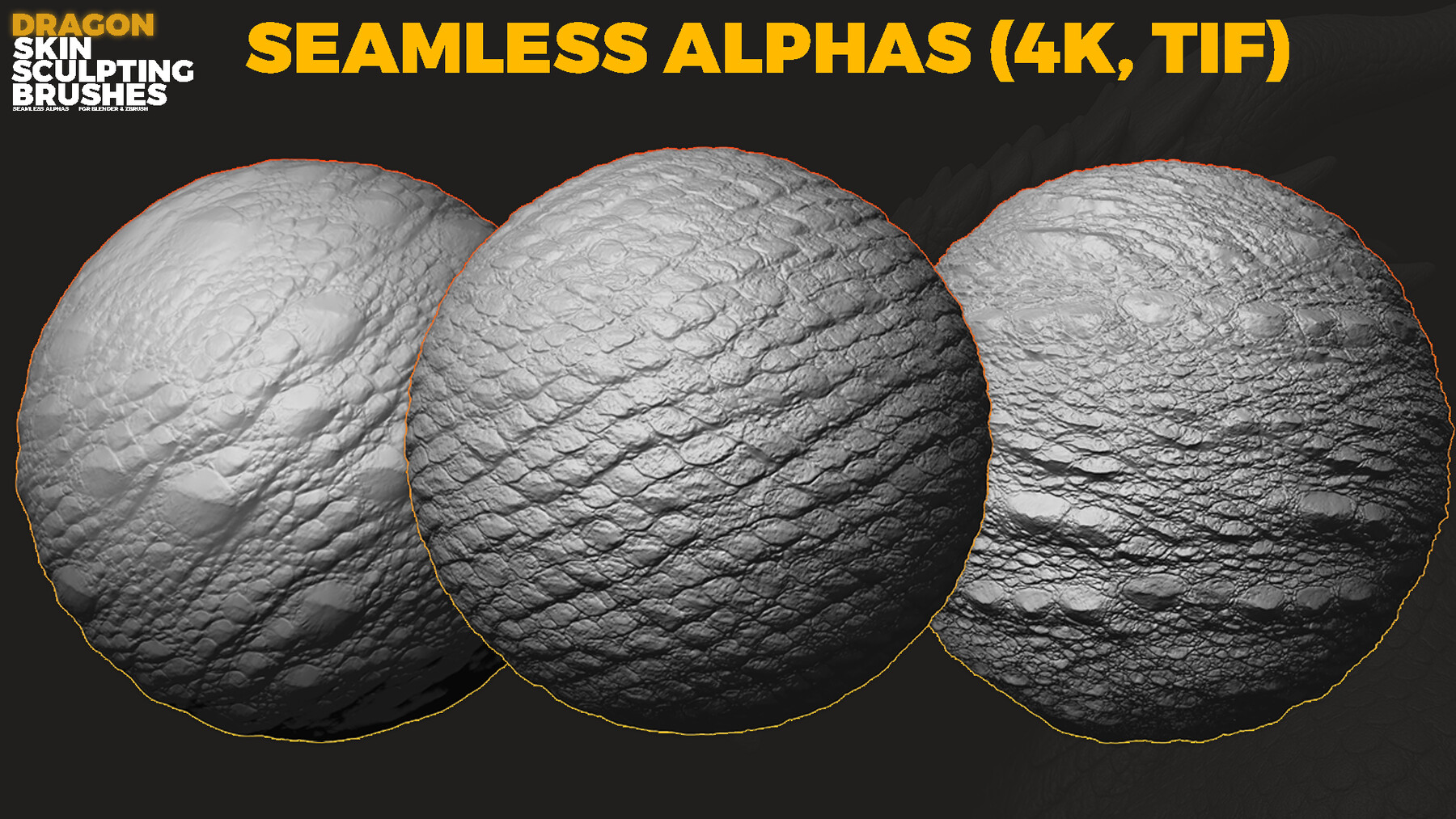
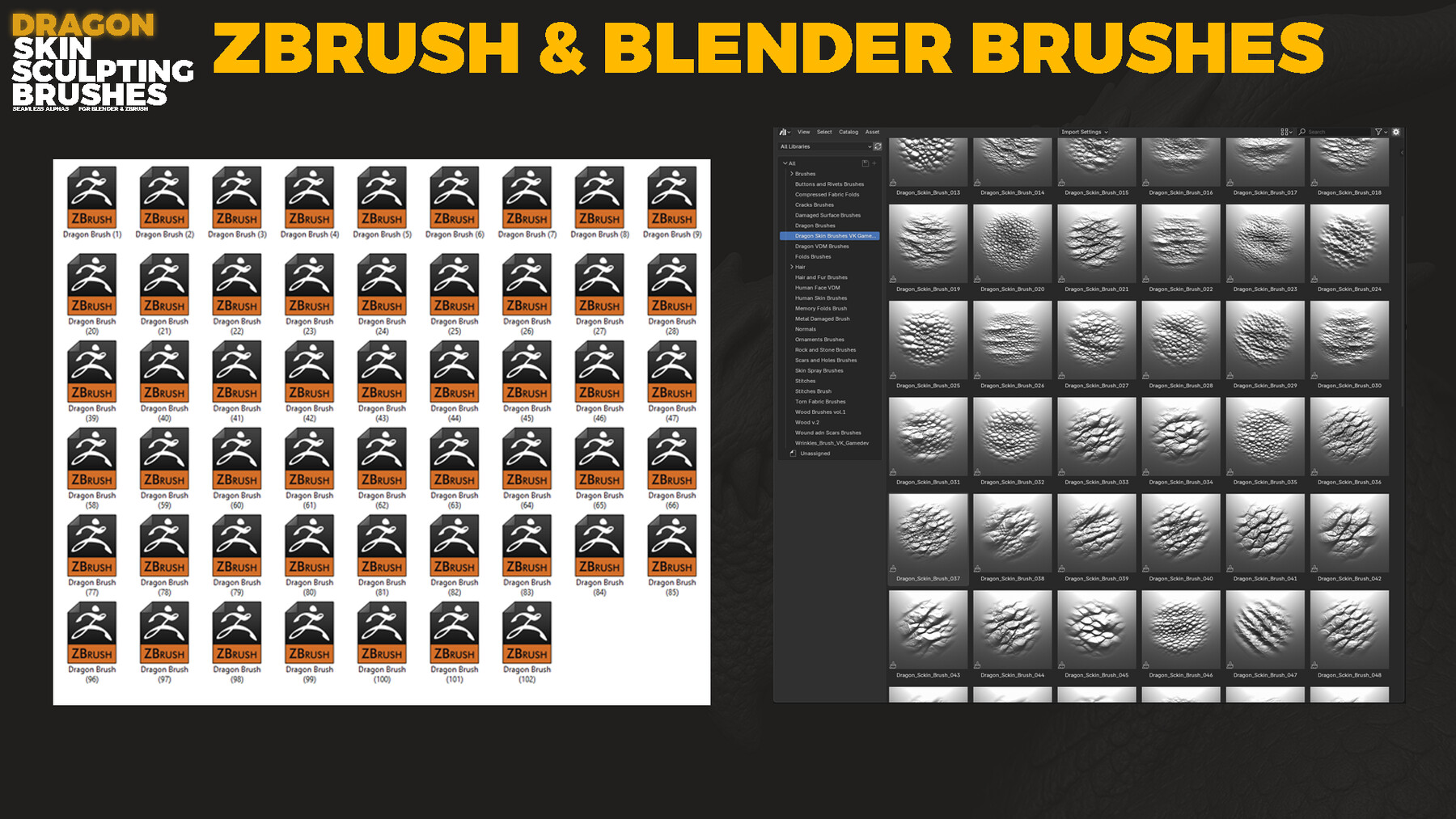
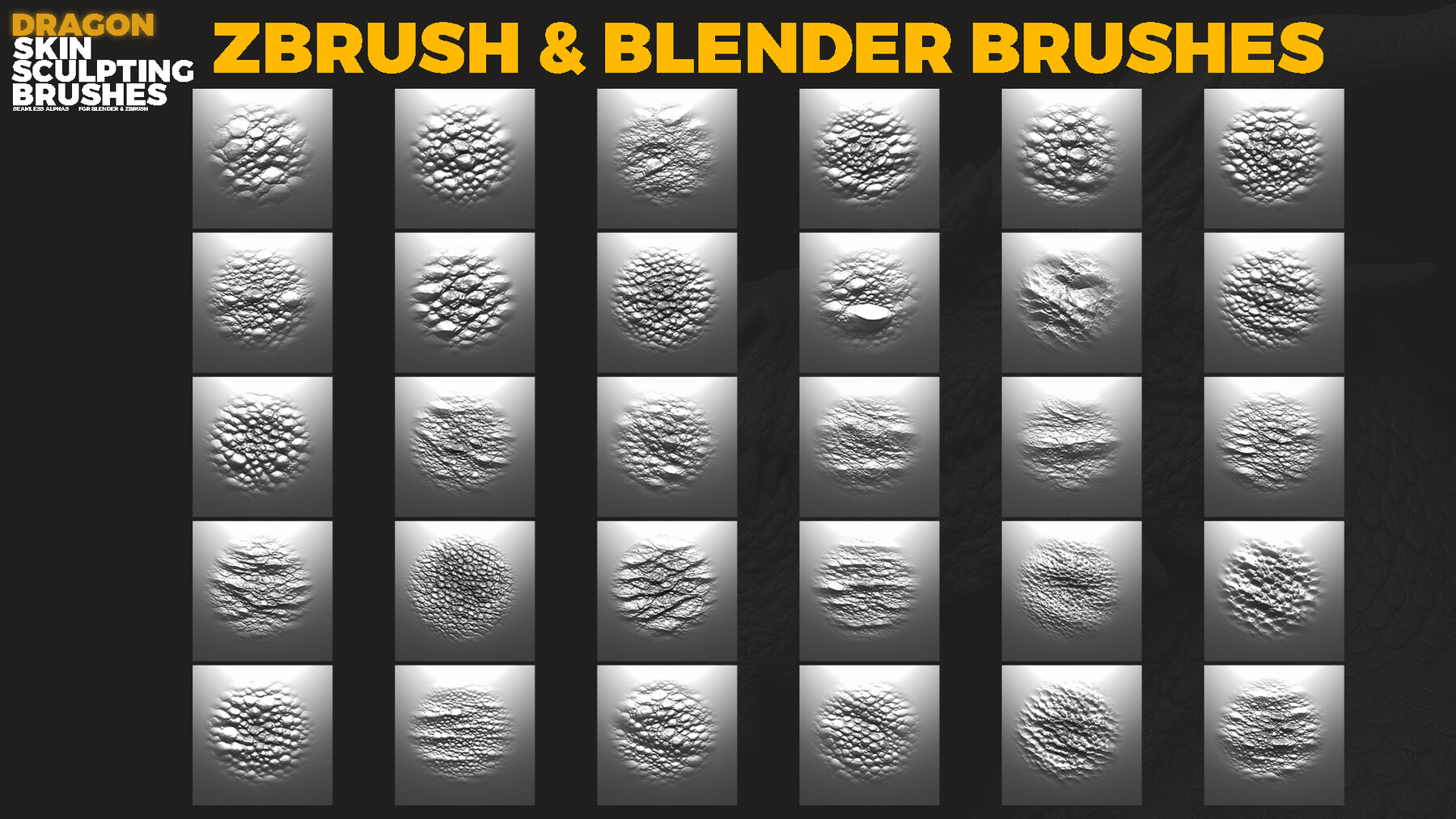


A professional collection of 102 handcrafted sculpting brushes and 102 high-resolution alpha maps designed specifically for creating hyper-realistic dragon skin, reptile scales, monster details, and fantasy creature surfaces.
Perfect for Blender Sculpt Mode, ZBrush, and any software that supports grayscale height/alpha maps.
📦 Included in the Product✔ 102 Sculpting Brushes
Fully configured for Blender
Fully configured for ZBrush (.ZBP)
✔ 102 Seamless 4K Height Maps (16-bit TIF)
Tileable
Clean 16-bit depth (no banding, no artifacts)
Perfect for displacement & material creation
✔ 102 Alpha Maps
PSD formats
For brushes and detailing workflows
Compatible with Blender, ZBrush, Substance Painter, 3DCoat, etc.
🎯 Ideal For
Dragon sculpting
Creature & monster design
Dinosaur / reptile skin
Fantasy characters
Organic detail workflows
Game art & 3D production
🚀 Key Features
Ultra-clean 16-bit height maps
High-resolution 4K textures
Tileable and production-ready
Instantly usable brushes for fast workflow
Works with any render engine and sculpting pipeline
🖥 File Formats
TIF 16-bit (4K) — seamless height maps
PSD — bruhs alphas
Blender Brushes
ZBrush ZBP Brushes
⚔️ Sculpt Epic Dragon Skin
Bring your creatures to life with realistic scales, ridges, and micro details.
🔧 Installation – Blender
Blender – Brush Pack (.blend)
Place the supplied *.blend brush file (Textures and Preview folders) into any permanent folder on your drive.
Open Blender.
Go to Edit → Preferences → File Paths.
In the section where you manage custom libraries/paths (e.g. Asset Libraries / File Paths), click Add.
Select the folder where your Dragon_Skin_Brushes.blend file is located and confirm.
Click Save Preferences so Blender remembers this path.
Now Blender will always see this .blend file as a brush library, and you can load/use these brushes directly from that location in your projects.
🔧 Installation – ZBrush
ZBrush – Brush Files (.ZBP)
Copy all provided .ZBP brush files.
Paste them into your ZBrush brushes folder, for example: C:\Program Files\Pixologic\ZBrush 2021\ZBrushes
Launch or restart ZBrush.
Your new brushes will be available from the ZBrushes section (via Lightbox / Brush menu), ready to use.
600 + Blender Sculpting Brushes. Assets Browser
8000+ Alphas Bundle. Fabric, wood, skin, metal, dragon, reptile, metal and more
PBR Texture & Material Generator For Blender (Free)
Other Products:
CATEGORIES
Special Offer! Get 10% off when you buy 2 products. Get 25% off when you buy 3 or more products. Applies to all products from this seller only from USD $1.00 to USD $2,000.00
Free Alpha
Free
License: Standard License
Stock Assets
For personal use and one commercial project (up to 2,000 sales or 20,000 views).
TutorialsOne copy to be used by a single user.
Installable ToolsOne installation by a single user.
Learn MoreFiles (1)
Standard License
USD $6.99
License: Standard License
Stock Assets
For personal use and one commercial project (up to 2,000 sales or 20,000 views).
TutorialsOne copy to be used by a single user.
Installable ToolsOne installation by a single user.
Learn More1 User - Commercial Use: unlimited projects Read MoreRead Less
Files (2)
Indie Commercial License
USD $49.99
License: Extended Commercial License
Stock Assets
For use on an unlimited number of commercial projects with no limits on sales or views.
Learn MoreUp to 10 users - Commercial Use: unlimited projects Read MoreRead Less
Files (2)
Extended Commercial License
USD $99.99
License: Extended Commercial License
Stock Assets
For use on an unlimited number of commercial projects with no limits on sales or views.
Learn MoreFor art institutions and studios under 100 users Read MoreRead Less
Files (2)
https://artstn.co/m/m9rWb
Copied
More by VK Gamedev Digital Products
Add a tip for VK Gamedev Digital Products
Tips are appreciated, but optional!