Sign Up with Epic Games


https://www.youtube.com/watch?v=4GnABpLacXU
https://www.youtube.com/watch?v=qy5zmnEh4-c
https://www.youtube.com/watch?v=hXByxl43Rso
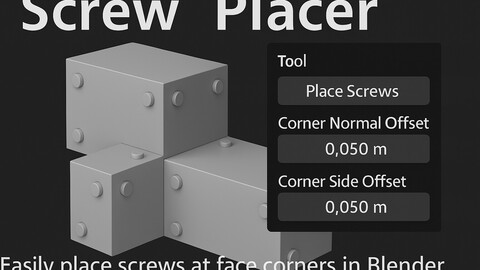
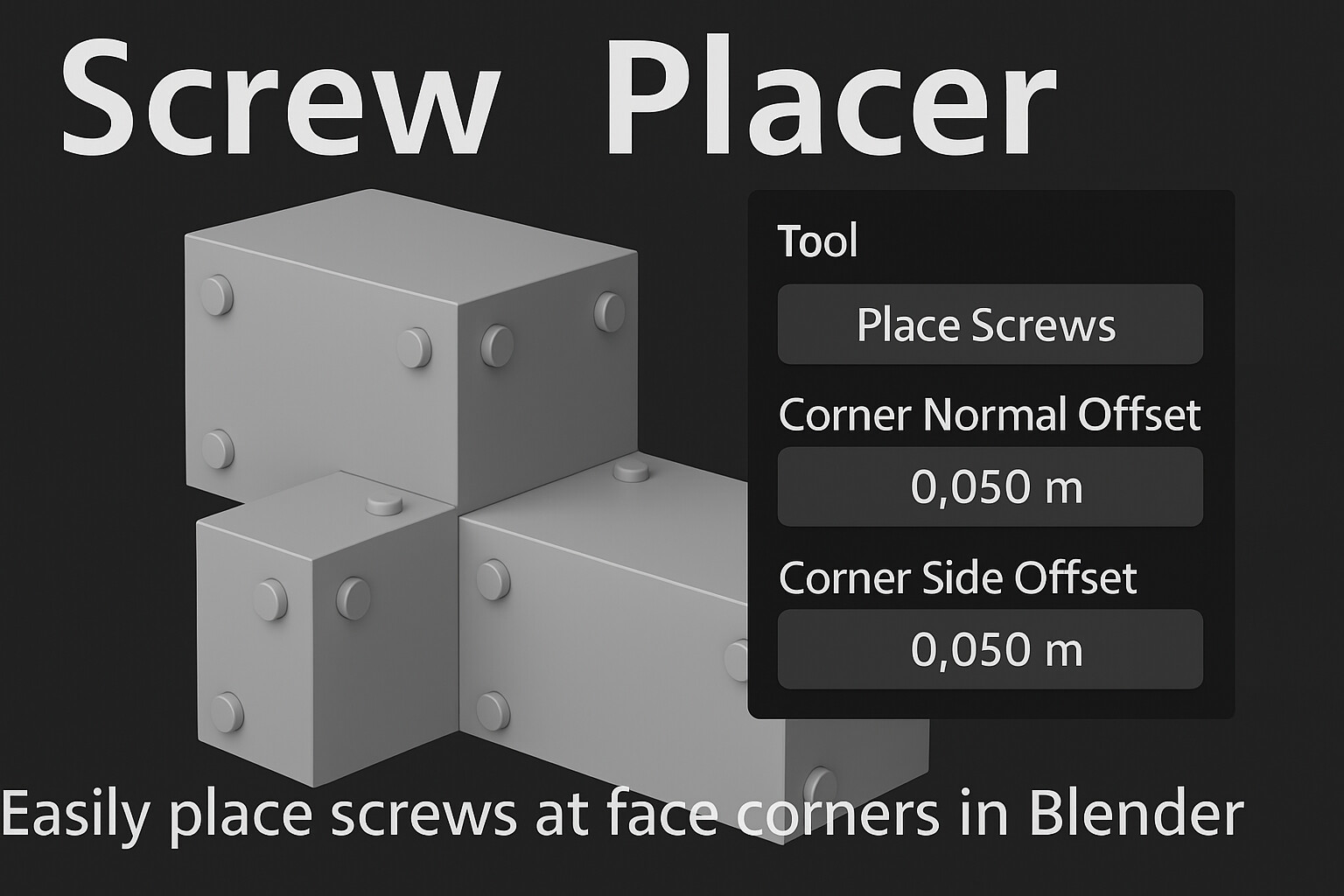
🔩 Screw Placer – Smart Screw Placement + Asset Library
By Christopher Groff • Version 1.0
Save hours of manual placement with Screw Placer, a Blender add-on that makes it easy to drop screws exactly where they belong — plus a bonus library of 18 custom screws ready for drag-and-drop use in your scenes.
🚀 What’s Included:
✅ Screw Placer Add-on Features:
- Click-to-Place Screws on any surface in 3D View
- Face Corner Placement with one click — perfect for panels, plates, or kits
- Offset Sliders for:
• Normal Offset – push screws into or out from the face
• Side Offset – slide screws diagonally from each face corner
- Customizable Hotkey (default: Shift+E)
- Auto-Organized Collection for all placed screws
- Clean and compact UI in the N-Panel
🧩 Custom Screw Asset Library:
- 18 unique screws modeled and ready for use
- Optimized for real-time or rendered scenes
- Fully marked for Blender’s Asset Browser
- Compatible with Blender 3.0+ (tested on 4.4)
🛠️ Use Cases:
- Game-ready hard surface modeling
- Kitbashing and sci-fi detail panels
- Product viz, industrial design, mechanical scenes
📦 Installation:
Add-on:
1. Download the ZIP: screw_placer_v1_0_public_release.zip
2. In Blender: Edit > Preferences > Add-ons > Install
3. Enable Screw Placer
4. Press Shift+E (or your custom hotkey) to start placing screws
Asset Library:
1. Open Blender Preferences > File Paths > Asset Libraries
2. Add the folder containing screw_library.blend
3. Open the Asset Browser, select the library, and drag screws into your project
🔧 Requirements:
- Blender 3.0 or higher (optimized for Blender 4.4)
Release Notes
adjusted the default values so the screws are no longer placed outside the face when place screws on corners is selected
1.3 added extension
CATEGORIES
ADDITIONAL INFORMATION
Extended Use License
USD $6.99
License: Extended Commercial License
Stock Assets
For use on an unlimited number of commercial projects with no limits on sales or views.
Learn MoreFiles (2)
Studios
USD $60.00
License: Standard License
Stock Assets
For personal use and one commercial project (up to 2,000 sales or 20,000 views).
TutorialsOne copy to be used by a single user.
Installable ToolsOne installation by a single user.
Learn Morefor up to 6 users Read MoreRead Less
Files (2)
https://artstn.co/m/jNgJO
Copied
More by C. G.

Add a tip for C. G.
Tips are appreciated, but optional!