Sign Up with Epic Games
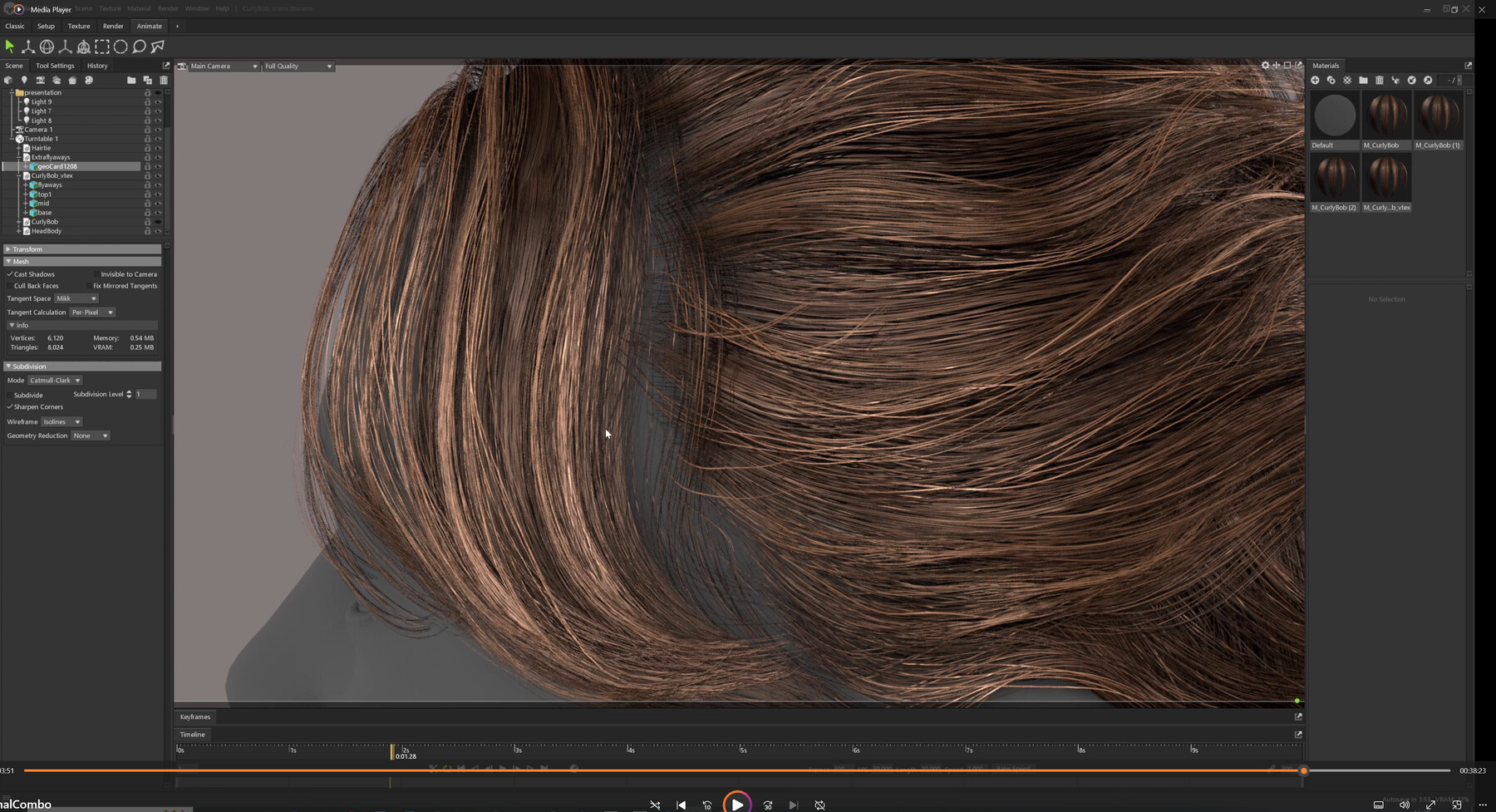
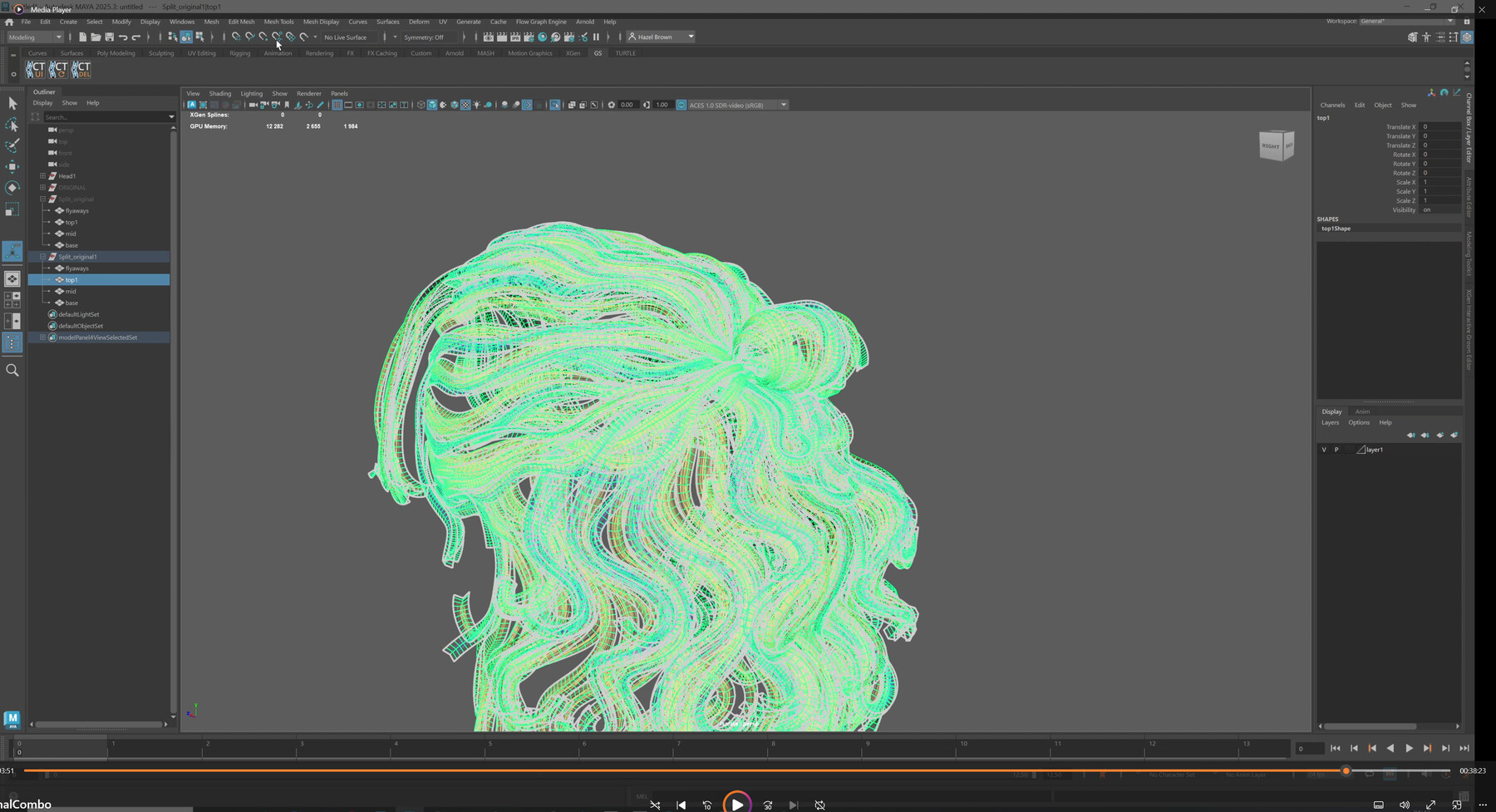
**This tutorial uses GS Curvetools which is highly recommended but is a paid Maya plug-in**
GS Curvetools here:
https://www.artstation.com/a/13178925
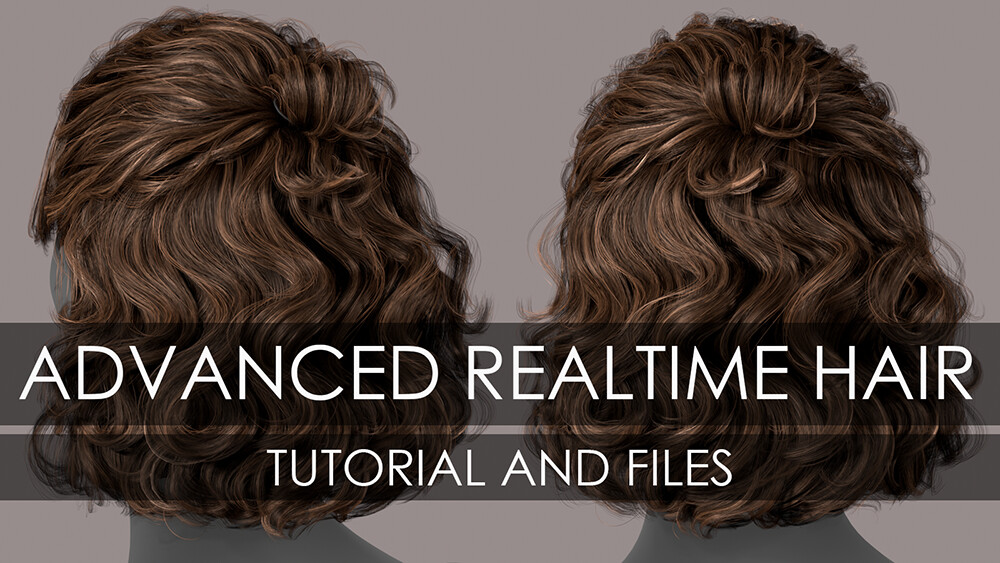
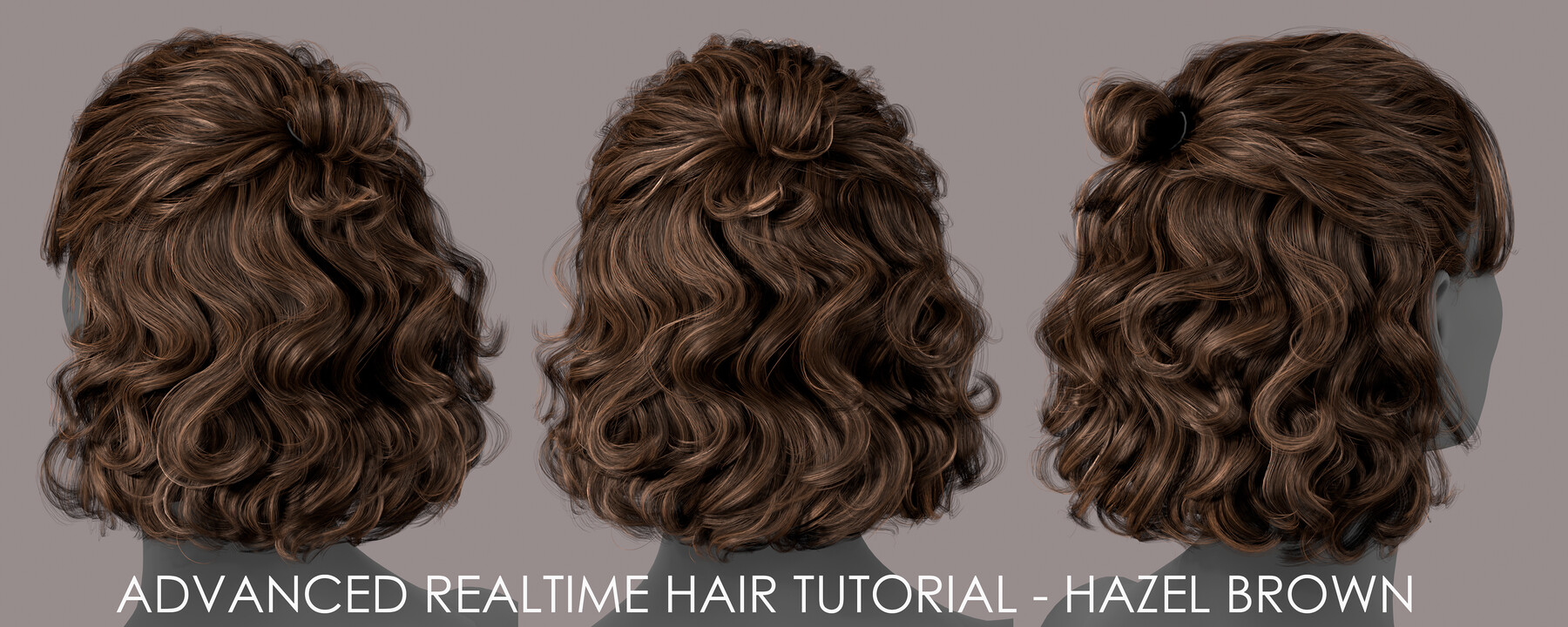
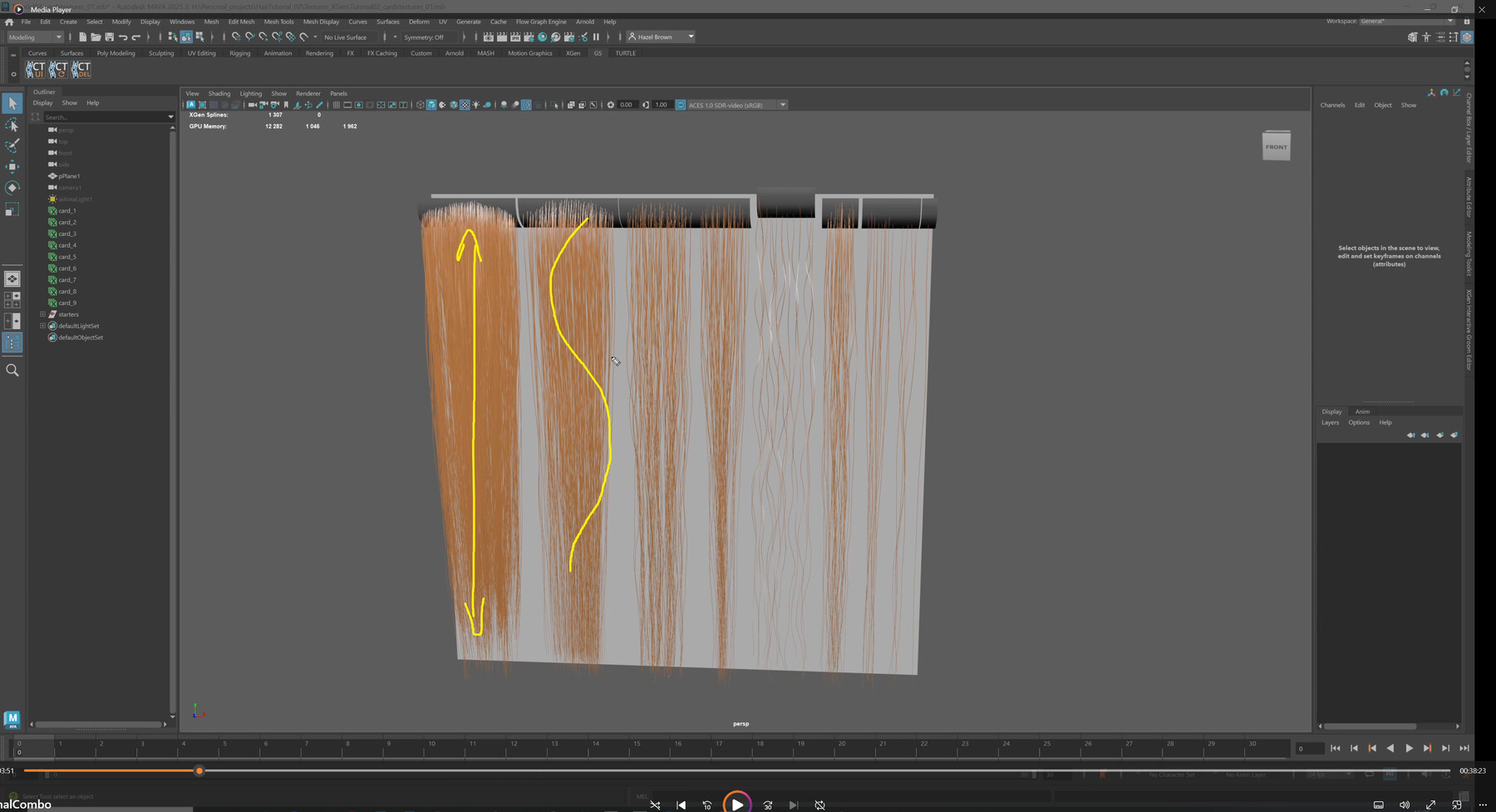
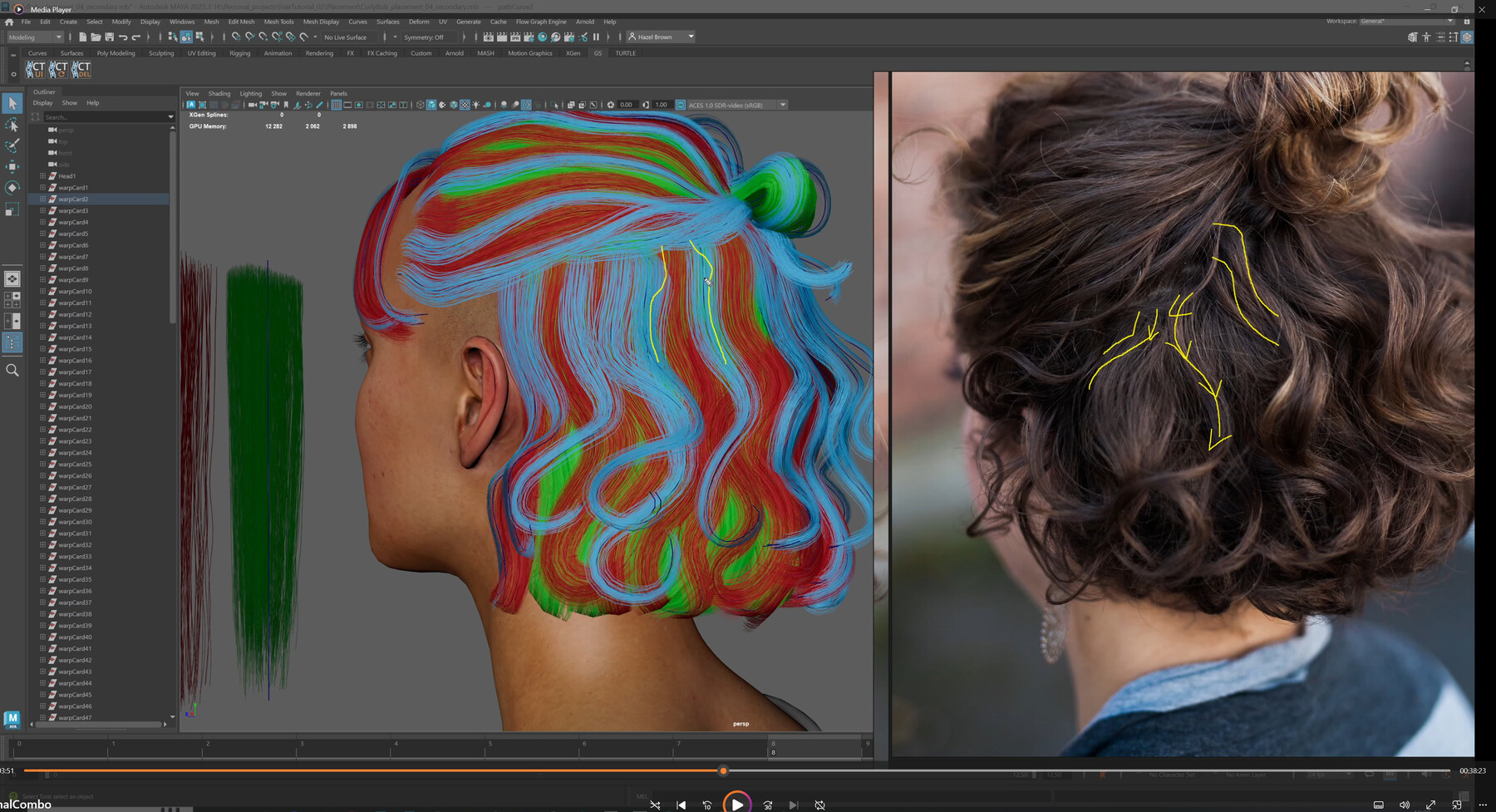
This is a successor to my first realtime hair tutorial. I wanted to streamline the new things I've learned into a shorter video (42 mins) and provide some tips on how to take your hair to the next level. In this tutorial I break down each stage of my process and explain what I'm doing and why as well as share any relevant tips.
Included are the working files, textures and marmoset scene. (For educational use only)
I hope you enjoy and please do not hesitate to contact me if you have any questions or concerns!
Release Notes
Added some elaboration to the optimization section as well as some optimized versions of the hairstyle
1.2- Fixed incorrect file path for marmoset scene
1.3- update files
CATEGORIES
Standard Use License
USD $30.00
License: Standard License
Stock Assets
For personal use and one commercial project (up to 2,000 sales or 20,000 views).
TutorialsOne copy to be used by a single user.
Installable ToolsOne installation by a single user.
Learn MoreFiles (3)
https://artstn.co/m/MXN6V
Copied
Ratings & Reviews
Sort by:LikesDate
Reviews (3)
 Valerie Sinkevich
00Report| Release v.1.2 | Standard Use License | 7 months ago
I'm a beginner, but this tutorial turned out to be very helpful for me. Thank you, Hazel. Could you also make a tutorial on creating Real-time hair and rendering in Unreal Engine?
 Aney Sieko
36Report| Release v.1.2 | Standard Use License | about 1 year ago
Very poor tutorial.
No information about Xgen, about generating hair, about preferences and settings, shader setup. No information about GSCurveTools settings, no live process of creation cards. No baking setup and shader details. During 40min of only one video, just common words and tweaks about how the hair can look like in Maya.
ok... This tutorial for people that are already completly know Xgen, GSCurve and have experience in creating hairs.
about 1 year ago
Hi, I'm sorry this tutorial wasn't what you were looking for. I mention in the description and in the intro/trailer video that this is a much shorter compressed video that assumes you know the hair process and are just looking for tips to take it to the next level- hence being the 'advanced' successor to my original realtime hair tutorial. As for shader details, I include the marmoset file with the package, baking I have covered before in this video: https://youtu.be/OB6b_mhsG-s?si=7mai2Smu7Gk-049G
I would recommend if you're looking for a more in depth coverage of all these points you check out my first tutorial (now free on youtube) which covers the entire hair pipleline in detail- I didn't want to just re-hash all of this for this advanced tutorial: https://youtube.com/playlist?list=PLiLd_15JJI_FPcPvrVcTThkNkoizHhWPU&si=SE7wk0Db-s9xsnq3
Please feel free to message me if you have any questions
 Andres Aponte
80Report| Release v.1.2 | Standard Use License | over 1 year ago
I'm currently studying at Think Tank and, as a Blender user, I want to say how incredibly grateful I am for your work. Your tutorials have made the transition into Maya and working with XGen so much smoother, and this one is no exception. It’s packed with valuable content, and the way you explain each concept makes it easy to follow and understand.
Sean Ferreira, my supervisor and also your colleague, highly recommended this tutorial to us, and several members of our class are now learning from your workflow. Thank you for sharing such high-quality resources with the community!
Filter by Rating
More by Hazel Brown


Add a tip for Hazel Brown
Tips are appreciated, but optional!