Sign Up with Epic Games
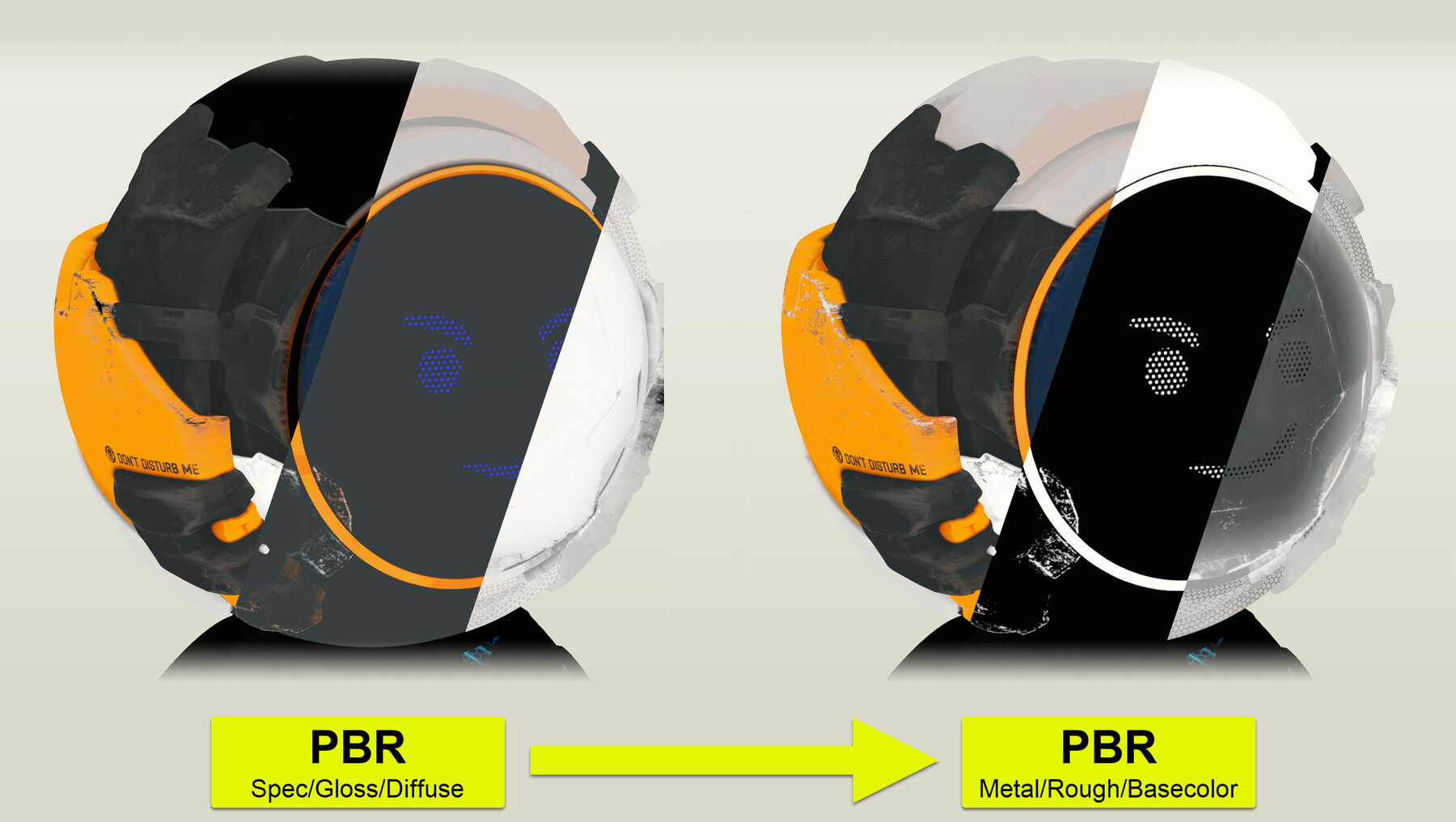
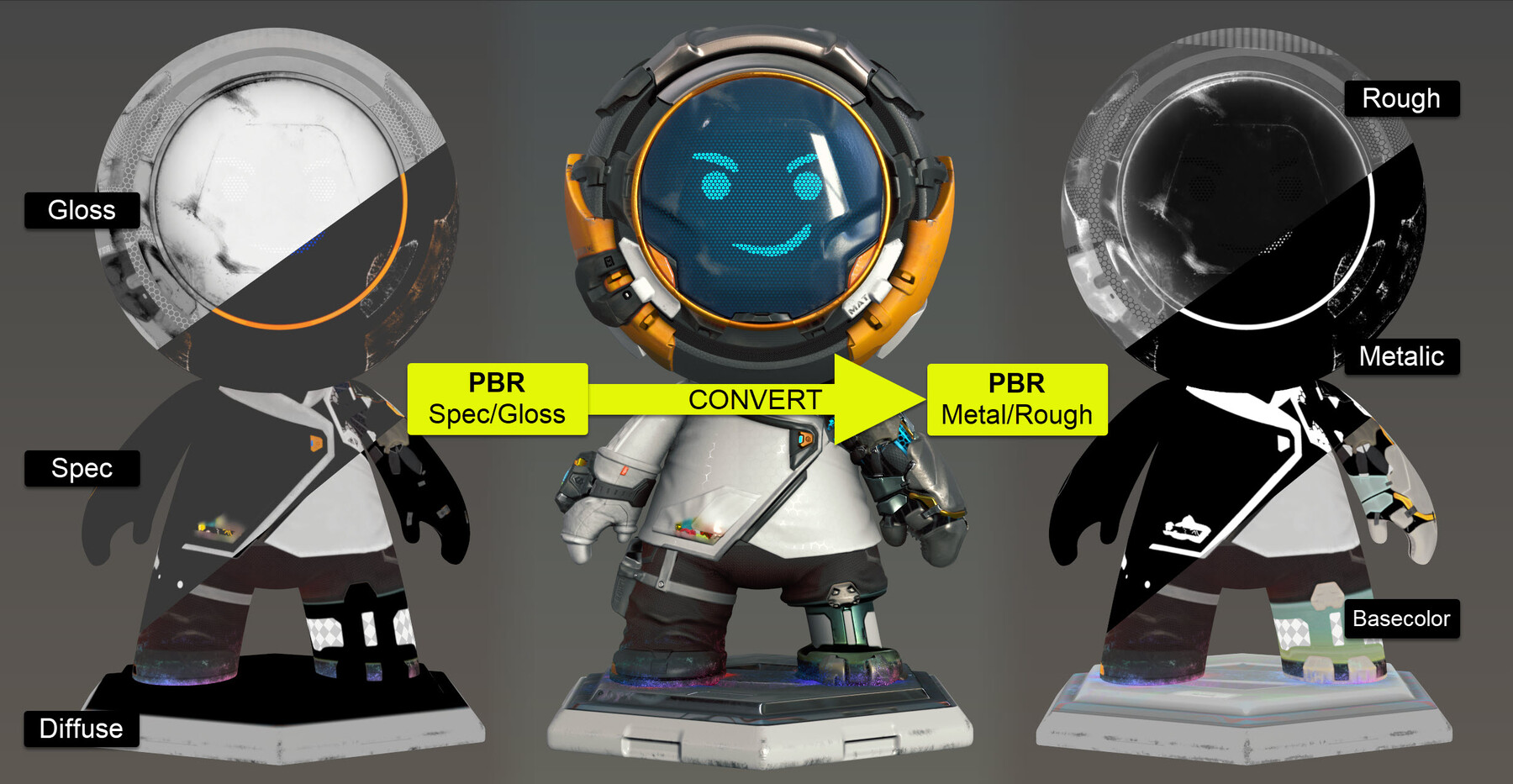
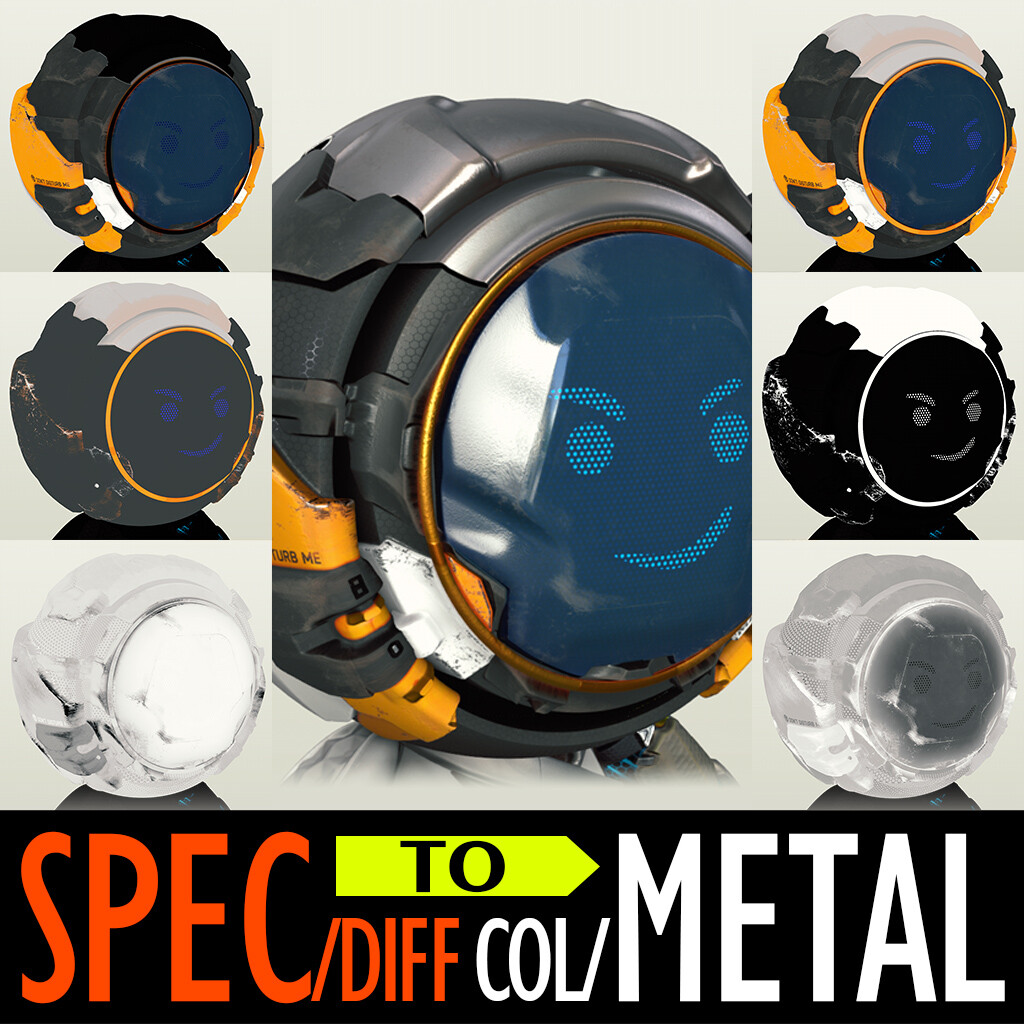
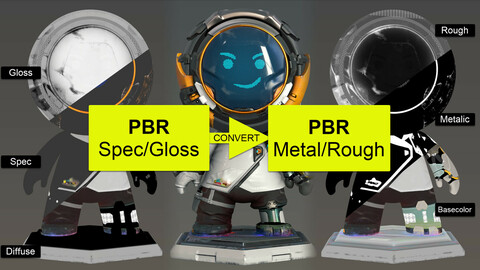
A simple filter can help you quickly convert PBR Textures from Spec/Gloss workflow to Metal/Rough workflow (using Substance Painter or Substance Player).
Tips:
- The more PBR-range-correct your texturing is, the fewer "dark-areas" appear in the result
- Suggest you try tweak the parameters of this converter or the contrast of your specular mask
Tutorials:
Release Notes
Add Extended Commercial License
CATEGORIES
Special Offer! Get 10% off when you buy 2 products. Get 20% off when you buy 3 or more products. Applies to all products from this seller only from USD $5.00 to USD $100.00
Student
USD $5.00
License: Standard License
Stock Assets
For personal use and one commercial project (up to 2,000 sales or 20,000 views).
TutorialsOne copy to be used by a single user.
Installable ToolsOne installation by a single user.
Learn MoreFiles (1)
Indie
USD $10.00
License: Standard License
Stock Assets
For personal use and one commercial project (up to 2,000 sales or 20,000 views).
TutorialsOne copy to be used by a single user.
Installable ToolsOne installation by a single user.
Learn MoreUp to 3 users Read MoreRead Less
Files (1)
Studio
USD $40.00
License: Standard License
Stock Assets
For personal use and one commercial project (up to 2,000 sales or 20,000 views).
TutorialsOne copy to be used by a single user.
Installable ToolsOne installation by a single user.
Learn MoreFiles (1)
Extended Commercial License
USD $70.00
License: Extended Commercial License
Stock Assets
For use on an unlimited number of commercial projects with no limits on sales or views.
Learn MoreFiles (1)
https://artstn.co/m/xeK2
Copied
Ratings & Reviews
Sort by:LikesDate
Reviews (12)
 Sian Warren
10Report| Release v.1.2 | Indie | about 2 years ago
Life saver
 Robertas Sobutas
00Report| Release v.1.2 | Student | about 2 years ago
metallic map cannot have values between 0 and 1, which leads to inconsistencies between the converted textures and the original, otherwise works as intended
 Alper Isler
10Report| Release v.1.2 | Student | about 3 years ago
works perfectly as advertised! this should be an official tool.
 Sergey Tatarnev
00Report| Release v.1.2 | Student | over 3 years ago
In each model that was converted, there were problem areas, sometimes there were a catastrophic number, and all this had to be edited by hand, adjusted with levels, and then transferred from the specular layer to basecolor in Photoshop! As a rule, all this is in dark places. I think that such things should be indicated in the description!
 Marek Grzejszczak
20Report| Release v.1.2 | Student | about 4 years ago
Works perfectly
 Stefano Feltre
10Report| Release v.1.2 | Student | about 4 years ago
Perfect for it says it does. There might be some really small differences before and after conversion, but nothing really major
 RM3D
RM3D10Report| Release v.1.2 | Student | over 4 years ago
Perfectly what I often need. Thank you!
 Jay Petiquan
10Report| Release v.1.2 | Indie | over 4 years ago
Very awesome product, saved me alot of time
 Alex Al
10Report| Release v.1.2 | Student | almost 5 years ago
Great! Thank you, it helps me.
 David Adamson
10Report| Release v.1.2 | Student | about 5 years ago
easy to use works as adverstised
Filter by Rating

More by Lâm Phùng
Add a tip for Lâm Phùng
Tips are appreciated, but optional!