
 Sign Up with Epic Games
Quick Start To Blender Animation: Professional Techniques And Practical Case Studies

in Tutorials
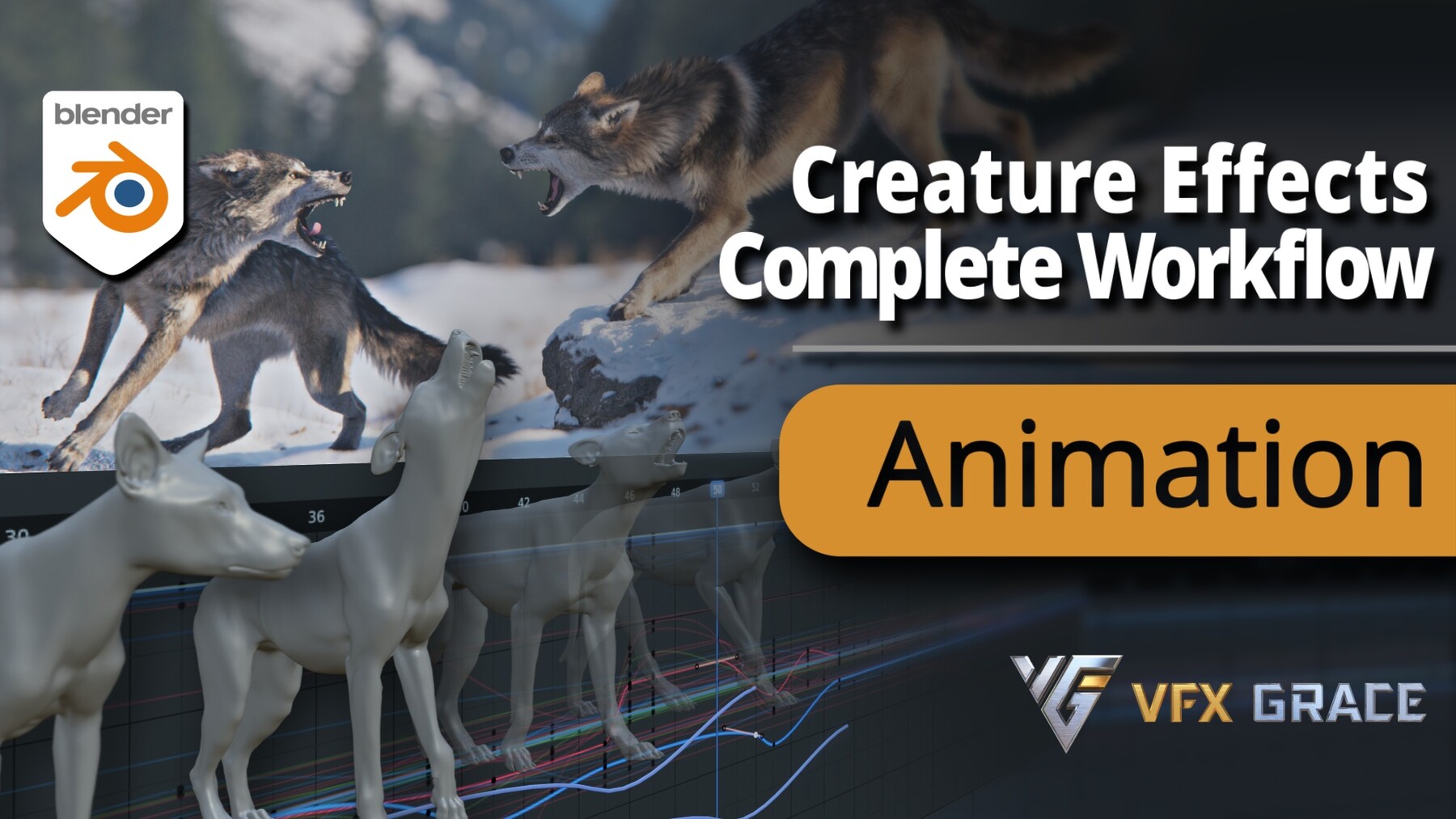




What Will You Learn?
In the animation section, we will learn how to create walking and howling animations for a creature character in Blender. We will start with the basic tools and settings for animation in Blender. Then we'll learn how to analyze references, and considerations for finding references, understanding the principles of character movement before starting the animation production. In the animation production stage, we will first create the blocking for the body and limbs, then refine the animation of the spine, limbs, tail, and head individually, step by step guiding you through the process of creating realistic walking and howling animations for a wolf.
—— Warm Tips ——
Target Audience: This course is designed for Blender users with basic operational skills. It is recommended to familiarize yourself with the basic functions of Blender to better keep up with the course progress.
| Tutorial Trailer |
| Course Details |
🟠 29 videos
🟠 Over 11 hours of content
🟠 A rigged Blender model file
Section 1: Animation Basics
Learn keyframe operations, curve editor usage, and basic settings and options for animation production. Master reference analysis and character rigging methods to lay the foundation for creating high-quality animations.
Section 3: Expressions and Detailed Animation
Learn to create facial expressions, ear movements, and toe animations to enrich character expressiveness. Master techniques to achieve natural and realistic animations.
Section 4: Specialized Animation Case Study: Wolf Howling
Through the complete process of creating a wolf howling animation, learn advanced techniques such as analysis of complex actions, keyframe settings, and action refinement. Covering the entire process from initial design to final polish.
Section 5: Advanced Animation Techniques and Refinement
Learn techniques for refining animation details, overall coordination, and final adjustments. Master the use of the NLA Editor for flexible adjustments and time manipulation in animations.
Upon completing this course, you will master a comprehensive set of skills in creating high-quality quadruped animal animations using Blender. From basic looping walking animation to expressive howling actions, the course emphasizes practical application, cultivating your animation thinking and skills through a real project. This prepares you to excel in both personal projects and professional productions, enhancing your ability to contribute effectively to animation projects. Learning these valuable skills can significantly enhance your employability in the competitive animation industry.
| Contents |
01-01 Walking Animation Introduction ▶Free Trial
01-02 Keyframe Basics ▶Free Trial
01-03 Graph Editor Basics
01-04 Reference Analysis
01-05 Getting Familiar with Rigging
02-01 Basic Animations for Body and Limbs
02-02 Refining Posterior Spine Animation
02-03 Refining Hind Leg Animation
02-04 Mirroring Hind Leg Animation
02-05 Refining Anterior Spine Animation
02-06 Refining Foreleg Animation
02-07 Mirroring Foreleg Animation
02-08 Tail Animation
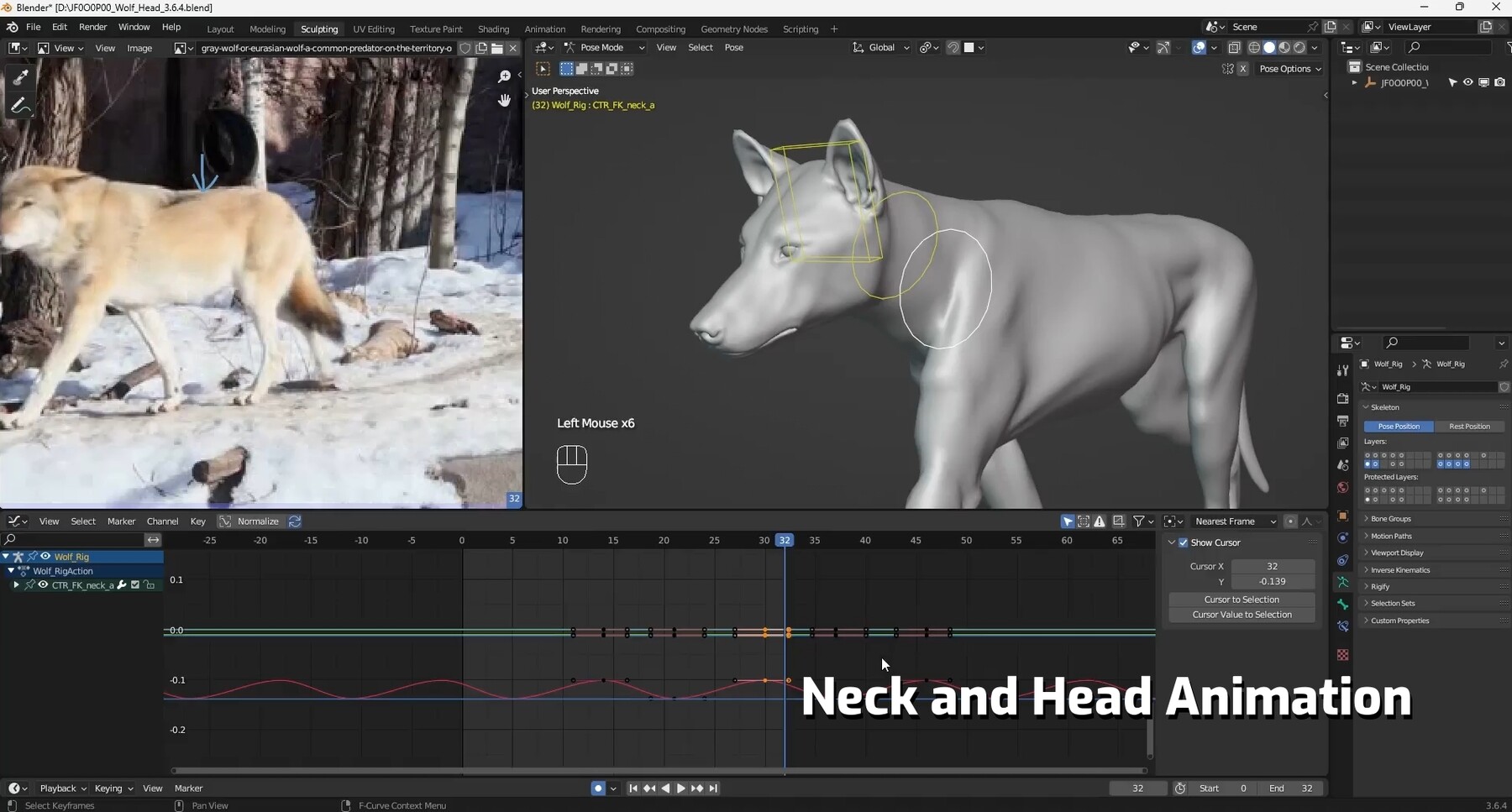
02-09 Neck and Head Animation
03-01 Animation Detail Processing
03-02 Facial Expressions
03-03 Final Adjustments and Modifications
04-01 Howling Animation Introduction
04-02 Reference Analysis for Howling Animation
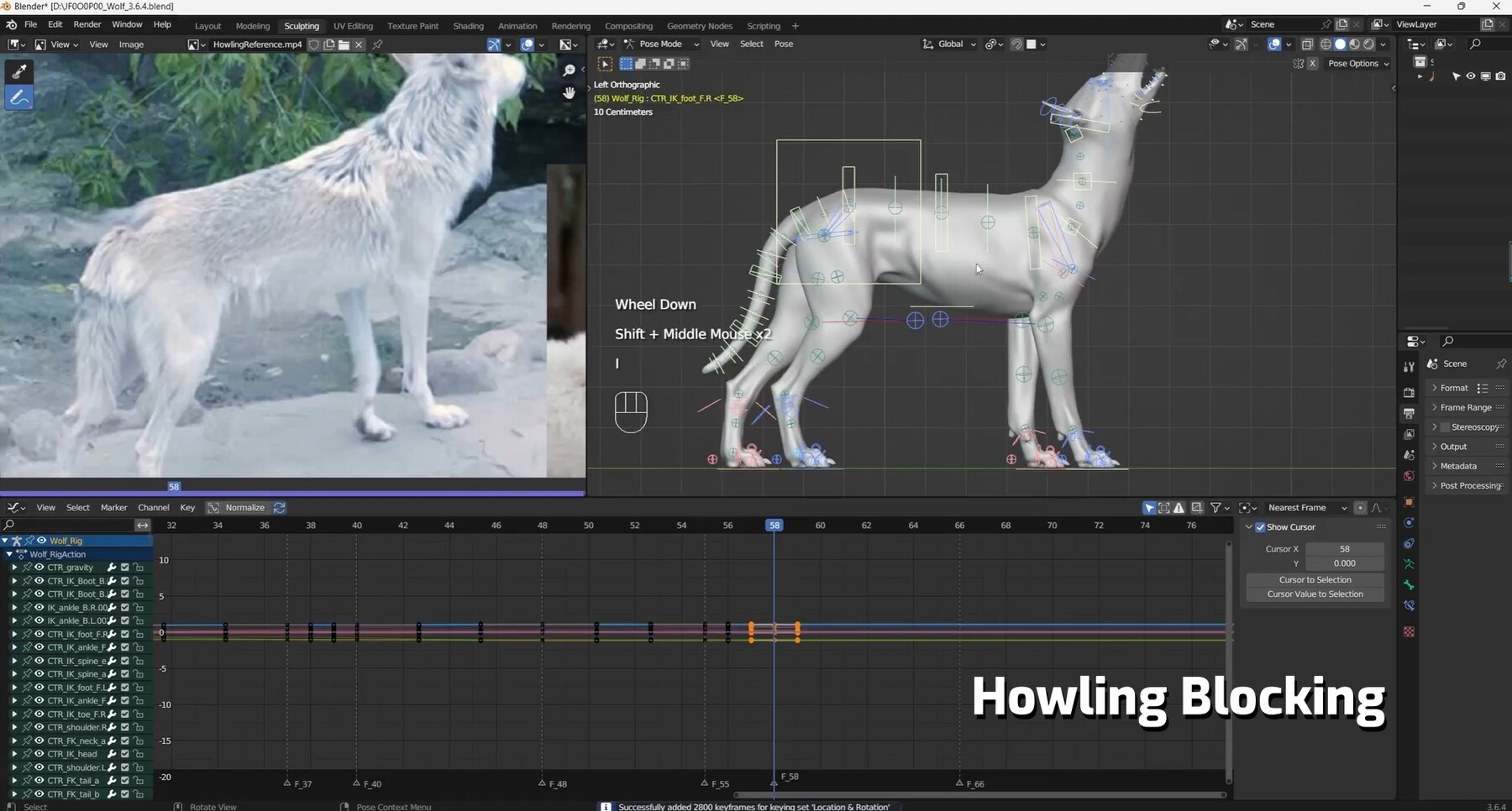
05-01 Howling Blocking 01
05-02 Howling Blocking 02
05-03 Refining Hind Leg Animation
05-04 Refining Foreleg Animation
05-05 Refining Spine Animation During Walking
05-06 Refining Head Actions
05-07 Refining Body Animation During Howling
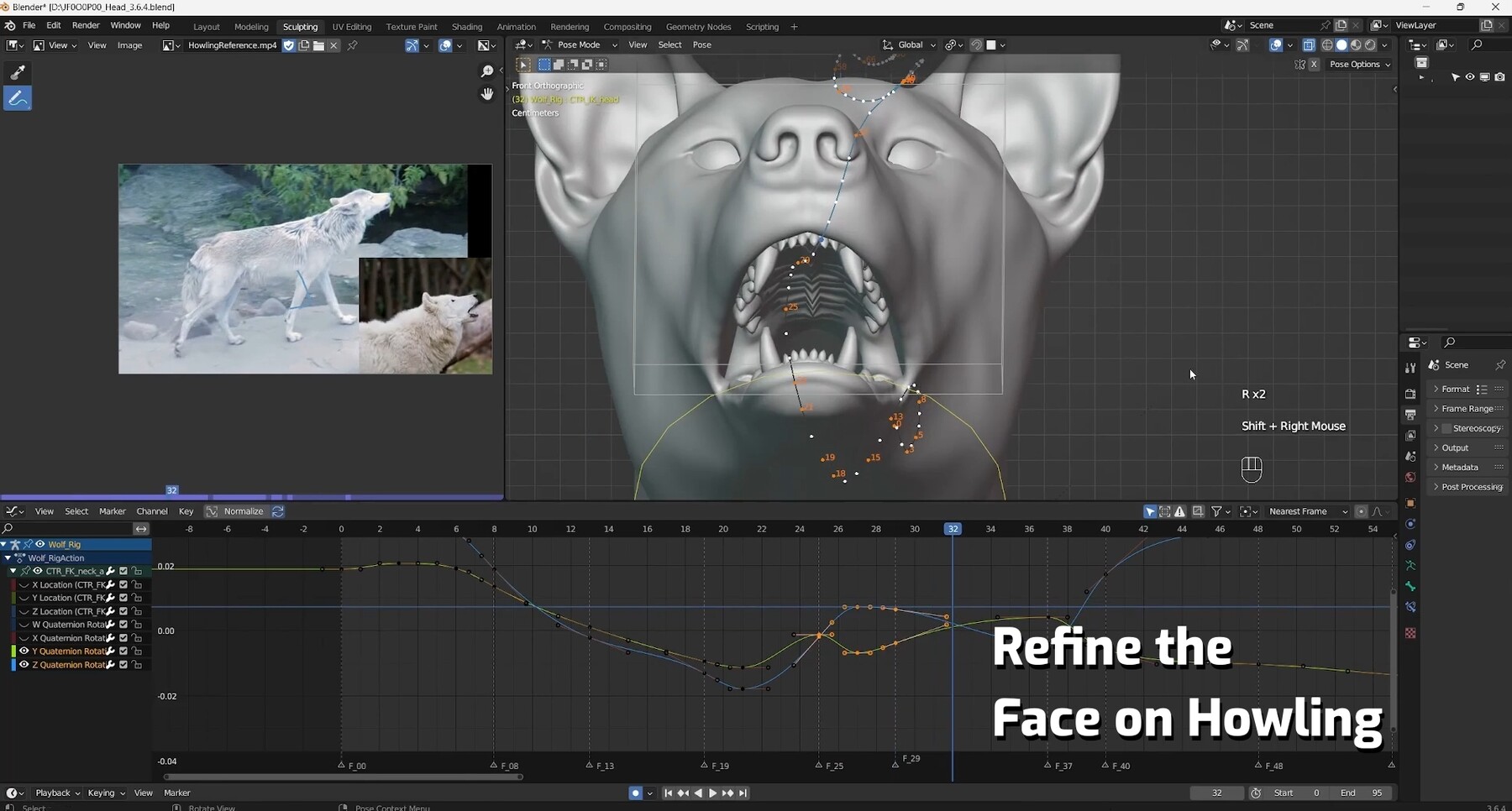
05-08 Refining Face Animation During Howling
05-09 Tail Animation
05-10 Final Adjustments and Modifications
Also known as: Blender Creature Effects Tutorial - Animation Section
If you're interested in learning the complete process of animal creation tutorials, please stay tuned for more of our tutorials.👇
Blender Creature Effects Tutorial - Rigging SectionBlender Creature Effects Tutorial - Texturing Section
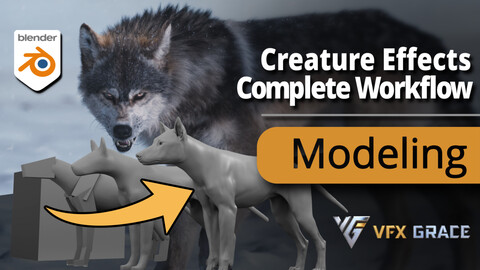
Blender Creature Effects Tutorial - Modeling Section
CATEGORIES
Standard Use License
USD $198.00
License: Standard License
Stock Assets
For personal use and one commercial project (up to 2,000 sales or 20,000 views).
TutorialsOne copy to be used by a single user.
Installable ToolsOne installation by a single user.
Learn MoreFiles (31)
https://artstn.co/m/aDvzr
Copied
More by VFX Grace







Add a tip for VFX Grace
Tips are appreciated, but optional!
