Sign Up with Epic Games
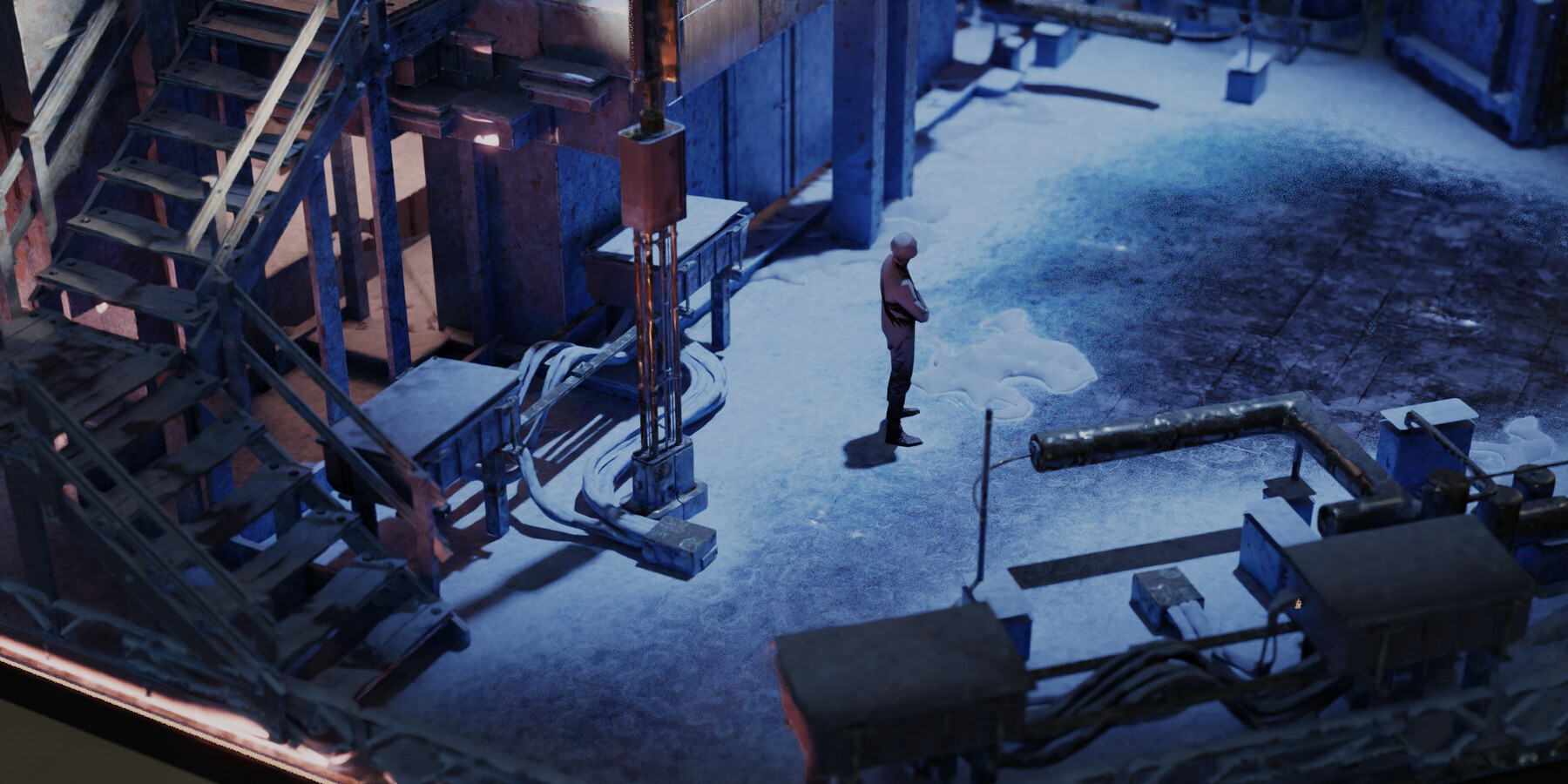
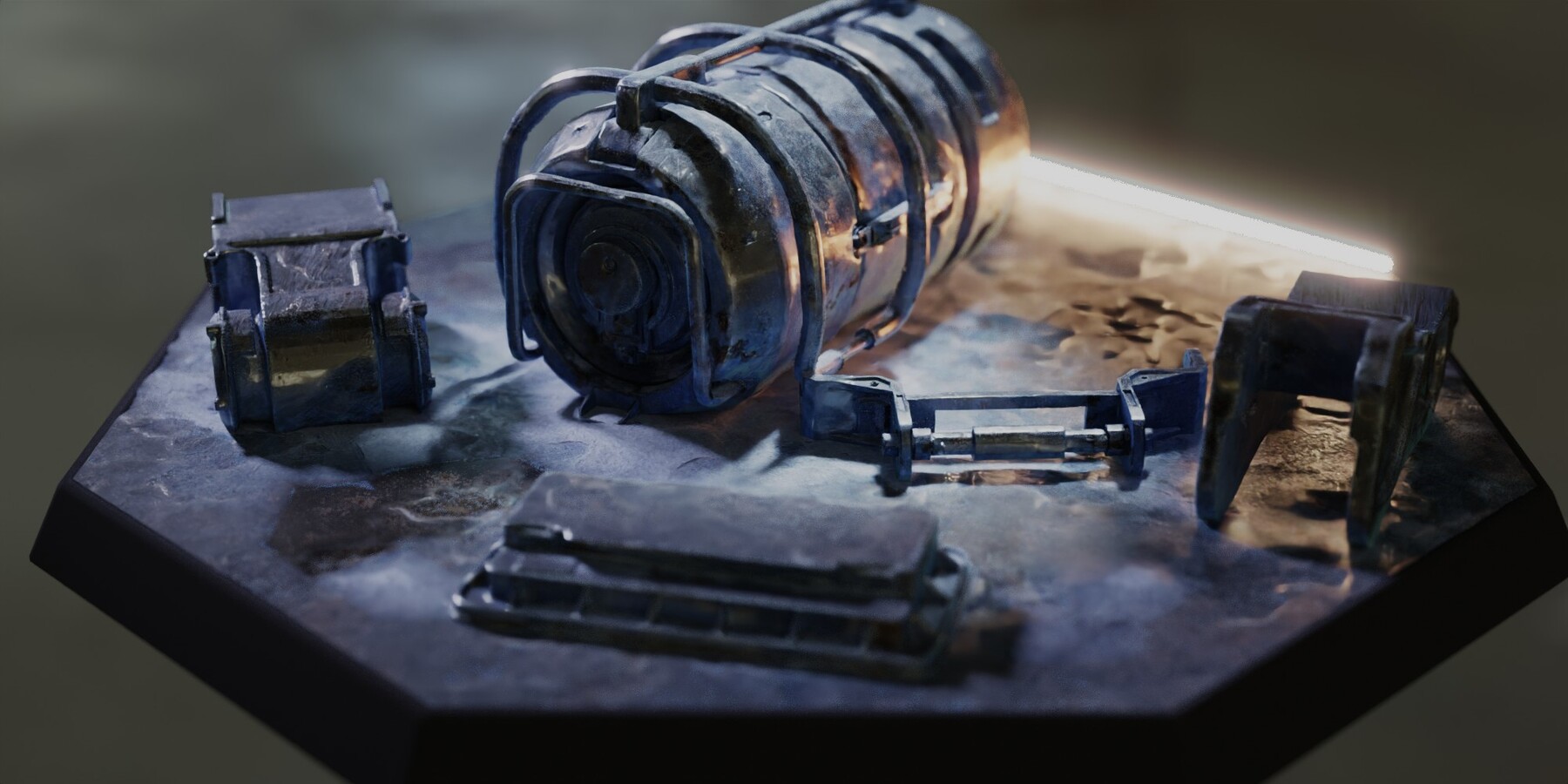
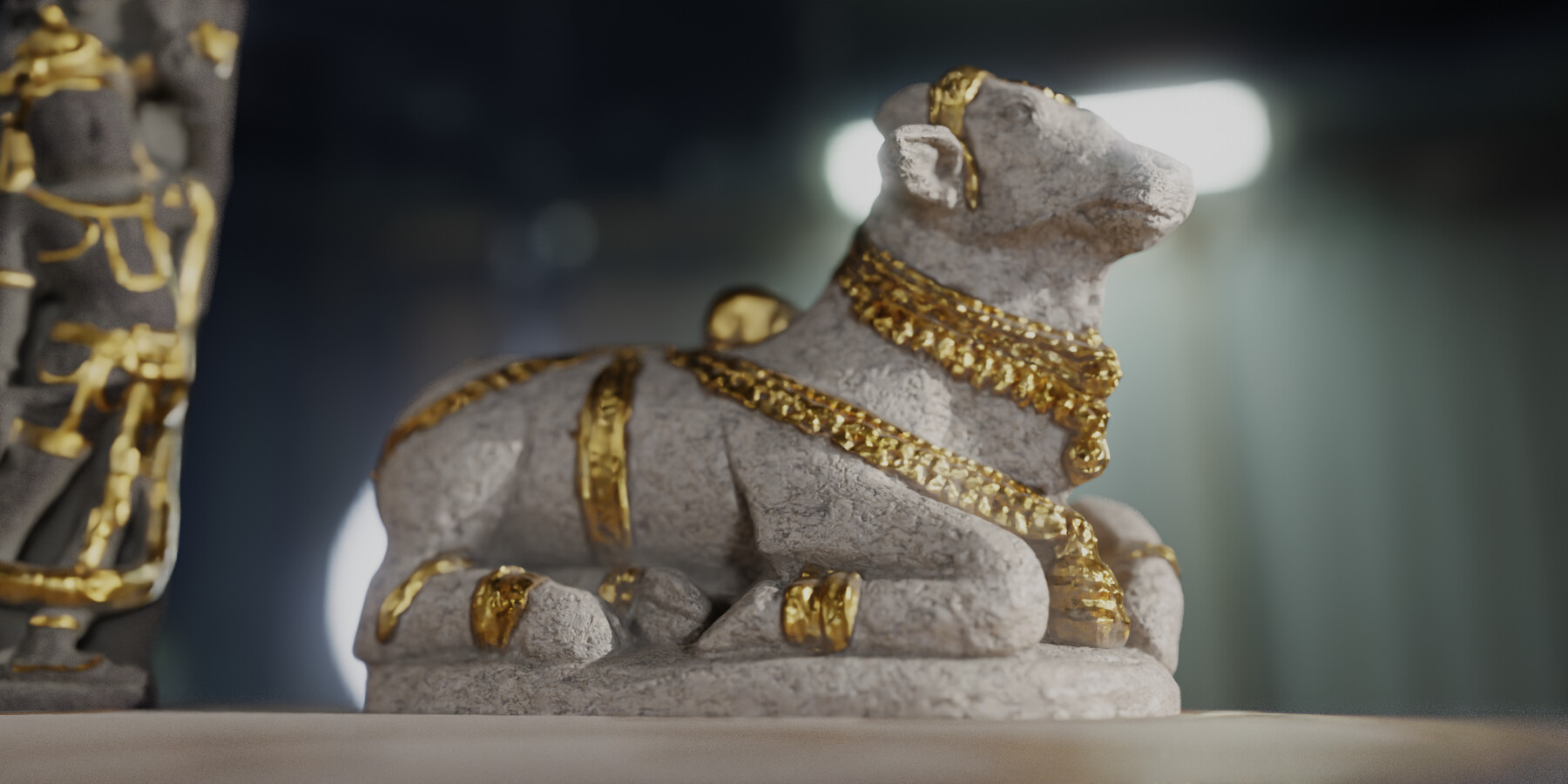
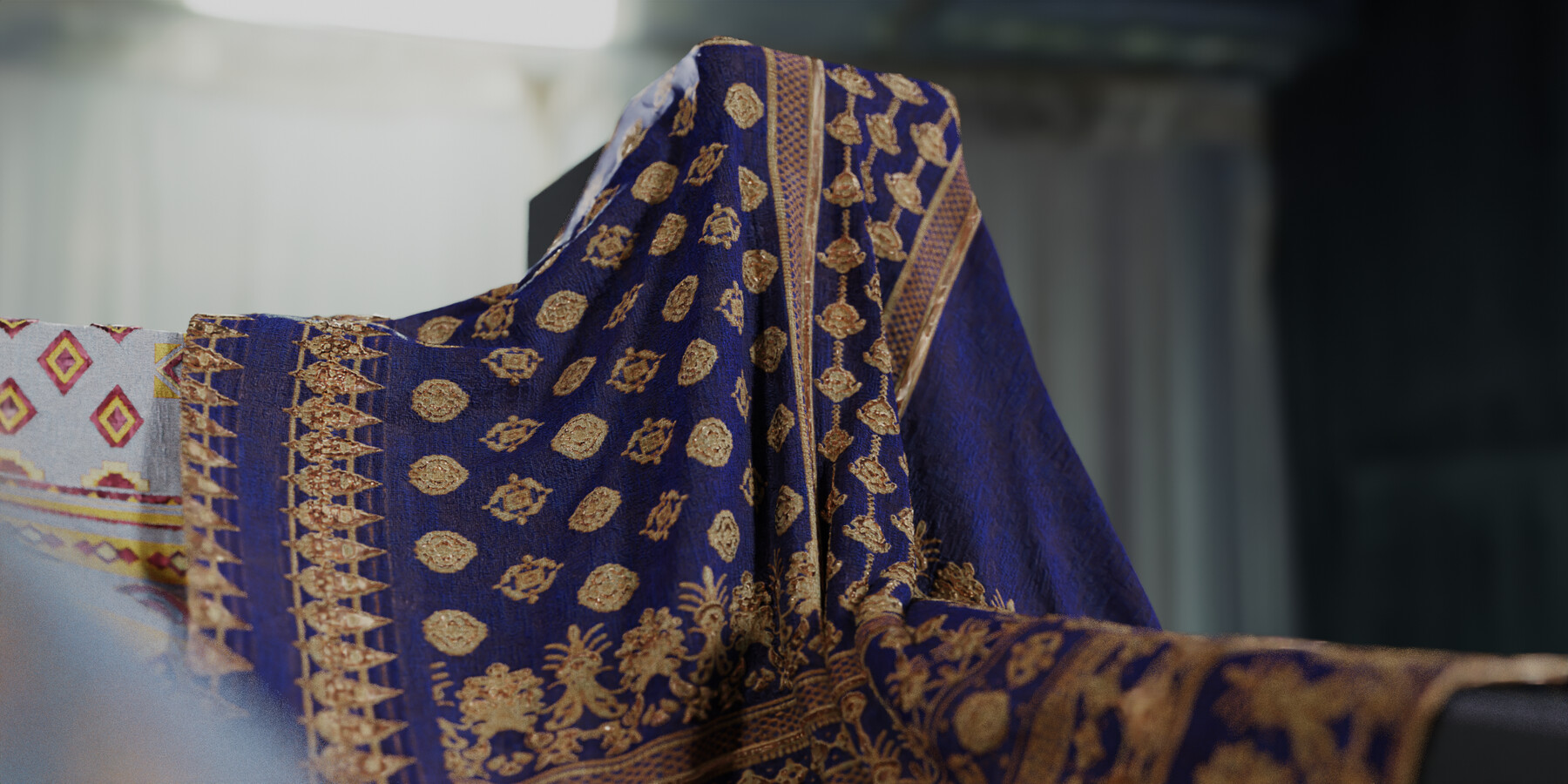

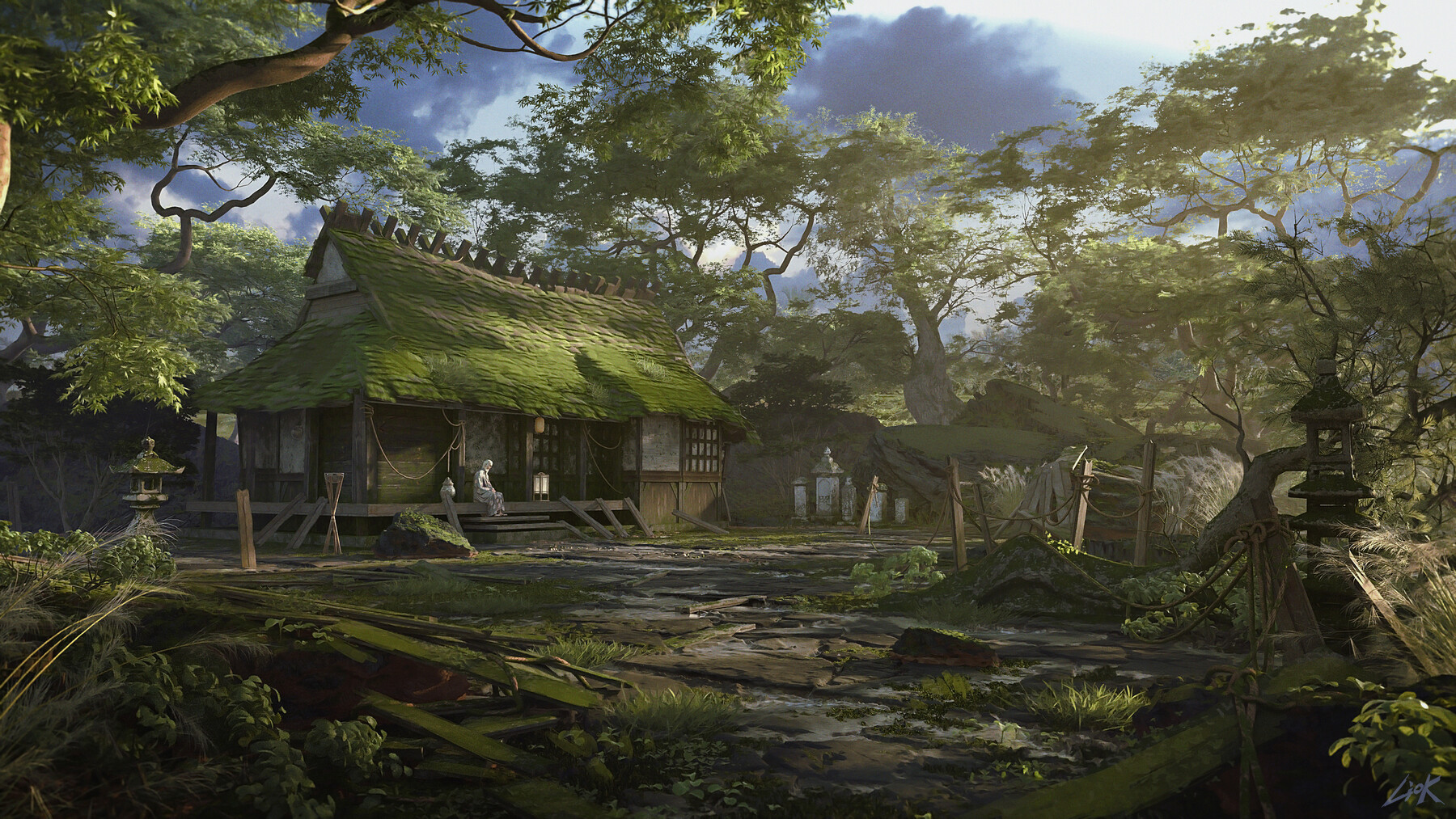
Available also on Blender Market & Gumroad (purchase power parity)
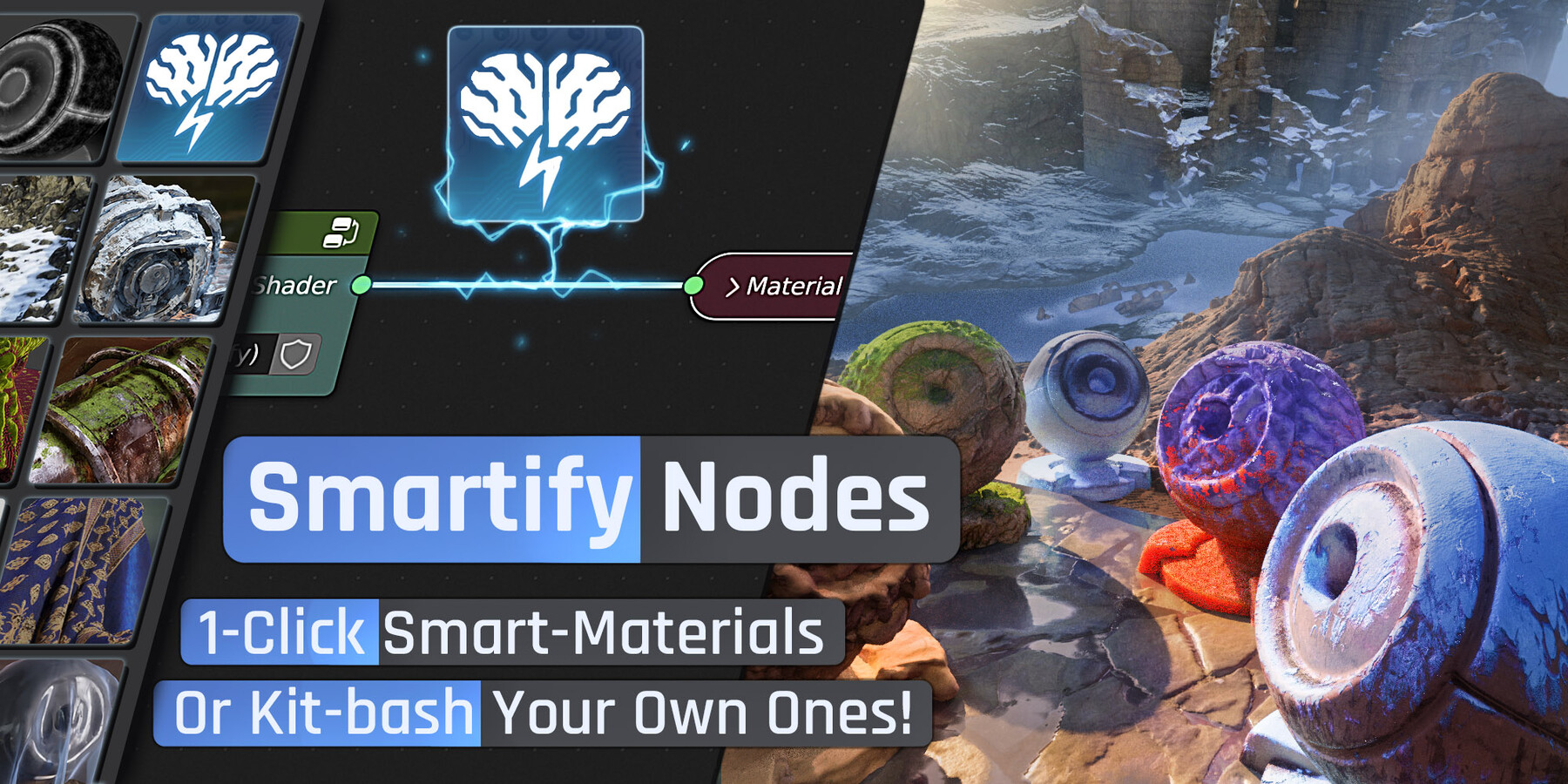
Smartify Nodes
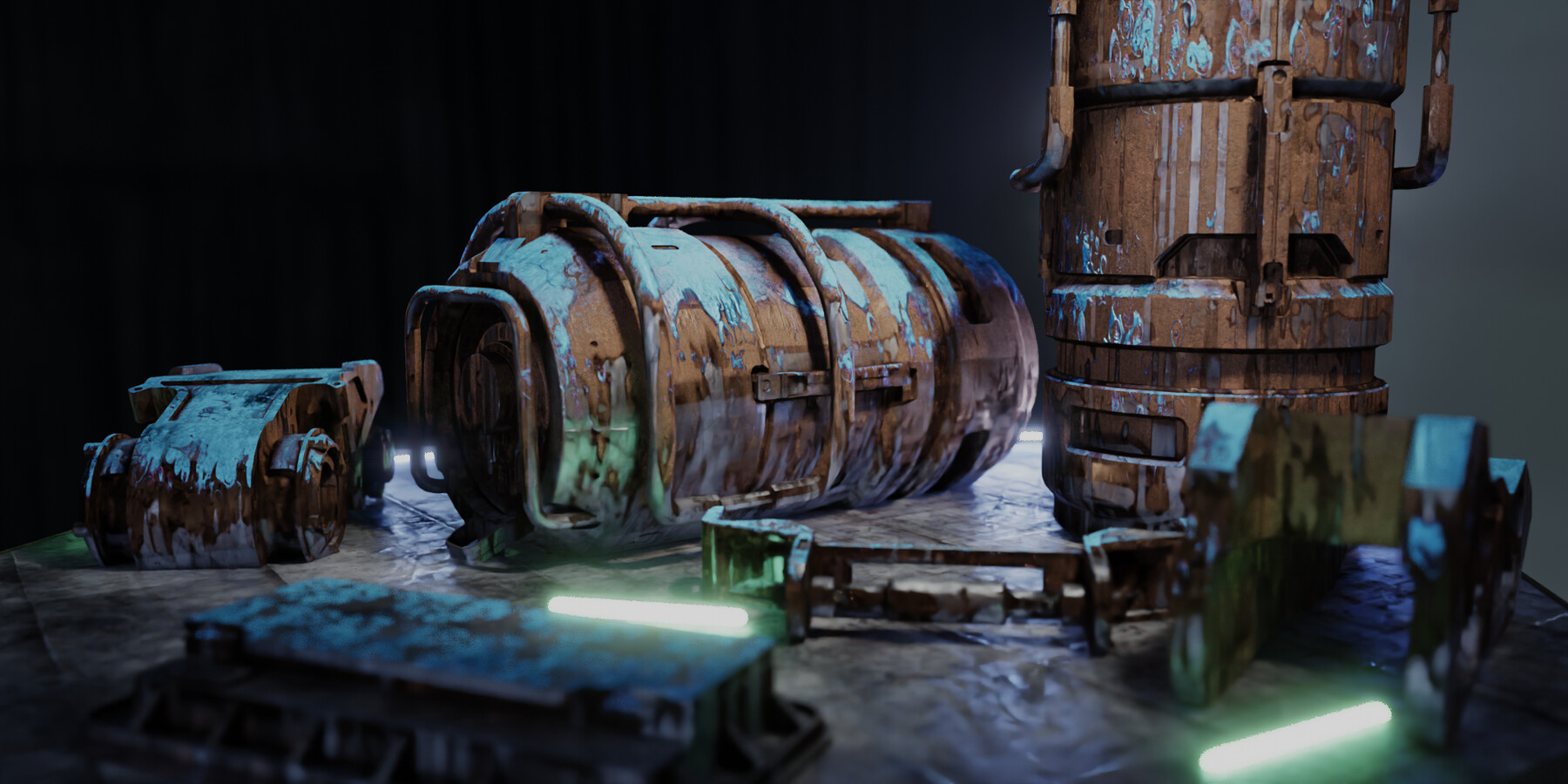
A drag-&-drop solution to add environmental effects to your PBR materials, and the building blocks to kickstart your own smart materials.
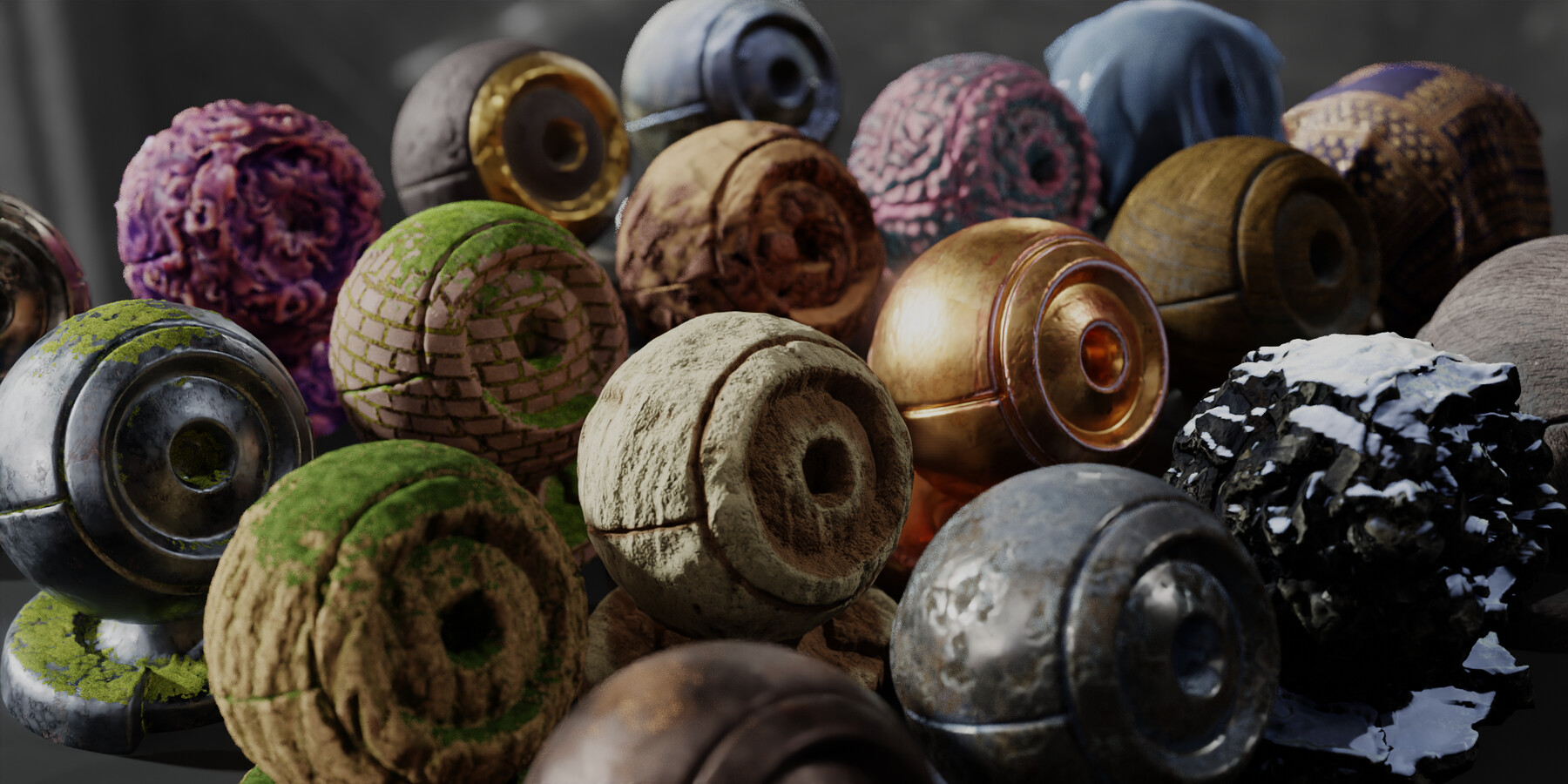
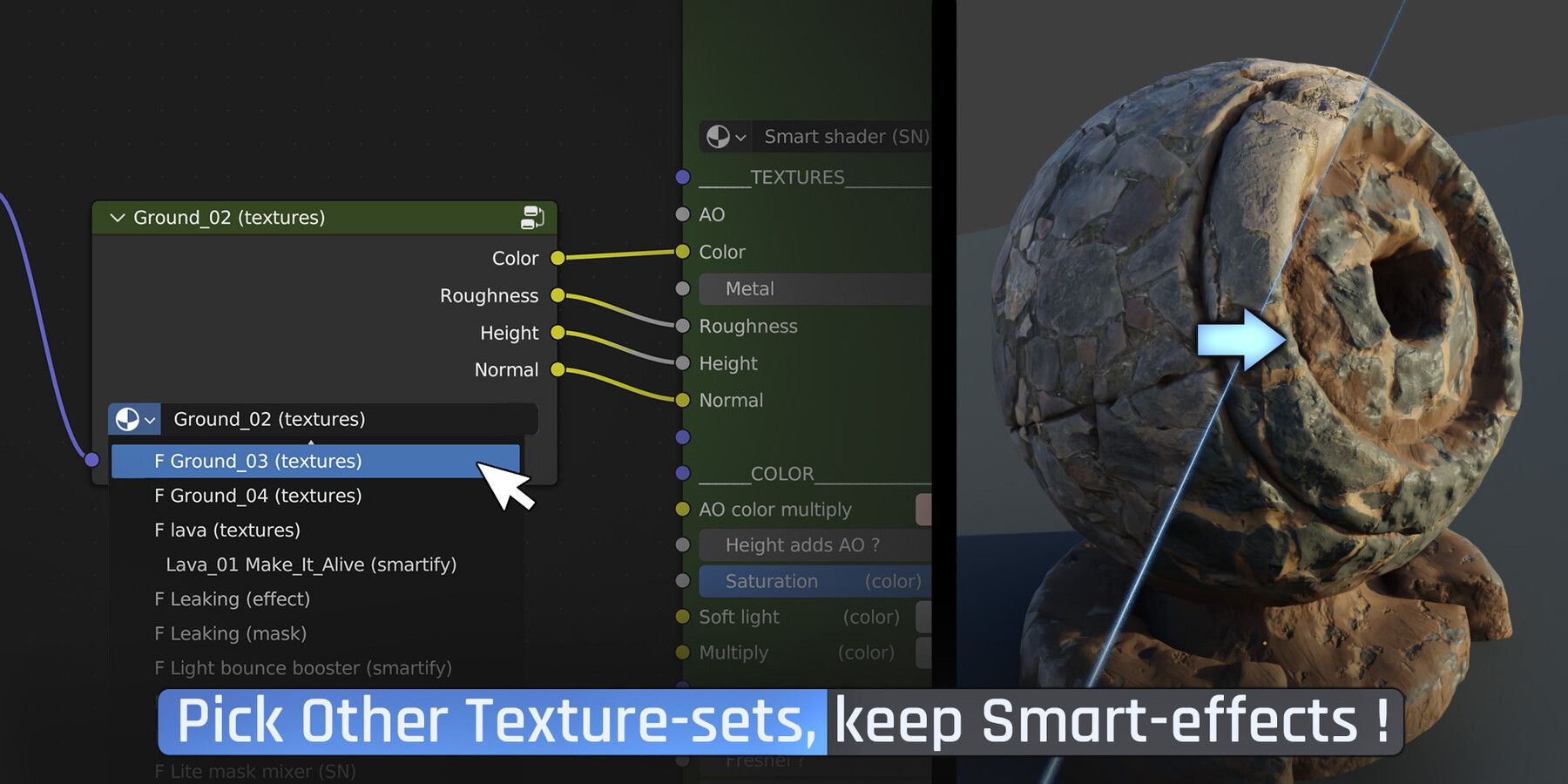
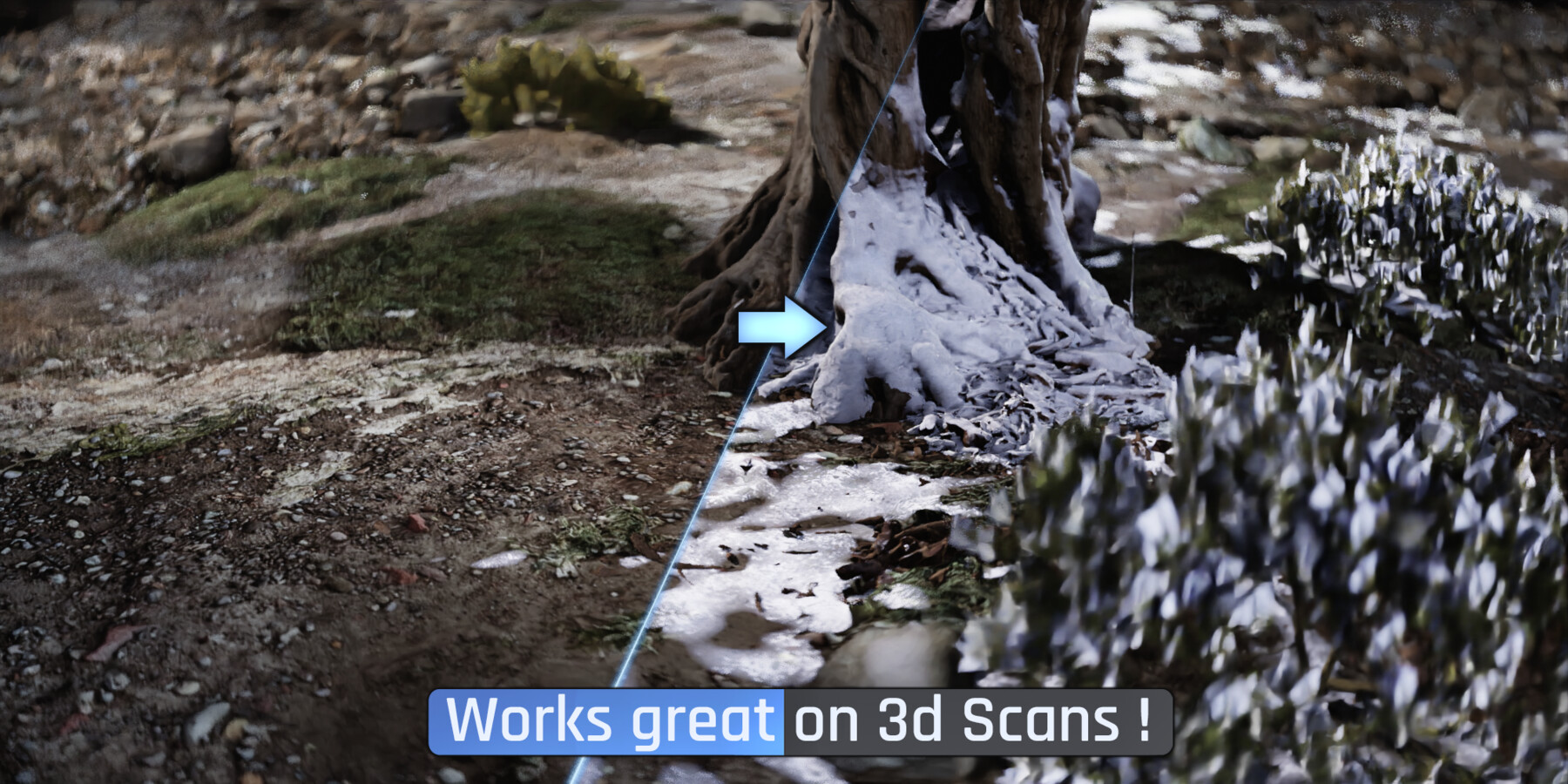
Pick one of the smart effects in the library, and drop-it on any of your materials. You can add moss, snow, dust, sand, leaks, water puddles, edge-wear, alien-growth ect.. And of course customize their parameters in a few clicks. Or create any other environmental effect by simply switching Shaders/textures with other ones in the Smartify library, or with your own.
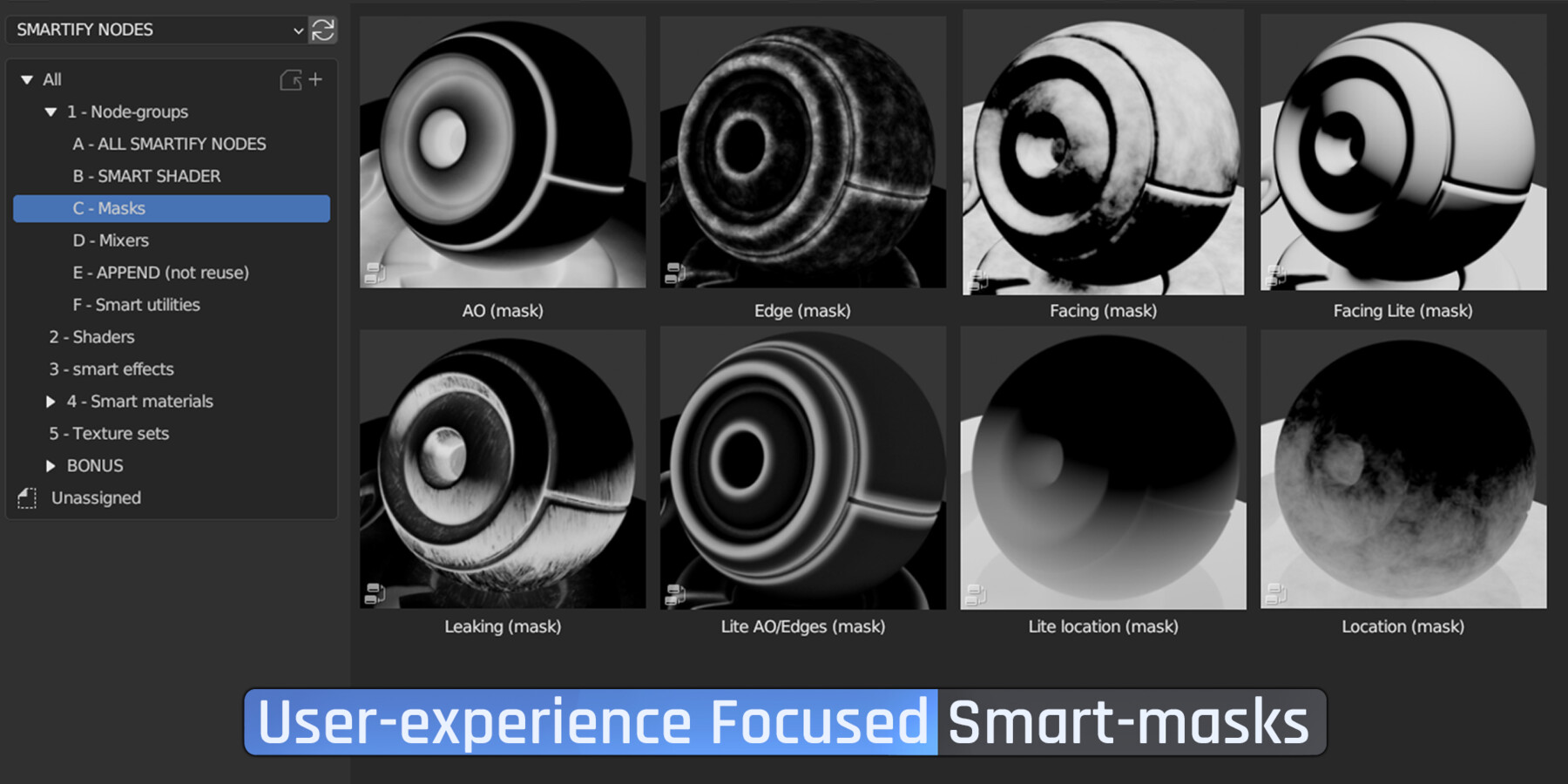
You can also quickly create from scratch smart-effects/materials using the building blocks of Smartify in the library, smart masks like Facing, location, Ao, edges, leaking, and smart utilities like anti-tile, paralax mapping, random-per-object.
All effects can also be masked by painting on the vertex colors (or more precisely with an image texture), red will remove, green will force, and black will leave the smart masks operate.
Just Drag, Drop, & Tweak what you need !
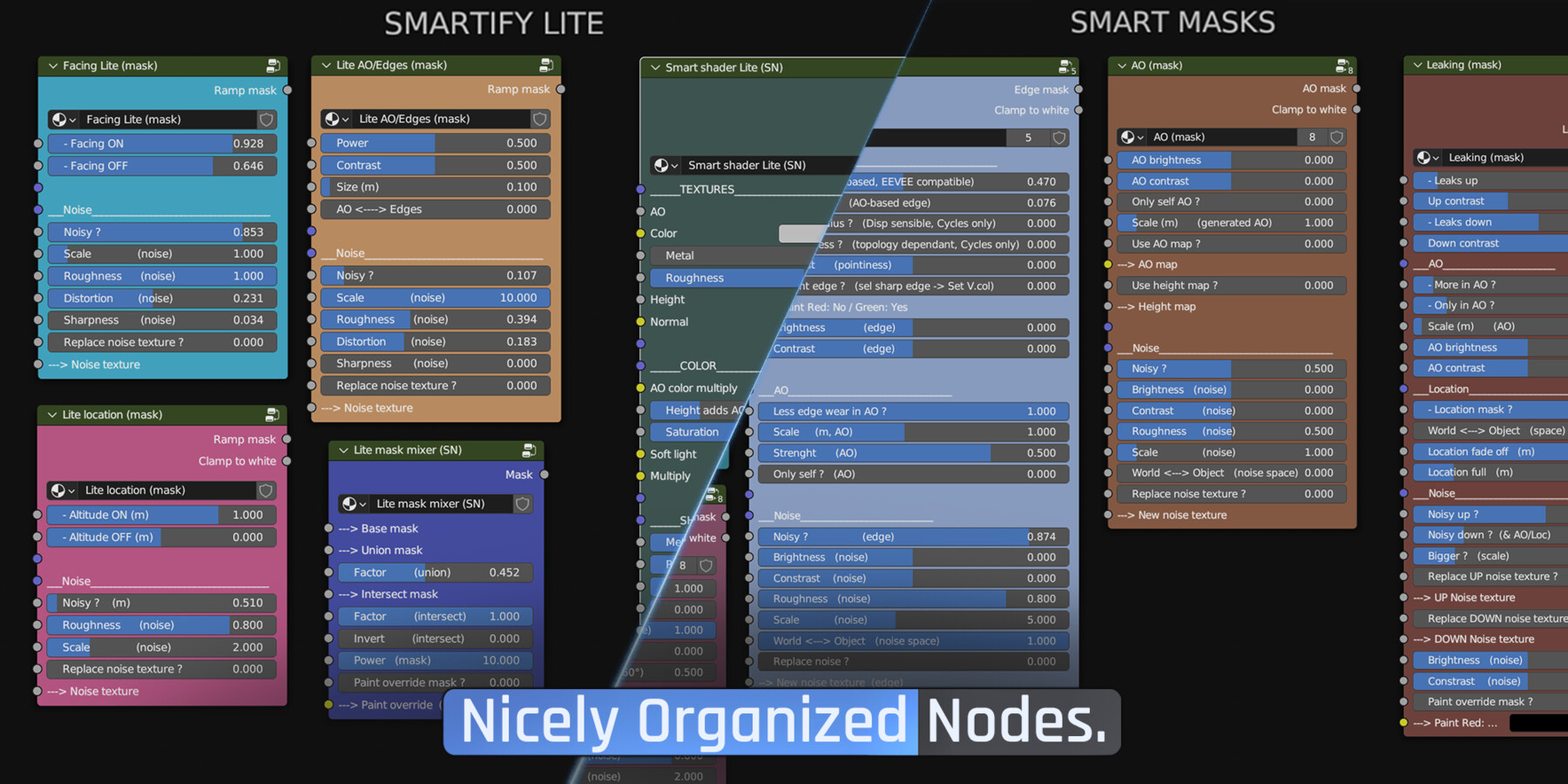
Smartify Nodes focuses on user experience, readability & artistic control.
It's as easy as possible to use, with colored nodes, sliders that feels just right, and an evocative naming convention. No obscure noodle mess or austere looking node groups with abstract slider values. It's made by a concept artist & short-film director with little patience, for other artists who just want to hit the ground running when opening Blender !
(all updates of Smartify Nodes will be free, just extract the .Zip again and you'll have more assets.)
Features Highlight:
1- A growing library of smart effects & materials
2- Intelligent & elegant workflow
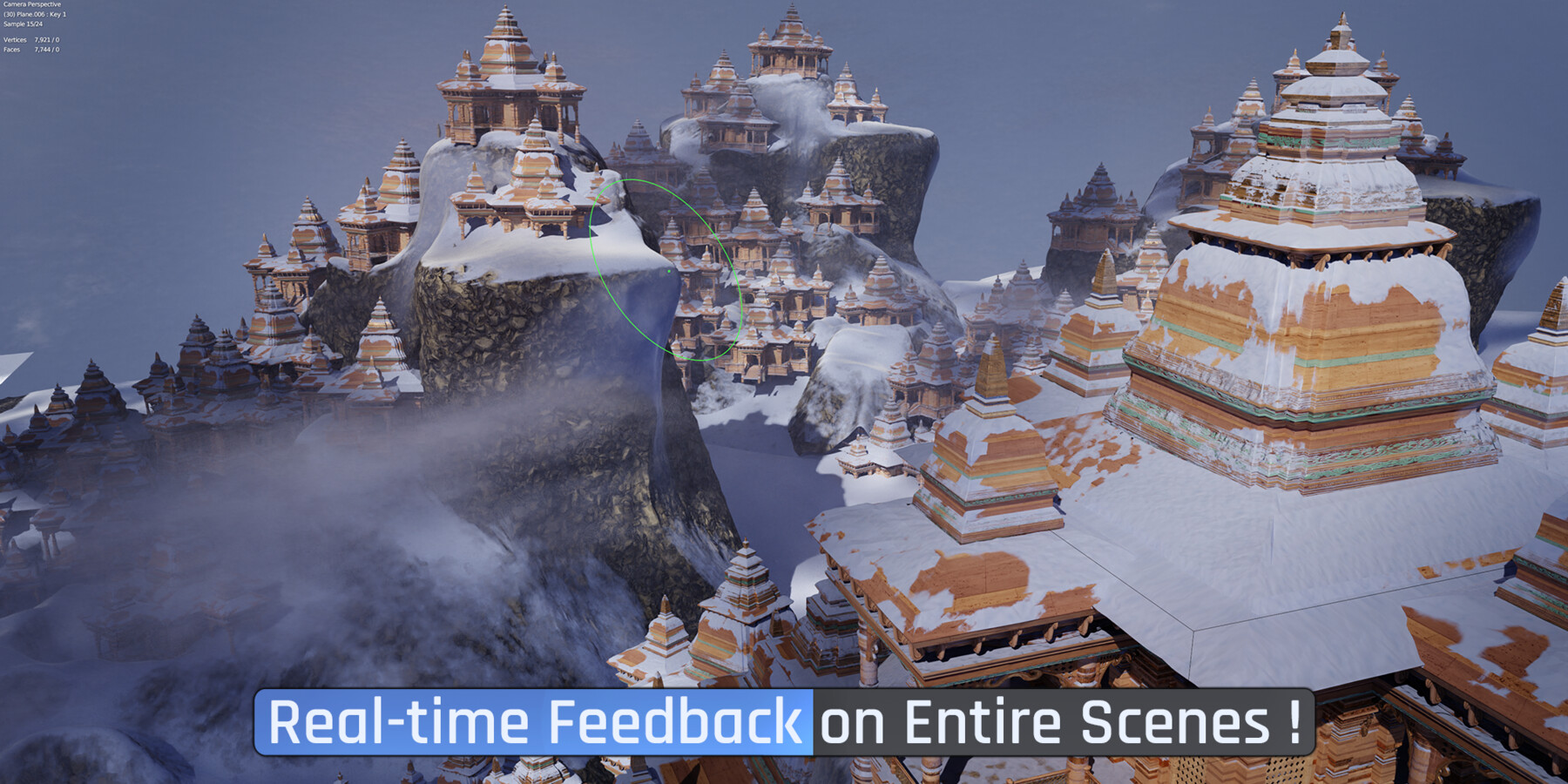
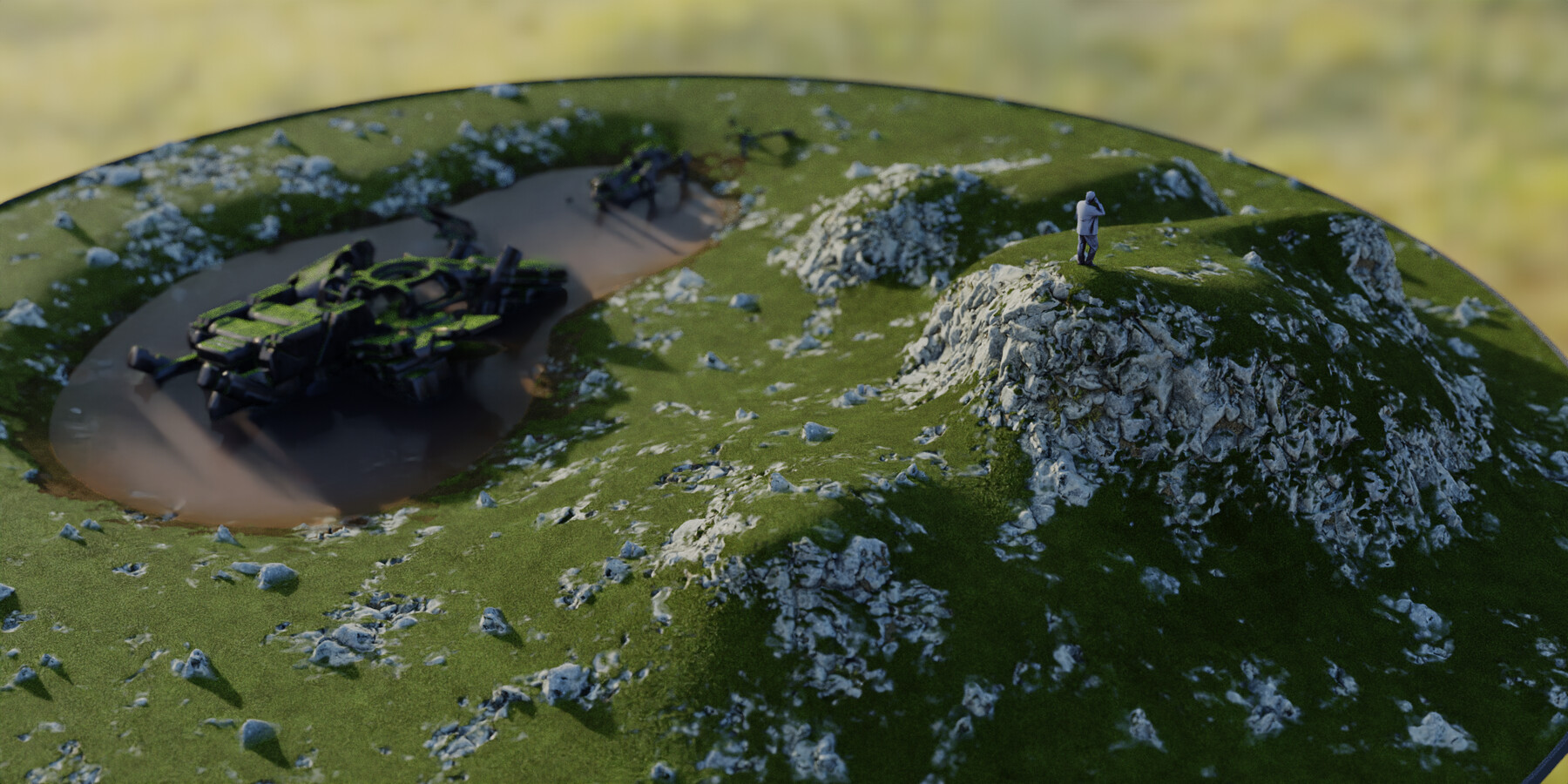
3- Designed to work on whole environments, and allow close enough to real-time interaction in cycles to edit meshes & effects seamlessly :
4- All node have Height input/output, so any effect can follow your meshe's displacement, appear more in cracks ect...
5- Noise textures bank, and noisify node, to quickly add various irregular looks, from photo realistic scratches, to organic and stylized dry-brush-strokes :
6- Special shader effects like emission, alpha, SSS, translucence, transmission, are added with another node, which makes the Smart Shader at the center of Smartify much cleaner for most materials, and actually allows something amazing, synchronizing any of these effects with any material, turning them into an environmental effect, like a glowing mold anywhere in your scene that's occluded
7- Synch effect node allows you to synchronize any effect on any number of materials, so tweak it once and see the effect on your entire scene. Amazing to speed up environment design:
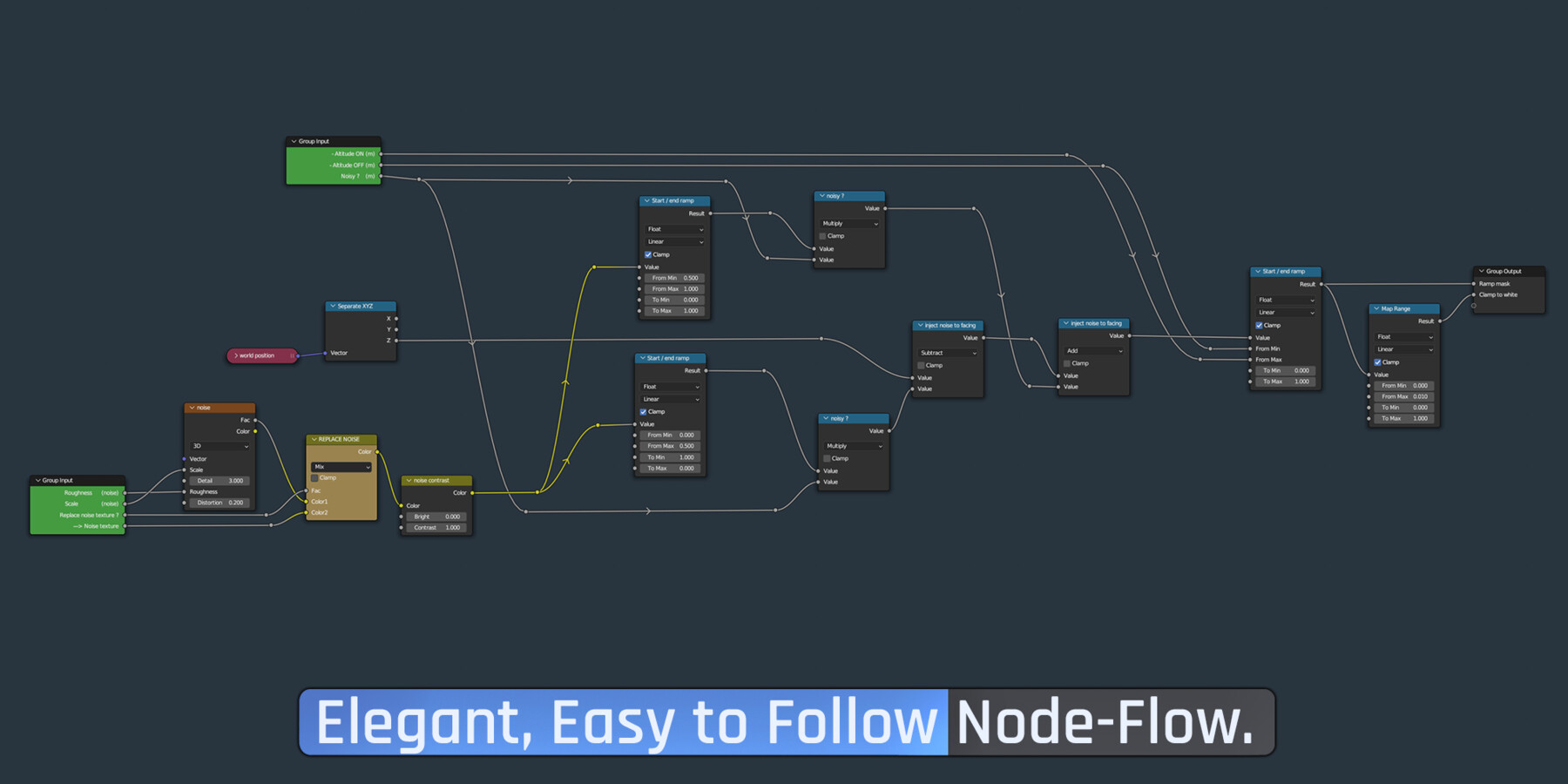
8- Fully customizable. Go 1 click with the asset browser library, or copy-paste building blocks to make your smart materials from scratch. You can also just reverse-engineer any node, as they're organized to be as clean and readable as possible :
9- Full or Lite version of the masks, to be lighter for eevee that has to compile shaders, or if you just want the essential :
10- Anti-tile & UV<--->Box mapping, break texture repetitions and alternate any shader between using UVs or Triplanar/box mapping, with a slider to project in world or object space. (If you want to move the object around and have its box mapping follow, or stay fixed on the world for all objects.)
11- Leaking mask, doesn't look like much, but lots of efforts have been made for this one to feel relatable. The dirty leaks can happen more or less on upward & downward facing areas, in Occlusion, and in world or object location (more at the bottom or top)
12- Smart water shader, focused on artistic control, with foam, roughness & volumetric muddiness, reflection controls :
13 - Puddle effect, with nice control for spec, roughness, muddiness. Can affect displacement, and driven by painting an image mask or vertex colors ect...:
13- Random per object, when you need an extra help to break repetitions. Just drag & drop the node anywhere and adjust the randomisation level (value, hue, sat, and seed to shift things around if you don't like this value on this object.) You can also just use this node's output value anywhere, even for VFX, to add variation per object.
14- Local mask, a node group you can drag & drop (append) to add a spherical mask, that can be scaled non-uniformly for example to just place an effect where you want in the world :
15- Displacement decal, a node group you can drag & drop (append) to add any png image as a decal that actually displaces the mesh, instead of only using paralax. It can be synched on several materials simply by copy pasting it. It's volumetric, not a 2d plane, so it can project throught many objects too.
16 - Decal node, shader based, so it perfectly adapts to the displacement of your mesh. (or meshes, as it can be synched accros many materials.)
17- Smart brightness/contrast, that respects your black & white point, your mask/texture won't get washed-out or burned.
18- Make-it-Alive, drop this node on any texture to make it animated, like alien mass or lava.
19 - Easy 1-click edge-wear, generates bump/displacement, can be quickly controled with vertex colors, and done either over a texture set, or slapped after any material (can also be synched on many.)
20- Paralax mapping node, drag & drop (append not reuse) on any shader to add some fake ("free" & real-time) displacement, perfect for eevee. Great for cycles too in many cases, to avoid subdivision/VRam shenanigans.
(gif of eevee & cycles & workbench wireframe of coolest example of parallax.)
21- Smart fabric shader, just input a single image and get a super complete & customizable fabric, with wrinkles/threads normals, displacement, sss/transluscence, metalic picker to make e.g: weaven gold thread ect...
22- Size Adaptability. Match the effect to the size of your objects, from subtle edge-wear on a small device, to a mountain sized castle. Smart masks are designed with "World<-->Object-space" sliders, and distance values are in meters, so you don't have to guess. Sand can appear a few meters above sea level, edge-wear can be 0.01m on a small prop and 1m on a massive temple. An effect can happen at an exact world altitude, or react more to each object's position and orientation.
(gif of sea level, mountain, rocks with same effect & different position orientation.)
Bonus bits:
- Smart Denoise, similar to E-Cycles/Turbo Render/K-Cycles, a multipass denoising node, with what I think can be an advantage: full manual control. You decide exactly what pass you want to denoise, at which quality level, and can either write to disk the re-composed image, that will be much crisper than the flat default render denoise. (as rreflections are denoised alone, and texture color is fully preserved instead of being blurred by the denoise.) Or write all passes separately for compositing in a second time. You can even denoise all passes in a second time if you want your GPU to be fully working without waiting each frame for the CPU to denoise.
(Gif of comparing flat with smart denoise)
- Light-bounce booster (light node), allows you to crank up indirect lighting, e.g: in dark interiors, so that it just feels more like real life, where sunlight doesn't just die once it gets inside :
- Smart VDB cloud material, with quite a few parameters to play with, mostly avoiding light to "die" inside the volume, thus darkening it unnaturally, for a cloud.
(gif or image of normal volume VS smart)
- Displacement sketcher, drag & drop it in your scene, (append not reuse) and just use photoshop on the image to instantly model anything in 2.5D in real-time. (For real time sketching without need to save & reload, you'll just need to use file>Generate>asset in Photoshop, and add the Auto-reload free addon in blender.)
(gif of left PS sketch cyberpunk lazy nezumi, right blender nice smart material on cyberpunk wall, slicing value to create metal, using rgb or generating it.)
- Bokeh camera for Cycles, just for fun, simplistic controls with just object + mesh scale, to get more or less vignette or bokeh distortion.
Textures are cc0, either from AmbientCG, Ai-based, handcrafted.
If you have any question, feel free to reach me.
CHANGELOG:
V1.02: (initial release)
- 60 Smart Materials
- 13 Smart Effects + 2 Texture effects
- 39 Texture Sets (materials)
V1.03:
- Texture_mixer (SN) make smart materials mixing textures instead of shaders, blends height nicely.
V1.04: Released !
-
18 new Smart Materials + 8 new Smart Effects + 40 new Texture Sets (materials)
- Total: 78 Smart Materials, 21 Smart Effects, 79 Texture Sets (materials)
- Height_mixer (SN) the height blending node from the Texture_mixer, but to mix shaders.
- Dead_leaves (effect)
- 6 New Lite Effects (sand, dust, moss, snow, edge) with good Eevee performance, simple sliders.
- New Lite Smart Masks.
- Height Mixer, to mix 2 shaders comparing their height/displacement.
- Improved Shader_mixer (SN) now displacement blending has lighten and add mode sliders, instead of simply mixing. So the second shader can lay on top of the first, without making holes.
- Object<--->World space sliders on mapping nodes, so that textures stick to the world position, or the object's.
- New AO sliders for smart shader. (add dirt in one click, that's more or less glossy ect..)
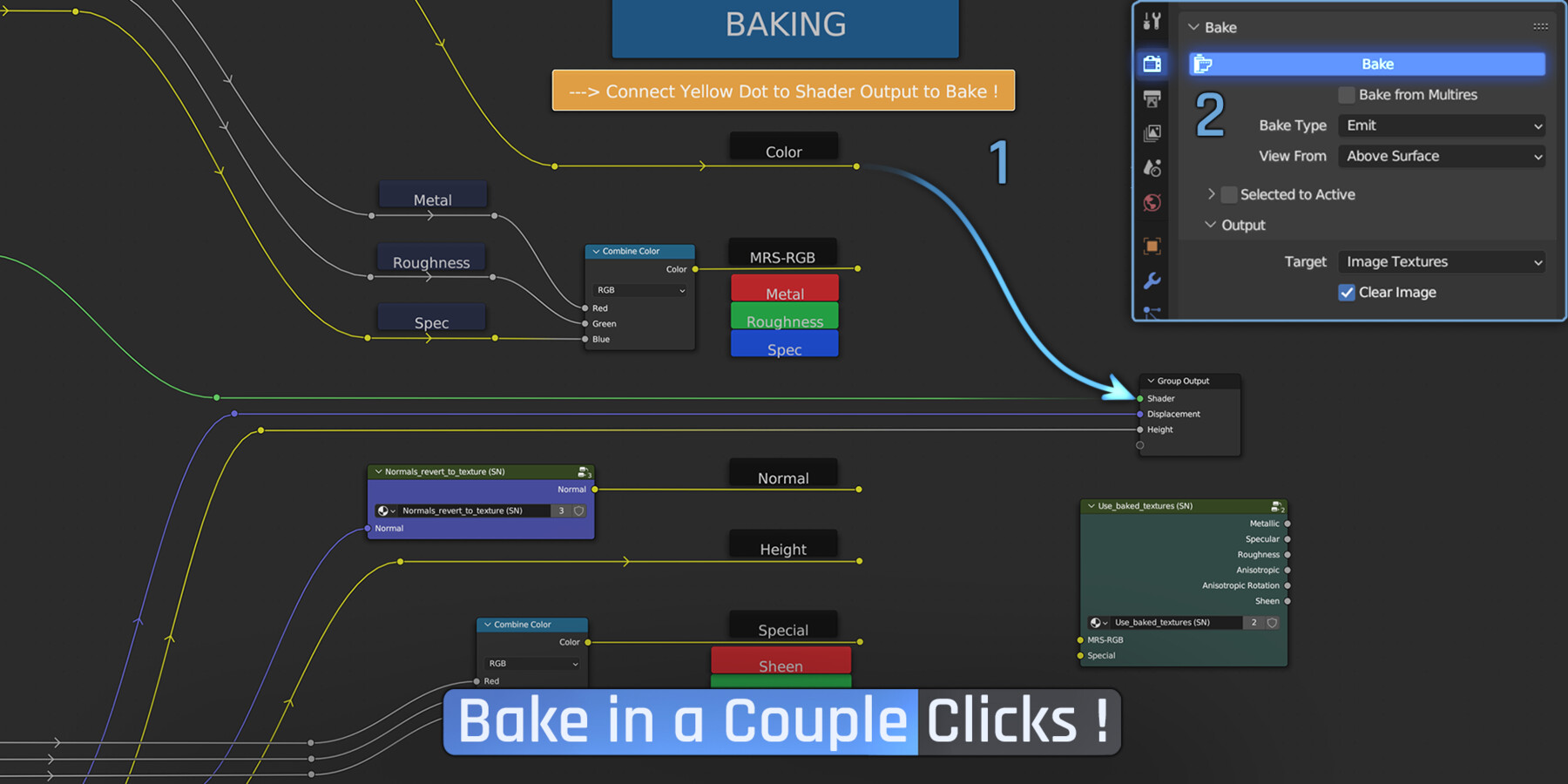
- Bake node allow baking smart materials using both Smart Shaders and Lite Shaders.
- Bake preset for Unreal, unity.
-
brightness/Contrast (SN) has "lock saturation" slider, so you can contrast a color texture whithout oversaturating it if needed.
- Consolidated the Light bounce booster, just ALT+right-click-drag it on the strenght of a light or a world, to control secondary & tertiary bounce's life.
- improved spherical mask, can be perfectly sharp, or super soft. (place spheres in 3d to create local masks accross any mesh, in addition to painted masks.)
- Fix smart fabric shader sss.
- Fix some edge case in EEVEE with the smart Brightness/contrast giving purple material.
- Fix Box mapping world space.
- Fix inward displacement input (missing invert)
Release Notes
CHANGELOG:
V1.02: (initial release)
- 60 Smart Materials
- 13 Smart Effects + 2 Texture effects
- 39 Texture Sets (materials)
V1.03:
- Texture_mixer (SN) make smart materials mixing textures instead of shaders, blends height nicely.
V1.04: Released !
-
18 new Smart Materials + 8 new Smart Effects + 40 new Texture Sets (materials)
- Total: 78 Smart Materials, 21 Smart Effects, 79 Texture Sets (materials)
- Height_mixer (SN) the height blending node from the Texture_mixer, but to mix shaders.
- Dead_leaves (effect)
- 6 New Lite Effects (sand, dust, moss, snow, edge) with good Eevee performance, simple sliders.
- New Lite Smart Masks.
- Height Mixer, to mix 2 shaders comparing their height/displacement.
- Improved Shader_mixer (SN) now displacement blending has lighten and add mode sliders, instead of simply mixing. So the second shader can lay on top of the first, without making holes.
- Object<--->World space sliders on mapping nodes, so that textures stick to the world position, or the object's.
- New AO sliders for smart shader. (add dirt in one click, that's more or less glossy ect..)
- Bake node allow baking smart materials using both Smart Shaders and Lite Shaders.
- Bake preset for Unreal, unity.
-
brightness/Contrast (SN) has "lock saturation" slider, so you can contrast a color texture whithout oversaturating it if needed.
- Consolidated the Light bounce booster, just ALT+right-click-drag it on the strenght of a light or a world, to control secondary & tertiary bounce's life.
- improved spherical mask, can be perfectly sharp, or super soft. (place spheres in 3d to create local masks accross any mesh, in addition to painted masks.)
- Fix smart fabric shader sss.
- Fix some edge case in EEVEE with the smart Brightness/contrast giving purple material.
- Fix Box mapping world space.
- Fix inward displacement input (missing invert)
CATEGORIES
Extended Use License
USD $20.00
License: Extended Commercial License
Stock Assets
For use on an unlimited number of commercial projects with no limits on sales or views.
Learn MoreFiles (7)
https://artstn.co/m/Xee9A
Copied
Ratings & Reviews
Sort by:LikesDate
Reviews (1)
 Allan Martin
10Report| Release v.1.2 | Extended Use License | almost 3 years ago
EXCELLENT STUFF. saves a lot of time and it's PACKED with features and helpful nodes. worth ever penny
Filter by Rating
More by loïc [Liok] bramoullé
Add a tip for loïc [Liok] bramoullé
Tips are appreciated, but optional!